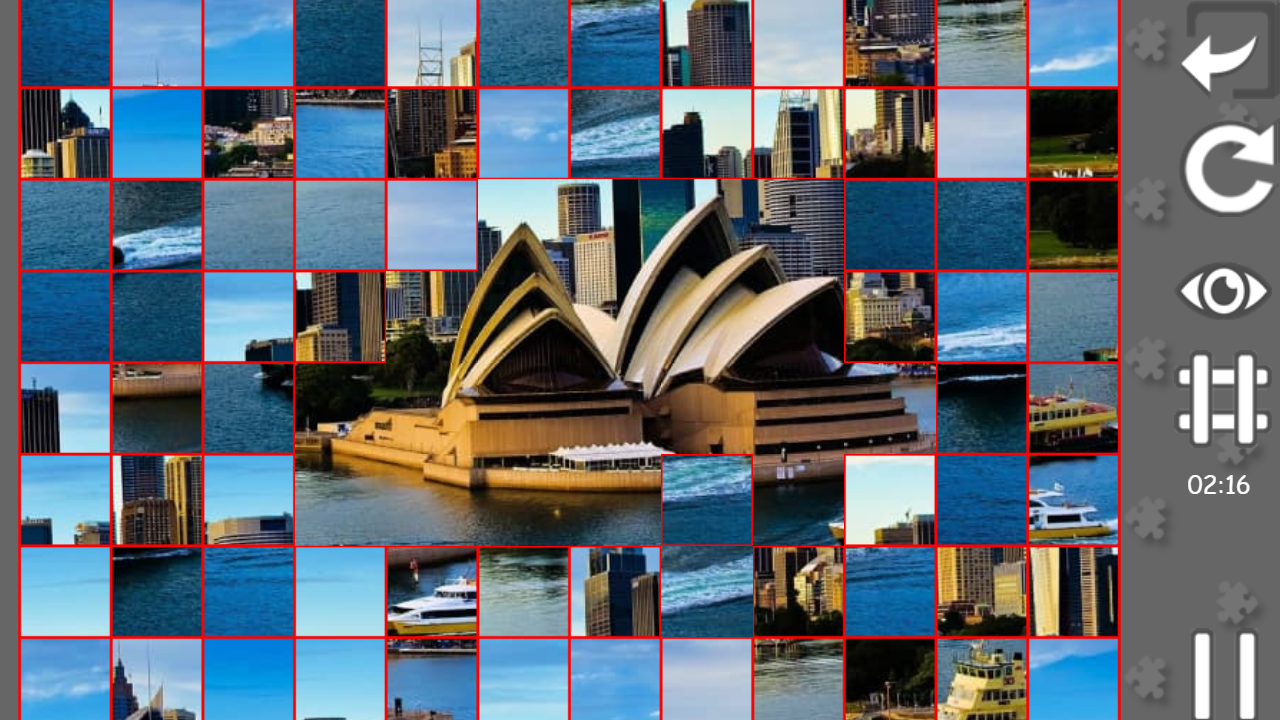
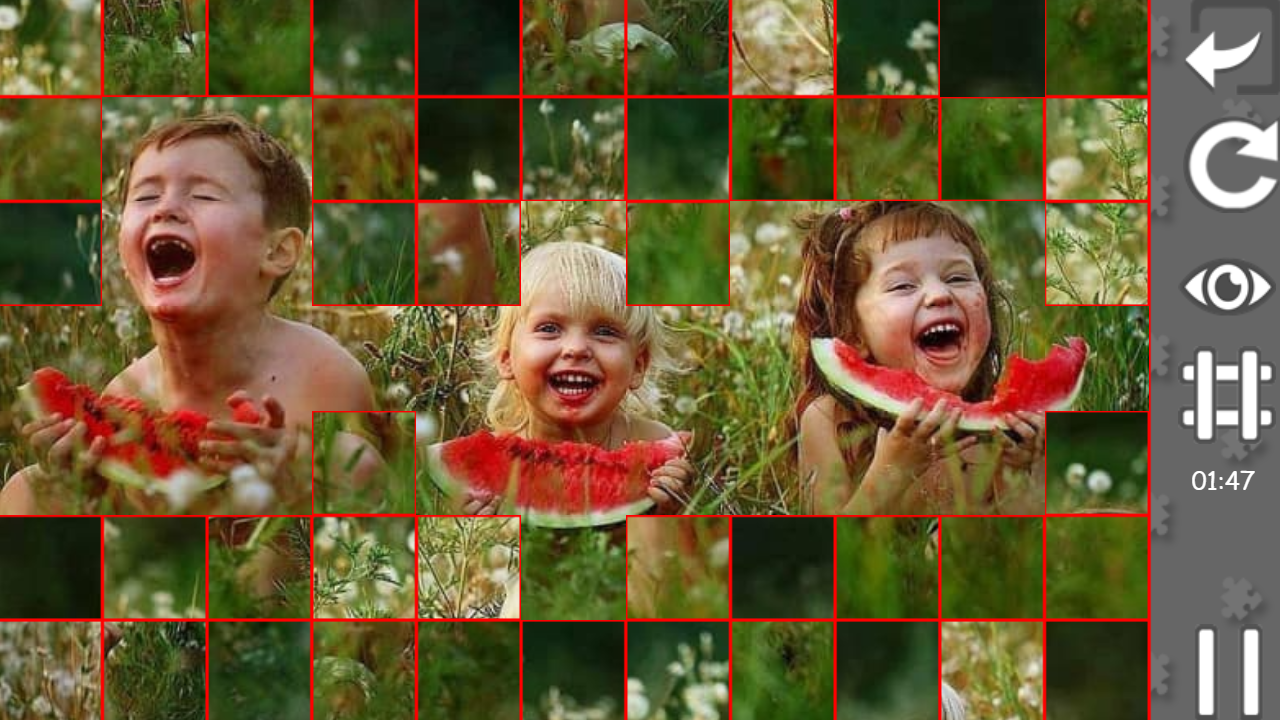
About game
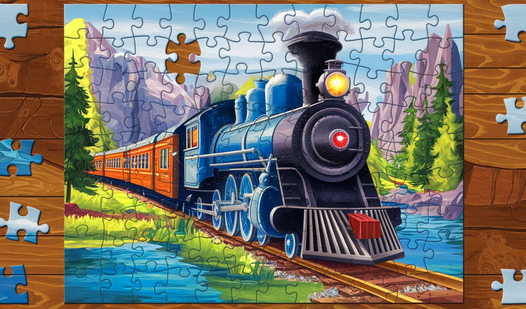
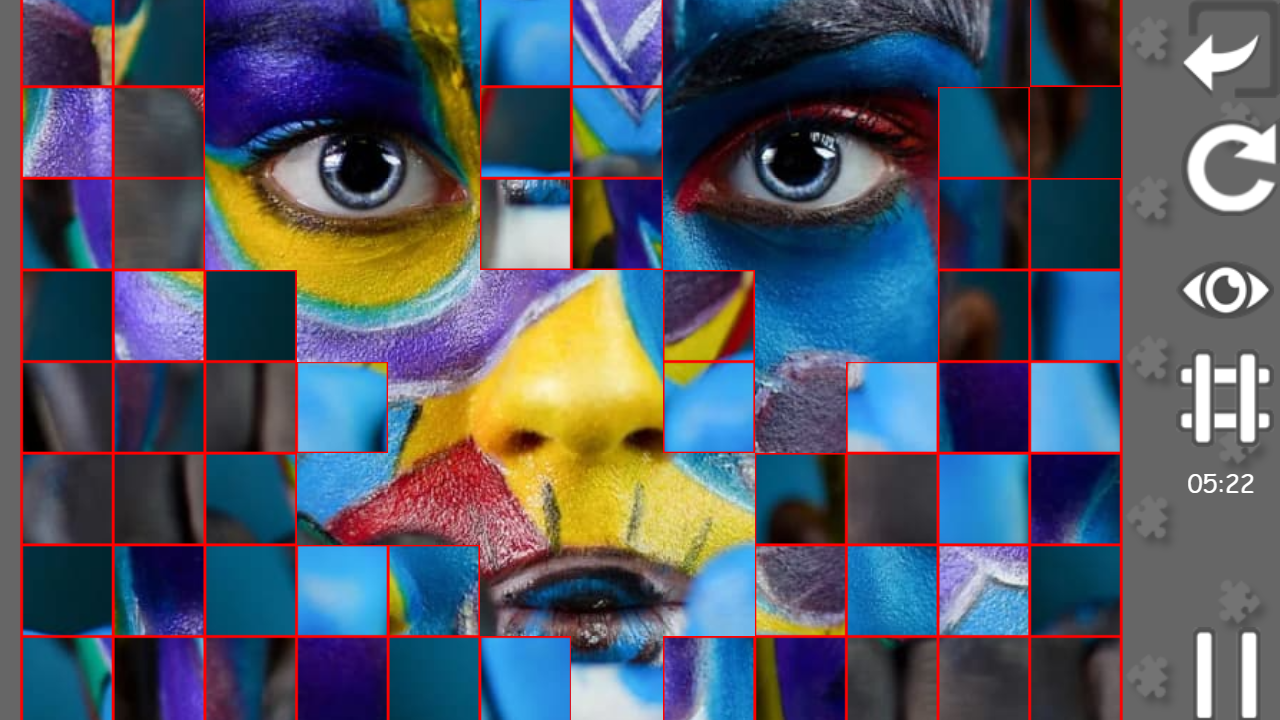
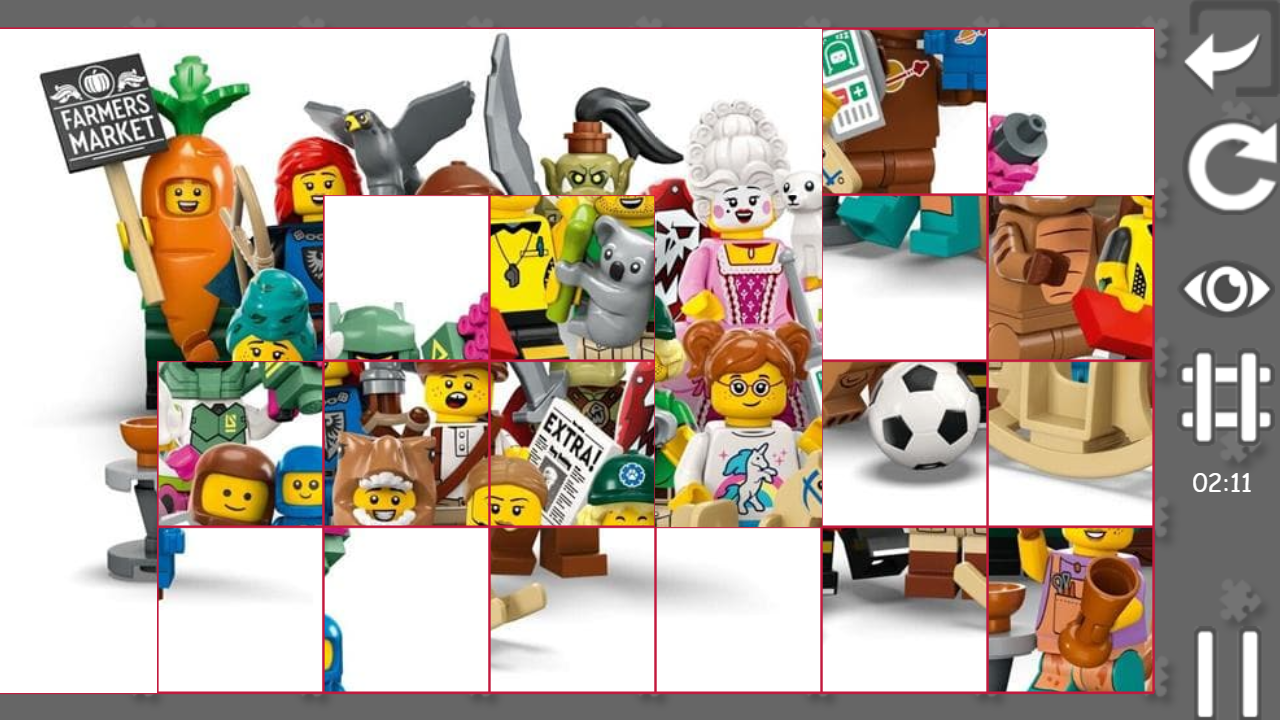
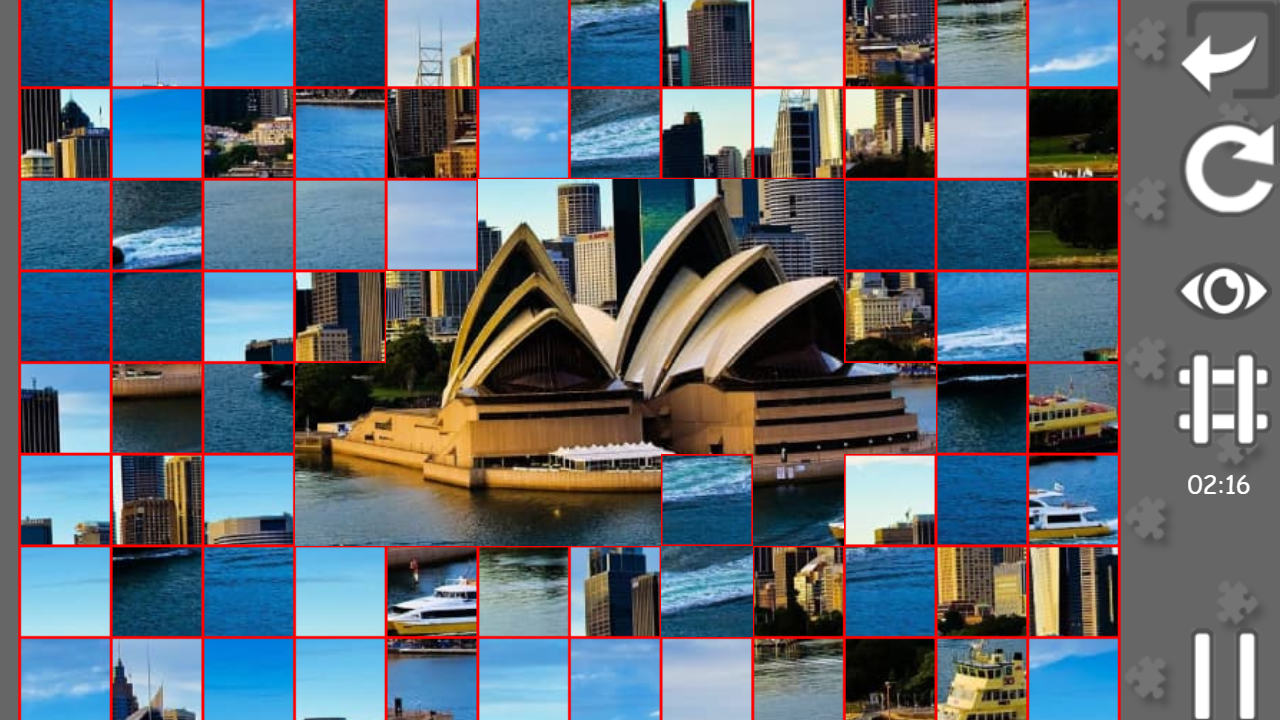
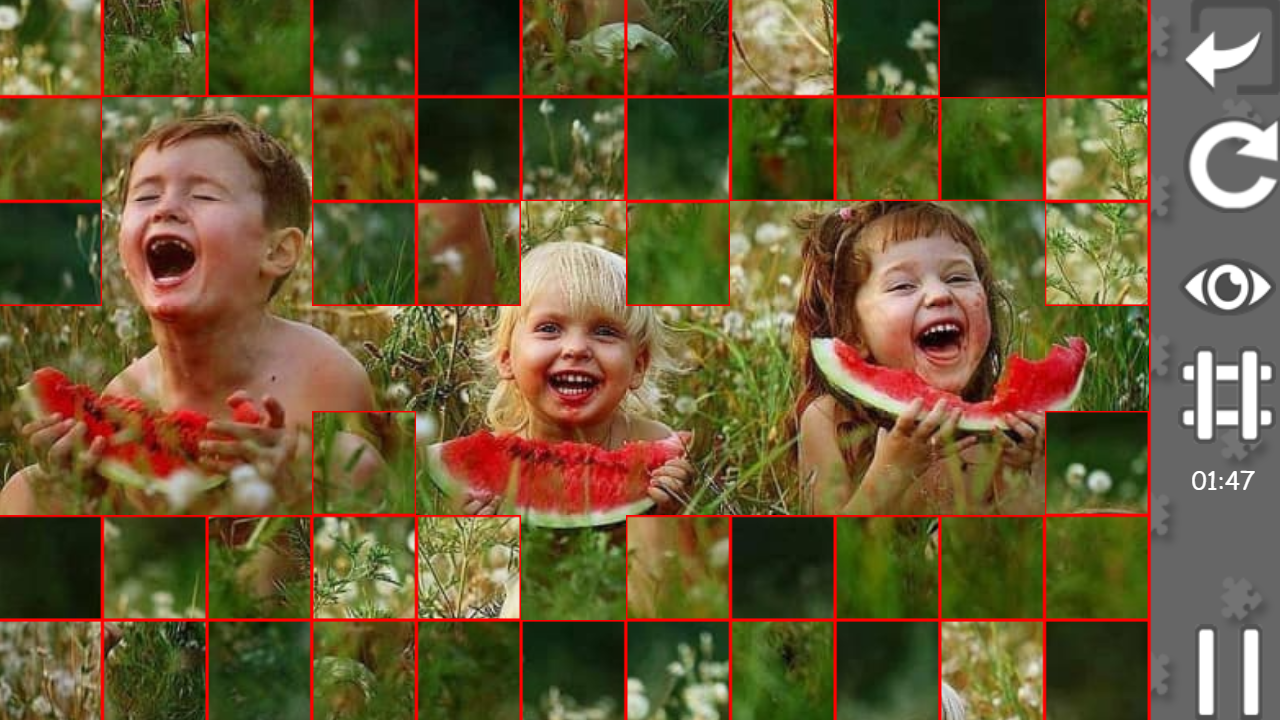
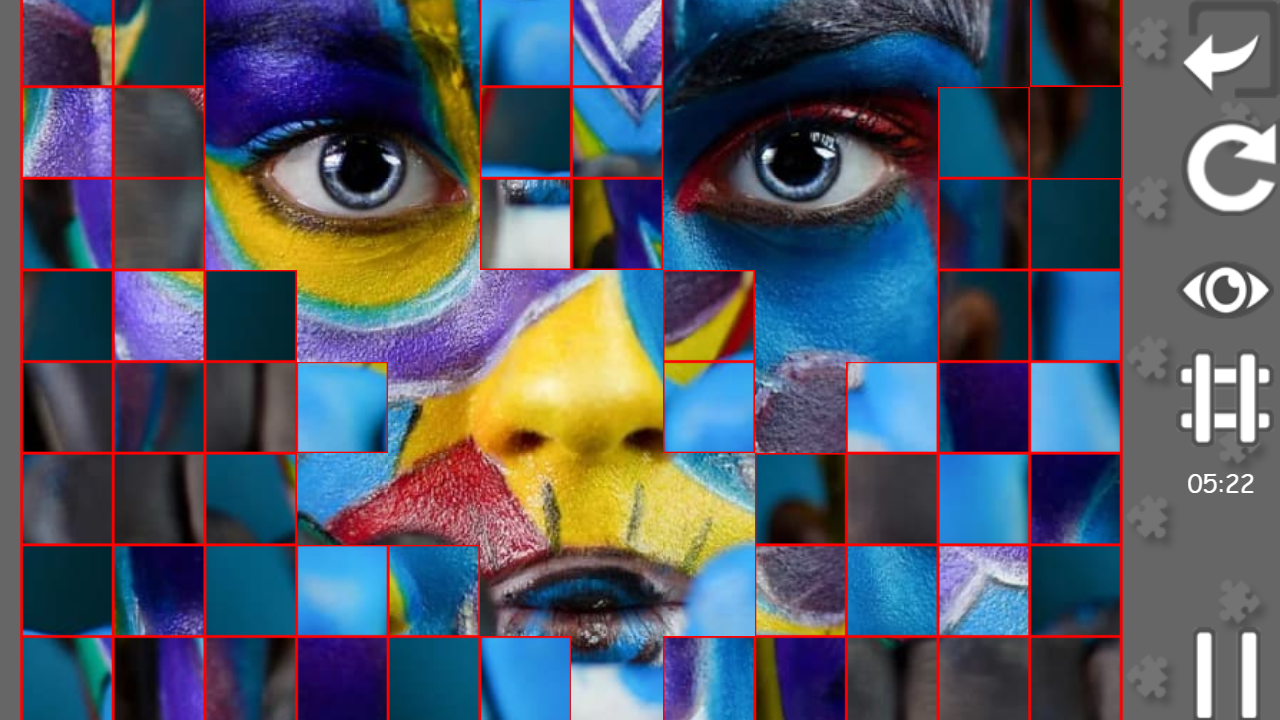
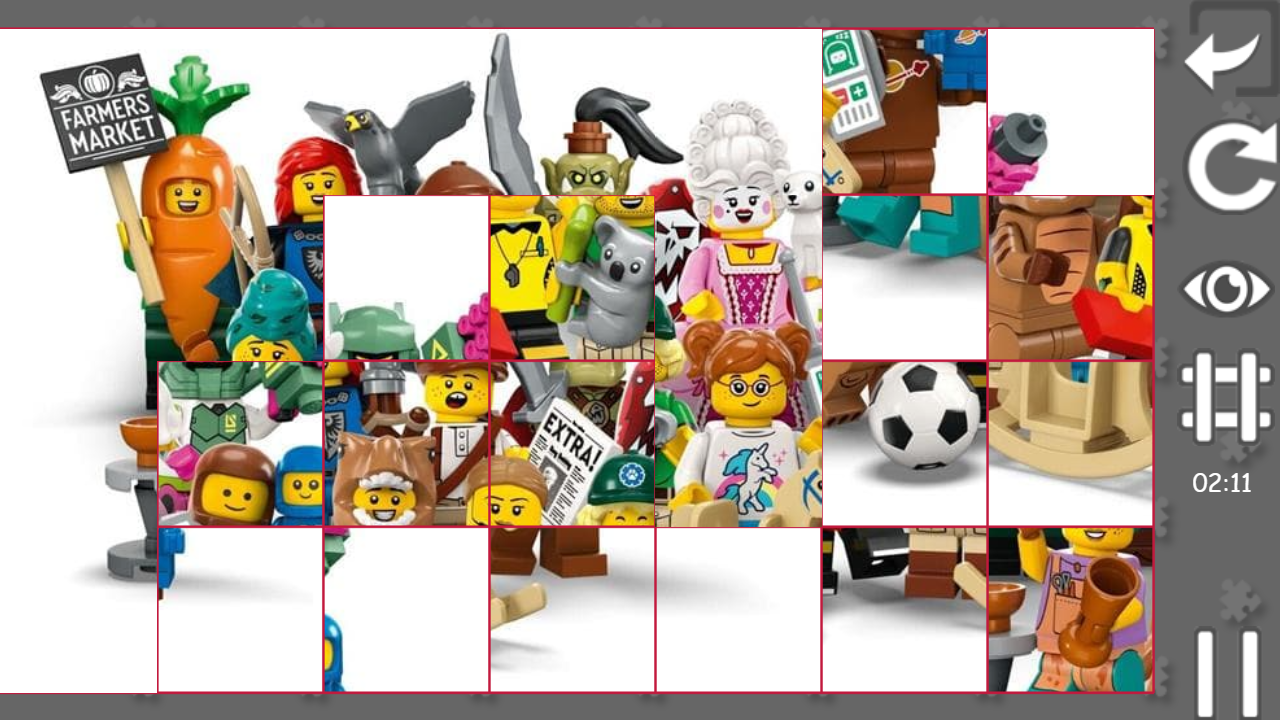
Staring at the clock waiting for a meeting to end or just need a mental refresh between tasks is a common struggle during a long day. Puzzle Gallery: squares offers the perfect escape by turning your browser into a peaceful sanctuary for logic enthusiasts. You select a category from a massive collection and start dragging tiles to transform scattered fragments into a complete masterpiece. The unique swap mechanic keeps things dynamic as every piece you place automatically trades spots with the old one. If you get stuck, a quick tap of the hint eye reveals the finished image to help you regain your flow. You can even toggle the grid overlay to keep your layout clean while chasing a spot on the global leaderboard. Whether you want to beat your own record or just relax with some любимые пазлы, this experience fits perfectly into any schedule. With hundreds of images available, you will always find a new пазл дня to conquer. Play this browser classic for free right now without any downloads or registration required.
How to play
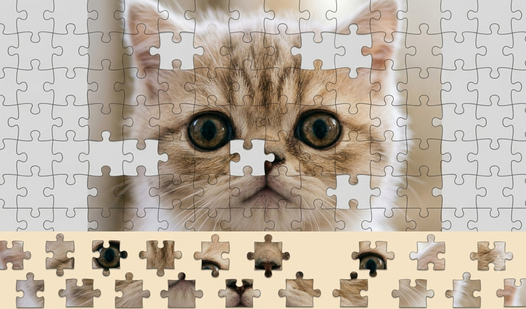
Choose your favorite puzzle in one of the categories and start the game. Move the puzzle tiles to the right places until you assemble the picture.
Additionally:
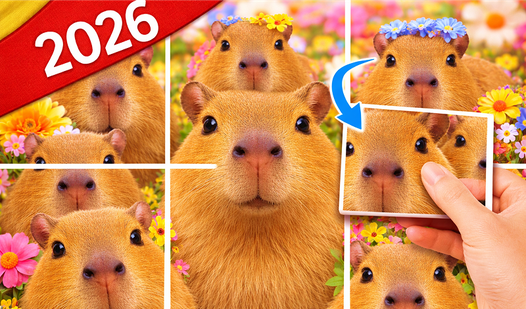
- when you lift and place a tile in a new place, the old tile is swapped with the new one
- there is a pause in the game, the timer stops if you are playing for a rating
- The puzzle is saved when you press the "back" button, you can continue the assembly at any time
- the "disassemble" button if you want to reassemble the puzzle for the best time/rating
- the button with the eye is a hint, shows the picture in assembled form
- the button with a grid - changes the color of the mesh for the convenience of assembling the puzzle
Have a nice game!
Features
- Global Leaderboards: Track your performance and compare your assembly times against other players worldwide.
- Dynamic Swap System: Tile placement is streamlined by automatically swapping existing pieces as you move new ones into position.
- Customizable Grid: Toggle the visual mesh settings to adjust the contrast and make piece alignment easier on your eyes.
- Progress Persistence: Your current assembly is automatically saved when you exit, allowing you to return to your work at any time.
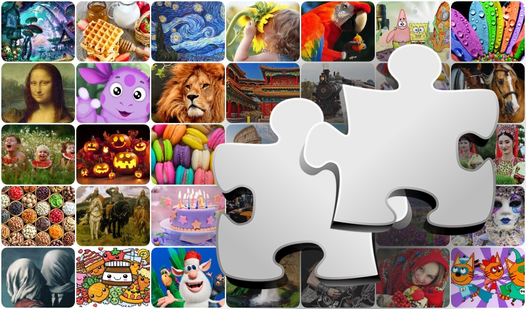
- Category Variety: Explore over 250 images spanning 10 distinct themes ranging from cityscapes to cartoon characters.
- Competitive Tools: Use the disassemble button to reset your board and optimize your strategy for a faster high score.
Who is it for
Casual puzzle enthusiasts and families seeking a calm brain-training session. It serves as an excellent choice for kids developing spatial recognition skills and adults looking for a quick, satisfying way to decompress during short breaks. Everyone can enjoy the flexible difficulty settings and diverse, family-friendly image categories.
Controls
Select piece
Tap or click on a puzzle tile to pick it up.
Place piece
Tap or click on an empty slot or another tile to swap positions.
Toggle hints
Tap the eye icon to view the final assembled image.
Adjust grid
Tap the grid button to change the appearance of the assembly lines.
FAQ
Is it possible to play Puzzle Gallery: squares on my phone?
›
Yes, Puzzle Gallery: squares is fully optimized for mobile browsers so you can drag and drop tiles on any touch screen.
Do I need an account to save my progress in Puzzle Gallery: squares?
›
No, Puzzle Gallery: squares saves your current progress automatically when you leave the game, so you can continue later without logging in.
Can I compete with friends in Puzzle Gallery: squares?
›
Absolutely, you can use the built-in rating and leaderboard system in Puzzle Gallery: squares to track your best times against other players.