About game
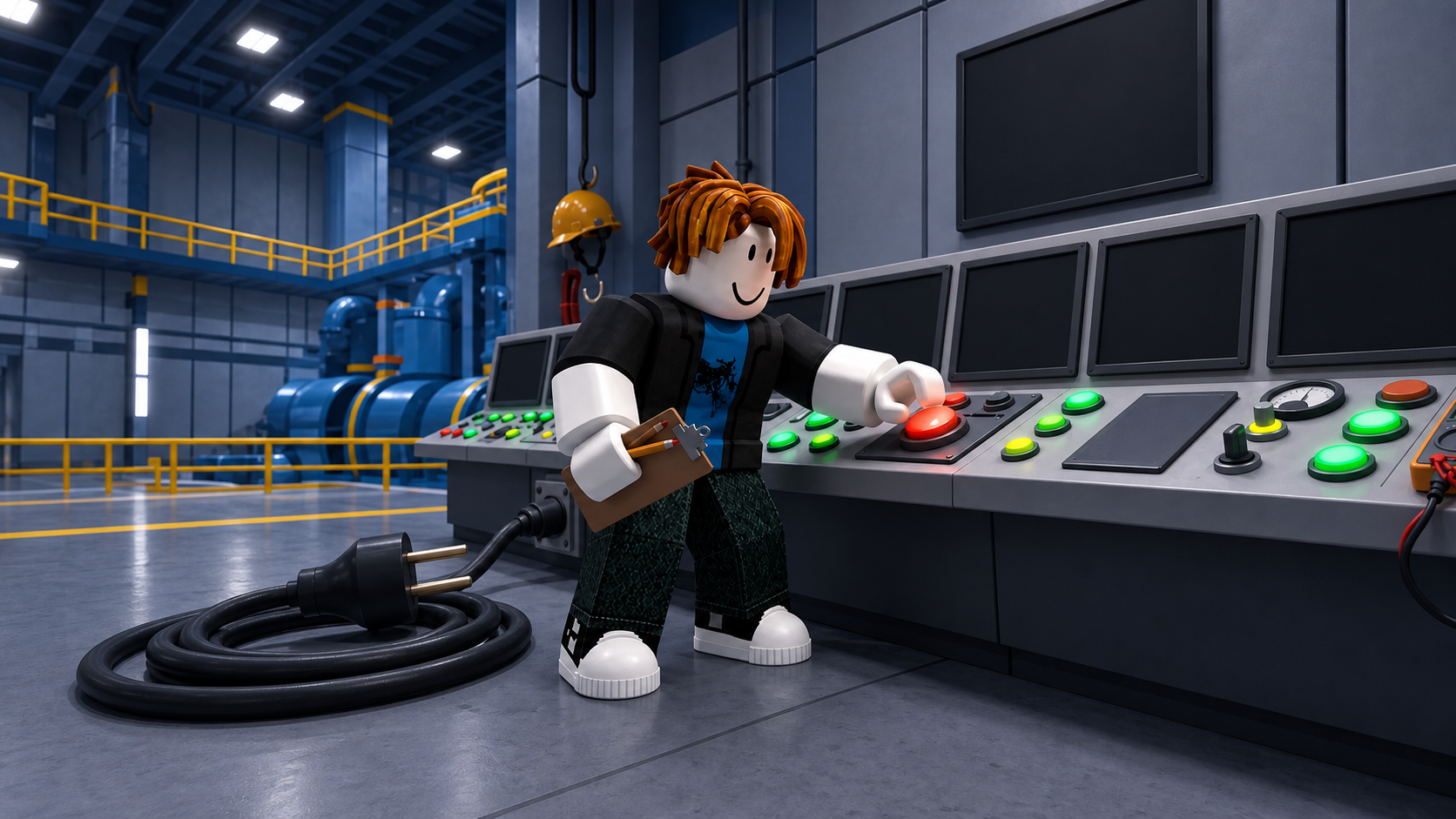
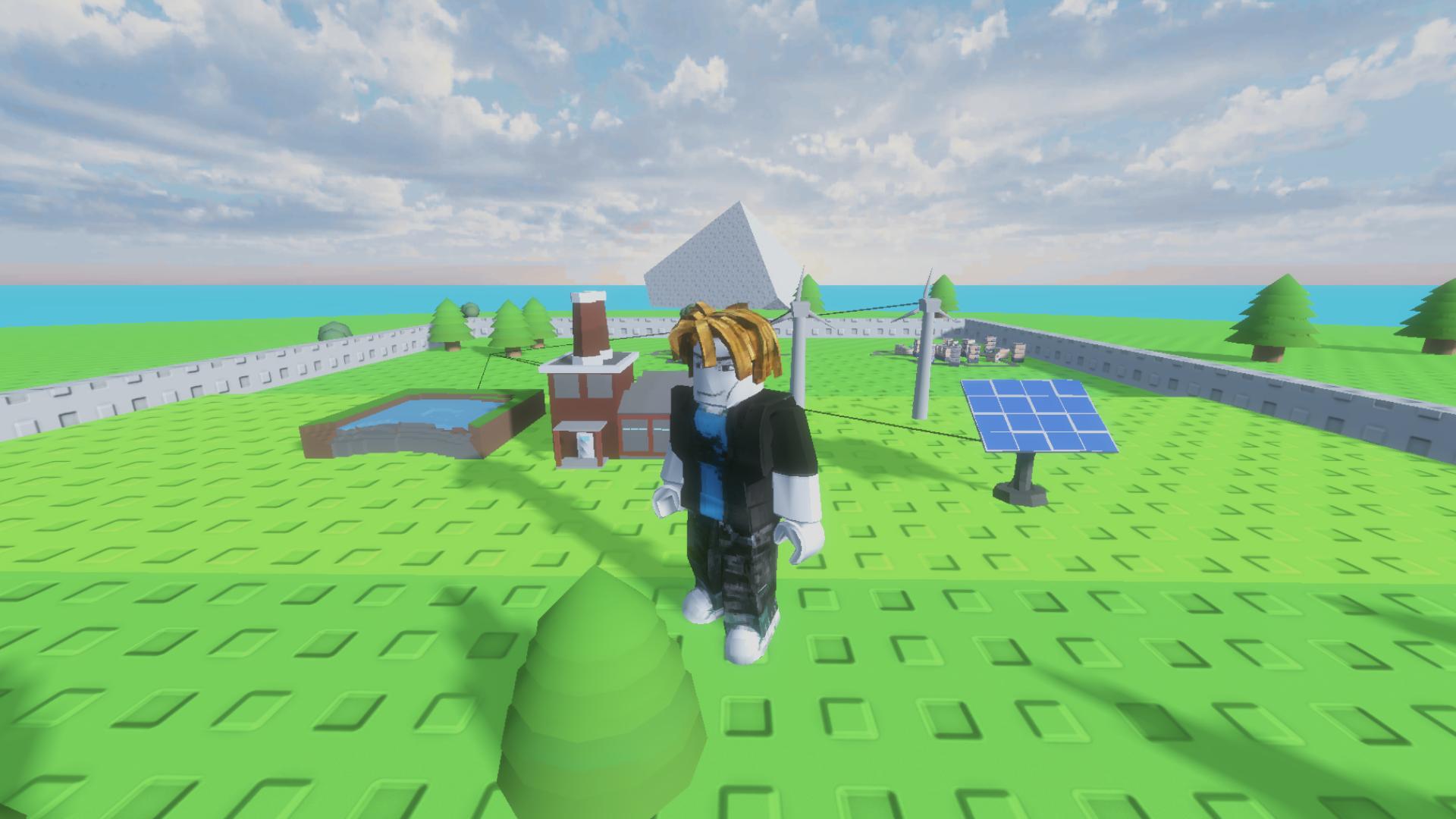
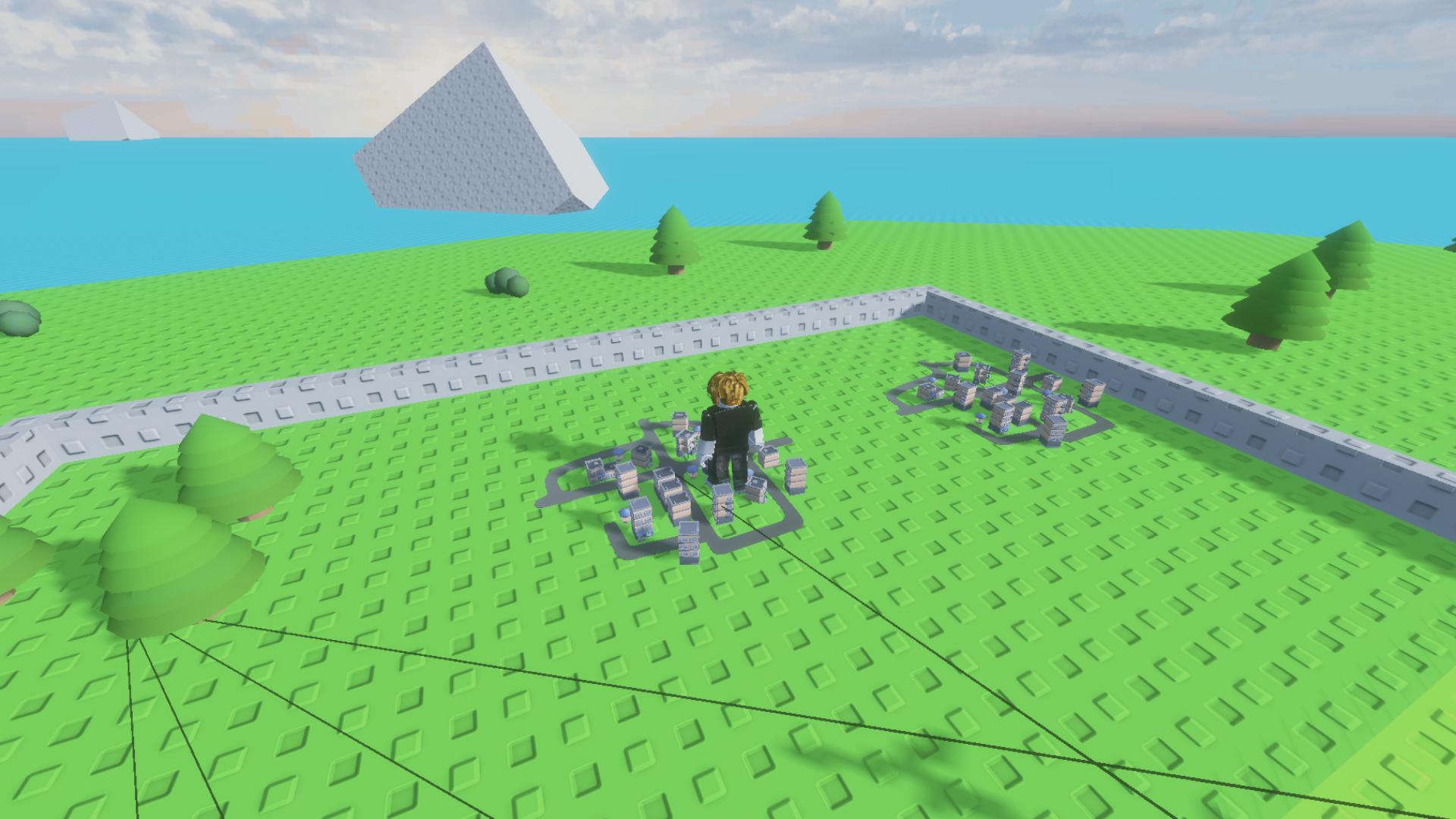
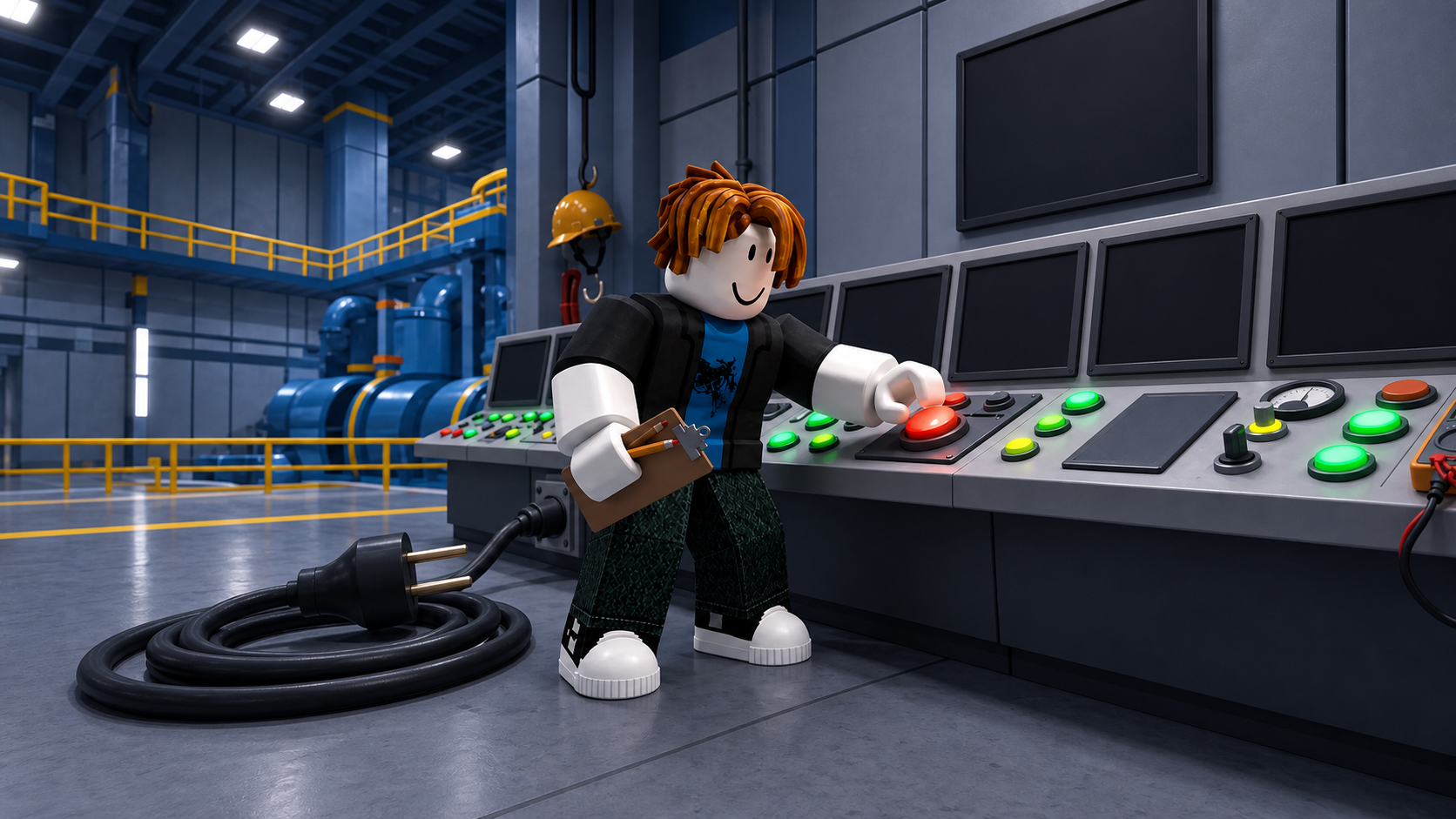
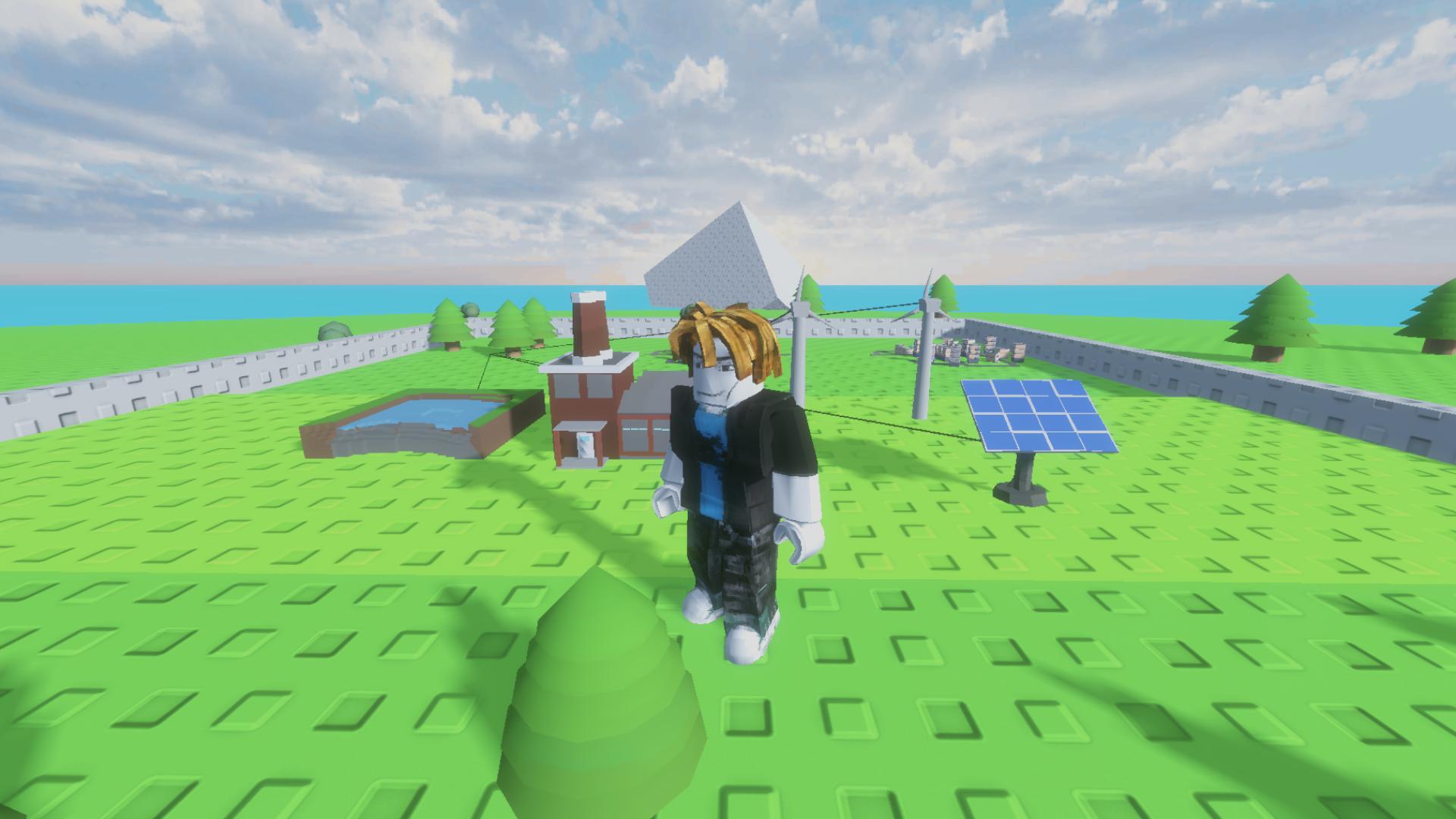
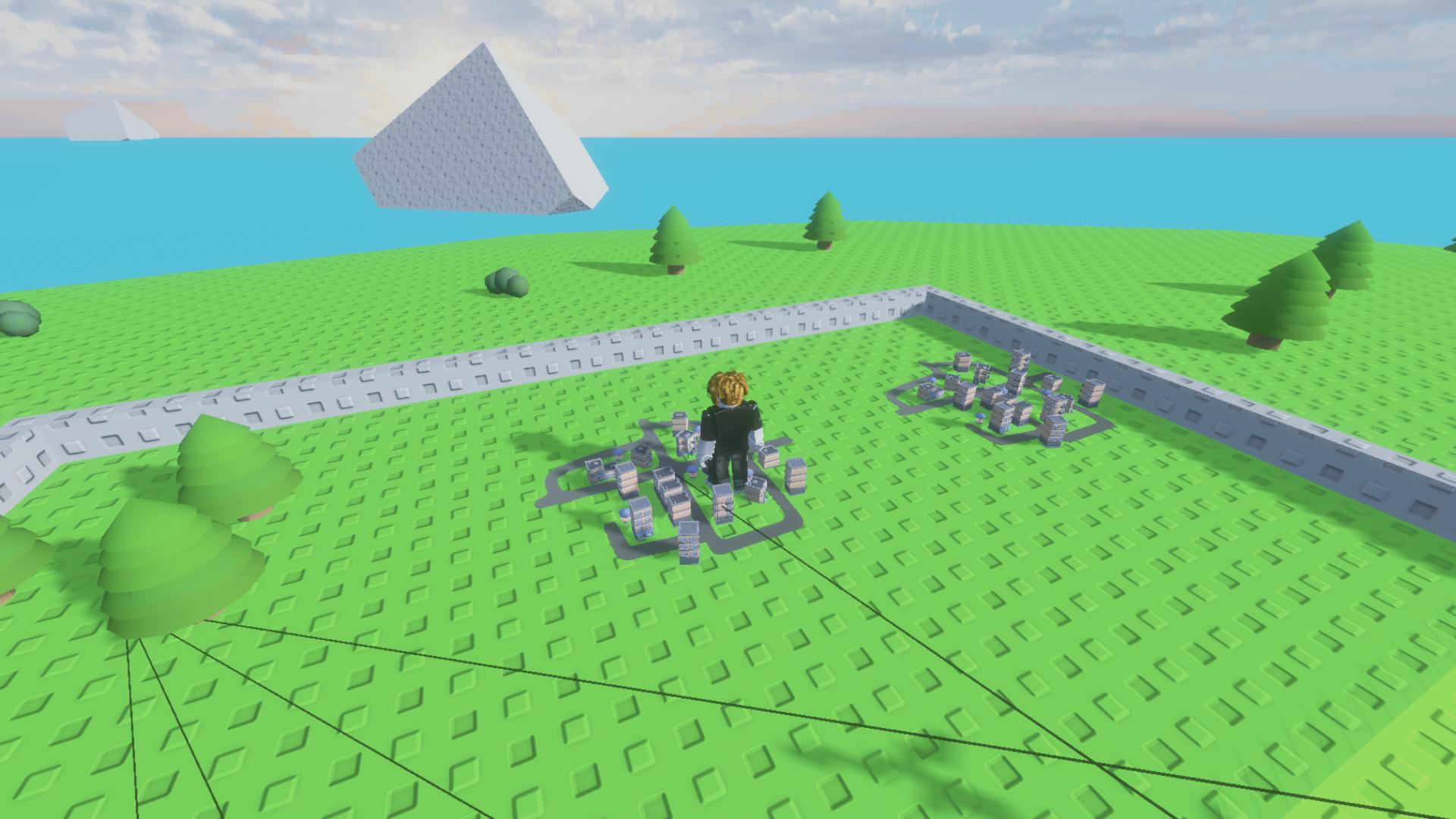
Manage your own energy network by placing power plants to feed growing urban centers. You start by setting up simple windmills and solar panels before scaling up to massive nuclear reactors. Every city builder strategy relies on balancing supply with demand to maximize cash flow. Watching your power plant grid hum with activity brings a satisfying sense of progress as your bank balance climbs. Offline energy production ensures your empire continues earning coins even when you step away from the keyboard. Global upgrades allow you to boost station output or squeeze more profit out of every neighborhood. Expanding your island territory gives you the extra space needed for bigger infrastructure projects. Jump into this idle simulation for free right now in your browser with zero downloads required.
How to play
Build power plants and supply cities with energy.
Controls:
• Pick a station in the hotbar at the bottom of the screen — a translucent preview appears.
• PC: the cursor sets the build spot, left mouse button — build, R — rotate, Q or Esc — cancel.
• Mobile: move the camera — the preview follows the center of the screen; use the "Rotate", "Build" and "Cancel" buttons.
Character:
• PC: W, A, S, D to walk, space to jump.
• Mobile: on-screen movement and jump buttons.
What to do next:
• Buy new cities — they consume energy and bring income.
• Watch the energy bar: when power is short, cities work below full capacity.
• The station shop restocks over time — check back often.
• Tokens buy upgrades, quests give multipliers, and daily rewards plus offline income speed up your growth.
• Expand your island to unlock new land for construction.
Features
- Energy management: Monitor the power bar to ensure every city operates at peak capacity for maximum profit.
- Global upgrades: Spend tokens to improve production efficiency and extend the duration of your passive offline earnings.
- Land expansion: Unlock restricted zones on your island to make room for high-output thermal and nuclear facilities.
- Quest system: Complete specific challenges to trigger temporary production multipliers and claim daily rewards.
- Station variety: Choose from different power sources that each have unique size requirements and output levels.
Who is it for
Strategy enthusiasts and idle game fans who enjoy managing complex systems. If you like tycoon simulations that reward long-term planning and efficient resource allocation, this experience hits the mark. It works great for anyone wanting a casual management loop that grows increasingly deep as you expand your territory.
Controls
Build station
Select from the bottom hotbar and click left mouse button or use the Build button on mobile.
Rotate structure
Press R on your keyboard or tap the Rotate button when placing a station.
Camera movement
Use WASD keys on PC or drag your finger on the screen for mobile devices.
Cancel placement
Press Q or Esc on PC or tap the Cancel button on mobile interfaces.
FAQ
How do I earn more money in Power a city!?
›
You earn cash by supplying cities with electricity. Construct more power plants and upgrade them to meet the growing energy demands of your urban population.
Does Power a city! continue to run when I am offline?
›
Yes, Power a city! Tracks your energy production while you are away. Simply return to the game to collect your accumulated offline income.
What is the best way to expand in Power a city!?
›
Focus on completing quests for multipliers and saving tokens for global upgrades. Unlocking new land plots on your island is essential for building larger, more efficient power plants.