About game
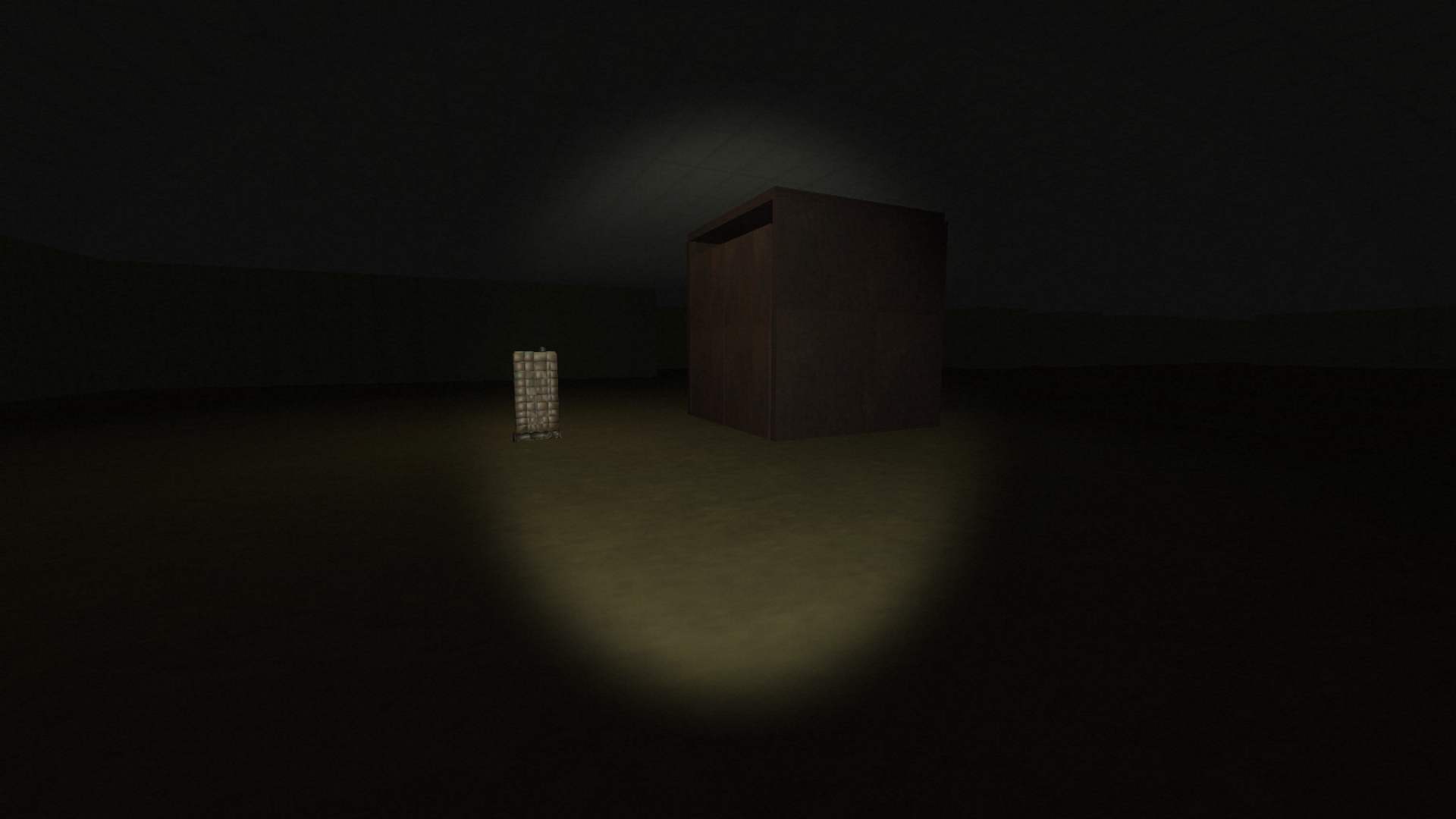
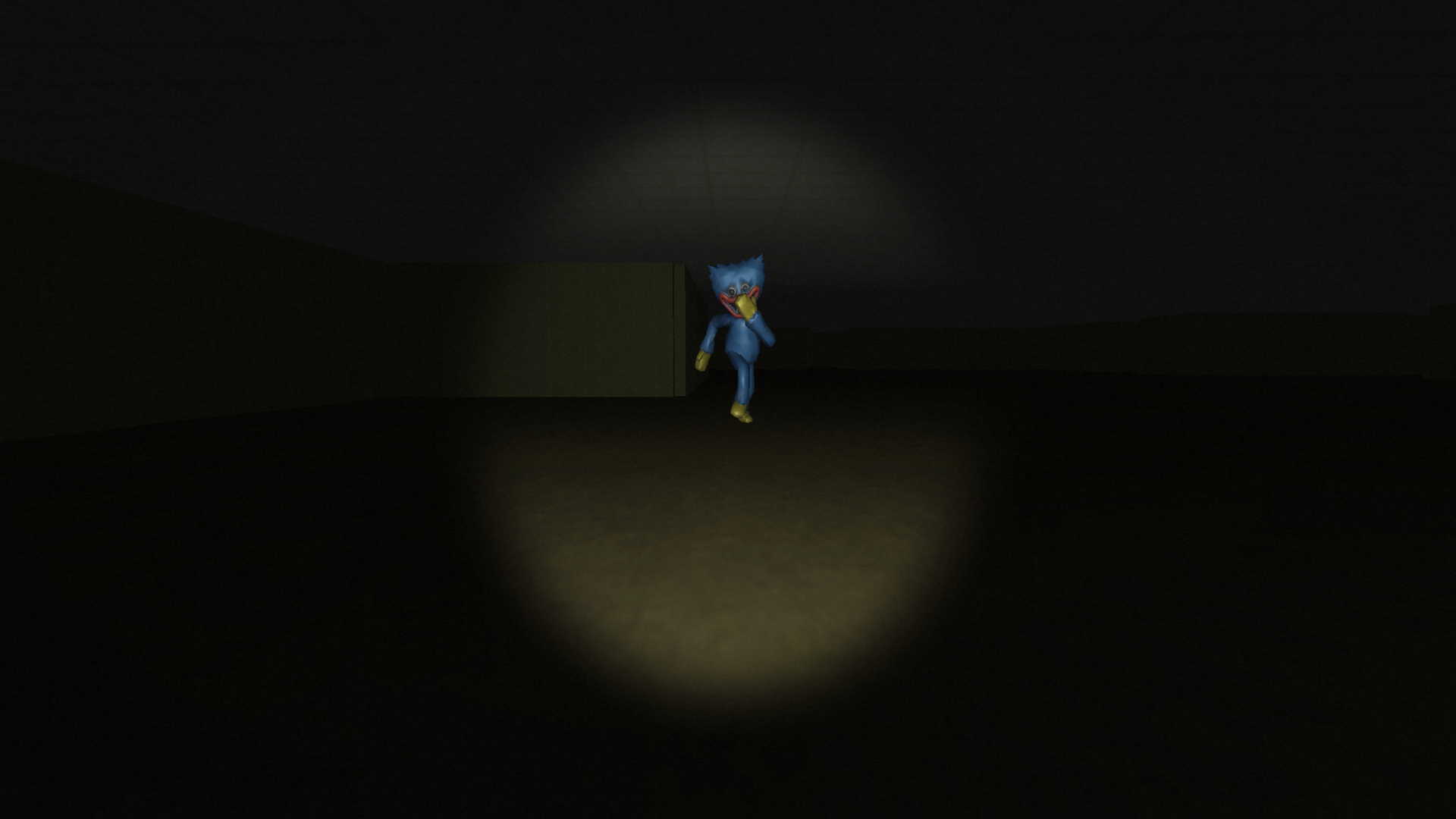
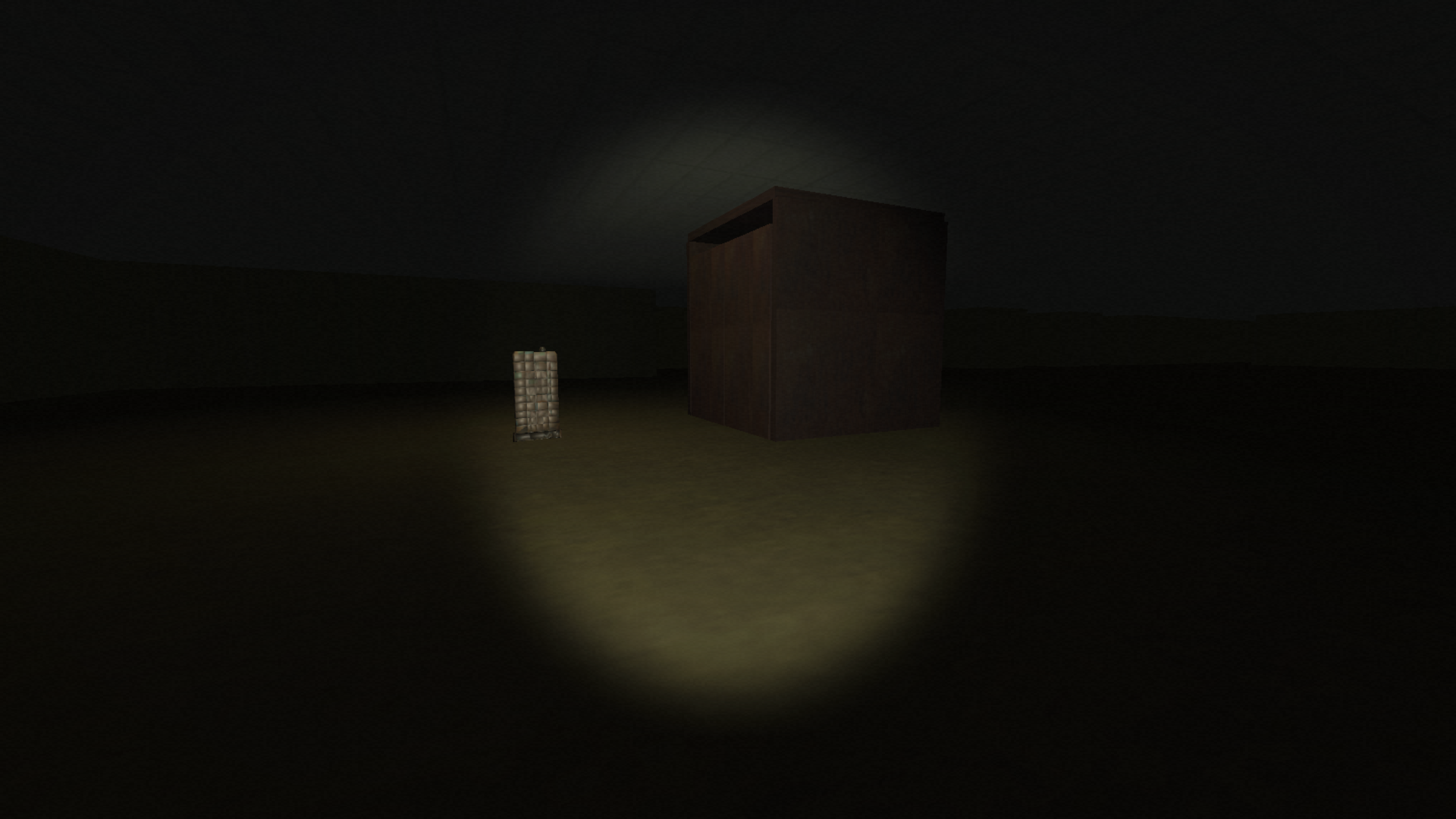
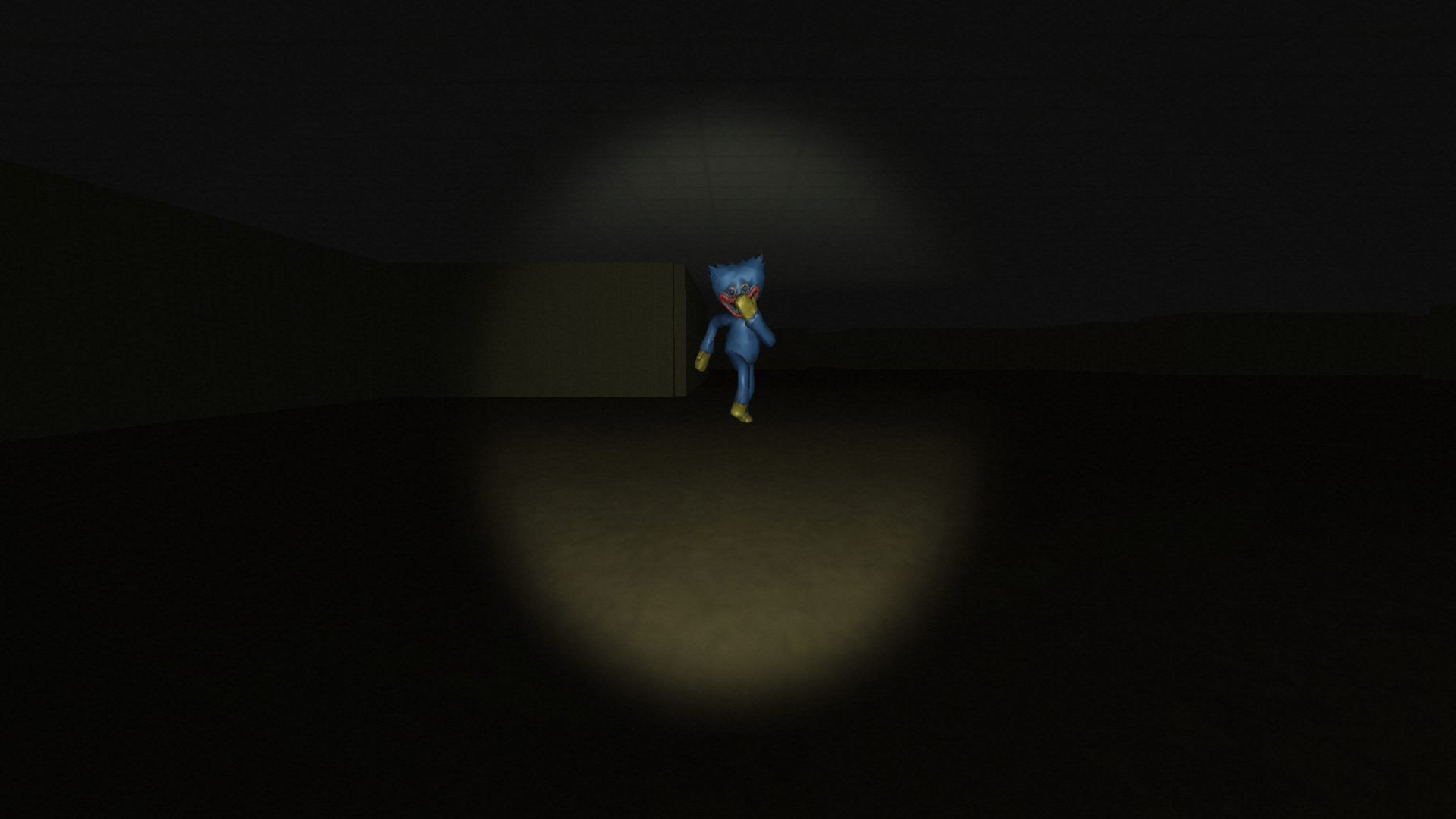
Fans of intense survival horror games gravitate toward Poppy Play for its chilling atmosphere and high stakes. You wander through a derelict facility while dodging a relentless entity that wants to keep you there forever. Every level demands that you locate specific terminals and power them up before the monster catches your scent. The tension spikes as the beast moves faster, forcing you to sprint through dark corridors while praying the elevator is finally active. This spooky challenge requires sharp ears because the audio cues often alert you to danger long before you see the creature. You must manage your stamina carefully to ensure you can dash away when the horror gets too close for comfort. Navigating the shadows successfully feels like a massive victory after barely scraping by each encounter. Jump into this browser game for free right now without needing to download a single file.
How to play
Objective: activate all terminals and reach the elevator.
PC:
WASD — move
Shift — run
E — use terminal
Tab — pause.
Phone:
left joystick — movement
right side — camera look
RUN / USE / PAUSE buttons — run, interact, and pause.
Tip: move with confidence and listen carefully — the sound often tells you the monster is already close.
Features
- Terminal activation: Locate hidden control panels throughout the facility to restore power to the primary exit.
- Dynamic monster AI: The creature adapts to your progress, becoming significantly faster and more persistent as you approach the evacuation point.
- Sound design: Utilize directional audio cues to detect the monster approaching from behind or around corners.
- Interactive environment: Scour abandoned rooms for pathways that allow you to loop around the enemy and reach your objectives.
Who is it for
Survival horror enthusiasts who enjoy high-tension chase sequences will find this experience deeply engaging. People who find joy in testing their nerves against relentless monsters and solving puzzles under pressure will appreciate the intensity. Casual gamers seeking a quick burst of adrenaline during a break will also enjoy it.
Controls
Movement
Use WASD on PC or the left screen joystick on mobile to navigate the facility.
Interaction
Press E on your keyboard or the Use button on the touch screen to activate terminals.
Running
Hold Shift on PC or tap the Run button on your phone to escape the monster.
Camera control
Move your mouse on PC or drag the right side of the screen on mobile to look around.
FAQ
Is Poppy Play free to play?
›
Yes, you can play Poppy Play directly in your browser without any registration or downloads.
Can I play Poppy Play on my phone?
›
Poppy Play works perfectly on mobile devices using the touch controls provided on the game screen.
How do I beat the monster in Poppy Play?
›
Focus on activating all terminals quickly and use the run button to break line-of-sight whenever the monster gets too close.