Game Title
Loading...

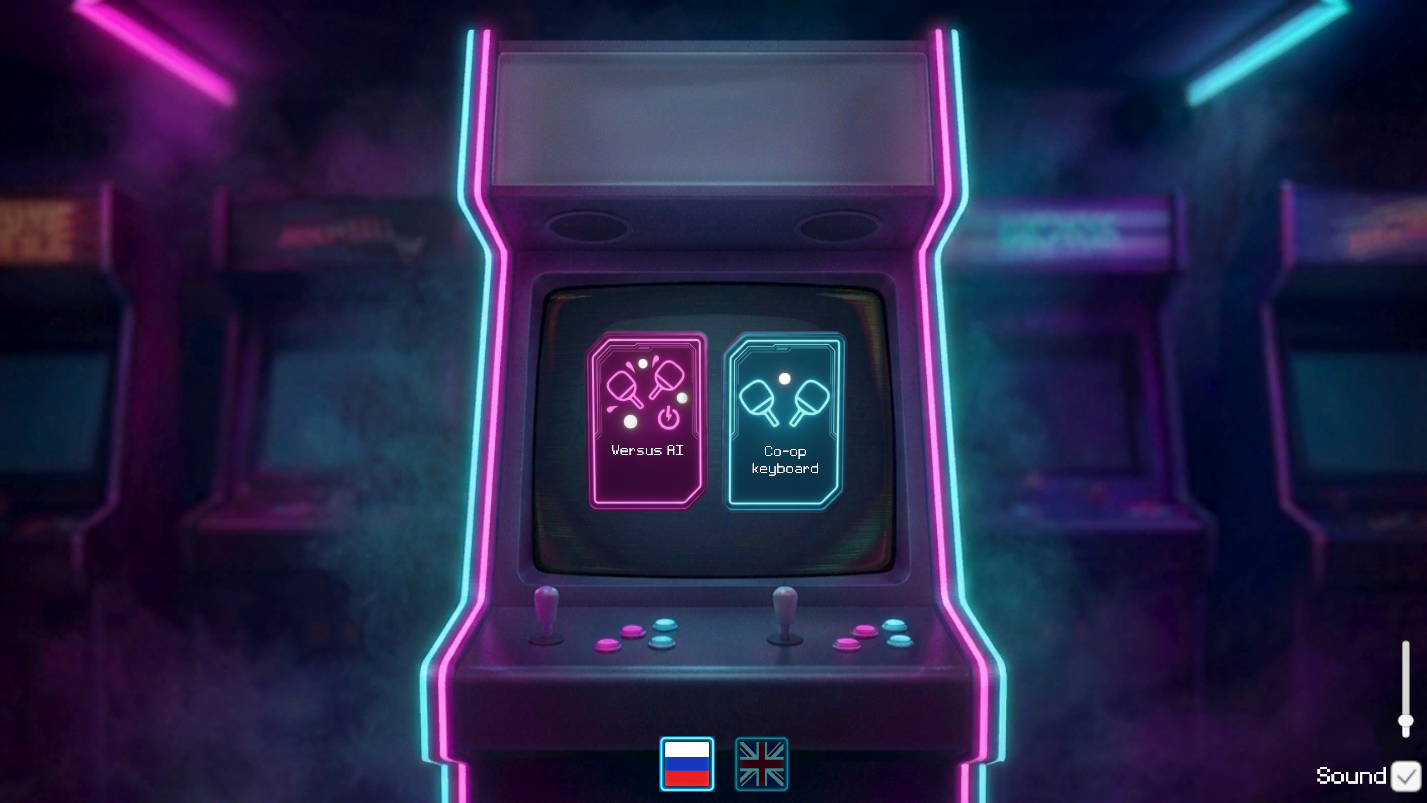
Retro arcade games hold a special place in gaming history because they rely on raw skill rather than complex storylines. Pong: Neon captures that classic spirit while wrapping the action in glowing, high-contrast visuals that look great on any screen. You control a paddle moving vertically along your side of the court, aiming to deflect the ball past your opponent’s defenses. Every bounce adds speed, forcing you to stay sharp as the match progresses toward a frantic finish. Choosing between local multiplayer or a computer opponent gives you flexible ways to enjoy this classic challenge. You can adjust the difficulty settings to ensure the match stays competitive regardless of your current skill level. Fast-paced rallies make Pong: Neon a strong choice when you have a few minutes to spare during a busy day. Jump into a match right in your browser without needing to download anything.
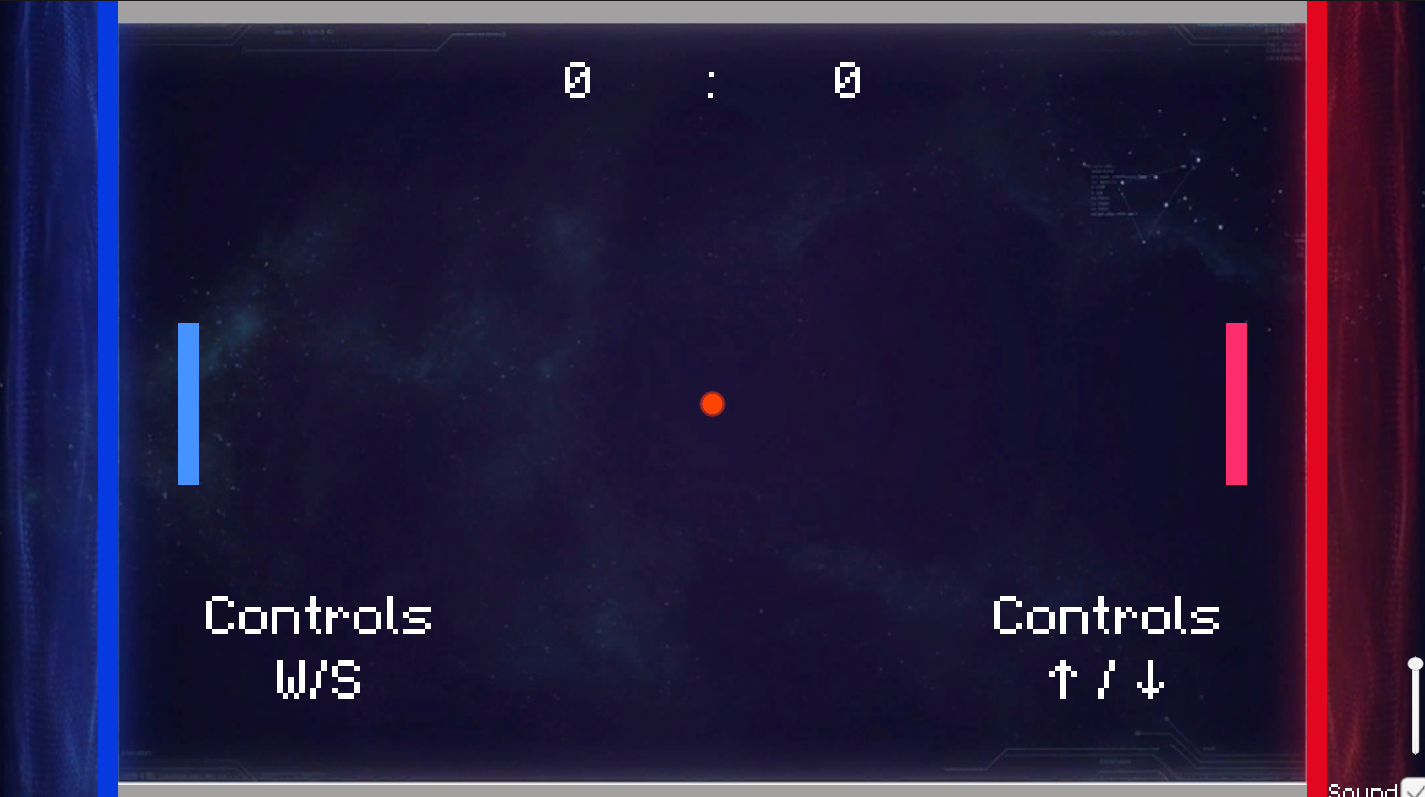
Controls are simple:
Player 1:
W / S — move up and down
Player 2:
Arrow Up / Arrow Down — move up and down
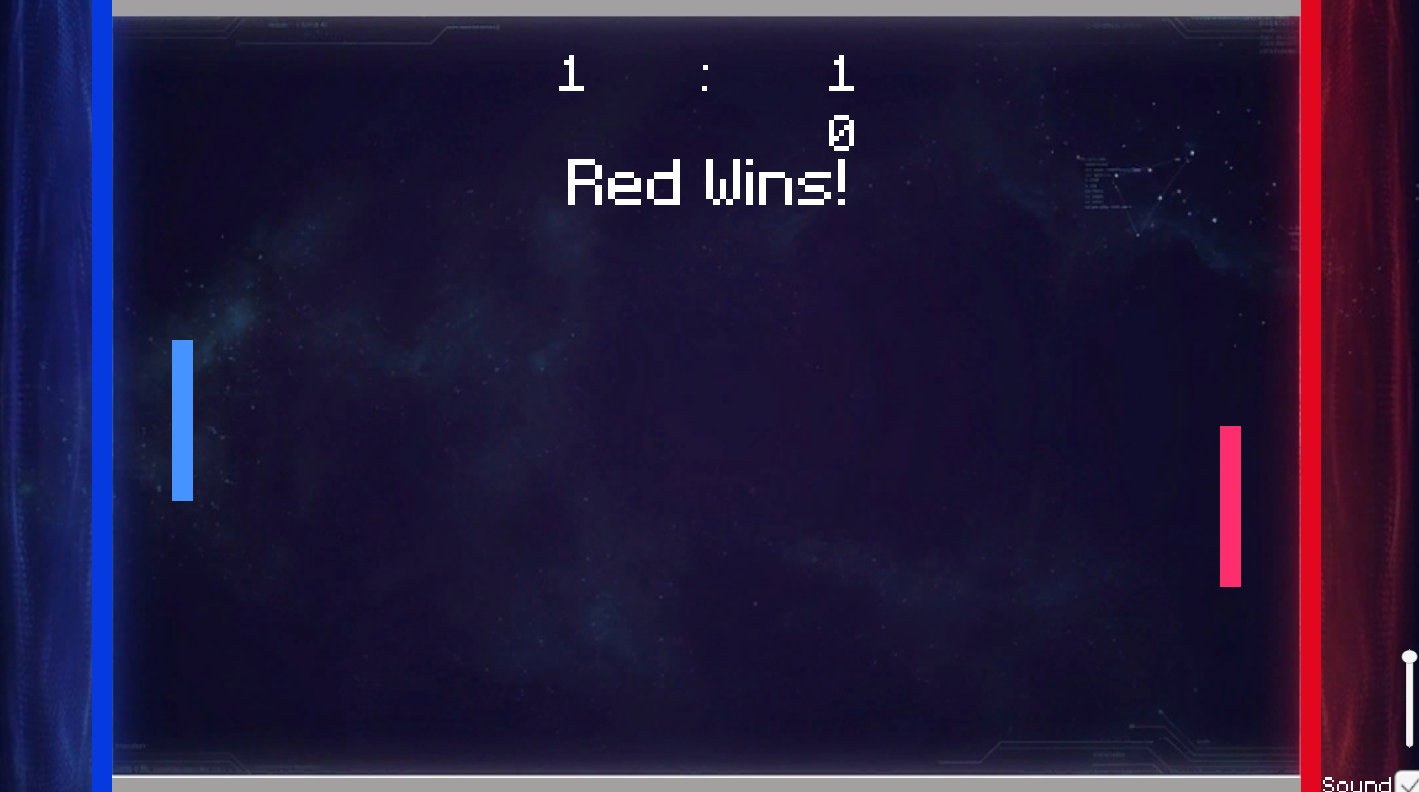
Your goal is to hit the ball and score against your opponent. The player who reaches the target score first wins.
When playing against AI, choose a difficulty level and try to beat the computer.
Fans of retro arcade classics look for quick sessions that test their hand-eye coordination. Those wanting to challenge a friend on one device find this setup helpful for social gatherings. Anyone seeking a fast, skill-based distraction will appreciate the simplicity of these neon-lit matches.
Yes, Pong: Neon supports local multiplayer, allowing two people to play on the same device.
The goal is to hit the ball past your opponent until you reach the target score required to win.
You can play Pong: Neon directly in your web browser for free with no registration required.