About game
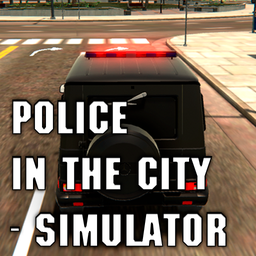
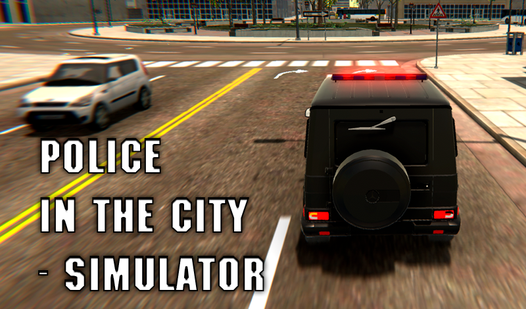
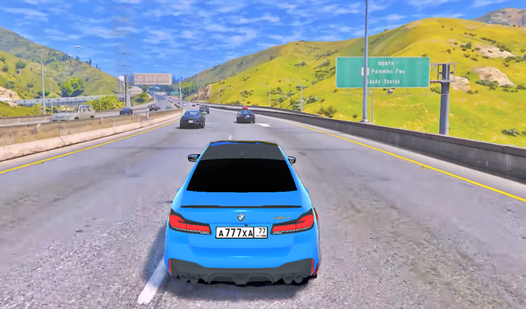
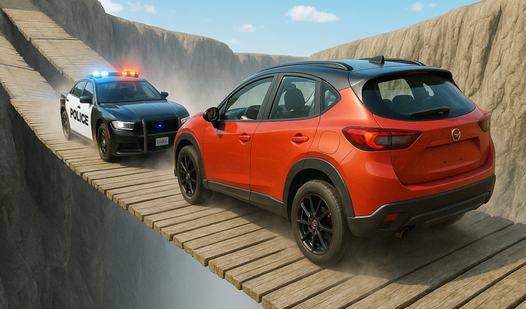
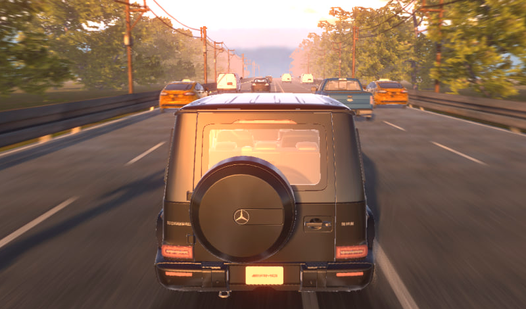
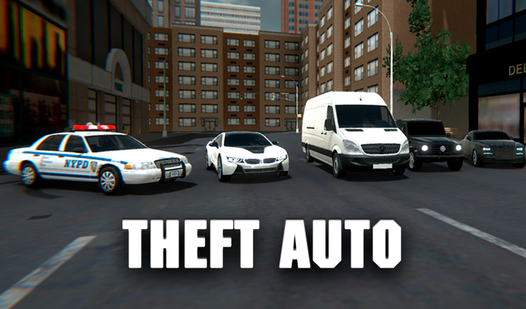
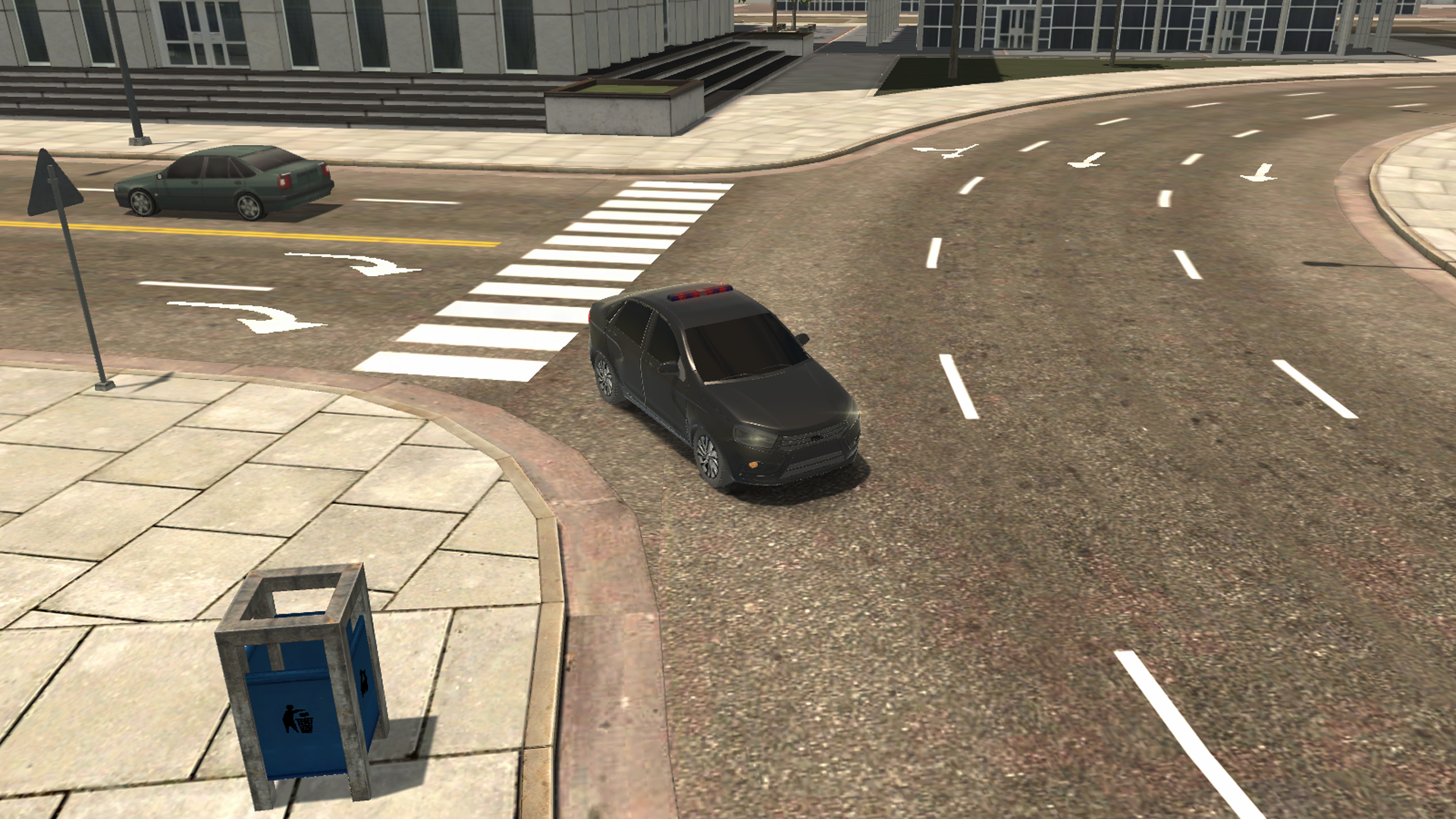
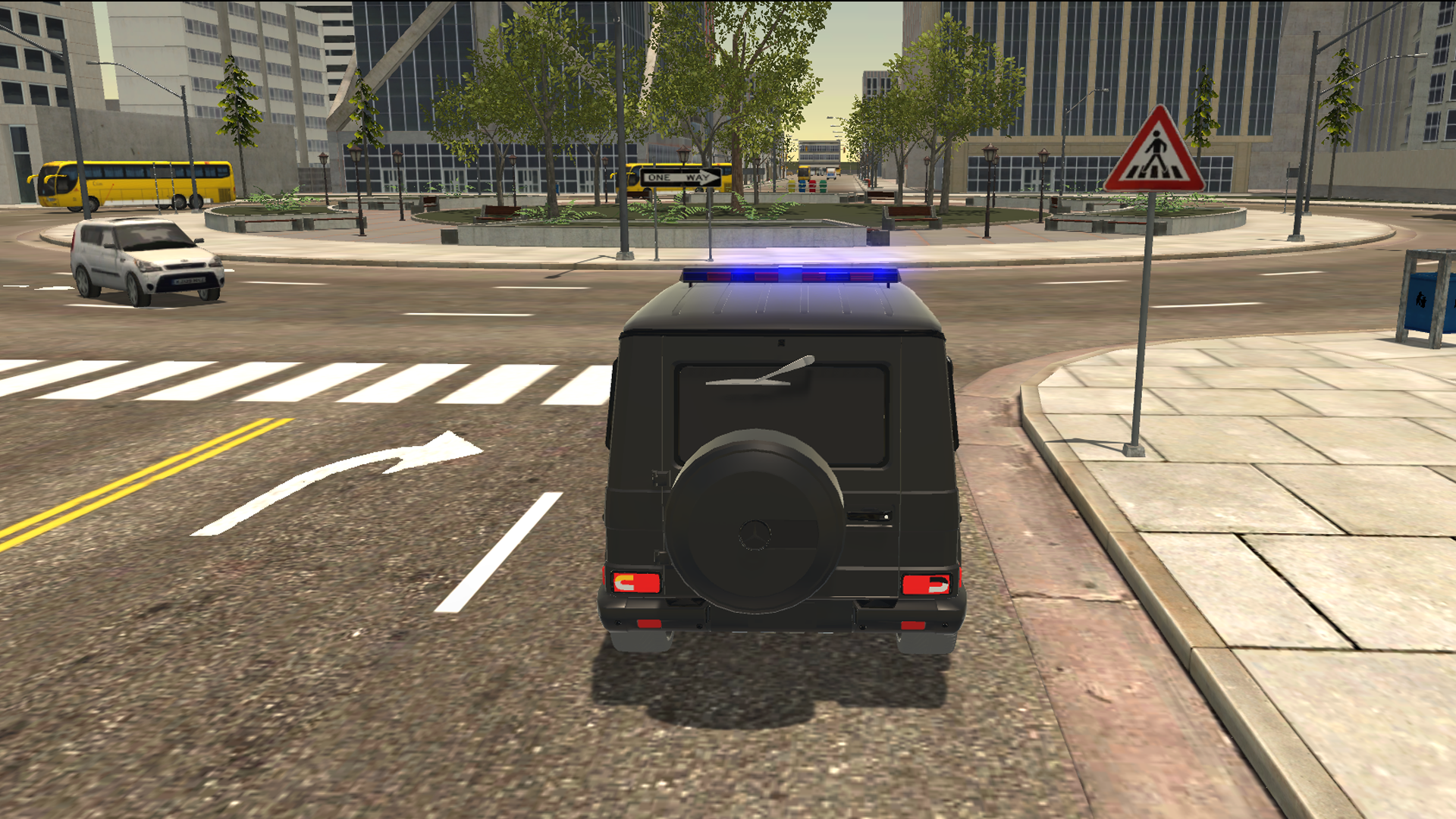
Patrolling the streets as an officer provides an adrenaline rush that few other driving experiences can match. Police in the city - simulator puts you in the driver seat of powerful patrol vehicles to keep the peace across a sprawling urban landscape. You start by selecting your preferred cruiser from a diverse fleet that includes high-performance sports cars and rugged models. Maneuvering through dense traffic requires precision, so mastering the realistic physics is essential for every mission. Turn on your sirens to weave through congestion or test your skills by pushing the engine to its limits on open highways. The map offers complete freedom, allowing you to explore every district without restrictive boundaries or linear constraints. Whether you enjoy realistic cruising or intense high-speed chases, Police in the city - simulator delivers a top-tier automotive experience. Jump into your patrol car and start your shift for free directly in your browser without any downloads required.
How to play
W-A-S-D and arrows - machine control
C - Change the camera
R - turn on/off the flashing lights
Mouse - Camera control
I - turn on/off the engine
Q/E -turn signals
Features
- Dynamic lighting: Activate your emergency beacons with a single key press to navigate through traffic and clear the path ahead.
- Advanced engine management: Control your vehicle ignition manually to simulate real-world startup procedures before hitting the asphalt.
- Signal navigation: Utilize integrated turn signal mechanics to communicate your intentions to the intelligent traffic AI in the city.
- Multi-perspective view: Switch between various camera angles to find the best vantage point for high-speed maneuvers or precision parking.
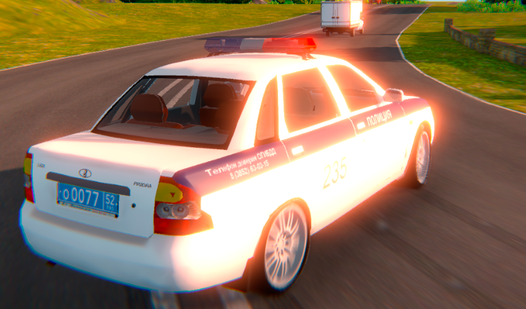
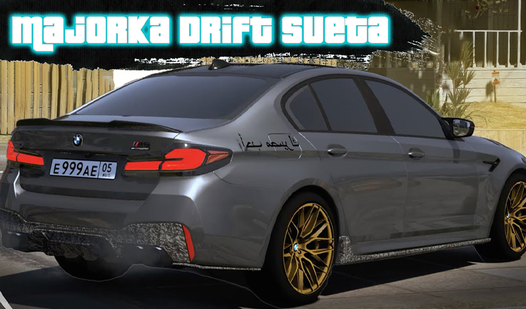
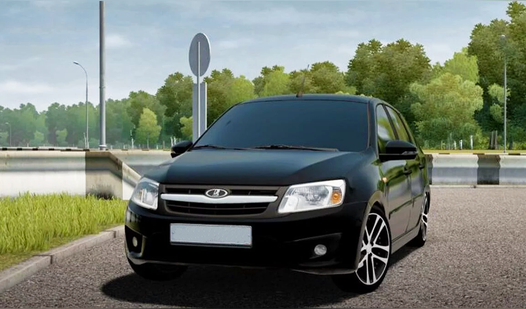
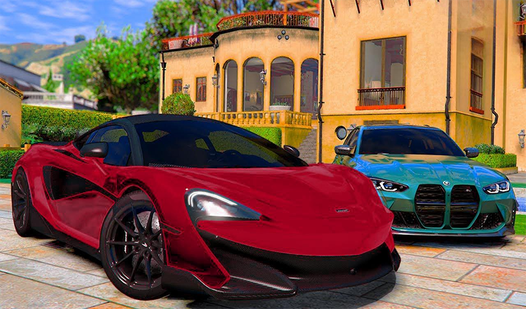
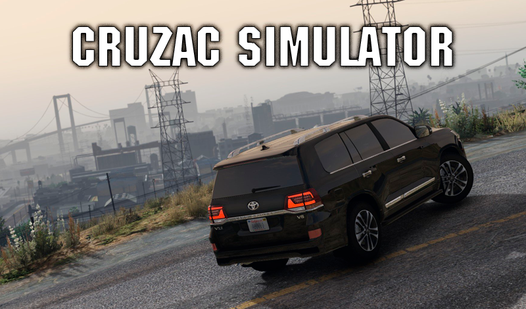
- Diverse fleet selection: Choose from four distinct vehicle models including special Russian cars, each with unique handling and speed characteristics.
Who is it for
Driving simulation enthusiasts who appreciate realistic vehicle physics and open-world exploration. Fans of law enforcement themes will enjoy the immersive patrol experience, while casual gamers seeking a high-quality browser-based car game will find the freedom of the city streets and diverse vehicle options perfectly suited for quick gaming sessions.
Controls
Drive vehicle
Use WASD or arrow keys to accelerate, brake, and steer.
Toggle sirens
Press the R key to activate or deactivate flashing police lights.
Camera view
Use the mouse to look around or press C to cycle through camera angles.
Mobile control
Tap on-screen buttons for steering and use swipe gestures to rotate the camera.
Engine and signals
Press I to start the engine and Q or E for turn signals.
FAQ
Can I play Police in the city - simulator on my mobile device?
›
Yes, Police in the city - simulator is fully compatible with mobile browsers using intuitive touch controls.
Is it possible to customize the cars in Police in the city - simulator?
›
While Police in the city - simulator features four distinct models with unique physics, the focus remains on high-quality driving mechanics rather than visual customization.
Does Police in the city - simulator require a download to play?
›
No, Police in the city - simulator runs entirely in your web browser, allowing you to start playing instantly without any installation.