About game
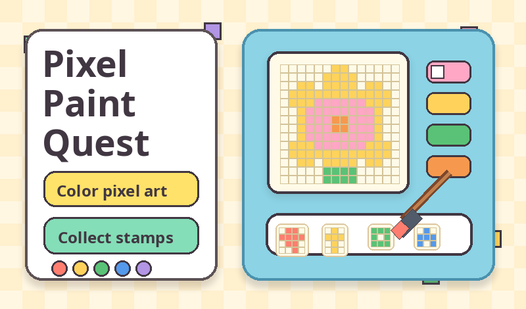
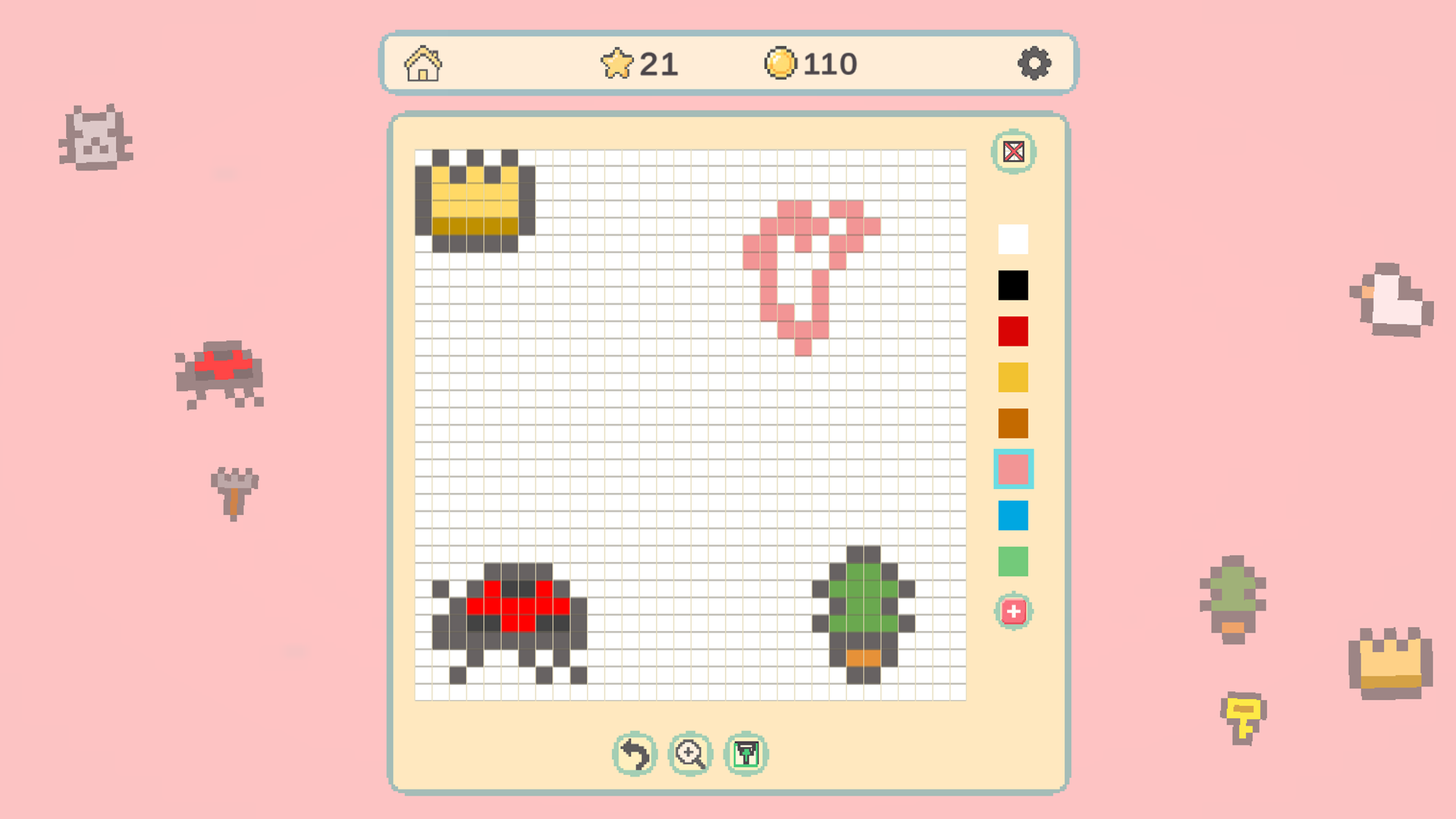
Pixel Paint Quest turns your screen into a canvas where you fill numbered grids to reveal adorable images. You select hues from the palette and drag across the screen to complete each pixel art masterpiece. Every successful level adds to your collection of stamps, which you can later arrange in the expansive Free Draw mode. This relaxing пиксельная раскраска works like a digital zen garden for your brain. You navigate through hundreds of handcrafted stages ranging from nature scenes to complex geometric patterns. Earning coins lets you unlock new content while the undo button saves you from accidental clicks. You find plenty of satisfaction watching a blank grid transform into a detailed picture. Jump into Pixel Paint Quest right now in your browser without any downloads required.
How to play
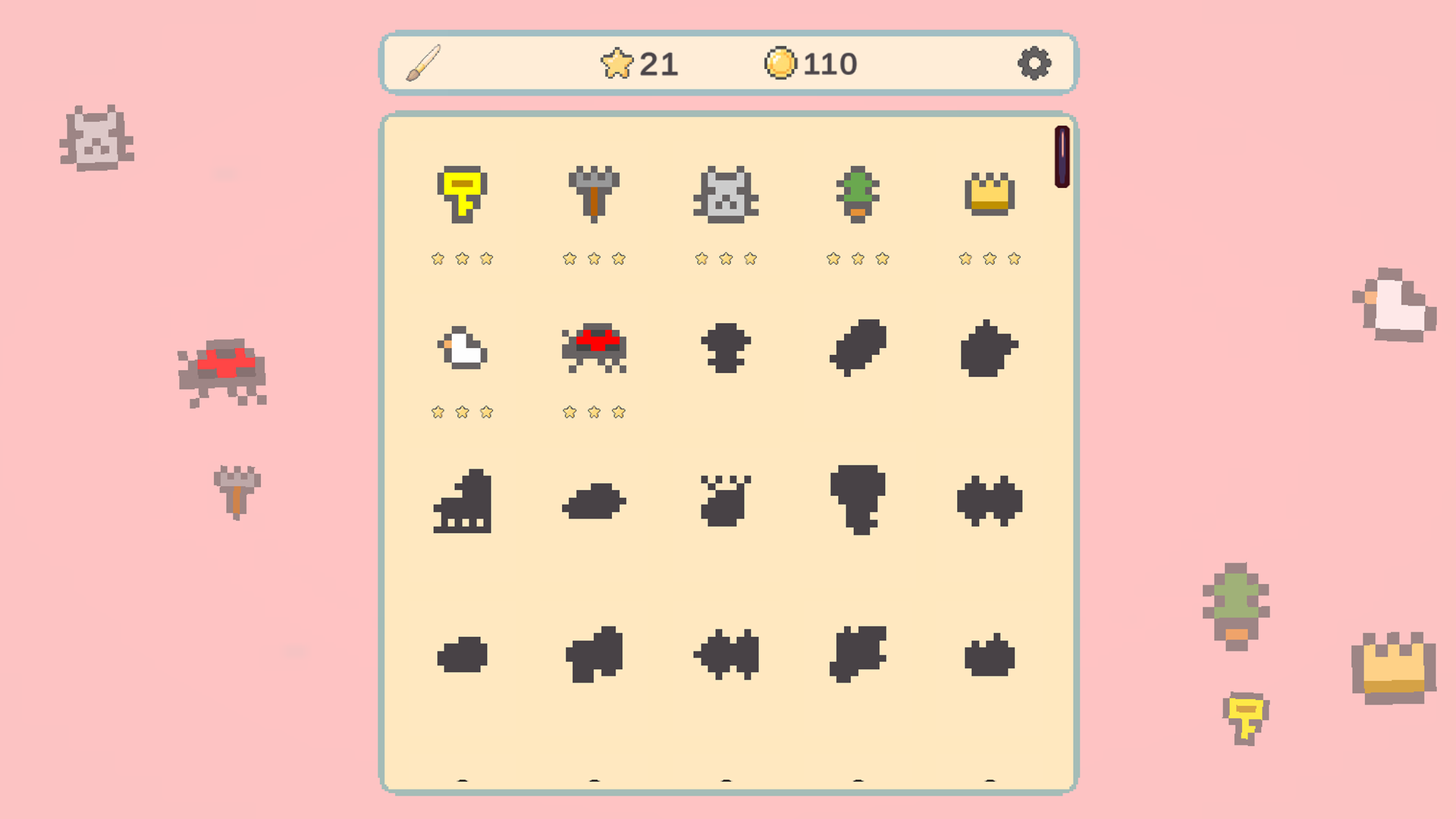
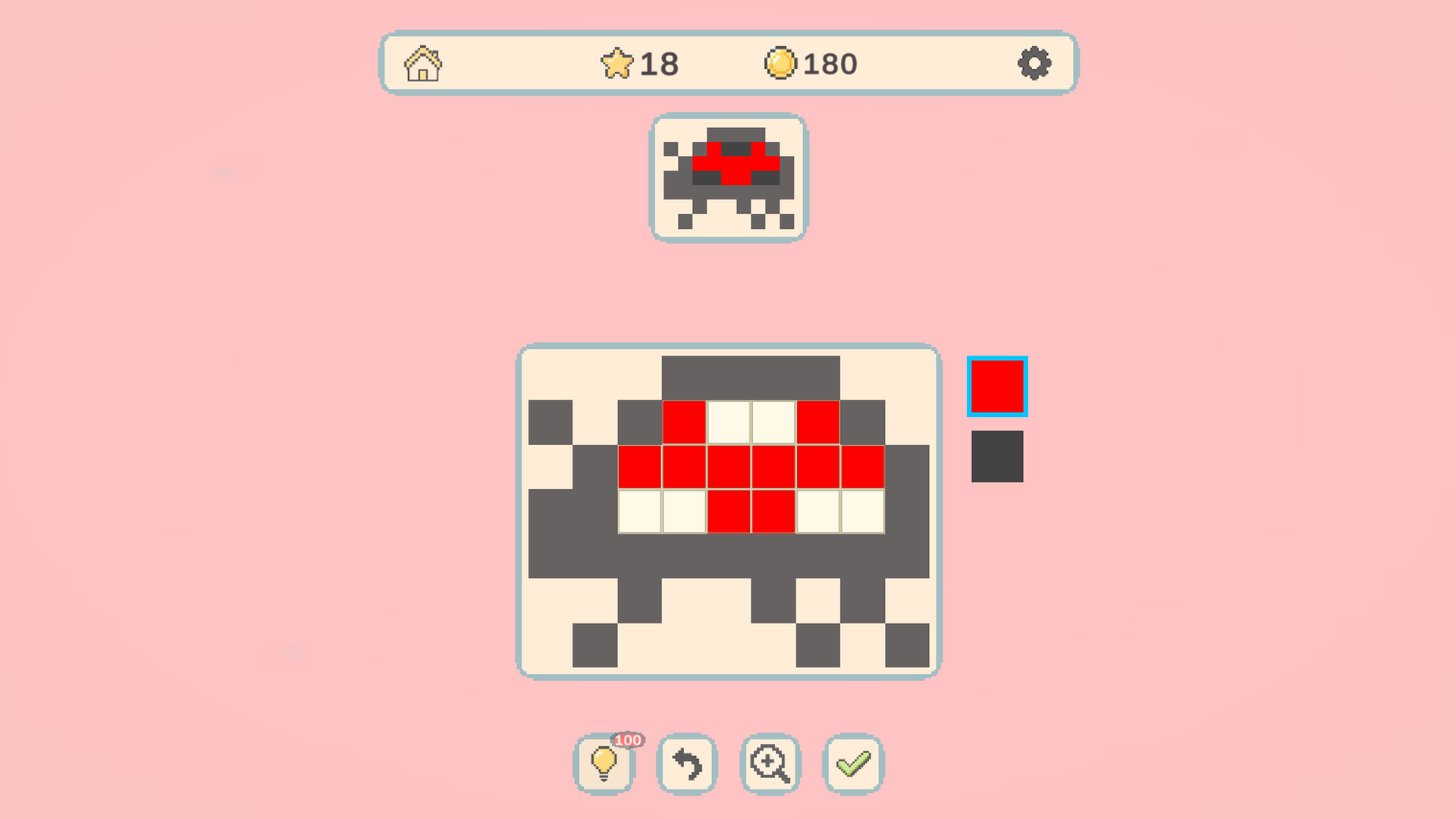
Choose a color from the palette, then click, tap, drag, or swipe over empty pixels to paint the matching cells. Look at the preview and fill the whole picture. Use undo to remove your last move, zoom to inspect the puzzle, and the hint button to reveal helpful cells. Press the checkmark when the picture is complete. In the level menu, choose a category or open Free Draw mode: use stamps from completed levels, select colors, undo, reset, zoom, and save your drawing.
Features
- Stamp Collection: Every finished puzzle turns into a reusable stamp for your personal creative canvas.
- Global Themes: Explore distinct artistic categories inspired by Japanese minimalist designs and classic European art styles.
- Strategic Hints: Activate the highlight tool when you feel stuck to instantly locate missing pixels on the board.
- Free Draw Mode: Build custom pixel scenes from scratch using your unlocked assets and a full color wheel.
- Progress tracking: Monitor your performance across individual stages to earn stars for every completed work.
Who is it for
Puzzle lovers and fans of cozy creative apps will enjoy this relaxing experience. Children find the simple mechanics easy to grasp, while adults use the game as a quick stress-relief break. Anyone who appreciates grid-based art or digital coloring books will feel right at home with this peaceful hobby.
Controls
Select color
Click or tap a color from the bottom palette.
Paint pixels
Drag or swipe your finger or mouse across the matching grid cells.
Zoom view
Use the mouse wheel or pinch gesture on mobile devices to inspect fine details.
Undo move
Click the back arrow icon to revert your most recent coloring action.
FAQ
Is Pixel Paint Quest free to play?
›
Yes, you can play Pixel Paint Quest entirely for free directly in your web browser.
Can I save my progress in Pixel Paint Quest?
›
Your completed pictures and unlocked stamps are saved automatically as you progress through the game.
Does Pixel Paint Quest have a creative mode?
›
Pixel Paint Quest includes a Free Draw mode where you use your collected stamps to build original scenes.