Game Title
Loading...

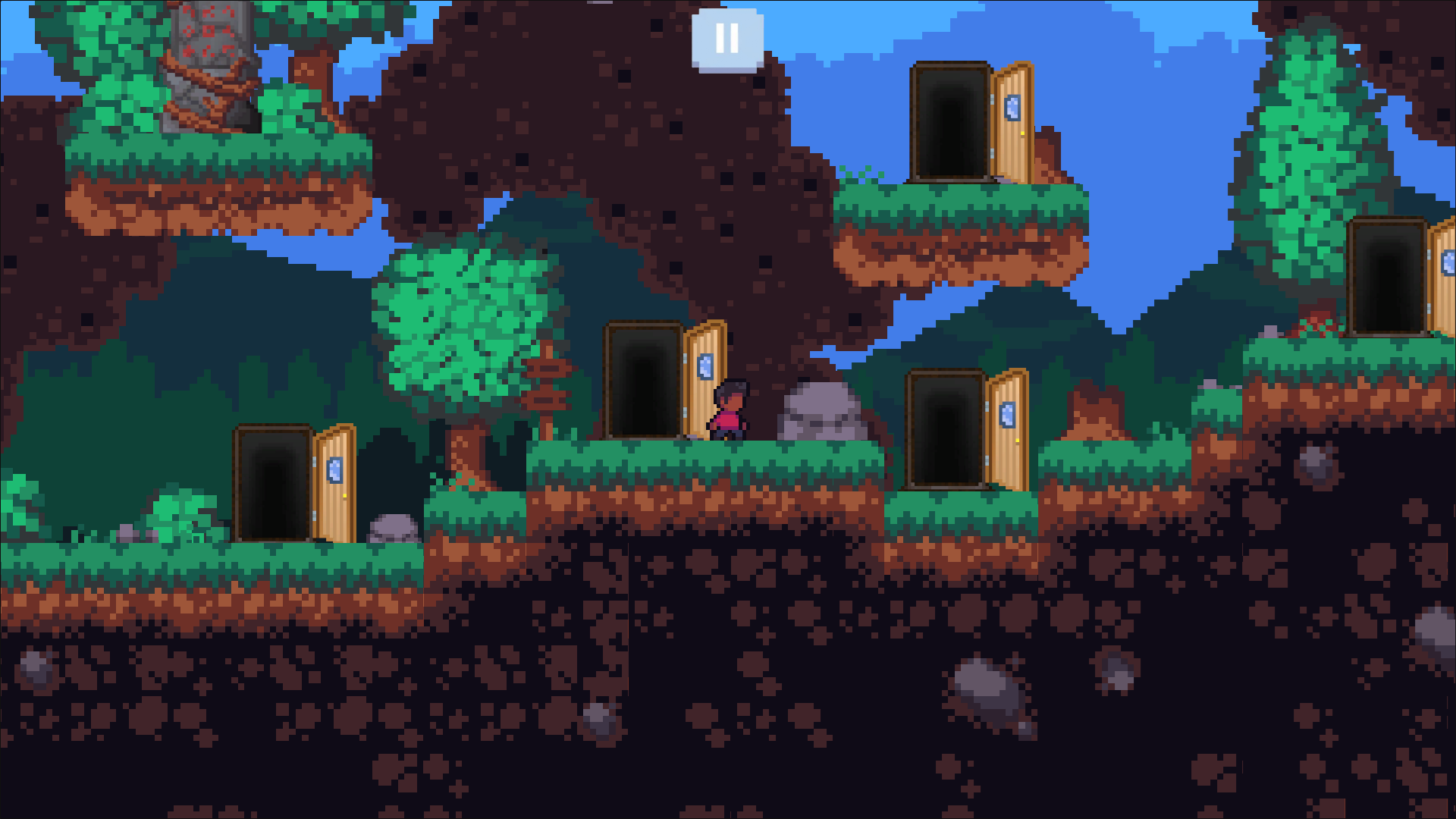
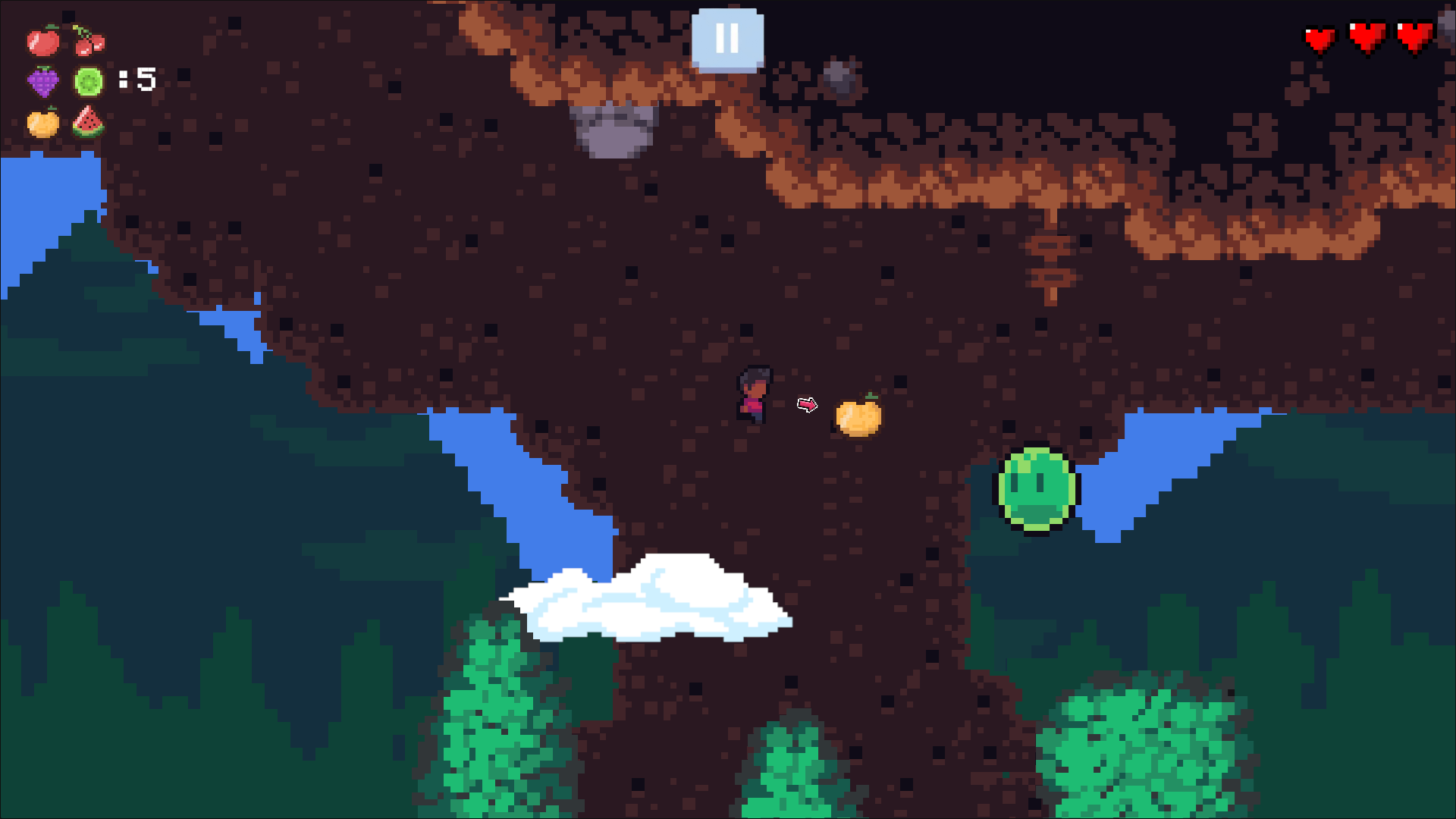
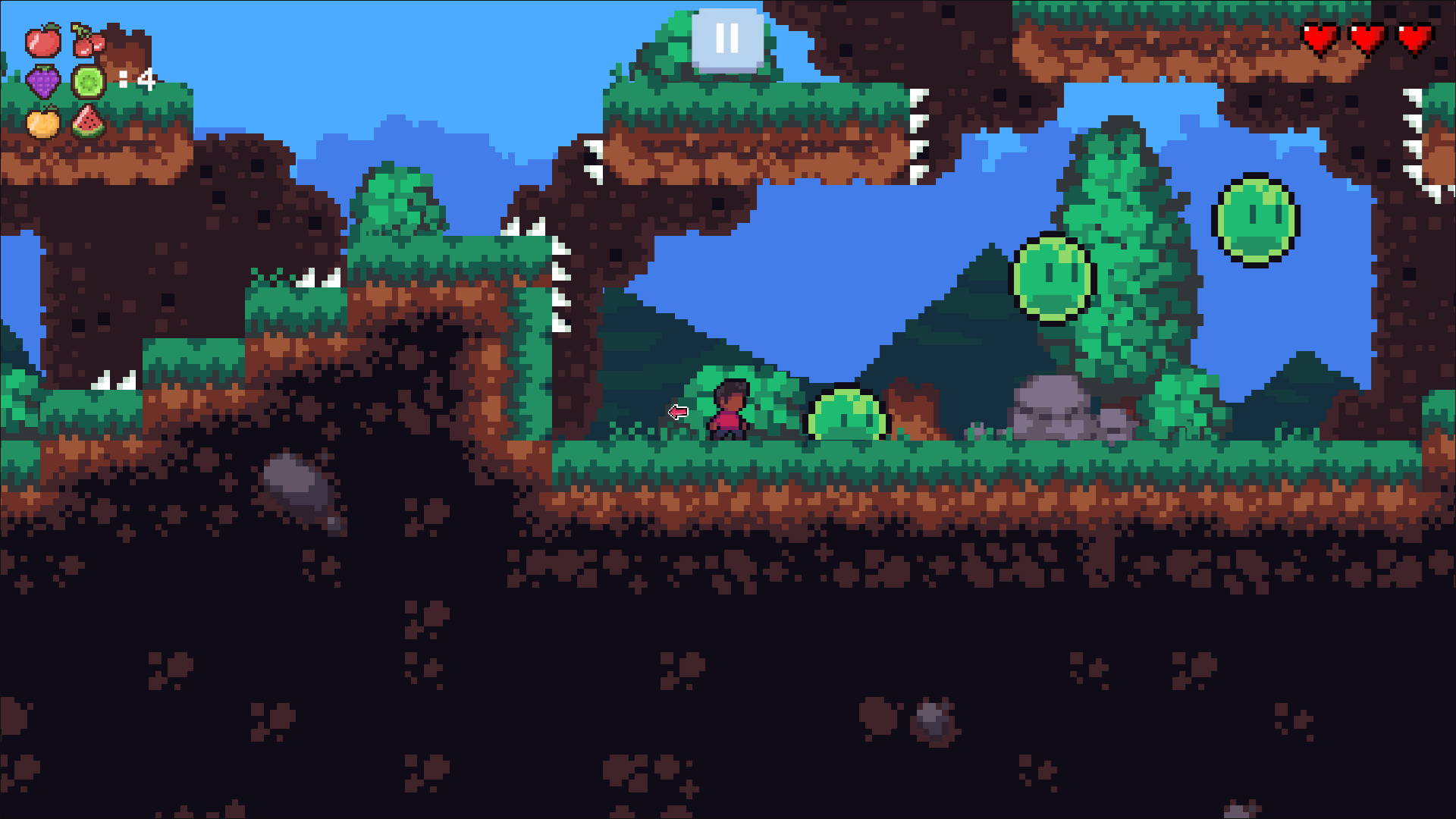
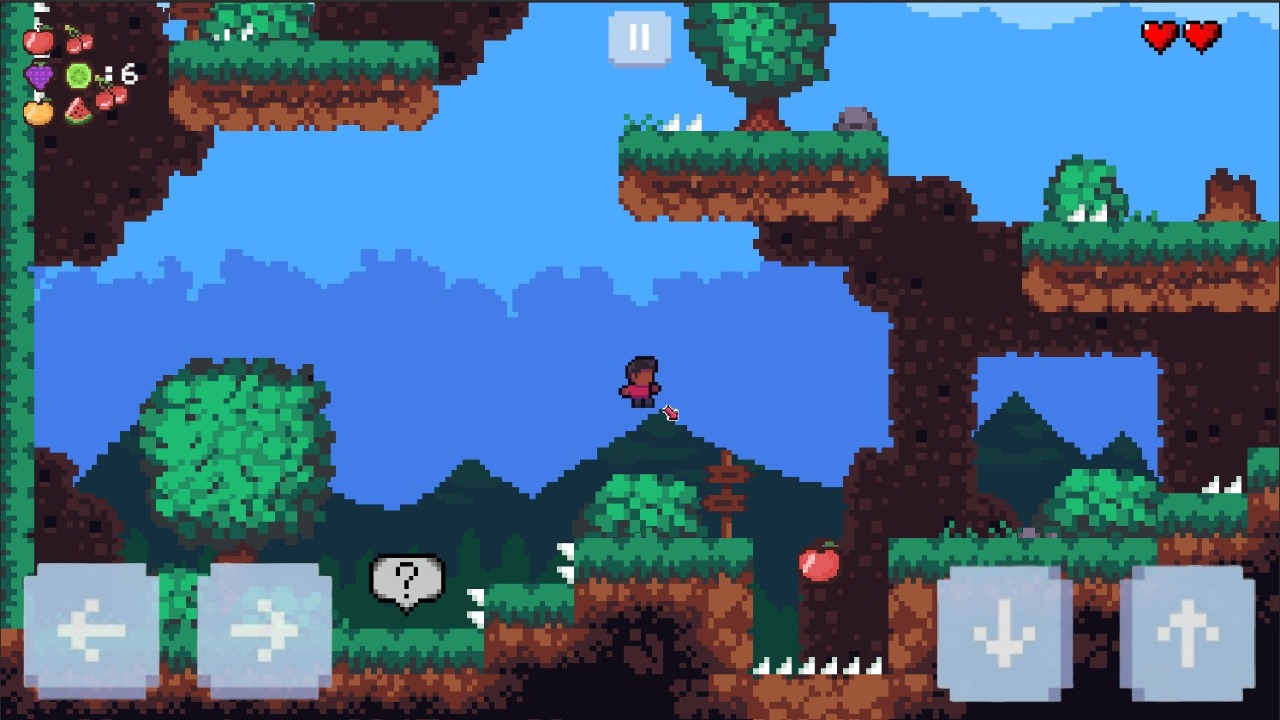
Staring at the clock while your coffee gets cold because work feels like a total drag is the worst feeling. Pixel: Jump Adventure changes that mood instantly by tossing you into a colorful world built for quick, frantic fun. You navigate a clever pixel platformer where every single fruit needs to be tracked down before the exit door unlocks. Precision is the name of the game since those platforms shrink and shift just when you think you have mastered the path. Spikes pop up from nowhere, forcing you to time your leaps with absolute care to keep your character from meeting a messy end. Pixel: Jump Adventure keeps the momentum high as you race to clear each stage using nothing but your wits and fast reflexes. Grab a friend to share the keyboard or tackle the challenge solo if you prefer a personal best quest. Jump right into the browser now without wasting time on downloads or installs.
"On the Computer:
Player 1: WASD + Spacebar
Player 2: Arrows (Click the 'Add Player' button on the level)
On the Phone:
Touch controls.
Goal: Collect all the fruits and reach the door."
Fans of platformers who crave tight, responsive controls and nostalgic retro visuals. High-energy teenagers and casual office workers looking for a short, satisfying break will find the fruit-collecting loop addictive. Anyone wanting to challenge a friend to a local shared-screen competition will love the collaborative spirit.
Pixel: Jump Adventure supports two-player mode exclusively on PC using a shared keyboard.
The game is designed for quick sessions and arcade style play, so you start fresh each time you load it in your browser.
You must collect every fruit scattered across the platform to unlock the exit door and move to the next challenge.