About game
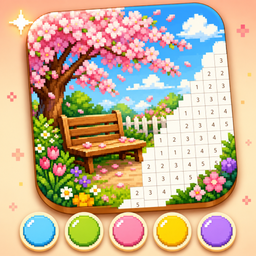
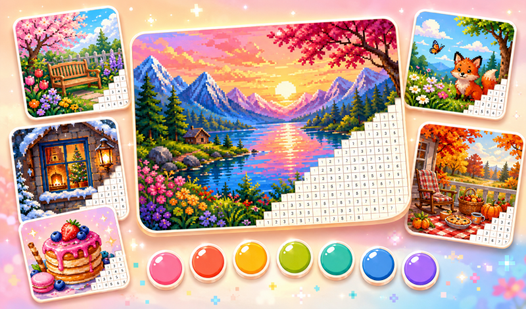
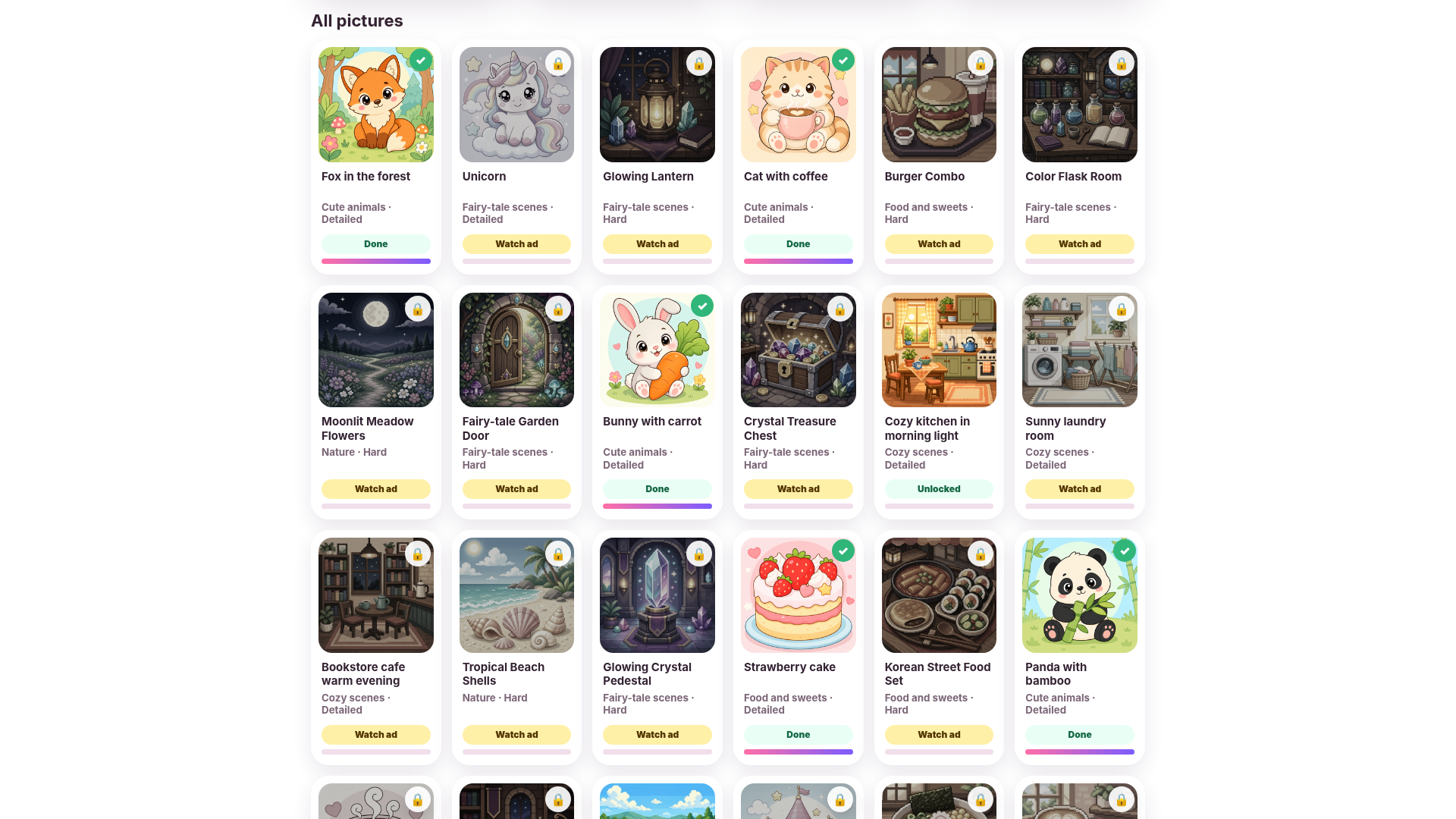
Fans of calm creative sessions will love how Pixel Coloring turns simple numbers into vibrant works of art. You pick an image from the library, select a numbered shade, and tap the matching grid cells to bring the canvas to life. Each layout functions as a logical pixel art challenge where your patience earns a full-color result. Focus on finding every digit hidden across the board to complete the 100x100 puzzle as quickly or slowly as you like. Progressive unlocking keeps the gallery fresh with nature scenes and cute illustrations waiting for your touch. This color by number experience helps you unwind after a long day without any complex mechanics or stressful timers. Your progress saves automatically so the creative flow remains uninterrupted whenever you step away. Head over to FreeJoy.games to play this relaxing pastime directly in your browser with zero downloads required.
How to play
Choose a picture in the gallery and open it to start coloring.
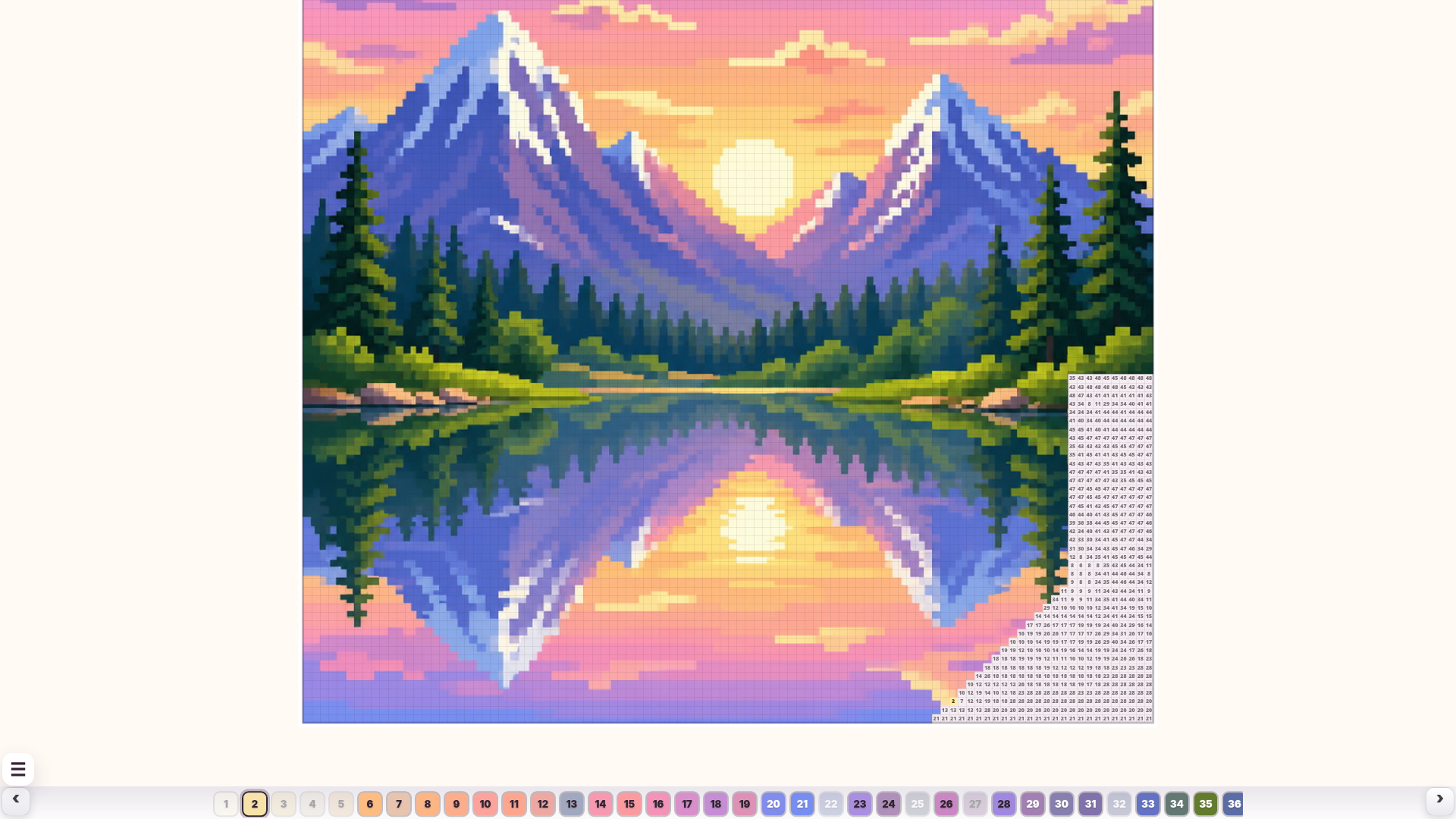
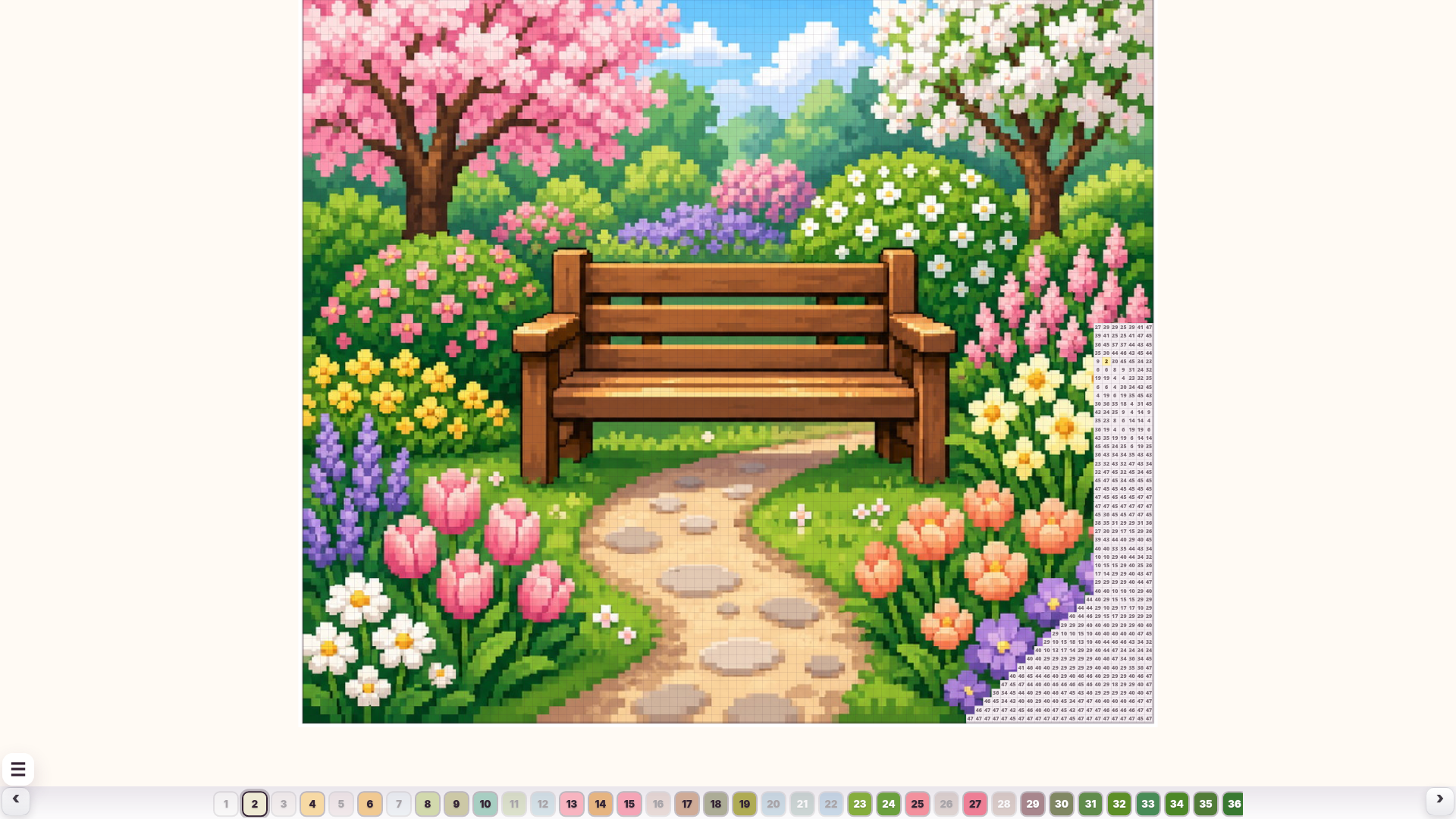
The color palette is at the bottom of the screen. Pick a numbered color, then find cells with the same number on the picture and color them by tapping or using the mouse.
On mobile, use two fingers to zoom in and out. On desktop, use the mouse to color cells and the mouse wheel to zoom. If the picture is zoomed out too far, coloring is temporarily disabled so you do not color extra cells by accident.
Watch the progress bar at the top of the screen. When all required cells are colored, the picture is complete.
The first pictures are available immediately. Other pictures can be unlocked by watching an ad, and after that they stay available forever.
Features
- Grid Logic: Every image follows a strict 100x100 grid layout requiring precise tapping to fill every shaded segment.
- Auto-Save System: Your current progress remains stored so you can finish complex illustrations across multiple sessions.
- Gallery Progression: Start with an initial set of images and unlock additional themed collections as you complete your current work.
- Smart Zoom: The interface disables coloring while zoomed out to prevent accidental taps, ensuring your lines stay clean.
- Completion Tracking: Monitor your total progress via the top-screen bar that fills up as you match digits to colors.
Who is it for
Puzzle lovers and fans of relaxing digital hobbies seek out this title to sharpen their attention. Casual gamers who enjoy meditative brain training or quiet artistic activities will find the simple rhythm perfect for passing time during short breaks or long afternoons at home.
Controls
Select color
Click or tap a numbered color from the bottom palette
Fill cell
Tap or click on the grid square matching the selected number
Zoom view
Use the mouse wheel or pinch with two fingers on mobile devices
FAQ
Is Pixel Coloring free to play?
›
Yes, Pixel Coloring is completely free to play directly in your web browser with no download necessary.
How do I unlock more images in Pixel Coloring?
›
You unlock new content in Pixel Coloring by completing available puzzles or watching short ads to reveal additional categories.
Can I save my progress in Pixel Coloring?
›
Pixel Coloring automatically saves your progress, allowing you to return and finish your artwork whenever you want.