About game
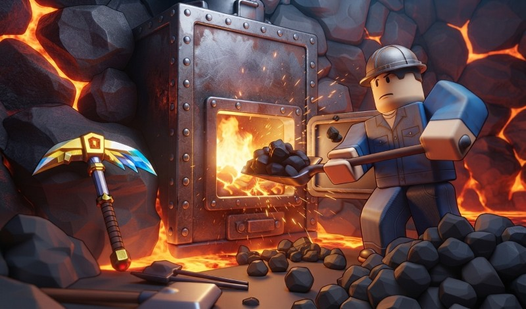
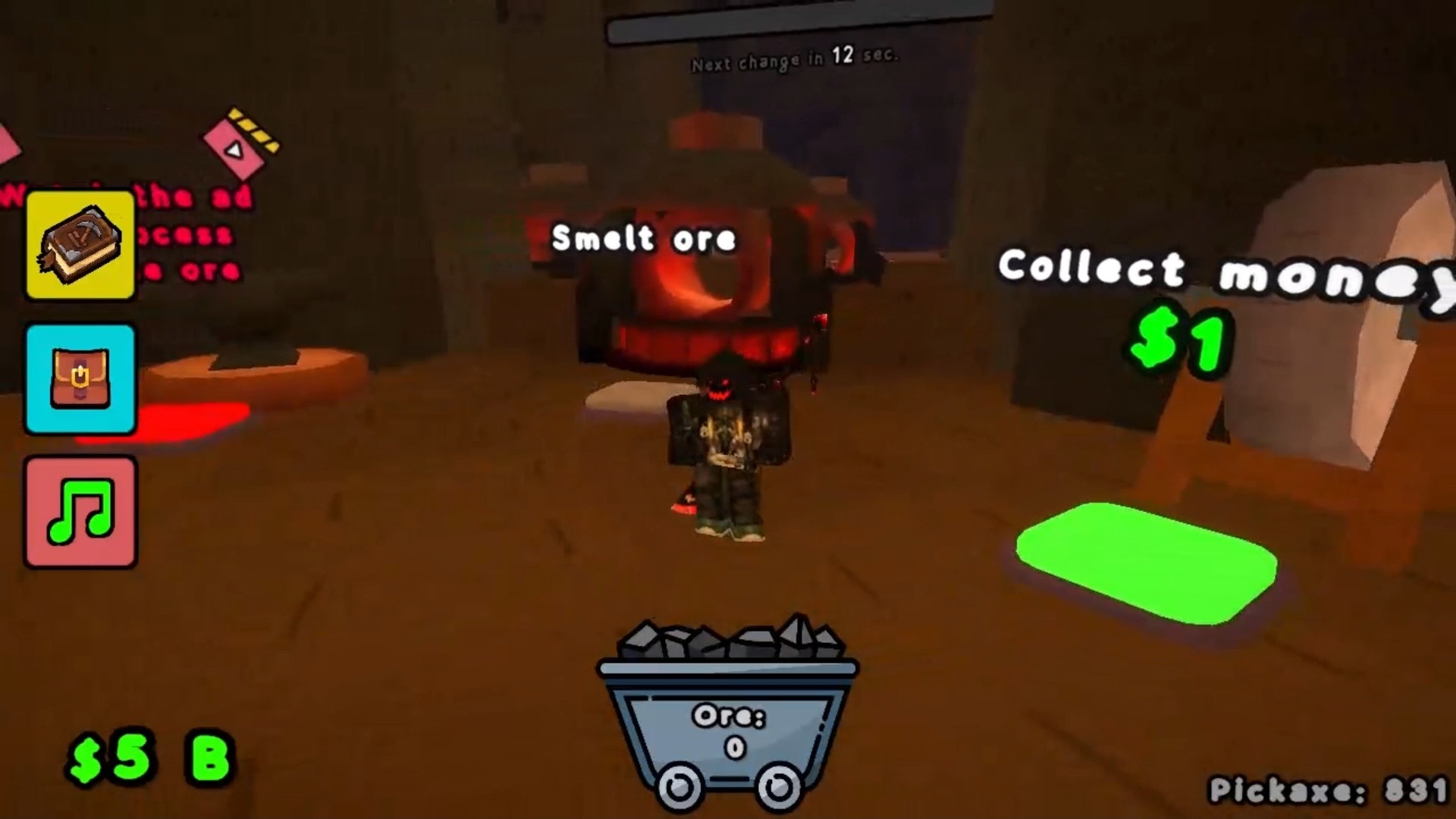
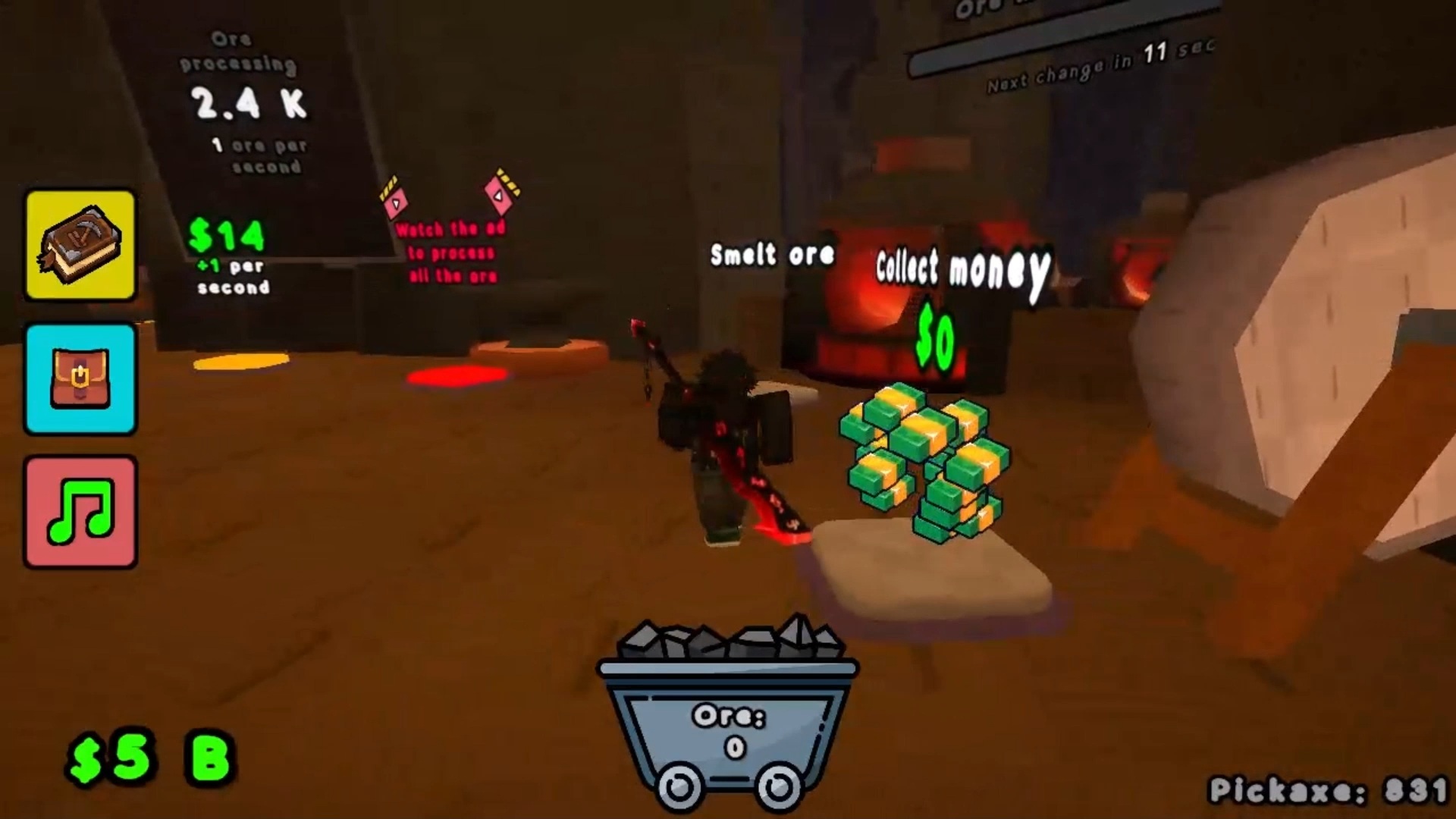
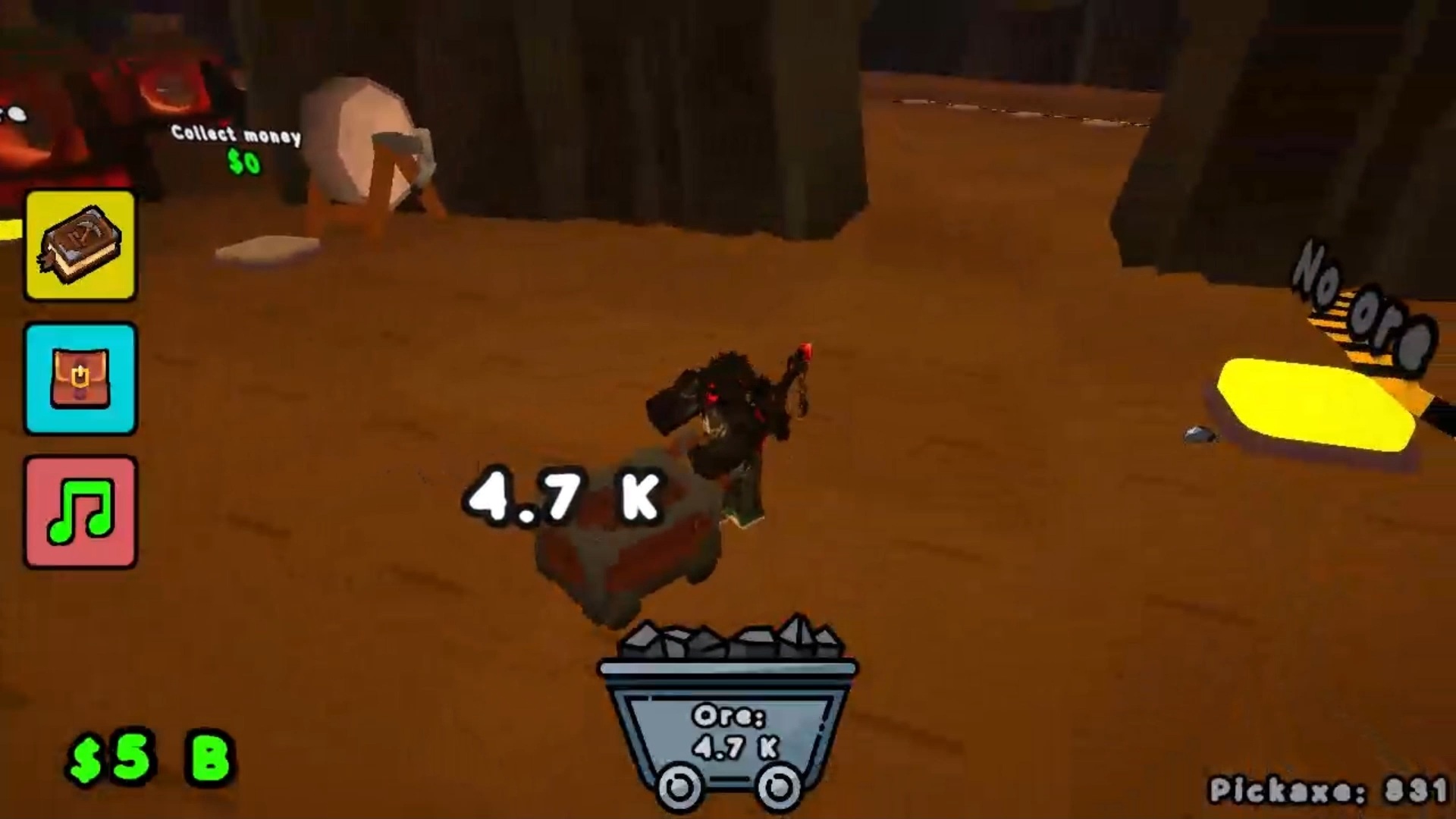
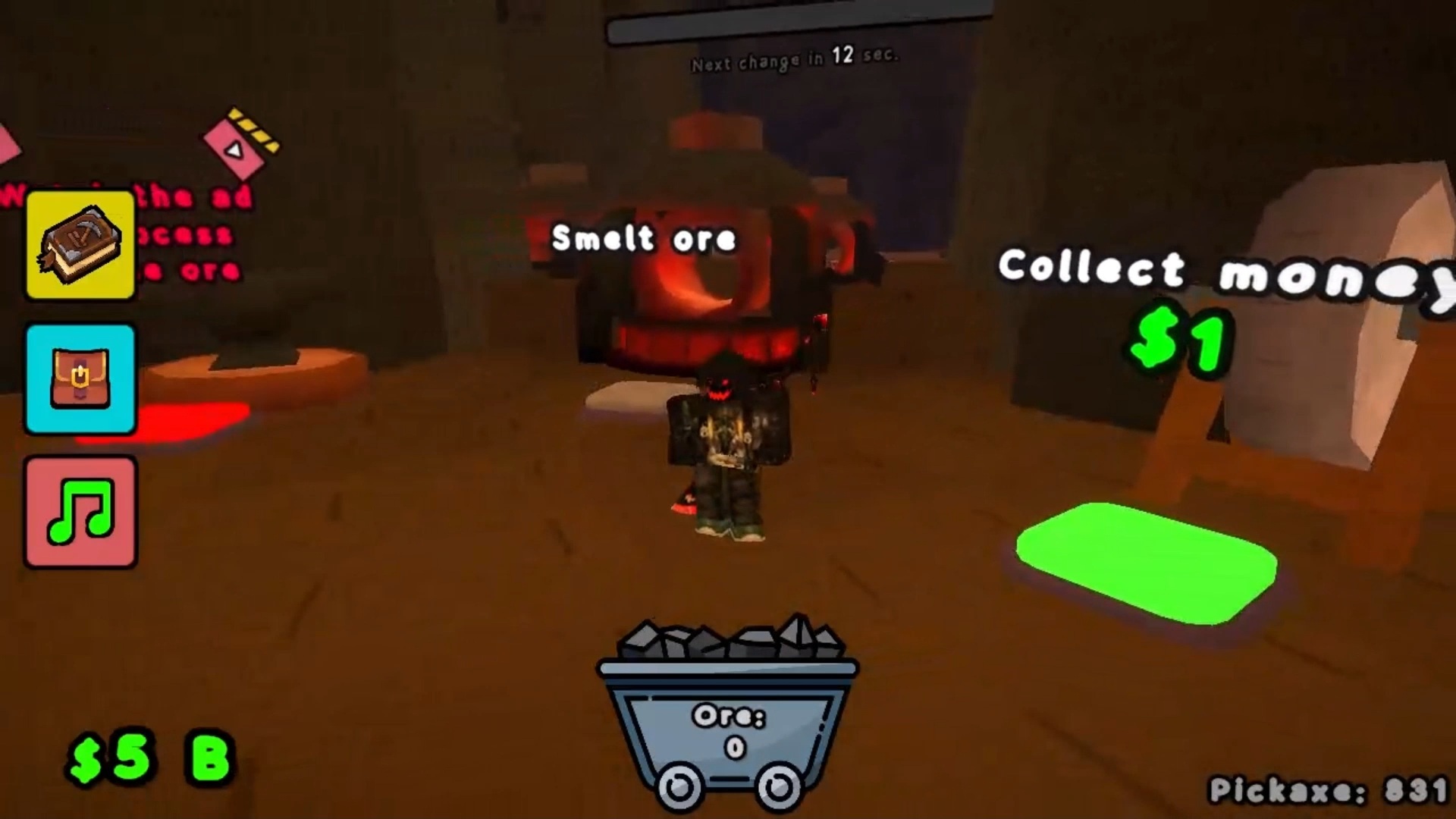
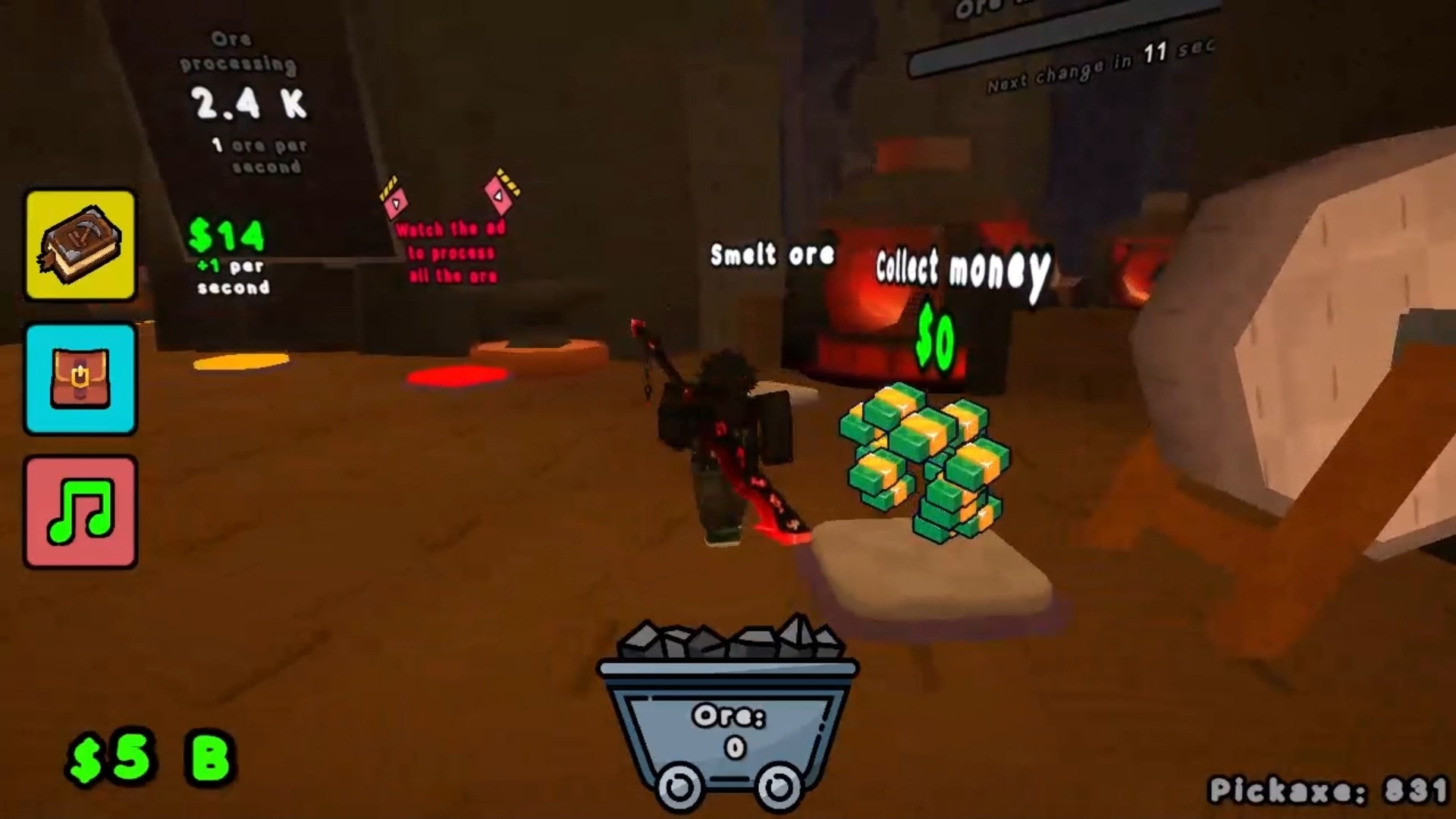
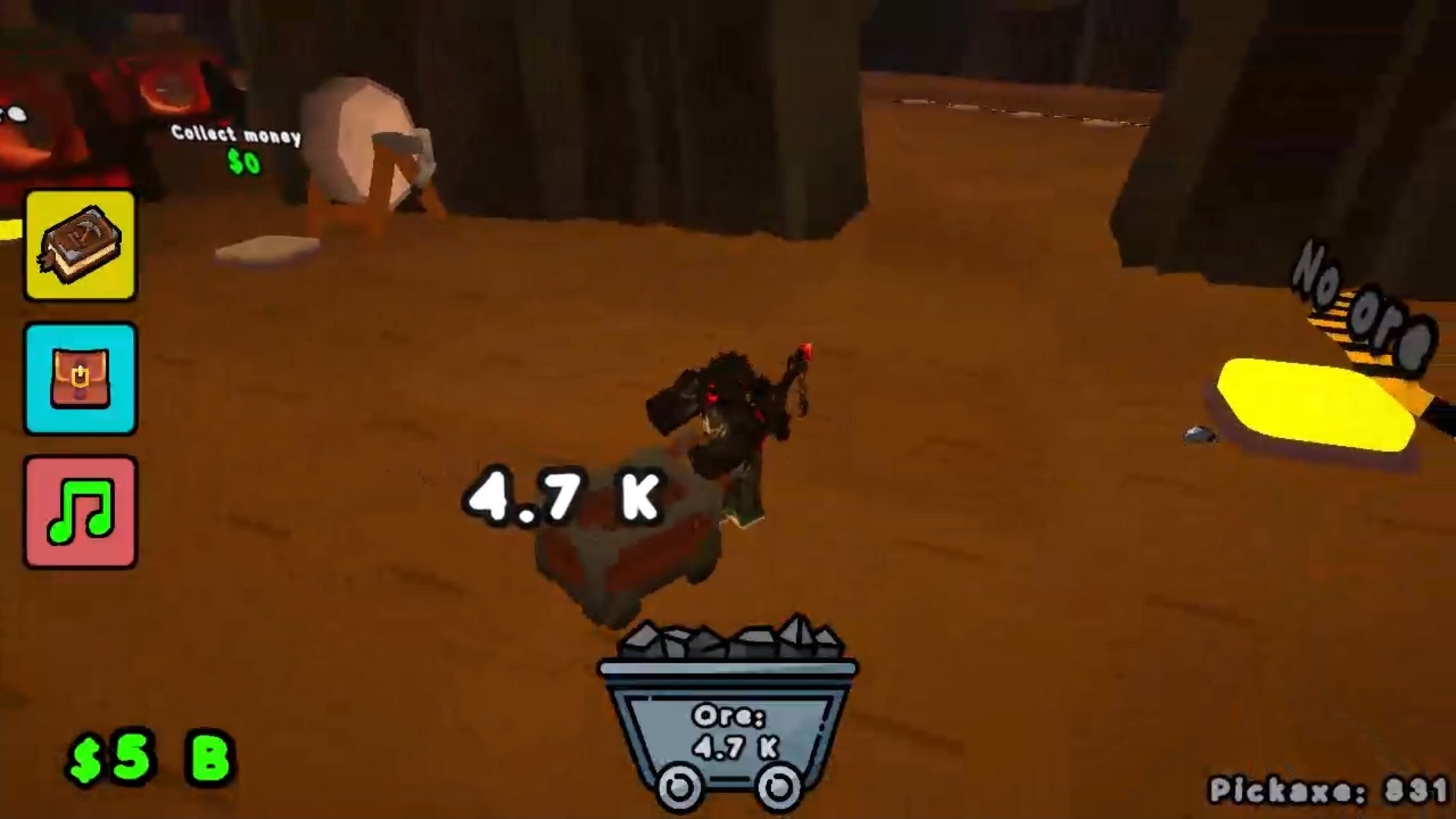
Mining empires have captured the attention of every roblox fan who enjoys watching numbers climb. Pickaxe Tycoon turns the grind into a satisfying loop where every swing brings you closer to massive riches. You start with basic gear and slowly expand your reach across massive floors filled with precious ore. Each pickaxe operates automatically, but your speed in hauling loot determines how much cash lands in your pocket. Running back and forth to the refiner feels like a constant race against time to maximize your efficiency. Upgrading your refining equipment is the key to scaling up your business during those late night sessions. This симулятор keeps you busy balancing collection routes and strategic investments to ensure your production never stalls. You can jump into this browser challenge for free right now without downloading a single file.
How to play
🖥️ Computer:
👟 - WASD — Movement
🎥 - RMB and mouse movement — Camera rotation.
🏋️♂️ - LMB — Interaction.
⚡ - Space — Jump.
To purchase a pickaxe, upgrade, collect coins, or turn in ore, the player must stand on the button in the game.
📱 Smartphone:
👟 - Movement — Joystick on the left side of the screen
🎥 - Camera rotation — Finger movements on the right side of the screen
🏋️♂️ - Click on the screen — Interaction.
Features
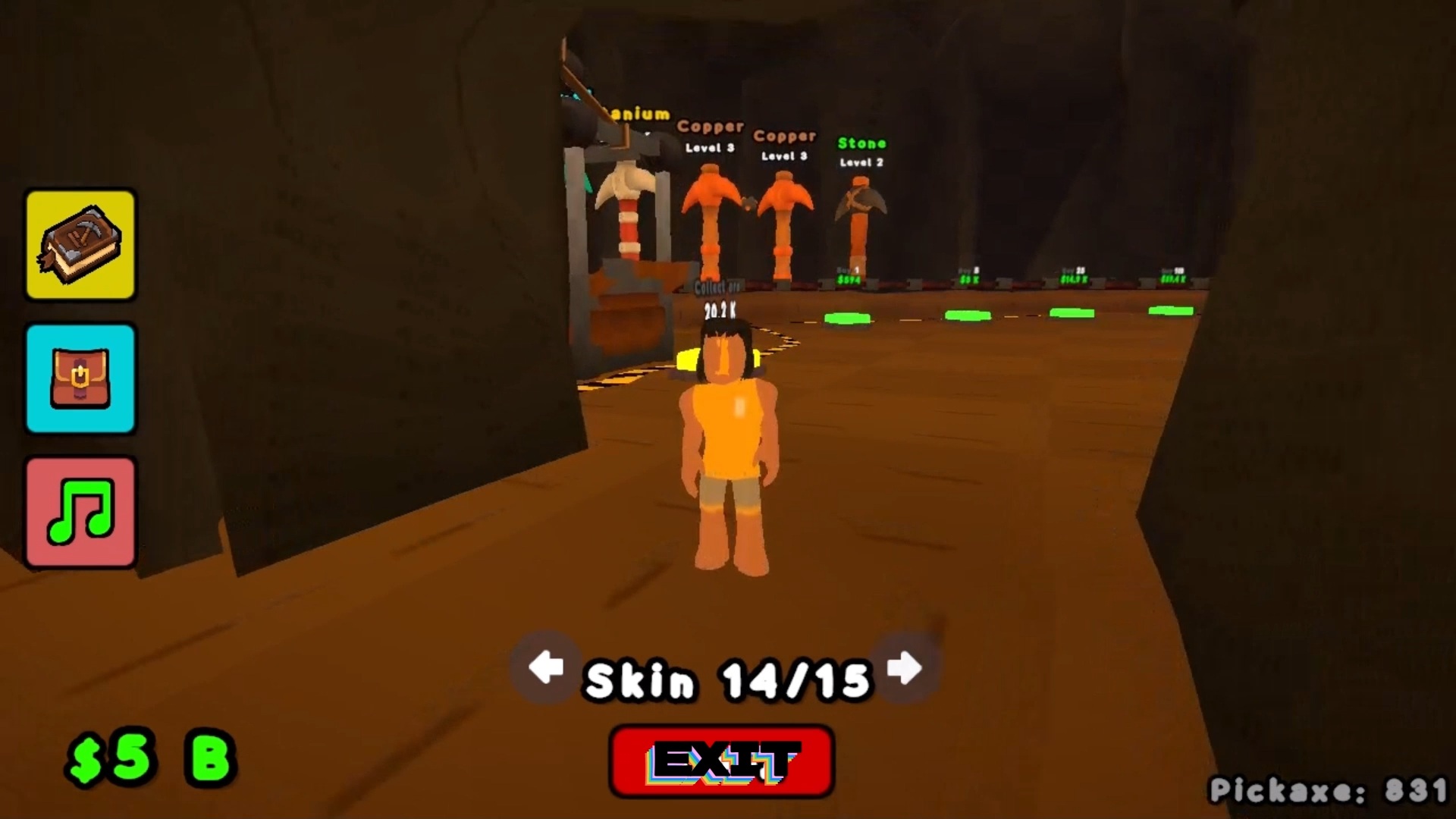
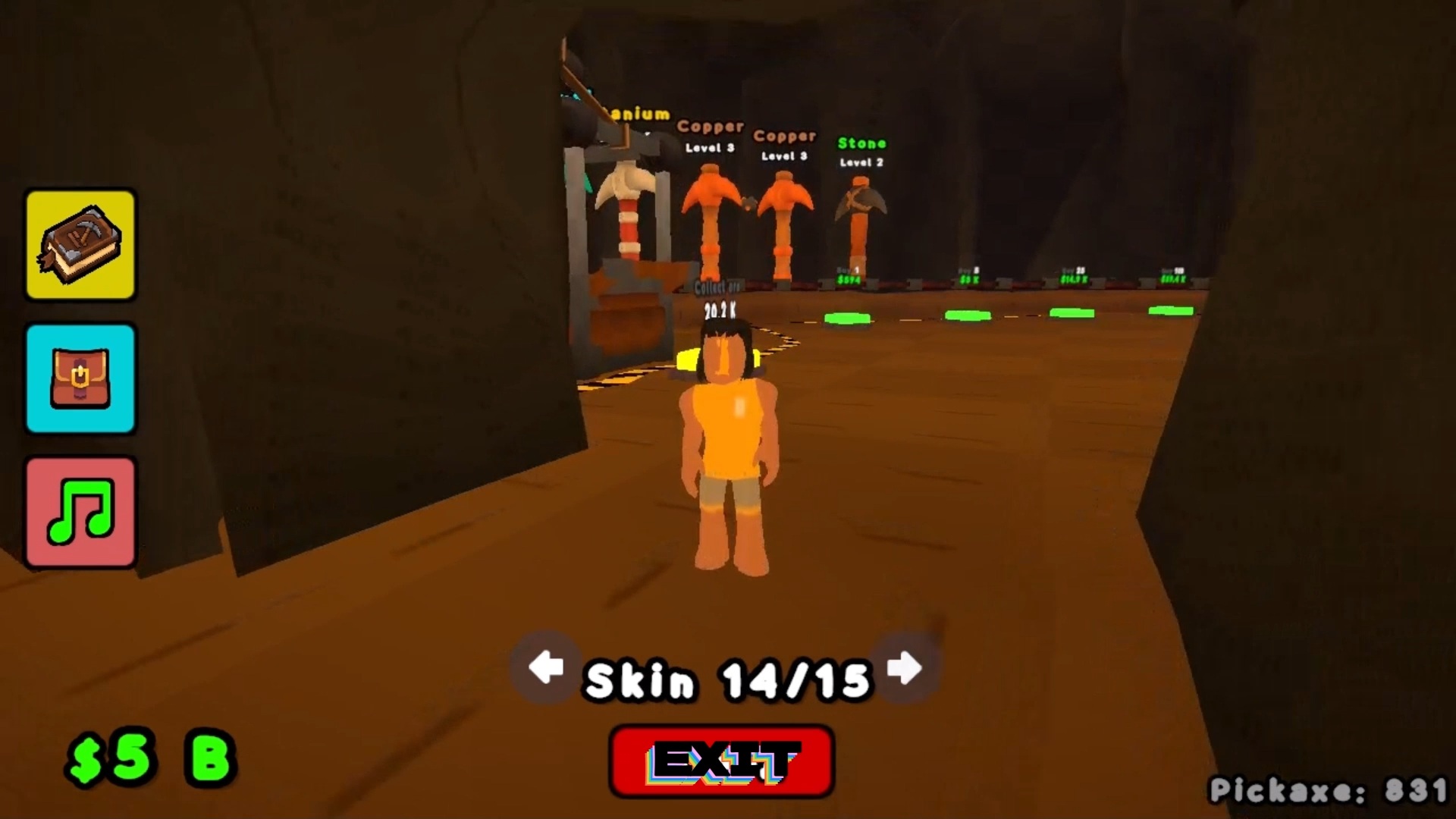
- Floor expansion: Unlock new levels every ten slots to increase your total mining capacity.
- Resource management: Balance your time between harvesting raw materials and hauling them to the refiner station.
- Equipment upgrades: Pour your earnings into better tools to speed up the mining process significantly.
- Strategic movement: Navigate the facility layout efficiently to keep your production cycles moving without downtime.
Who is it for
Fans of idle games and business simulators who enjoy optimizing resource collection loops. Anyone who appreciates the satisfying progression of building a small operation into a massive empire will find this pickaxe focused experience highly addictive during quick gaming sessions or long hours of strategic planning.
Controls
Movement
Use WASD on PC or the left-side virtual joystick on mobile devices.
Camera Control
Hold the right mouse button on PC or swipe the right side of the screen on mobile.
Interact
Press the left mouse button on PC or tap the screen on mobile to trigger buttons.
Jump
Press the space bar on your keyboard.
FAQ
How do I upgrade my tools in Pickaxe Tycoon?
›
You must stand on the specific upgrade buttons located within the game environment to spend your earned coins on better gear.
Is Pickaxe Tycoon available to play on mobile browsers?
›
Yes, you can play Pickaxe Tycoon directly in your mobile browser without needing to download any apps or register an account.
What happens when I unlock a new floor in Pickaxe Tycoon?
›
Unlocking a new floor provides ten additional slots for your mining operations, allowing you to scale your production and collect more ore simultaneously.