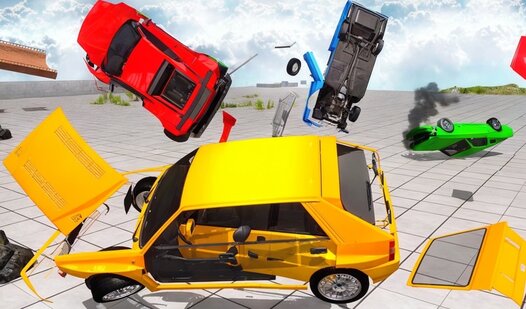
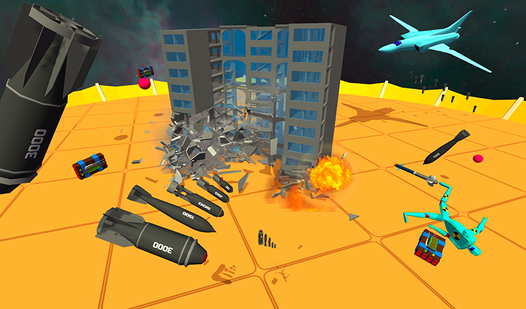
About game
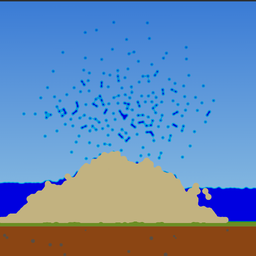
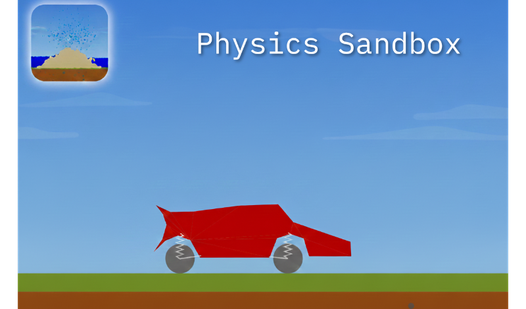
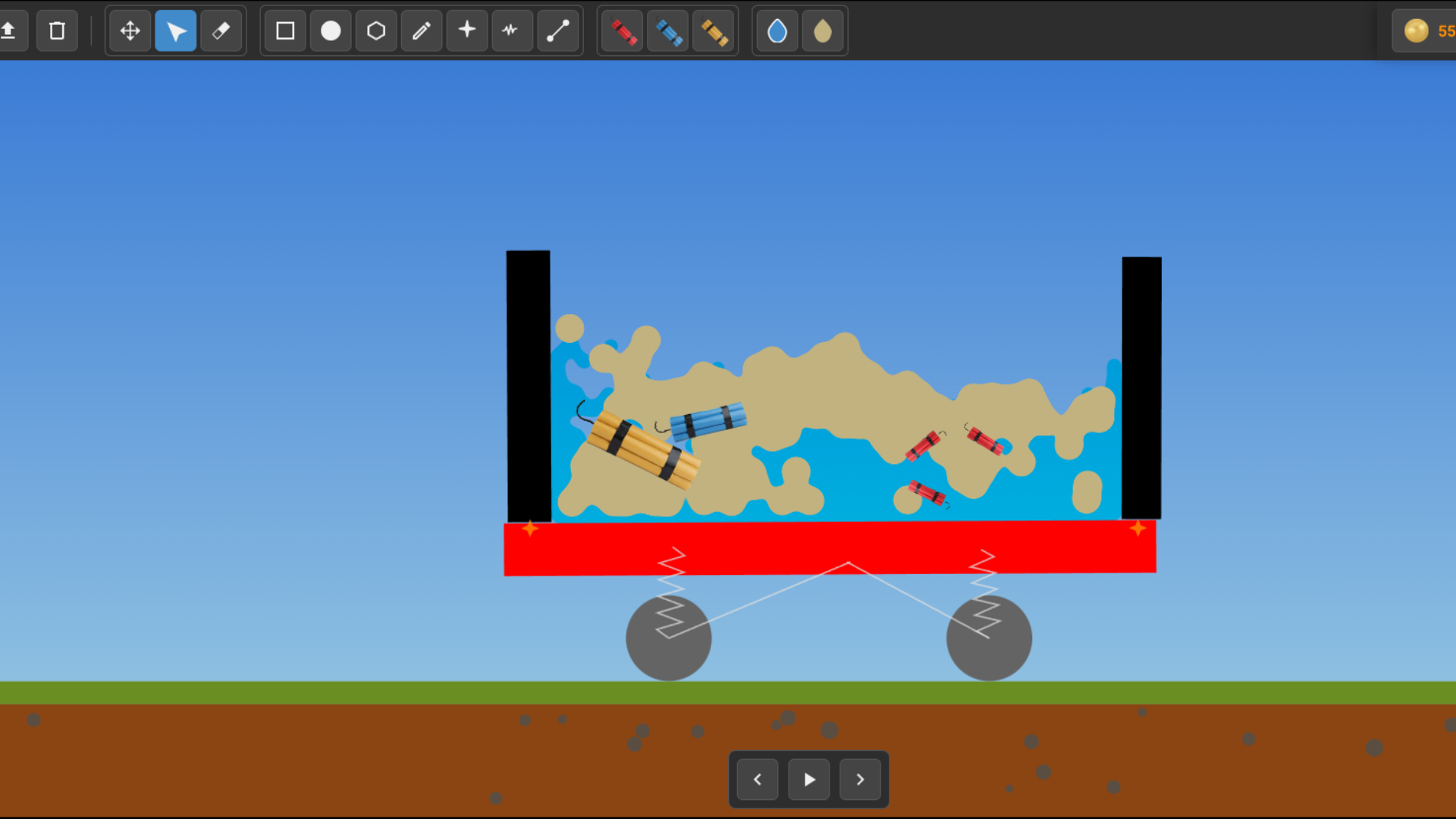
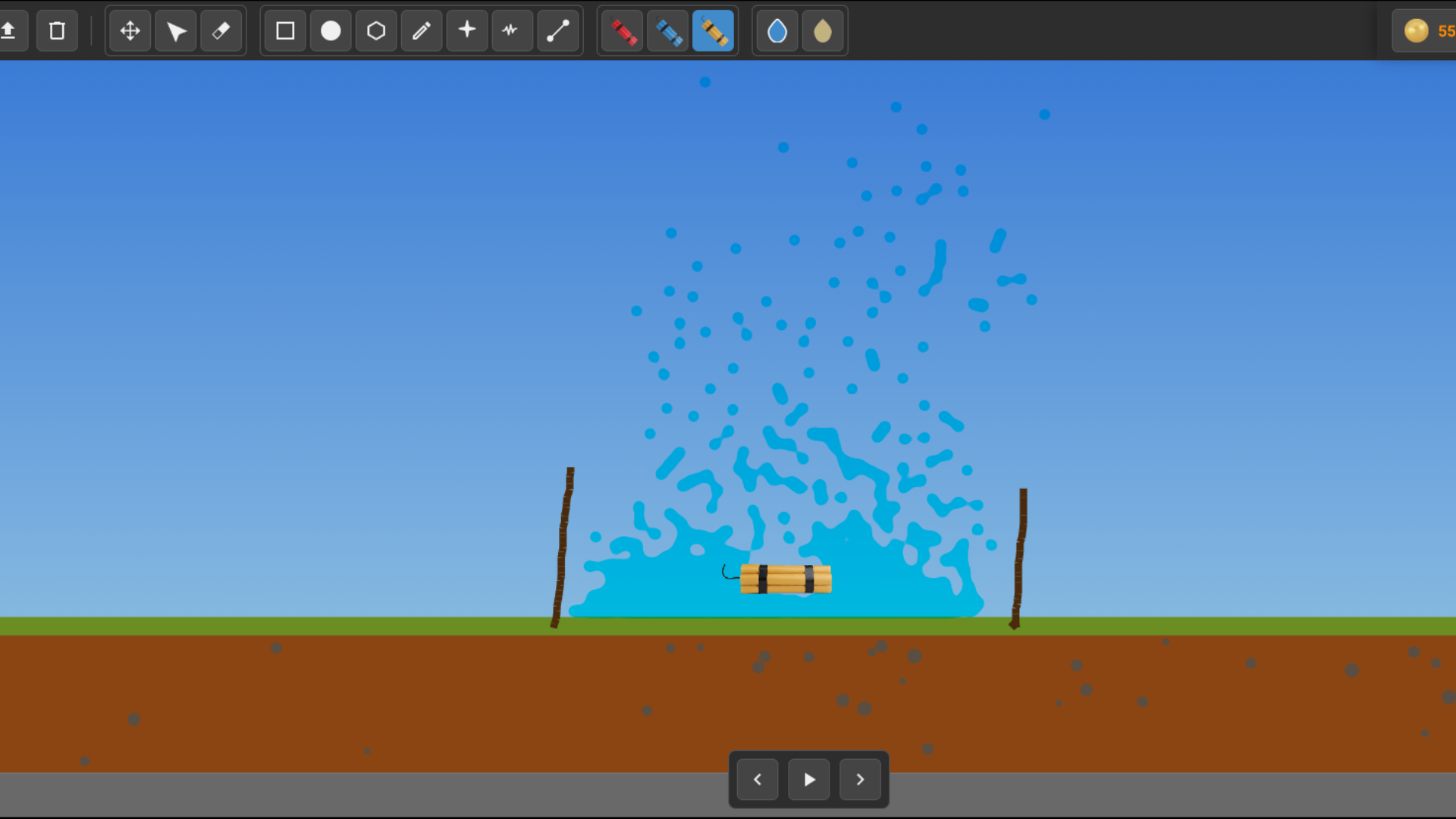
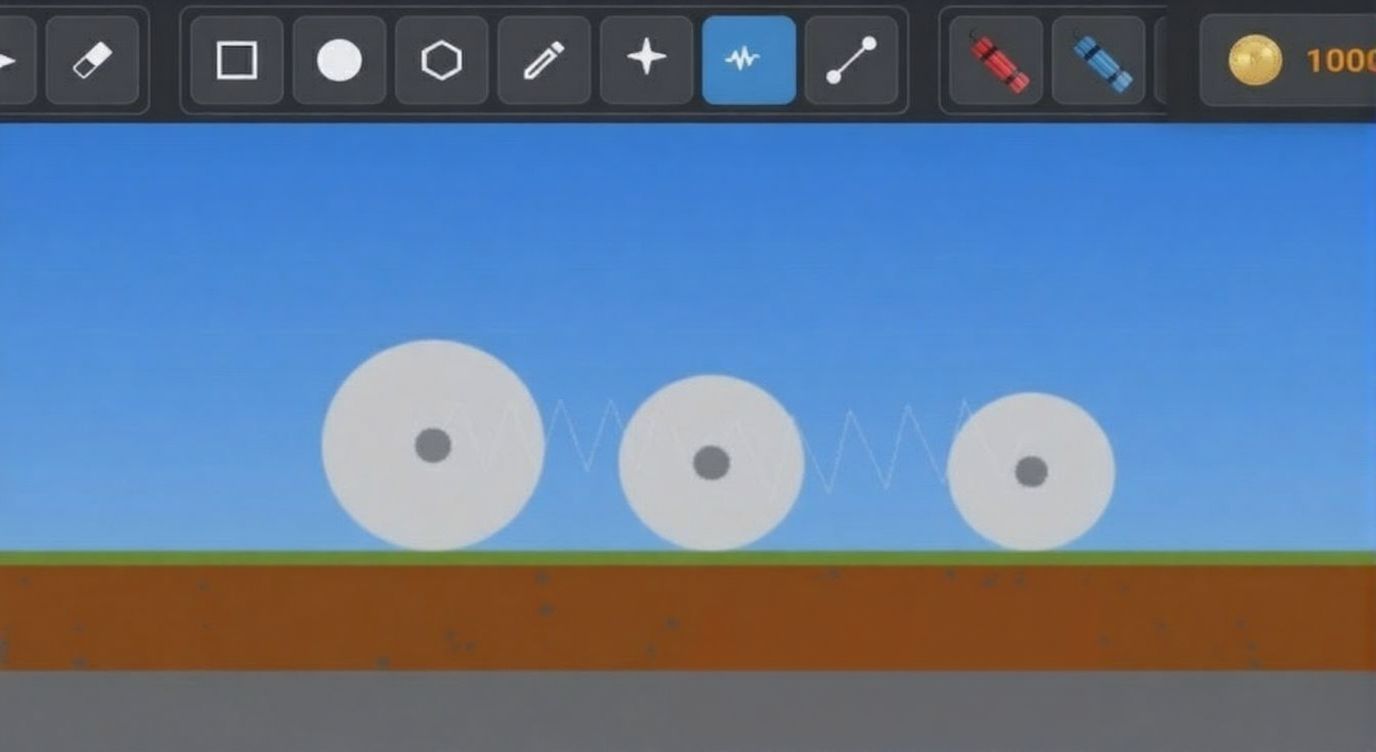
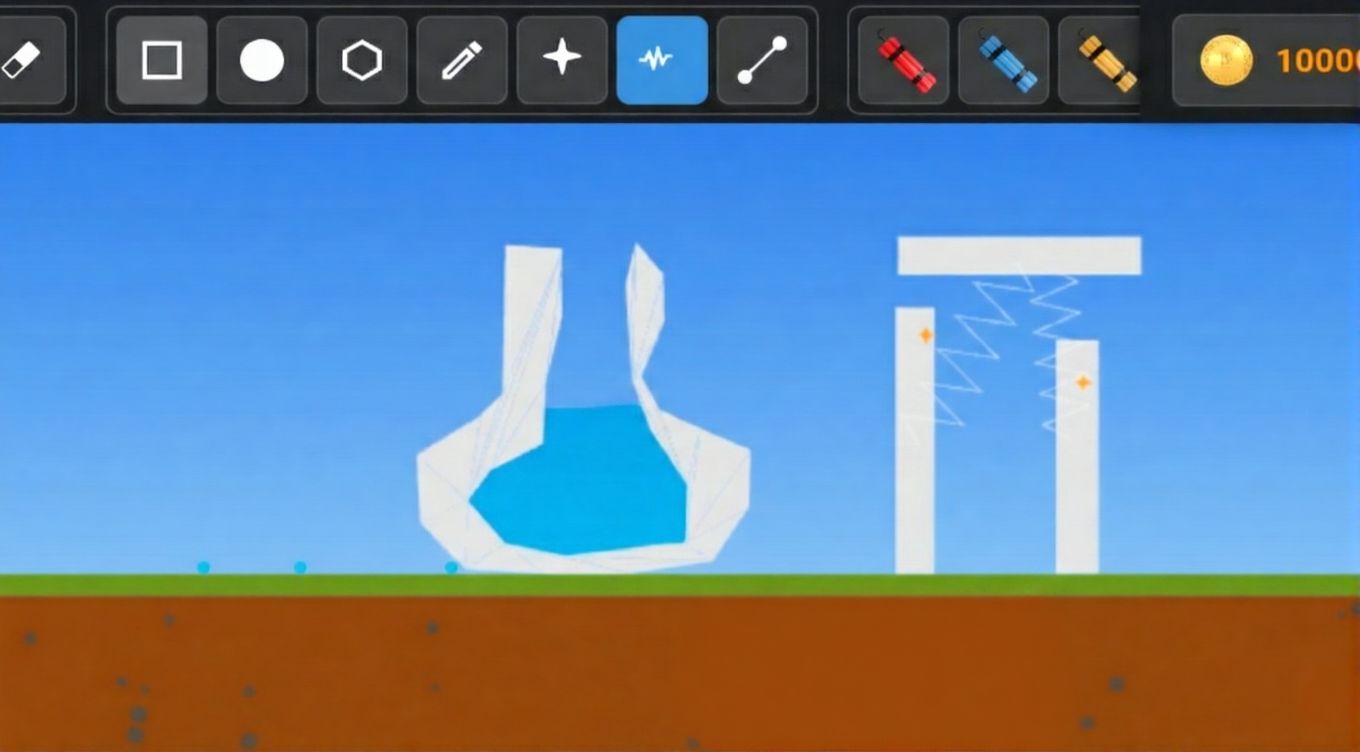
Staring at a blank screen during a short break can feel like an eternity, but Physics Sandbox turns that idle time into a playground for your inner engineer. This open-ended experience lets you construct everything from high-speed motorcycles to complex defensive fortresses without any restrictive mission goals. You control the laws of nature as you weld parts, adjust spring tension, and push mechanical limits to see what breaks first. The game features a mesmerizing simulation where you can witness the красивая физика воды as it interacts with your custom-built dams and landscapes. Once your creation is complete, you can test it on the track or use powerful TNT to observe the chaotic physics of every flying debris piece. Saving your mechanical masterpieces is simple, allowing you to build a library of inventions to load whenever the mood strikes. Whether you want to master a perfect wheelie or flood a valley, this title offers endless experimental fun. Jump into the action directly in your browser with no download required to start building today.
How to play
PC Controls:
Left Mouse: Select tool, spawn objects, drag.
Right Mouse (on object): Open properties (change color, motor, friction, stabilizer).
Mouse Wheel: Zoom.
Middle Mouse: Move camera.
Arrows (Left/Right): Drive vehicle (Gas, Brake, Balance).
Space: Pause / Start.
Mobile Controls:
One touch: Spawn and drag.
Two fingers (pinch): Zoom and pan.
Long press: Open properties.
Screen buttons: Drive (bottom) and Tools (top).
Tips:
To drive, create a chassis and wheels (Circles). Connect them with the "Rod" tool in the center.
Open wheel properties (RMB/Long press), enable "Motor", set speed and grip.
For motorcycles, enable "Wheelie Assist" in the chassis properties to keep balance.
Features
- Modular Construction: Utilize a robust toolkit of rods, springs, and stabilizers to connect parts and build functional vehicles or structures.
- Dynamic Destruction: Employ three distinct tiers of explosives to test the structural integrity of your designs and watch the debris interact with the environment.
- Wheelie Assist System: Activate the stabilizer settings on your motorcycle chassis to maintain perfect balance while performing high-speed stunts.
- Material Simulation: Interact with realistic liquid and granular systems that react naturally to the barriers and objects you place in the world.
- Custom Property Tuning: Adjust friction, motor speed, and object colors individually to fine-tune the performance of every mechanism.
Who is it for
Creative minds and engineering enthusiasts who enjoy open-world construction games. Casual players looking for a relaxing way to experiment with physics-based destruction, as well as gaming fans who appreciate the aesthetic appeal of красивая физика воды and complex mechanical simulations in a browser-based free play environment.
Controls
Select and Spawn
Left click on PC or single tap on mobile devices.
Modify Objects
Right click on PC or long press on mobile to open the properties menu.
Navigate View
Use the mouse wheel and middle mouse button on PC or pinch with two fingers on mobile.
Drive Vehicle
Use arrow keys on your keyboard or the on-screen buttons provided in mobile mode.
FAQ
Can I save my progress in Physics Sandbox?
›
Yes, Physics Sandbox allows you to save your creations into dedicated slots so you can load your favorite designs and machines at any time.
Is it possible to play Physics Sandbox on my phone?
›
Absolutely, Physics Sandbox is fully optimized for mobile browsers, allowing you to build and experiment using touch controls.
How do I make my car drive in Physics Sandbox?
›
To make a vehicle move, you must connect a chassis to wheels using the Rod tool, then open the wheel properties to enable the Motor setting.