About game
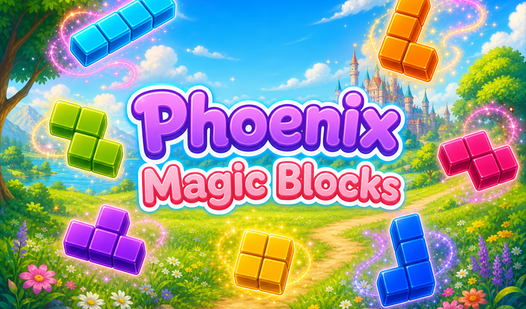
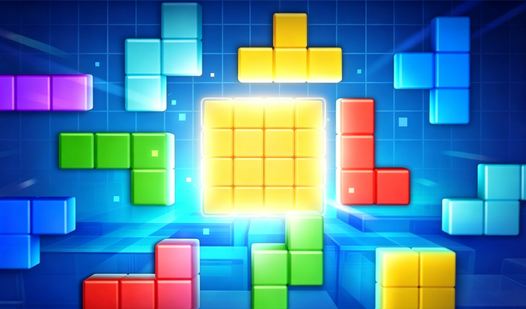
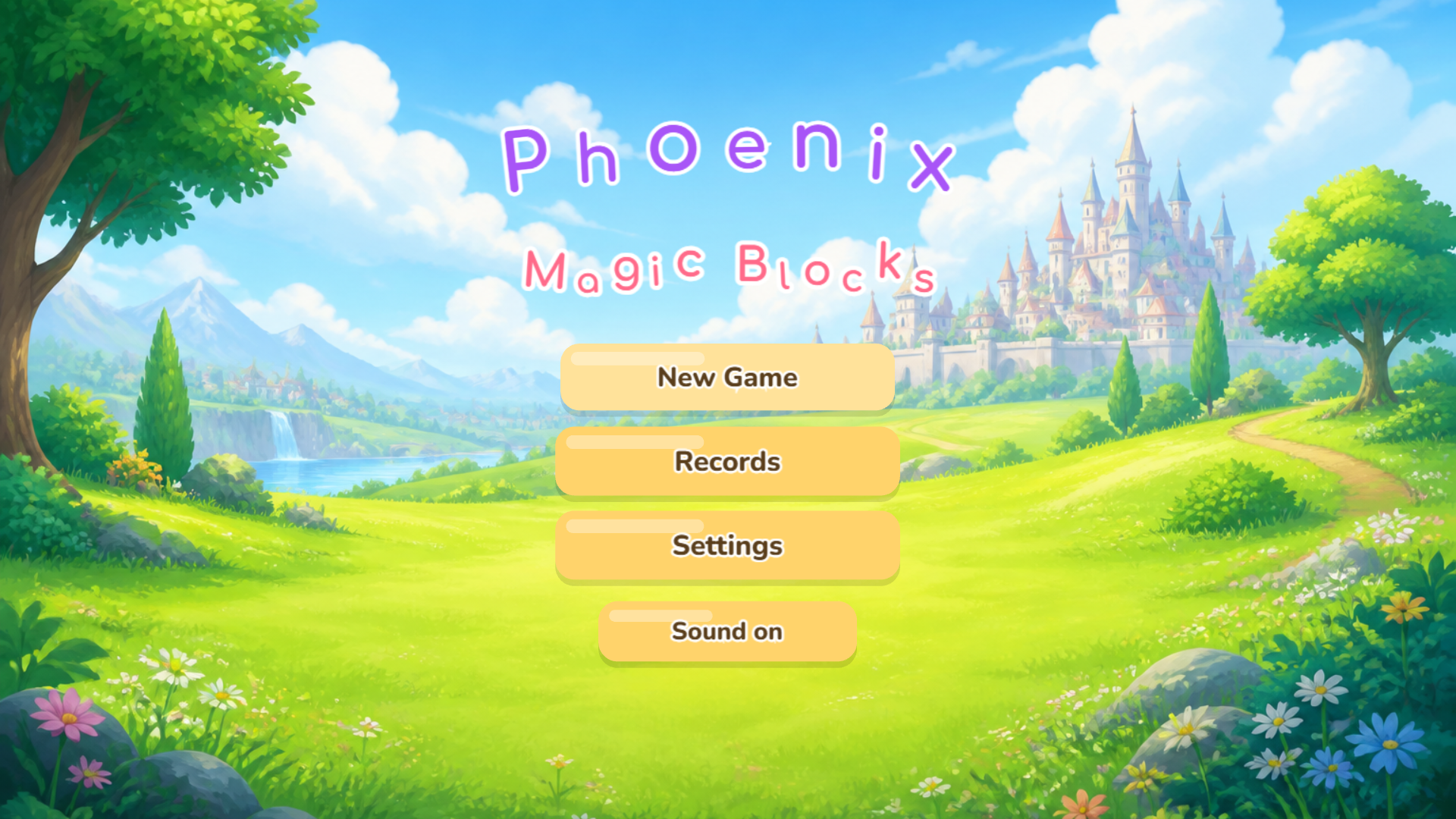
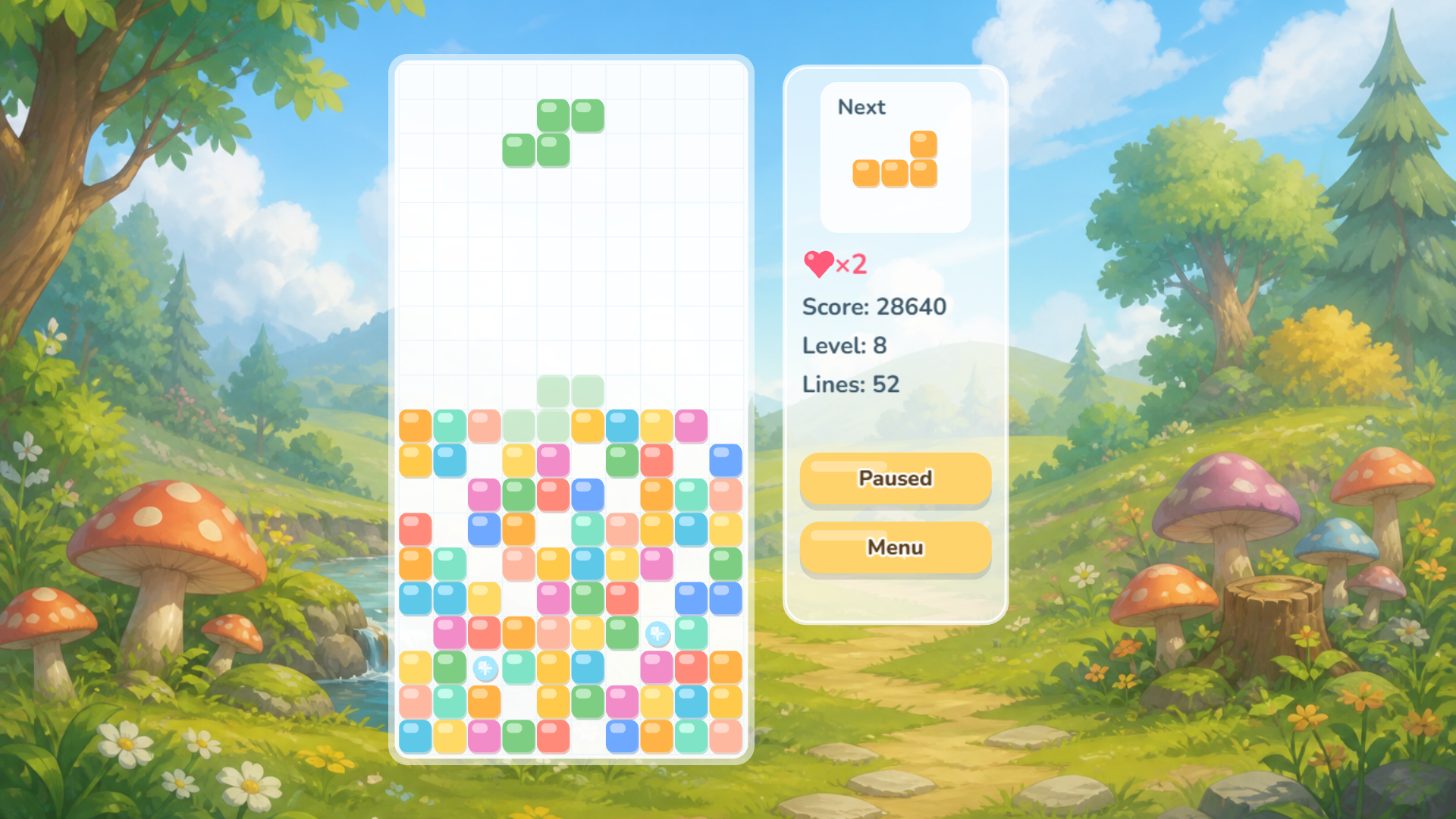
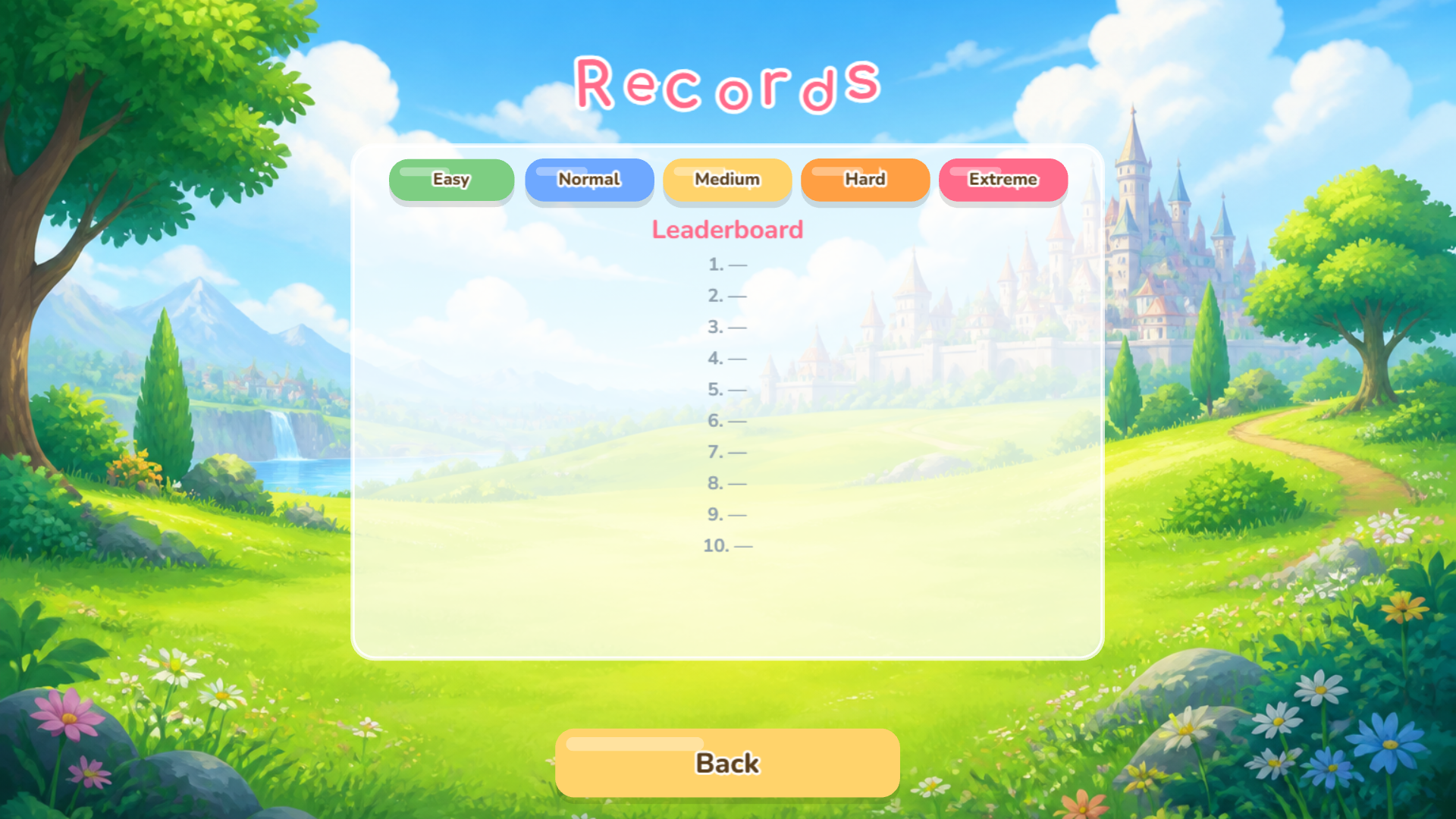
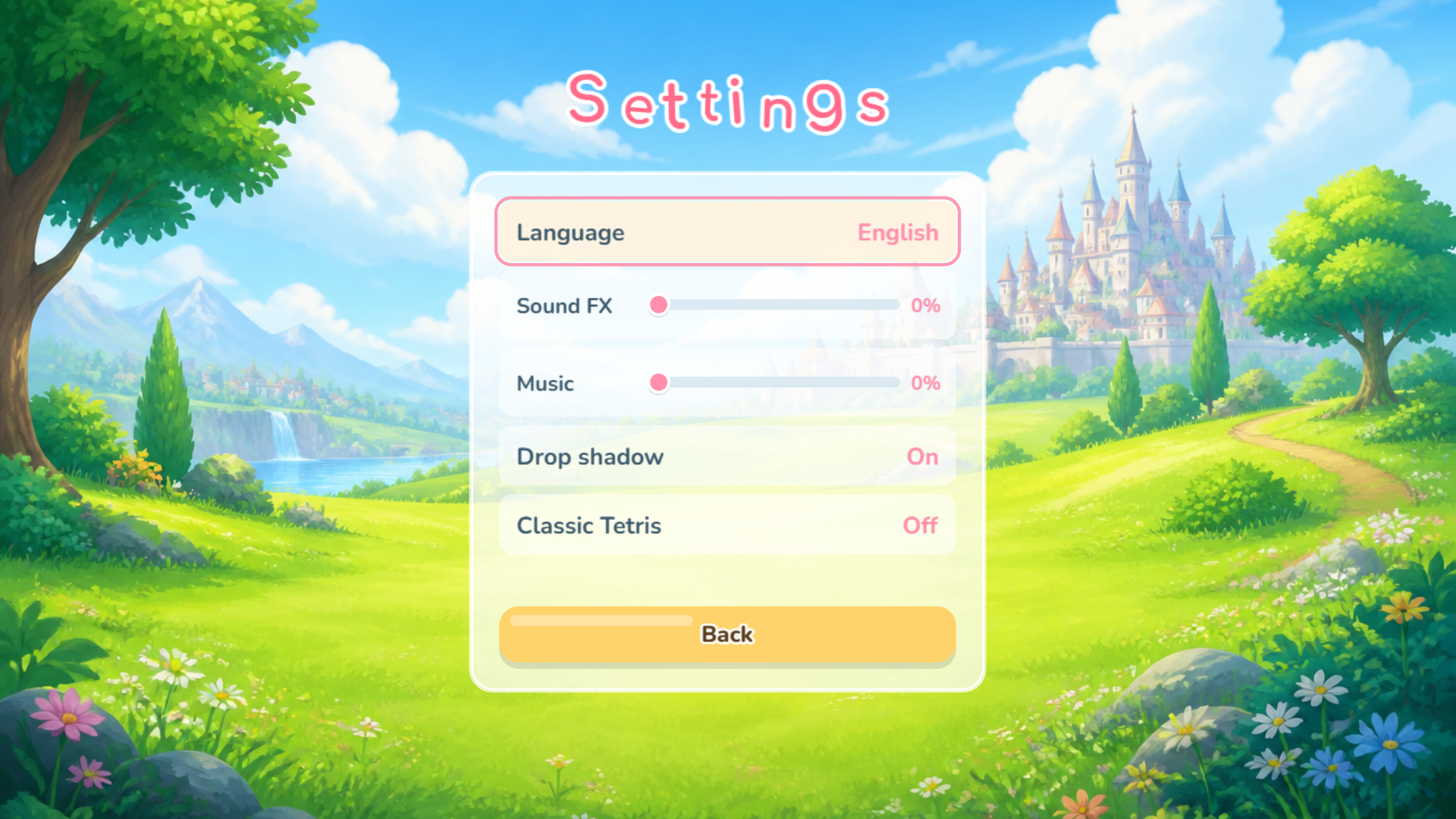
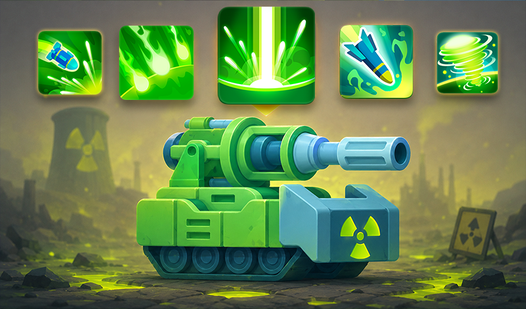
Fans of logic challenges will find a new obsession with Phoenix: Magic Blocks. You arrange falling shapes to clear lines and rack up massive scores in this fresh take on the block puzzle genre. Clearing multiple rows simultaneously boosts your point total while testing your reflexes under pressure. Sometimes you encounter magical power-ups that shift the board in your favor during intense rounds. You can toggle between difficulty settings to match your current mood or skill level. Hardcore enthusiasts might disable the helpful shadow guide for a true test of spatial awareness. Classic mode strips away all extra perks if you prefer pure, unadulterated gameplay without any magical interference. Head over to FreeJoy.games to play this addictive arcade experience directly in your browser without any downloads.
How to play
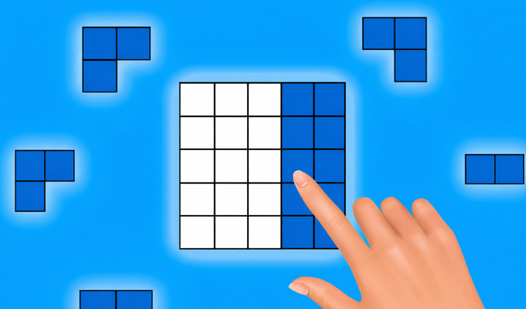
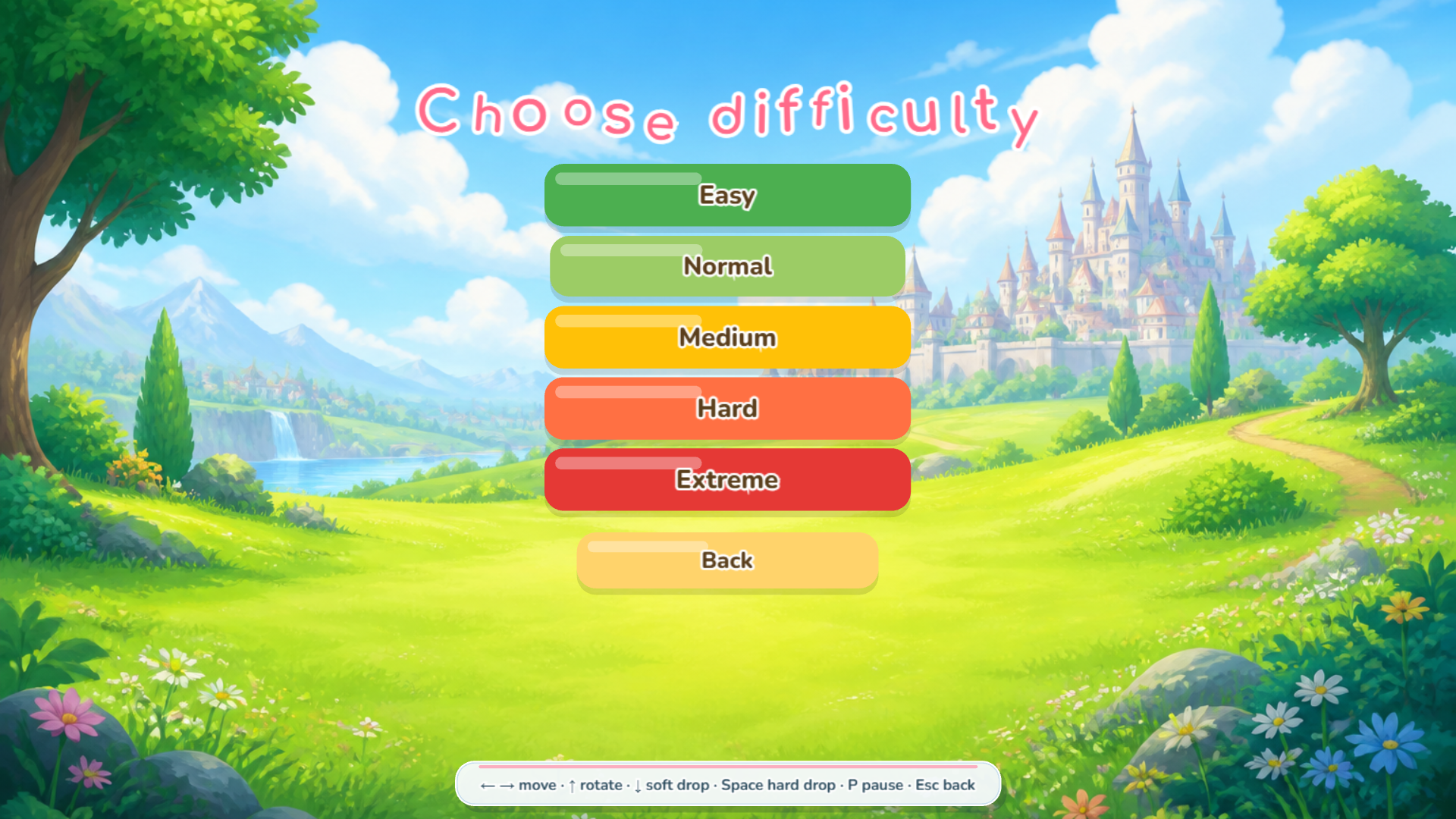
Score points by clearing lines of falling shapes. The more lines you clear in one go, the higher your score. Choose your difficulty level and jump right in!
PC controls:
← → — move the piece left and right
↑ — rotate
↓ — speed up the fall
Space — hard drop
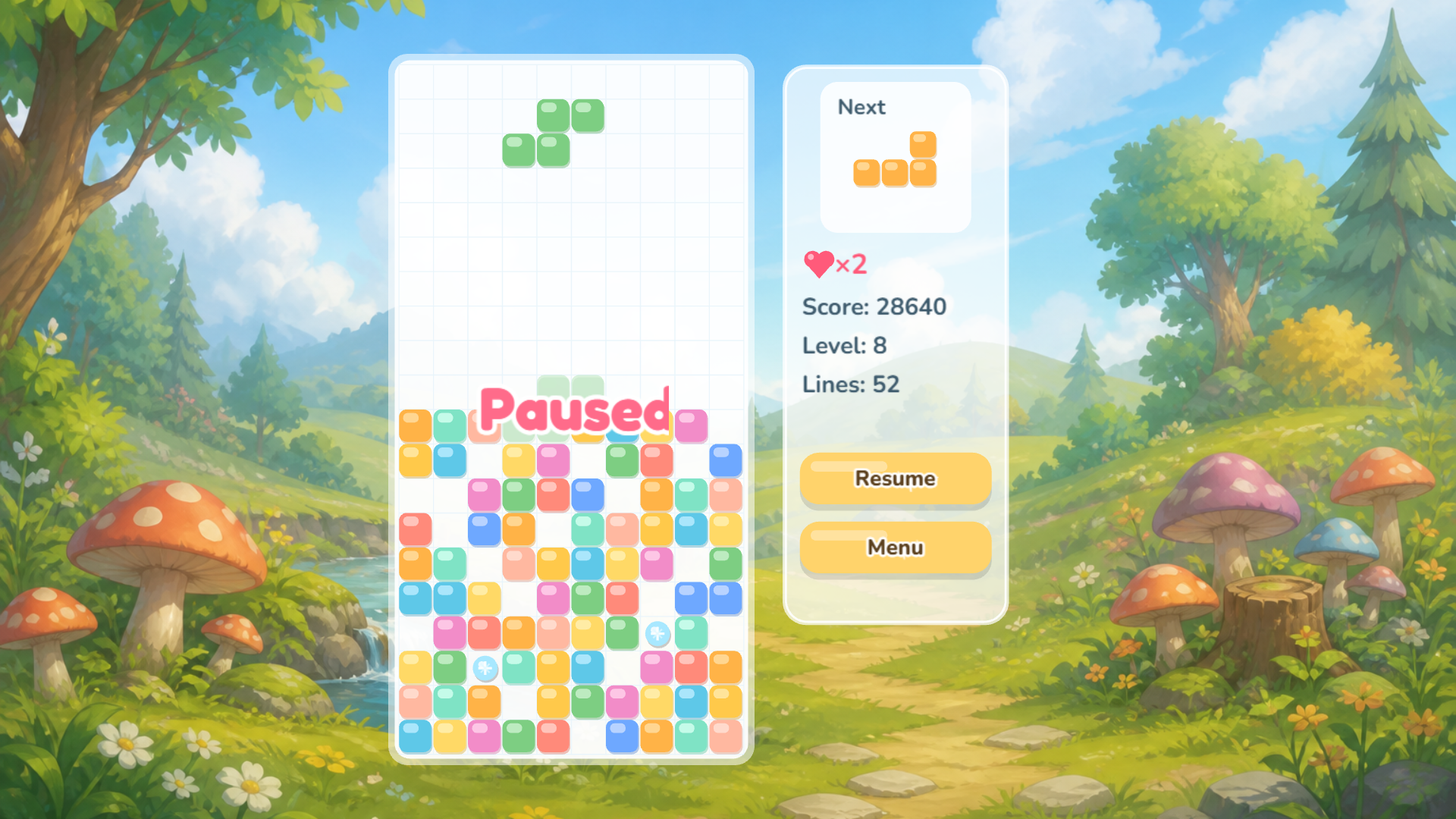
P — pause
Esc — back to menu
On phones and tablets, on-screen buttons appear right below the game field:
← → — move
↻ — rotate
↓ — speed up
❚❚ — pause
The game features special power‑ups. In the settings, you can also switch to Classic Mode (no magic) and turn off the falling piece's shadow for an extra challenge.
Features
- Difficulty Tiers: Adjust the game speed from relaxed settings to extreme levels that demand lightning-fast reactions.
- Classic Mode: Disable all magical power-ups for a traditional experience focused entirely on raw block stacking skills.
- Shadow Guide: Use the projection below the falling piece to visualize exactly where your block will land before committing.
- Customizable Visuals: Toggle the shadow effect off to increase the difficulty level and prove your mastery over the falling geometry.
- High Score Tracking: Compete against your personal best every time you start a new session.
Who is it for
Puzzle lovers who enjoy classic arcade challenges will thrive here. Casual gamers looking for quick, logic-based sessions appreciate the simple interface. Children and adults alike find the geometric shapes satisfying to organize. Anyone wanting to sharpen their spatial reasoning skills will find this a worthwhile daily brain exercise.
Controls
Movement
Use arrow keys or on-screen left and right buttons to position shapes.
Rotation
Press up arrow or the rotate icon to turn your current piece.
Speed Control
Hold down arrow or the speed button to drop blocks faster.
Hard Drop
Hit the spacebar for an instant placement on PC.
Pause
Tap the P key or the pause icon to take a quick break.
FAQ
Is Phoenix: Magic Blocks free to play?
›
Yes, you can access Phoenix: Magic Blocks entirely for free on your web browser at FreeJoy.games.
How do I remove the magic elements in Phoenix: Magic Blocks?
›
Simply enter the settings menu and switch to Classic Mode to play Phoenix: Magic Blocks without any power-ups.