About game
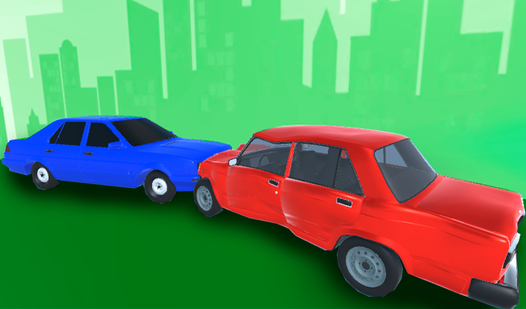
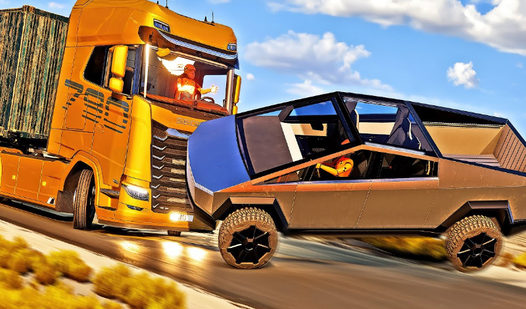
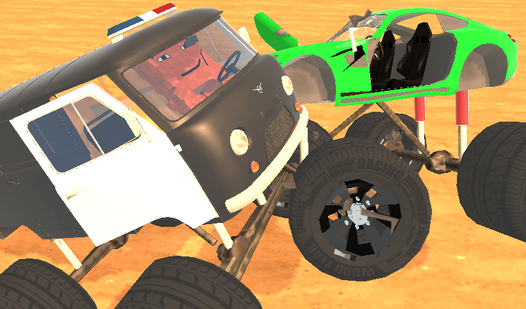
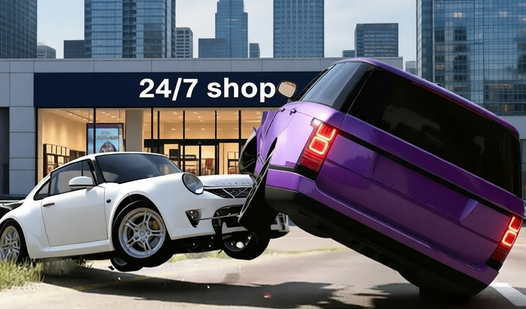
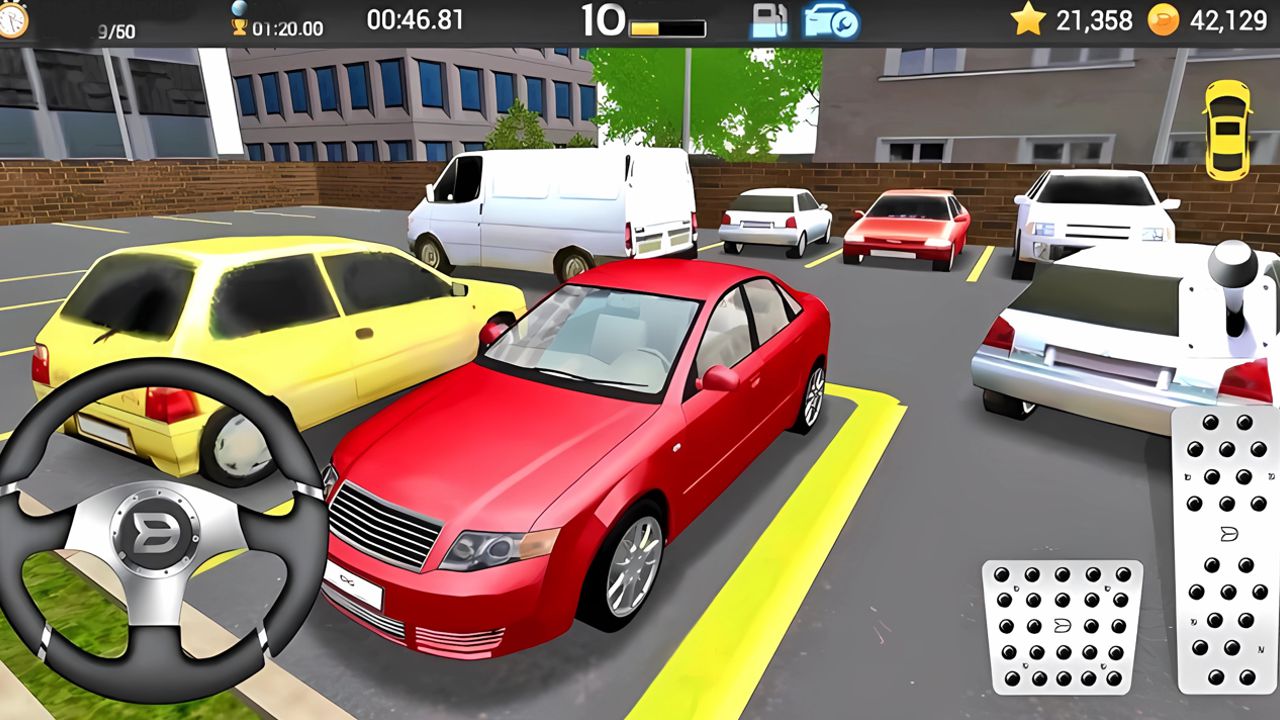
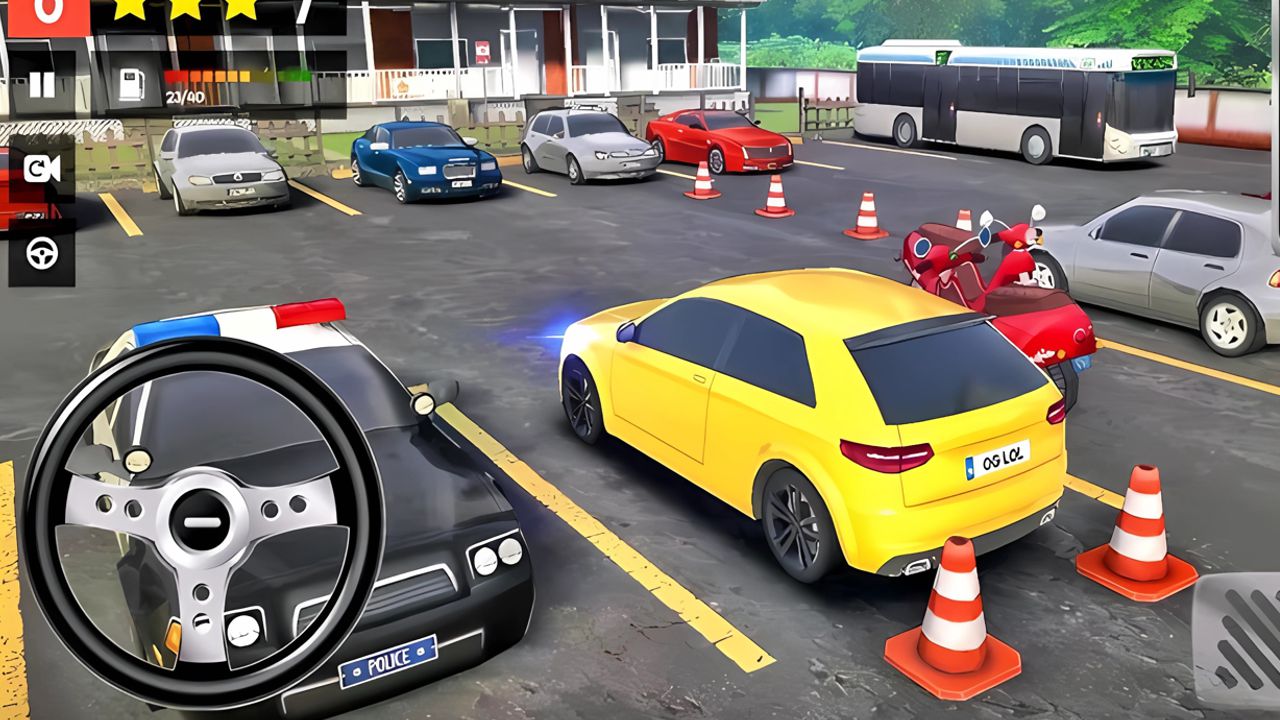
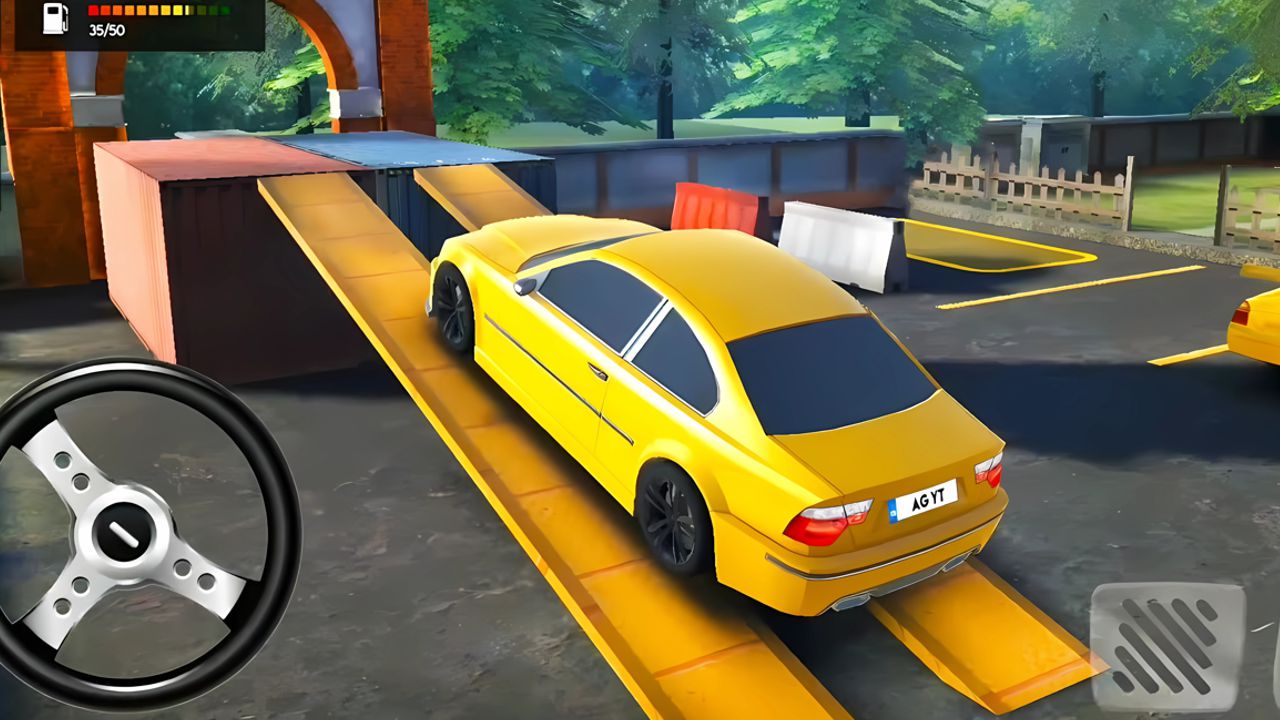
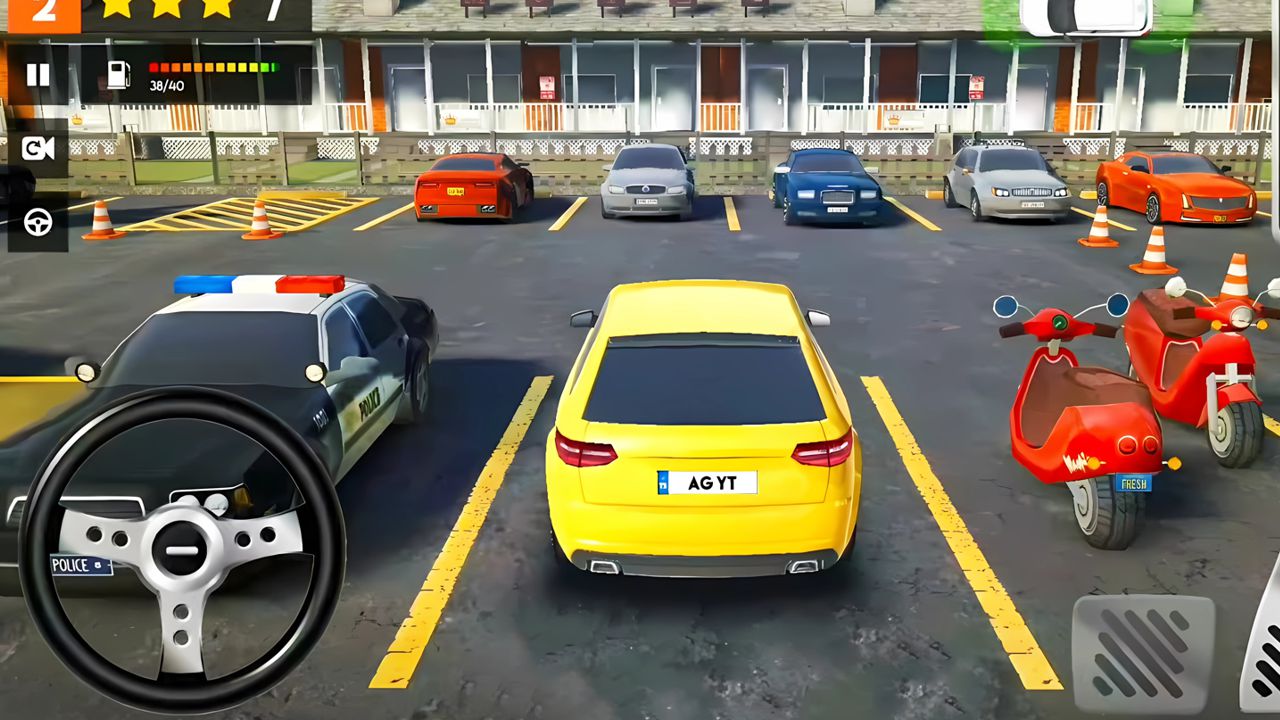
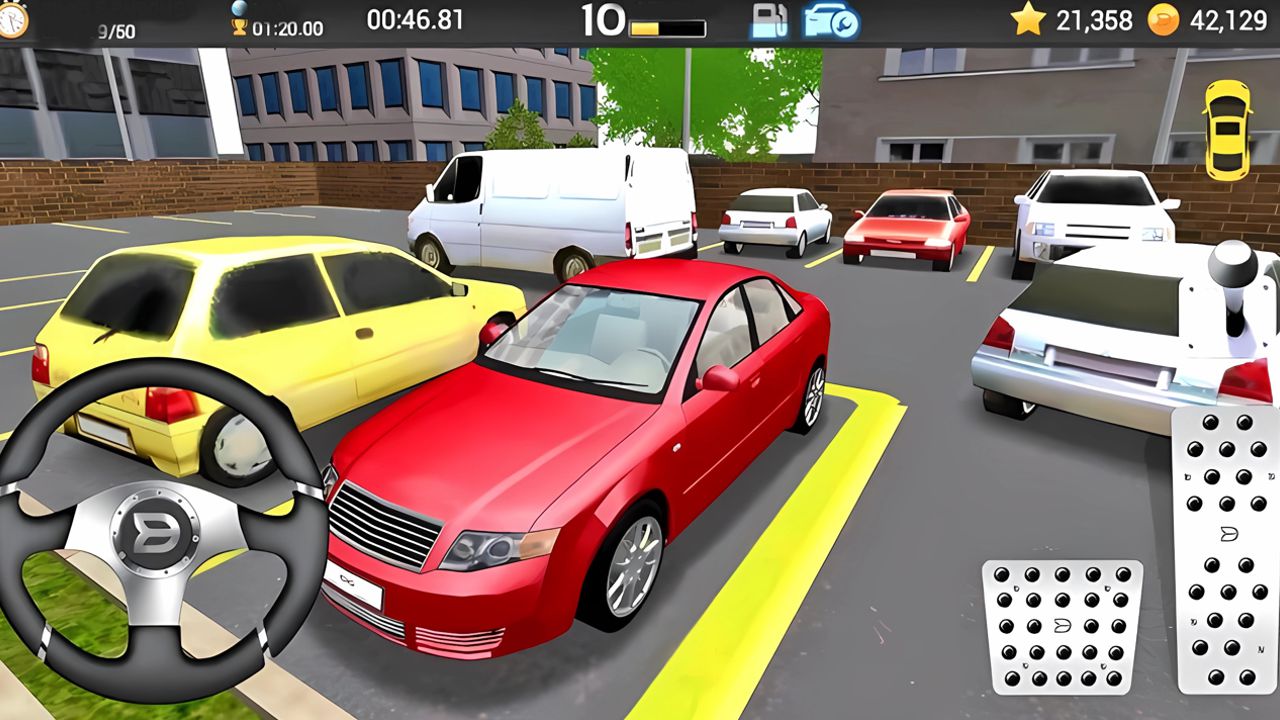
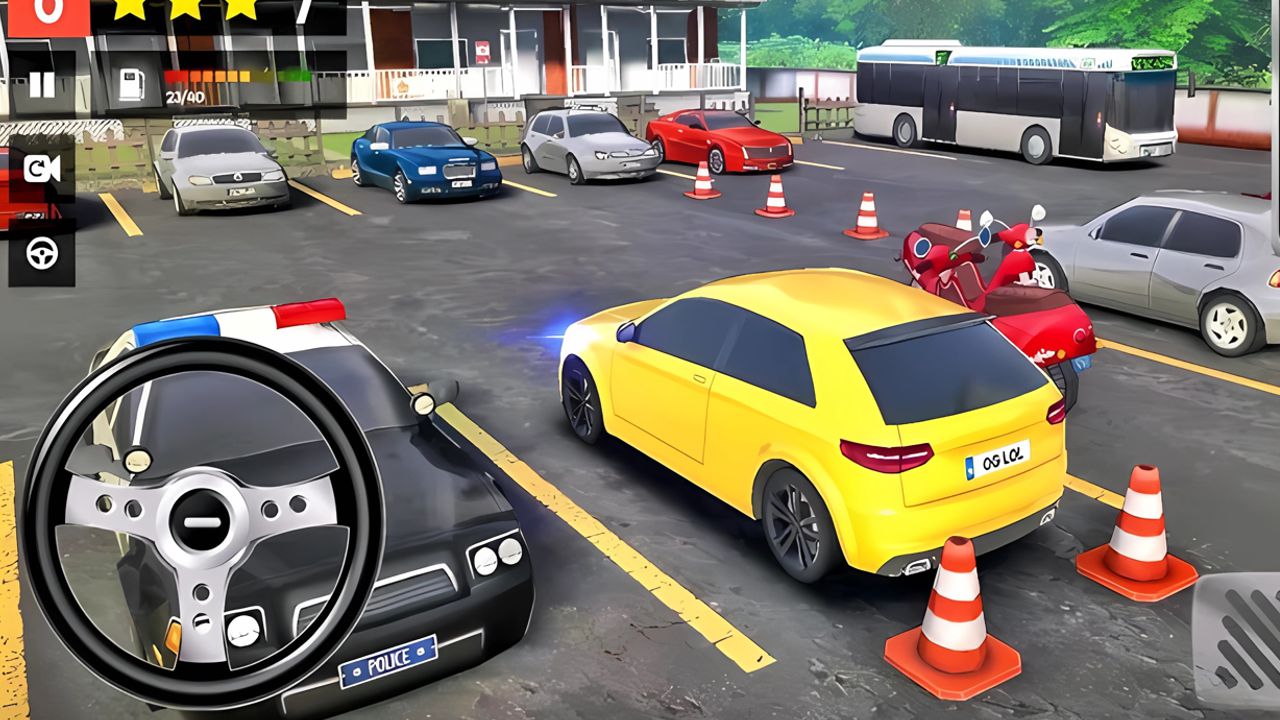
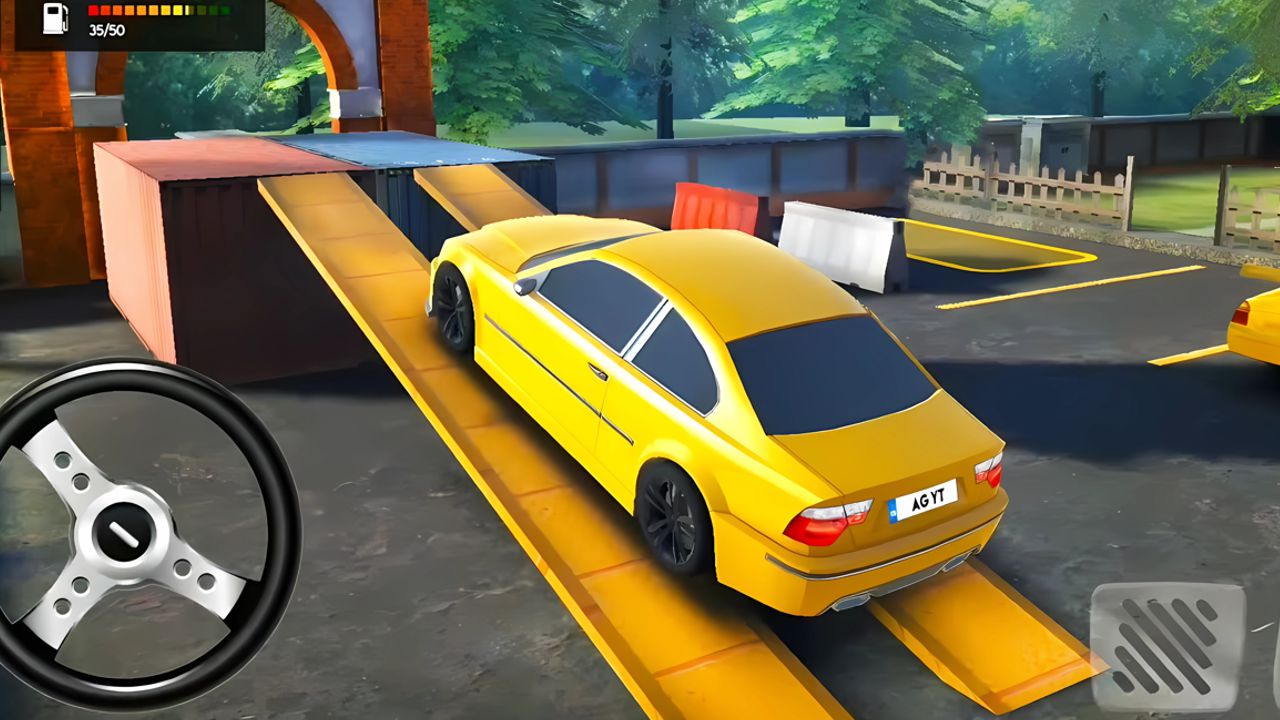
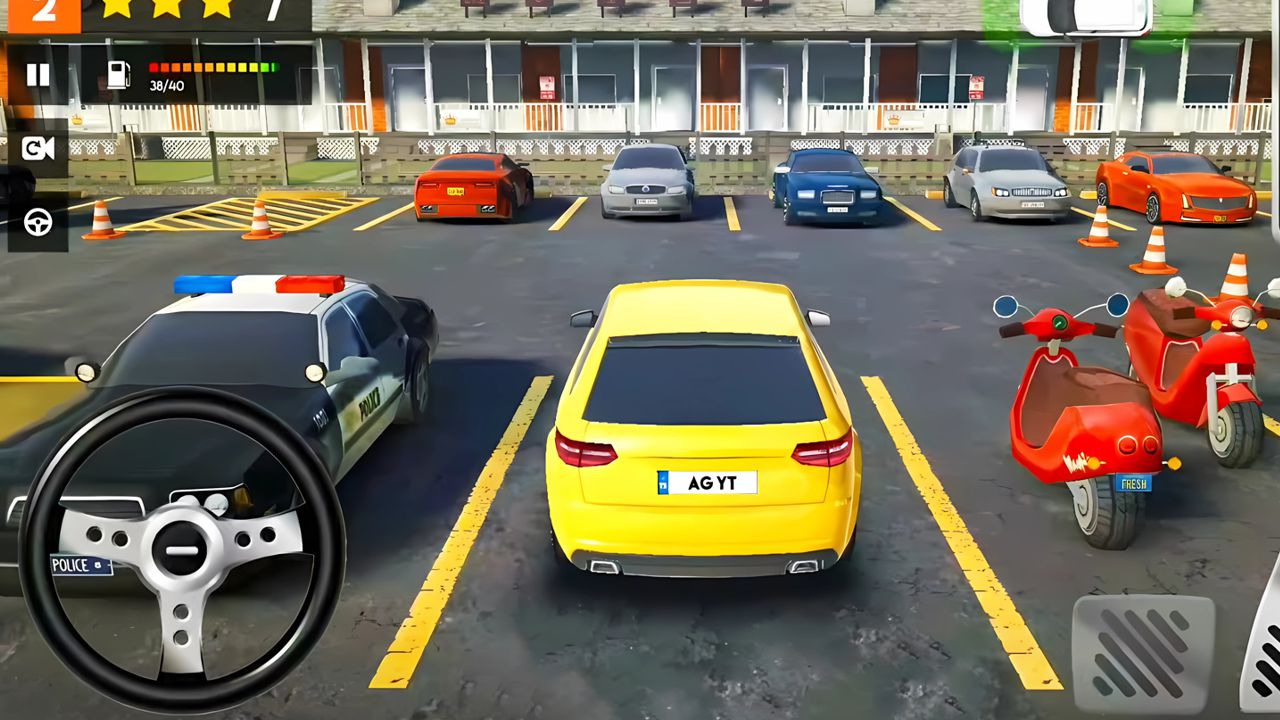
Stuck in a long meeting or just need a mental refresh between tasks, you probably crave a quick burst of high-stakes precision. Parking Pro is the ultimate solution to kill boredom by turning simple maneuvers into intense tests of skill. You will navigate tight spaces, manage heavy vehicles like buses or trucks, and master the art of the perfect alignment. The gameplay challenges you to handle various vehicles while upgrading your ride with custom rims and paint jobs to stand out. Beyond standard levels, you can push your limits with extreme challenges or test your speed in the fast-paced Rush mode. Switching between multiple camera angles, including a realistic cockpit view, ensures you never miss a curb. Whether you are aiming for a flawless run in career mode or just burning rubber, this simulator keeps the excitement levels high. Play this engaging game directly in your browser without any downloads and prove your skills today.
How to play
Controls in Parking Pro:
Movement: Use arrows or AWSD keys to drive.
Brake/Reverse: Press the brake button to stop or reverse.
Camera: Switch between third-person, cockpit, and hood views.
Enjoy realistic controls and improve your driving skills!
Features
- Vehicle variety: Master the handling of diverse machines including standard cars, massive buses, and heavy-duty trucks with trailers.
- Customization options: Personalize your ride with aesthetic tweaks like body colors and rim styles, plus functional upgrades like parking sensors.
- Multiple perspectives: Choose from third-person, hood, or immersive cockpit camera views to navigate complex obstacles with total precision.
- Career progression: Advance through five distinct seasons that increase in difficulty and demand superior spatial awareness.
- Rush mode: Switch up the pace by testing your efficiency against the clock in specialized high-pressure track scenarios.
Who is it for
Fans of realistic driving simulations and puzzle enthusiasts who enjoy spatial logic will find this addictive. Players seeking a high-quality browser game for quick sessions or long-term skill development will appreciate the deep customization and diverse vehicle physics that make every level feel fresh and rewarding to complete.
Controls
Steer vehicle
Use WASD keys or arrow keys on desktop; swipe or use on-screen buttons on mobile.
Brake and reverse
Press the dedicated brake button on the UI or use the Down arrow key.
Switch camera
Tap the camera icon on the screen or use the designated hotkey to toggle views.
FAQ
Can I play Parking Pro on my mobile device?
›
Yes, Parking Pro is fully optimized for mobile browsers, allowing you to park your vehicles using simple touch controls.
Is Parking Pro free to play?
›
Absolutely, you can enjoy all the features and levels of Parking Pro directly in your browser without any registration or downloads required.
Does Parking Pro include car customization?
›
Yes, Parking Pro allows you to modify your car with custom rims, brake calipers, body colors, and even install parking sensors to improve your accuracy.