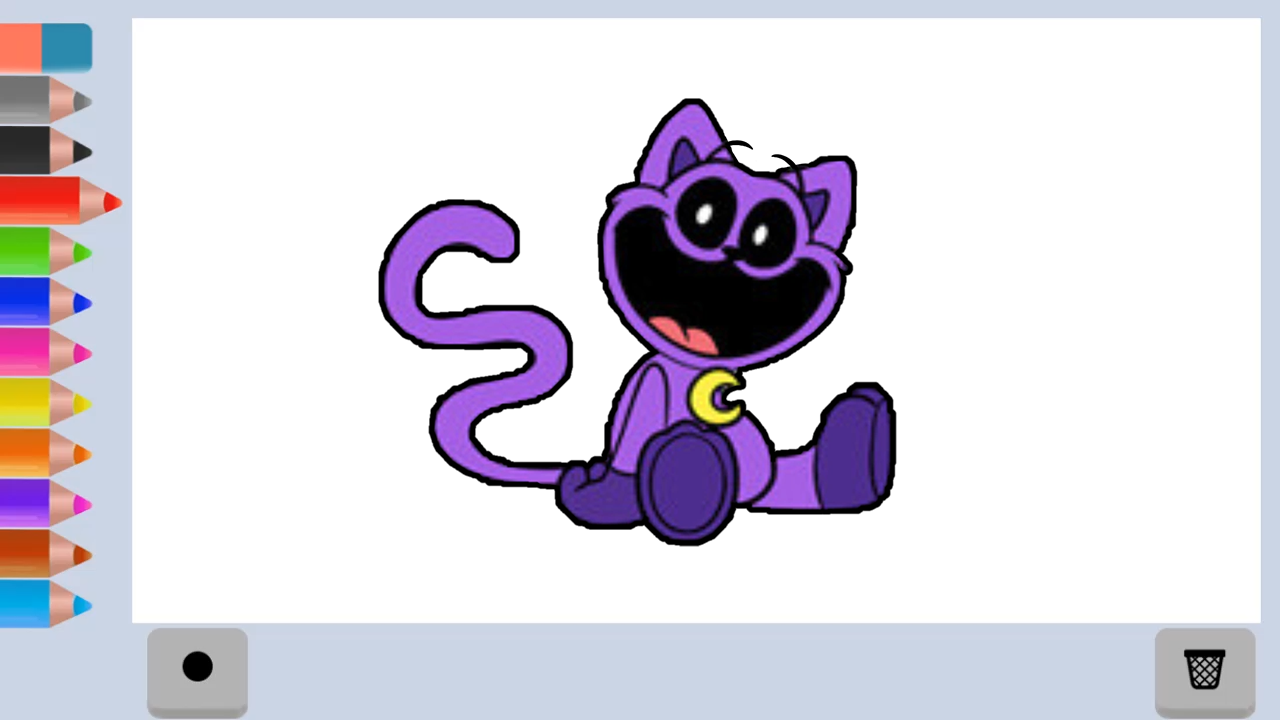
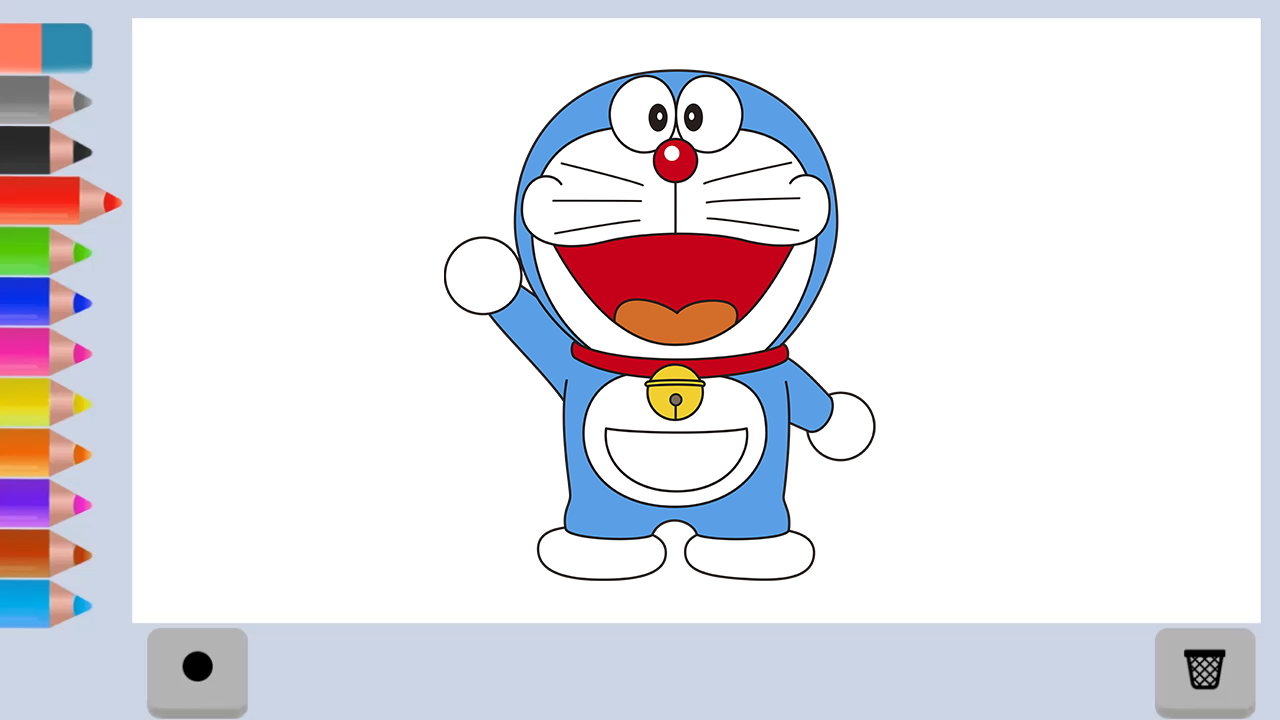
About game
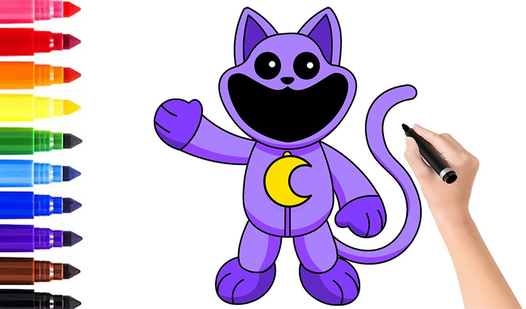
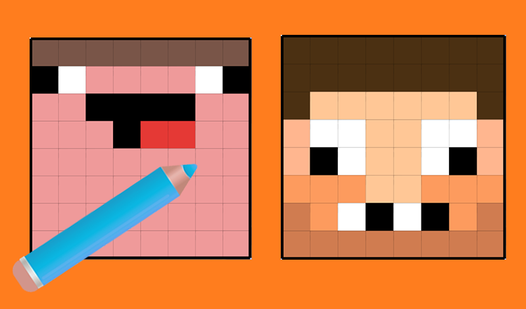
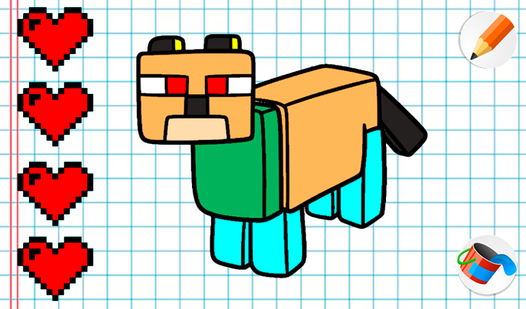
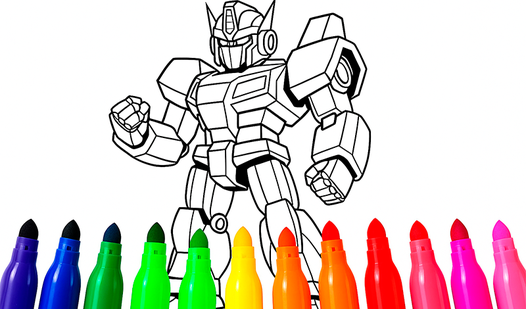
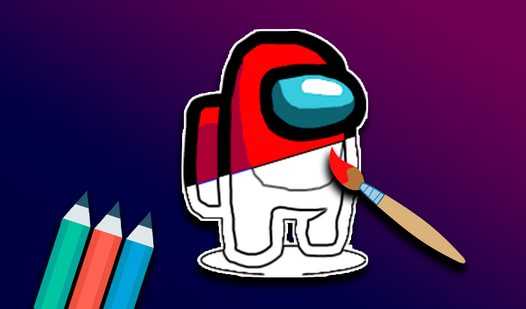
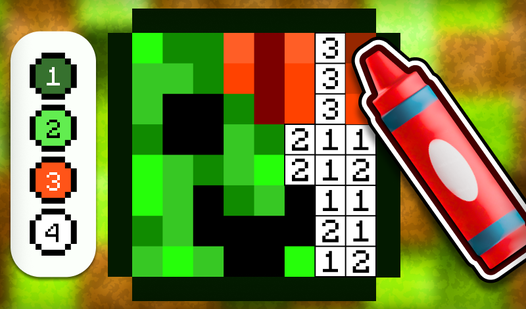
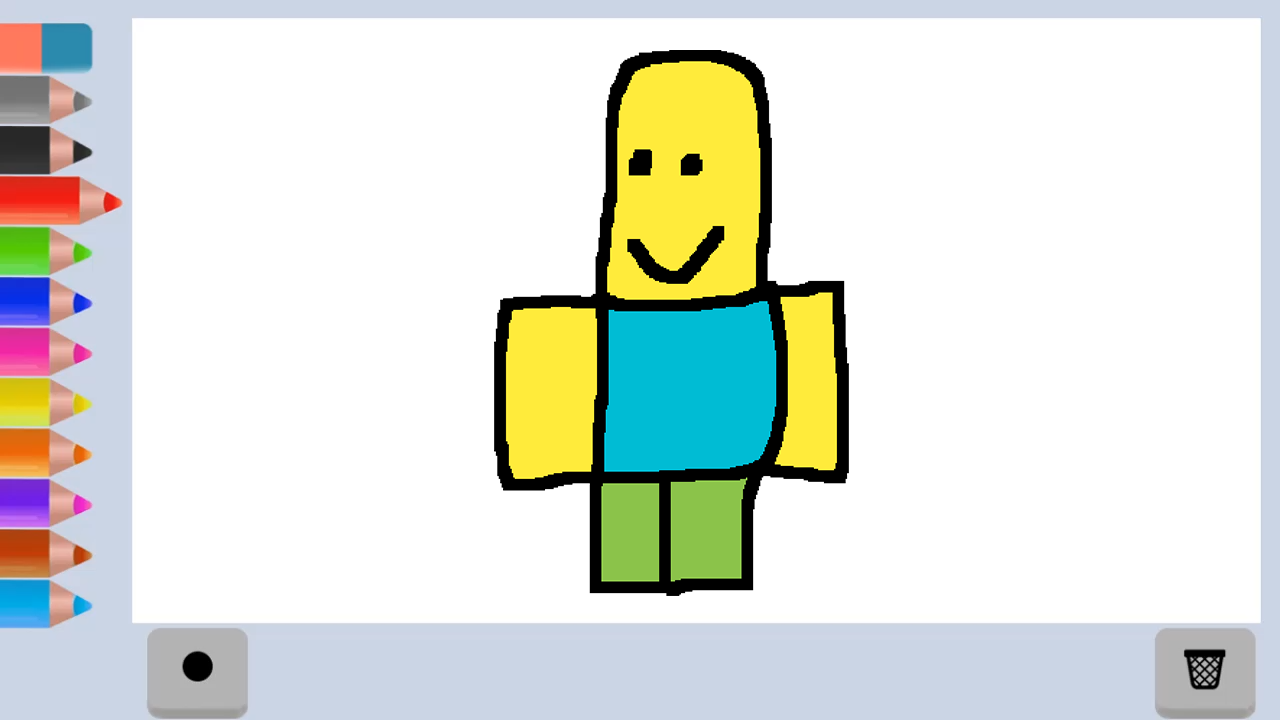
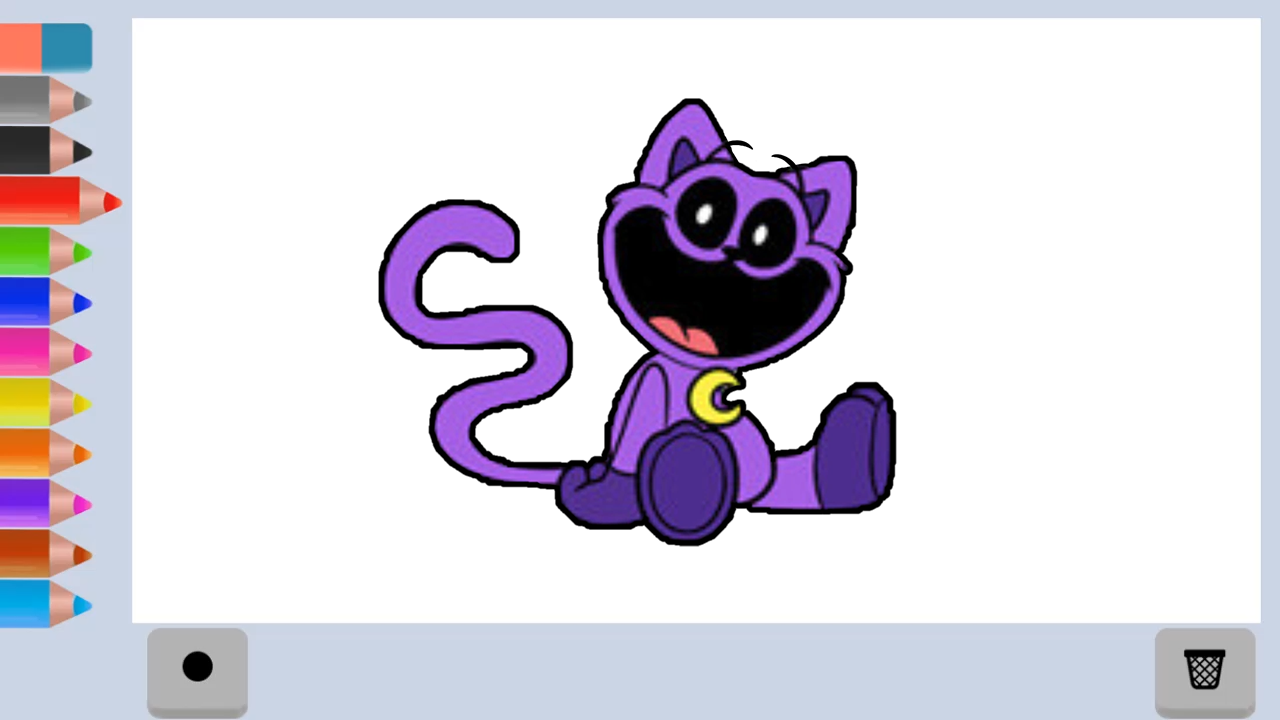
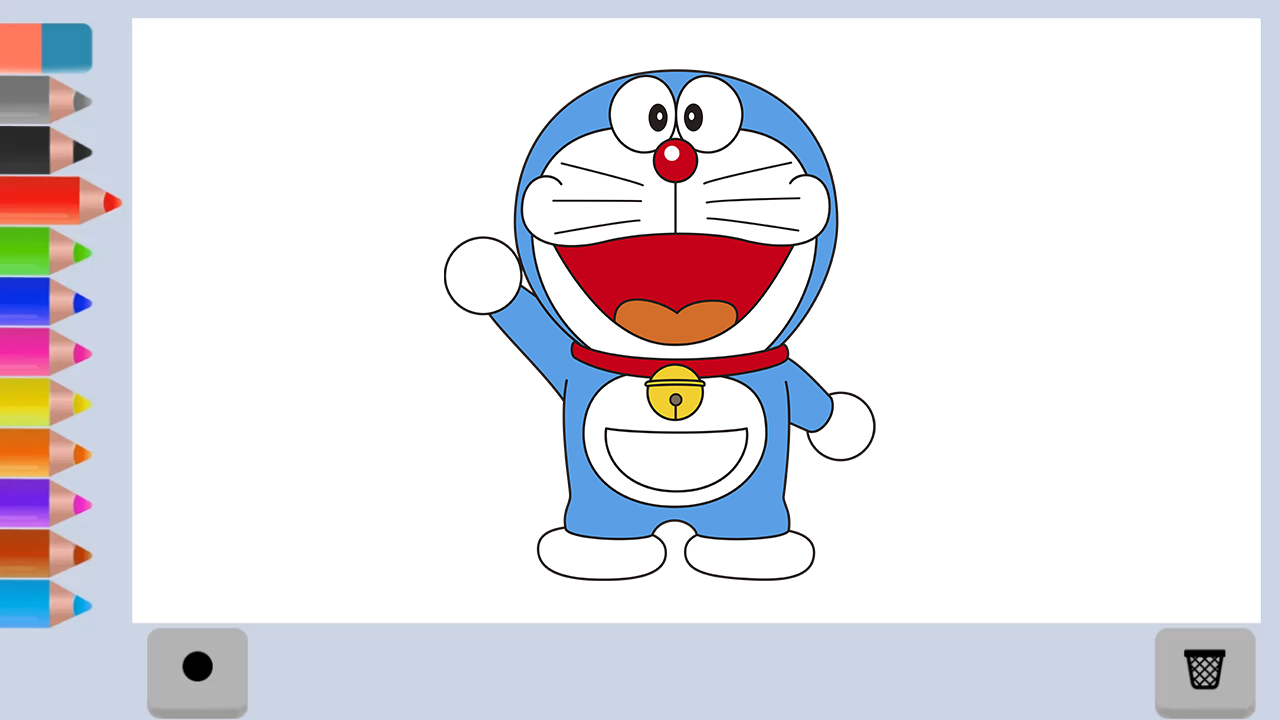
Artistic expression is one of the most effective ways to quiet a busy mind after a long day. Paint turns your browser into a digital canvas where creativity flows without the mess of physical supplies. You start by selecting your favorite digital pencil from the toolbar to begin crafting your next masterpiece. Simply drag your cursor or pinch your screen to sketch clean outlines and define shapes with precision. If a line goes astray, a quick swipe with the eraser tool clears the space so you can perfect your vision. This virtual drawing experience encourages users of all ages to explore their inner artist through intuitive and smooth mechanics. The minimalist interface ensures that nothing distracts you from the pure joy of making art. Whether you are practicing fine motor skills or just doodling to unwind, this browser app offers endless creative potential. You can start creating your own unique Paint art right now directly in your browser with no download required.
How to play
- Choose a pencil
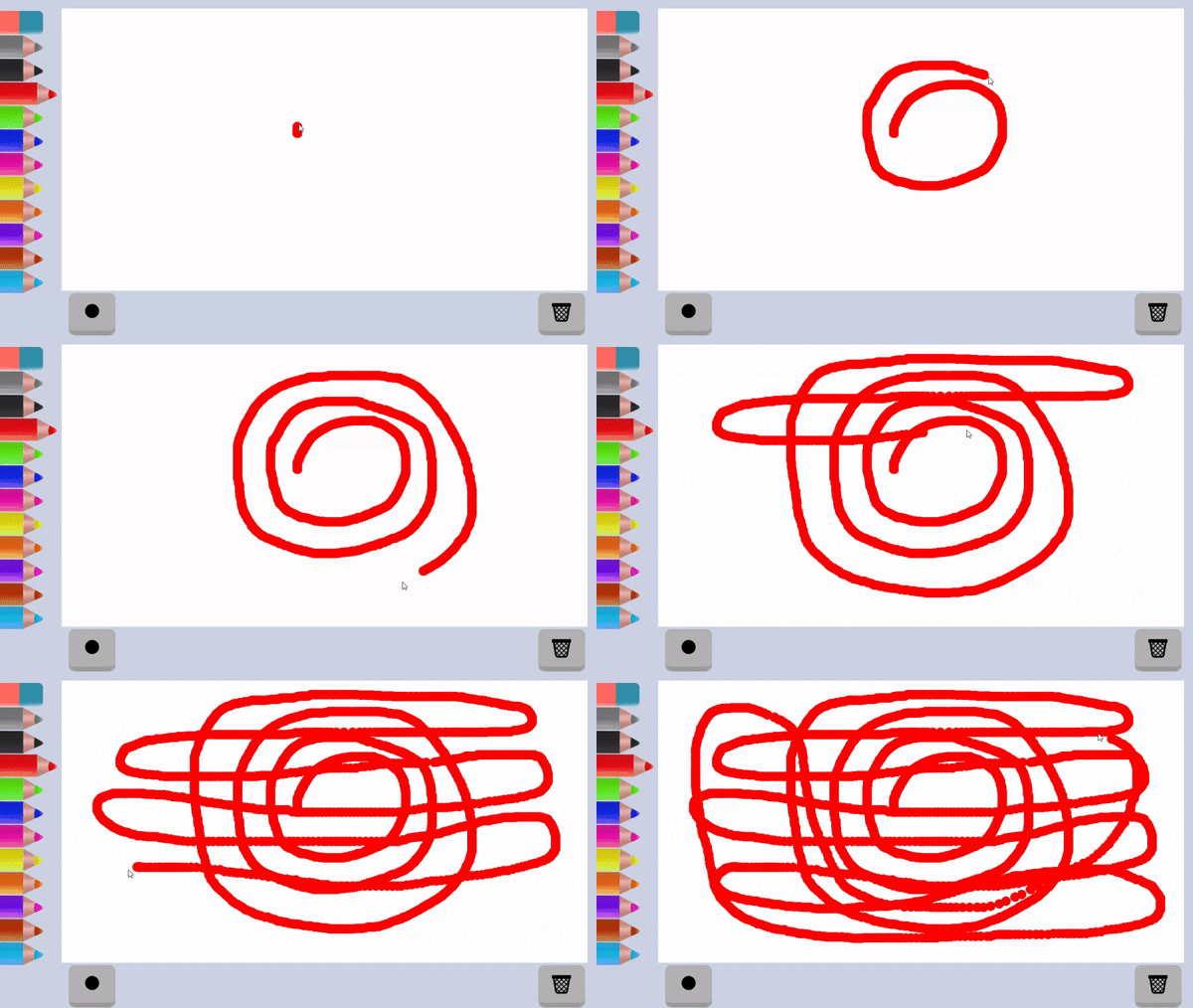
- Draw an outline by pinching the screen
- Create a drawing
- Use an eraser if necessary
PC control - mouse
Control on the phone - tapping the screen
Features
- Unlimited Palette: Access a wide spectrum of vibrant colors to bring every sketch to life.
- Undo Functionality: Quickly revert recent mistakes to maintain a pristine canvas throughout the process.
- Brush Customization: Adjust the stroke thickness to create everything from fine intricate details to bold, expressive fills.
- Pressure Sensitivity: Experience smooth line transitions that mimic the feel of traditional sketching tools.
Who is it for
Budding young artists and toddlers exploring digital creativity will find this platform intuitive and welcoming. Casual players seeking a meditative break from stress, along with parents looking for a quiet, educational activity for their children, will appreciate the simple interface and the ability to experiment without any cleanup.
Controls
Select tool
Click with mouse or tap with finger
Draw lines
Hold mouse button and drag or swipe across screen
Erase
Select eraser icon and rub over unwanted marks
FAQ
Is Paint safe for young children to use?
›
Yes, Paint is designed with a simple, intuitive interface that makes it easy and safe for children to practice their artistic skills.
Do I need to install software to play Paint?
›
No, Paint runs directly in your web browser, allowing you to start creating artwork instantly without any downloads or registration.
Can I use Paint on my mobile phone?
›
Absolutely, Paint is fully optimized for mobile devices so you can draw and color using simple touch controls on your smartphone or tablet.