About game
Connect cables and configure nodes to watch your data travel across a complex map in Packet Path. Seeing how a packet moves from a source to a destination clarifies the mysterious world of networking better than any textbook. You define the IP addresses and gateway settings for each device to build functional pathways. Every move you make gets logged in plain English, explaining exactly why your signal jumps or fails at a specific router. This logic game transforms dry technical concepts into a visual puzzle where you manipulate the flow of traffic. You control the entire architecture, from basic switches to advanced DNS servers, while troubleshooting connection drops in real time. Experiment with different configurations in the open sandbox mode to see how traffic behaves without any restrictions. Jump into the browser version of Packet Path right now without downloading a single file.
How to play
The goal is written at the top of the screen: usually you need to make a packet reach another node.
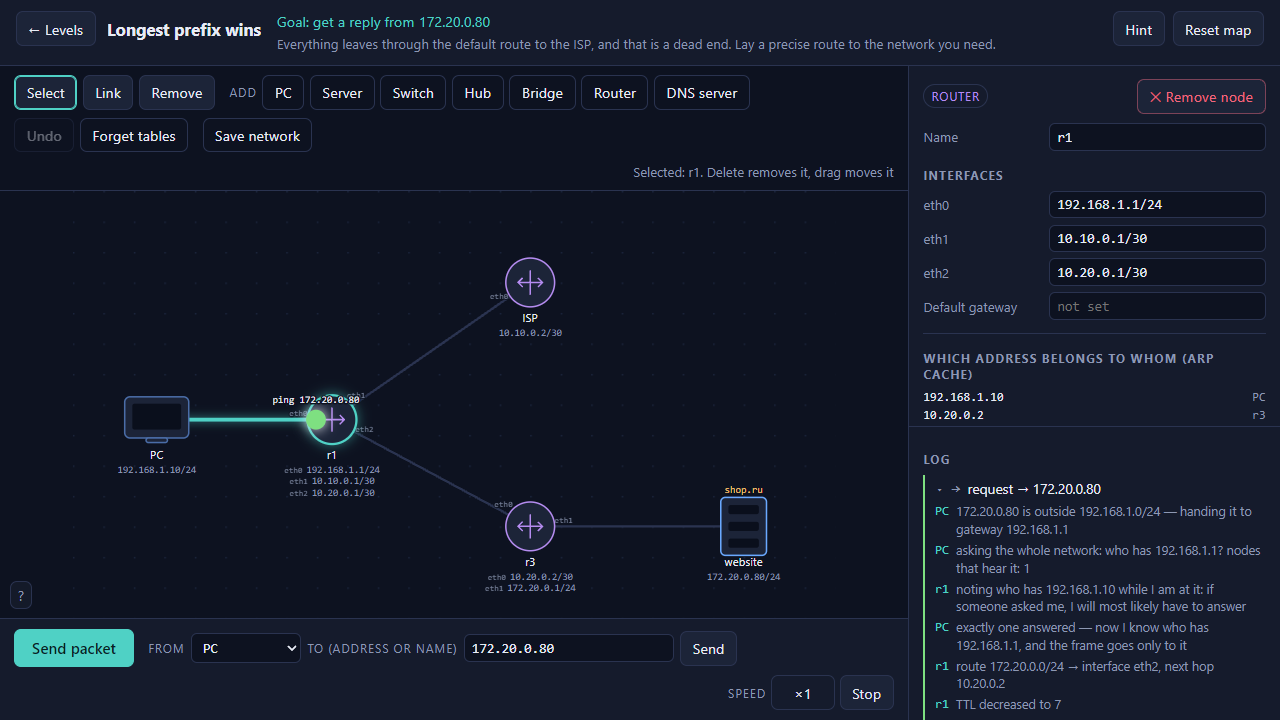
Played with the mouse. Clicking a node opens its settings on the right: address with mask, default gateway, routing table, DNS server address — exactly which ones depends on the device. Values are typed in and applied with Enter or when you leave the field. Dragging moves a node around the map.
The «Link» button connects two nodes with a cable: press it, then click one node and the other. «Remove» deletes a node or a cable. The «Add» row holds new devices.
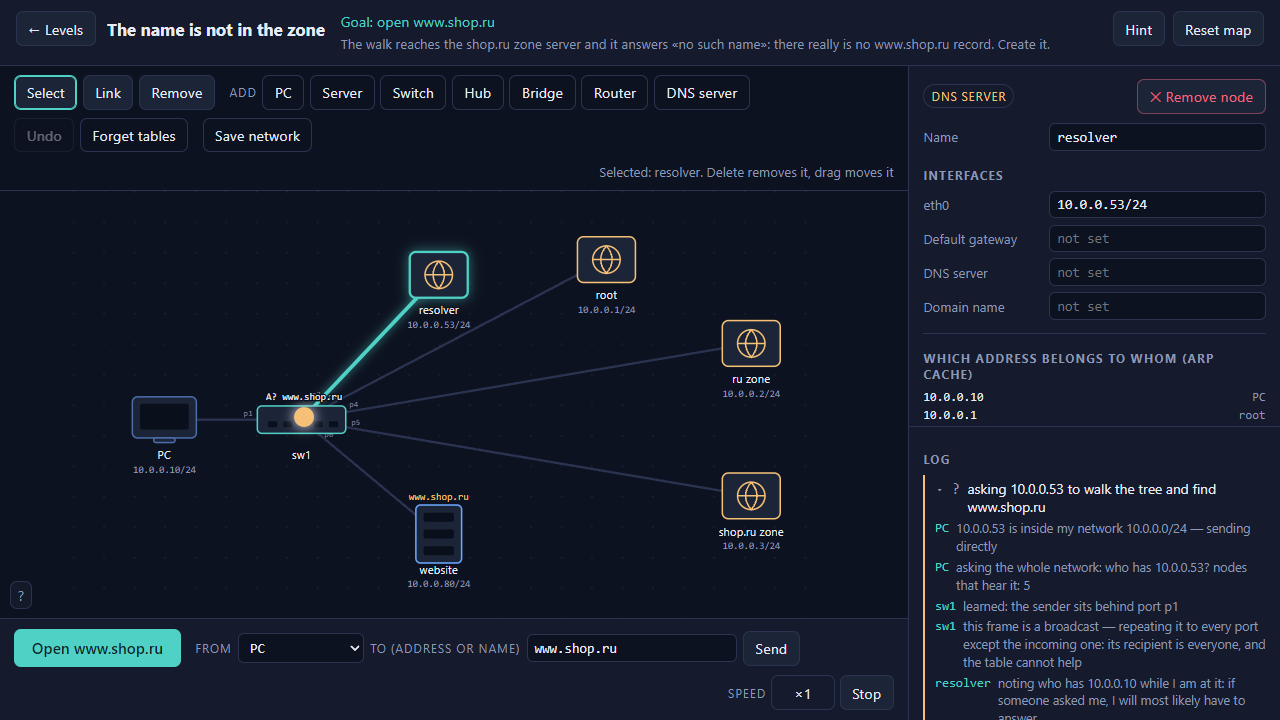
«Send packet» starts the walkthrough: the packet travels the map while the log on the right explains every step. Speed is switchable, and any flight in the log expands on click.
Stuck? «Hint» sits next to the goal. «Reset map» puts the level back to its starting state.
Features
- Detailed logs: Every movement of a data frame is tracked and explained so you understand why connections succeed or fail.
- Device variety: Use hubs, bridges, and routers to create intricate network layouts for your local traffic.
- Sandbox mode: Build your own topology from scratch to test networking theories without any specific goals to achieve.
- Configurable nodes: Adjust subnet masks, gateway addresses, and routing tables to dictate how devices communicate.
- Persistent saves: Your custom network designs remain stored so you can return to your experiments later.
Who is it for
Logic enthusiasts and students of computer science appreciate the technical depth behind these puzzles. Anyone curious about how the internet functions under the hood finds a satisfying challenge here. The design focuses on clear mechanics, making it suitable for teens and adults who enjoy science-based brain training sessions.
Controls
Configure device
Click on any node to open the settings panel and edit addresses.
Connect nodes
Use the Link button then select two devices to join them with a cable.
Send data
Press the Send packet button to initiate the transmission across your map.
Move elements
Drag and drop devices to reorganize your network layout on the screen.
Mobile interaction
Tap nodes to select them and swipe to navigate through the log entries.
FAQ
How do I solve the levels in Packet Path?
›
Read the goal at the top of the screen and ensure all IP and gateway settings are correct for your devices in Packet Path.
Can I save my progress in Packet Path?
›
Yes, all networks you create in Packet Path are saved automatically so you can resume your work at any time.
What if my data does not reach the destination in Packet Path?
›
Check the log on the right side of the screen to identify where the packet stopped and why it failed to route correctly in Packet Path.