About game
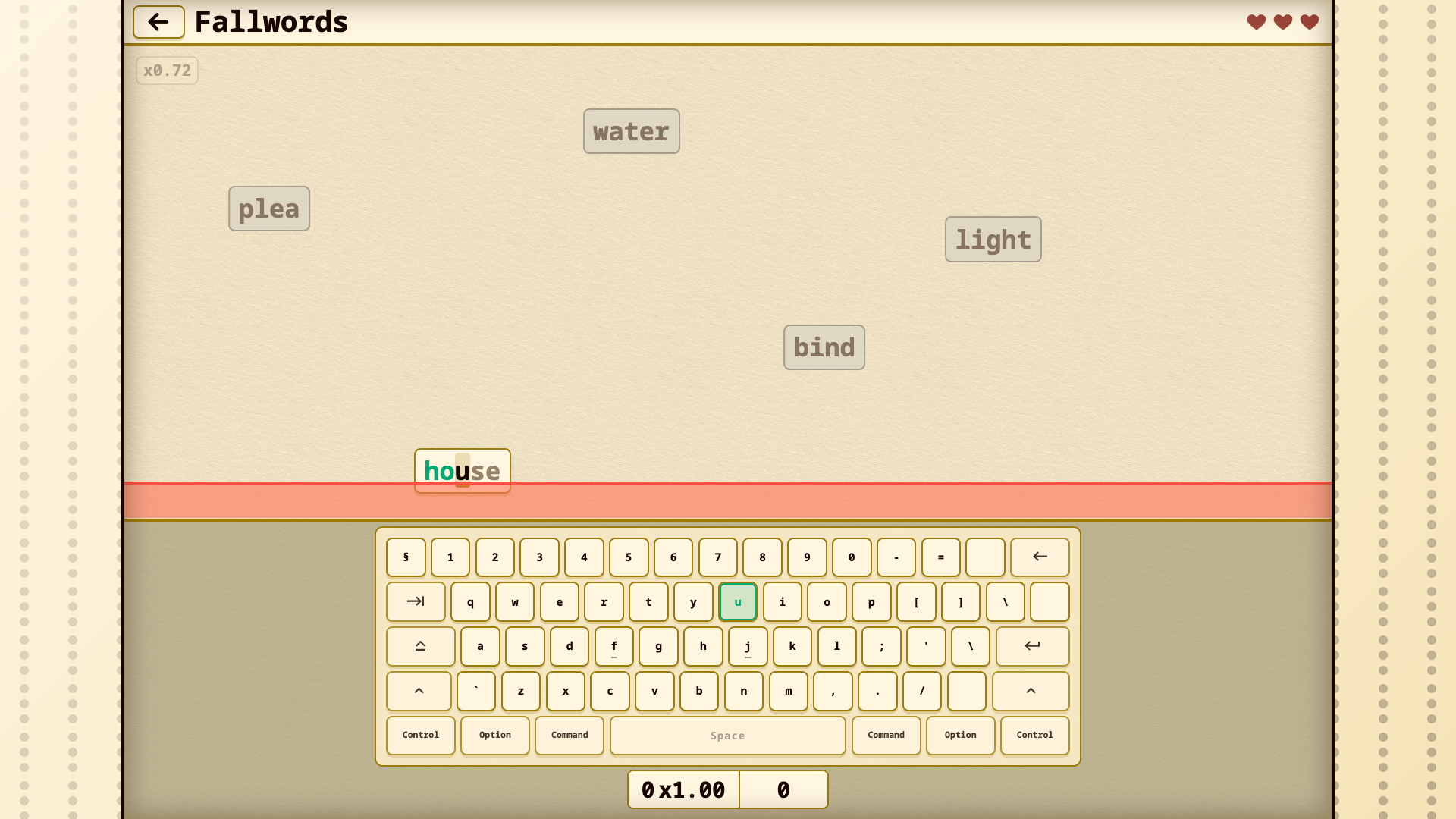
Staring at a blinking cursor while your brain feels like mush is a universal struggle during a long work day. Overwriter solves that mental block by turning your boring keyboard drills into a fast-paced challenge that sharpens your skills. You simply match the highlighted characters on your screen to rack up points and build massive combos. Keep your eyes on the falling words and type them before they reach the red zone to maintain your momentum. Accuracy determines your final score, so stay focused even when the timer starts counting down. You can customize fonts and key sounds to make the workspace feel like your own personal zone. Progression feels satisfying as you climb the leaderboards and earn medals for your speed. Grab your browser and start typing right now without downloading a single file.
How to play
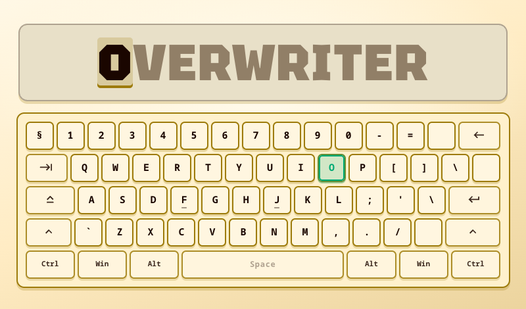
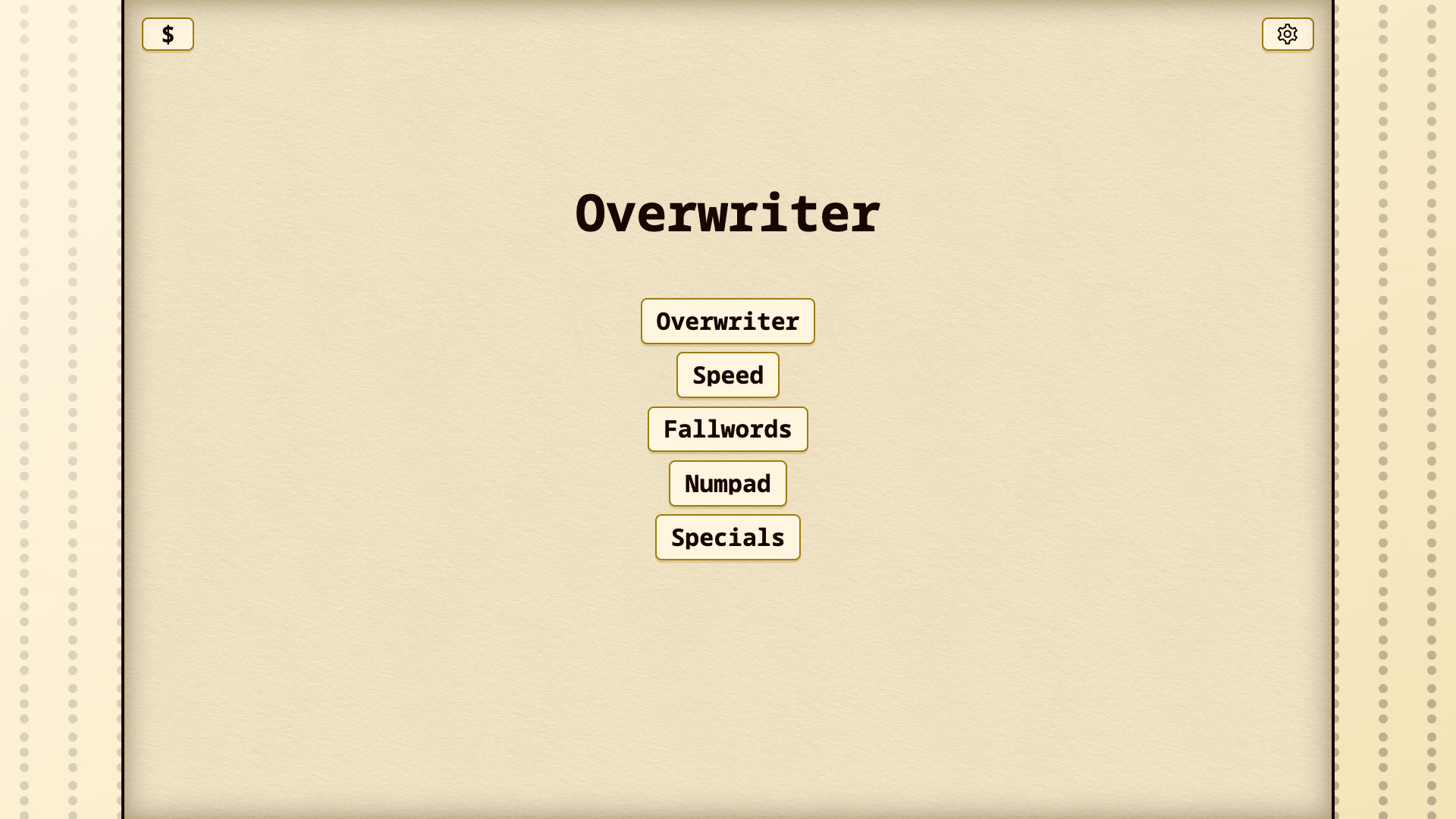
Choose a mode and language, then type the characters in the order highlighted on the screen.
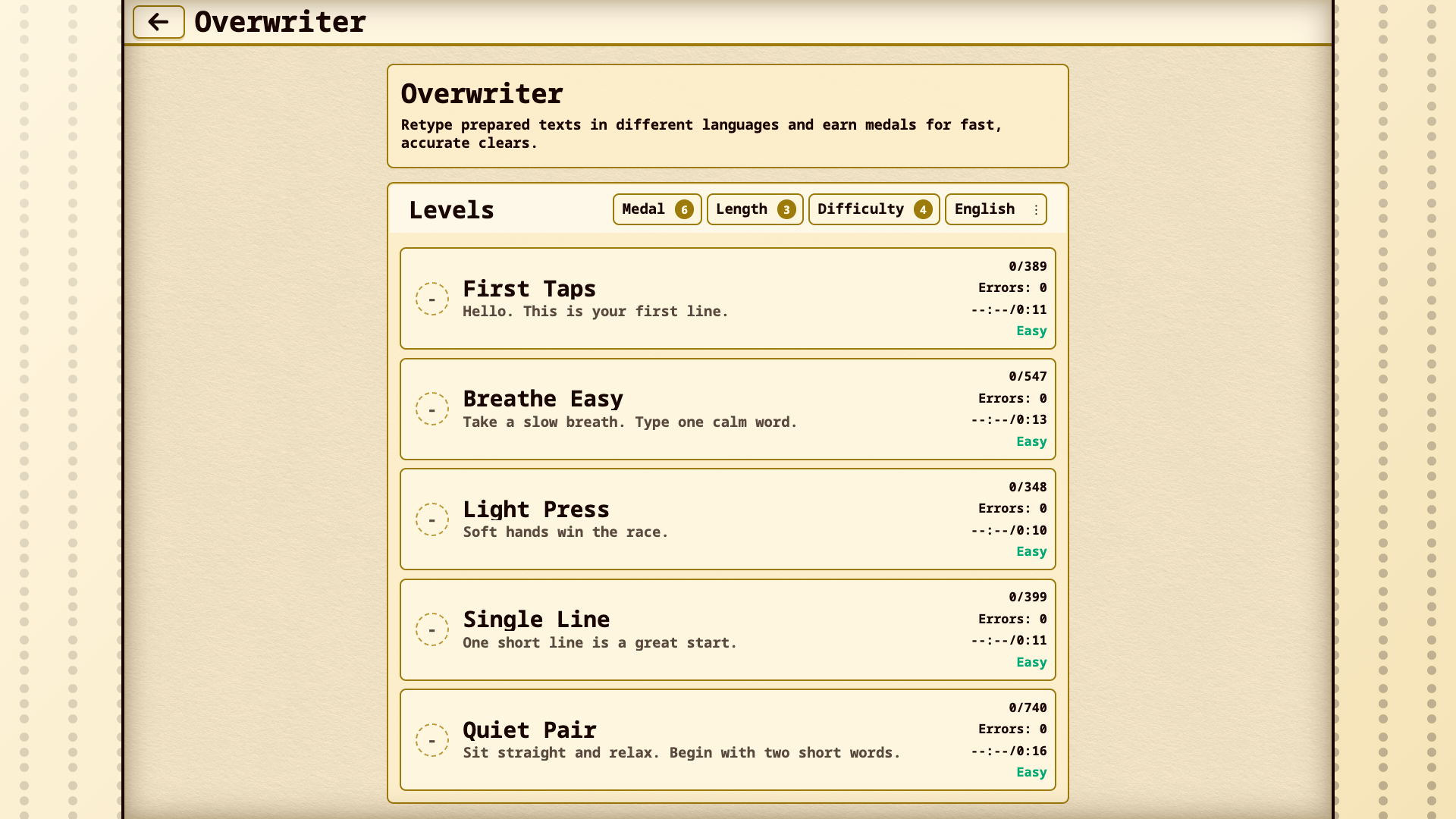
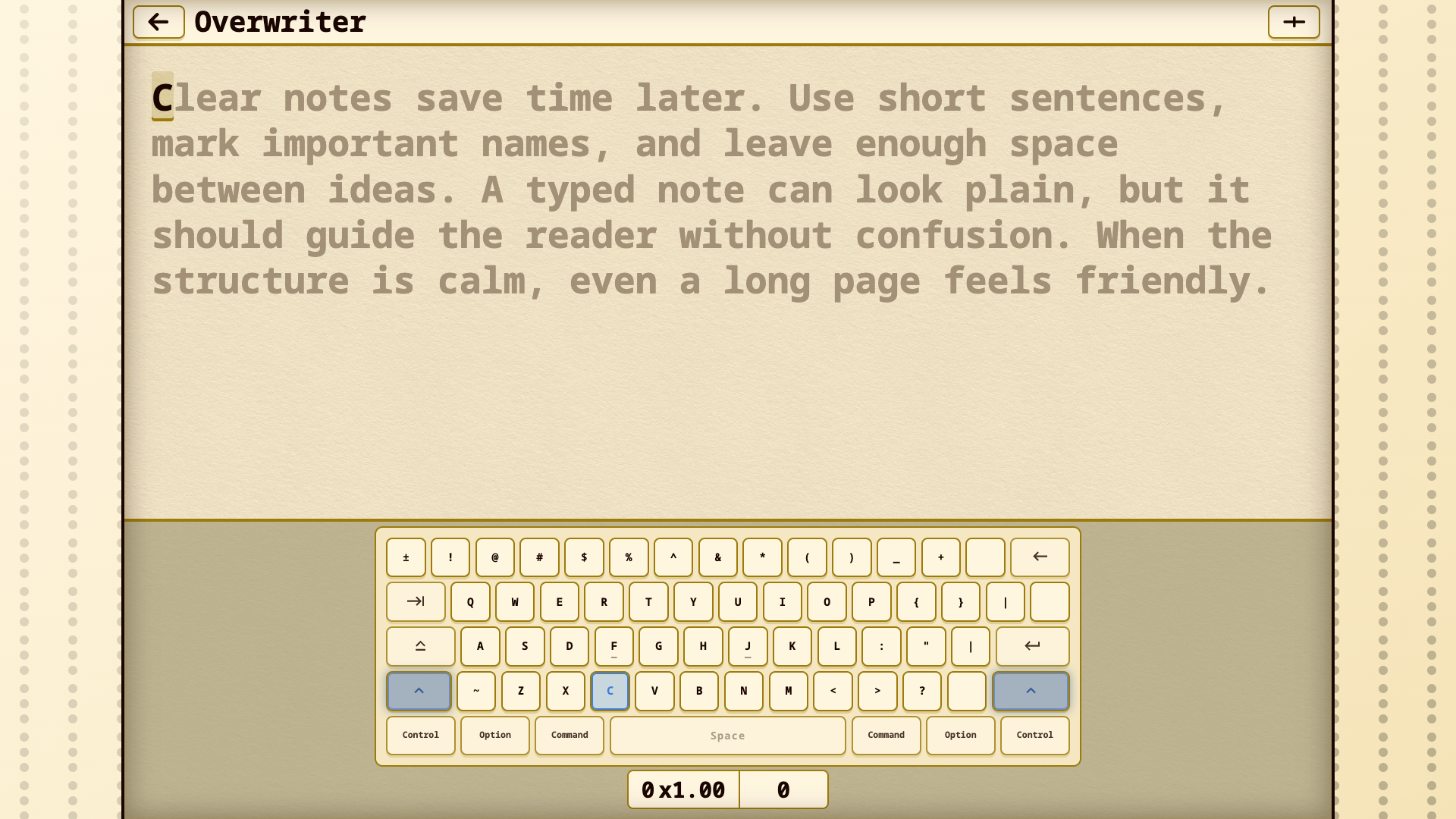
Overwriter - type the whole text to the last character
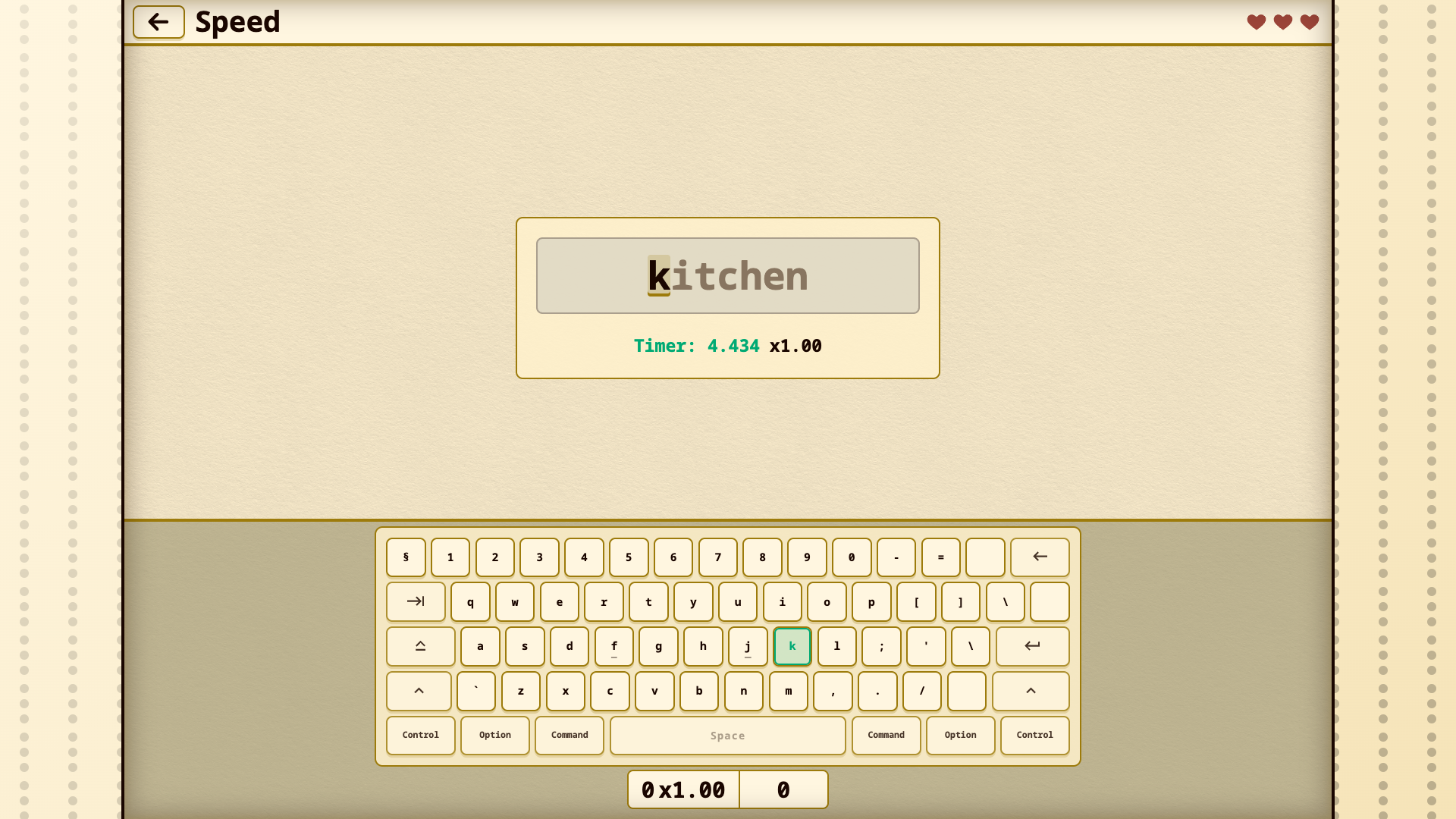
Speed - each word is limited by a timer
Fallwords - words fall toward the red zone
Numpad - practice numbers and operators
Specials - practice the special symbols of the selected layout
On desktop, do not switch the operating system layout: choose the language and layout inside the game, and Overwriter will map the physical keys to the needed characters.
If you make a mistake, use Backspace where the mode allows it and keep typing.
On phone, the game uses the system on-screen keyboard. If you want to type in another language, add that language to the phone keyboard and switch it on the on-screen keyboard itself.
The more accurately and quickly you type, the higher your score, combo, medals, and records.
Features
- Language support: Switch between different layouts to master typing in Russian, English, or other global languages.
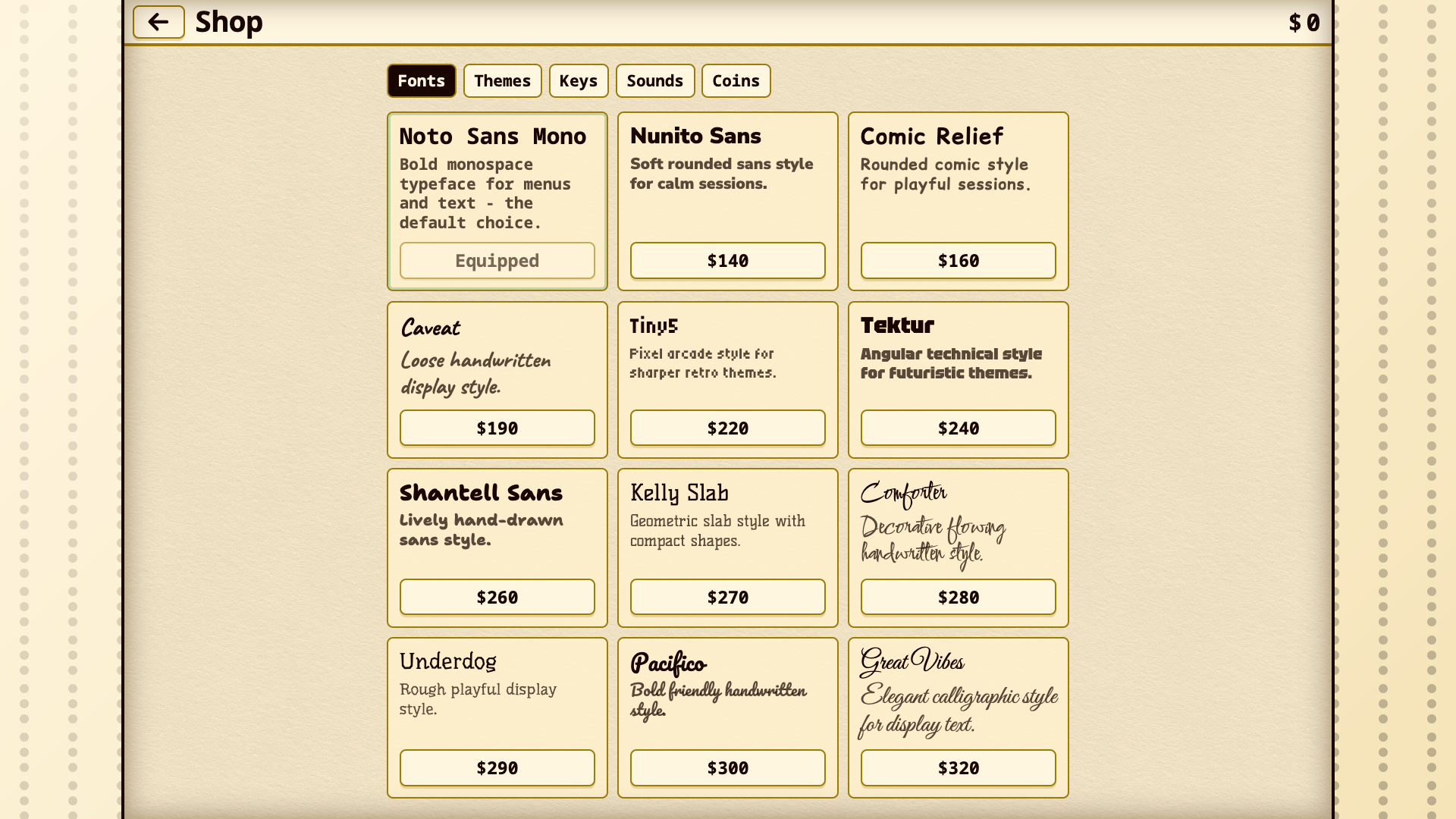
- Customization options: Earn coins to unlock themes and fonts that change how your practice session looks.
- Mode variety: Select specific drills like Numpad or Specials to target areas where your fingers need extra help.
- Performance tracking: Watch your records grow as you refine your precision and reaction time over multiple sessions.
Who is it for
Typing enthusiasts and students needing to improve their keyboard speed find this useful. Casual gamers wanting a quick, productive break from stress enjoy the simple mechanics. People looking to master touch typing or learn a new layout through repetitive practice will get plenty of value from these short sessions.
Controls
Type characters
Press the corresponding keys on your physical keyboard or tap the letters on your mobile screen keyboard.
Correct errors
Hit the Backspace key or button to fix mistakes before continuing the sequence.
Language selection
Pick your desired layout from the internal menu rather than changing your system settings.
FAQ
Do I need to install anything to play Overwriter?
›
No, Overwriter runs directly in your browser so you can jump into a session instantly without any downloads.
Can I use Overwriter on my smartphone?
›
Yes, Overwriter works on mobile devices by using your system on-screen keyboard to register your typing inputs.
How do I practice different languages in Overwriter?
›
Select your preferred language within the game menu, and Overwriter will automatically map your physical keys to the correct characters.