About game
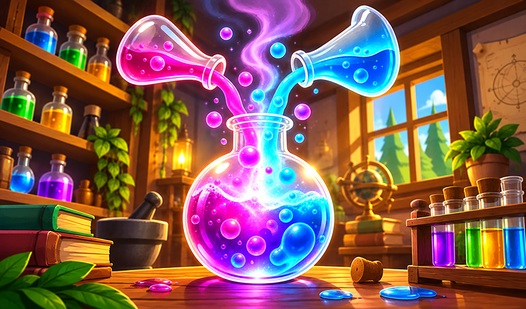
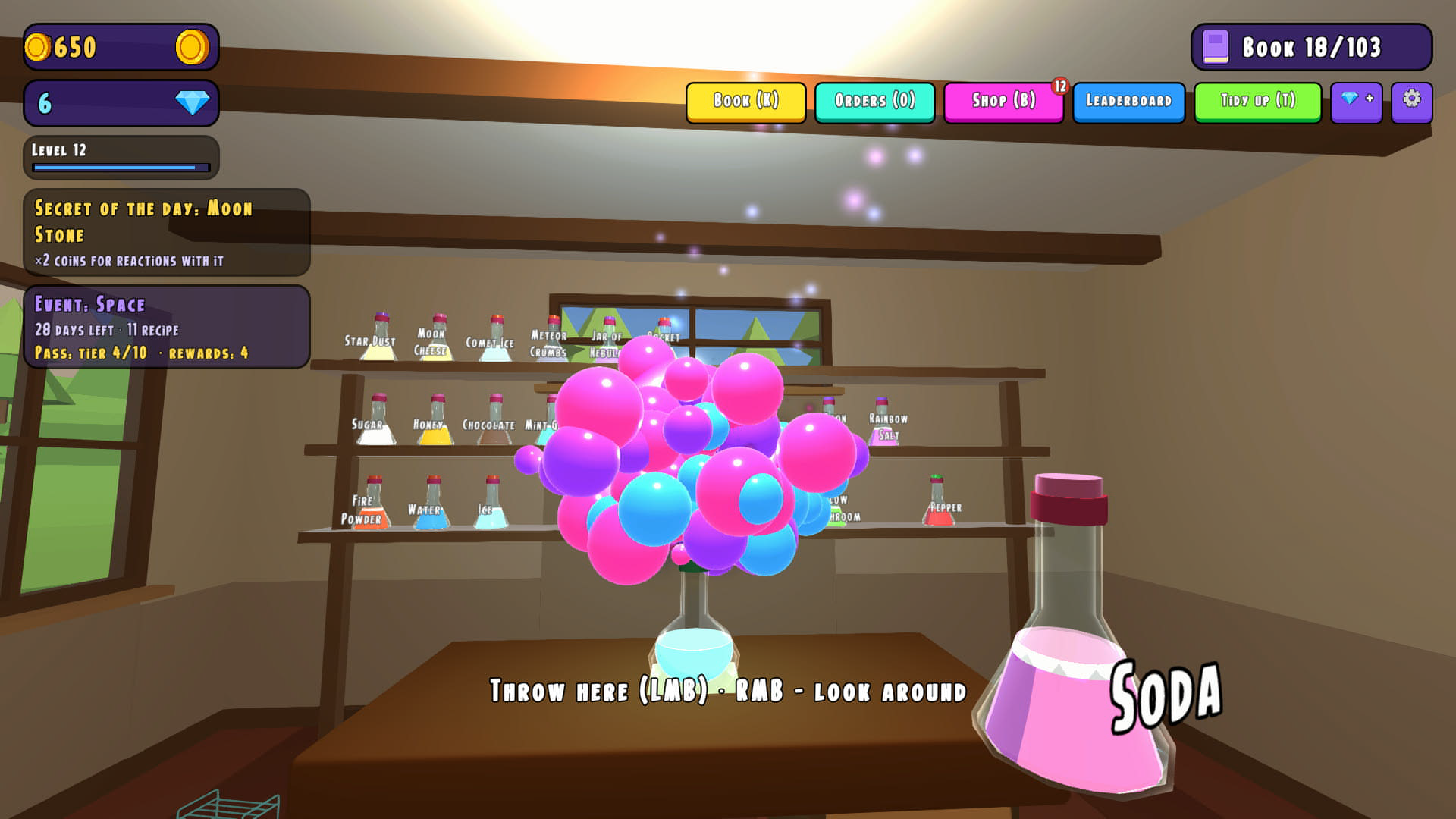
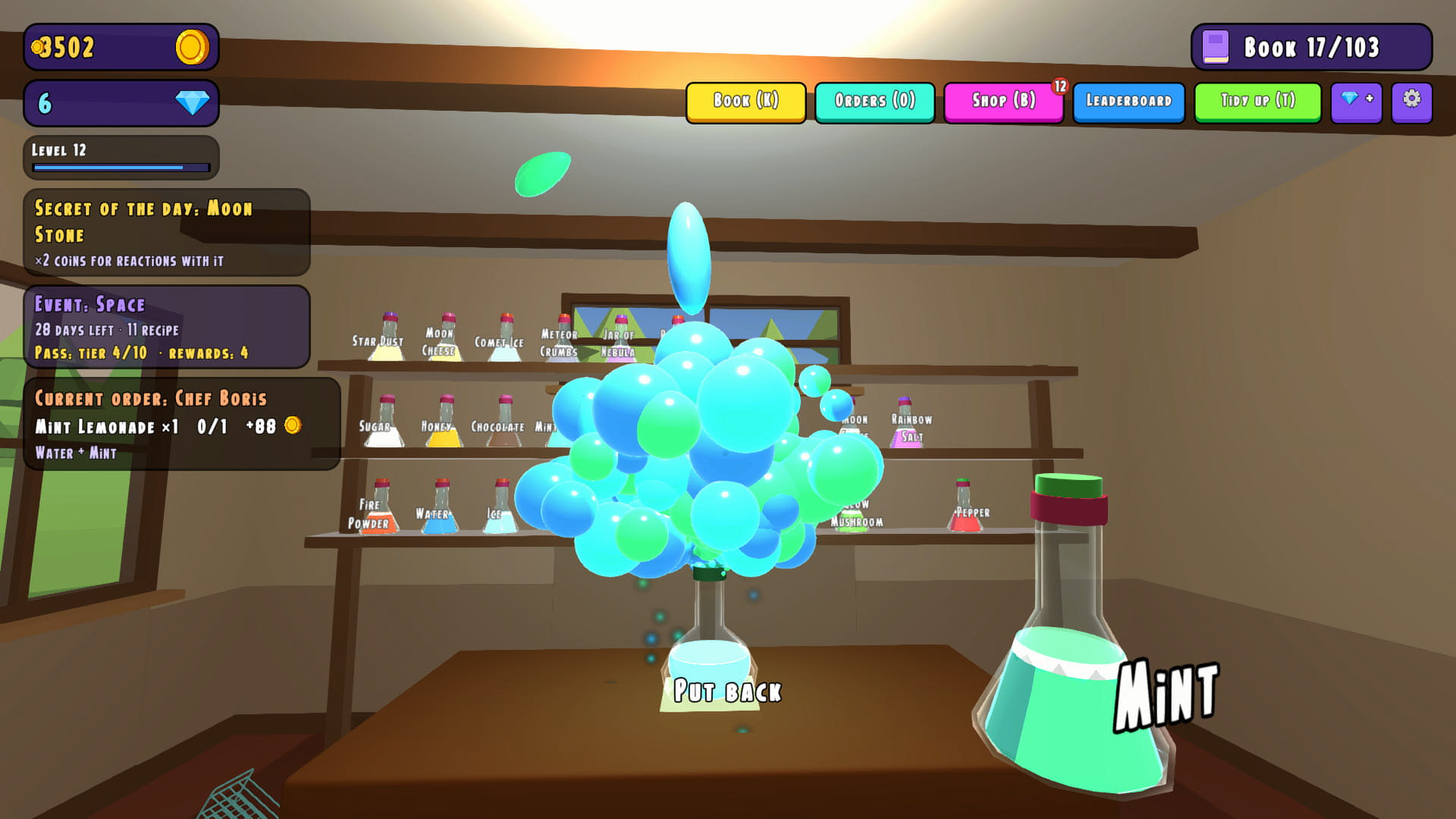
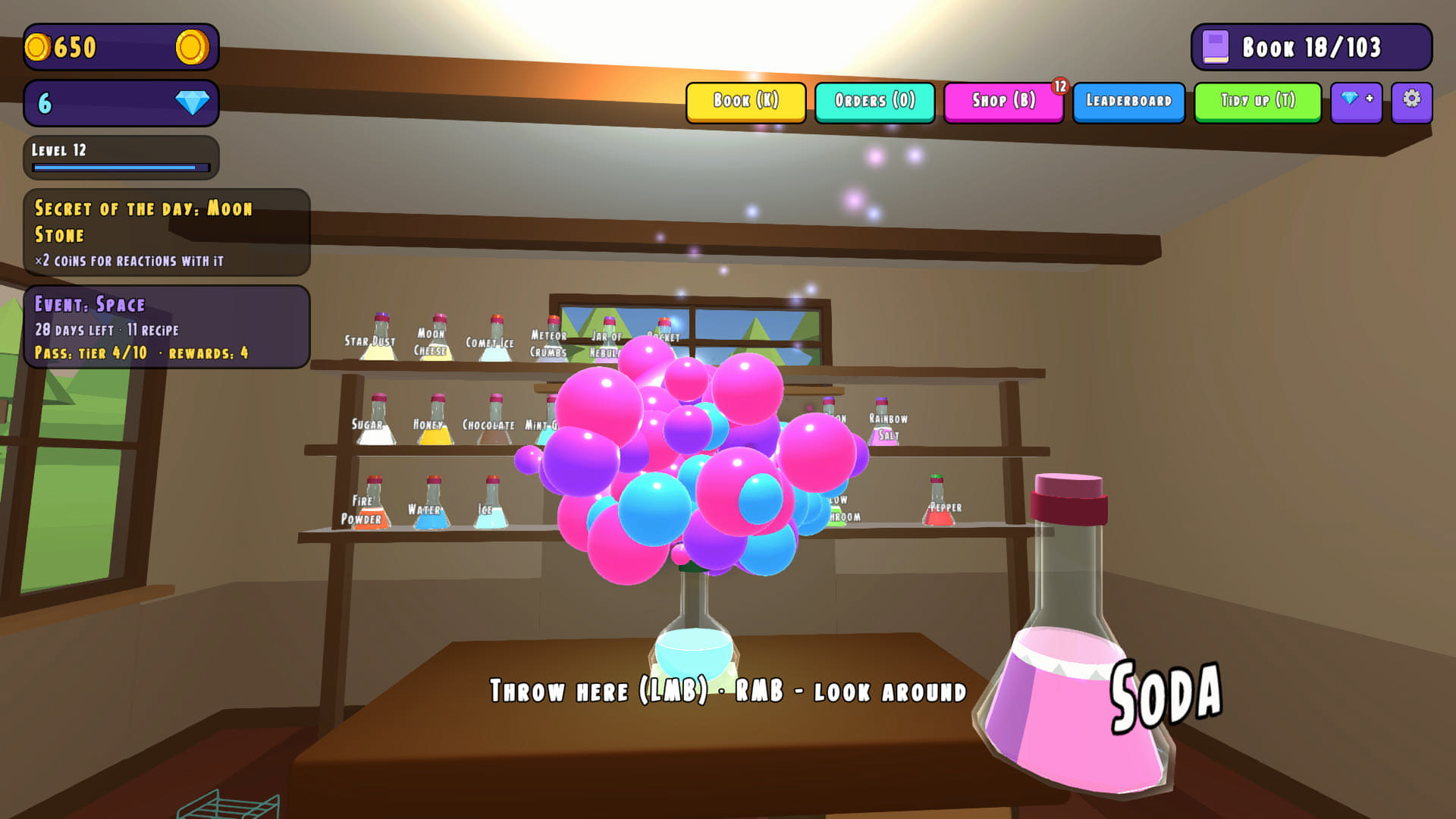
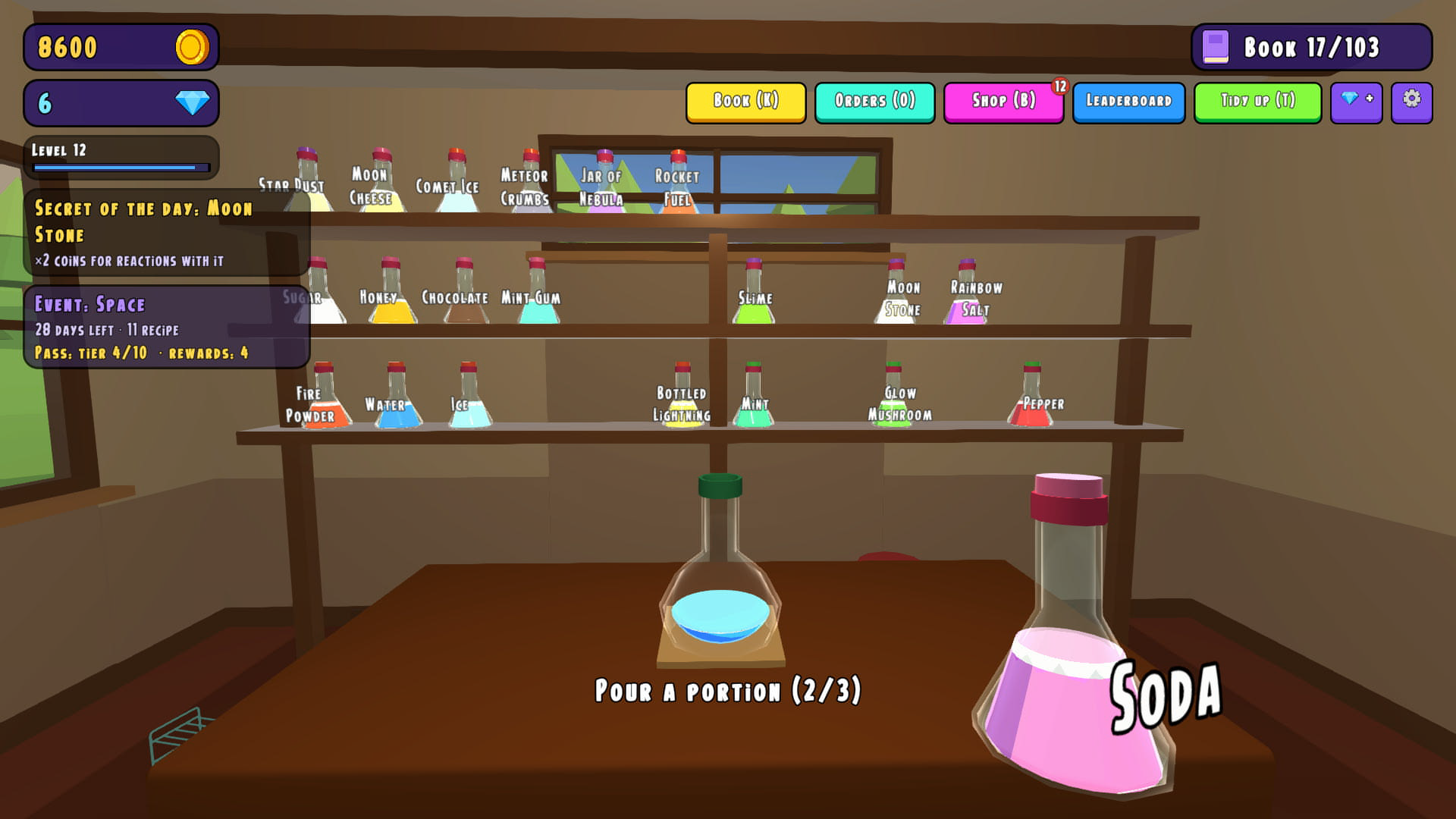
Science enthusiasts who enjoy chaotic experiments will find their new obsession in Oops, It Blew Up: Lab Simulator. You start with basic reagents in a tiny room before moving up to advanced stations like a flying tower. Mixing ingredients triggers wild chemical reactions that lead to either glowing treasures or massive lab accidents. Every successful brew brings cash, while failed batches teach you exactly what not to combine next time. This симулятор лаборатории forces you to guess recipes since nobody provides a manual for your concoctions. You operate complex tools such as a centrifuge or a Tesla coil to stabilize your volatile liquids. Expanding your reach involves running a greenhouse and managing automated robots to keep production flowing during your absence. Jump into this hilarious chemistry playground right now in your browser without any annoying downloads.
How to play
On desktop:
- WASD or arrows: walk
- right mouse button: hold and move the mouse to look around
- left click on an object: pick up a jar, pour into the flask, open a cabinet
- left click on empty space: throw whatever is in your hand
- E: sell the potion in hand, Q: drain the flask, T: tidy up
- K recipe book, O orders, B shop, Esc close a window
On mobile:
- joystick in the bottom left corner: walk
- swipe across the screen: look around
- short tap on an object: action, tap on the floor: throw
- buttons along the screen edges: book, orders, shop, sell
How to brew:
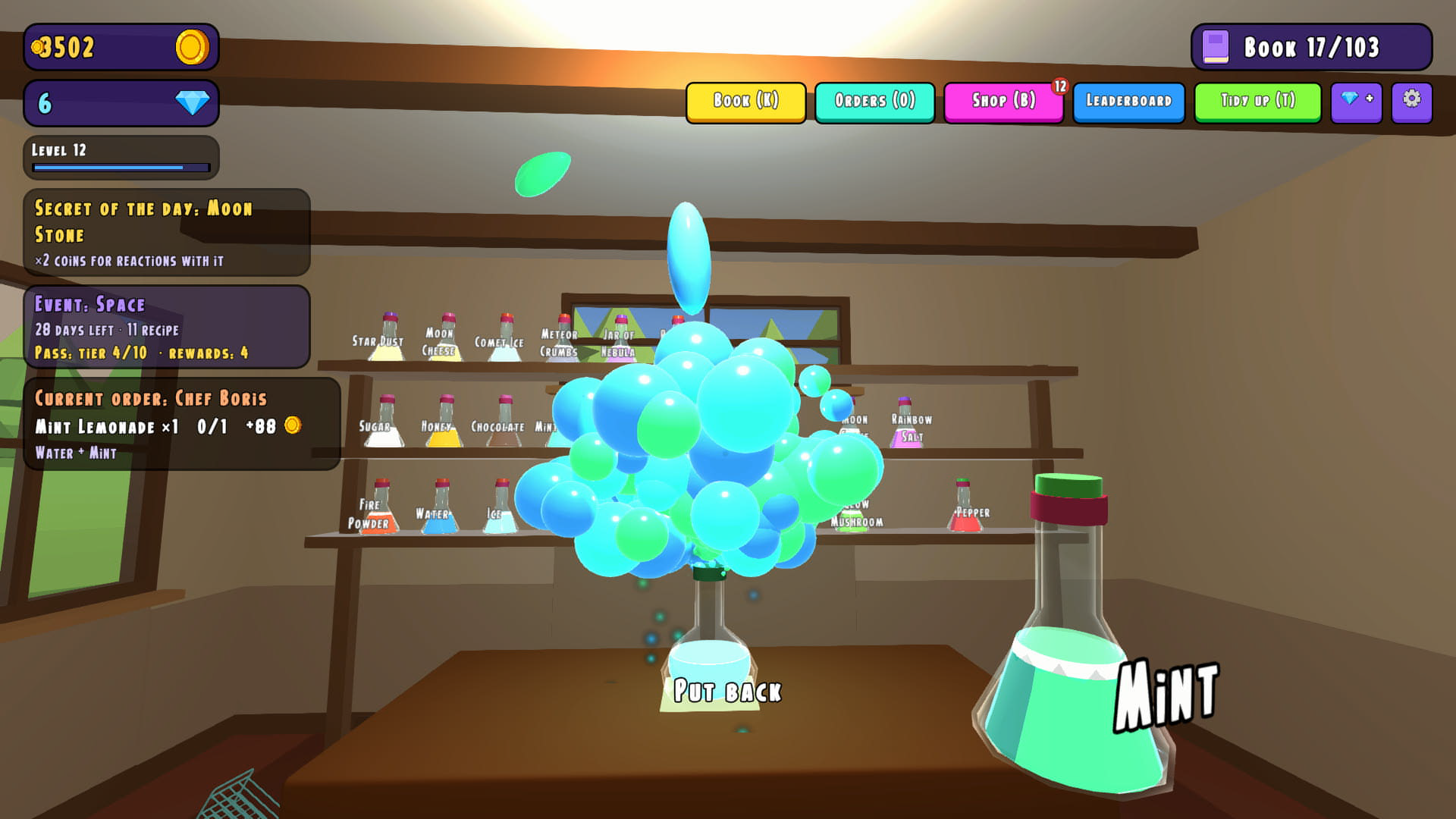
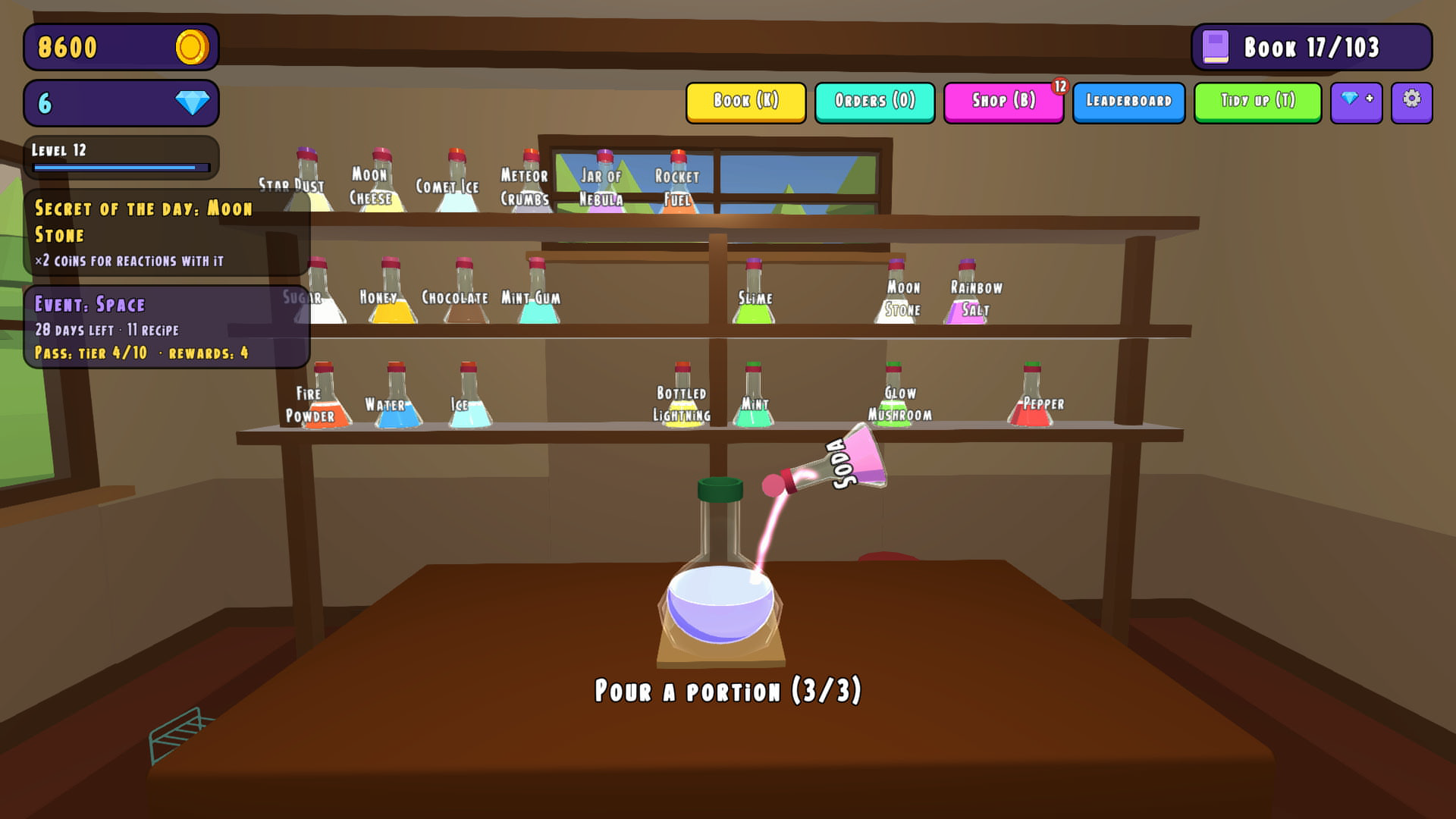
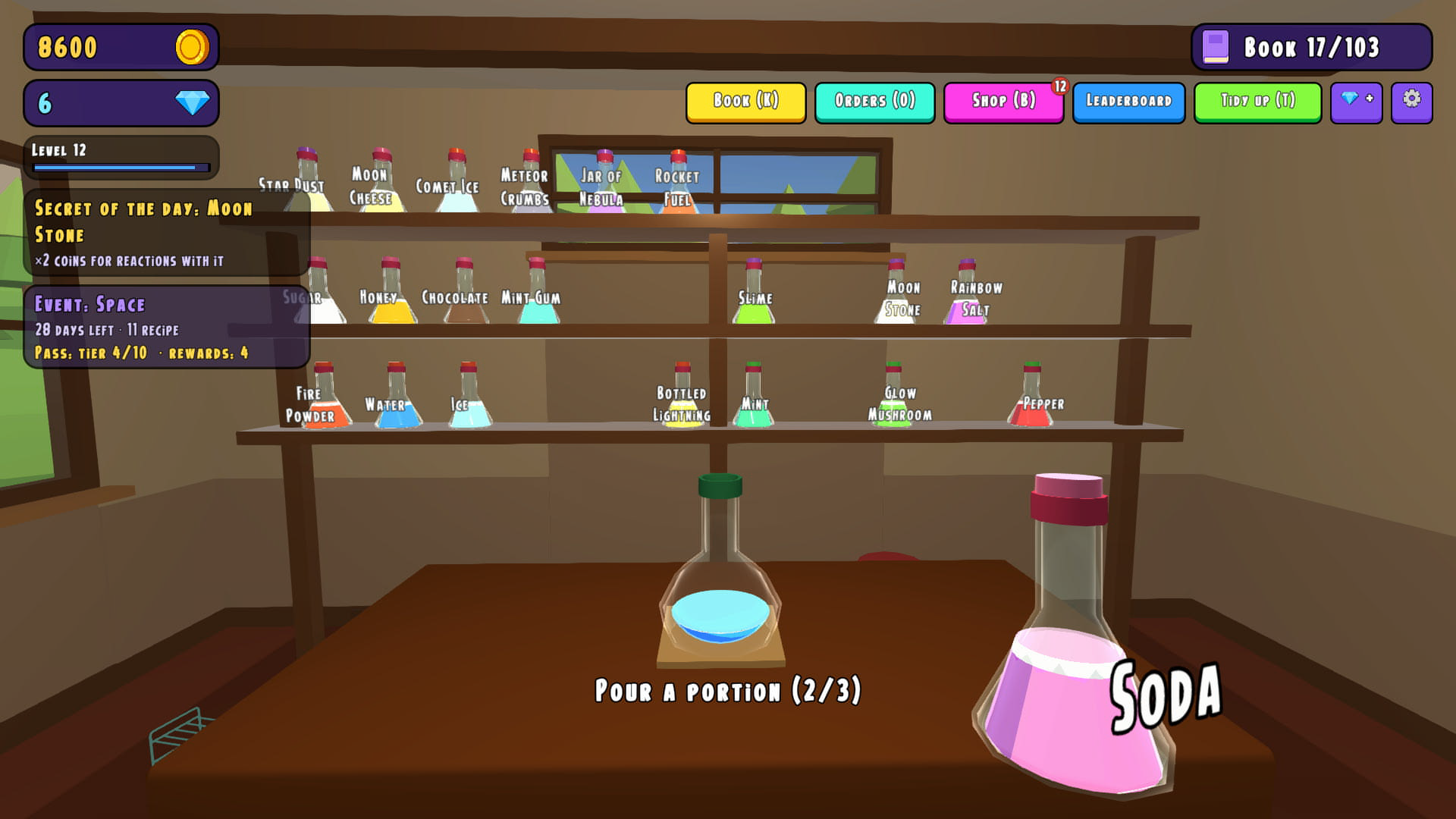
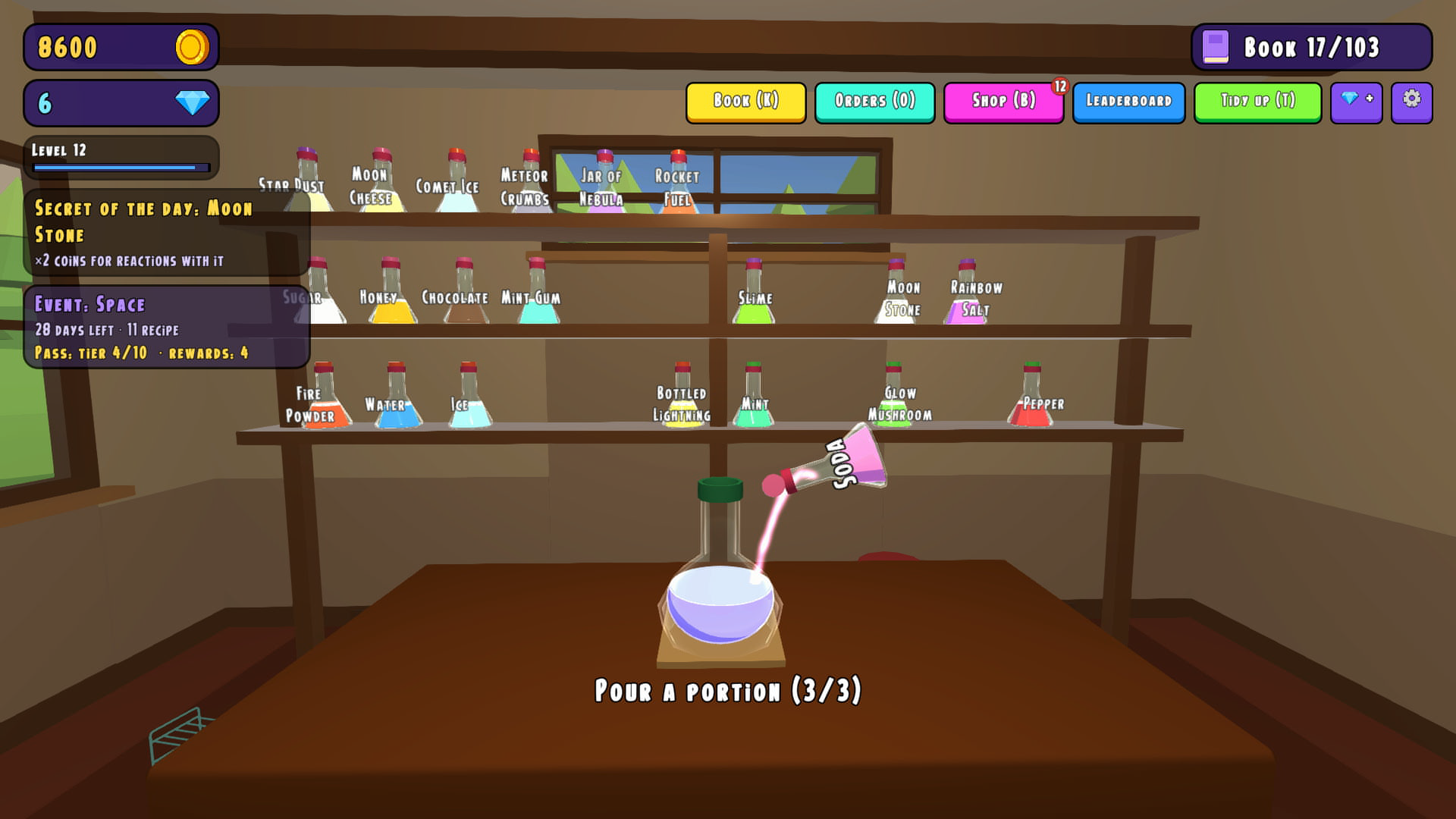
1. Take a jar from the shelf and tap the flask. One dose per tap.
2. Take a second jar and add it to the same flask. A reaction starts once the flask holds at least two different substances.
3. See what you made. Sell the potion, hand it over for an order or put it on your display shelf. Or throw it on the floor and watch.
Do not be afraid to fail: a bad experiment still teaches you something new.
Features
- Dynamic Alchemy: Over 140 secret recipes allow for massive experimentation without any strict guidelines.
- Lab Progression: Unlock six distinct stages ranging from a cramped closet to a high-tech flying tower laboratory.
- Automation Tools: Deploy specialized robots to continue brewing your potions even while you are offline.
- Seasonal Content: Engage with themed events including Space, Halloween, and New Year challenges to earn unique items.
- Social Sharing: Save your creations to a display shelf and share your progress with friends using specific codes.
Who is it for
Chemistry fans and casual gamers who enjoy chaotic physics-based simulations will love this title. It suits anyone seeking a low-pressure environment where blowing things up is encouraged. People who enjoy uncovering secret recipes and managing automated systems will find endless entertainment in these experimental sessions.
Controls
Movement
Use WASD or arrow keys on desktop; use the bottom-left joystick on mobile devices.
Interaction
Left-click objects on desktop or perform a short tap on mobile to pick up items and use tools.
Looking around
Hold the right mouse button and move the mouse on desktop; swipe across the screen on mobile.
Throwing
Left-click on empty space on desktop or tap the floor on mobile to toss your current item.
FAQ
How do I succeed in Oops, It Blew Up: Lab Simulator?
›
Success comes from experimenting with different ingredient combinations to find all 140 hidden recipes.
Can I play Oops, It Blew Up: Lab Simulator on my phone?
›
Yes, this game runs directly in your mobile browser with touch-friendly controls.
What happens if my potion explodes in Oops, It Blew Up: Lab Simulator?
›
Explosions are a natural part of the learning process, helping you understand which substances react poorly together.