Obby: Up to the Galaxy
Fans of quick arcade challenges will love the vertical climb in Obby: Up to the Galaxy because it pushes your reflexes to the limit. You start by training your strength to build up explosive power for massive leaps toward the stars. Launching yourself from a giant cannon creates a wild ride where you aim for record-breaking altitudes. Your main goal revolves around collecting coins and finding hidden rewards as you float through the atmosphere. Each successful jump brings you closer to discovering new planets tucked away in the far corners of space. Hatching pets adds another layer of depth since these companions boost your training speed significantly. Constant character upgrade opportunities ensure your jumping ability stays competitive as the heights become harder to reach. You can play Obby: Up to the Galaxy for free right in your browser without any downloads required.

Loading...

Obby: Up to the Galaxy
⭐ New

About game

Fans of quick arcade challenges will love the vertical climb in Obby: Up to the Galaxy because it pushes your reflexes to the limit. You start by training your strength to build up explosive power for massive leaps toward the stars. Launching yourself from a giant cannon creates a wild ride where you aim for record-breaking altitudes. Your main goal revolves around collecting coins and finding hidden rewards as you float through the atmosphere. Each successful jump brings you closer to discovering new planets tucked away in the far corners of space. Hatching pets adds another layer of depth since these companions boost your training speed significantly. Constant character upgrade opportunities ensure your jumping ability stays competitive as the heights become harder to reach. You can play Obby: Up to the Galaxy for free right in your browser without any downloads required.

How to play

🖥️ PC Controls
WASD — Move
Mouse — Rotate the camera
Space — Jump
Left Mouse Button (LMB) — Interact with UI buttons

📱 Mobile Controls
Left Joystick — Move
Swipe on the left side of the screen — Rotate the camera
Jump Button — Jump

Features

  • Strength Training: Repeatedly engage your character in focused workouts to increase jump power for each launch.
  • Cannon Mechanics: Time your trajectory perfectly to maximize distance while soaring through the clouds.
  • Pet Collection: Hatch and equip animal companions that grant passive bonuses to your strength gains.
  • Currency System: Gather gold coins during your flight to afford better gear and faster growth.
  • Planet Progression: Access distant celestial bodies that serve as milestones for your vertical journey.

Who is it for

Obby enthusiasts who enjoy incremental growth systems and high-score chasing will find a home here. Casual gamers looking for a quick distraction during a break will appreciate the simple but addictive loop of jumping, upgrading, and reaching for higher planets without needing complex tutorials or long sessions.

Controls

Movement and Jump Use WASD keys to move on PC or the left joystick on mobile devices, and tap the jump button to launch.
Camera Control Drag your mouse on PC or swipe across the left side of your mobile screen to look around.
UI Interaction Click with the left mouse button on PC or tap directly on the screen to navigate menus and upgrades.

FAQ

How can I fly higher in Obby: Up to the Galaxy?

You need to focus on upgrading your strength stats to boost your jump potential. Equipping powerful pets also provides the necessary multipliers to reach the furthest planets.

Is Obby: Up to the Galaxy free to play?

Yes, you can play this game directly in your web browser for free. No registration or software downloads are needed to start your adventure.

Can I save my progress in Obby: Up to the Galaxy?

The game tracks your coins and unlocked planets automatically within your browser session. You can return to continue your climb whenever you want.

Video

Obby: Up to the Galaxy — trailer

Screenshots

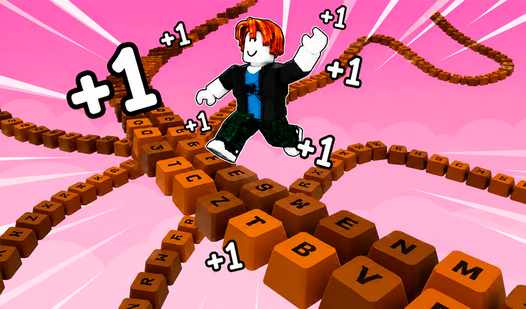
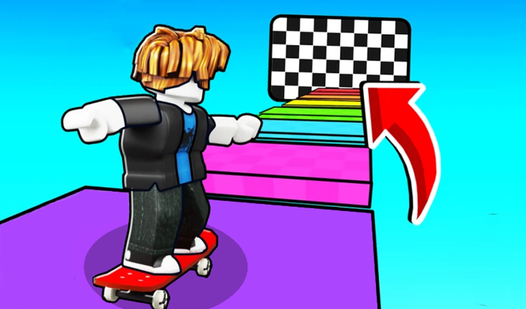
Obby: Up to the Galaxy — screenshot 1Obby: Up to the Galaxy — screenshot 2Obby: Up to the Galaxy — screenshot 3Obby: Up to the Galaxy — screenshot 4

Popular games