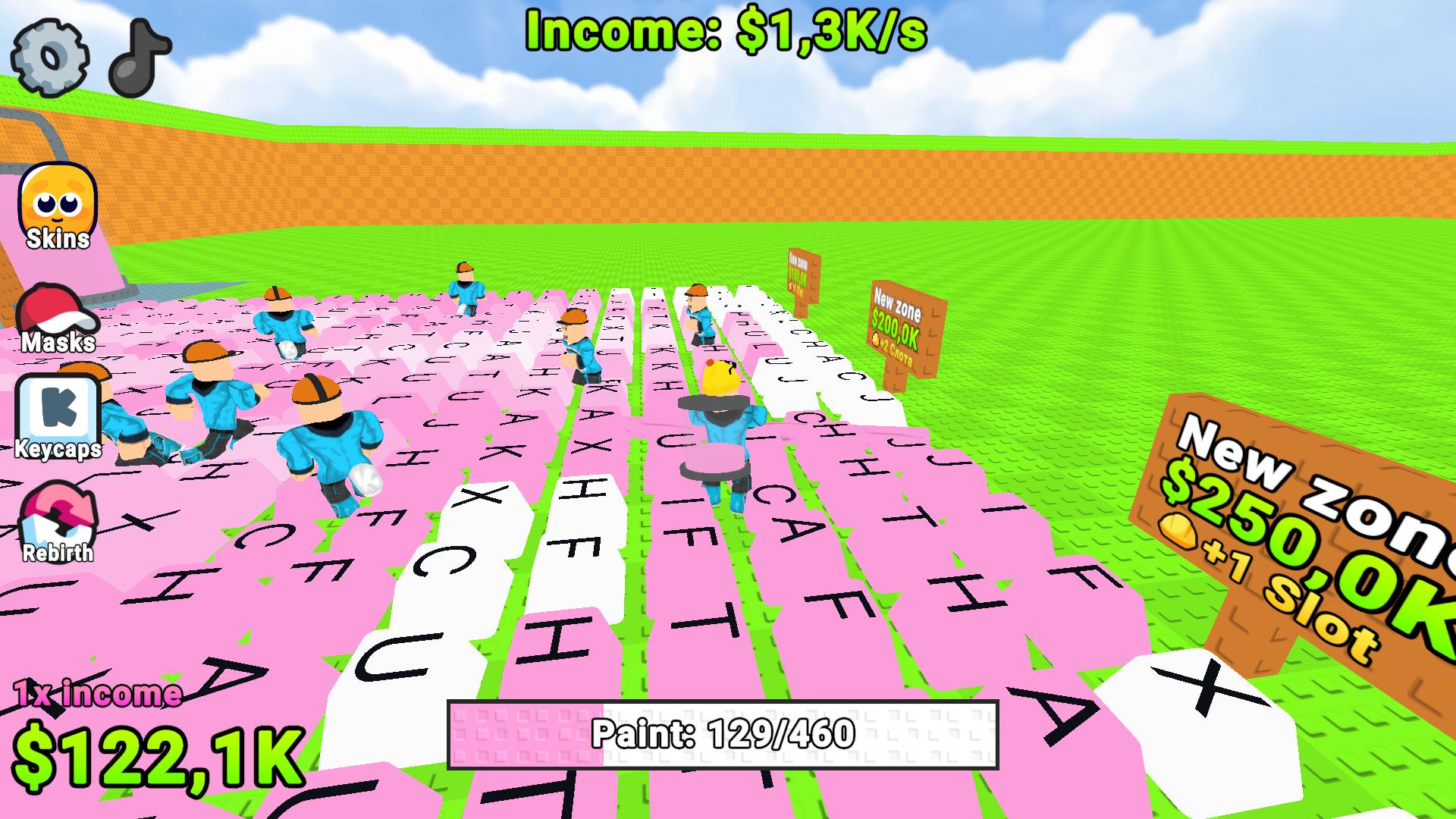
About game
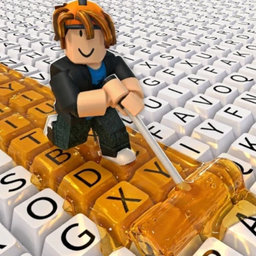
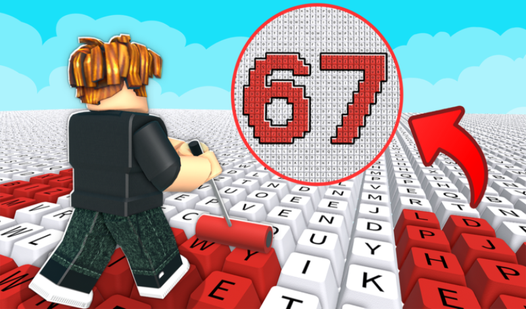
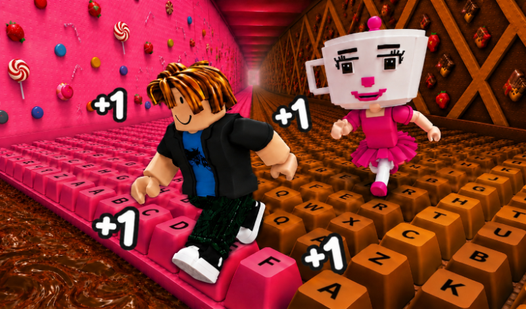
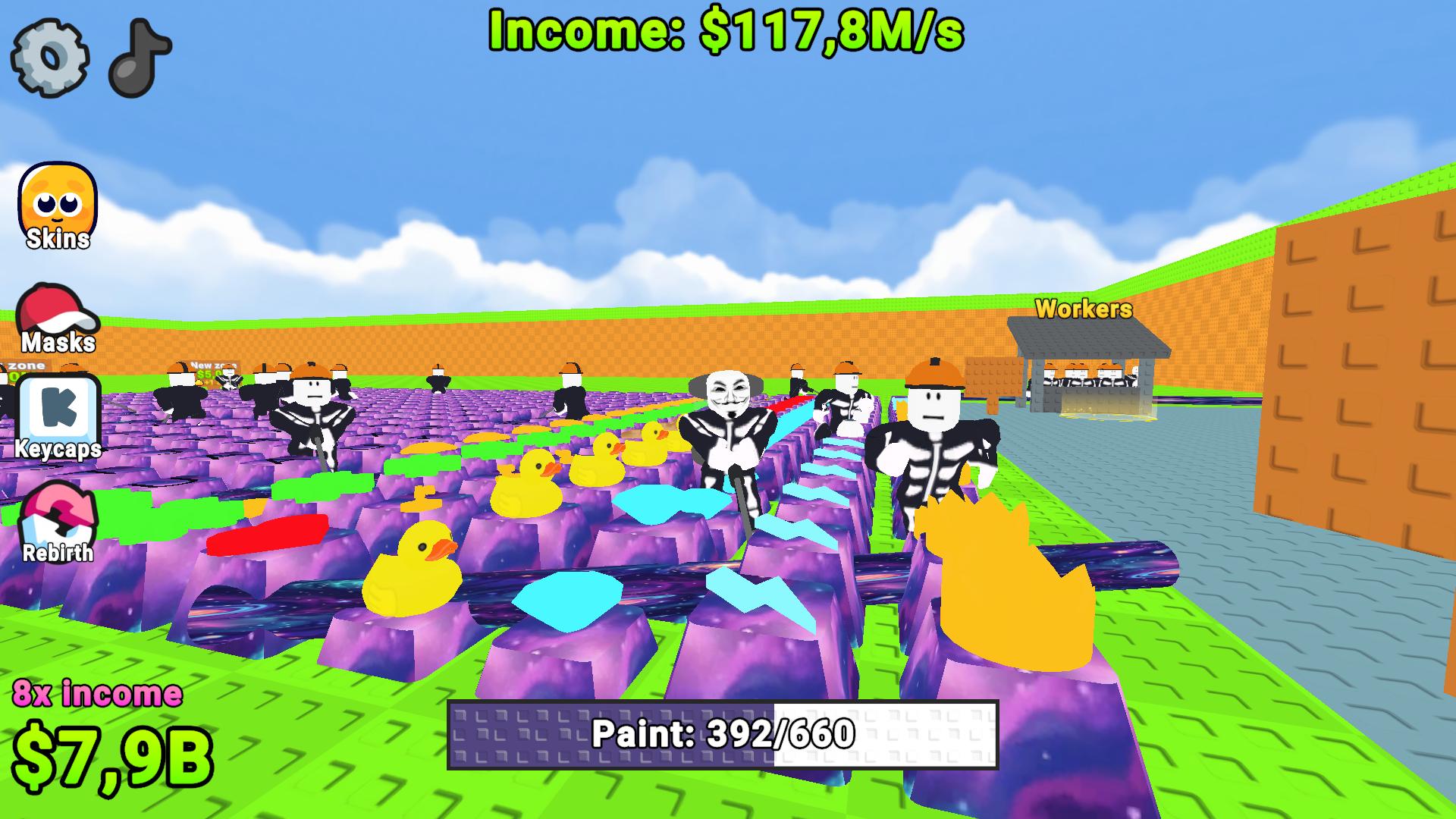
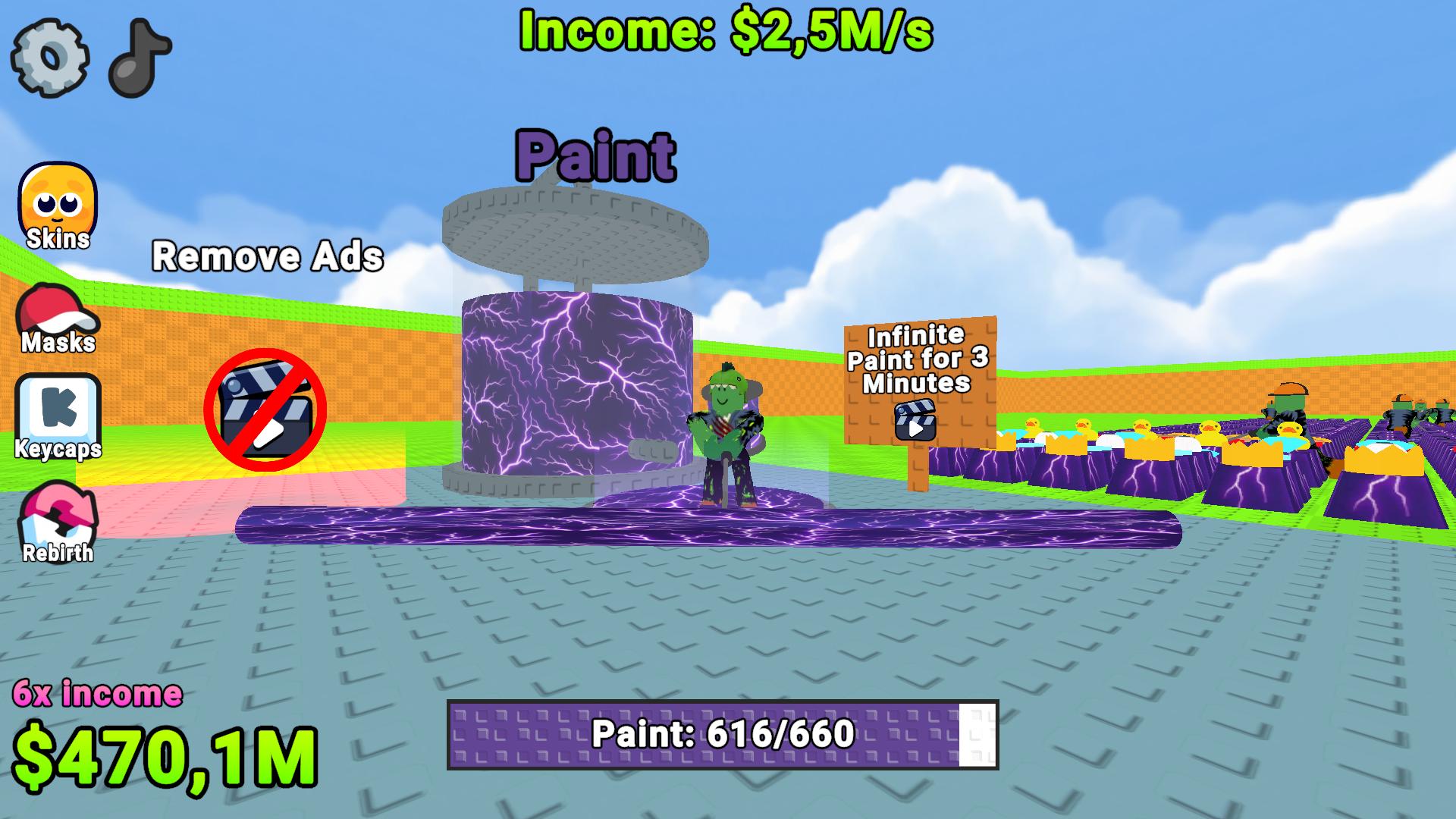
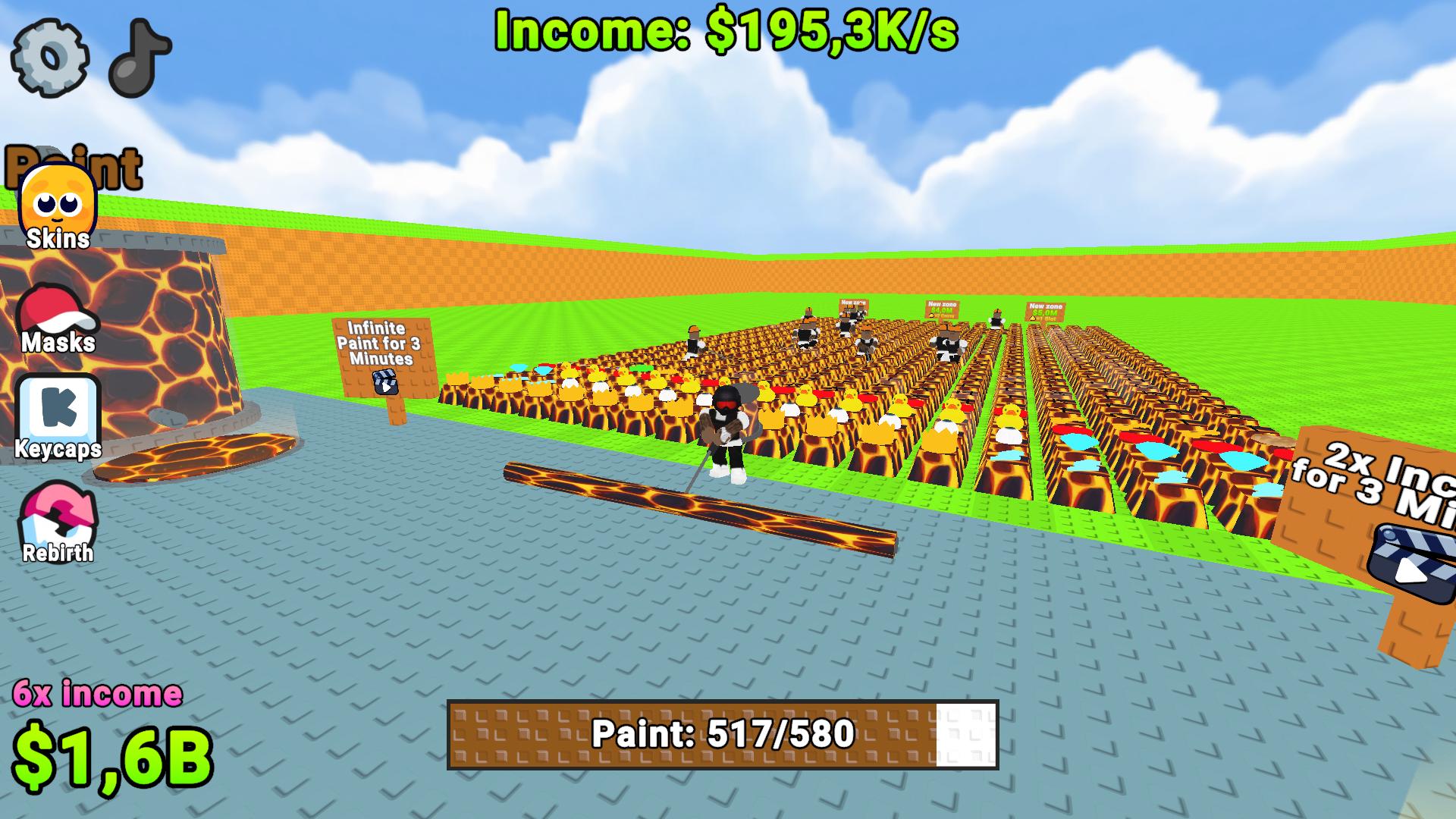
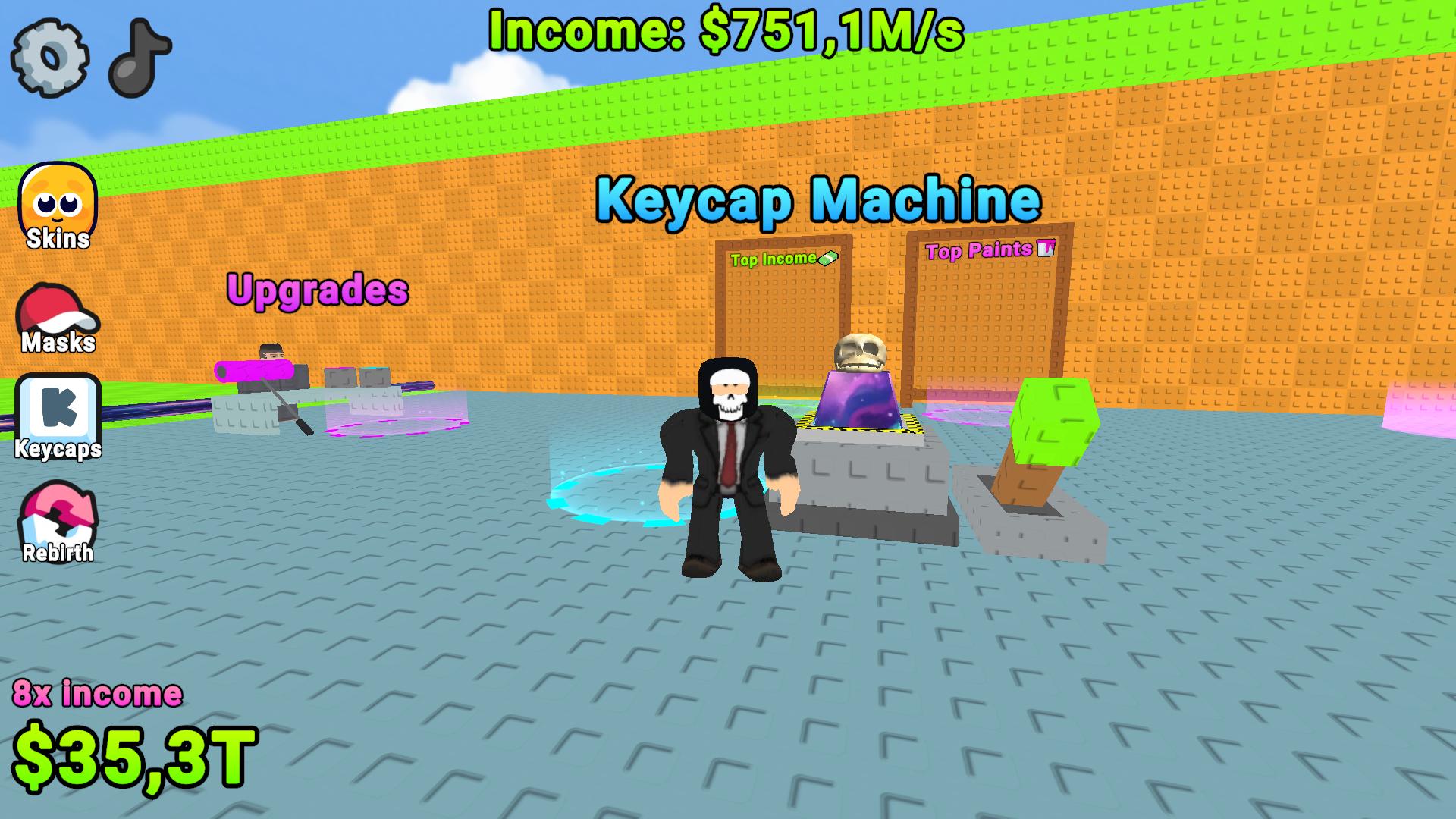
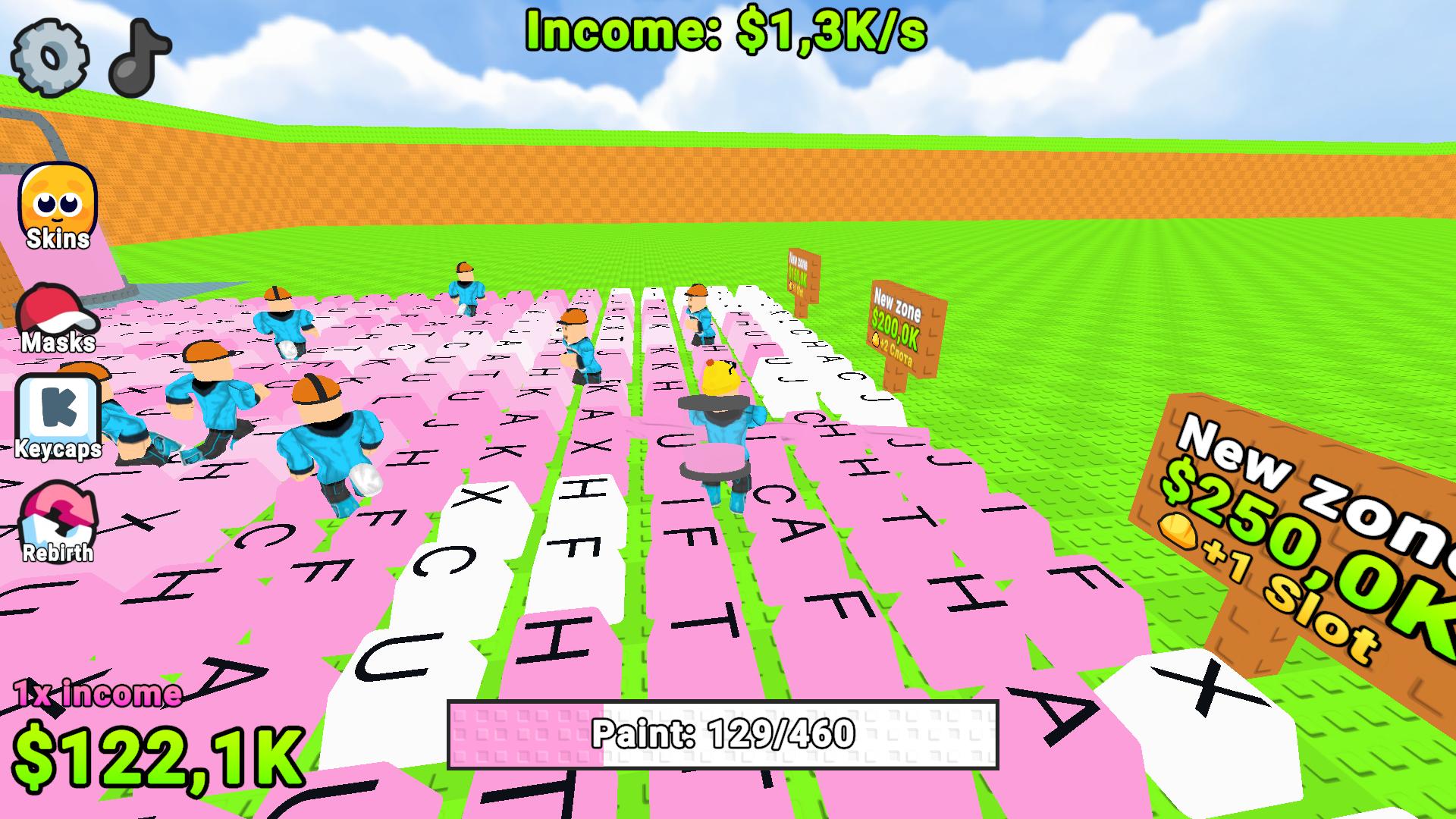
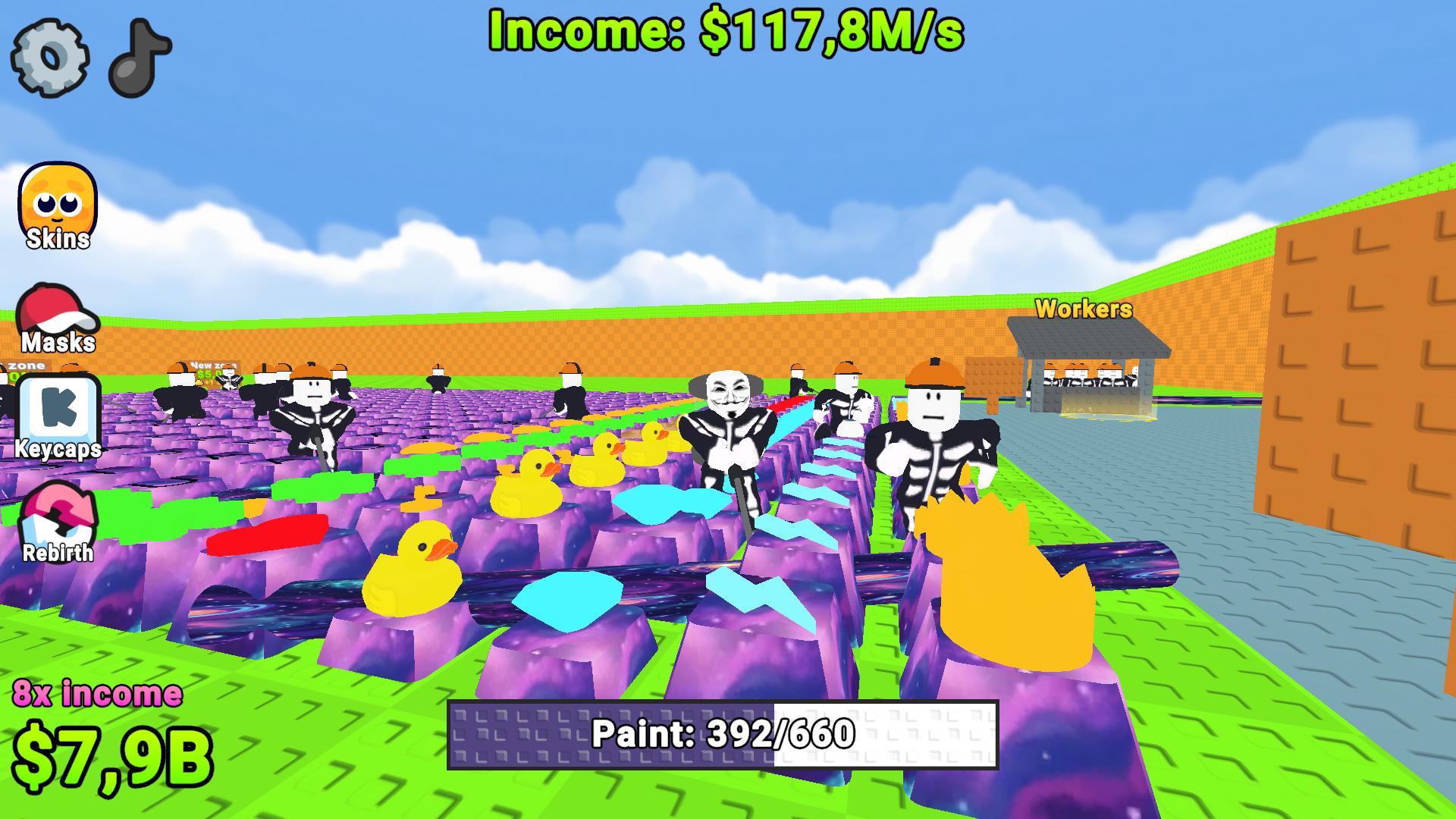
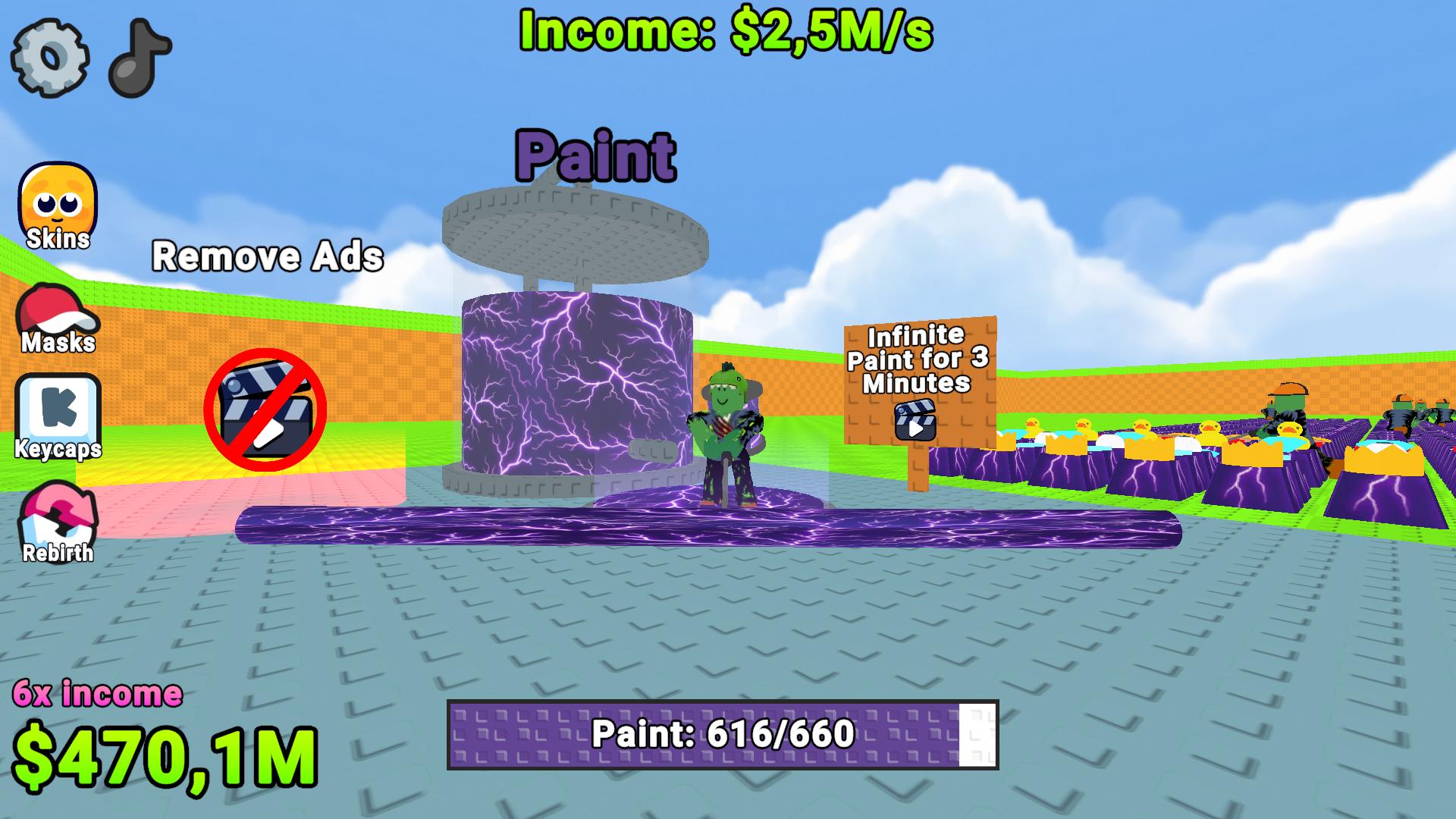
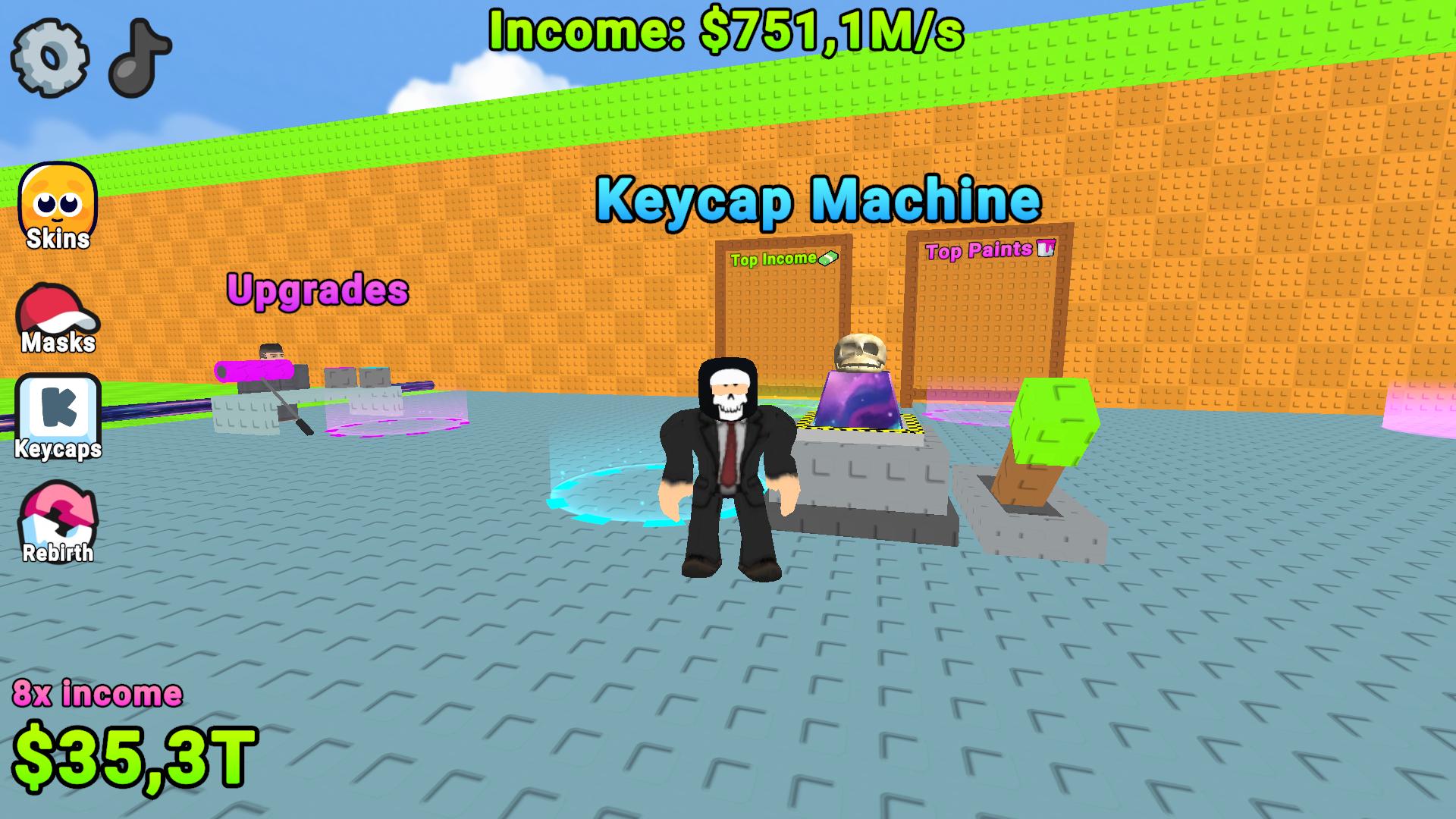
Staring at a blank screen while your brain turns to mush is the worst feeling during a afternoon slump. Obby: Paint Your Keyboard! Turns that boring downtime into a vibrant color-filled race against the clock. Grab your virtual roller and start splashing bright shades across every single key to watch your bank account grow. You move through a massive 3D space where every surface becomes a canvas for your creative chaos. Managing this keyboard simulator requires quick movement and smart resource allocation as you claim new territory. Hiring automated helpers lets you scale your income while you focus on painting the trickiest corners of the board. Constant upgrades ensure your character stays fast enough to handle the expanding map size. Playing this satisfying antistress game right in your browser requires no download or registration.
How to play
🖥️ On PC
WASD — character movement
Space — jump
Right mouse button — camera rotation
Mouse wheel — camera zoom in/out
Hold E — interact with objects
📱 On Mobile
Left joystick — character movement
Invisible panel on the right — camera rotation
On-screen buttons — jump, interact, and other actions
Features
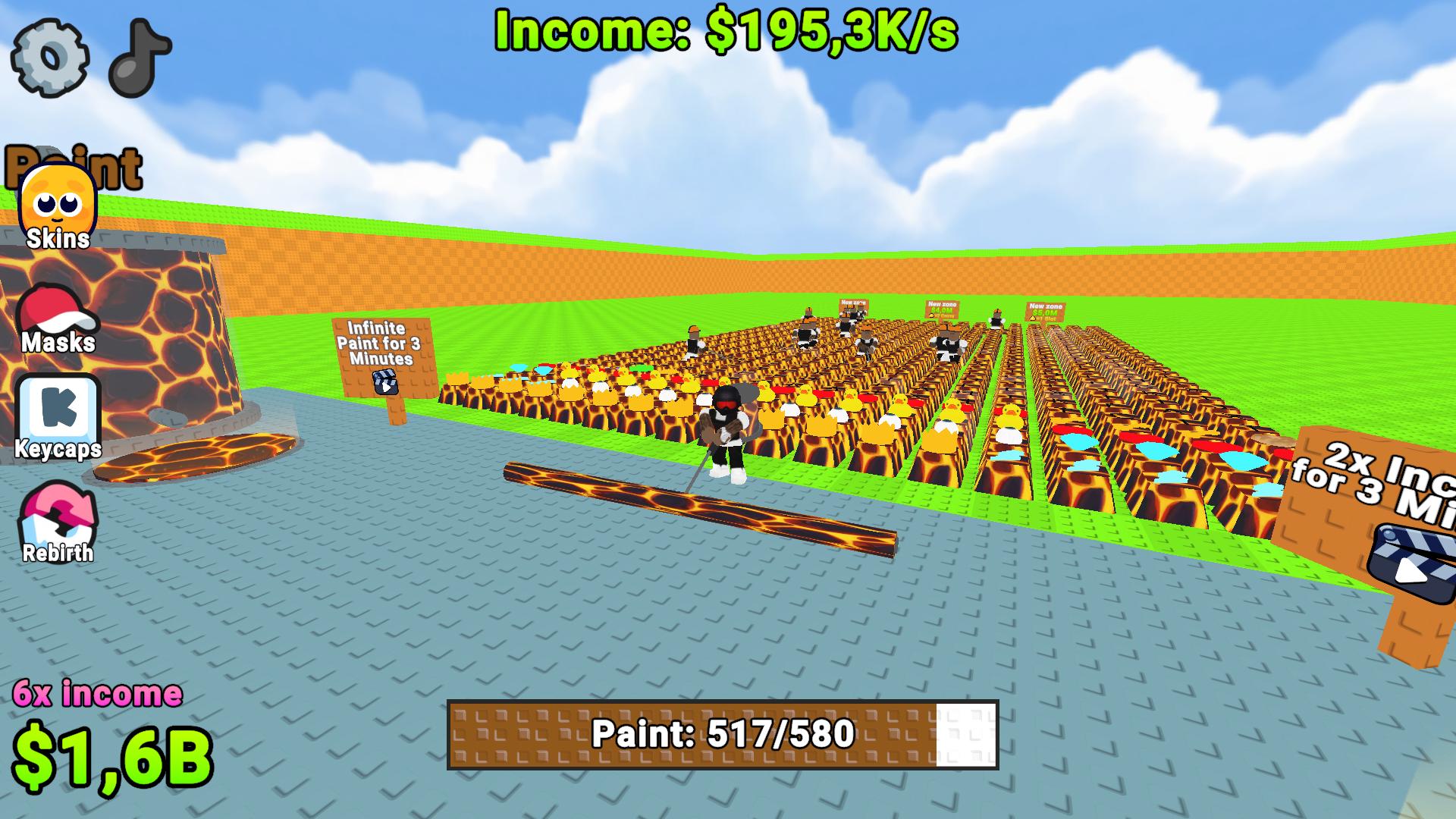
- Visual styles: Unlock specialized paint types like glowing lava or sticky honey to multiply your cash output.
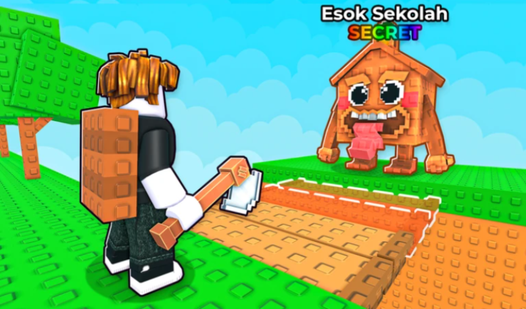
- Automated workforce: Recruit dedicated assistants to handle the repetitive painting tasks while you scout for new areas.
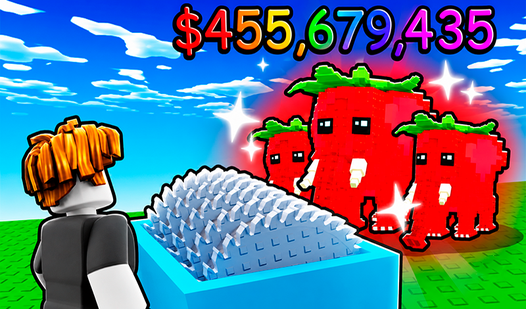
- Character progression: Spend your hard-earned currency to boost movement speed or increase your painting efficiency.
- Competitive ranking: Check the global leaderboards to see how your total painted area stacks up against your friends.
- Map scaling: Save up coins to unlock extra sectors and transform your small workspace into a giant colorful landscape.
Who is it for
Casual gamers needing a relaxing antistress outlet will find this experience delightful. Fans of tycoon titles who love watching numbers climb high enjoy the progression loop. Color enthusiasts looking for a quick satisfying break during the workday will appreciate the simple but addictive mechanics of this bright arcade hobby.
Controls
Movement
Use WASD on PC or the left joystick on mobile screens.
Jump
Press Space on your keyboard or the jump icon on mobile.
Interact
Hold E on PC or tap the designated button on your mobile screen.
Camera control
Drag the right mouse button on PC or use the invisible panel on mobile devices.
FAQ
How do I earn more money in Obby: Paint Your Keyboard!?
›
You increase your income by purchasing better paint types and upgrading your character speed to cover more keys quickly.
Can I expand my workspace in Obby: Paint Your Keyboard!?
›
Yes, you can use your accumulated in-game currency to purchase new plots and expand your keyboard area to a massive size.
Is Obby: Paint Your Keyboard! free to play?
›
The game is completely free and runs directly in your web browser with no download or registration required.