About game
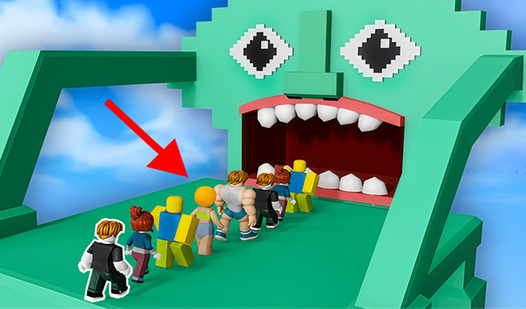
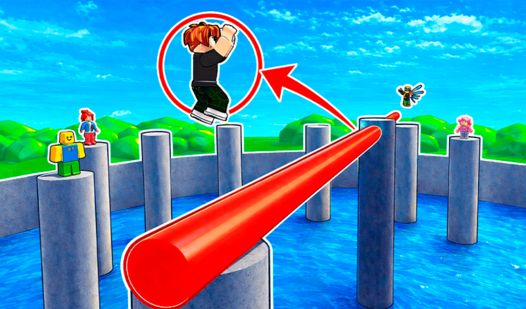
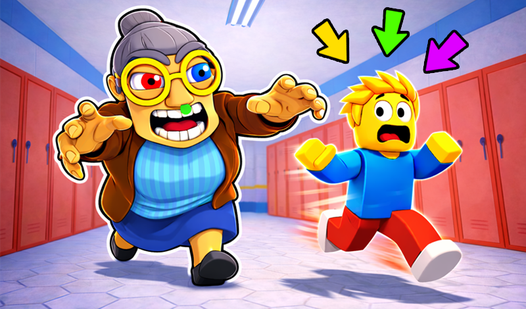
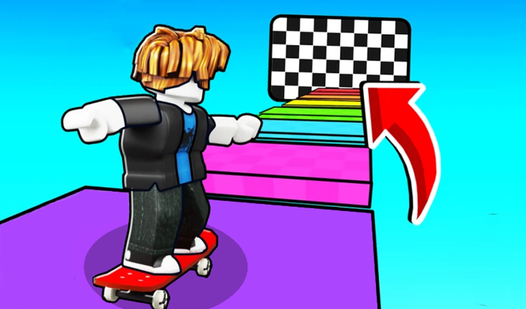
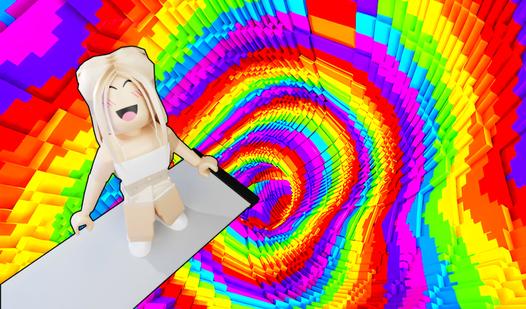
Parkour fans will find a new home in Obby: Fun Run because it turns every jump into a high-stakes race against gravity. You navigate vibrant 3D environments that test your reflexes through shifting platforms and tricky gaps. Your main goal involves guiding your character across finish lines while avoiding traps that send you back to the start. Precision matters when you leap over obstacles, yet the mechanics remain friendly enough for anyone to pick up instantly. Every level presents a different layout to keep your movement fresh and unpredictable. You clear these stages by timing your momentum perfectly to stick every landing. This browser game runs smoothly without needing any extra software or heavy downloads. Head over to FreeJoy.games to start your run right in your web browser immediately.
How to play
🖥️ Controls (PC):
⌨️ W, A, S, D — Move 🚶♂️
🖱️ Mouse — Rotate Camera 🎥
⬆️ Spacebar — Jump 🦘
⚙️ TAB — Open Settings
📱 Controls (Mobile):
🕹️ Joystick — Move 🚶♂️
👆 Left Side of the Screen — Rotate Camera 🎥
⬆️ Jump Button — Jump 🦘
⚙️ Tap the Gear Icon — Open Settings
Features
- Dynamic Obstacles: Every stage introduces moving platforms and disappearing blocks that force you to adjust your timing on the fly.
- Checkpoint System: Progress saves automatically at key milestones so you never lose too much ground after a tough fall.
- Physics-Based Movement: Characters react to your inputs with weight and momentum that make every successful leap feel earned.
- Minimalist Design: The aesthetic focuses on clean shapes and bright colors to ensure you see upcoming hurdles clearly.
- Progressive Difficulty: Early zones teach you the ropes while later stages demand tighter coordination and faster reaction speeds.
Who is it for
Casual players who enjoy quick sessions in their browser will appreciate the fast pace. Fans of obstacle courses find the parkour mechanics satisfying, while those seeking a lighthearted challenge without a steep learning curve will love the accessible design and bright, energetic atmosphere of every single level.
Controls
Movement
Use WASD keys on PC or the virtual joystick on the left side of your mobile screen.
Jumping
Press the Spacebar on your keyboard or tap the dedicated jump button on your mobile device.
Camera Control
Drag your mouse across the screen on PC or swipe the left side of your mobile display.
Settings Menu
Click the TAB key or tap the gear icon located on the game interface.
FAQ
Is Obby: Fun Run free to play in a browser?
›
Yes, you can play Obby: Fun Run directly in your browser without any downloads or registration required.
Does Obby: Fun Run work on mobile devices?
›
Absolutely, Obby: Fun Run is optimized for mobile play with intuitive touch controls tailored for smartphones and tablets.
How many levels are in Obby: Fun Run?
›
Obby: Fun Run includes a variety of stages that increase in complexity as you progress through the adventure.