About game
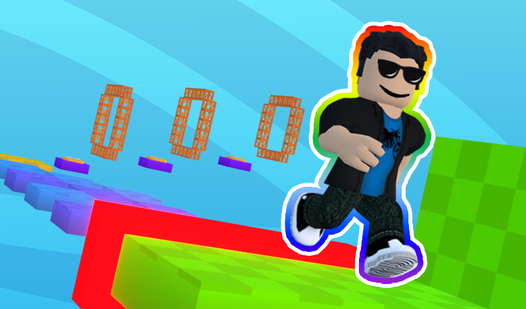
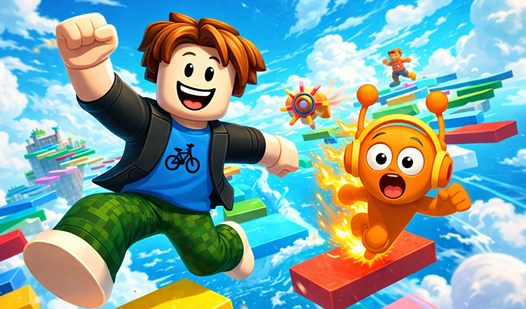
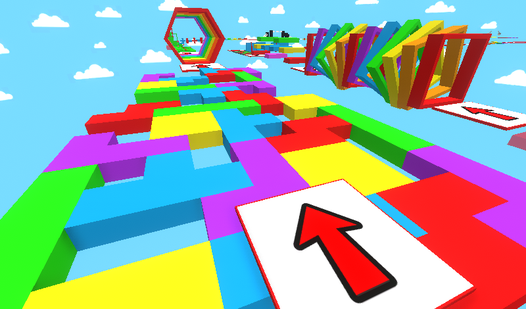
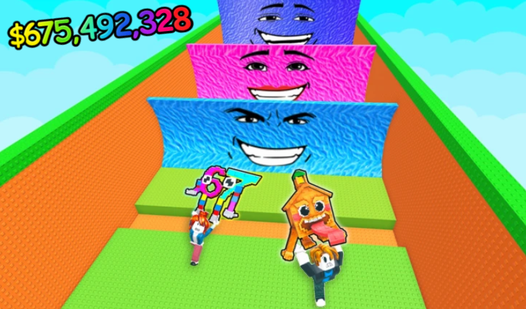
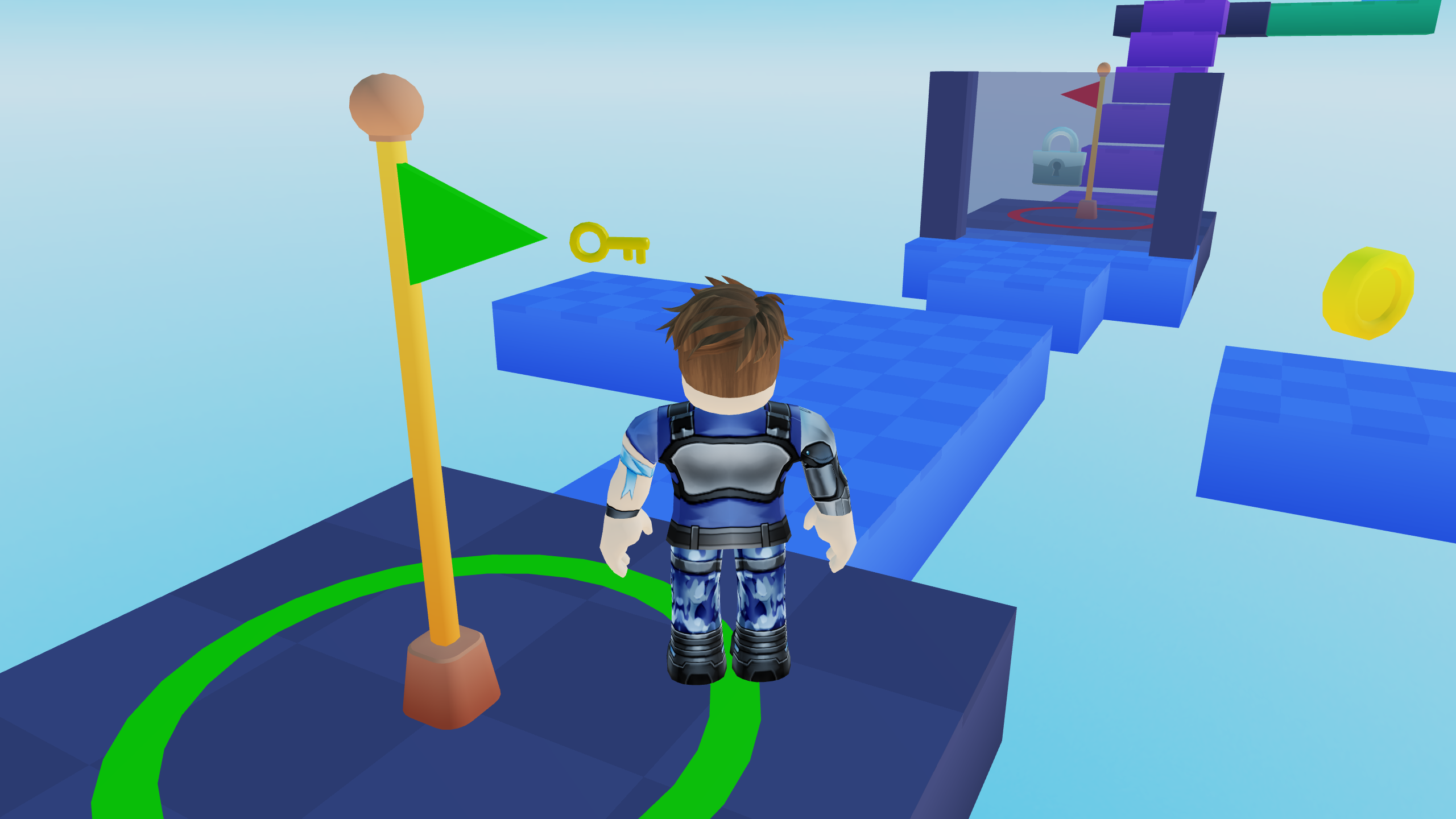
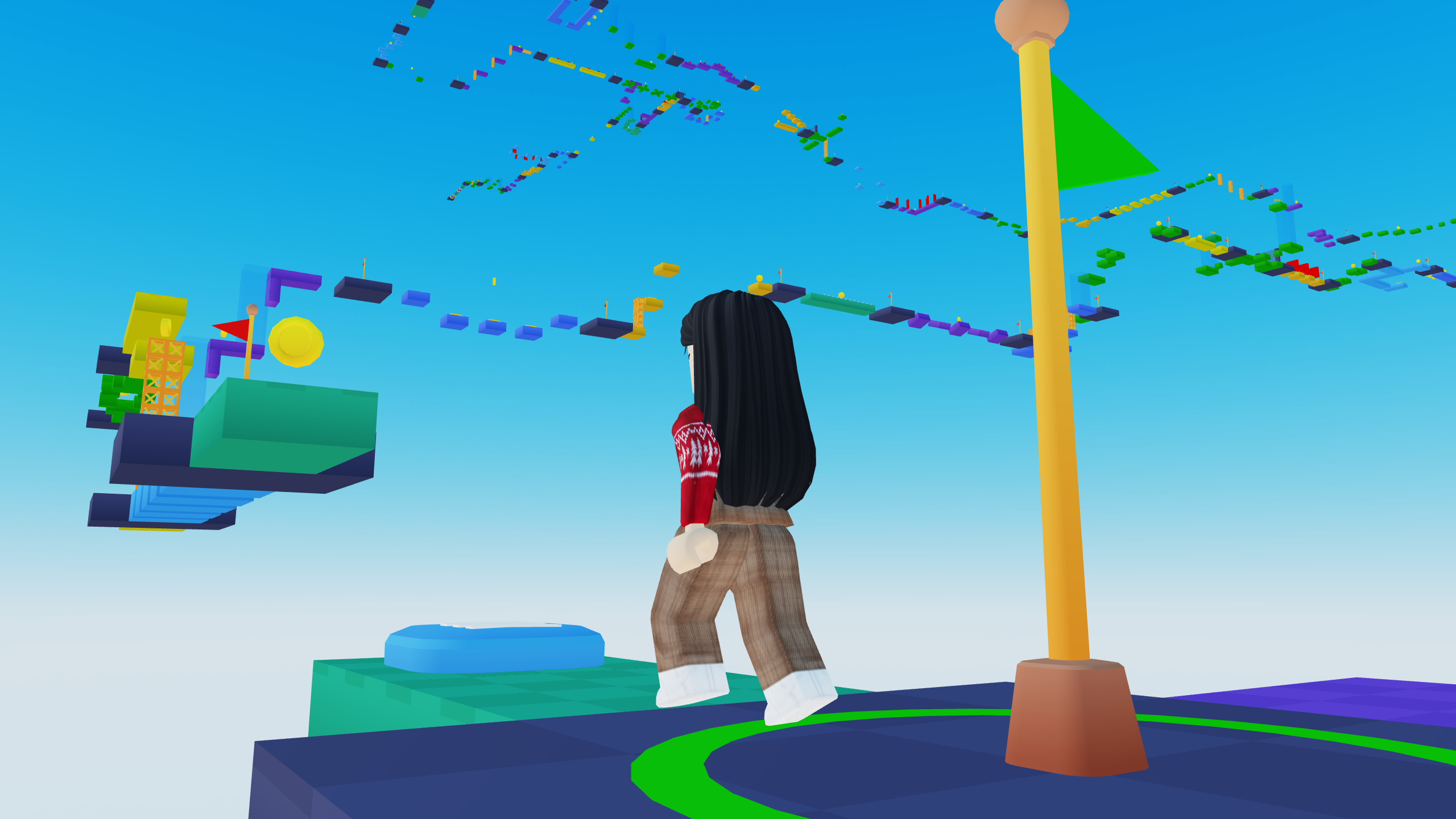
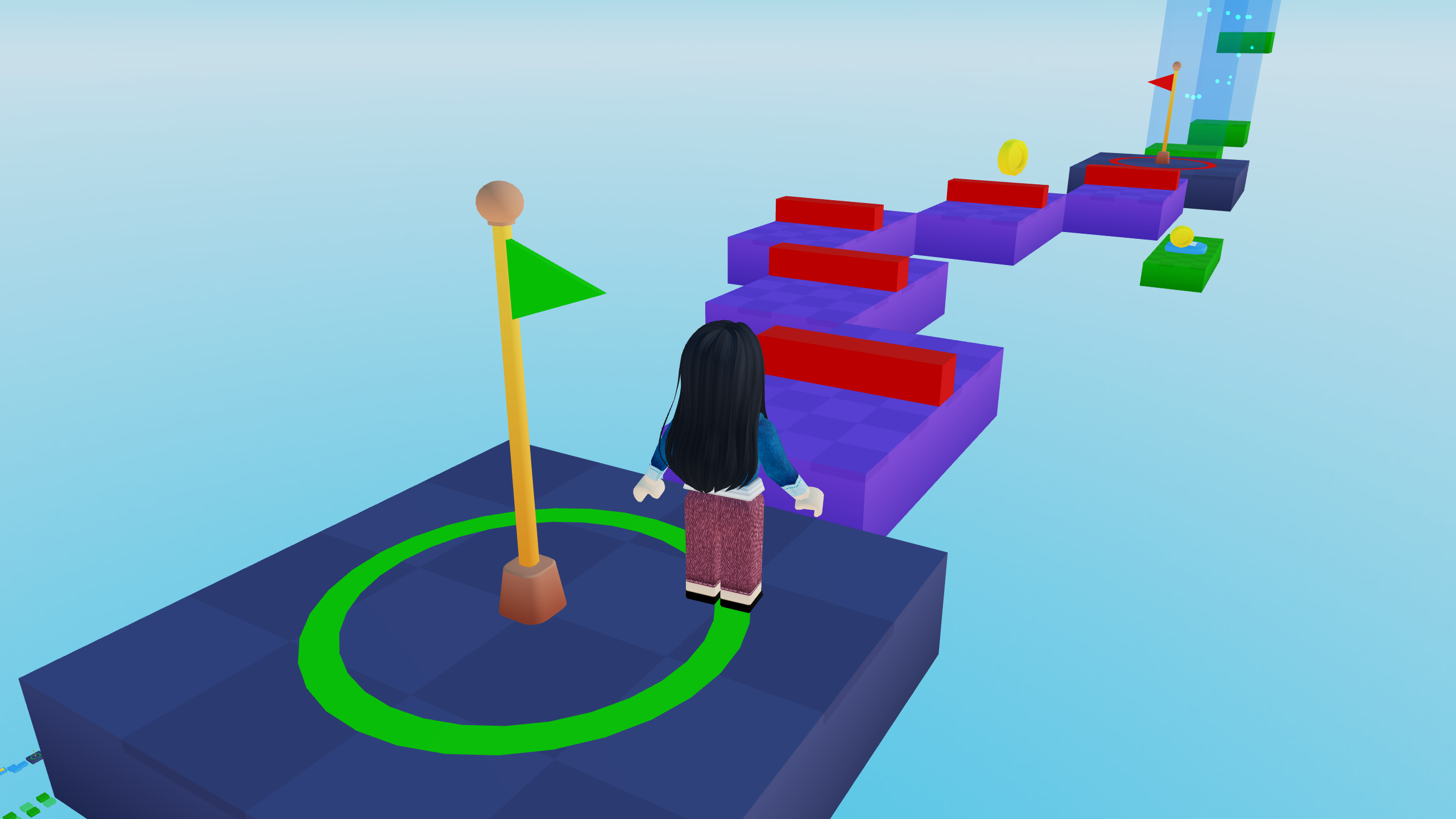
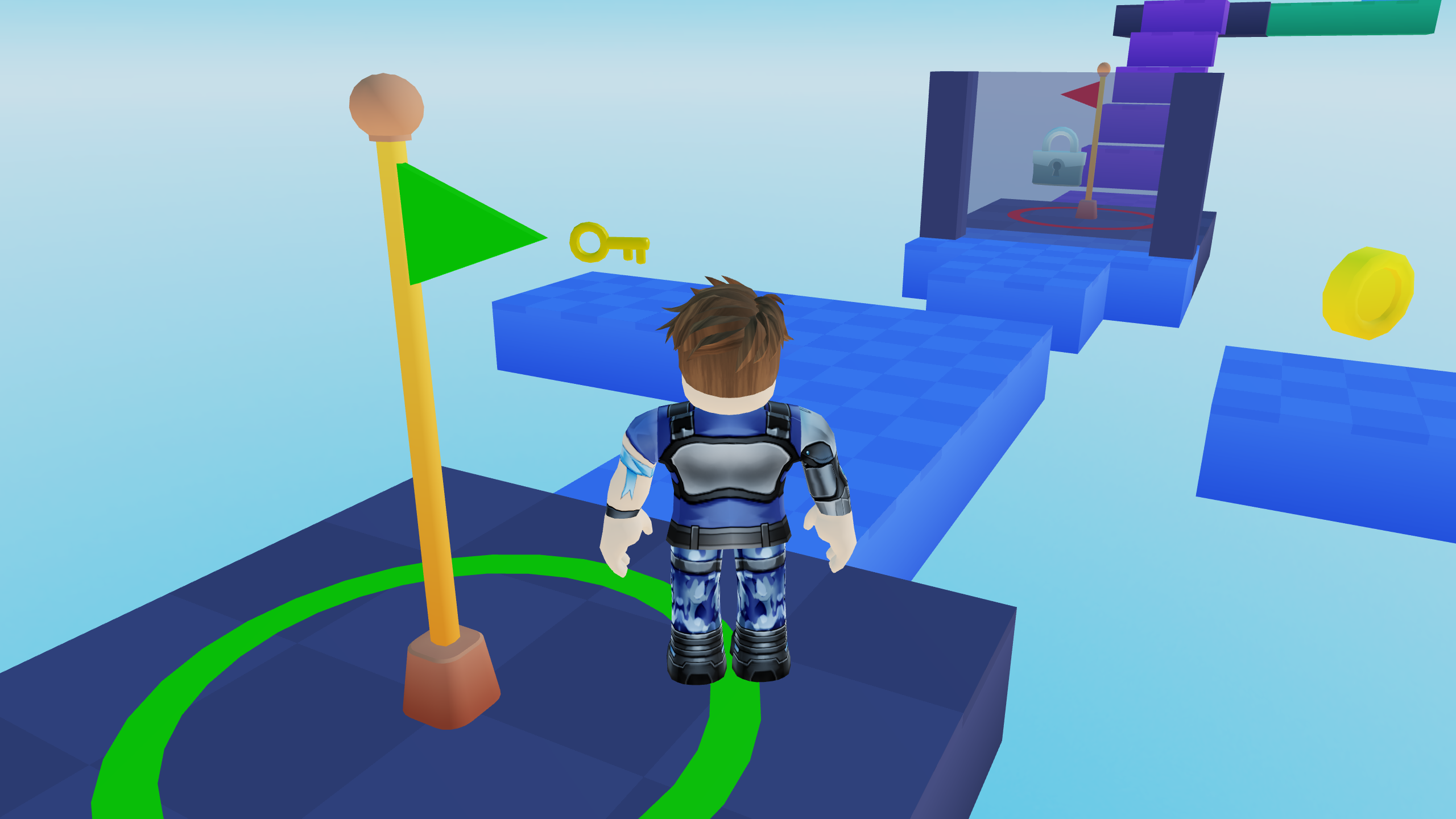
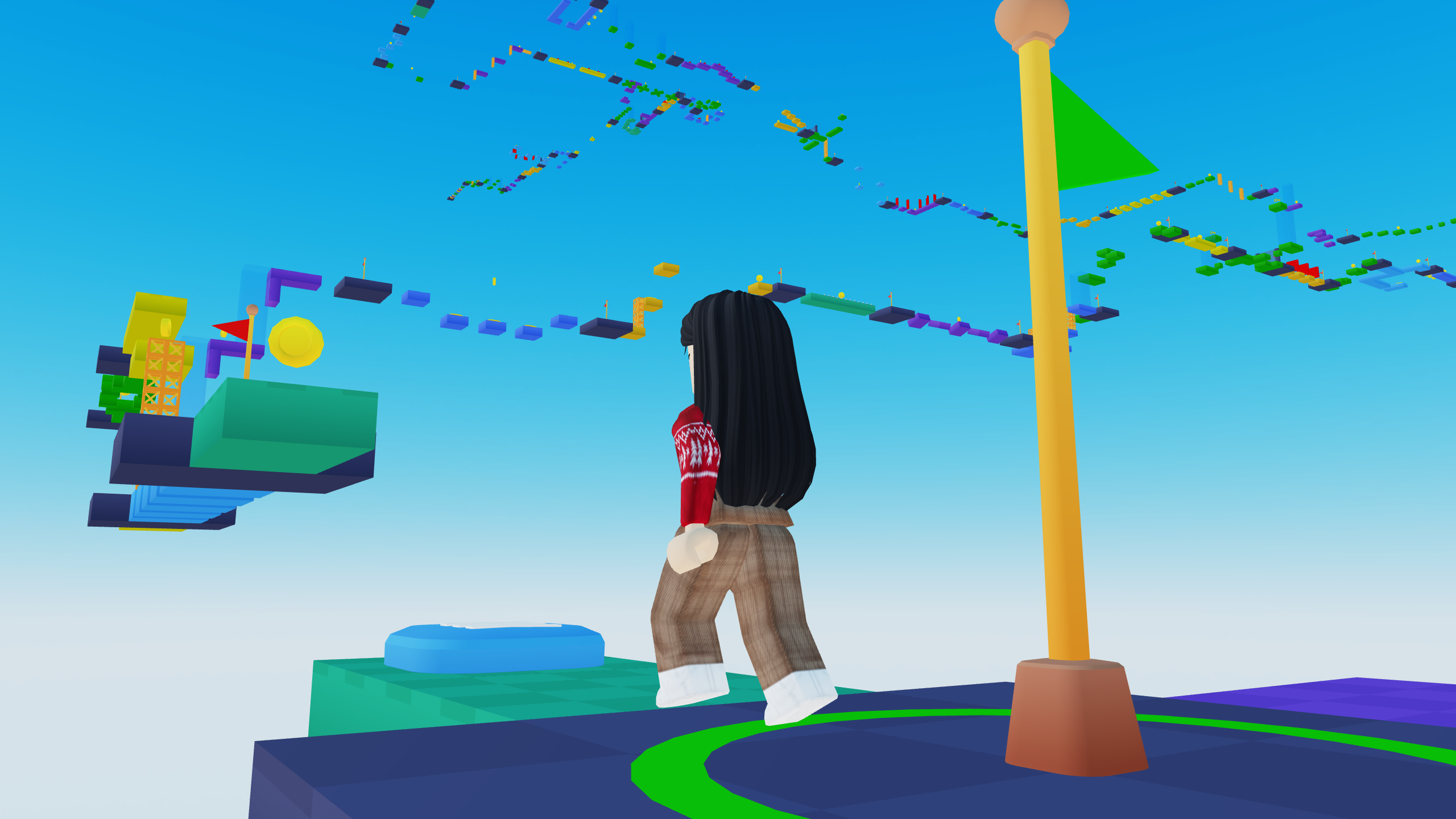
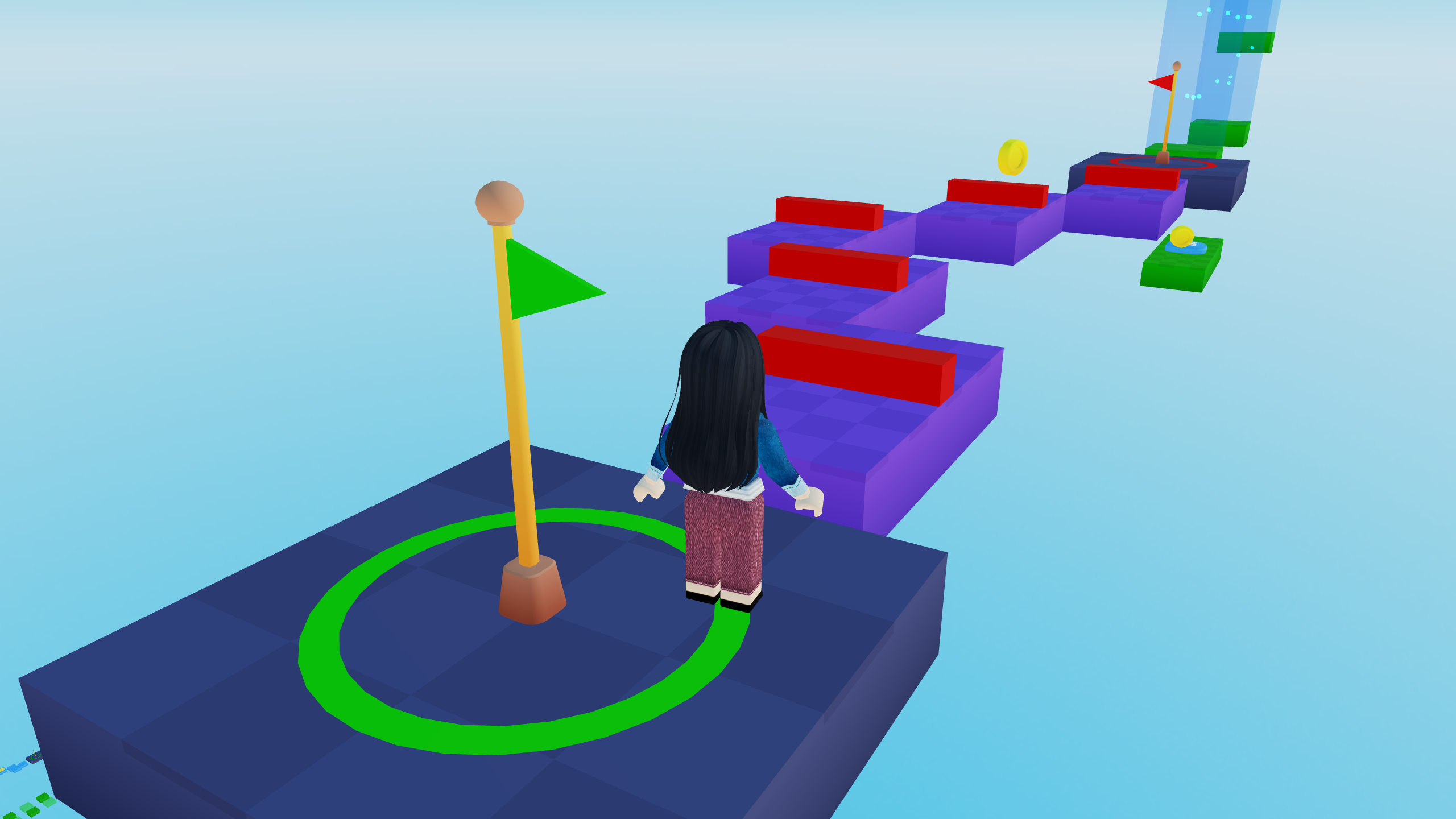
Navigate through complex obstacle courses by timing your jumps perfectly across floating platforms in Obby: Colorful Adventure. Mastering the art of the 3d паркур challenge requires steady hands and quick reflexes as you dodge traps at every turn. Each stage tests your precision, forcing you to calculate distances and landing spots to reach the final goal. Beyond the platforming action, the game rewards your persistence with currency used to unlock fresh character skins and stylish accessories. You can choose from various vibrant outfits to ensure your avatar stands out while you conquer the most difficult sections. The smooth 3d графика keeps the experience immersive, making every leap feel satisfying and responsive. Whether you are a fan of traditional obby gameplay or just want a casual way to pass the time, this adventure offers endless fun. Experience the thrill of rapid progression and high-quality level design right now in your browser without any downloads required.
How to play
PC:
WASD — move
Mouse — camera rotation
Space — jump
Tab— settings
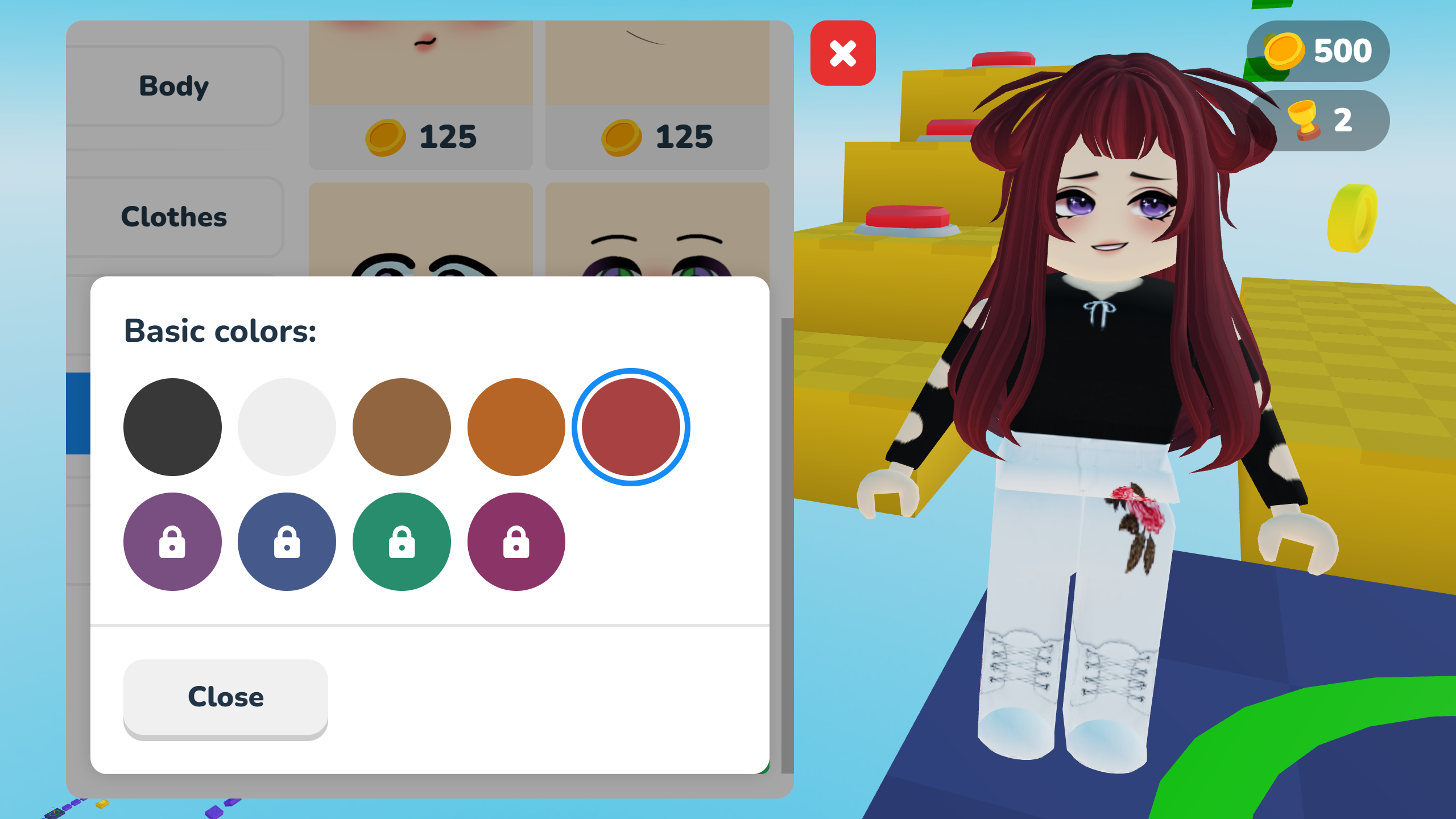
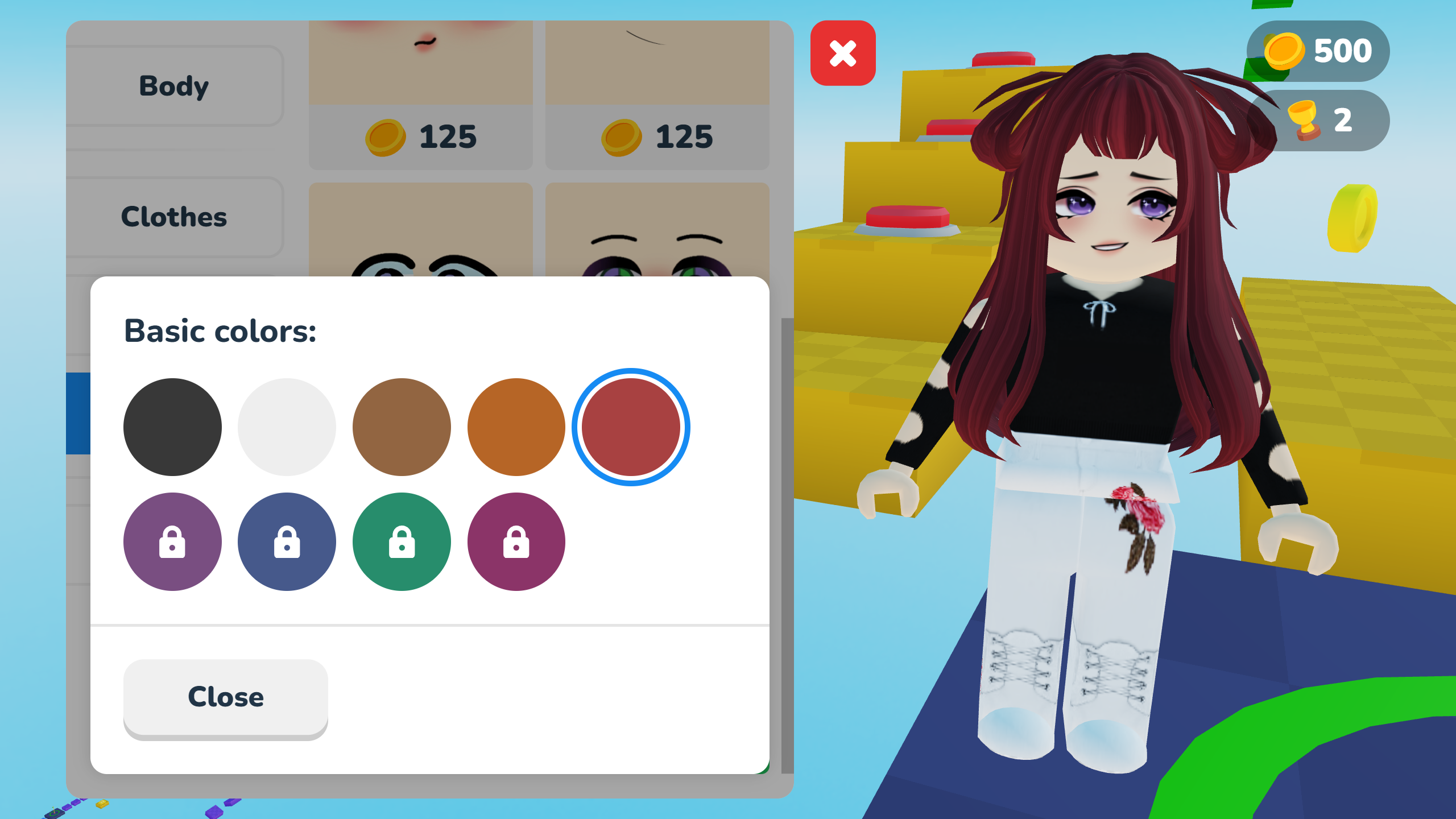
С — character customization
V — skip the current stage
Phone:
Joystick and button on the screen
Features
- Dynamic customization: Spend earned rewards to unlock unique costumes and accessories for your character.
- Stage skipping: Utilize the V key to bypass particularly tricky segments if you get stuck on a difficult jump.
- Varied environments: Encounter diverse platform layouts that introduce new hazards and patterns to keep gameplay fresh.
- Responsive movement: Enjoy precise physics that allow for air-strafing and tight cornering during intense parkour sequences.
- Progressive difficulty: Face increasingly complex obstacle patterns that demand mastery of movement mechanics.
Who is it for
Platformer fans who enjoy testing their dexterity and agility will find this title highly engaging. It is also suitable for casual gamers who prefer solo play sessions and enjoy aesthetic character personalization. Anyone seeking a snappy, browser-based challenge will appreciate the accessible yet demanding nature of these obstacle courses.
Controls
Movement
Use WASD keys or the on-screen joystick.
Jump
Press Spacebar or the jump button on your mobile device.
Camera
Move your mouse to look around or swipe on the touchscreen.
Customization
Press the C key or the menu icon to open the shop.
Skip Stage
Press V on your keyboard.
FAQ
How do I change my look in Obby: Colorful Adventure?
›
You can tap or press the C key to open the customization menu where you can equip new accessories.
Is Obby: Colorful Adventure playable on mobile browsers?
›
Yes, the game is fully optimized for mobile play using simple joystick and button controls on your screen.
Can I skip levels in Obby: Colorful Adventure if they are too hard?
›
Yes, you can use the V key to skip the current stage if you find yourself stuck on a specific obstacle.