About game
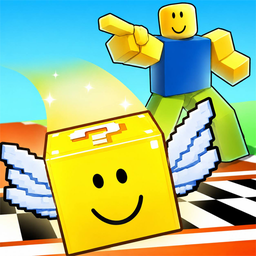
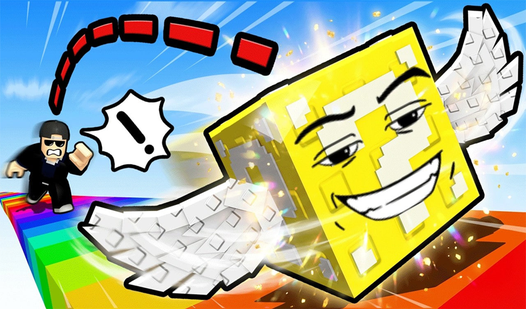
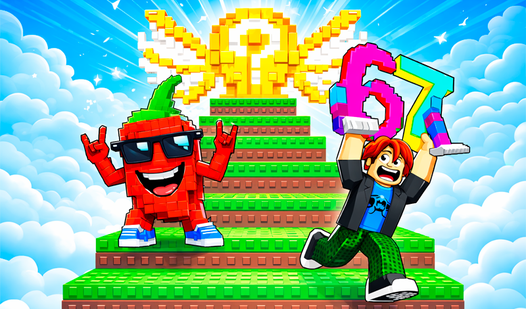
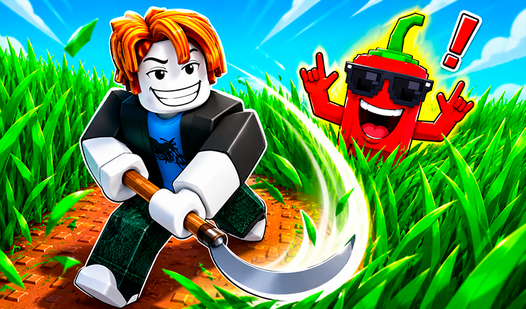
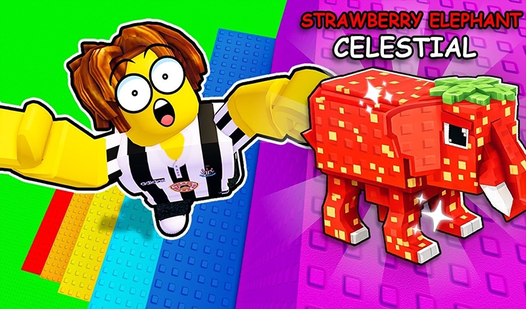
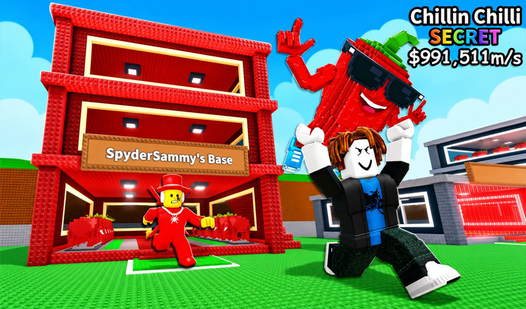
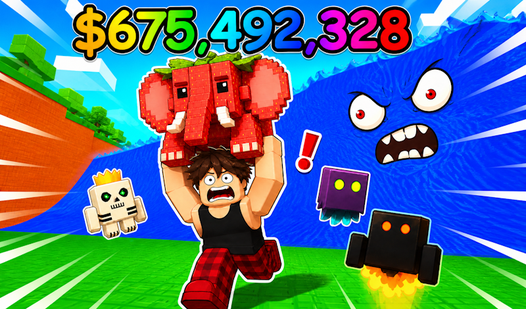
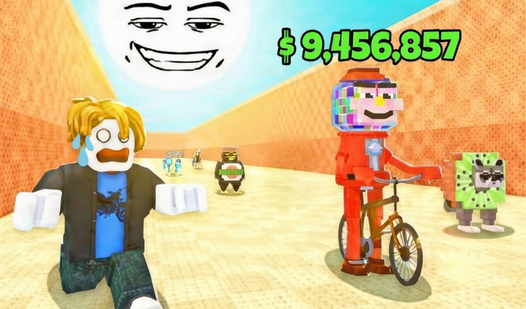
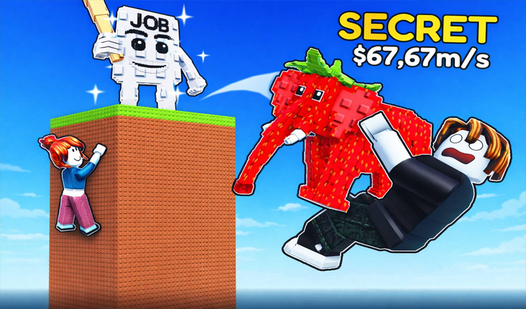
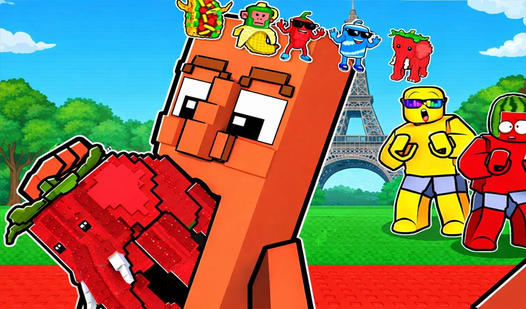
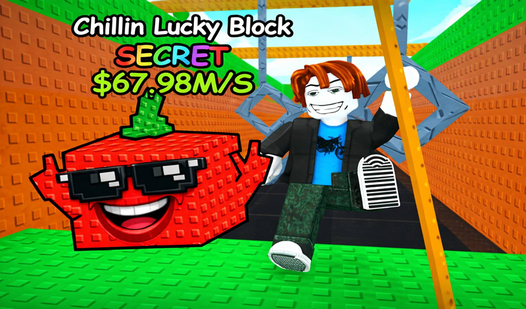
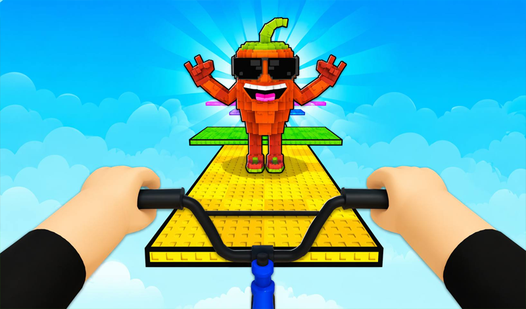
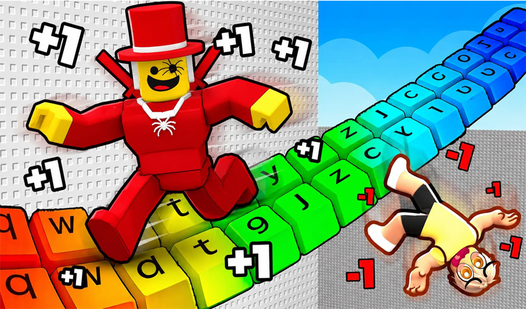
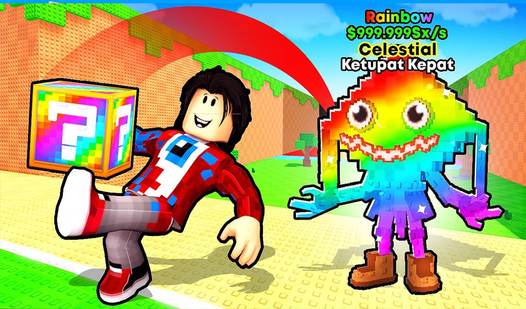
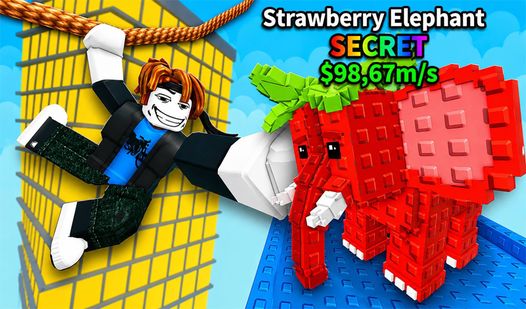
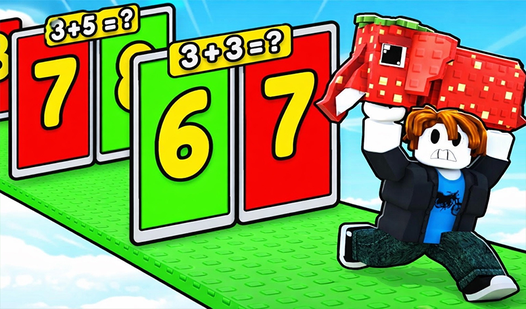
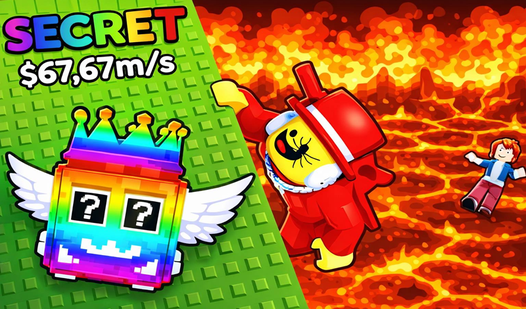
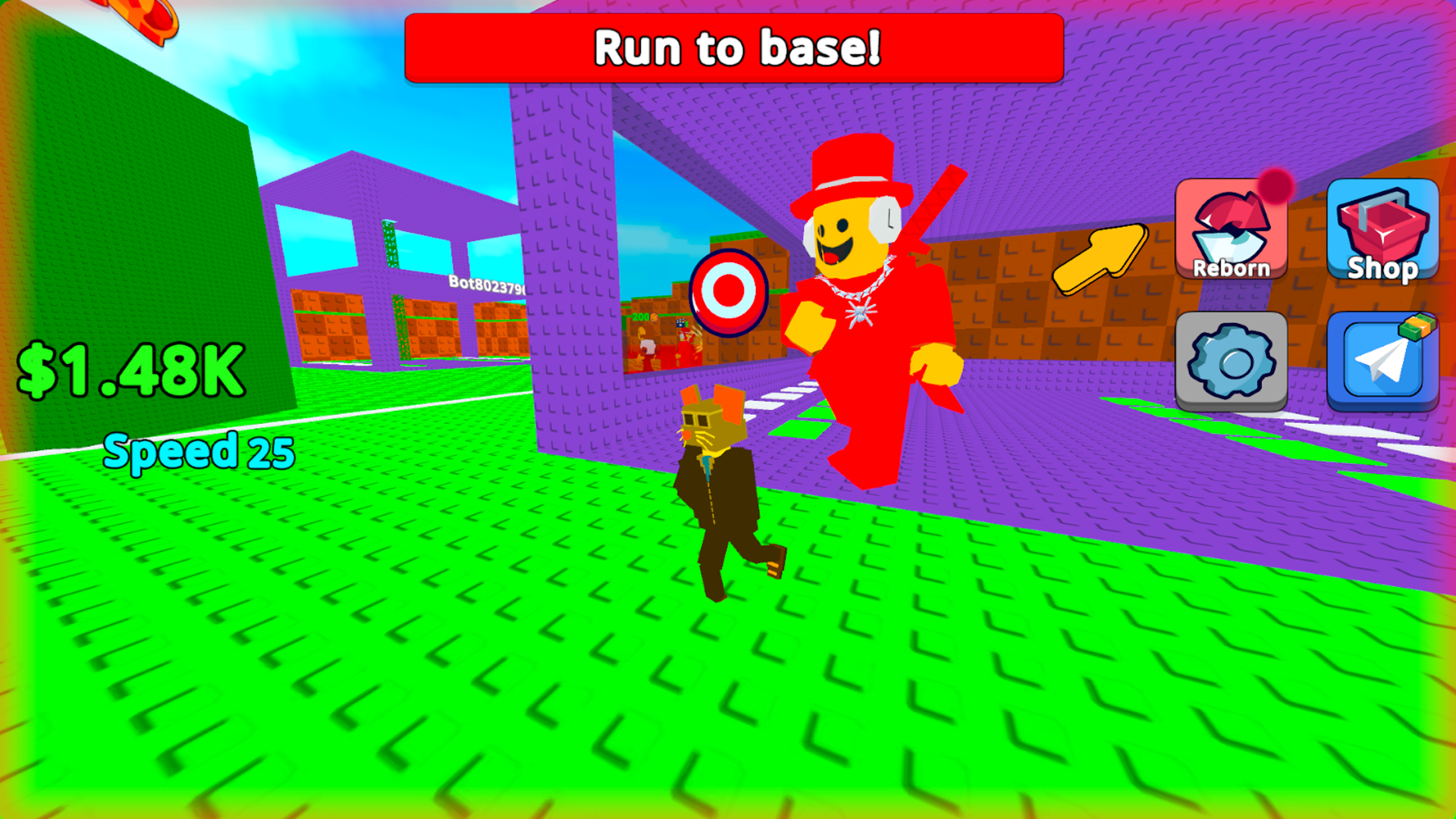
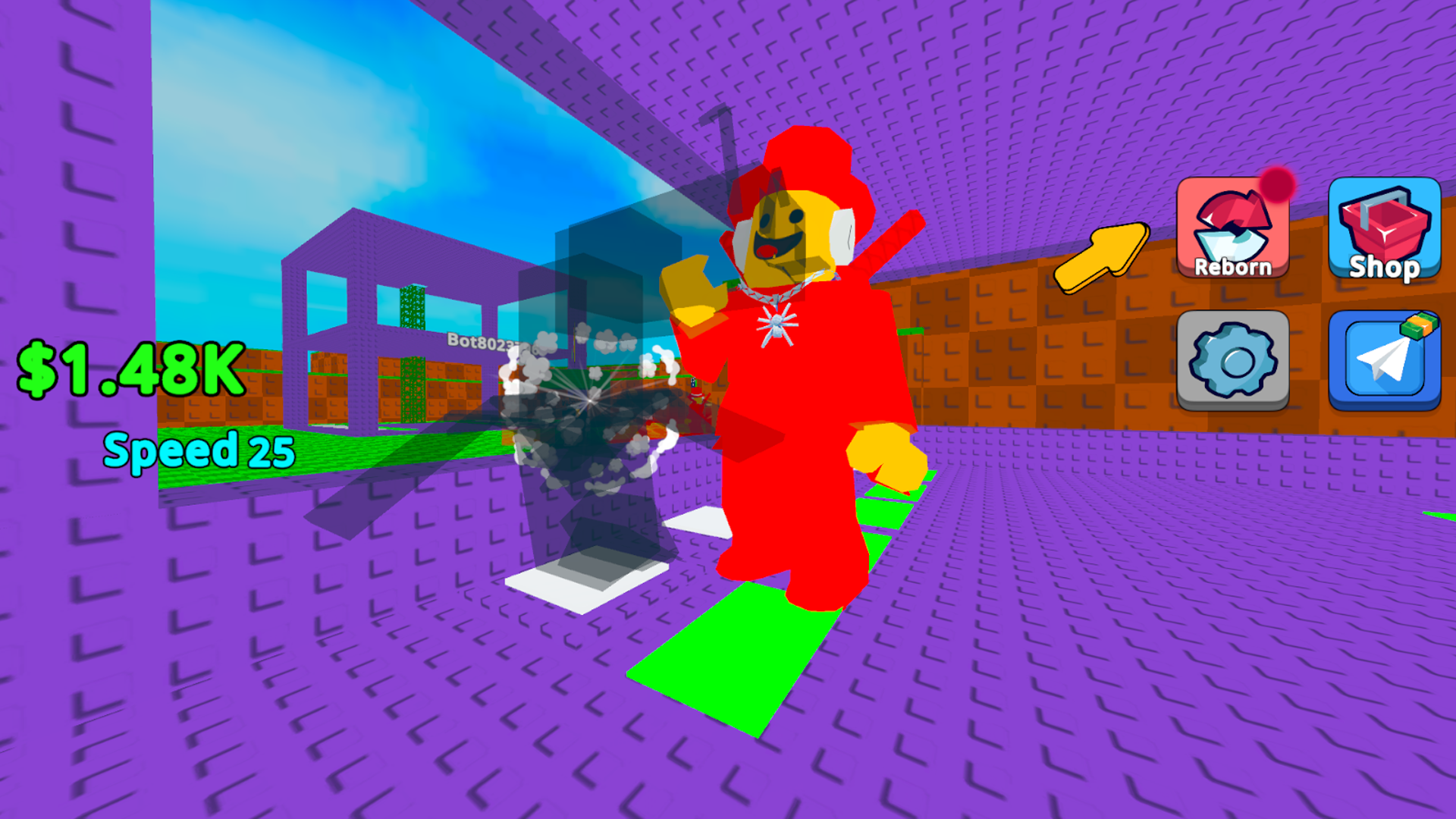
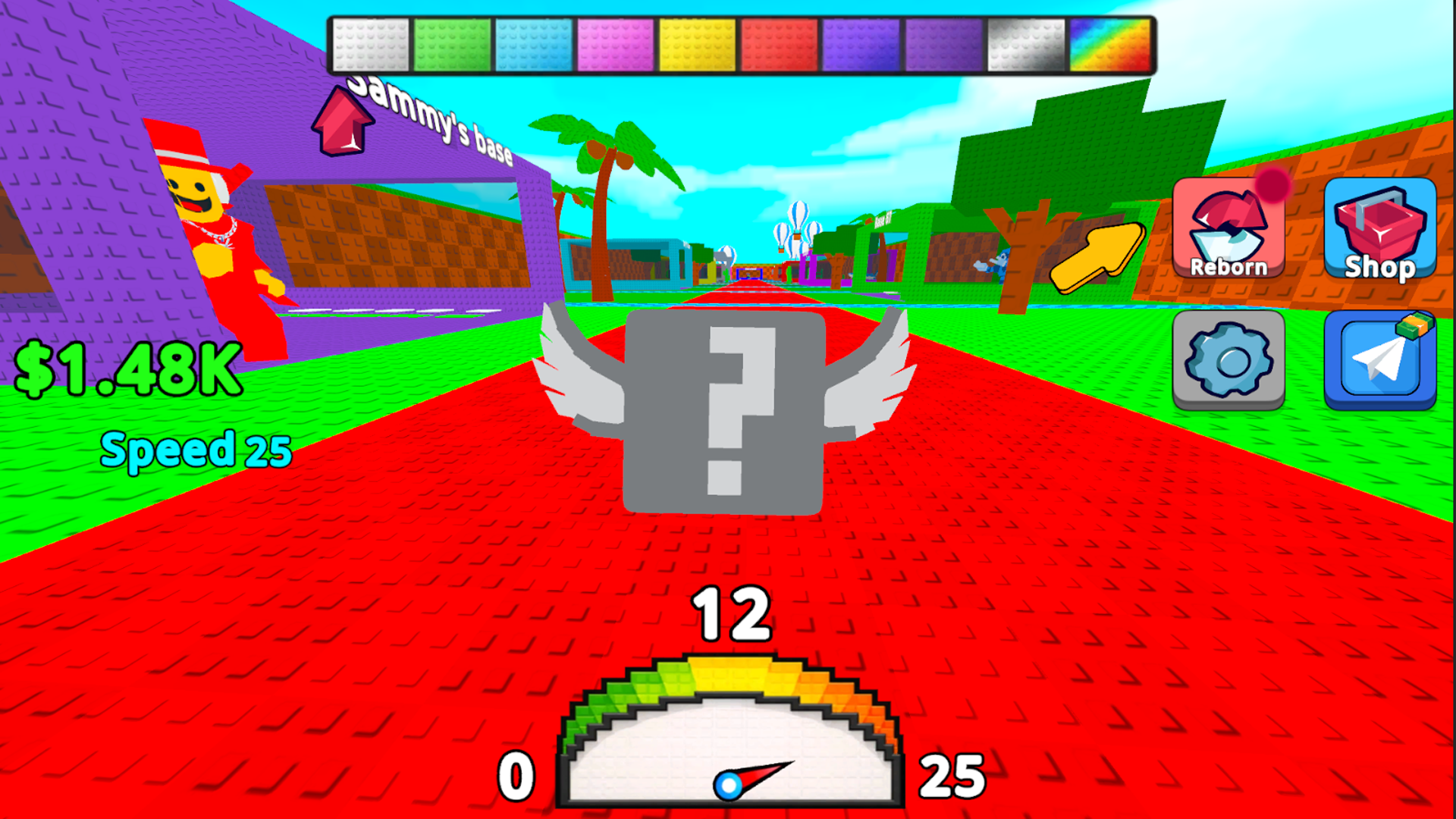
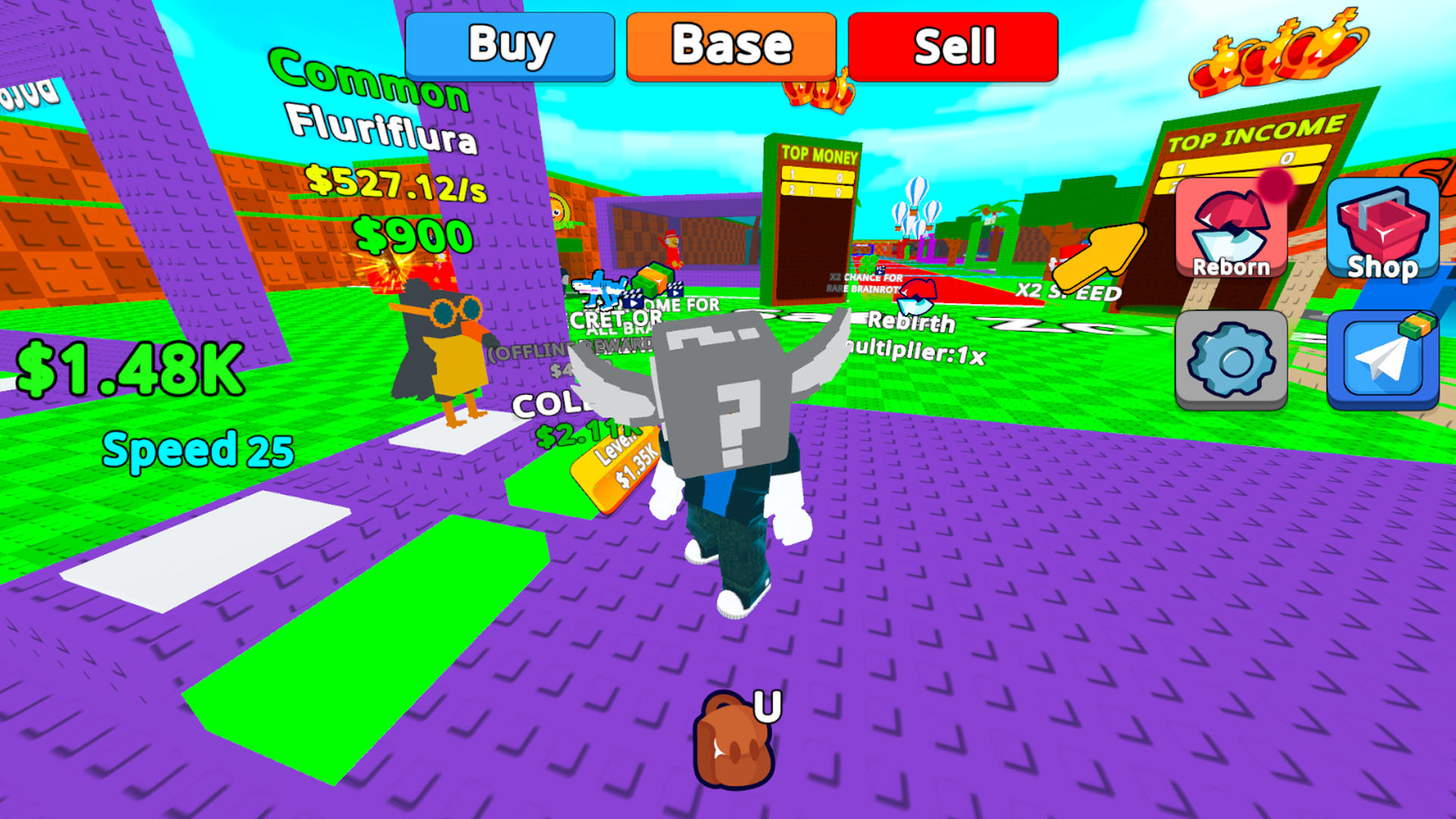
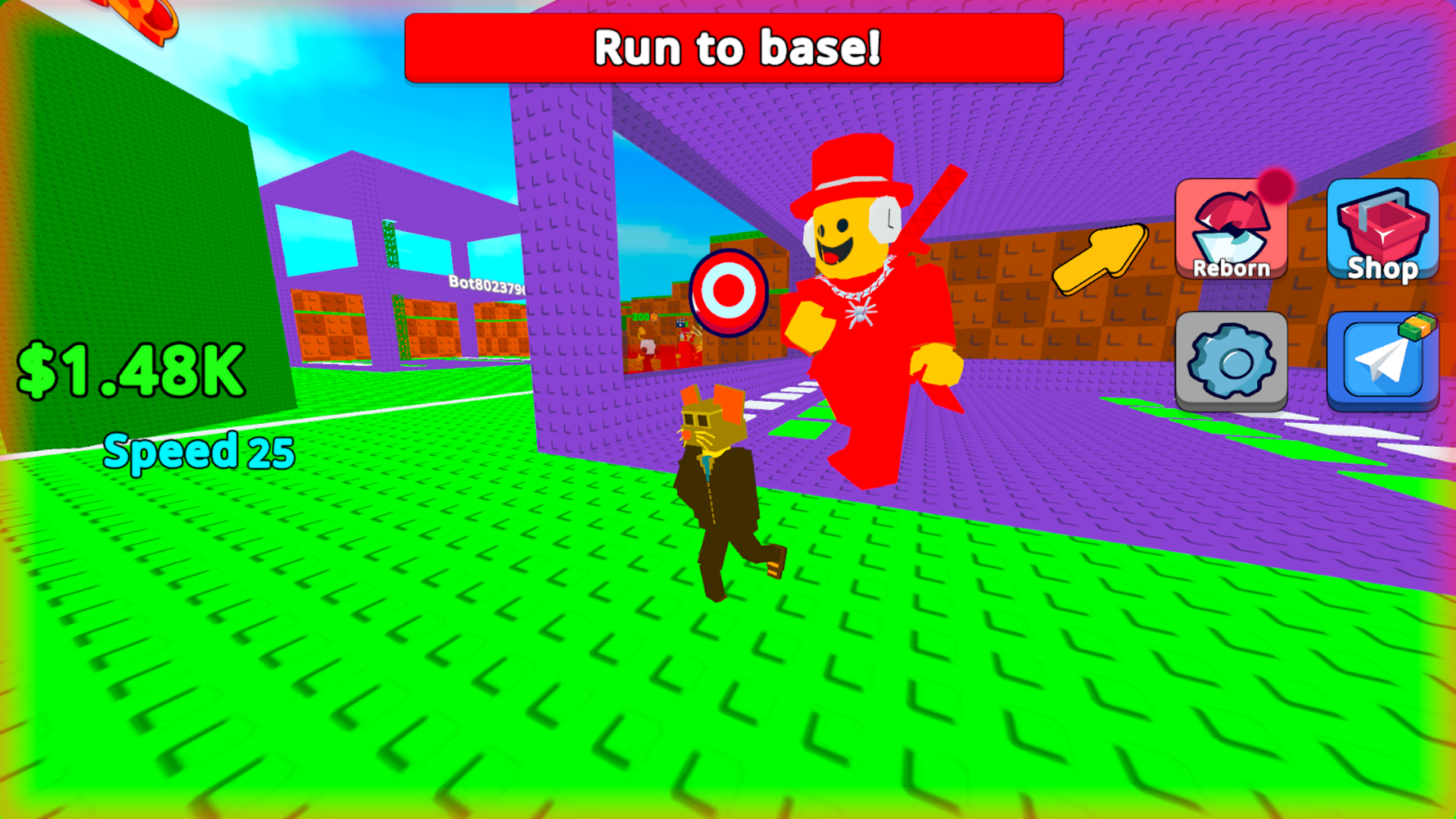
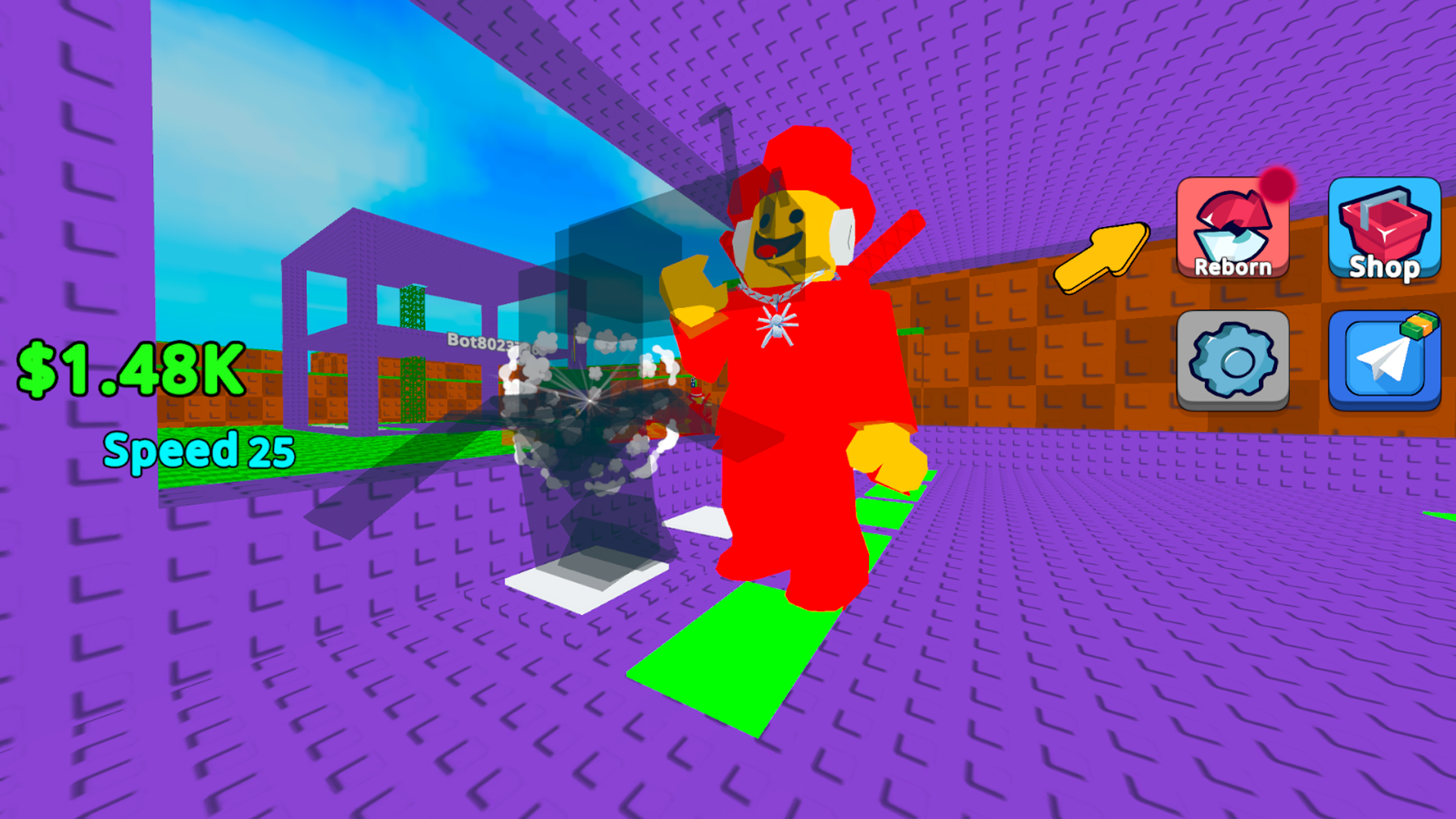
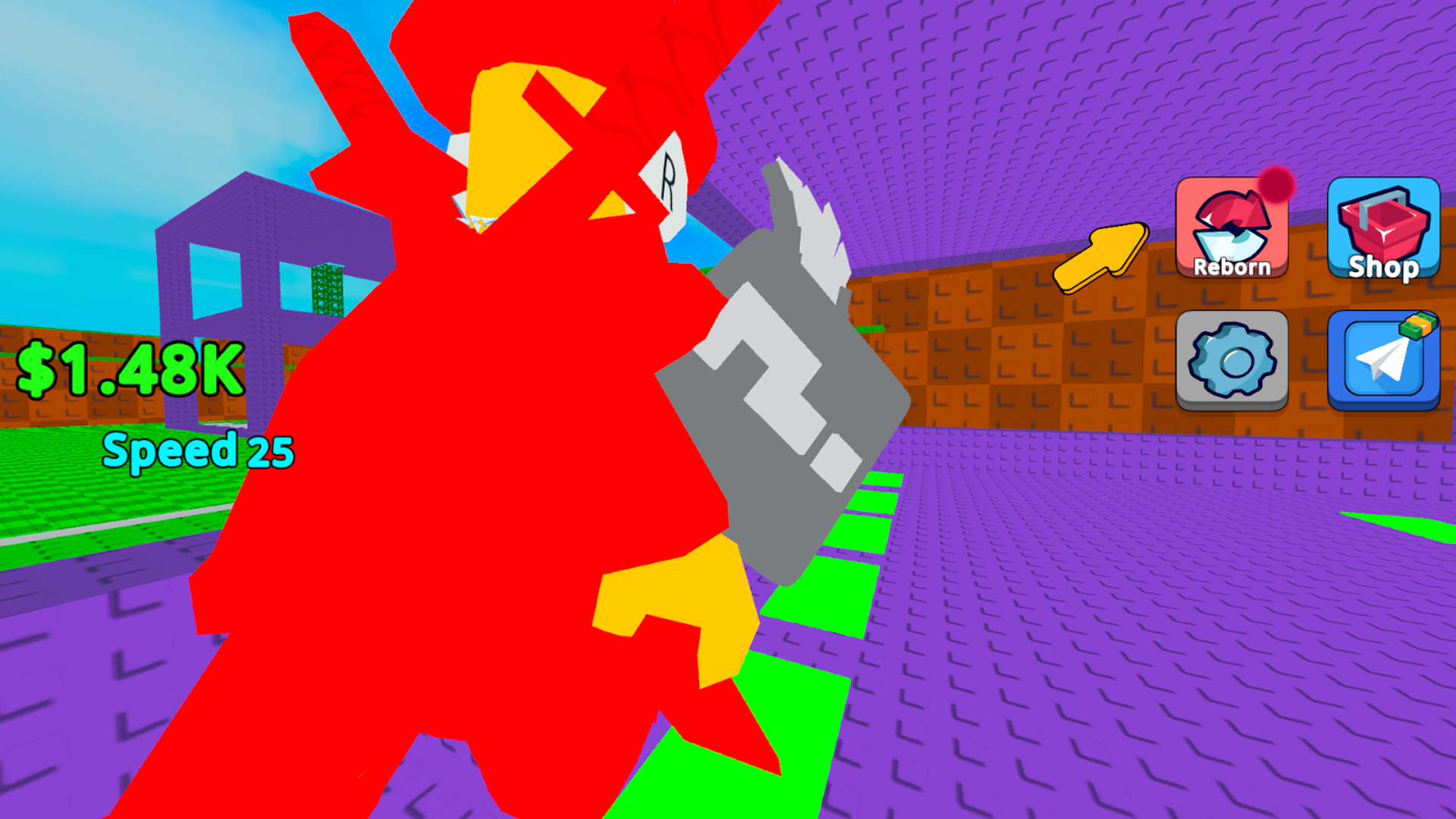
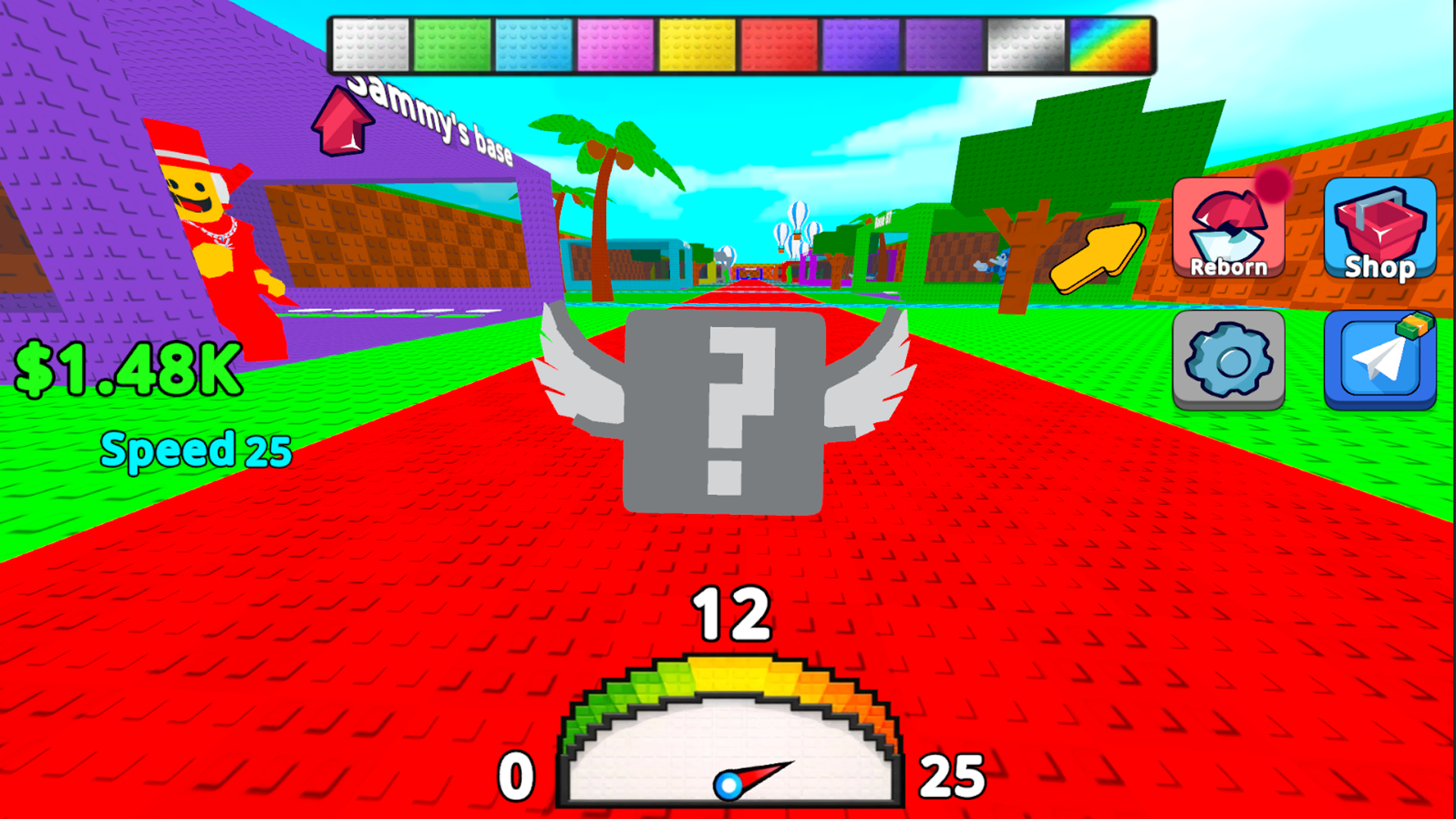
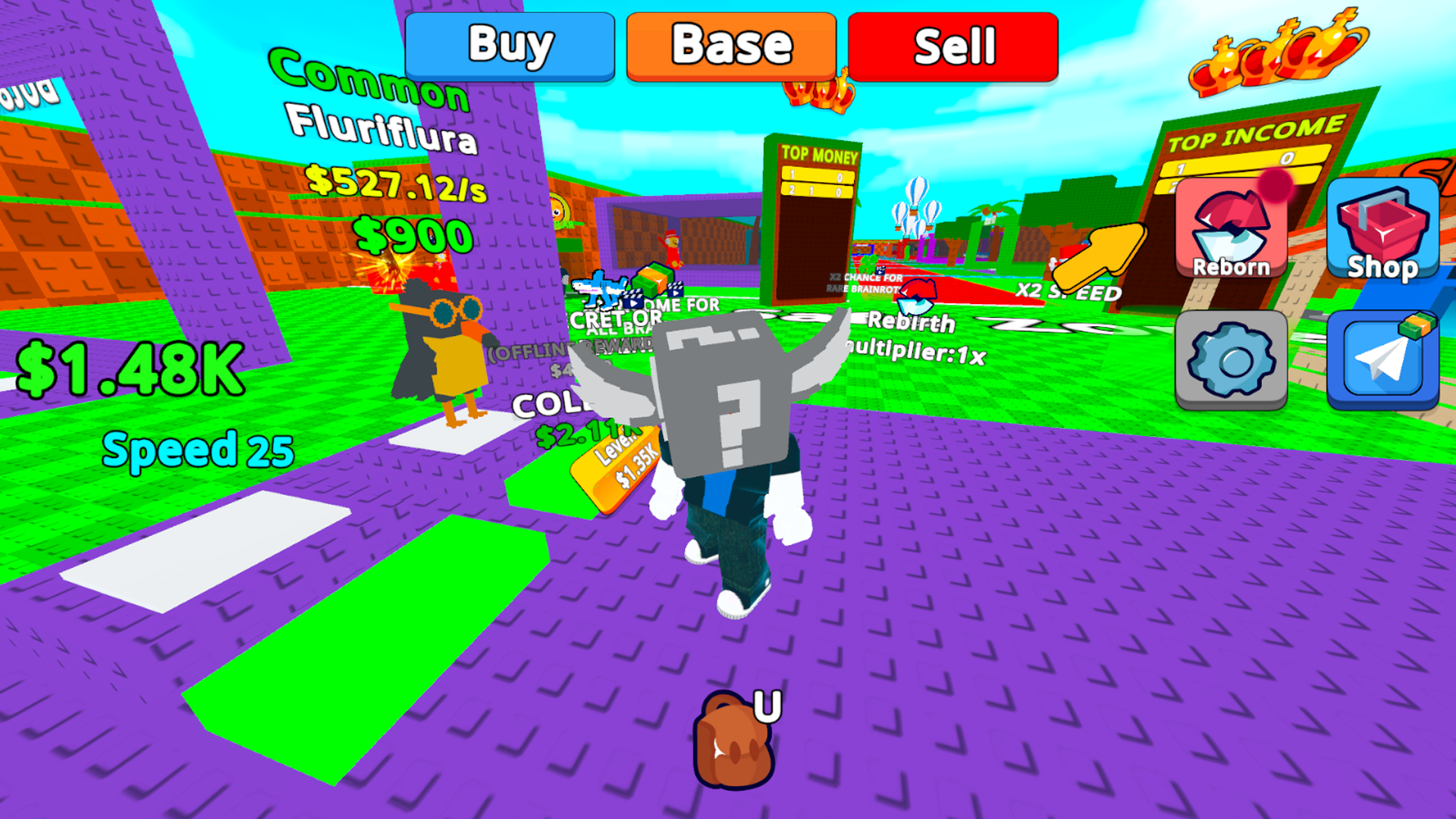
Fans of chaotic platforming will find themselves hooked on the frantic energy of Obby: Be a Lucky Block! You take on the role of a sentient block desperately trying to escape the clutches of an encroaching brainrot nightmare. Navigating complex obstacle courses requires precision timing as you jump over gaps and sprint toward safety. Spending your hard-earned points on speed upgrades helps you outrun the danger while collecting new skins for your character. Making rebirths lets you climb higher through different floors of the base to prove your dominance on the global leaderboard. The core loop revolves around balancing risk and reward while you climb through challenging levels. Competing against other players adds a layer of intensity to every session inside this roblox inspired world. You can jump into the action right now for free in your browser without any downloads required.
How to play
WASD Management
Space - Jump
U - Bag
R - Into the bag
Pcm - Camera Rotation
Boost your speed to move around the map further
Features
- Speed Progression: Invest your points into movement upgrades to navigate the platforming sections much faster.
- Rebirth System: Reset your progress to climb new floors and earn permanent multipliers for your future runs.
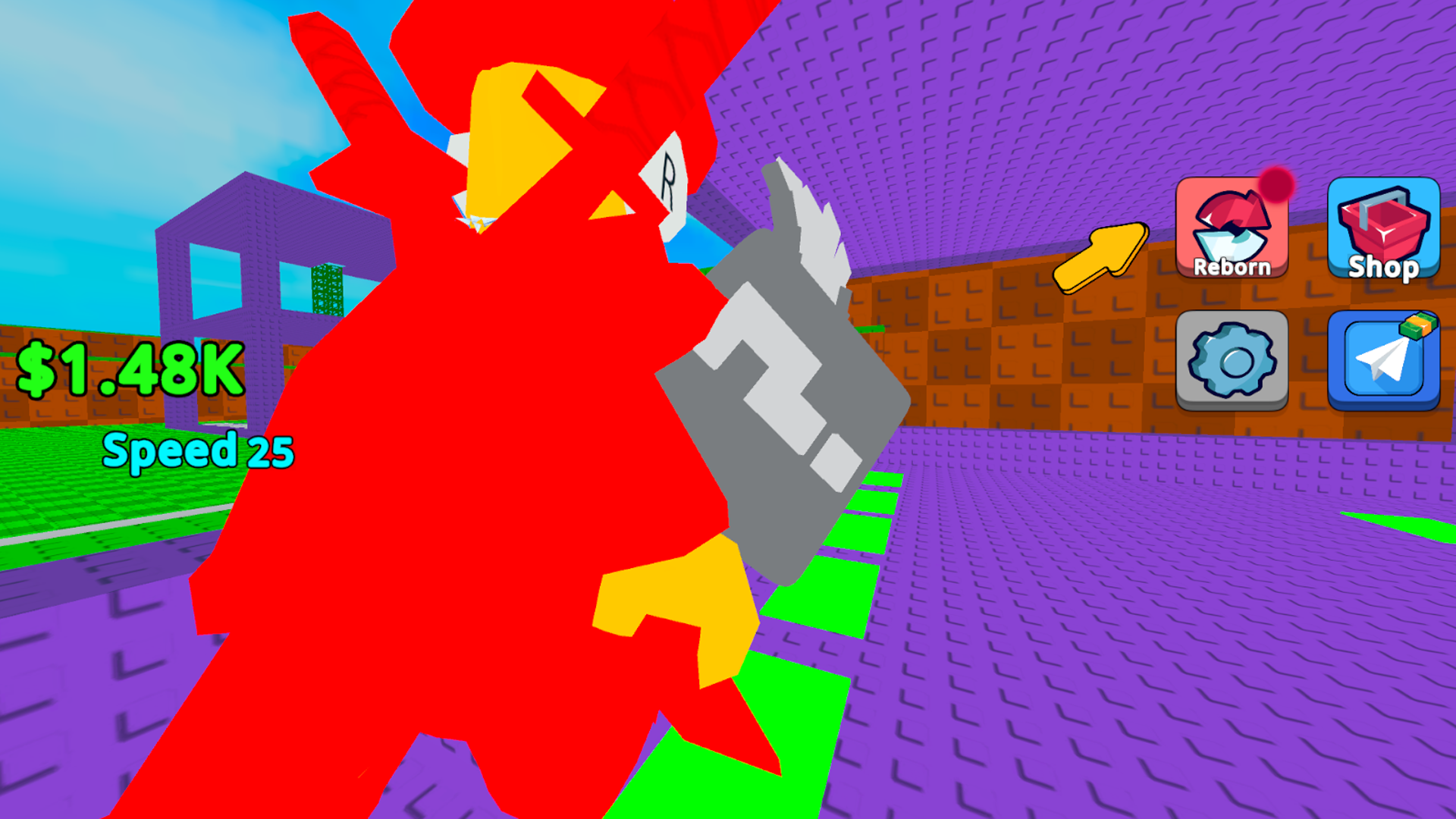
- Inventory Management: Access your bag to swap between different lucky block variations during your escape.
- Meme Aesthetics: Experience a visual style packed with internet culture references that change how your character looks.
- Camera Control: Use manual rotation to scout the path ahead and avoid falling into the brainrot below.
Who is it for
Obby enthusiasts and fans of meme-heavy platformers will spend hours climbing to the top. Casual gamers who enjoy speed-running mechanics and collecting unique character skins will find plenty to keep them entertained. Anyone looking for a quick, chaotic distraction during a lunch break fits right in here.
Controls
Movement
Use WASD keys to navigate or swipe on your mobile screen.
Jump
Press the space bar or tap the jump icon on your touch display.
Inventory
Press U to open your bag or R to place items inside.
Camera
Use your mouse to drag and rotate the view or swipe the screen on mobile.
FAQ
How do I get faster in Obby: Be a Lucky Block?
›
You need to collect points while navigating the levels and spend them on speed upgrades in the main menu.
Can I play Obby: Be a Lucky Block on my phone?
›
Yes, the game is fully compatible with mobile browsers using simple touch controls for jumping and movement.
What is the goal of Obby: Be a Lucky Block?
›
Your main goal is to escape the brainrot while climbing through different floors and reaching the top of the leaderboard.