About game
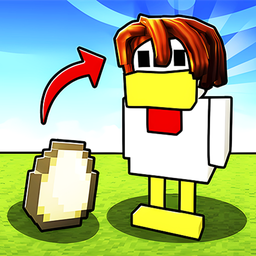
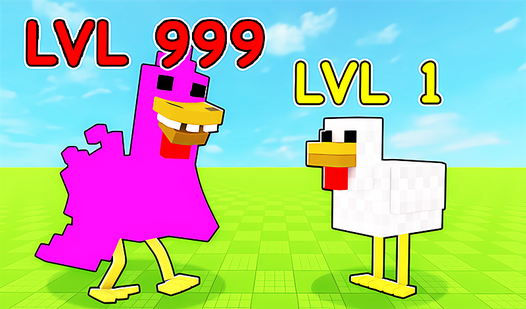
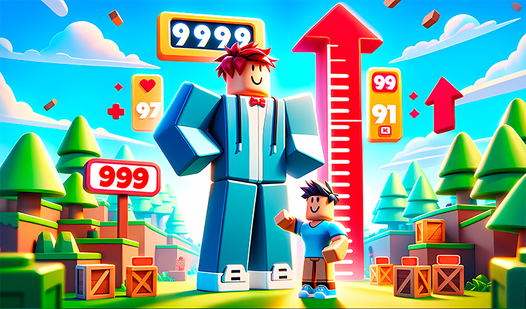
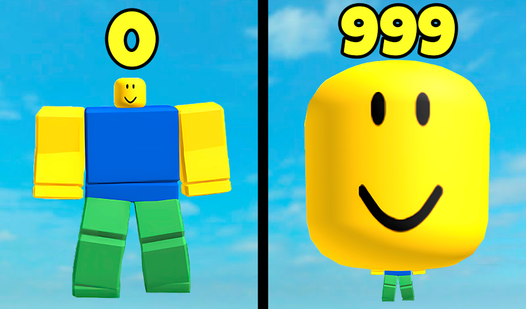
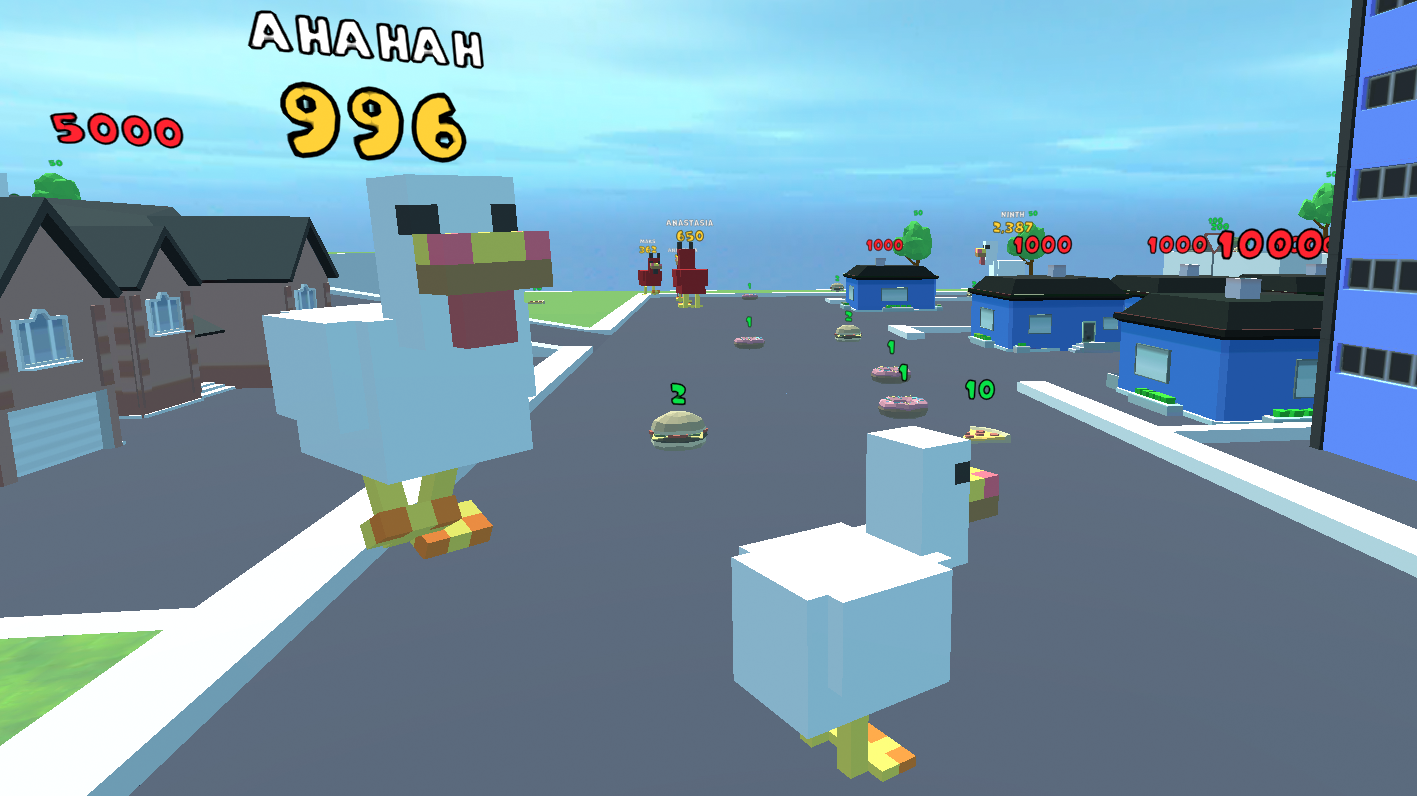
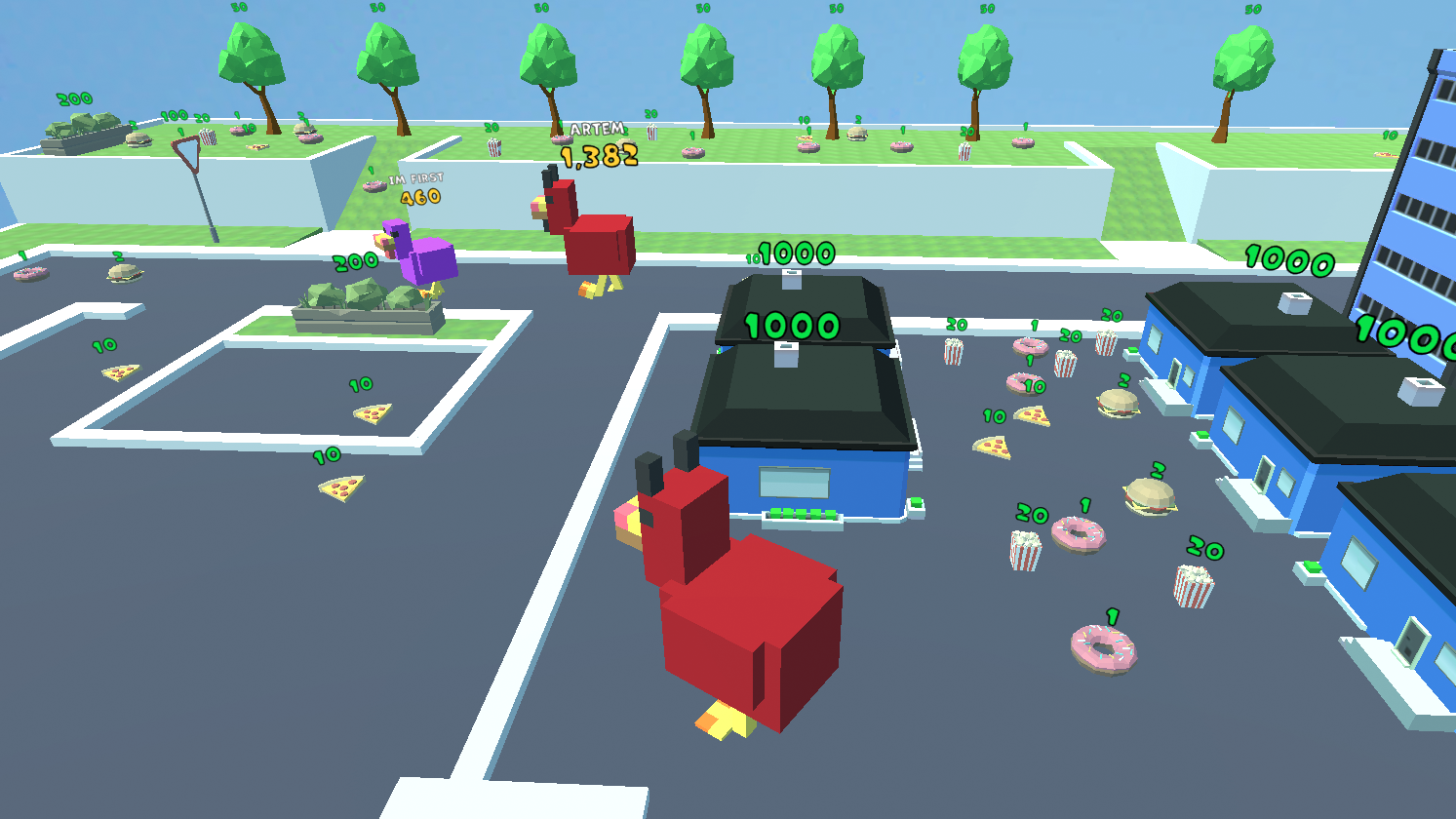
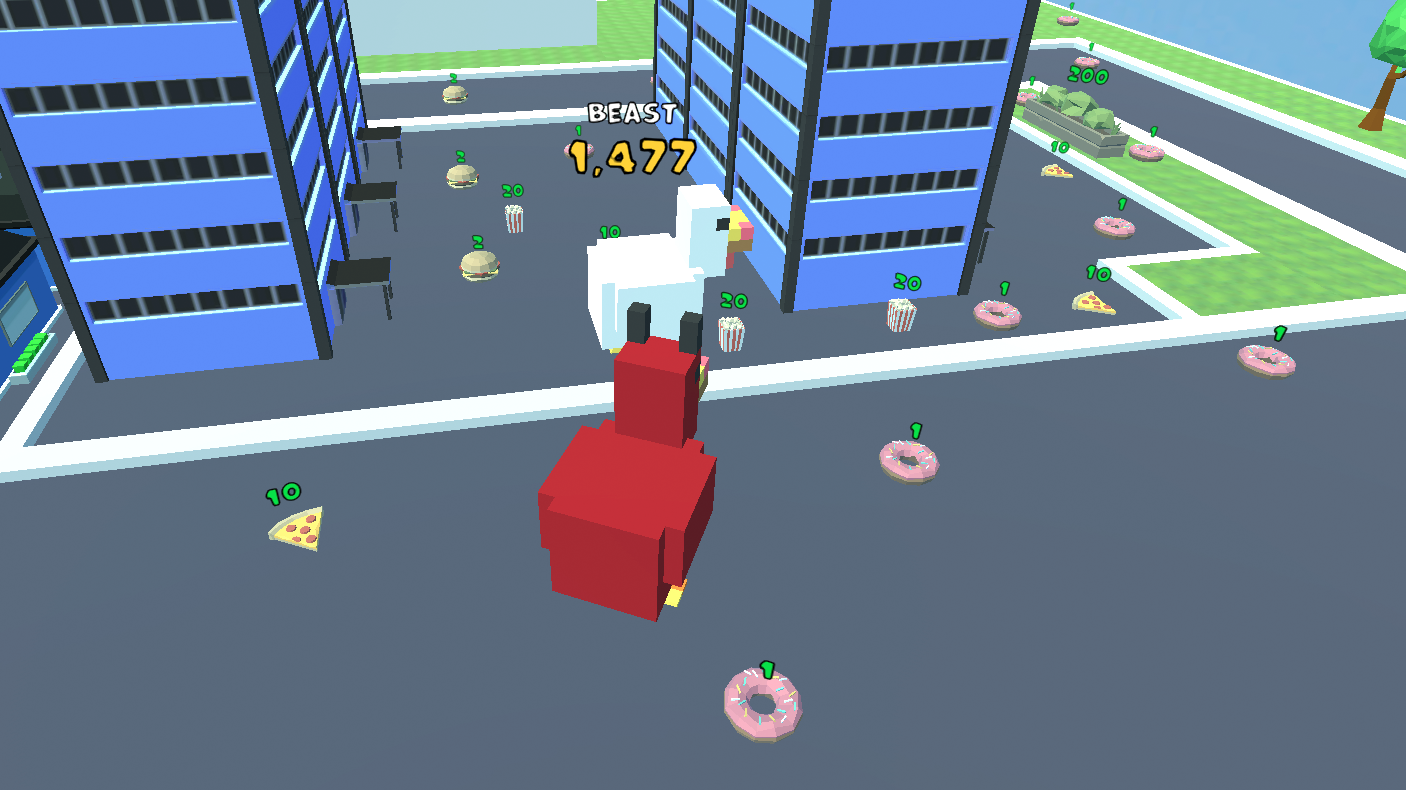
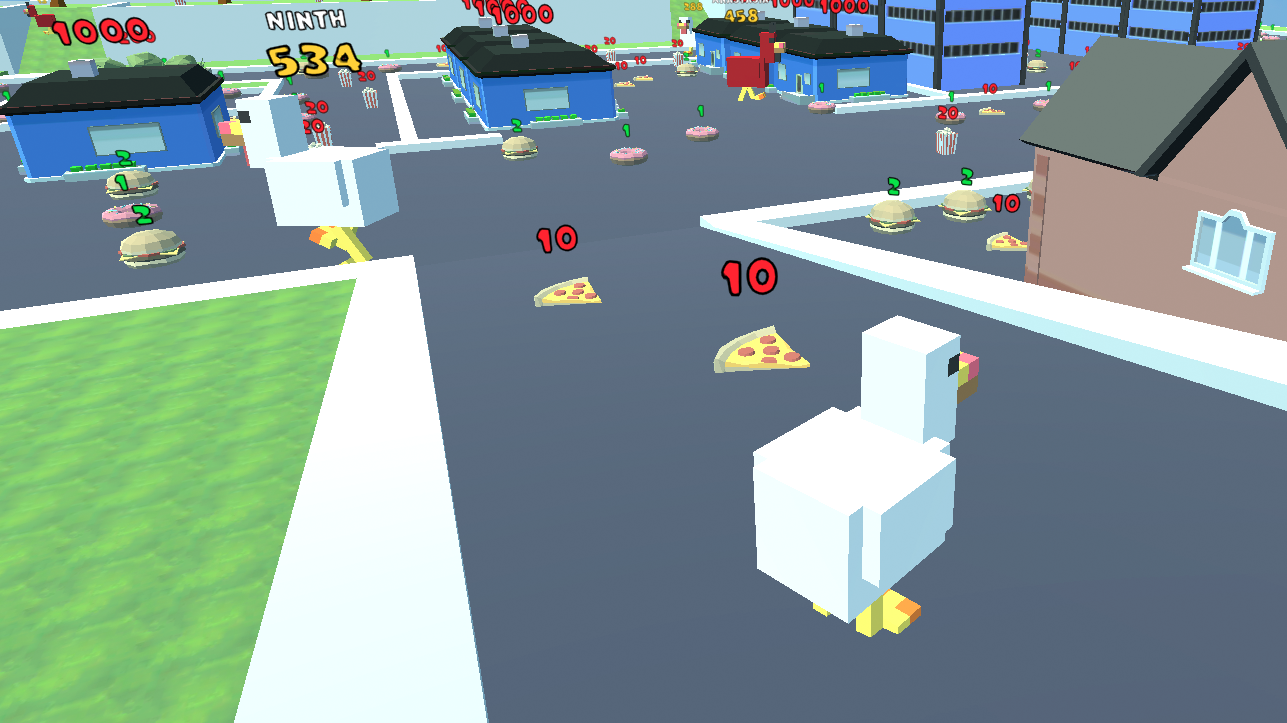
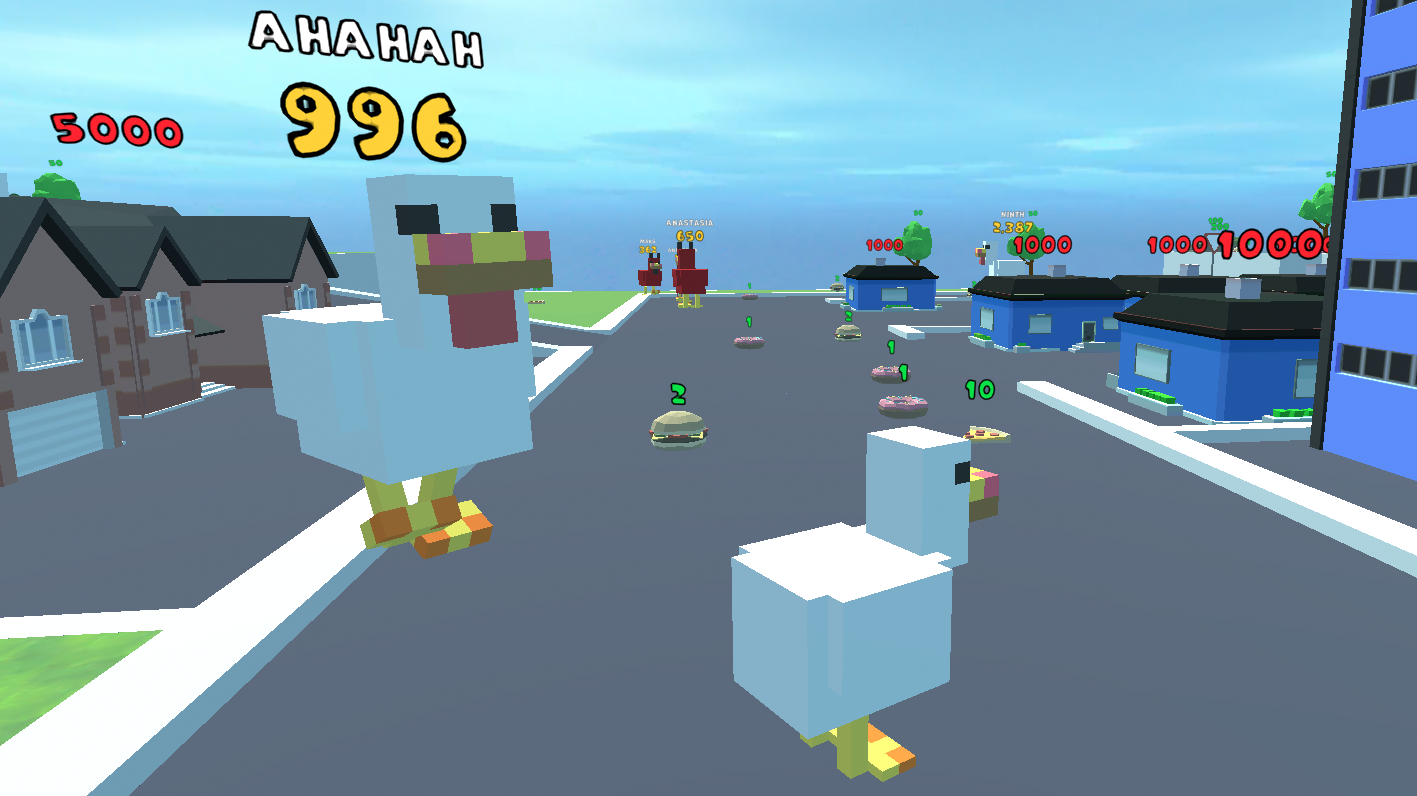
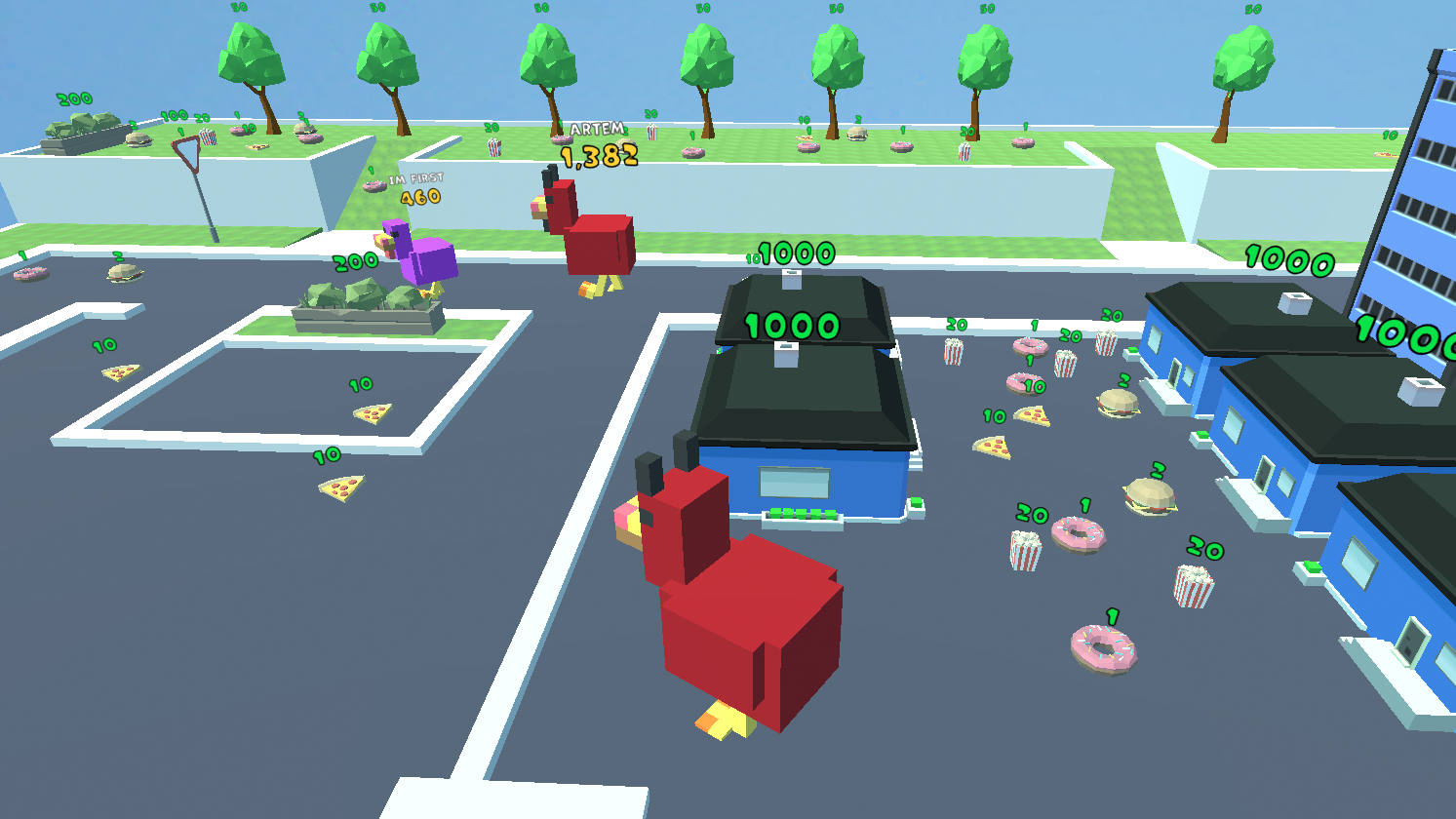
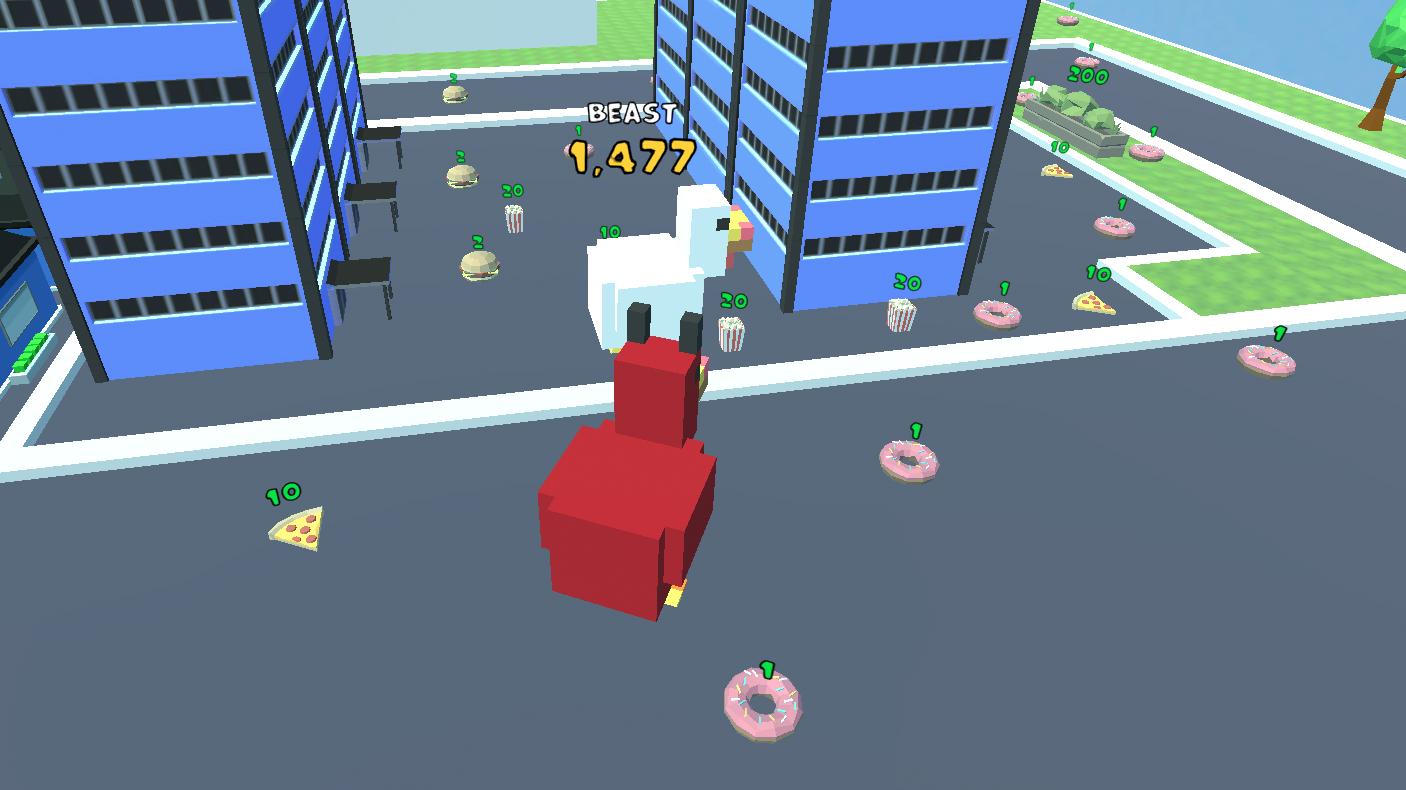
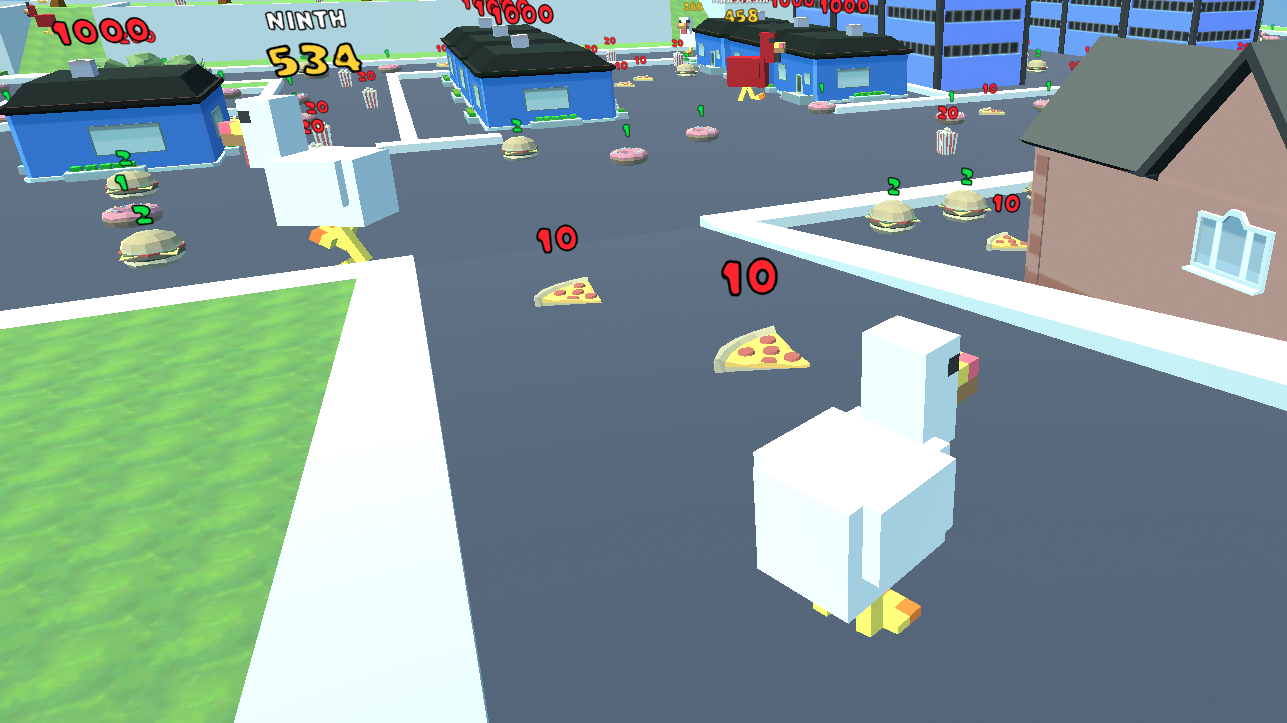
Staring at the clock waiting for your shift to end or simply bored with your current browser tab? Obby: Be a Chicken provides the quirky escape you need by transforming you into a feathery protagonist on a mission to grow. Unlike typical platformers, this survival-focused experience skips the standard jumps and focuses on territory dominance and growth. You spend your time roaming the map, gathering resources, and avoiding threats to become the biggest bird on the block. The progression loop is incredibly satisfying as you climb the ranks to reach the top of the food chain. You can customize your look using the intuitive skin shop to ensure your poultry stands out during intense sessions. Free gifts keep the rewards coming, making every minute spent in the arena feel productive and exciting. Experience the hilarious charm of Obby: Be a Chicken directly in your browser with no download or registration required.
How to play
Controls
Computers:
- WASD - control the character.
- TAB - pause menu.
- SHIFT - run.
- E - skin shop.
- R - gift menu.
Mobile devices:
- Joystick to control the character.
- To rotate the camera, swipe the screen.
Features
- Growth Mechanics: Consume resources to increase your chicken size and climb the competitive leaderboard.
- Skin Customization: Access the dedicated shop menu to spend collected rewards on unique outfits for your character.
- Survival Gameplay: Navigate the map strategically to outlast opponents instead of relying on traditional platforming skills.
- Reward System: Stay active in the game world to receive consistent free gifts and progression bonuses.
- Performance Settings: Utilize the built-in pause menu to quickly adjust your game experience on the fly.
Who is it for
Casual arcade enthusiasts and fans of IO style survival games will love this quirky title. It is perfect for players seeking a low-stakes progression experience without the frustration of complex platforming. If you enjoy character growth and collecting unique skins, this game offers endless entertainment for your browser.
Controls
Movement
Use WASD keys on PC or the on-screen joystick on mobile devices.
Sprint
Press the SHIFT key to move faster across the map.
Camera Control
Swipe across the touch screen on mobile devices to rotate your view.
Menu Access
Press E for the skin shop, R for gifts, and TAB to pause the game.
FAQ
How do I grow bigger in Obby: Be a Chicken?
›
You need to roam the map, collect items, and survive to accumulate growth points that increase your chicken size.
Can I change how my character looks in Obby: Be a Chicken?
›
Yes, you can press the E key to open the skin shop and select new appearances for your chicken using your earned currency.
Is it possible to play Obby: Be a Chicken on my smartphone?
›
Absolutely, the game is fully optimized for mobile browsers using touch-based joystick controls and screen swipes.