About game
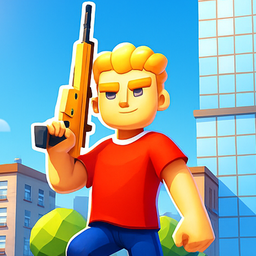
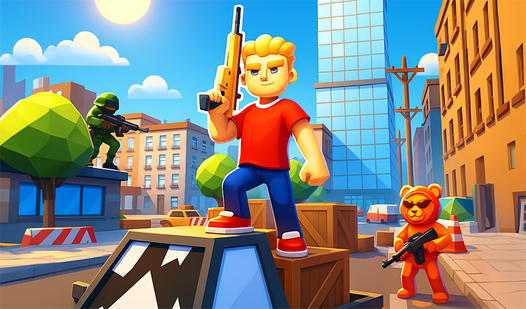
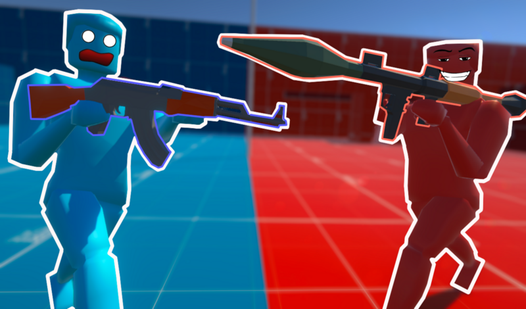
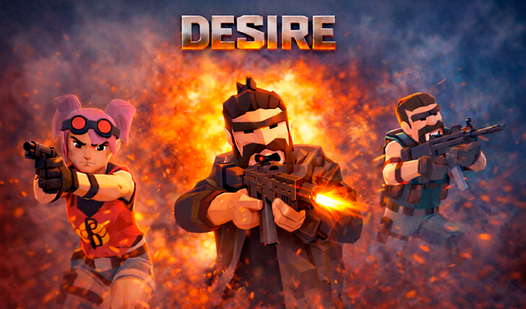
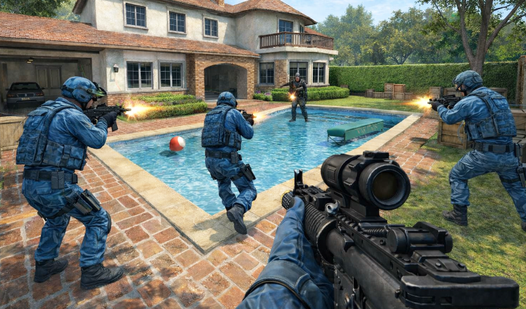
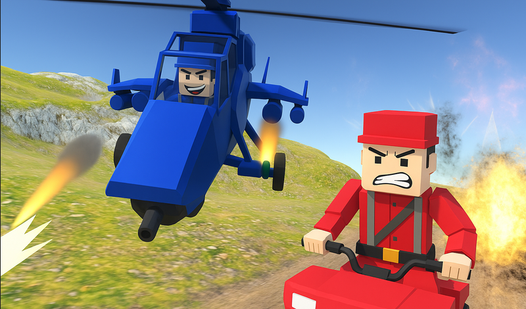
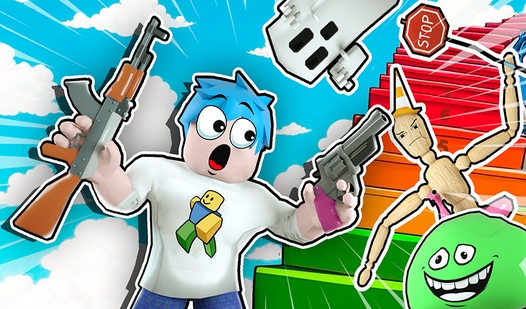
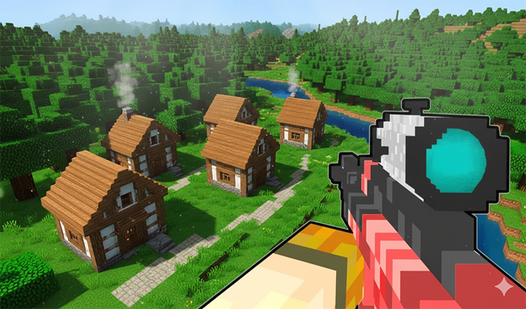
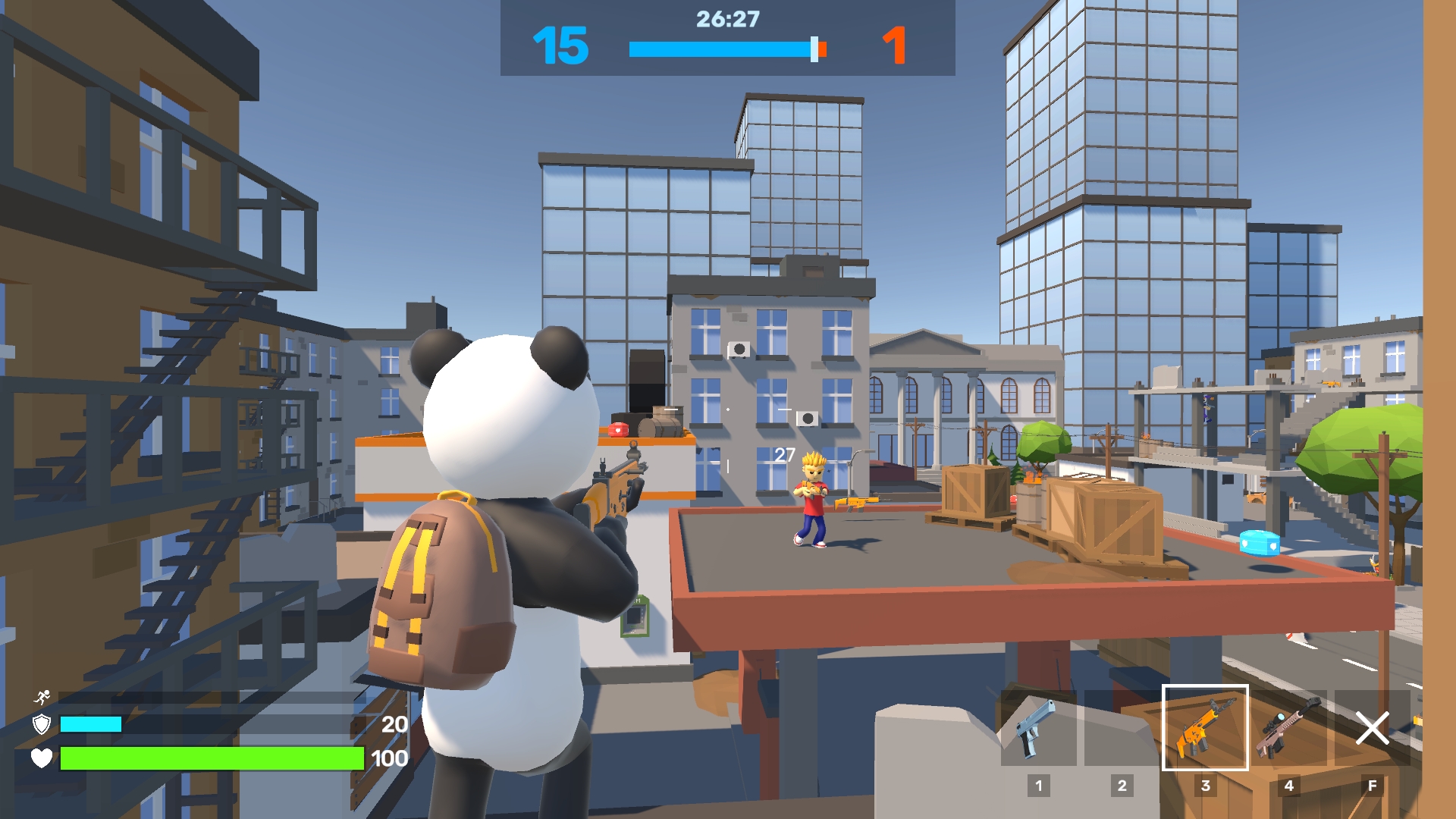
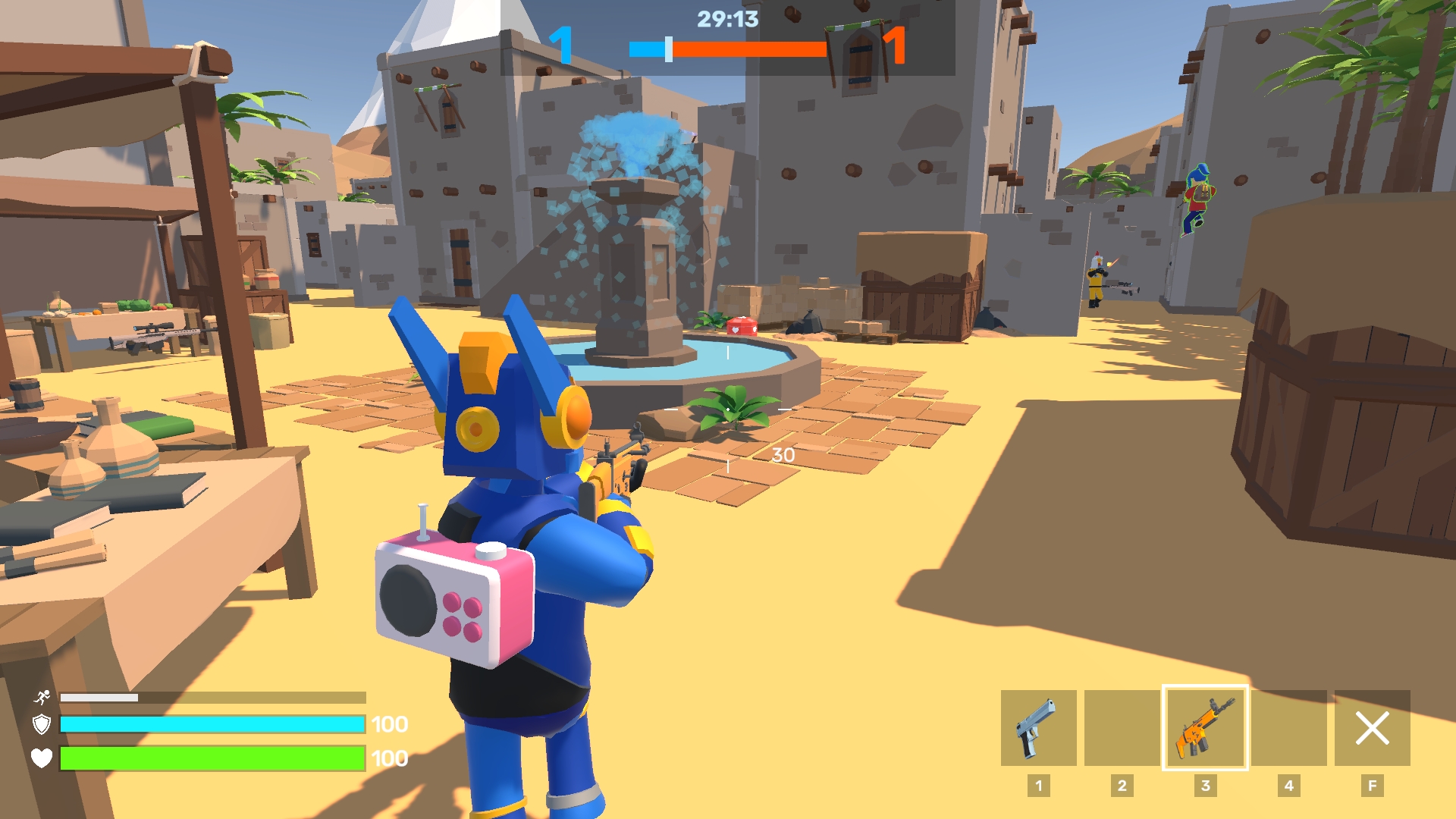
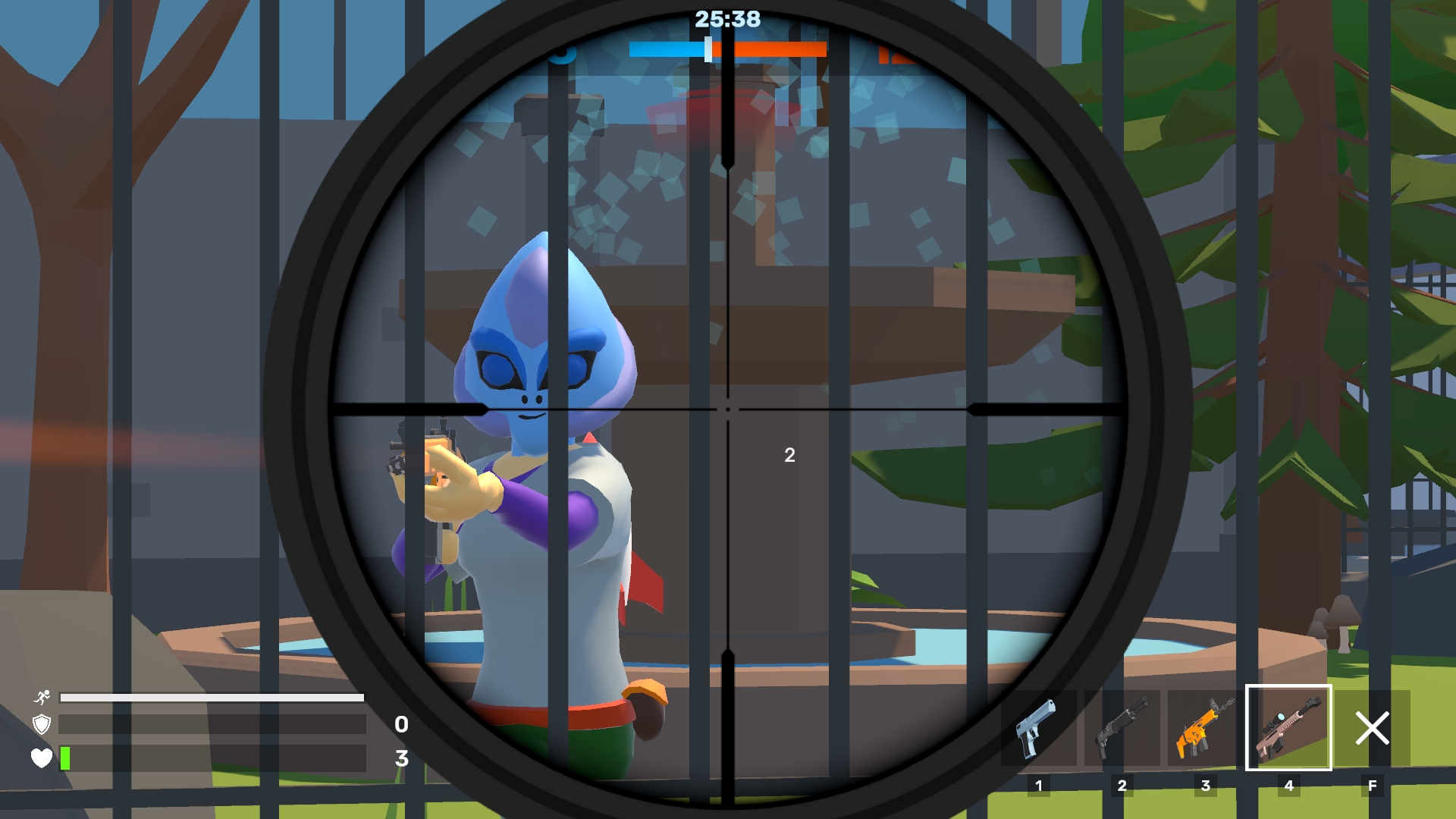
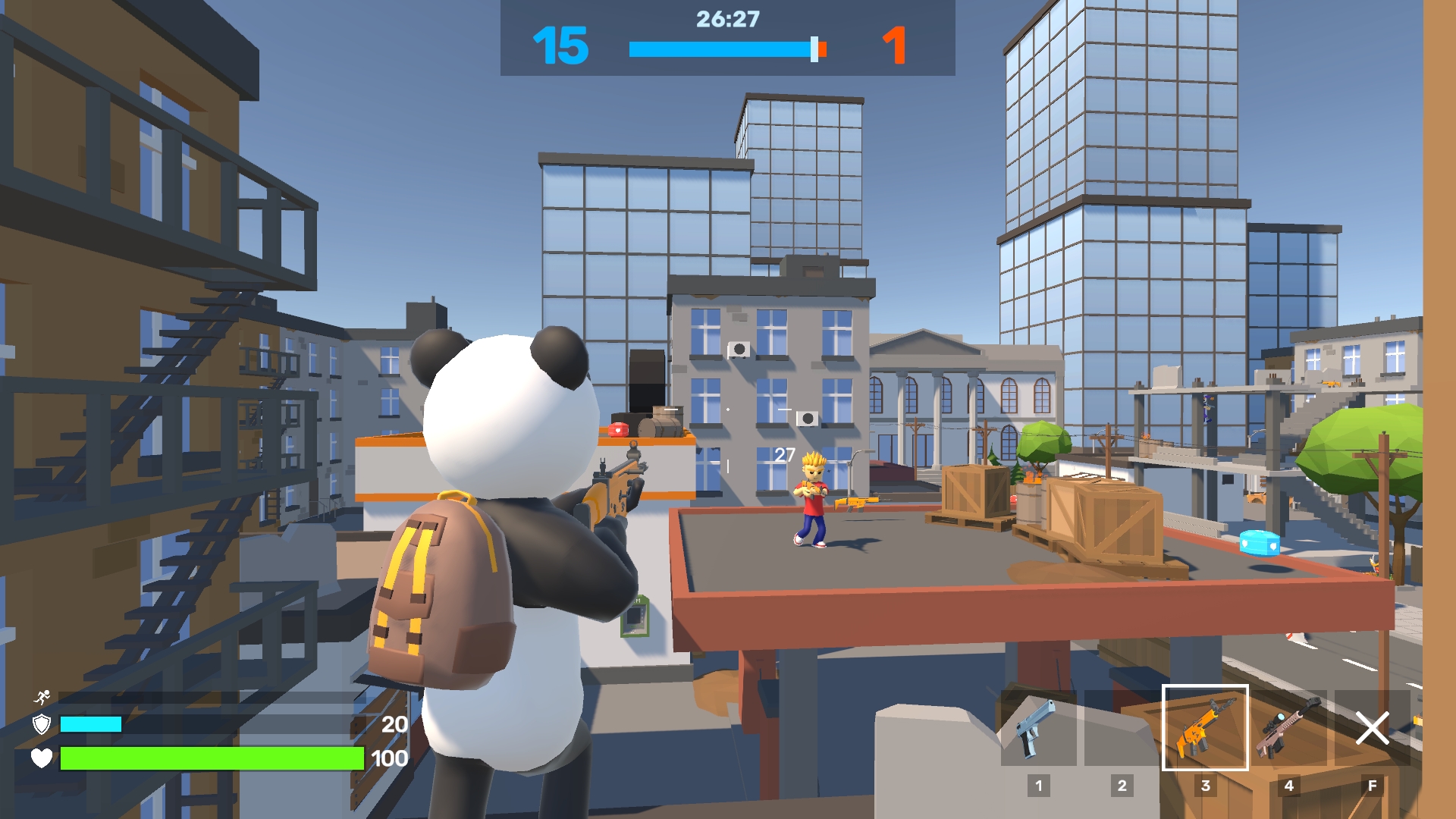
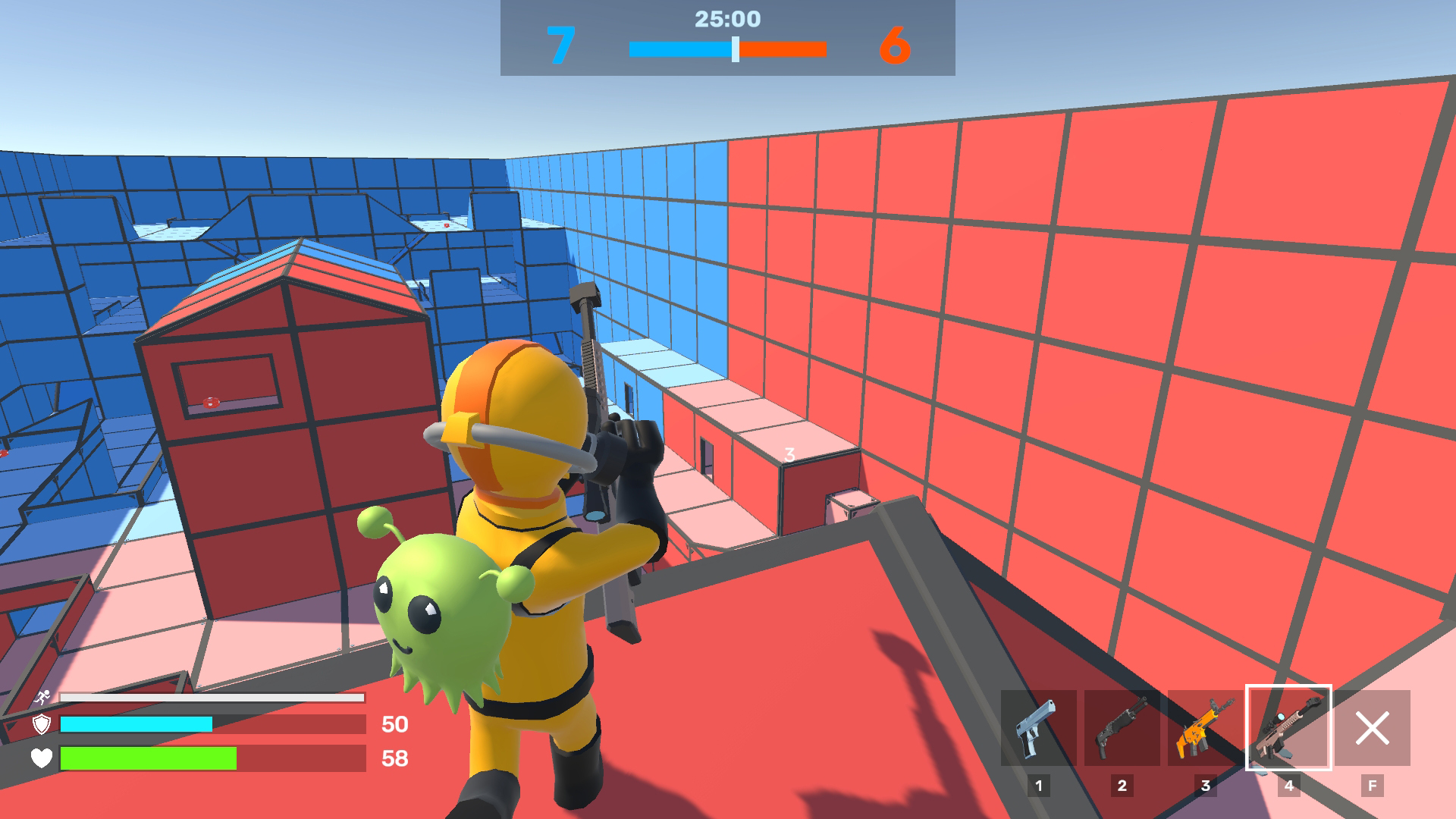
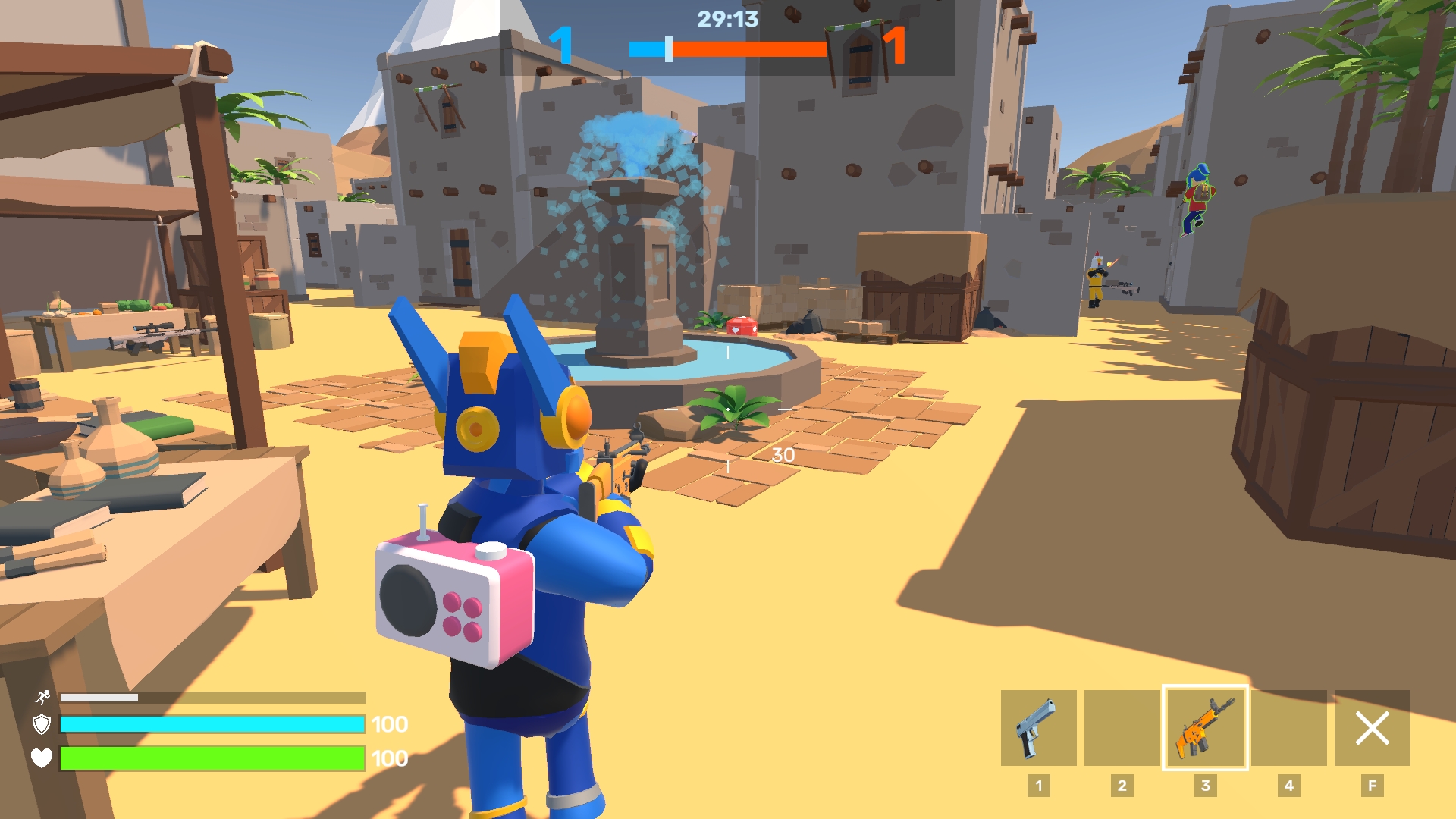
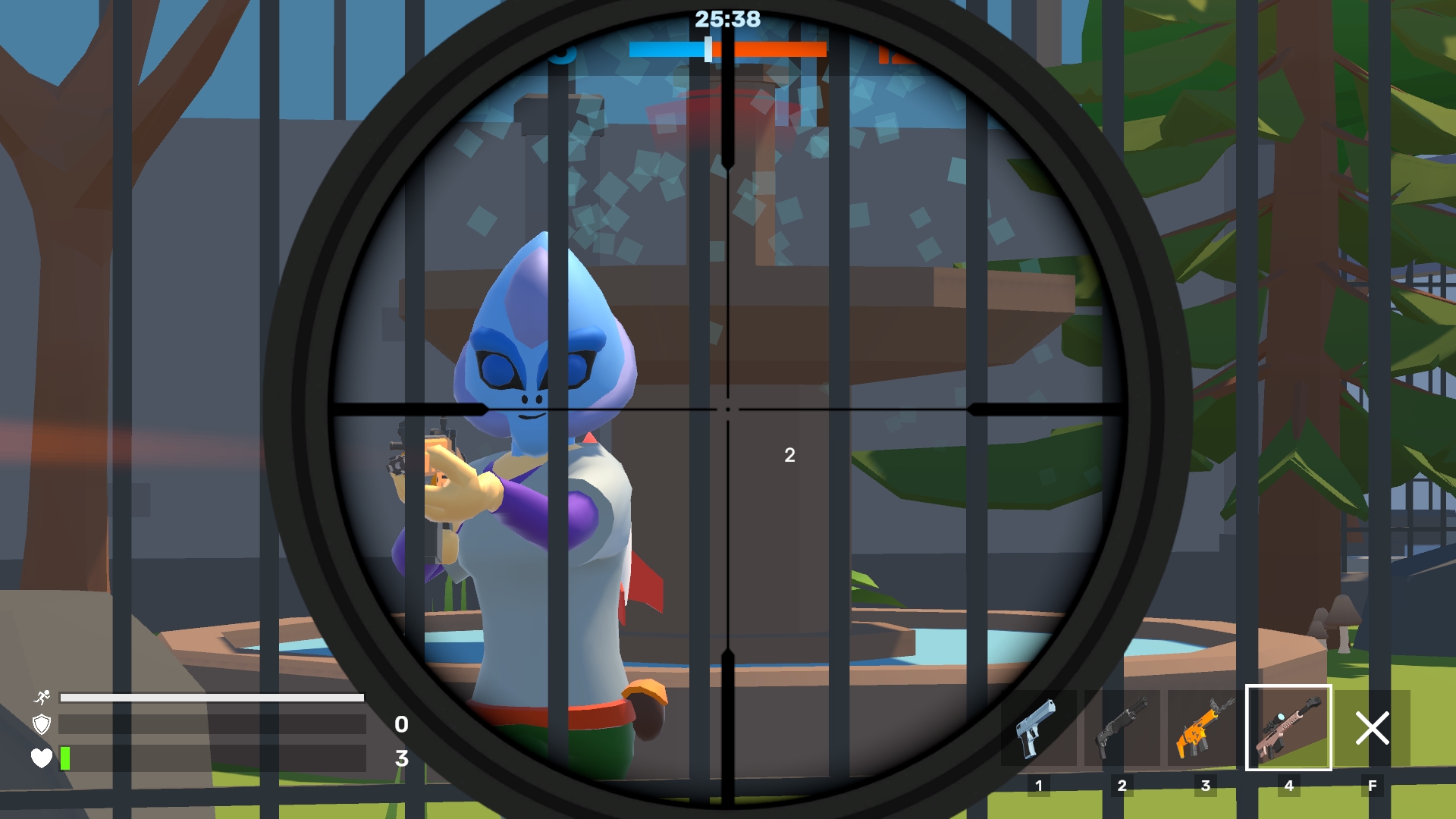
Third-person shooters define the thrill of competitive gaming because every split second determines whether you dominate the arena or respawn in defeat. Obby: Battle Online captures this intensity perfectly by throwing you into fast-paced matches against real opponents from around the globe. You start by selecting your preferred match mode and map, then jump straight into the action to test your reflexes with an arsenal of powerful gear. Whether you are aiming for precision shots or rushing positions, the smooth movement mechanics keep the combat feeling fluid and responsive. Customization plays a massive role here, allowing you to unlock a unique skin or equip a stylish backpack to stand out while you climb the leaderboard. If you prefer to sharpen your skills without the pressure of live competition, you can always practice against bots in offline mode. This browser-based experience packs all the excitement of a high-end shooter into a light, accessible package. Play Obby: Battle Online for free right in your web browser with absolutely no download required.
How to play
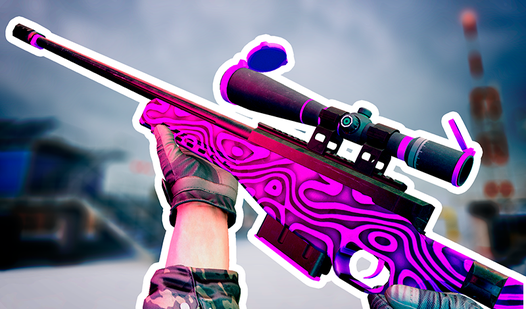
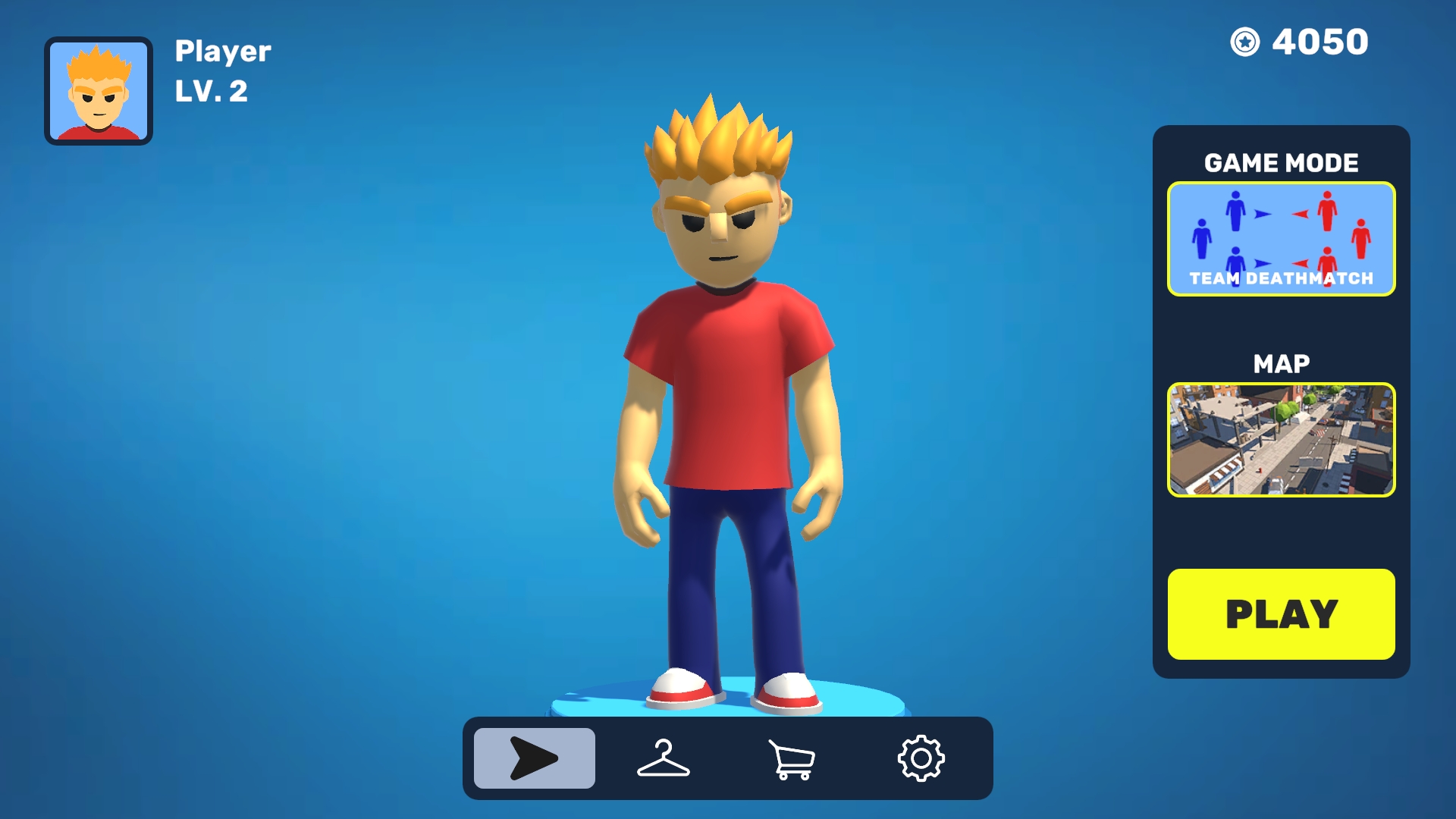
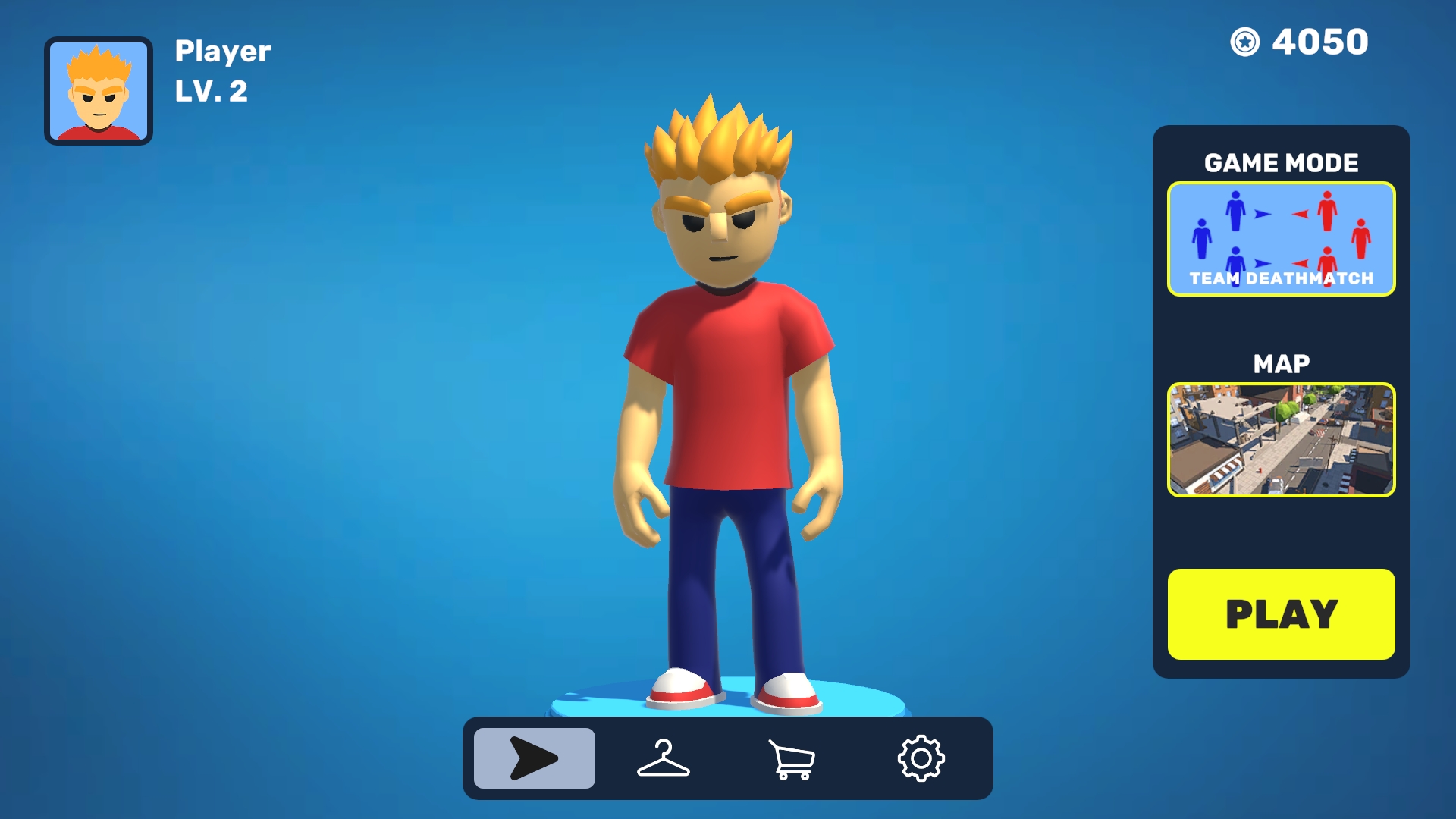
In the game, you can choose the game mode and maps on which you will play. There are many skins and additional accessories for the character.
Controls in the game on PC:
WASD - movement
1, 2, 3, 4 - change weapons
Shift - fast run (weapon is hidden)
R - reload
F - hide weapon (increases movement speed)
LMB - shoot
RMB - aim
Esc - game menu
Tab - leaderboard
Features
- Weapon loadouts: Switch between four distinct weapon slots instantly to adapt your combat style during intense firefights.
- Tactical movement: Use the dedicated sprint function to relocate quickly across the battlefield or hide your weapon to reach objectives faster.
- Performance tracking: View the live scoreboard at any time to check your kill-death ratio and track your standing against other players.
- Bot training: Sharpen your aim and tactical positioning against AI opponents before testing your skills in high-stakes online lobbies.
- Character personalization: Unlock various cosmetic items and accessories to create a distinct look for your fighter.
Who is it for
Action gaming fans who crave fast-paced multiplayer combat and competitive shooting mechanics. Players who enjoy customizing their avatars with unique skins and gear will find plenty to love here, while newcomers will appreciate the simple, intuitive controls that make jumping into a match easier than ever.
Controls
Movement
Use WASD keys on PC or the virtual joystick on mobile devices.
Shoot and Aim
Click LMB to fire and RMB to aim, or use the on-screen fire button on mobile.
Reload and Sprint
Press R to reload your weapon or use the Shift key to toggle sprint mode.
Weapon Selection
Use the 1, 2, 3, 4 keys or the weapon icons on your mobile screen to swap gear.
Menu and Leaderboard
Press Esc or Tab on PC, or tap the corresponding UI buttons on the mobile interface.
FAQ
Can I play Obby: Battle Online on a mobile device?
›
Yes, Obby: Battle Online is fully optimized for mobile browsers so you can enjoy the same shooting action on your phone or tablet.
Is there a registration process for Obby: Battle Online?
›
No, you can jump directly into the game without creating an account or registering personal details.
Are there different game modes in Obby: Battle Online?
›
Yes, the game offers multiple modes and maps that allow you to customize your experience and challenge yourself in different environments.