About game
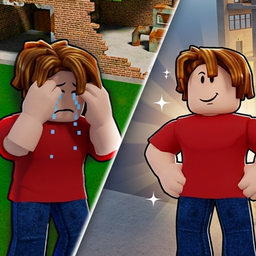
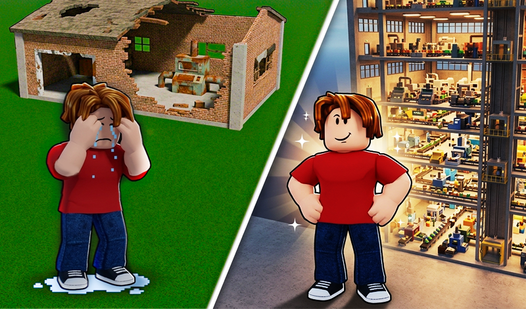
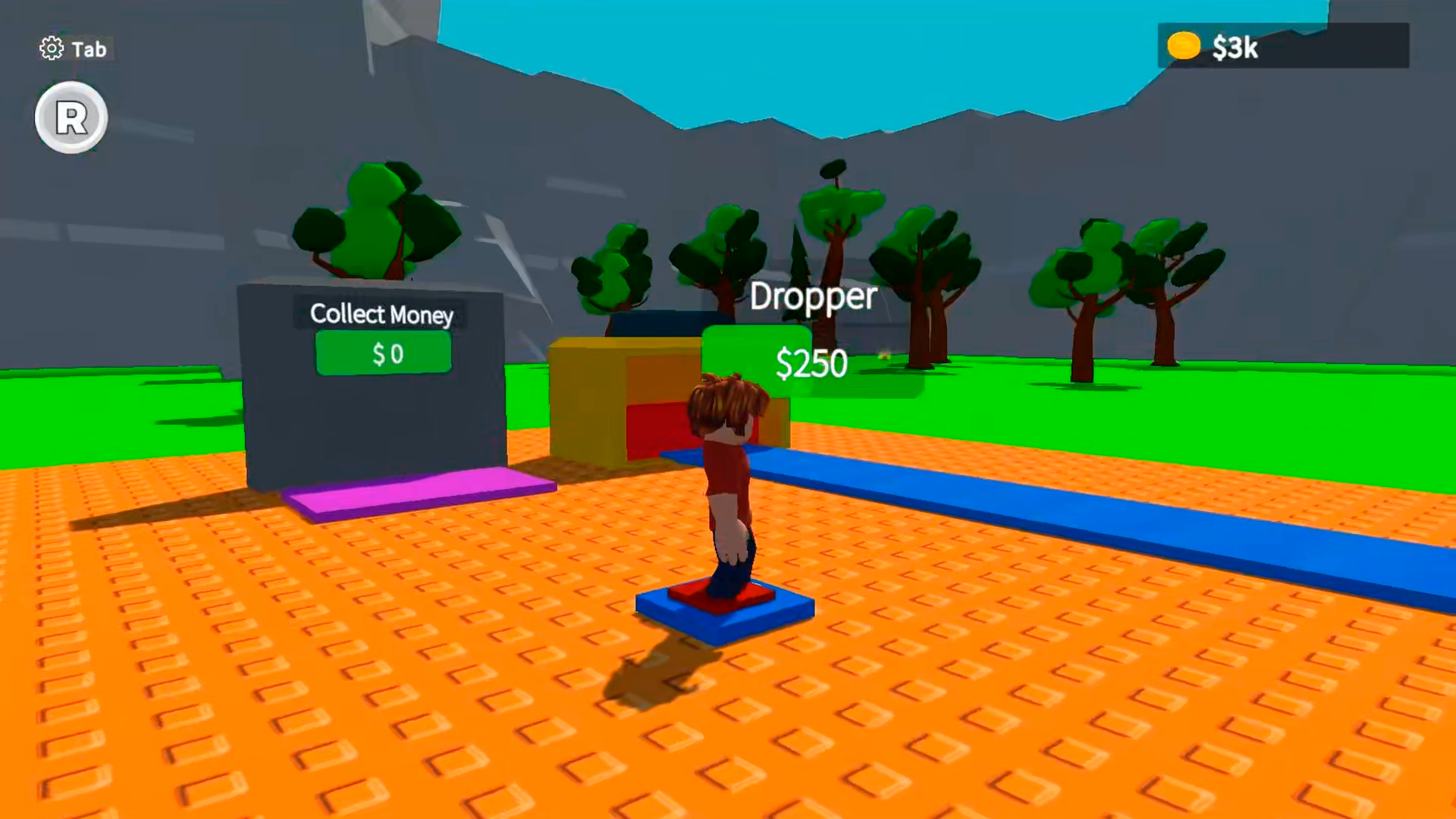
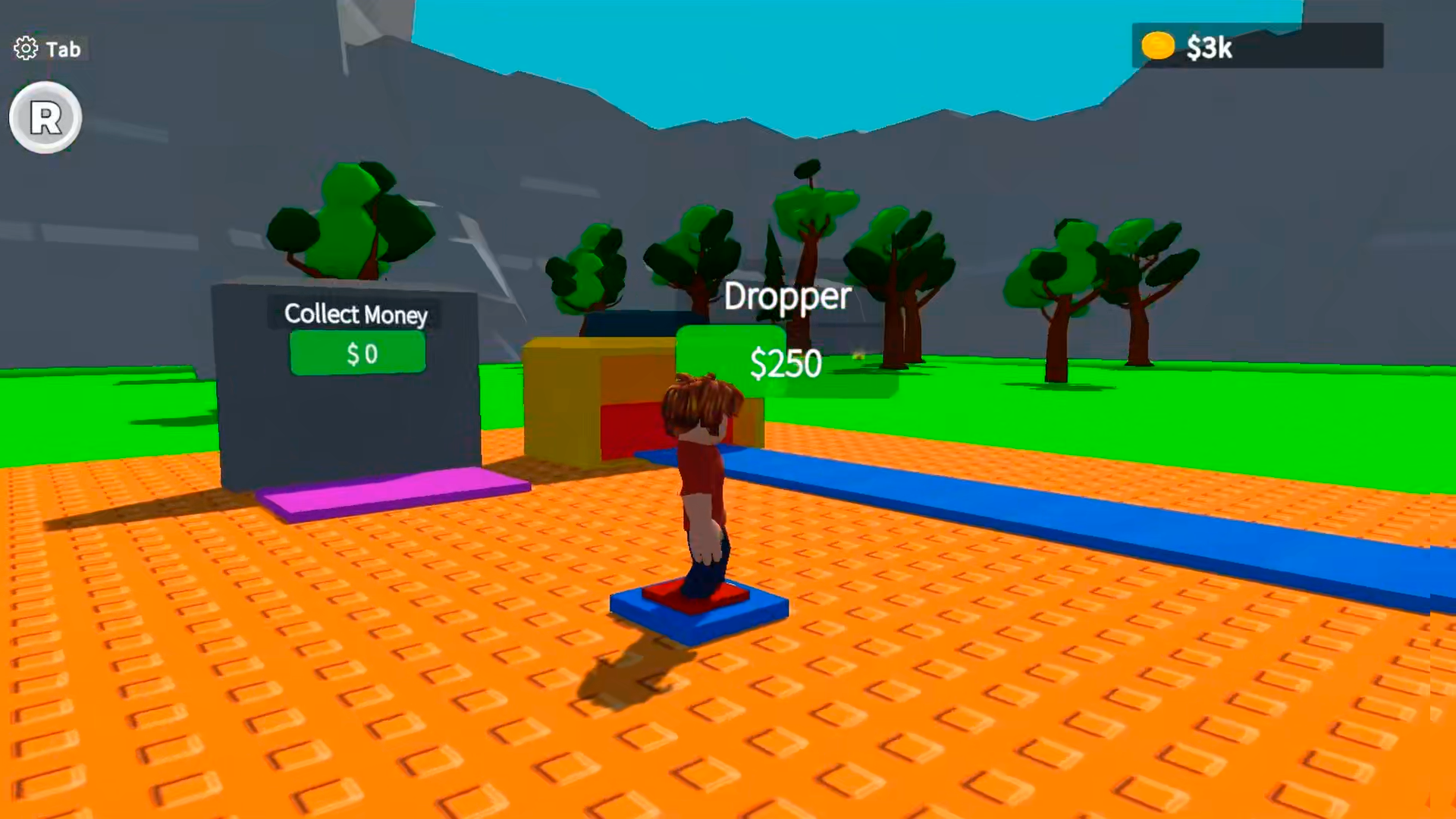
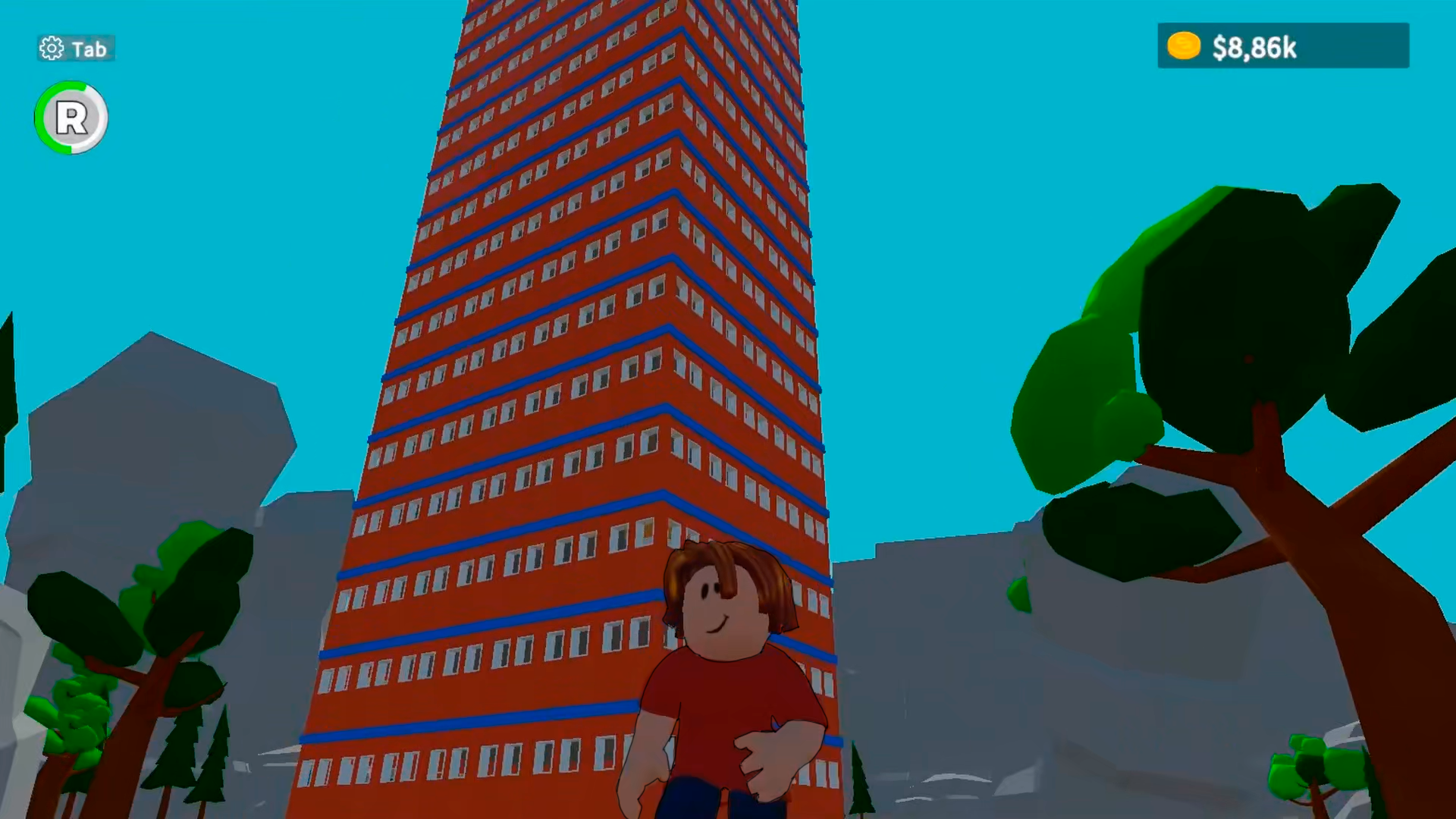
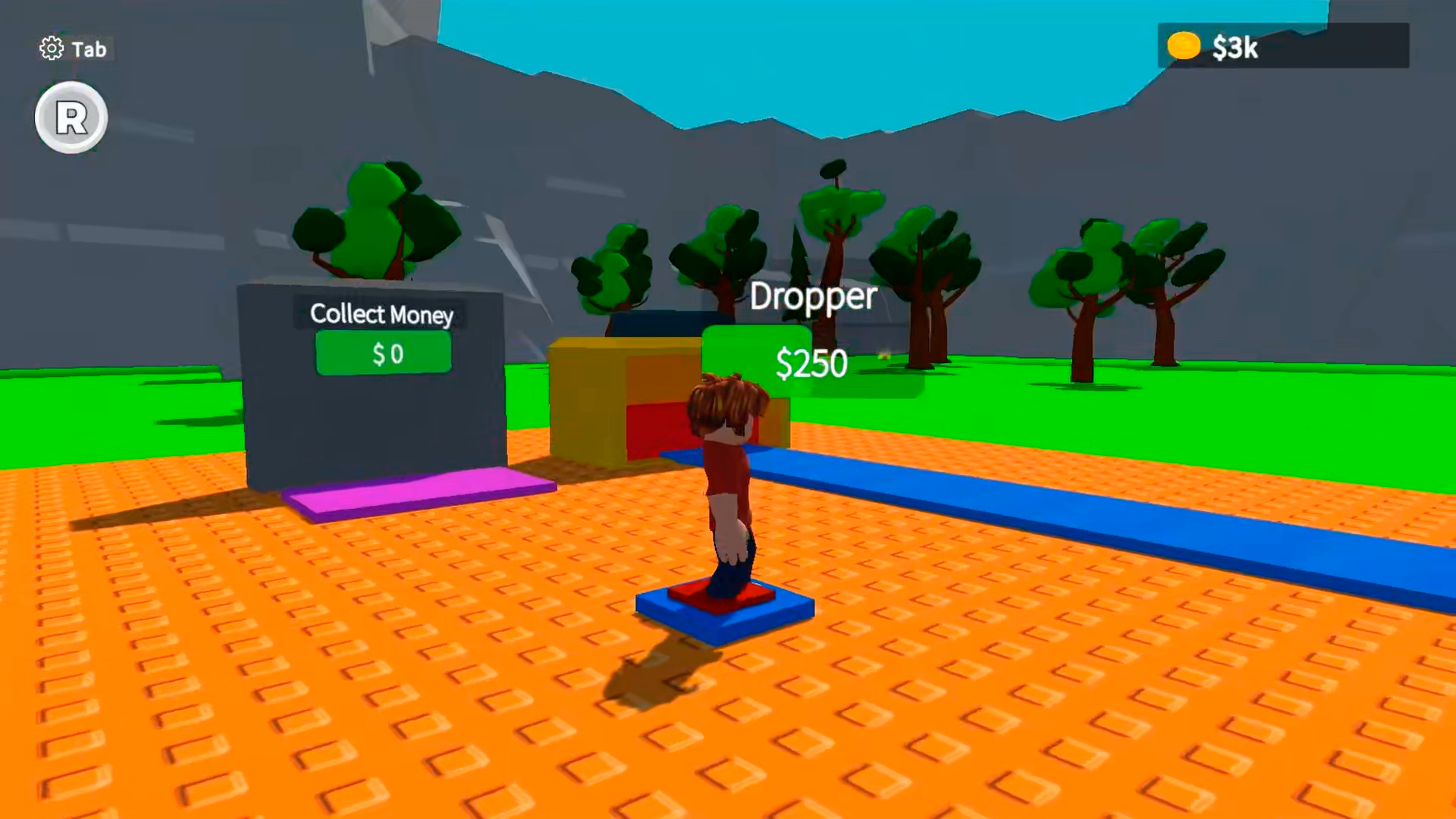
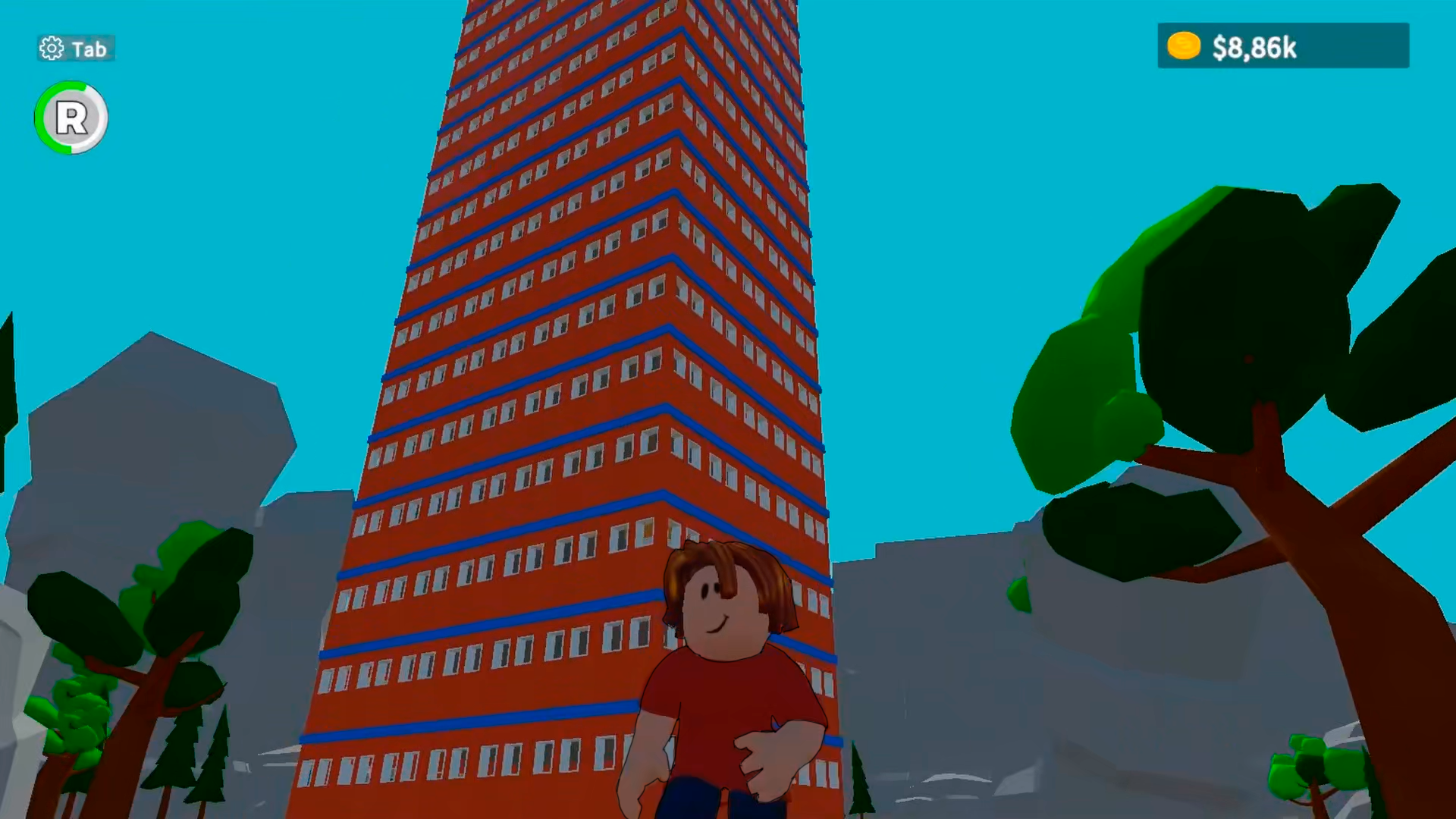
Scale the heights of industrial success by constructing your way to the top in Obby 100+ Floor. You start with a single brick and a dream, but soon you will be managing a massive vertical complex where every level brings new challenges. Strategy is key as you place machines to maximize your efficiency and boost your total output. You simply need to install eight active units on a story to unlock the next one, creating a satisfying cycle of expansion. This engaging experience blends the best of a tycoon simulator with smooth movement mechanics familiar to fans of roblox. Watch your humble workspace evolve into a towering monument of wealth as you optimize your layouts and upgrade your equipment. Progression feels rewarding because every floor adds significant value to your growing empire. You can test your management skills and scale this tower for free directly in your browser without any downloads required.
How to play
PC Controls:
Movement: W, S, D, A
Camera: Mouse
Run: Shift Key
Jump: Spacebar
Auto-collect Money: K / R Key
Settings / Change Language: Tab Key
Mobile Controls:
Movement: Left side of the screen
Camera: Right side of the screen
Run: Icon with a horizontal bar
Auto-collect Money: "R" Icon
Settings / Change Language: "Gear" Icon
Features
- Unlimited Verticality: The skyscraper expands infinitely allowing you to test your building limits.
- Dynamic Economy: Each floor generates passive income that scales as you introduce higher-tier industrial technology.
- Strategic Grid Layout: Players must carefully choose where to place machines to ensure all eight slots are utilized efficiently.
- Visual Evolution: The aesthetic of your production area shifts from basic workshops to high-tech laboratories as you climb higher.
- Automated Collection System: Use keyboard shortcuts or on-screen icons to gather your accumulated earnings without breaking your workflow.
Who is it for
Fans of tycoon simulators and clicker games will find this title highly addictive. Strategy gamers who enjoy optimizing production lines will appreciate the planning required for each floor. Casual players looking for a quick and rewarding progression loop will love the constant feeling of growth while playing Obby 100+ Floor.
Controls
Movement
Use W, A, S, D keys on PC or the virtual joystick on the left side of your mobile screen.
Camera Control
Move your mouse on PC or drag your finger across the right side of the mobile screen.
Interaction and Collection
Press K or R for auto-collect, or tap the R icon on mobile devices.
Navigation
Use the Spacebar to jump or the Shift key to run while exploring your tower.
FAQ
How do I unlock new levels in Obby 100+ Floor?
›
You must install eight active machines on your current floor to unlock the path to the next level.
Can I play Obby 100+ Floor on my phone?
›
Yes, the game is fully optimized for mobile browsers and features intuitive touch controls for movement and building.
Is it possible to lose progress in Obby 100+ Floor?
›
The game is designed with a persistent progression system, so your tower and machine upgrades will be saved as you play.