About game
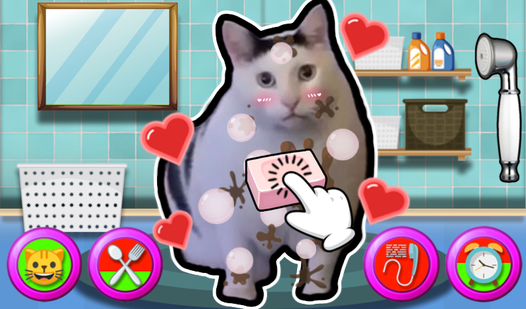
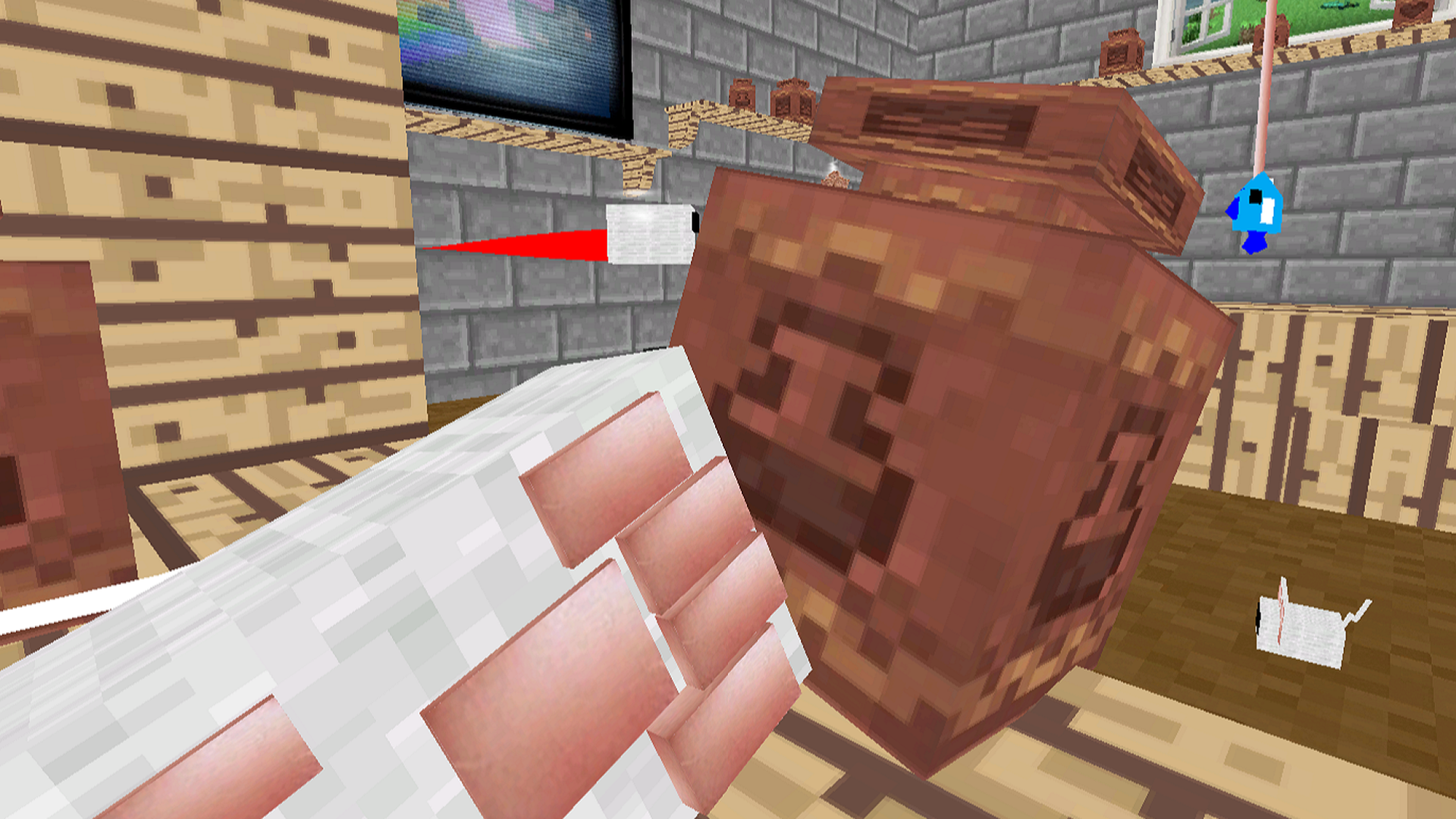
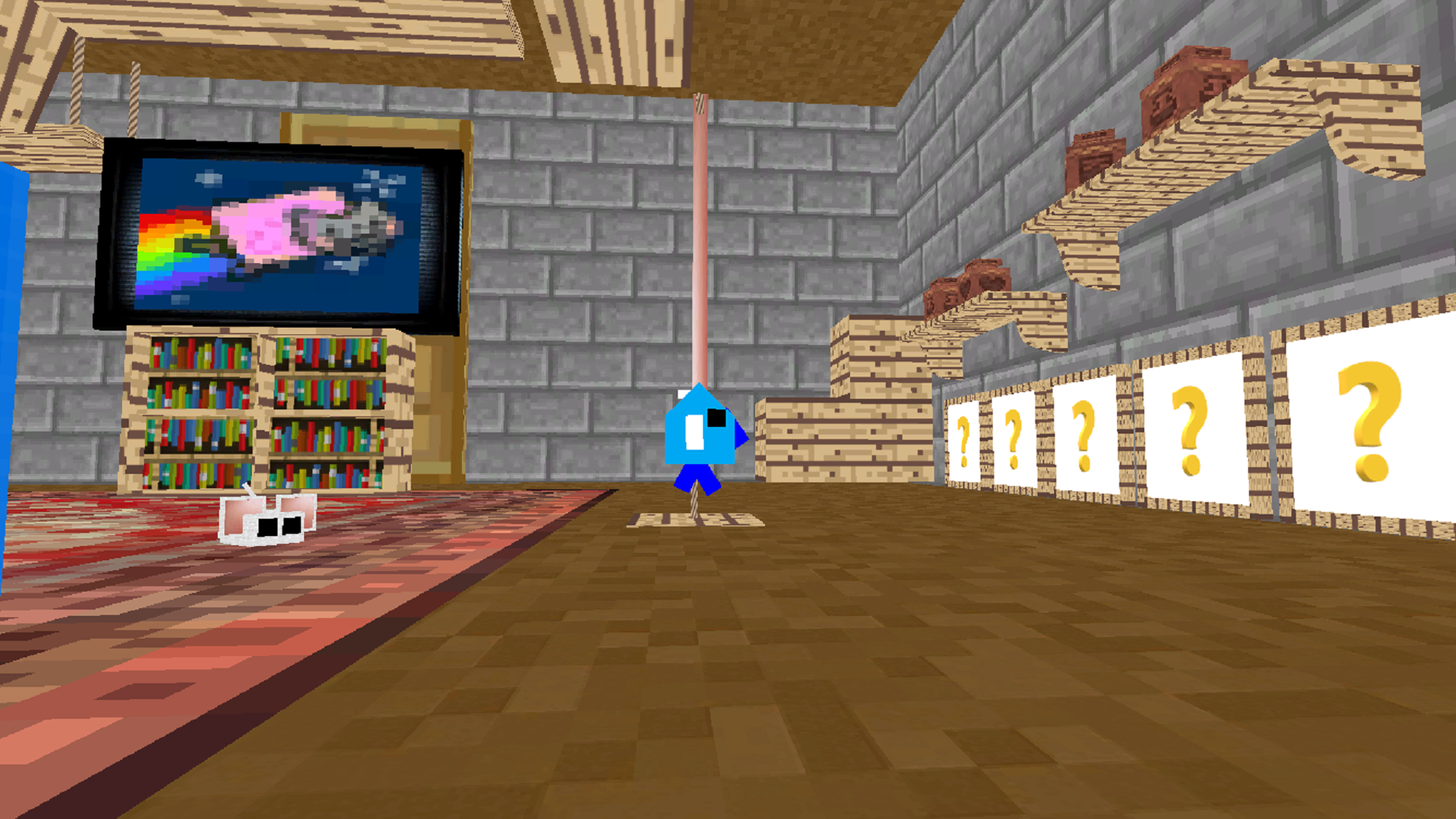
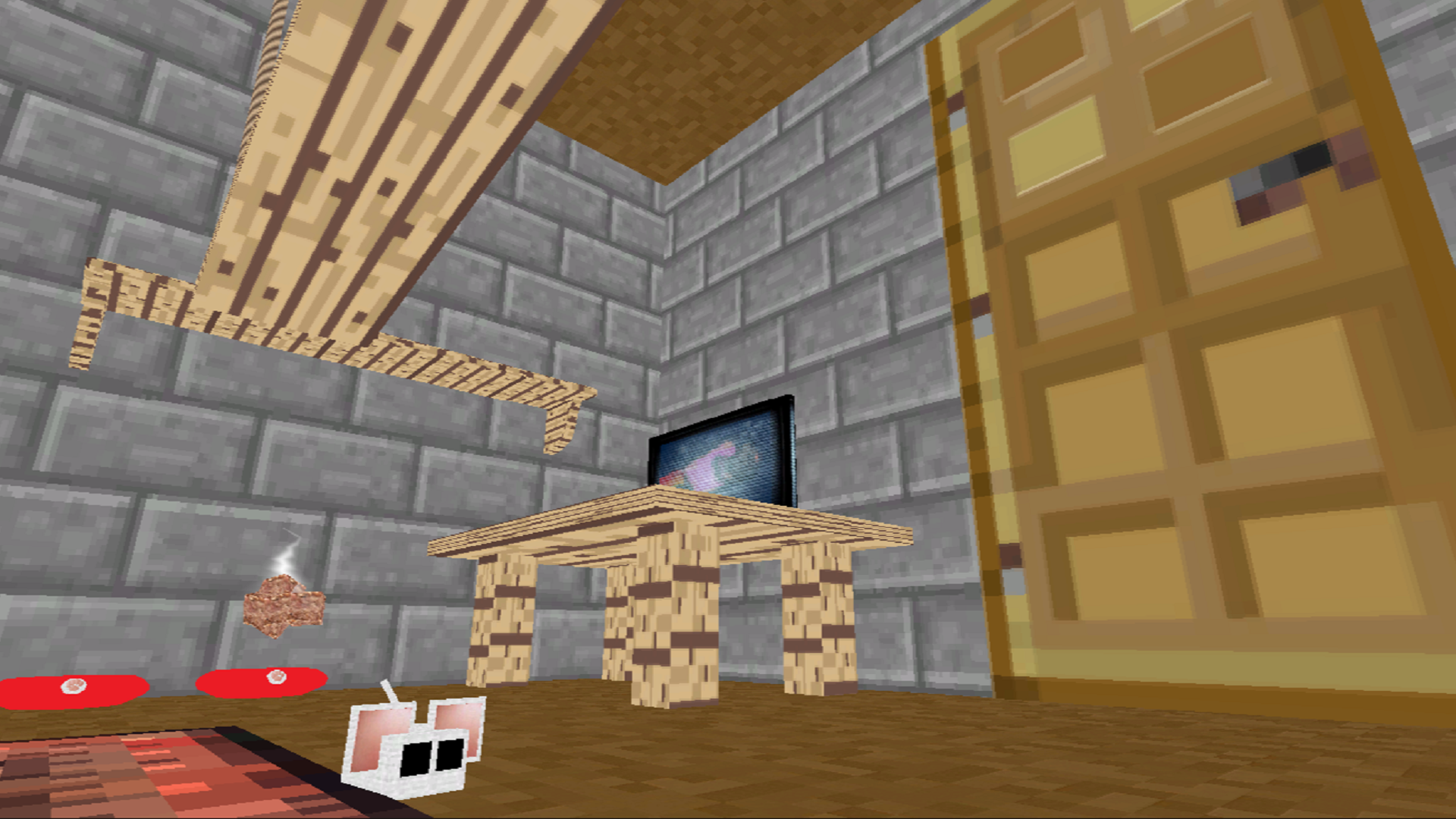
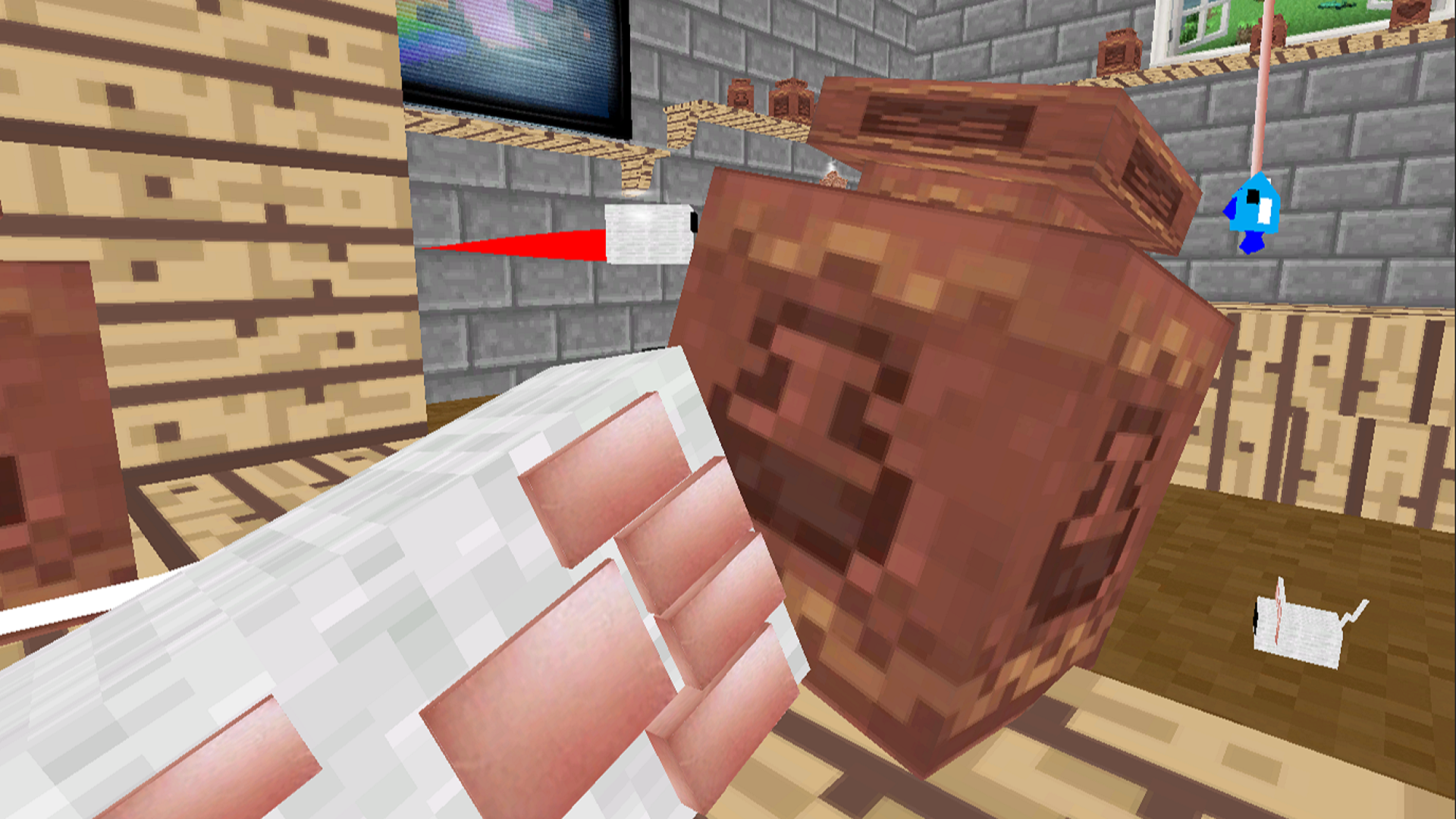
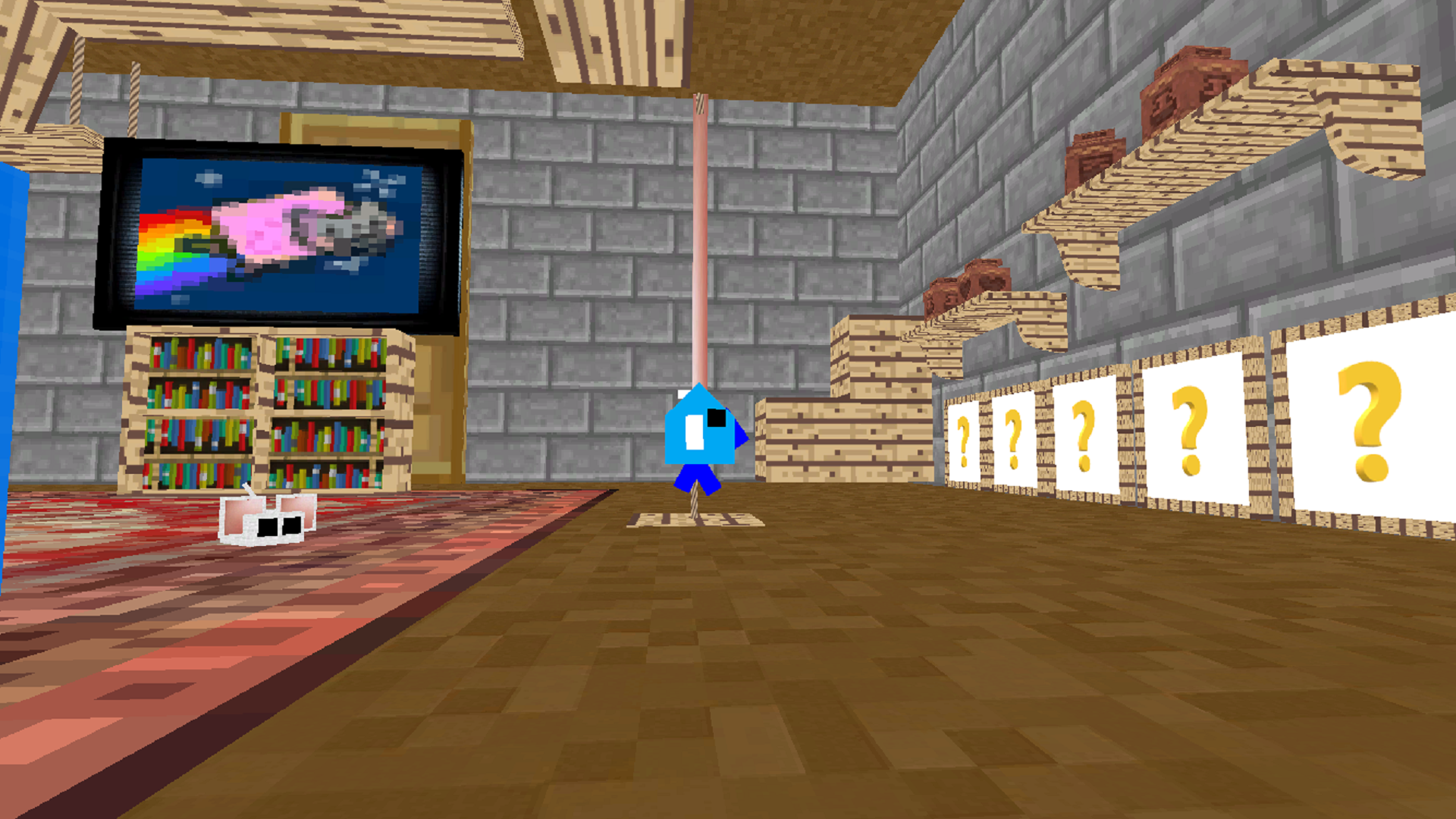
Navigate a vibrant world as a furry friend in Noob Became A Cat 3D, where every action brings you closer to feline perfection. You spend your days hunting for snacks and managing your kitty needs to keep your energy levels soaring throughout the expansive map. As you collect food, you grow stronger and unlock new ways to interact with your cozy environment. The gameplay loop centers on simple exploration and task completion, ensuring you always have something productive to do. Keen observers will even notice a sleeping Steve from Minecraft resting in the background, adding a fun easter egg to your journey. This simulator blends relaxation with light challenges, making it a great way to pass the time whenever you need a break. Whether you are chasing toys or simply exploring, the satisfying loop keeps you engaged for hours on end. Experience the charm of Noob Became A Cat 3D directly in your browser without any downloads required.
How to play
Collect food - increase your strength
Computer (you can only play with the mouse):
Left mouse button\WASD - run
Right mouse button\space bar - jump
Phone:
The right half of the screen is to run
The left half of the screen is a jump
Features
- Pet Management: Monitor your cat hunger and thirst levels to ensure your character remains active and happy.
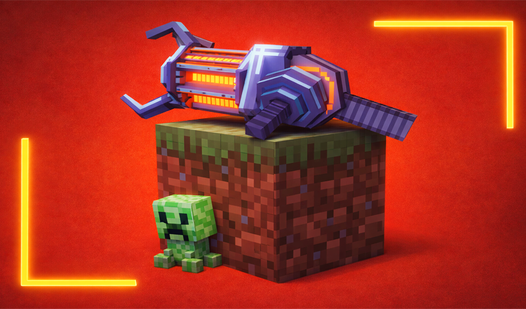
- Hidden Secrets: Look closely at the windows in the environment to find a sleeping Steve from Minecraft.
- Strength Progression: Gather food items scattered across the map to level up your strength and unlock new abilities.
- Cozy Atmosphere: Enjoy high-quality graphics and soothing sound effects that create a relaxing environment for players.
- Endless Exploration: Wander through varied locations at your own pace without any strict time limits or pressure.
Who is it for
Fans of casual animal simulators and cozy games will find endless joy in this virtual pet experience. It suits players who enjoy relaxing exploration, light resource management, and cute character interactions in a stress-free environment. Perfect for those seeking a lighthearted break from intense competitive titles during their day.
Controls
Run
Use WASD keys or click and drag the right half of the mobile screen.
Jump
Press the space bar or tap the left half of the mobile screen.
Interaction
Use the left mouse button to navigate menus and select items.
FAQ
How can I improve my character in Noob Became A Cat 3D?
›
You must collect food items scattered throughout the world to increase your strength and maintain your health.
Is it possible to play Noob Became A Cat 3D on a mobile device?
›
Yes, the game is fully optimized for mobile browsers using simple touch controls on the left and right sides of the screen.
Are there any hidden easter eggs in Noob Became A Cat 3D?
›
Yes, keep an eye on the windows in the game to spot Steve from Minecraft taking a nap.