About game
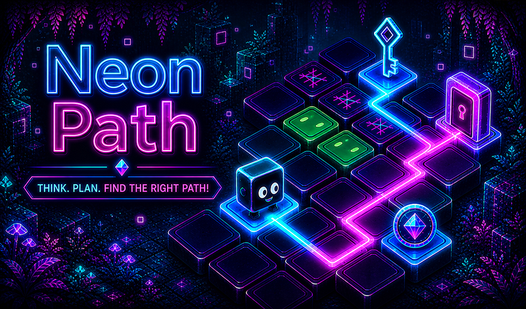
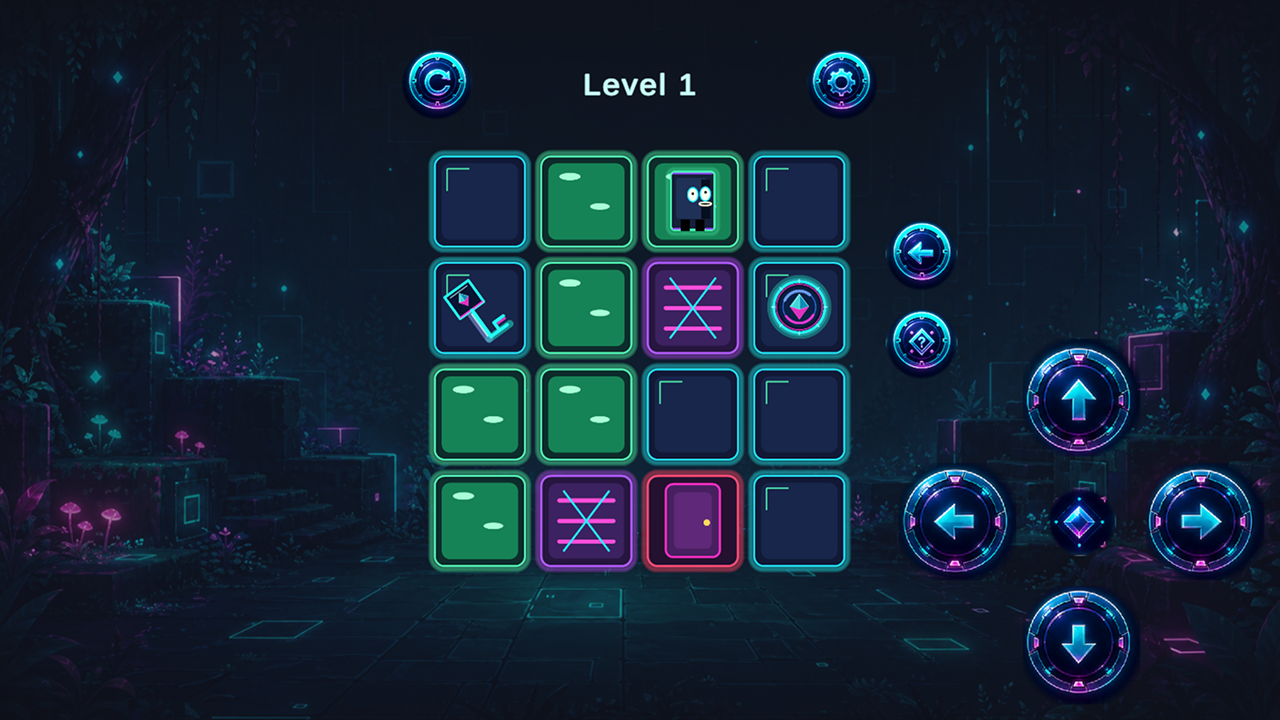
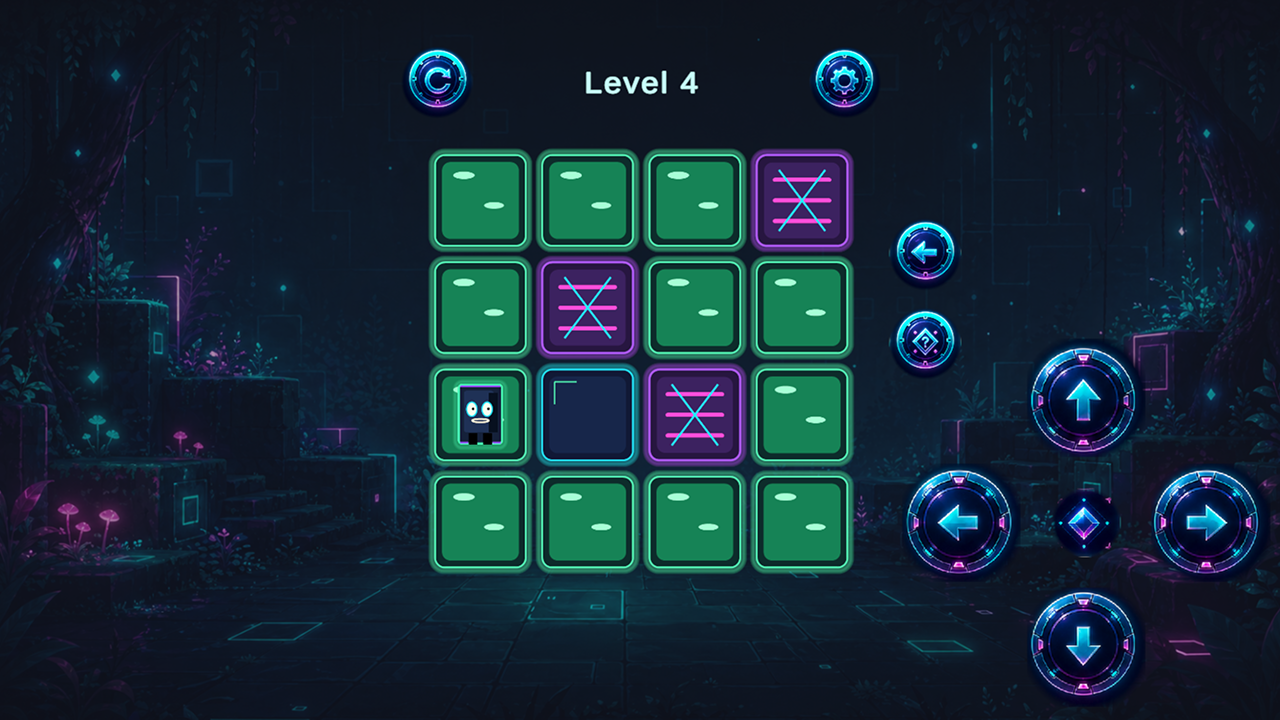
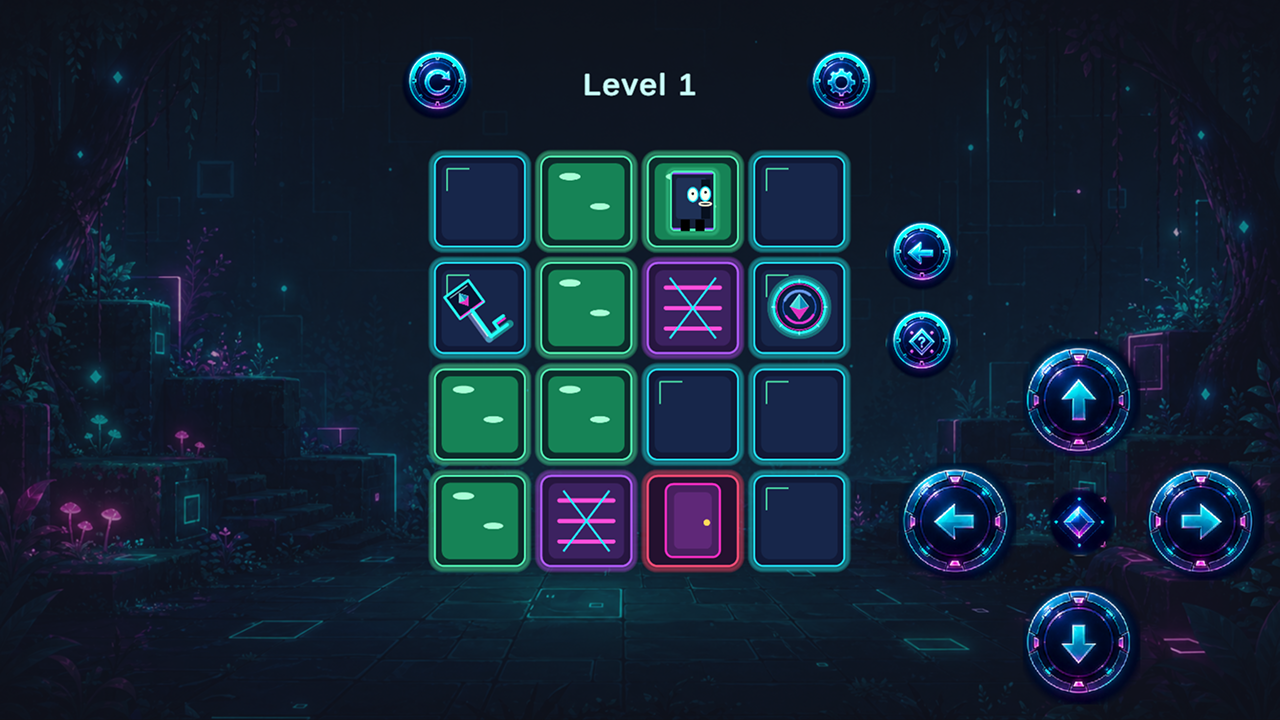
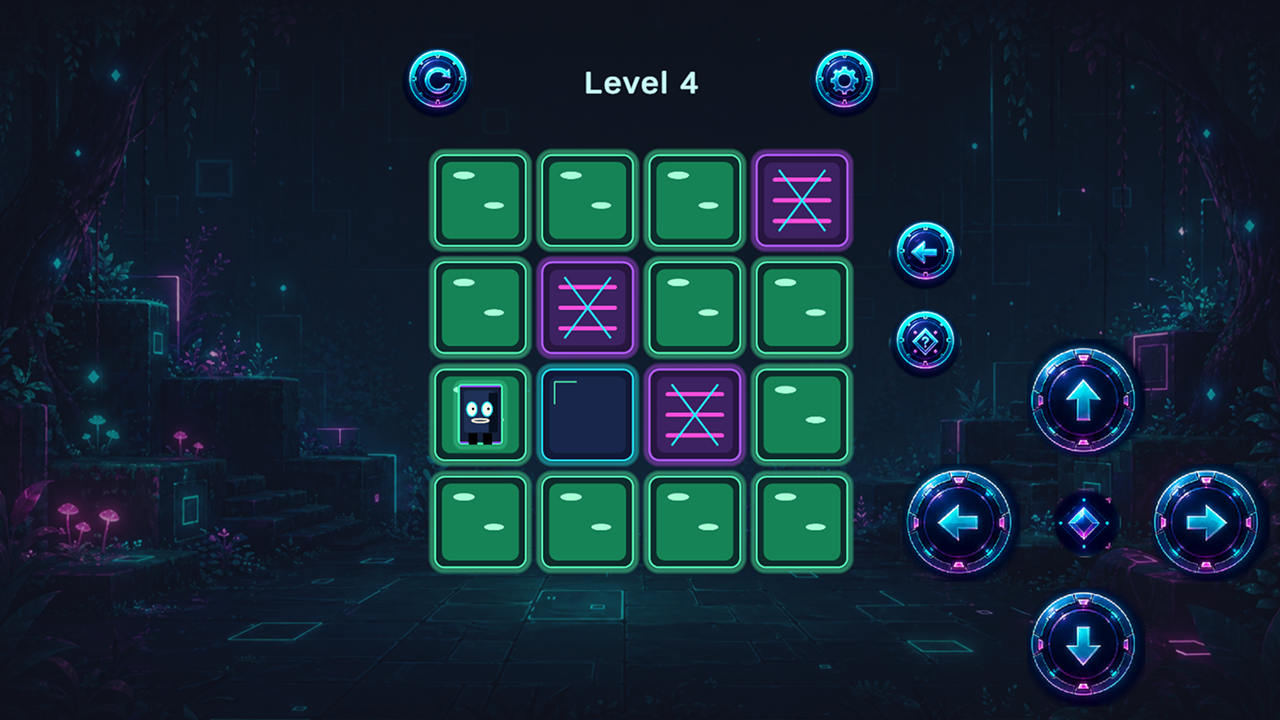
Navigate a glowing grid by coloring every single tile in Neon Path to clear each stage. Moving across the board requires careful planning because you cannot cross your own steps once they are painted. You must collect shimmering coins and snatch up keys to unlock barred doors blocking your exit. Logic is your best tool here because the puzzles scale up to 7x7 grids as you progress through the levels. Memory becomes vital when you switch to Hard mode, which forces you to memorize the path before the lights go out. Rely on the undo button if you make a wrong turn or grab a hint when the solution feels impossible. Neon Path creates a relaxing mood with its smooth aesthetic and calm music. You can jump into this browser puzzle right now without any downloads or installations.
How to play
Choose a difficulty mode and start a level. Control the character to move across every available tile and paint the board. On PC, use the arrow keys or WASD. You can also use the on-screen direction buttons: up, down, left, and right. They work with both mouse and touch input.
Collect coins, pick up keys, and open doors. If there are no moves left, press restart. The undo button returns the last move, and the hint button shows the correct path. In Hard mode, the board is visible for a short time, then it is hidden in darkness.
Features
- Progressive difficulty: Select between Easy, Medium, and Hard modes to match your preferred level of challenge.
- Grid mechanics: Paint every available tile on the map to succeed while managing keys and locked gates.
- Dark memory mode: Test your focus by navigating terrain that disappears into shadow after a brief preview.
- Intuitive assist: Utilize unlimited undo actions and hints that reveal the correct route when you get stuck.
- Visual aesthetic: Enjoy a clean neon style that keeps the interface clear and focused on the board.
Who is it for
Puzzle lovers who enjoy turn-based logic games will find this title engaging. Fans of minimalism and memory-based challenges benefit from the clear design. Casual players seeking a brain-teasing experience without time pressure will appreciate the slow pace and relaxing atmosphere during their daily coffee break.
Controls
Movement
Use WASD or arrow keys on your keyboard, or tap the on-screen directional buttons.
Select options
Click or tap the UI buttons for restart, undo, and hint features.
Navigation
Swipe on touch devices to move the character across the grid tiles.
FAQ
How can I beat the Hard mode in Neon Path?
›
You need to memorize the board layout during the preview phase before the screen goes dark. Take your time to trace the route mentally before moving.
Does Neon Path require any software installations?
›
No, Neon Path runs directly in your web browser. You can play it on any device without downloading additional files.
What happens if I get stuck in Neon Path?
›
You can hit the undo button to reverse your last movement or use a hint to reveal the correct path. If those options fail, simply restart the level to try a new route.