About game
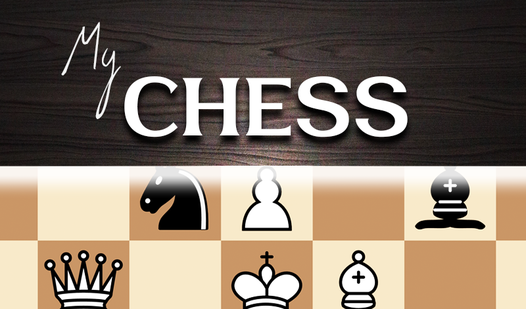
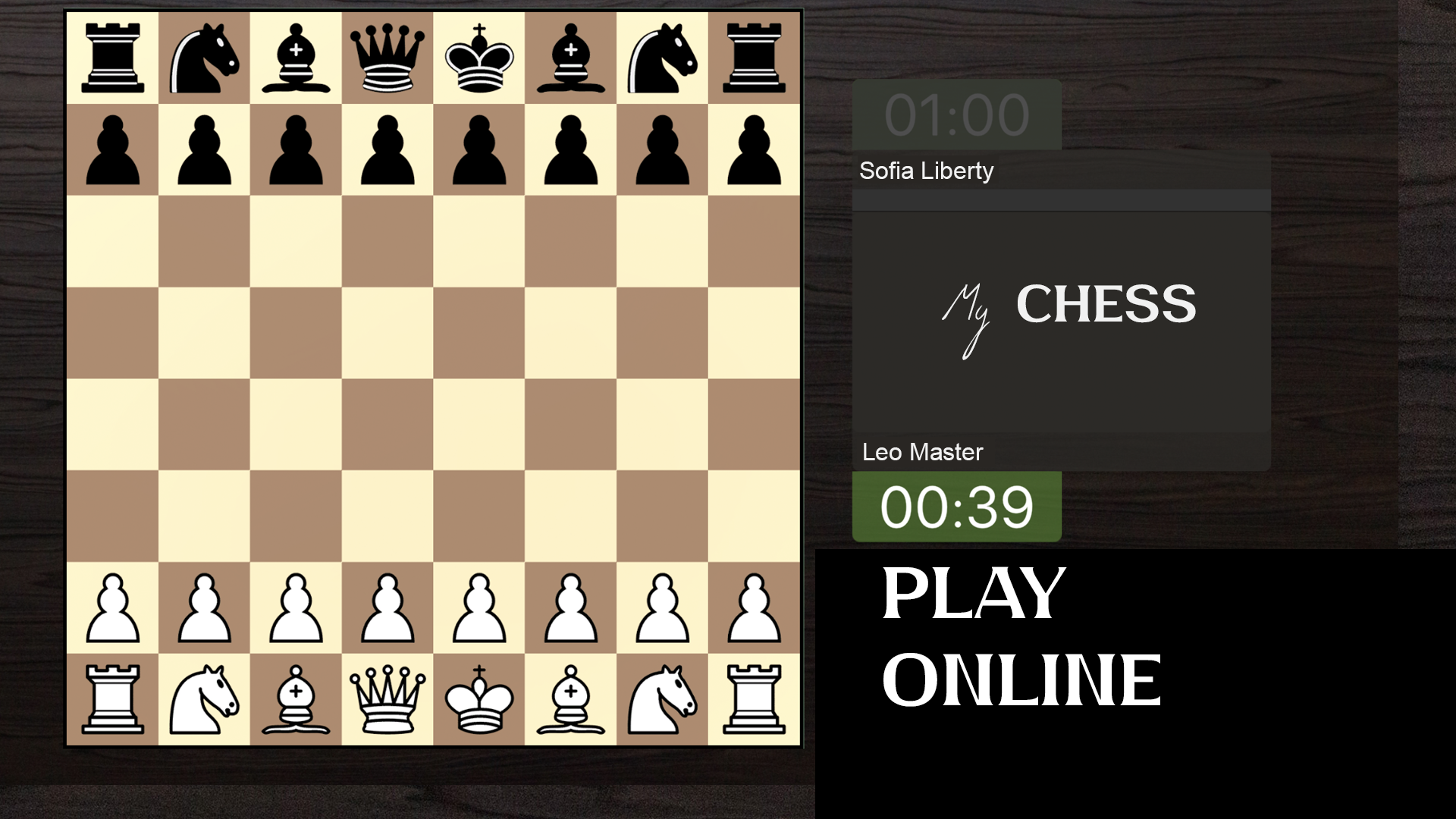
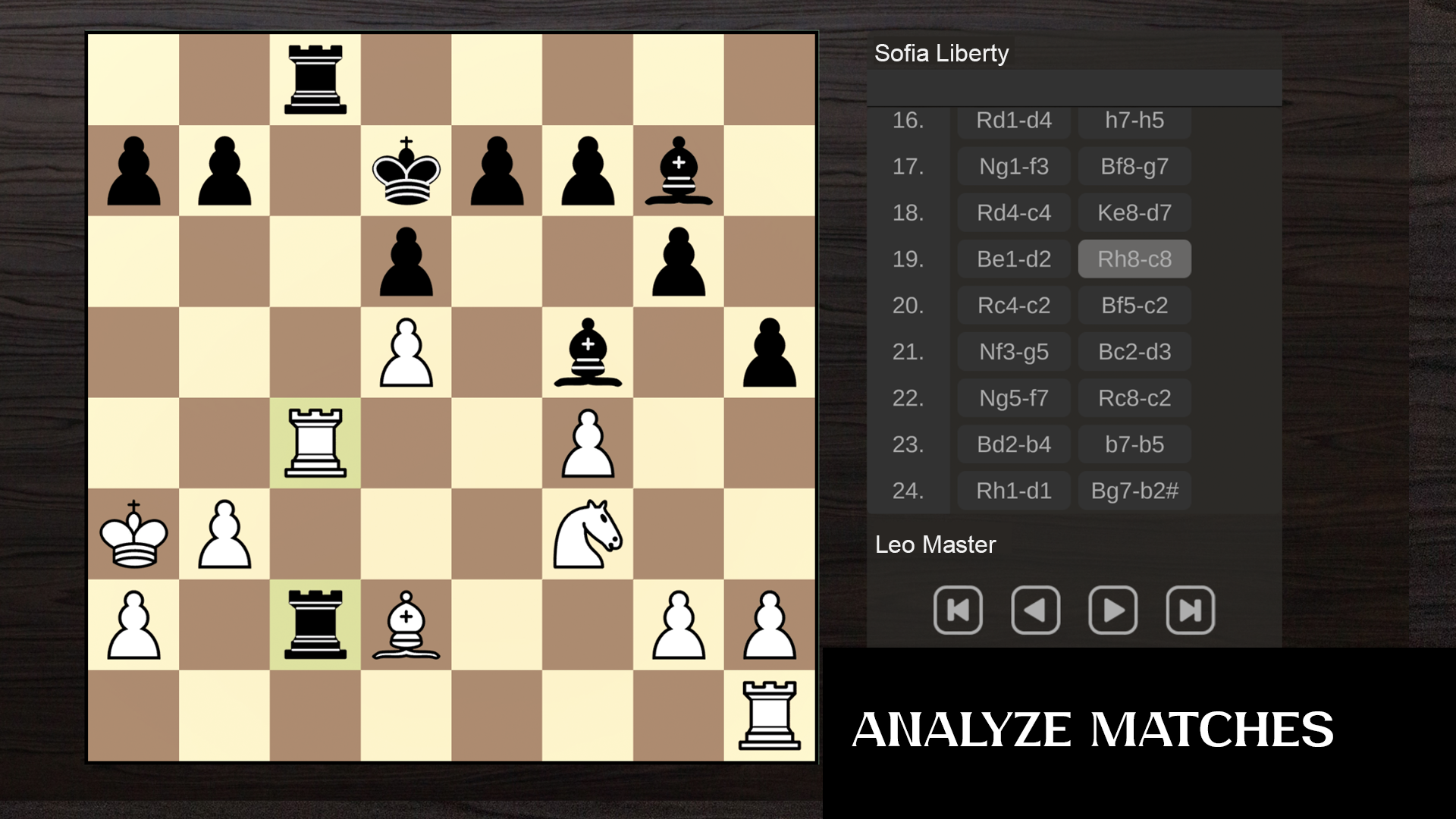
Staring at the wall while waiting for a meeting to start or just craving a mental challenge to sharpen your focus during a break is a common struggle. My Chess acts as the perfect digital escape that fits directly into your daily routine without any hassle. This browser-based experience brings classic strategy to your screen with smooth piece movement and intuitive move highlighting that makes every match feel professional. You can test your tactical prowess by choosing to face off against a computer or challenging a buddy on a shared screen. If you prefer global competition, the online mode allows you to prove your skills against opponents worldwide under strict turn timers. Mastering the board requires a keen eye for castling, en passant captures, and defensive positioning to outmaneuver your rival. The intuitive interface tracks your win-loss statistics, keeping your progress clear as you climb the ranks from beginner to expert. My Chess is available to play instantly for free in your browser with no download required to start your next match.
How to play
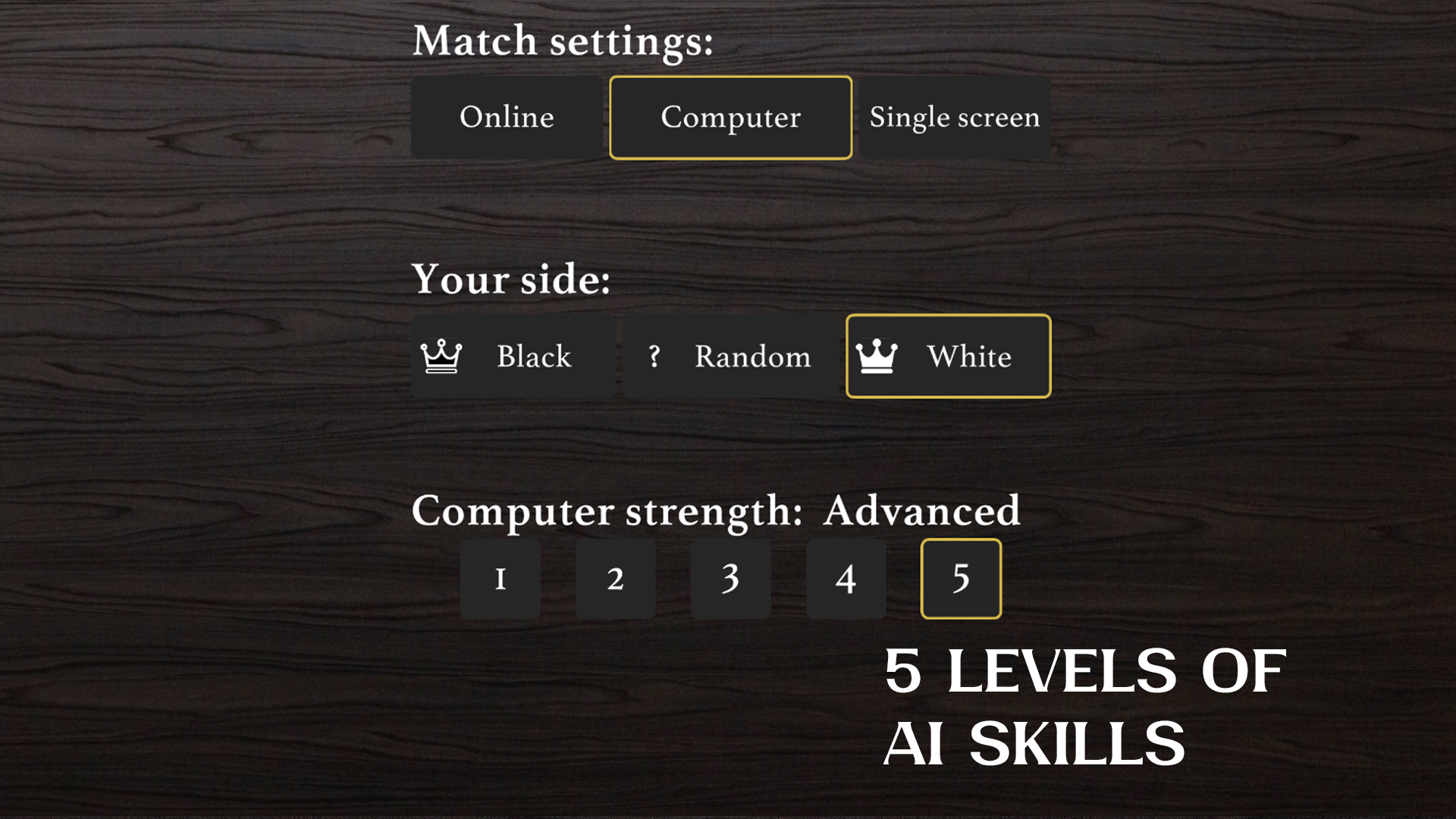
Choose the game mode: with a computer, over the Internet or with a friend.
Choose the color of the shapes: for black, for white, or a random selection.
Start the game!
During your turn, click on the piece you want to make a move with, the available cells will be displayed with dots. Click on the desired cell.
Timer:
* When playing online, each player is given 1 minute for each turn;
* When playing with a computer or on the same screen, there is no time limit on the turn.
Features
- Timed turns: Online matches enforce a strict one-minute timer per turn to keep the intensity high and pacing fast.
- Skill levels: Select from three distinct AI difficulty tiers to practice your strategies against a computer opponent.
- Classic rules integration: The engine strictly follows tournament standards including draw by three-fold repetition and special pawn movements.
- Dynamic highlighting: Available squares for any selected piece are clearly marked with dots to prevent accidental misclicks.
- Performance tracking: A built-in statistics dashboard records your victory history to help you analyze your long-term performance.
- Flexible play: Switch seamlessly between hot-seat local multiplayer and online competitive modes depending on your mood.
Who is it for
Strategy enthusiasts and logic puzzle fans who enjoy testing their cognitive limits. Casual players needing a quick mental recharge will appreciate the no-registration access, while competitive thinkers can spend hours refining their opening gambits and end-game techniques against increasingly difficult computer opponents or real-world challengers across the globe.
Controls
Select piece
Click or tap on the piece you wish to move to see valid destinations.
Execute move
Click or tap on a highlighted destination square to move your piece.
Swipe navigation
Use finger swipes on mobile devices to scroll through game menus or statistics.
FAQ
Can I play My Chess against a real person online?
›
Yes, My Chess features a dedicated online mode where you can face off against other players globally.
Does My Chess require me to create an account to play?
›
No, you can start playing My Chess immediately in your browser without any registration or account creation.
Is My Chess compatible with mobile devices?
›
Absolutely, My Chess is fully optimized for mobile browsers, allowing you to enjoy smooth gameplay and intuitive touch controls.