About game
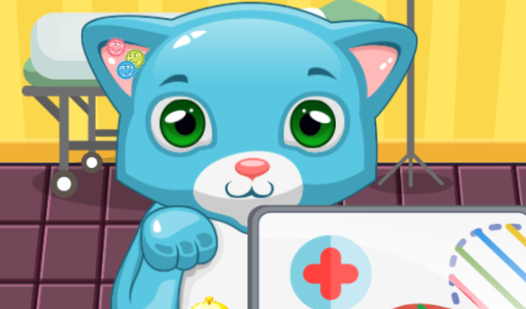
Drag two kittens into the house to trigger a magical merge that reveals brand new breeds. My Cats: Catworld. Cozy merge keeps you busy mixing vibrant neon colors to see what unexpected feline friend pops out next. You start with a simple trio of black, white, and orange kittens, but the potential for unique color combinations is endless. Each successful fusion brings you closer to completing your cat collection and unlocking special rewards. Once you have a cute kitty, you can personalize its look with silly hats or upgrade the house with cozy decorations. This relaxing puzzle experience turns simple breeding and selection into a creative journey for your digital pets. Managing your space is easy, as you can store extra kittens or swap them into your album to keep things tidy. You can play My Cats: Catworld. Cozy merge right now in your browser without any downloads or registration required.
How to play
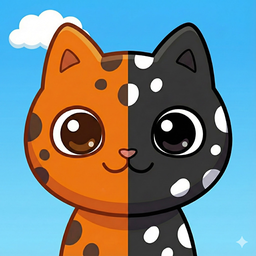
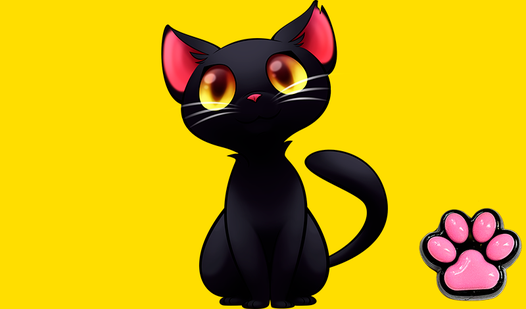
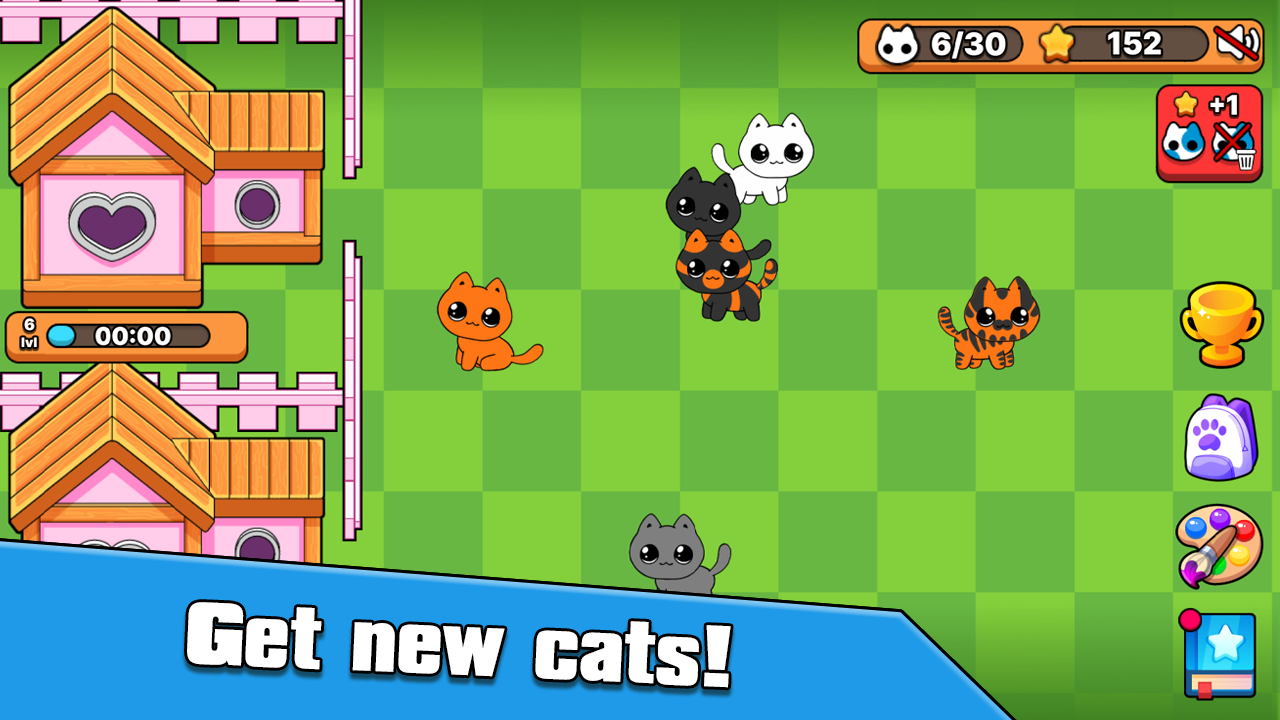
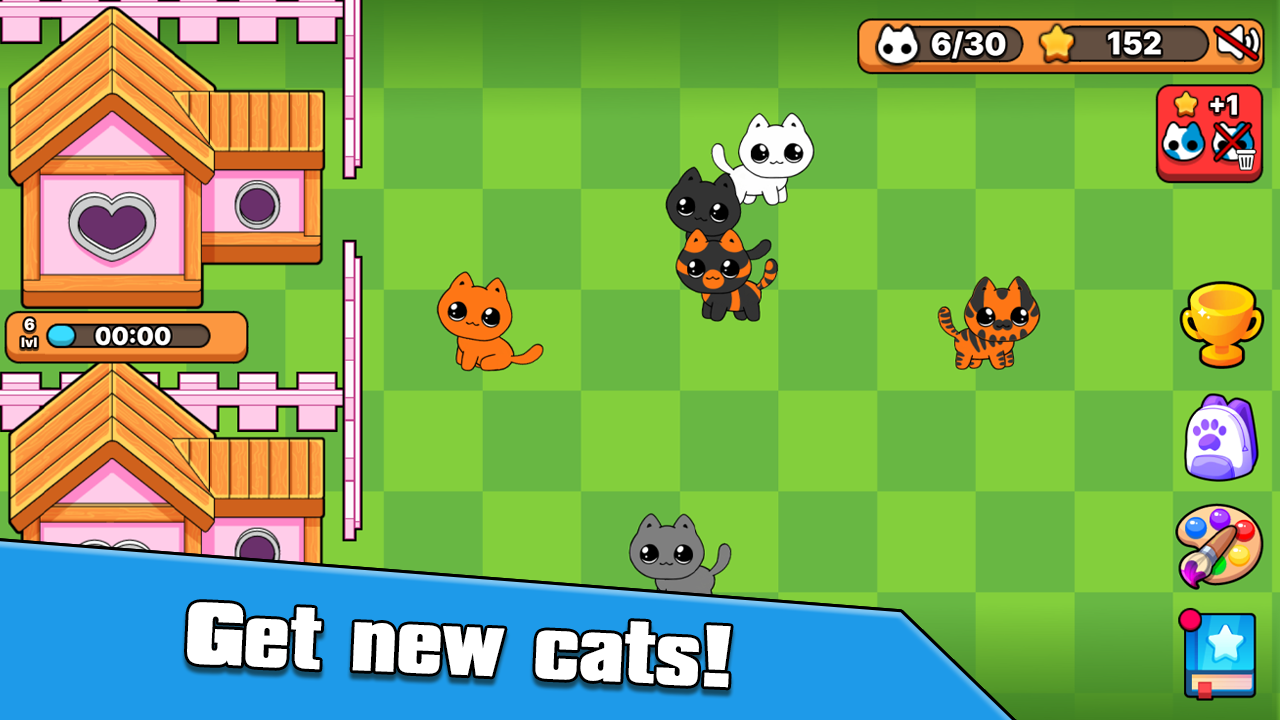
At the start of the game, you will meet three kittens: black, white, and orange.
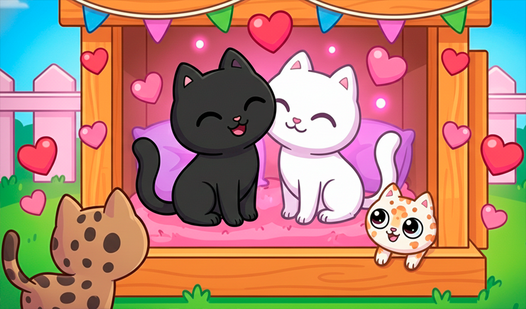
- Place two cats into the house.
- New cats will come out of the house.
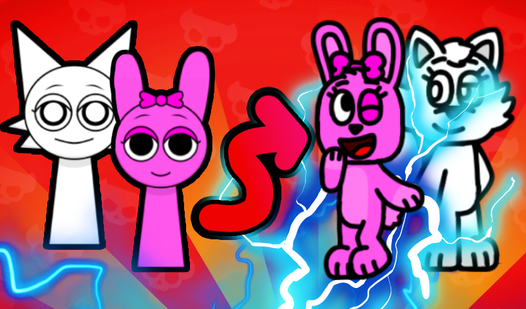
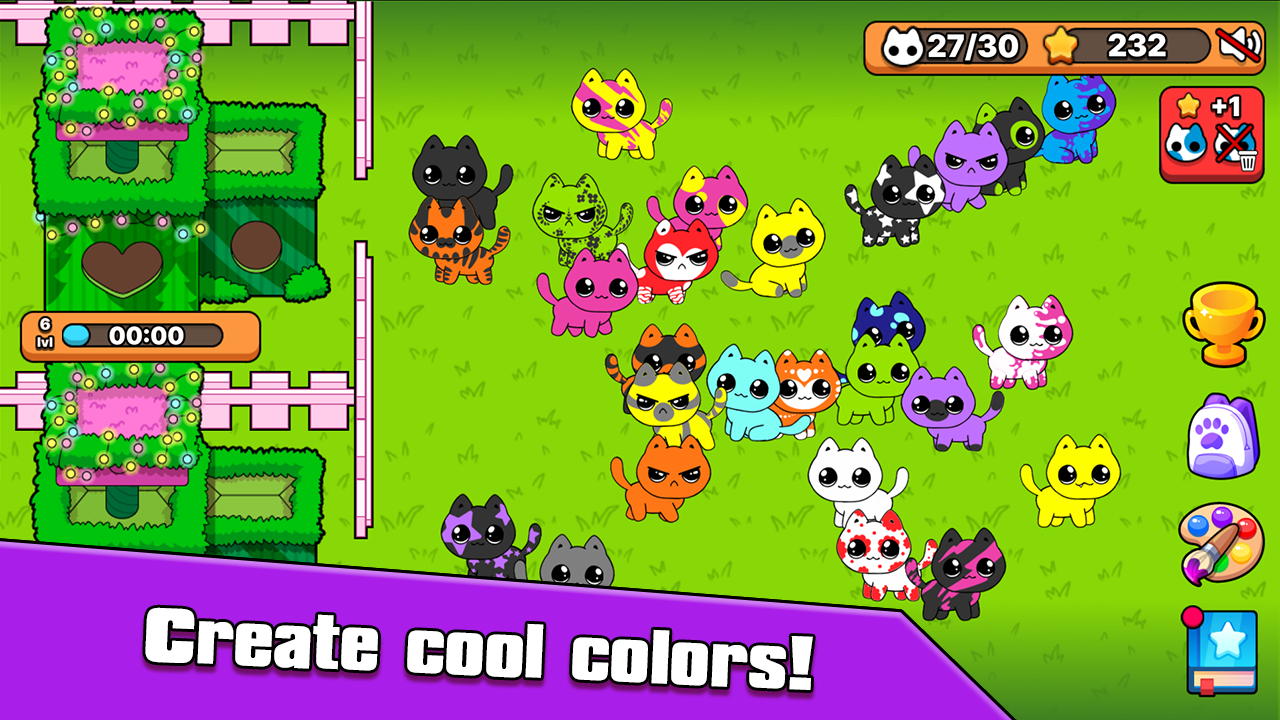
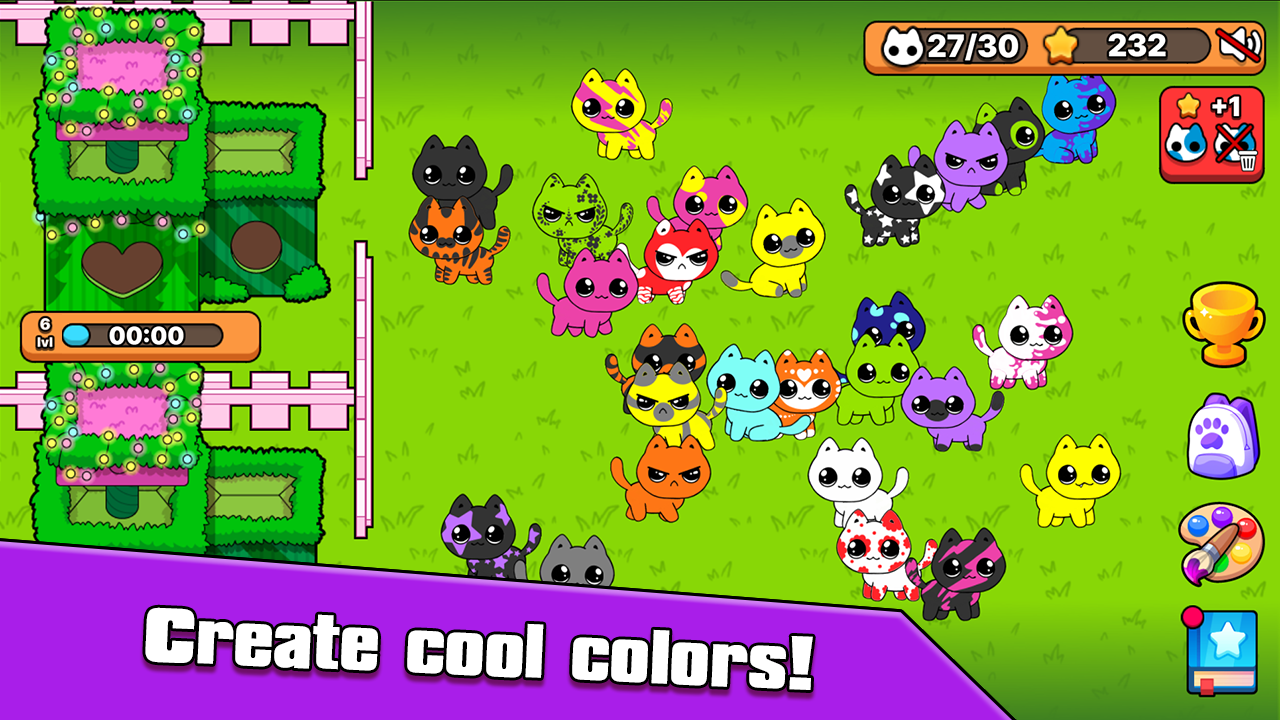
- Combine cats with different colors to get new unusual colors.
- Drag a cat to the bottom of the screen to turn it into a card.
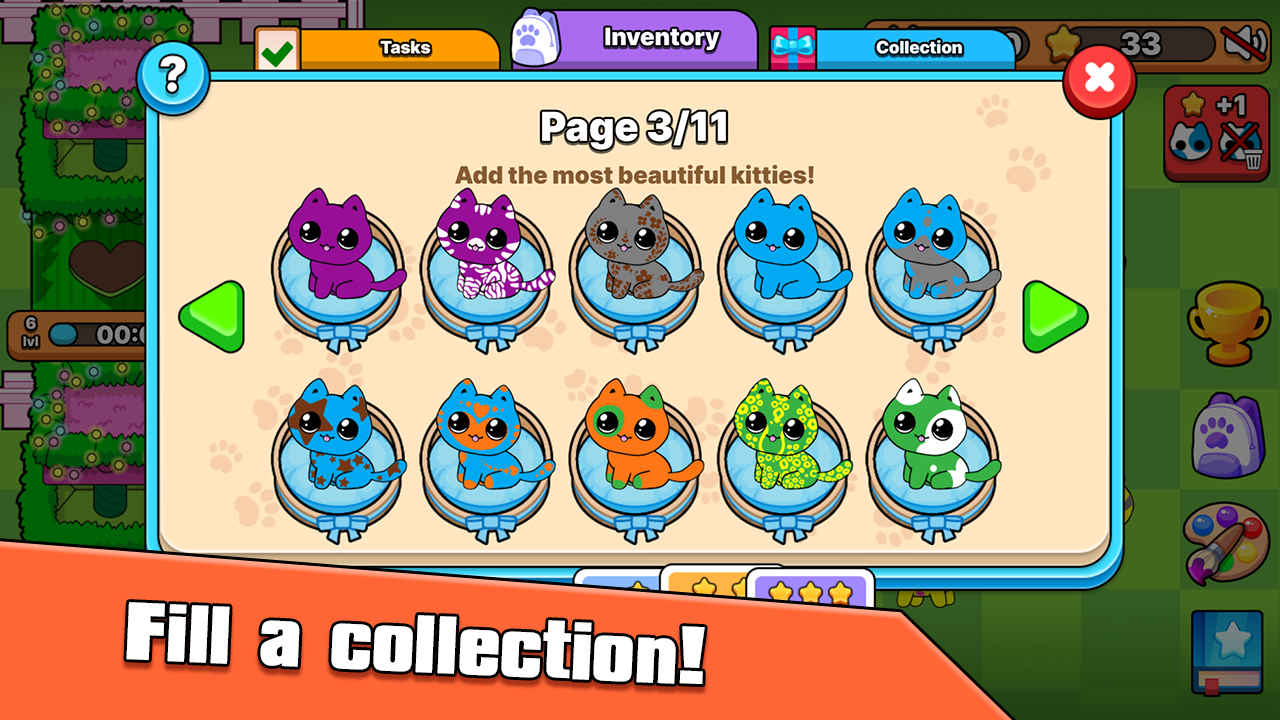
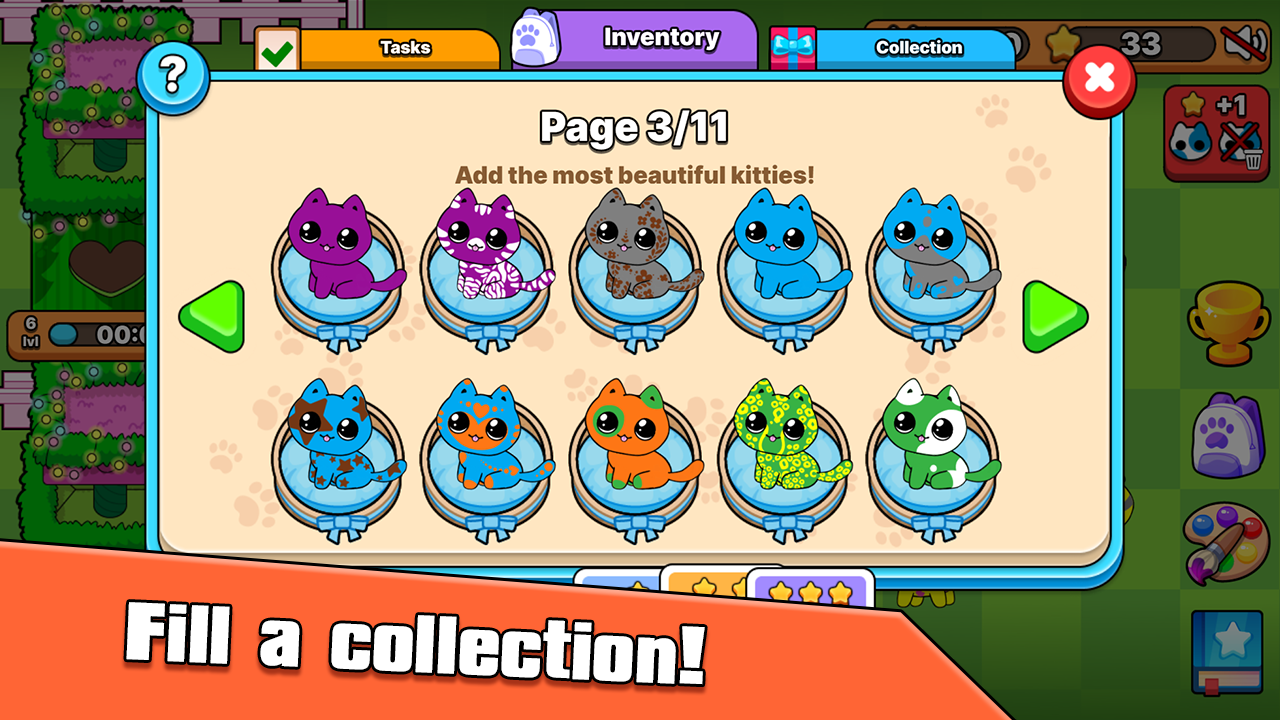
- Save cards by placing them into your collection.
- Fill collection pages by completing tasks and unlocking new pages.
- If cats are unhappy, move extra cats to the collection or drag them to the delete button.
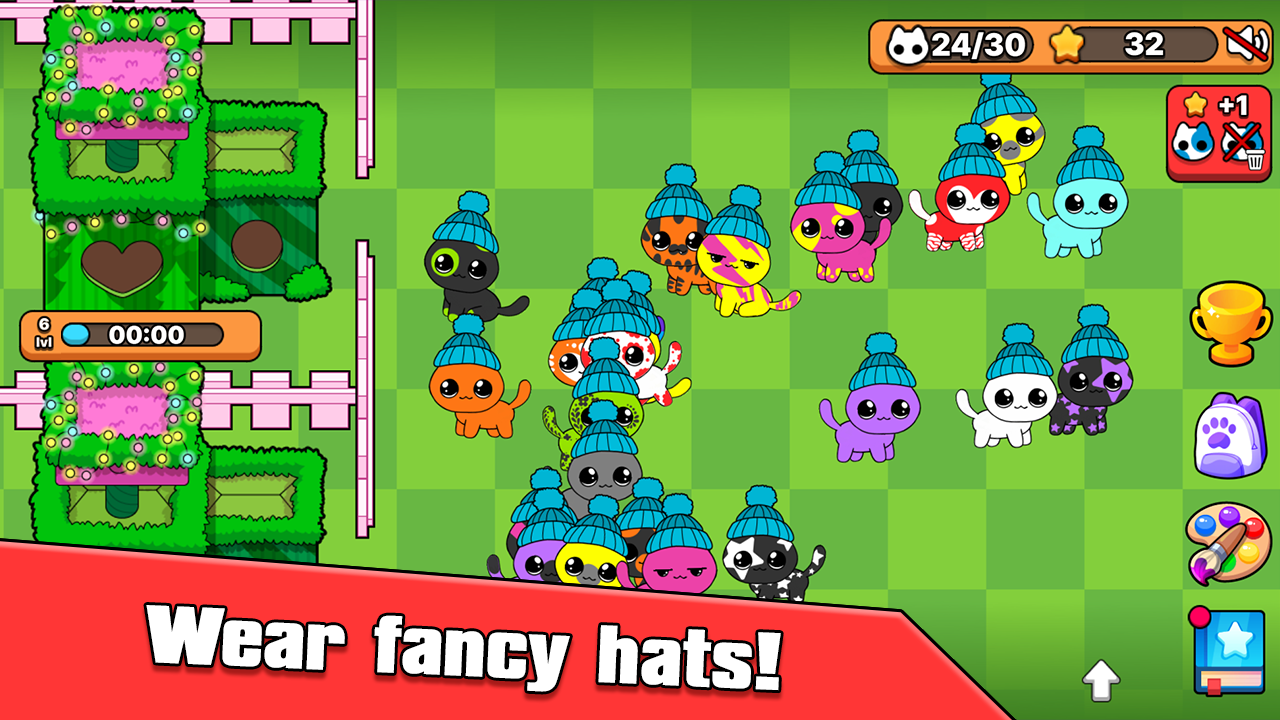
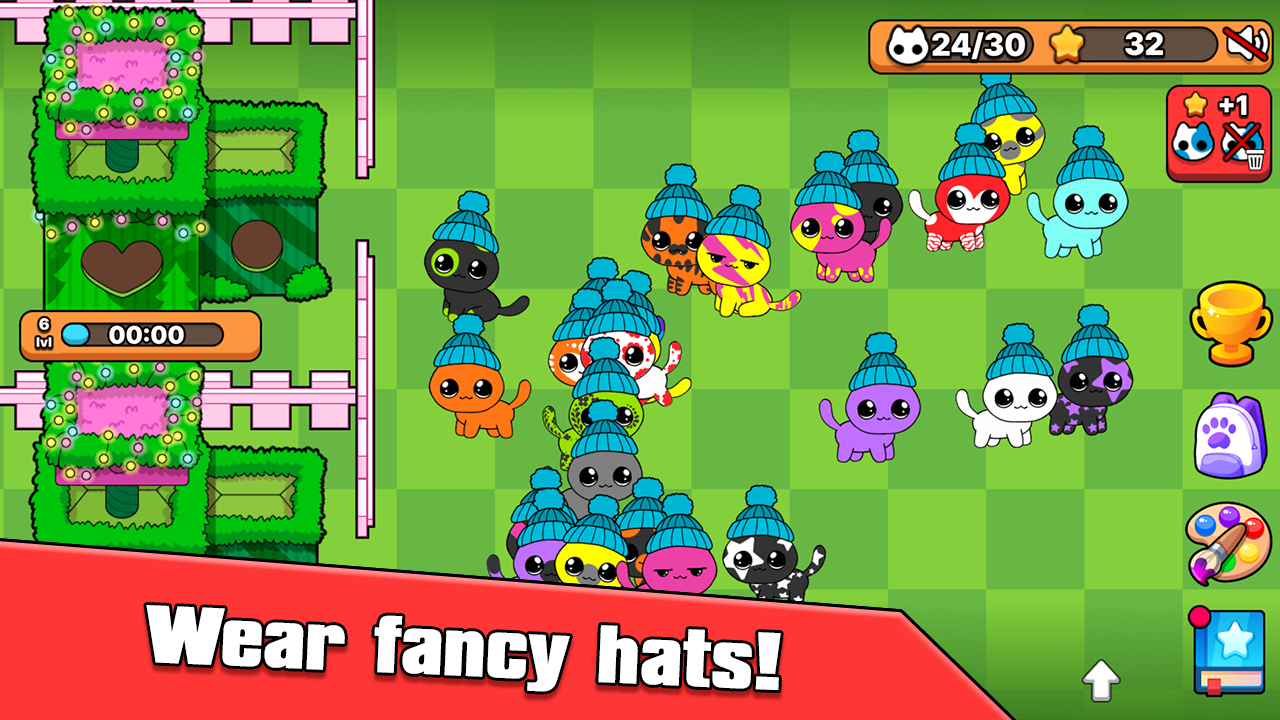
- Put on cool hats for your cats.
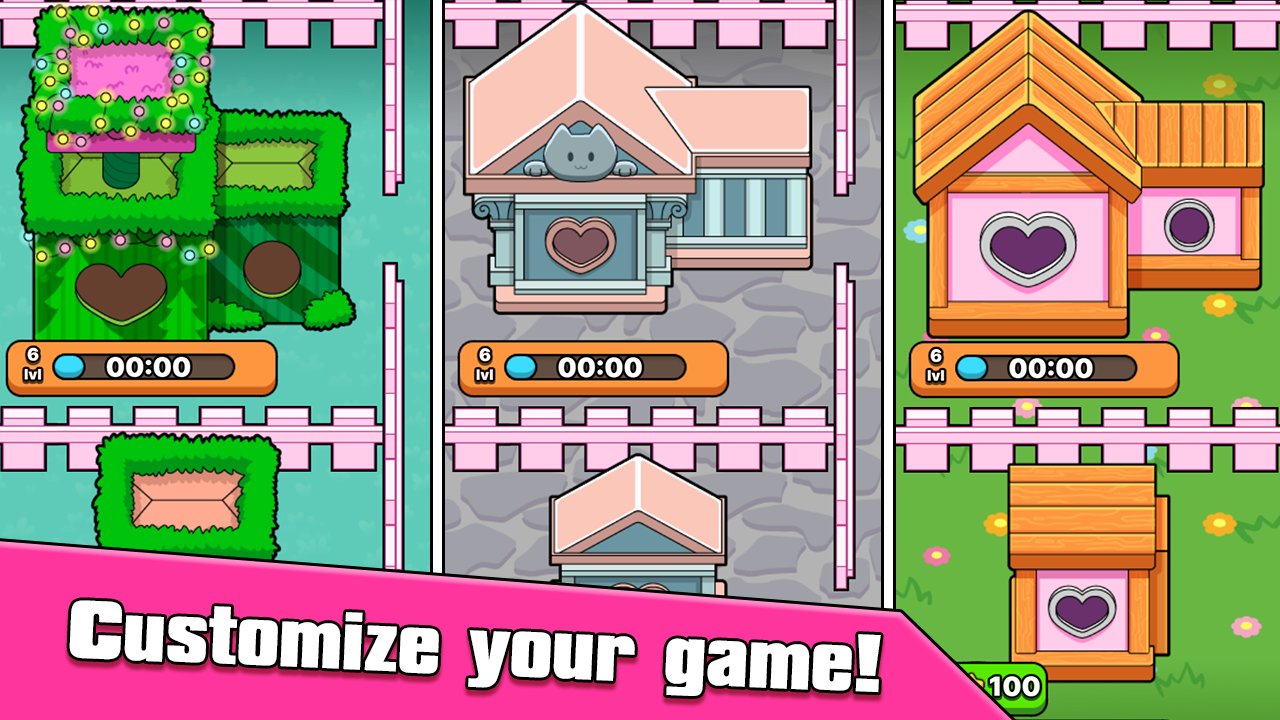
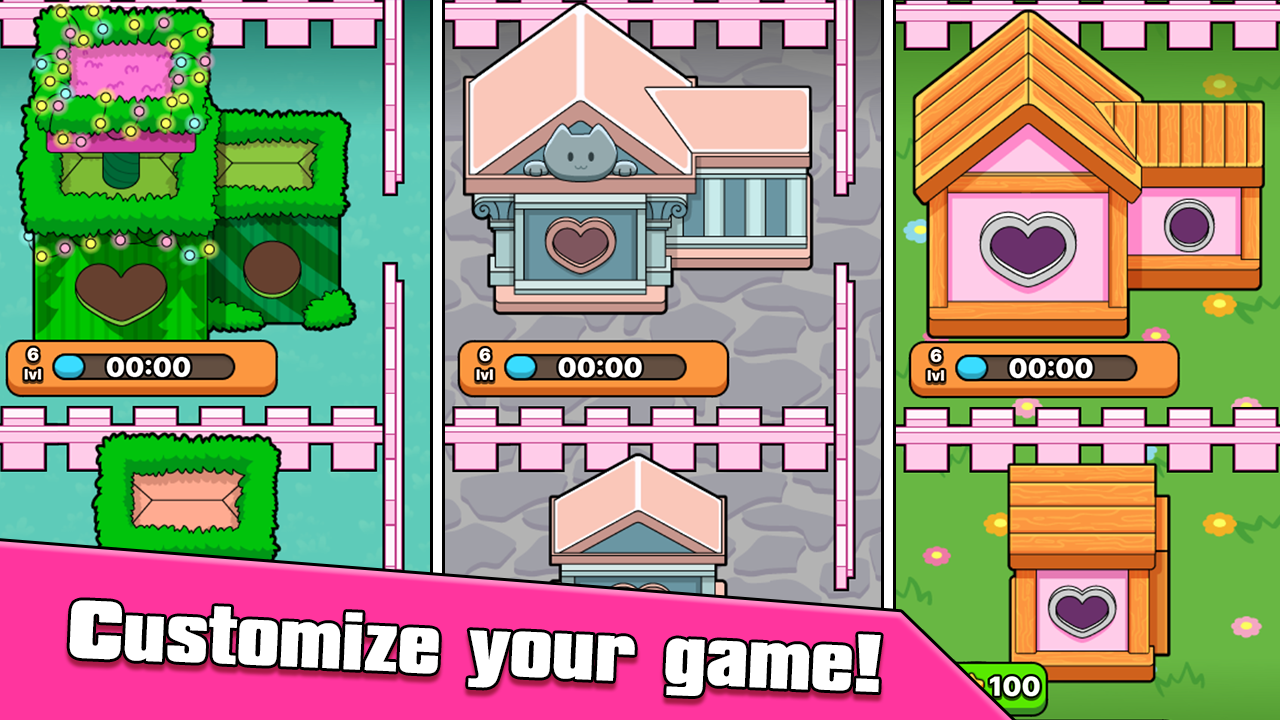
- Decorate cat houses.
Features
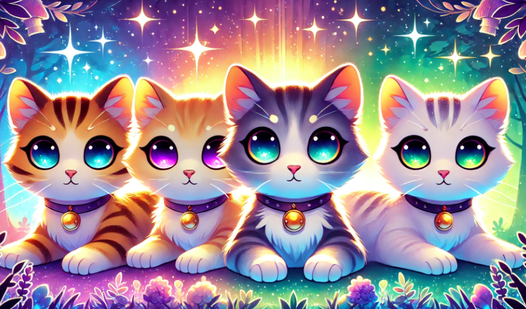
- Color Fusion System: Experiment by combining different colored cats to discover rare neon and pastel shades.
- Album Collection: Save your favorite discoveries on specialized pages to track your progress and complete daily tasks.
- Customization Options: Access a variety of funny hats and accessories to make every cat look truly one of a kind.
- Space Management: Keep your play area organized by dragging unwanted cats to the delete button or moving them to your storage collection.
- Cozy Progression: Unlock new house decorations as you breed more kittens and expand your virtual feline world.
Who is it for
Casual players and children who enjoy relaxing simulation games will love this colorful experience. Fans of animal collection titles and creative merge puzzles will find hours of entertainment here. It is a gentle, stress-free choice for anyone wanting a simple way to pass time while managing adorable virtual pets.
Controls
Move cat
Click and drag the cat with your mouse or tap and drag on the touchscreen.
Merge cats
Drag two cats into the house area simultaneously.
Save to collection
Drag a cat to the bottom of the screen to turn it into a permanent card.
FAQ
How do I get new kittens in My Cats: Catworld. Cozy merge?
›
You must place two kittens into the house to merge them, which will result in a new, unique cat being born.
Can I change the appearance of my pets in My Cats: Catworld. Cozy merge?
›
Yes, you can equip your kittens with various funny hats to personalize their style.
Is My Cats: Catworld. Cozy merge free to play?
›
Absolutely, you can play this game directly in your web browser for free with no downloads or registration needed.