About game
Staring at the clock and waiting for a meeting to end can feel like an eternity when you have a spare moment to kill. Musical Intervals Trainer turns those dull intervals into a productive ear training session that keeps your brain sharp and musical skills polished. You simply listen to a sound and select the corresponding interval from a list of options to earn points. If you find yourself stuck, hit the repeat button to hear the tones again, though watch out for penalties as the difficulty ramps up. Those who prioritize speed can jump into a frantic challenge where the objective is to conquer hundreds of notes under a strict time limit. This interactive викторина makes studying music theory feel less like a chore and more like a high-stakes competition. It serves as a fantastic companion for anyone brushing up on сольфеджио or mastering complex интервалы for their next exam. Experience this browser-based auditory challenge for free right now without any downloads required.
How to play
The game offers two modes:
Quiz
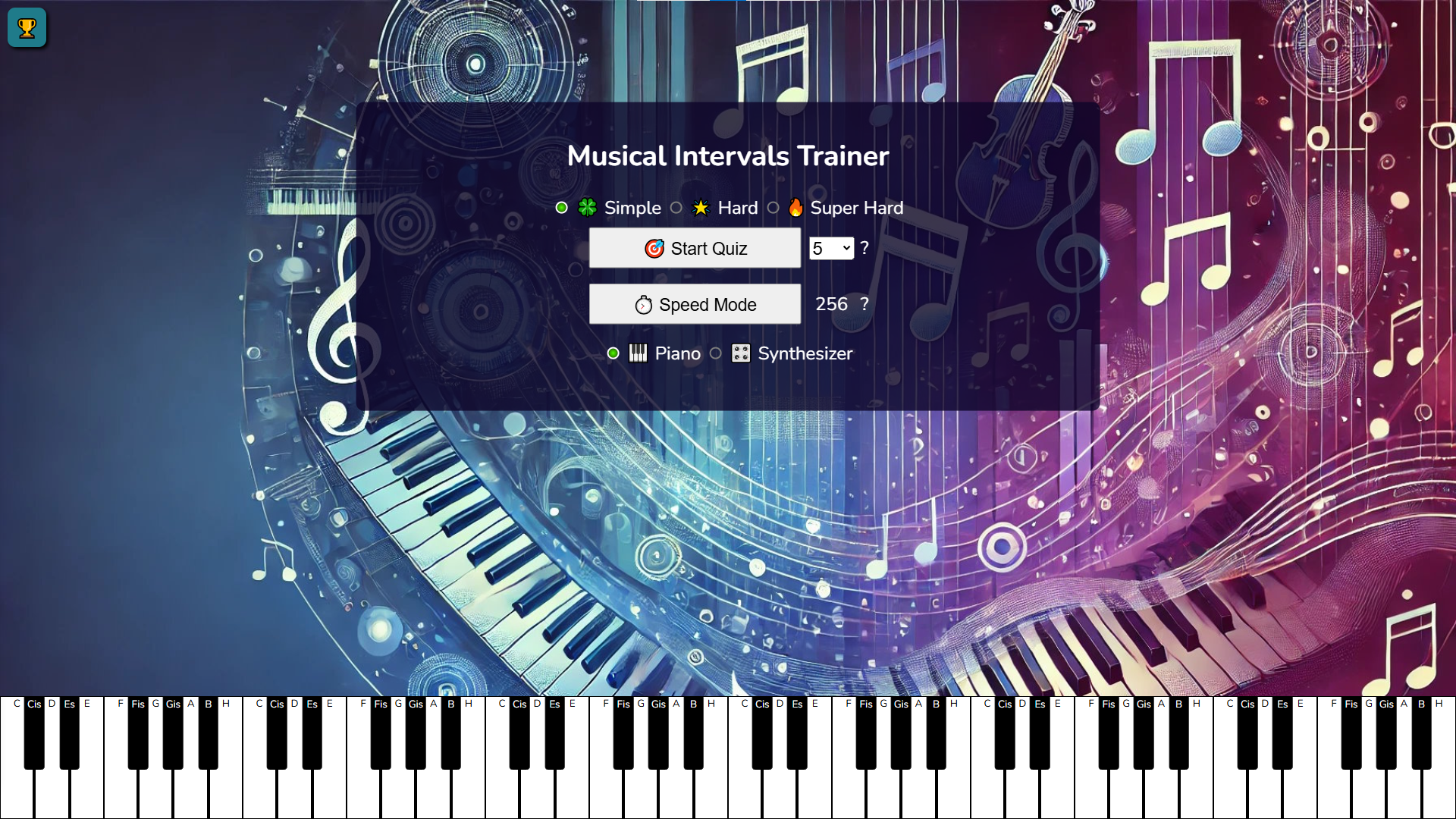
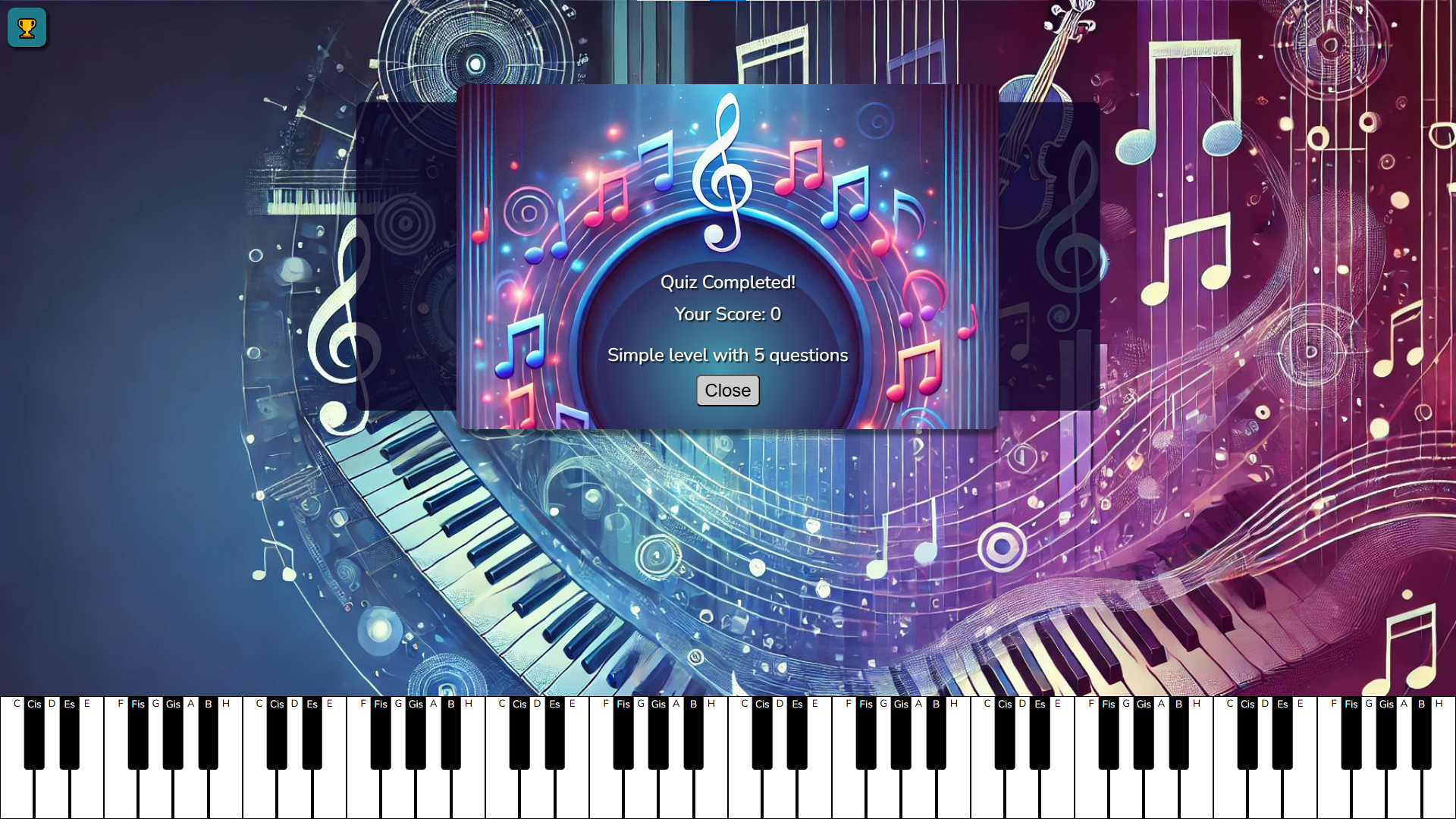
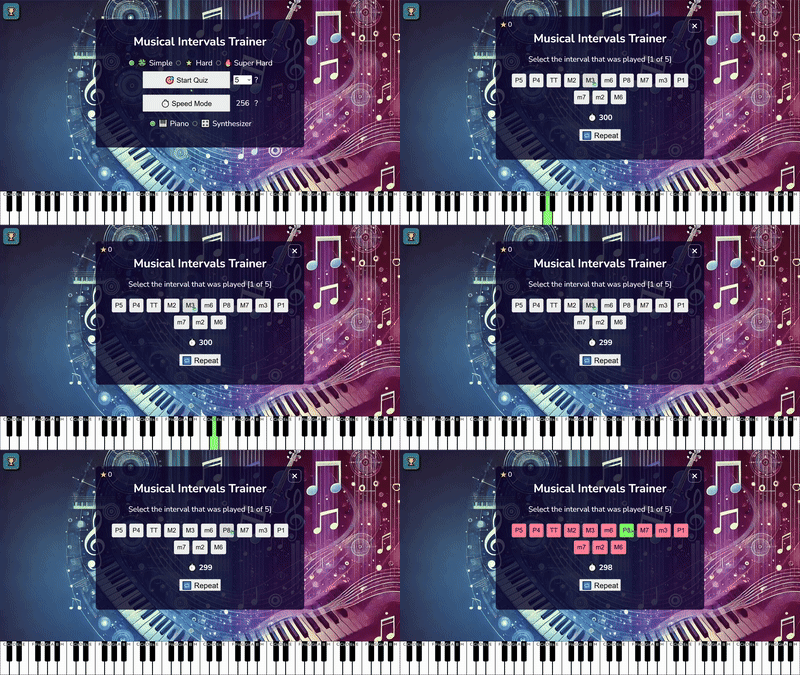
Press the "Start Quiz" button to begin playing. The number of questions matches your selected settings.
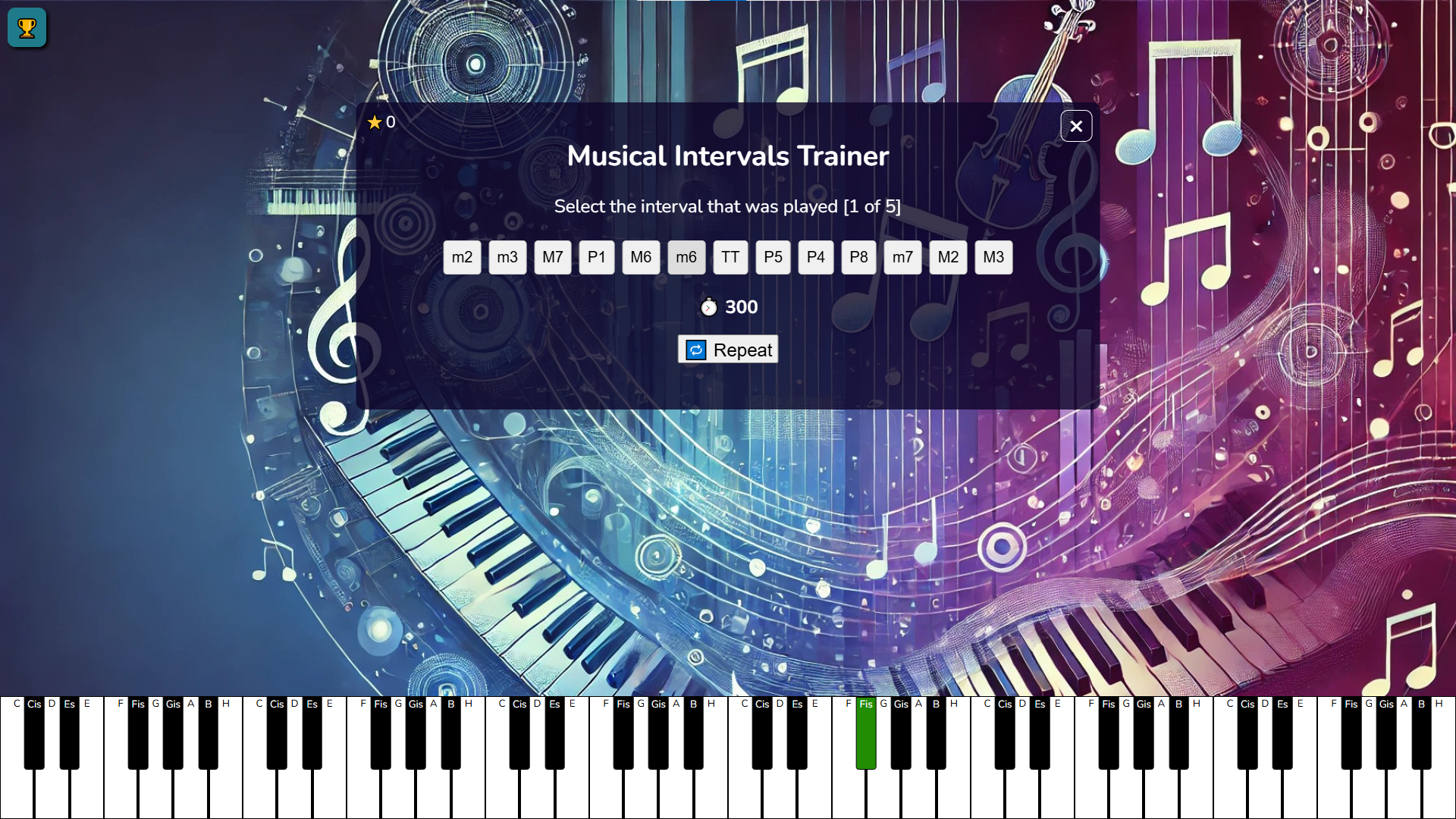
After starting the game, a musical interval is played.
A list of intervals appears on the screen, from which you need to select the correct one.
For each correct answer, you earn 2 points; for each incorrect answer, you lose 1 point.
If unsure, press the "Repeat" button to listen to the interval again. However, note that at higher difficulty levels, this feature is available only once and deducts 1 point for the current answer.
Speed Mode
Press the "Speed Mode" button to test your skills at a fast pace.
Your goal is to guess 256 intervals within 1 minute.
The rules are the same: listen to the interval and select the correct option from the list.
Features
- Adaptive Difficulty: The system automatically adjusts the complexity of the musical sequences based on your personal performance history.
- Point System: Earn two points for every correct selection while incurring a one-point deduction for errors to keep the stakes high.
- Auditory Control: Use the dedicated repeat function to double-check your listening skills, provided you have enough attempts remaining.
- Performance Tracking: Monitor your growth through a robust player rating system that records your accuracy across different sessions.
- Rapid Fire Mode: Engage in an intense speed challenge designed to test your reaction time against a 60-second ticking clock.
Who is it for
Music students and conservatory hopefuls seeking to improve their auditory recognition skills. Casual gamers looking for a mental workout, educators wanting a supplemental tool for ear training classes, and professionals who want to maintain their pitch sensitivity through quick, competitive daily practice sessions anywhere in their web browser.
Controls
Listen
Click or tap the sound icon or let the automatic playback initiate.
Select Interval
Tap or click the correct answer button from the on-screen list.
Repeat Sound
Tap the repeat button to listen to the interval again.
Navigate Menus
Tap the screen to toggle between Quiz and Speed Mode.
FAQ
How can I improve my ear training using Musical Intervals Trainer?
›
Consistent practice in the Quiz mode helps you internalize pitch relationships, while the Speed Mode enhances your split-second recognition abilities.
Does Musical Intervals Trainer require any extra software to play?
›
No, Musical Intervals Trainer is completely browser-based and works instantly on any device without the need for downloads.
Can I track my progress in Musical Intervals Trainer?
›
Yes, the portal includes player ratings that allow you to monitor your performance and compare your results over time.