About game
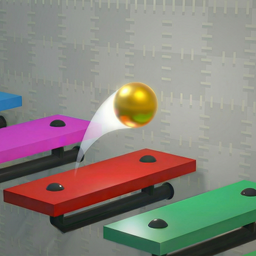
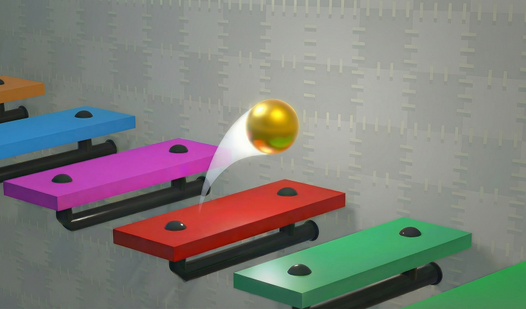
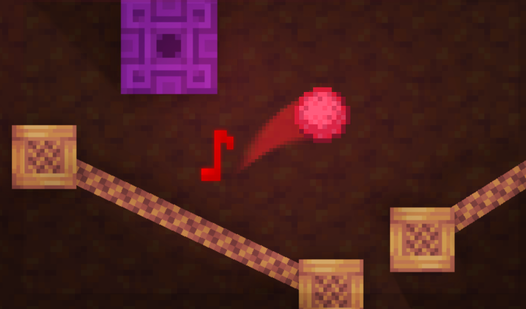
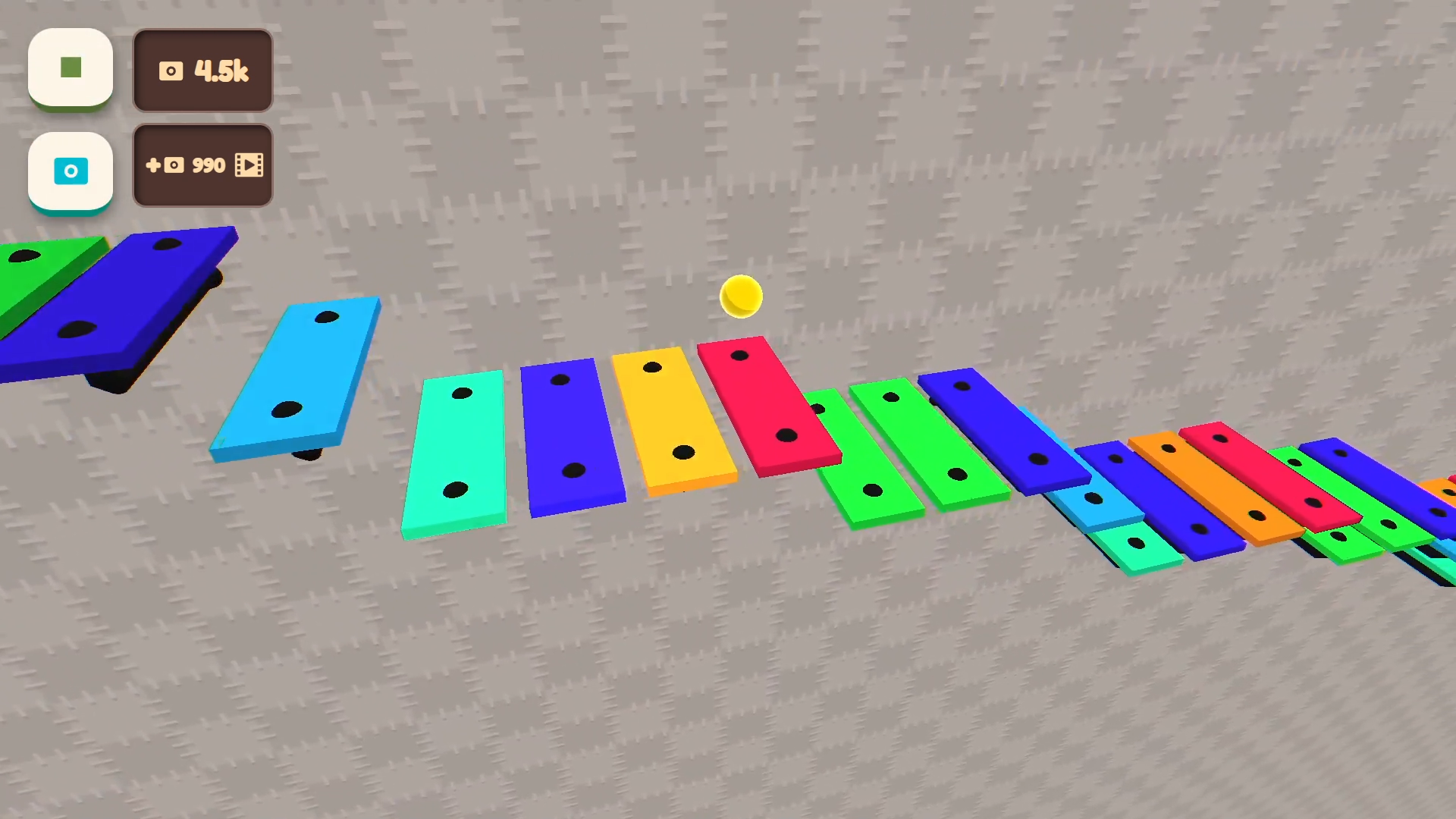
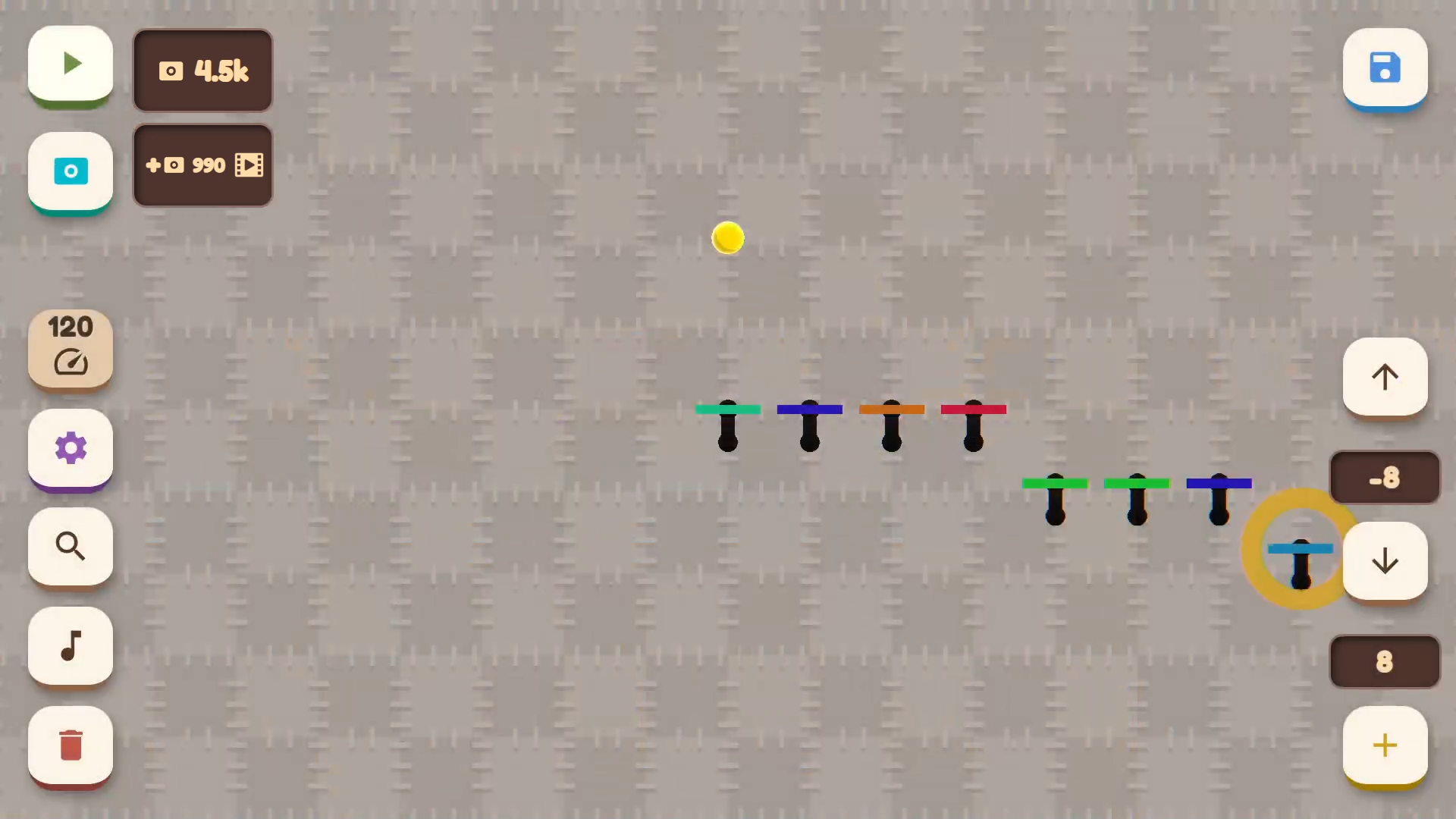
The intersection of rhythmic precision and creative freedom transforms simple gameplay into a personal symphony. Musical Ball: create your own melody turns your browser into a blank canvas where every bounce generates a unique harmonic layer. You place colored note-platforms across the screen, carefully curating the path for your bouncing sphere to follow. As the ball strikes each platform, it triggers specific sounds that build into complex, endless soundscapes based on your design. The game acts as a creative sandbox for rhythm enthusiasts who want to experiment with tempo, pitch, and instrument layering. You have complete control over the pitch of each platform, ensuring that every jump contributes to a cohesive musical sequence. Customization options allow you to swap instruments and background aesthetics to match the mood of your track. This intuitive musical experience is available to play for free directly in your browser with no download required.
How to play
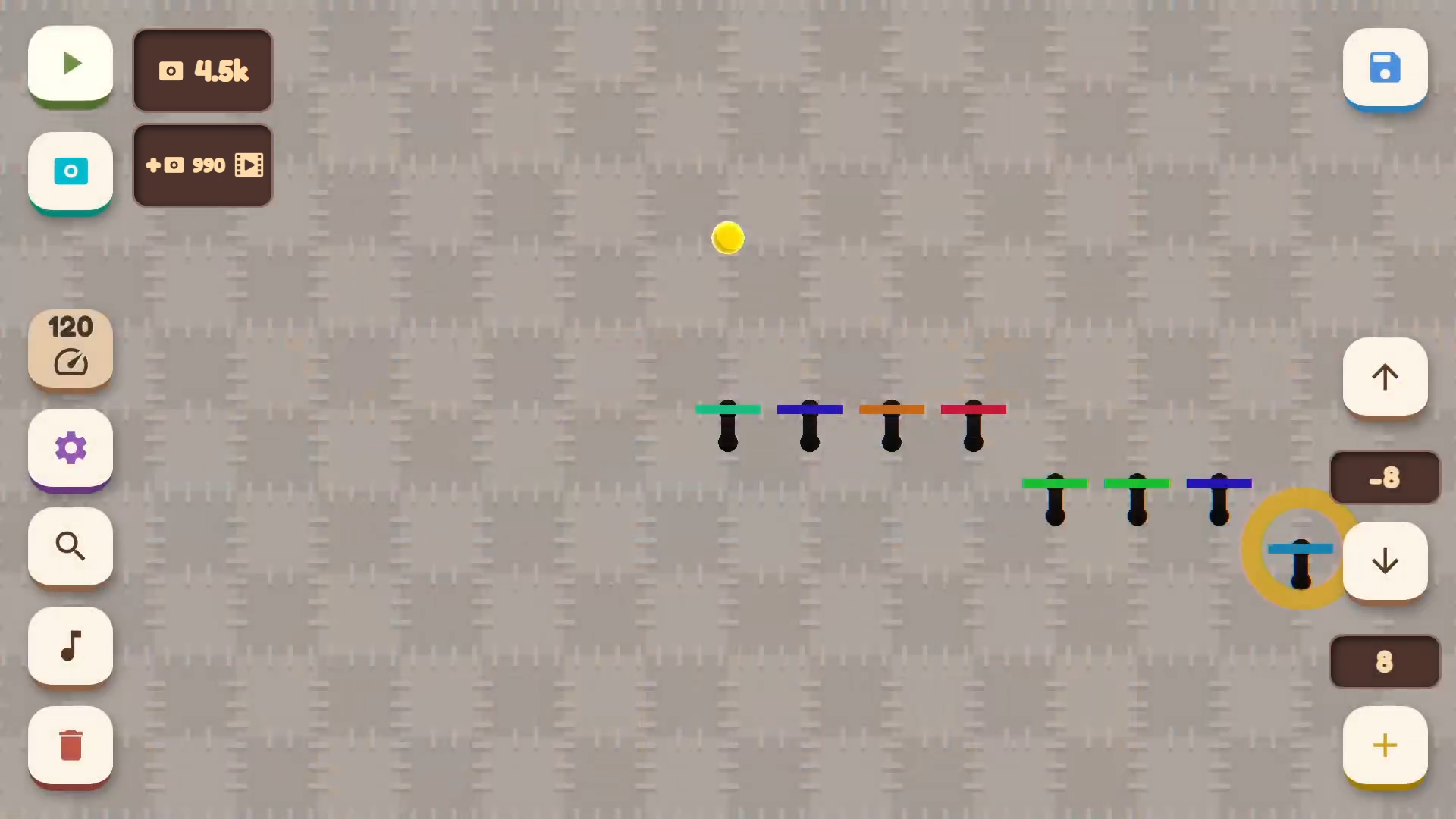
- Use the left mouse button or touch the screen to control.
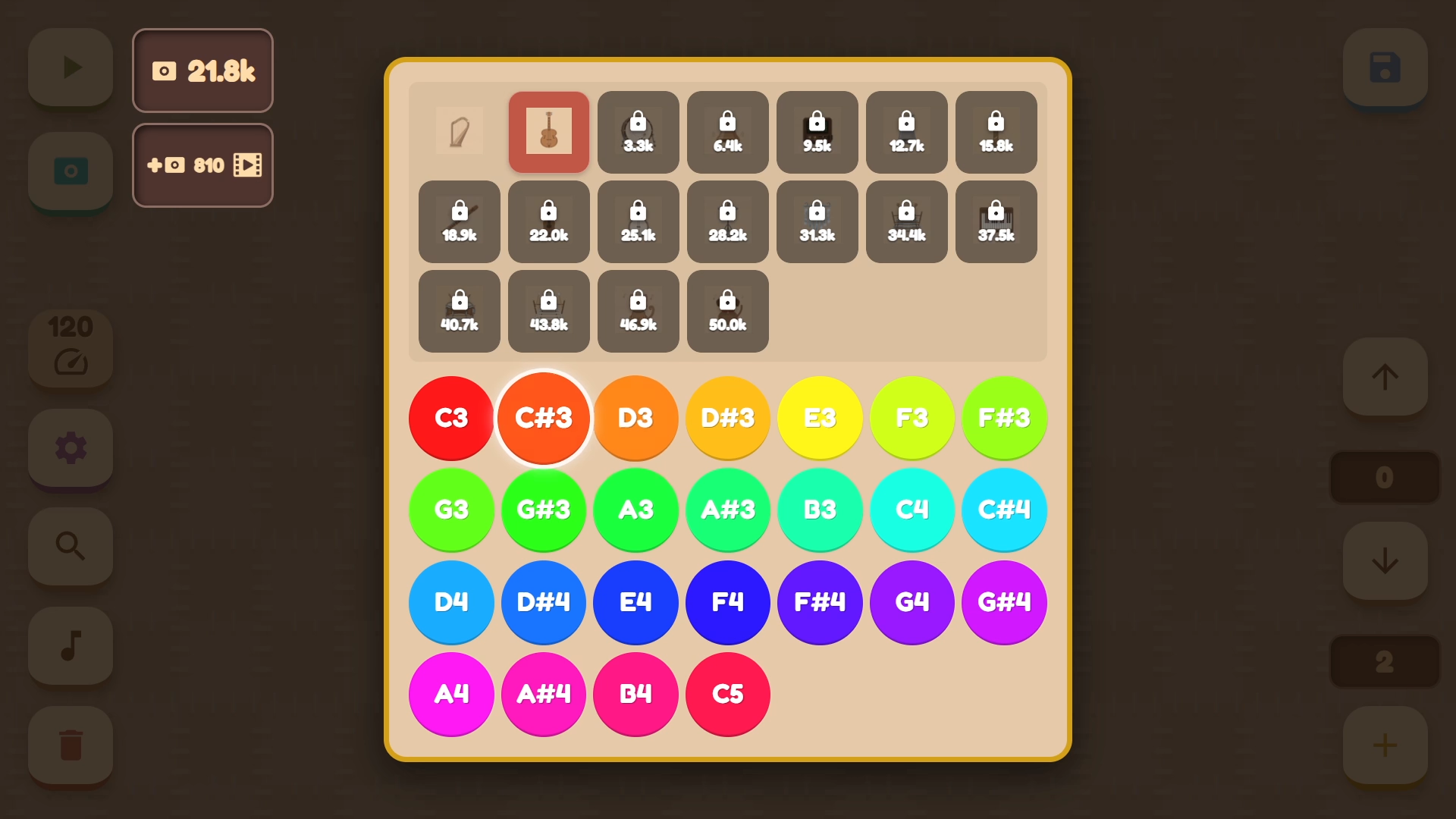
- In the lower left corner are the buttons: delete platform, adjust instrument and note for the selected object, return camera to the ball, change ball and background color, as well as adjust movement tempo.
- The buttons in the lower right corner serve to create and move the note up or down. Please note: the note cannot rise above the previous one or fall below the next one.
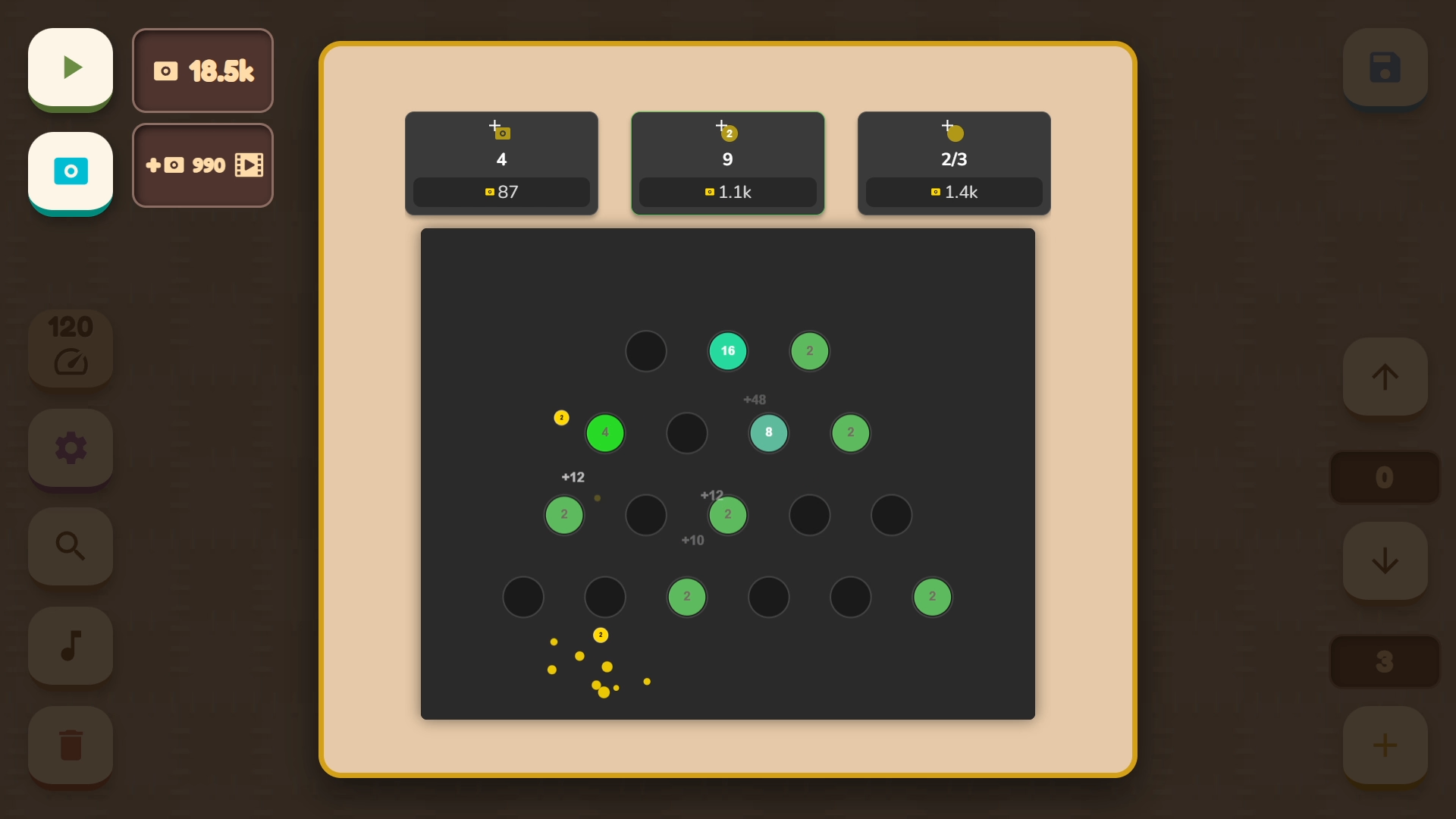
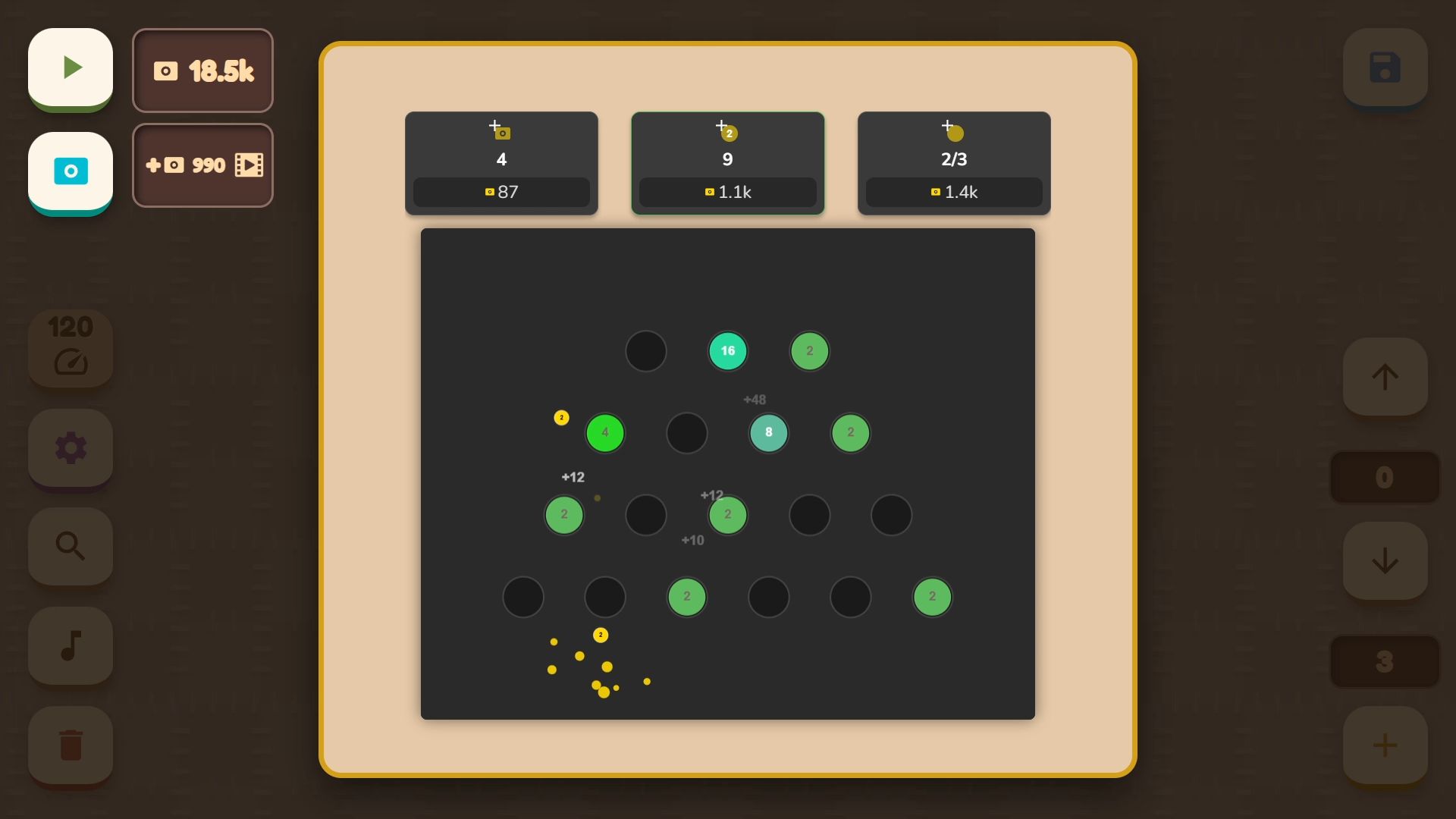
- In the upper left corner are the melody start button and access to the mini-game. Earned points can be spent on new instruments, colors, and backgrounds.
- In the upper right corner is the save and load button.
Features
- Instrument Swapping: Access a diverse library of sounds to change the sonic palette of your melody from piano keys to synth pads.
- Dynamic Tempo Control: Adjust the speed of the ball to transform a slow ballad into a high-energy dance track on the fly.
- Visual Customization: Unlock new color schemes for the ball and background to personalize your workspace while you compose.
- Progressive Progression: Earn points through successful level completion to purchase rare instruments and aesthetic upgrades in the shop.
- Creative Constraints: Navigate the unique stacking system where platforms are restricted by their neighbors to maintain harmonic consistency.
Who is it for
Music creators and rhythm game enthusiasts will find a perfect outlet for their artistic side here. Casual gamers who enjoy relaxing, low-pressure sandboxes will appreciate the meditative loops. It is also an excellent choice for children wanting to explore basic musical composition through interactive, colorful, and fun mechanics.
Controls
Place platform
Click with the left mouse button or tap the screen at the desired location.
Adjust settings
Use the icon buttons in the lower left corner to modify instruments and tempo.
Move notes
Use the lower right buttons to shift note pitch up or down on the scale.
Control camera
Tap the camera button to snap the view back to the bouncing ball.
FAQ
Can I save my progress in Musical Ball: create your own melody?
›
Yes, you can use the save and load buttons located in the upper right corner to store your unique compositions.
How do I unlock new instruments in Musical Ball: create your own melody?
›
You can earn points by playing and then spend them in the shop menu to unlock a variety of new instrument sounds and visual themes.
Is Musical Ball: create your own melody free to play on mobile?
›
Yes, the game is fully optimized for mobile browsers and requires no download or registration to start making music.