About game
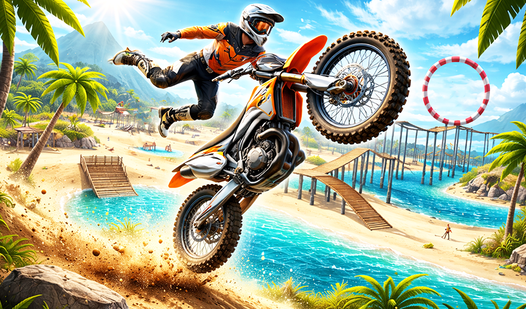
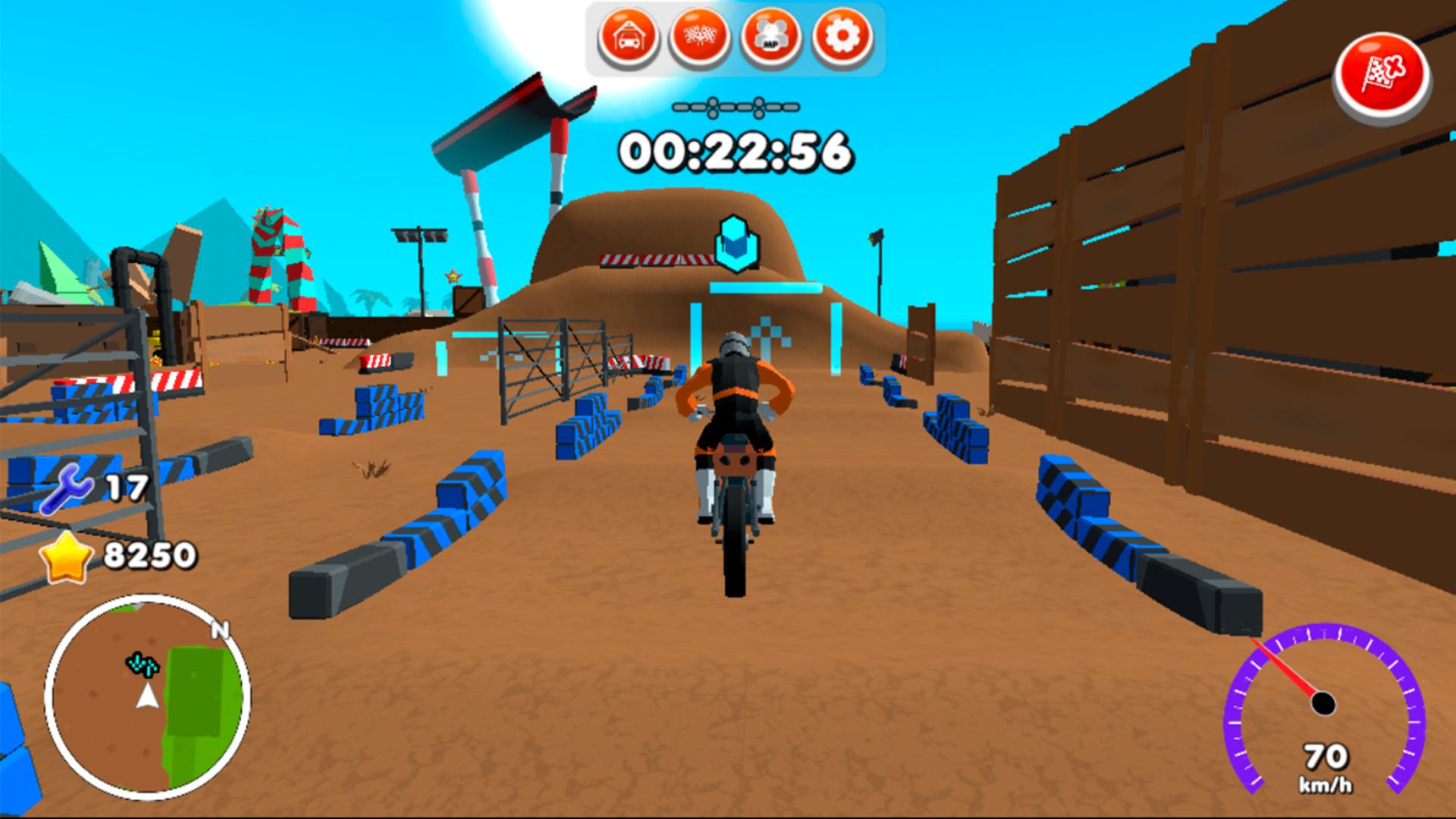
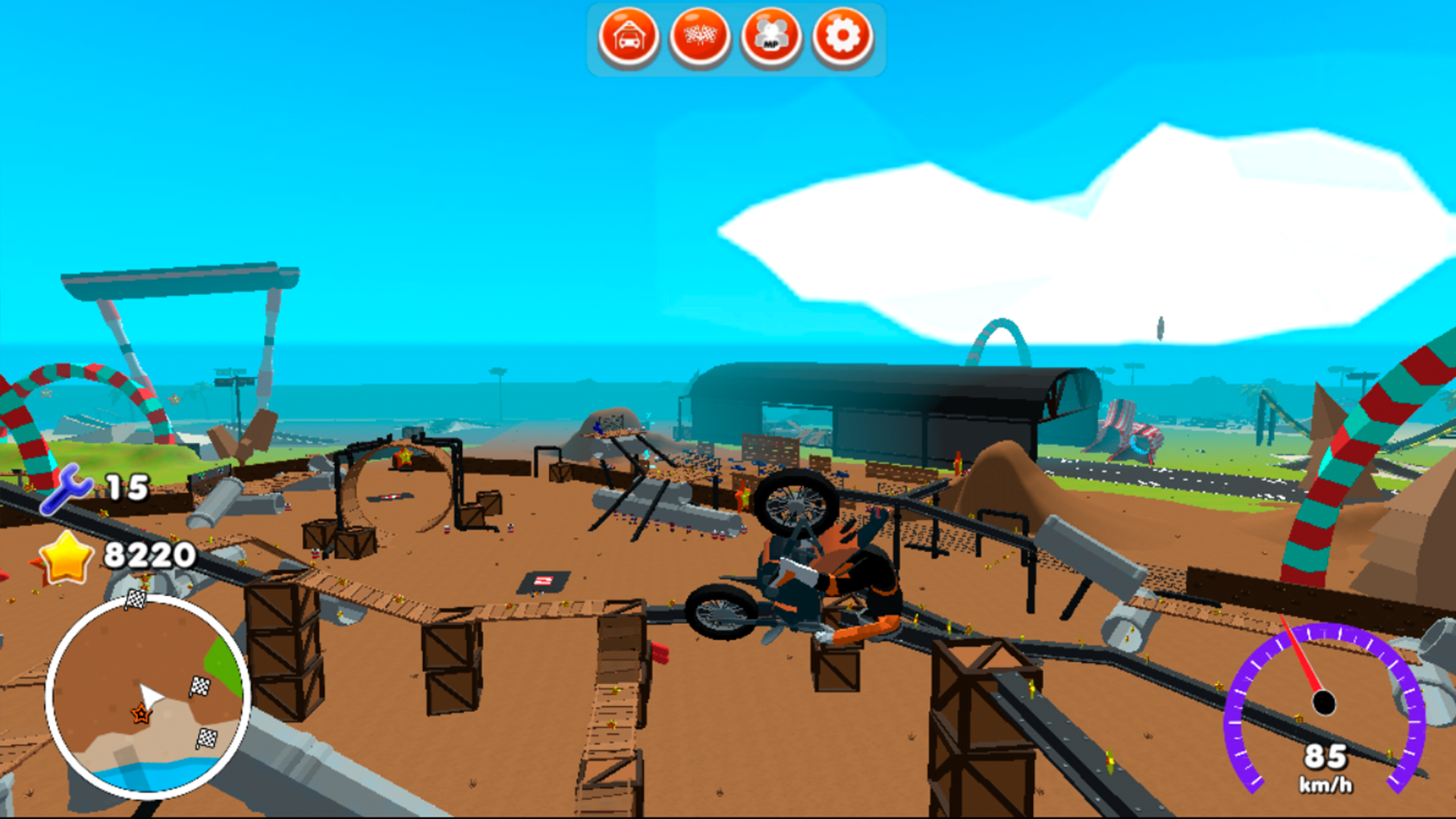
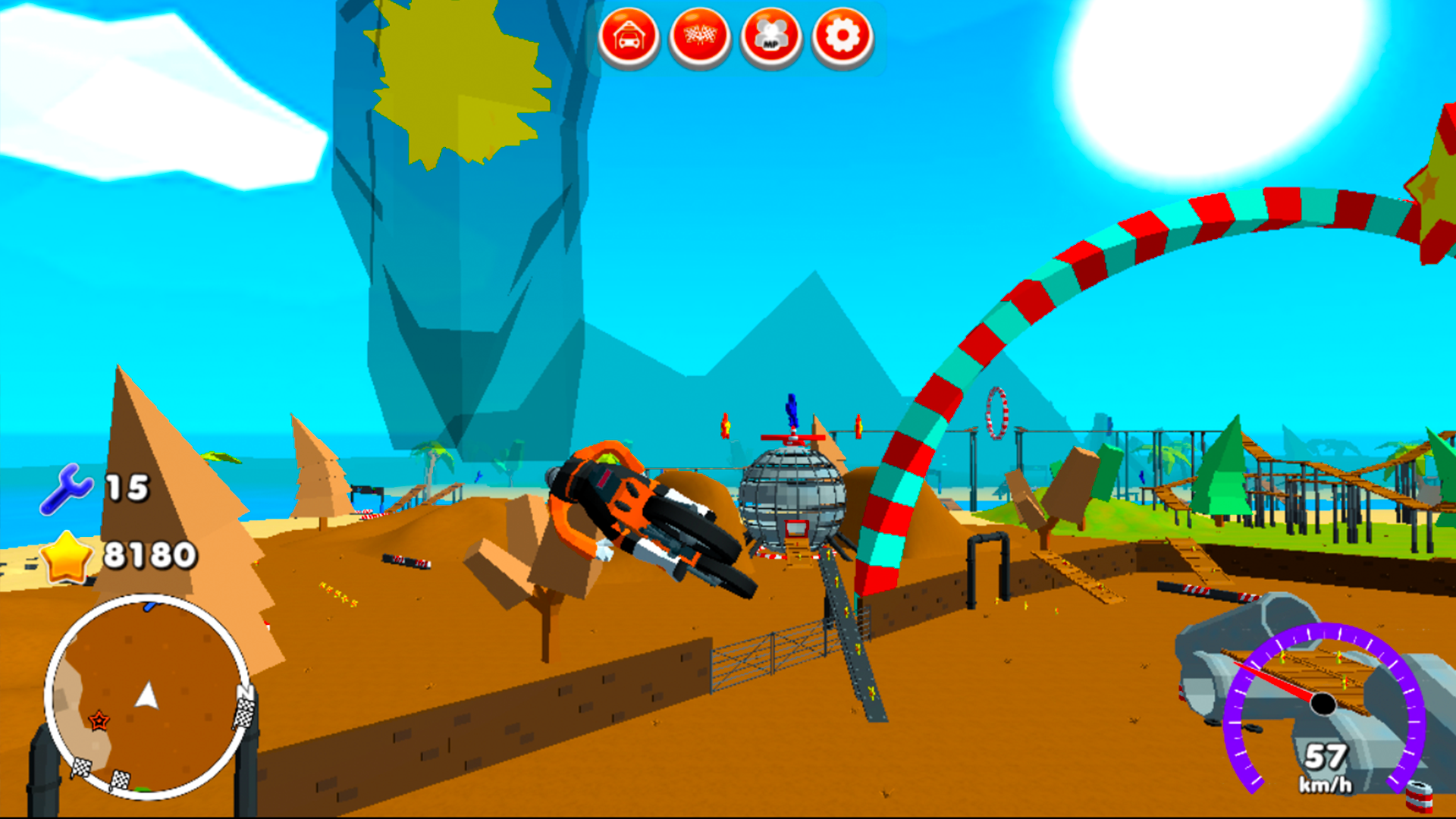
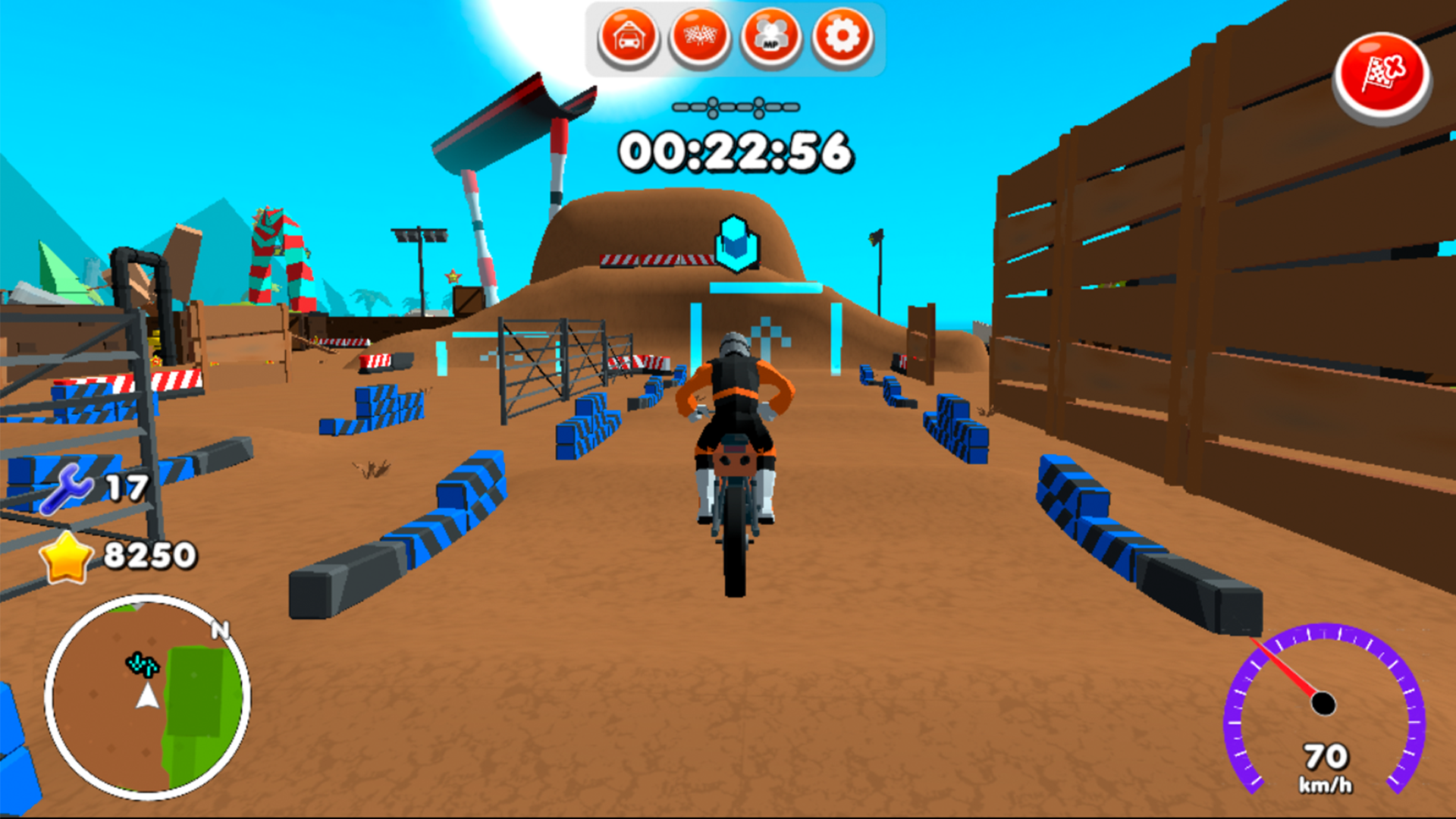
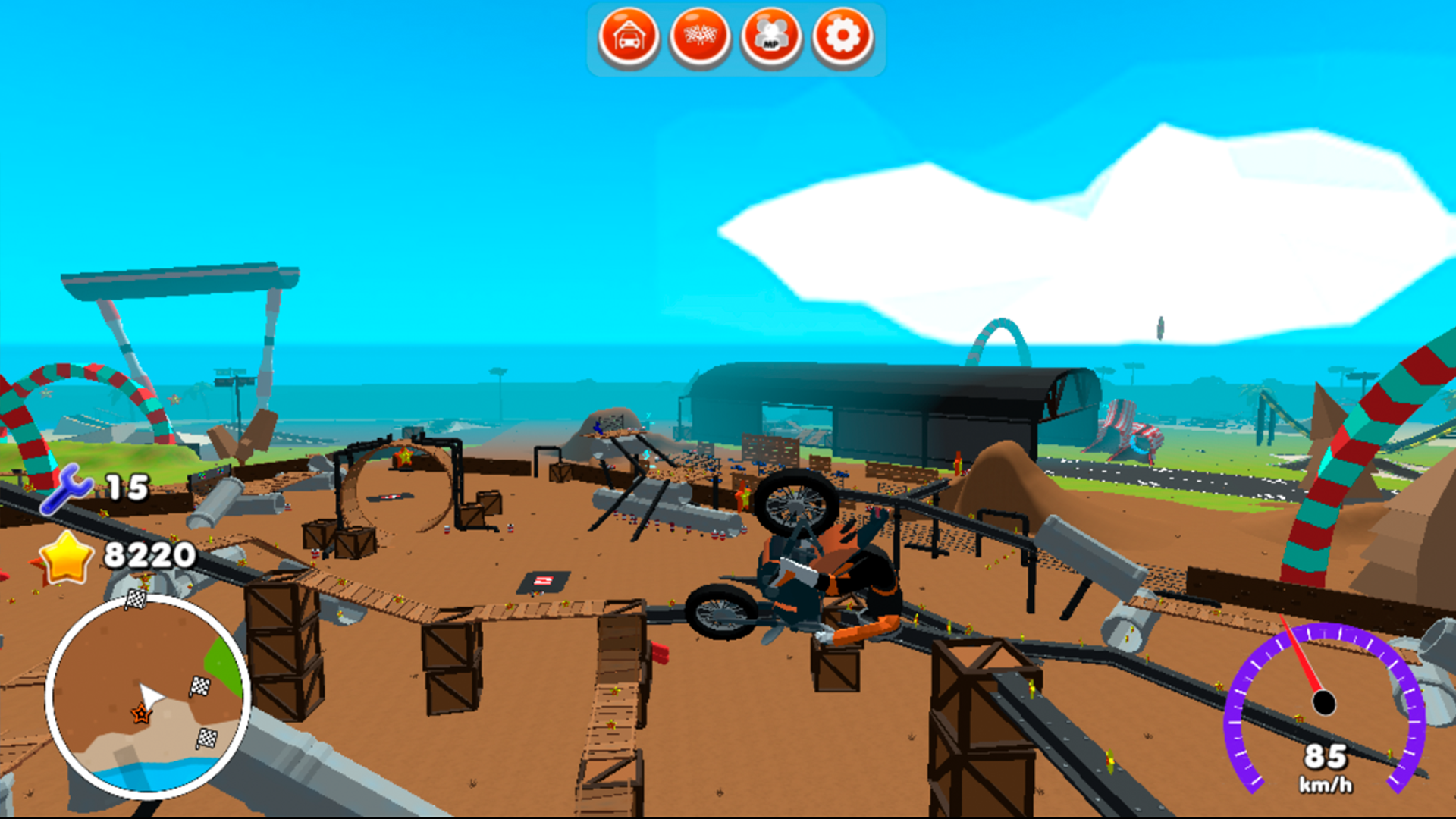
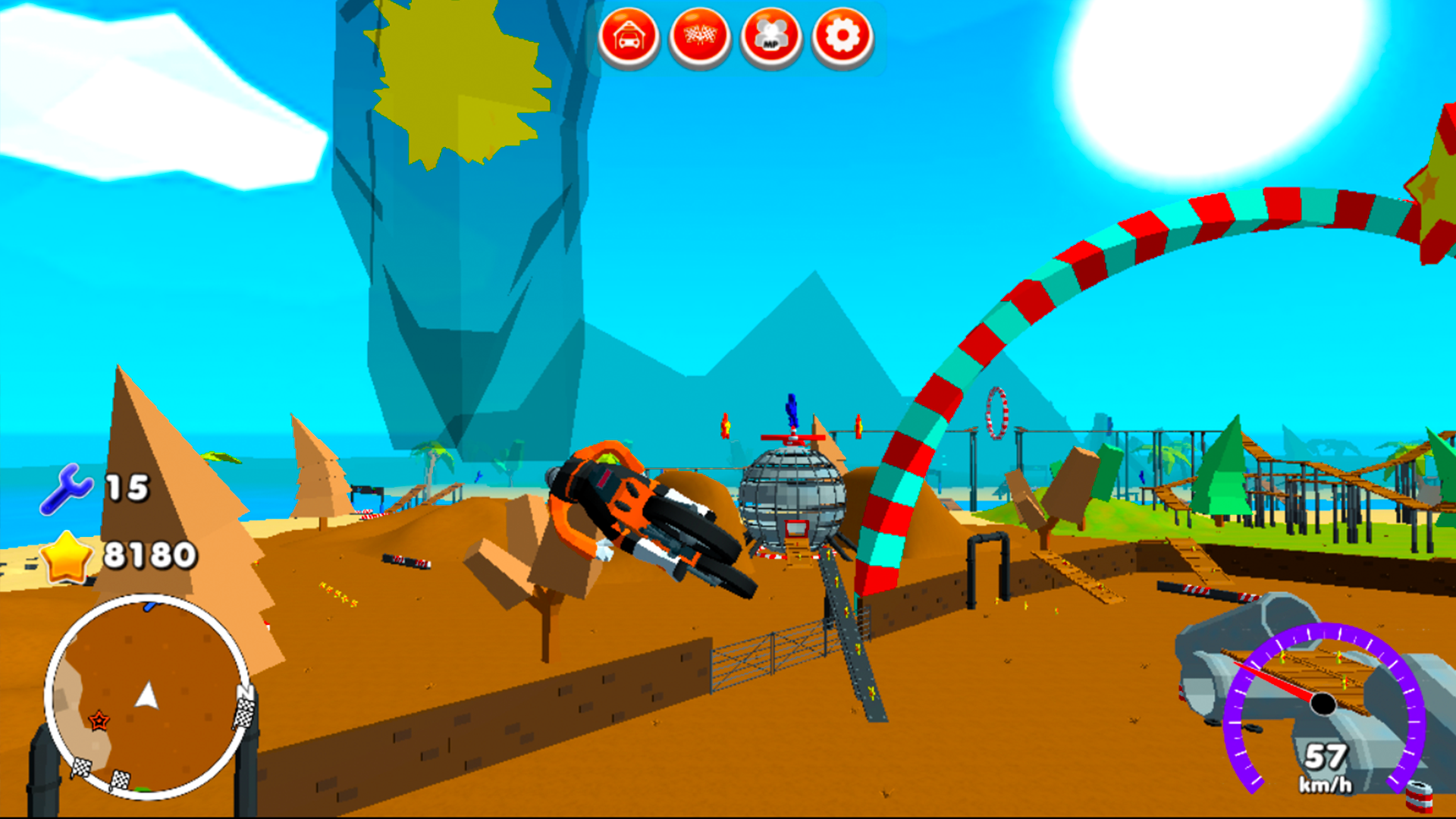
Launch your ride off massive ramps and tear through challenging terrain in Moto Madness to prove your skills behind the handlebars. You will navigate high-speed tracks while performing daring stunts over crashed airplanes and rugged obstacles that push your limits. Mastering your bike requires precision as you hunt for hidden stars and keys scattered across the sprawling park. The adrenaline-fueled gameplay keeps you moving as you strive to set the fastest race results on every circuit. Moto Madness features a unique split screen mode so you can challenge a friend to intense local races on the same computer. With seven distinct motorbikes to unlock and customize, every session offers a fresh experience for those who crave high-octane action. Experience the ultimate test of balance and bravery as you dominate the tracks in this exciting simulator. Play this title for free directly in your browser without any annoying downloads or registrations required.
How to play
Control - WASD (Player 1) or arrow keys (Player 2).
Brake - space bar.
Pause - ESC.
Reset button - R.
Features
- Split Screen Mode: Compete head-to-head against a friend on a single screen for classic couch-style racing fun.
- Bikes Collection: Unlock and choose from seven unique motorcycles, each with distinct handling characteristics for different terrain.
- Exploration Gameplay: Search every corner of the map to collect all hidden stars and keys needed to complete the game objectives.
- Physics-Based Stunts: Execute flips and jumps by utilizing the realistic bike mechanics to navigate environmental hazards.
- Environment Variety: Race through diverse settings like abandoned aircraft sites and complex obstacle courses designed to test your reflexes.
Who is it for
Fans of high-speed racing and arcade motorcycle games will find endless excitement here. Teenagers and casual gamers looking for competitive split-screen action will enjoy the stunt-filled tracks. It is a fantastic pick for players who want to sharpen their coordination while mastering complex, obstacle-heavy courses on two wheels.
Controls
Movement P1
Use WASD keys to steer and balance your bike.
Movement P2
Use the arrow keys for directional control.
Brake and Stop
Press the space bar to slow down or perform a stop.
Mobile Interaction
Tap on-screen directional buttons to steer and swipe to stabilize the bike mid-air.
Reset and Pause
Press R to reset your position if you crash and ESC to pause the game.
FAQ
Can I play Moto Madness with a friend?
›
Yes, Moto Madness features a split screen mode that allows two players to race against each other on the same machine.
Do I need to download Moto Madness to my computer?
›
No, Moto Madness is a browser-based game that runs directly in your window without any installation required.
How do I reset my bike if I crash in Moto Madness?
›
If you get stuck or crash your bike, simply press the R key on your keyboard to instantly reset your position on the track.