About game
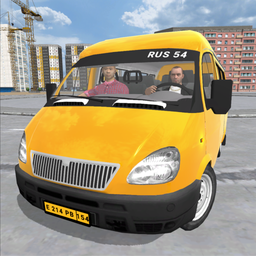
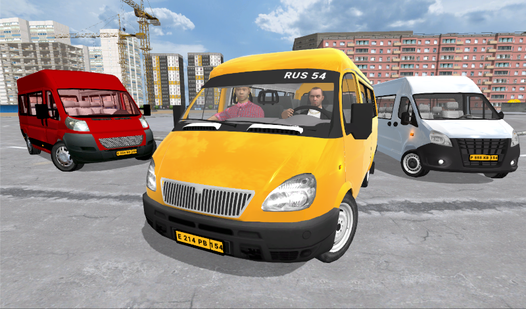
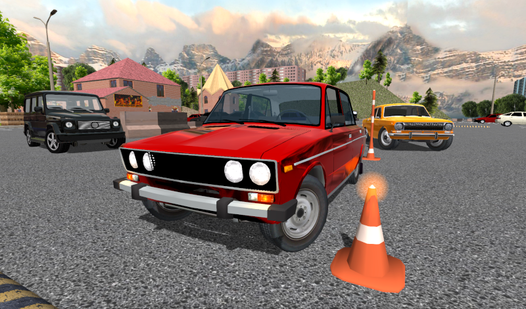
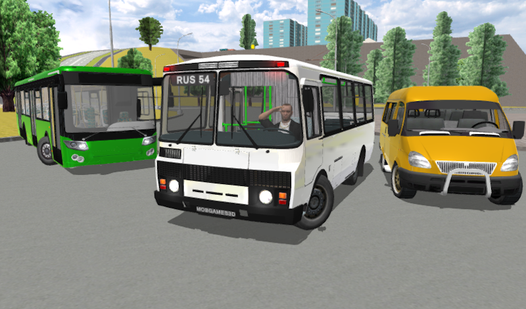
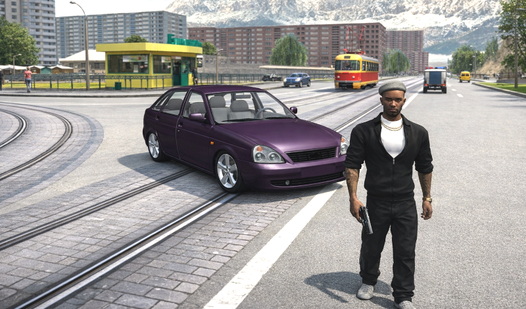
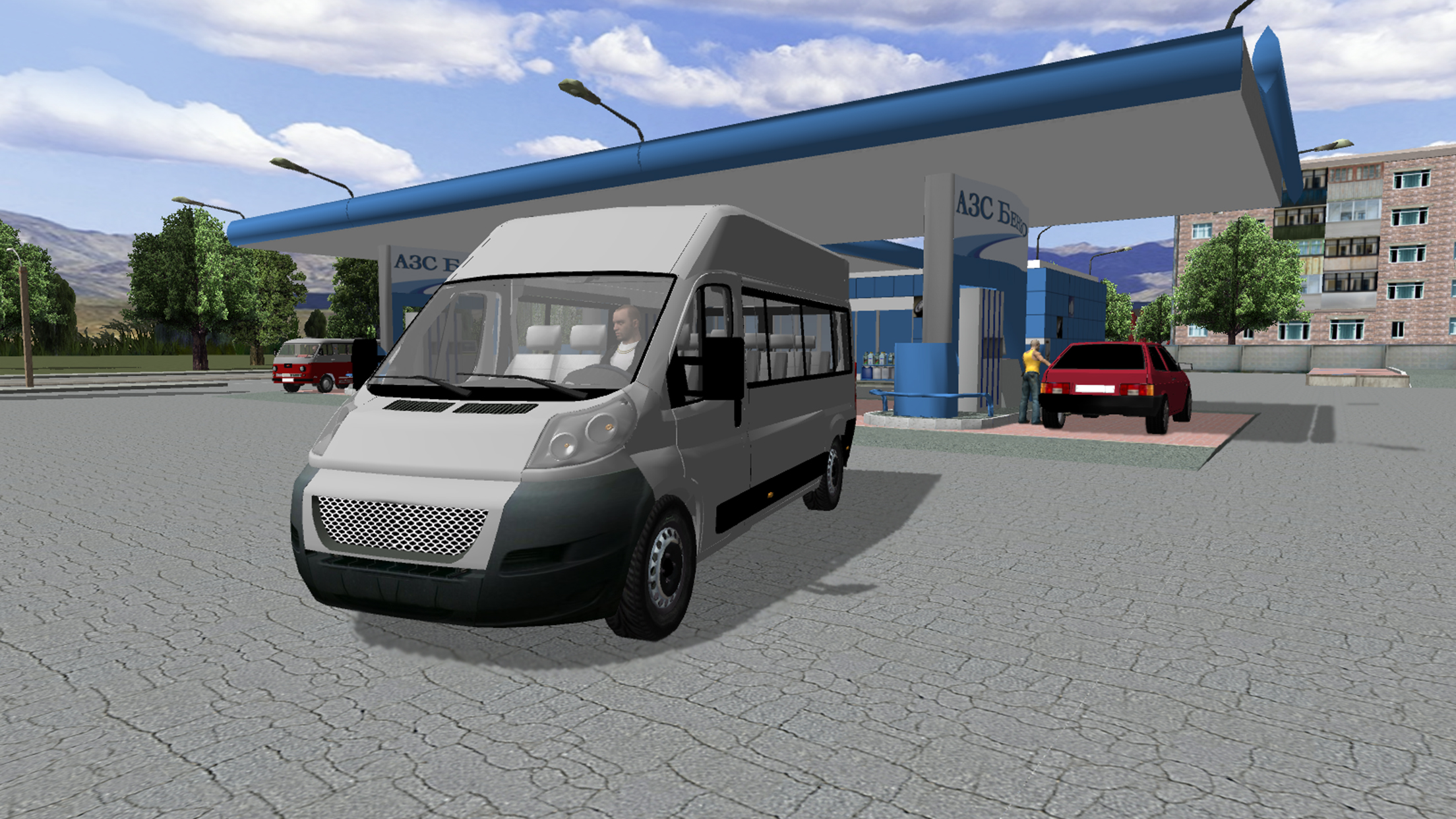
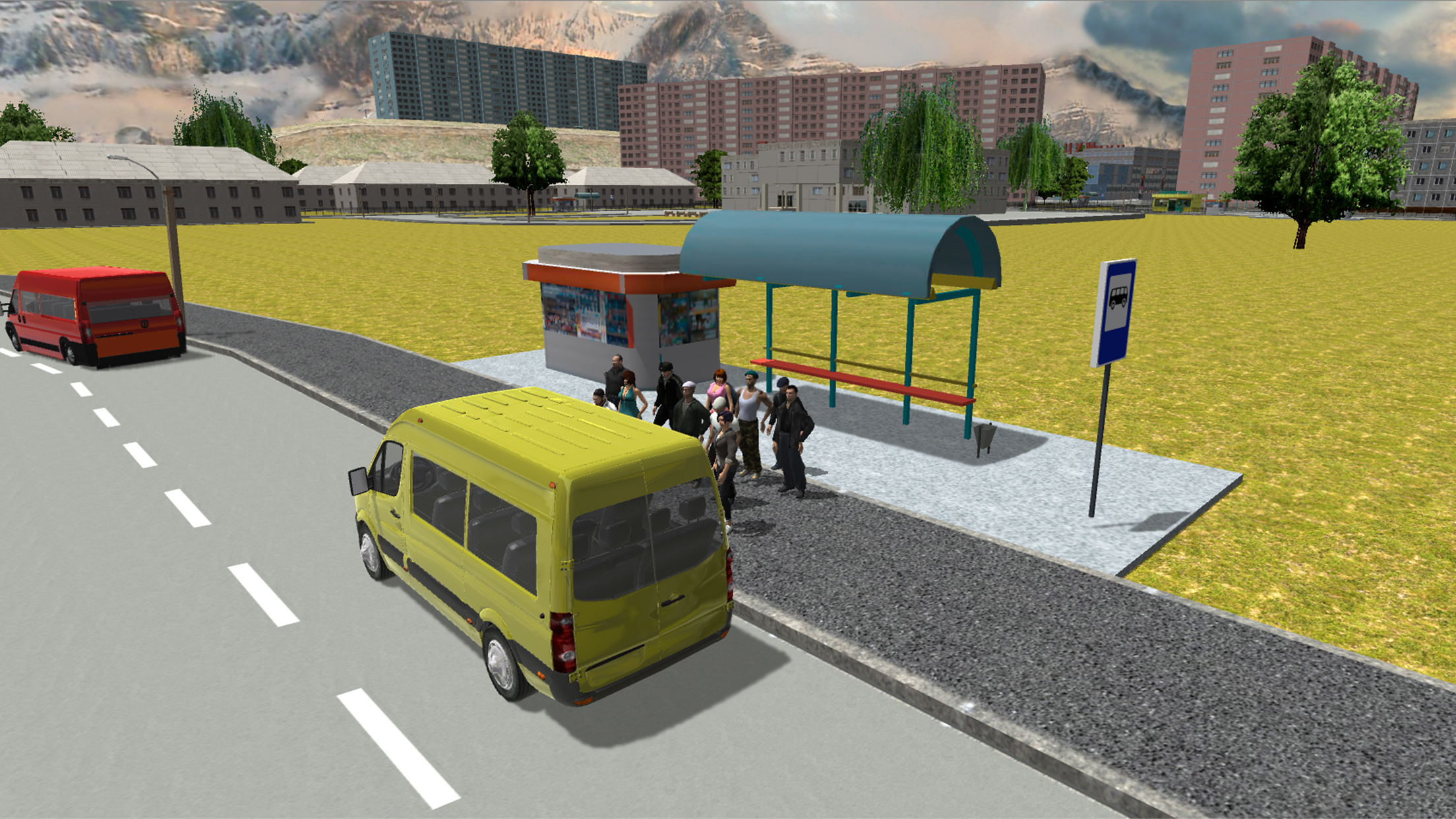
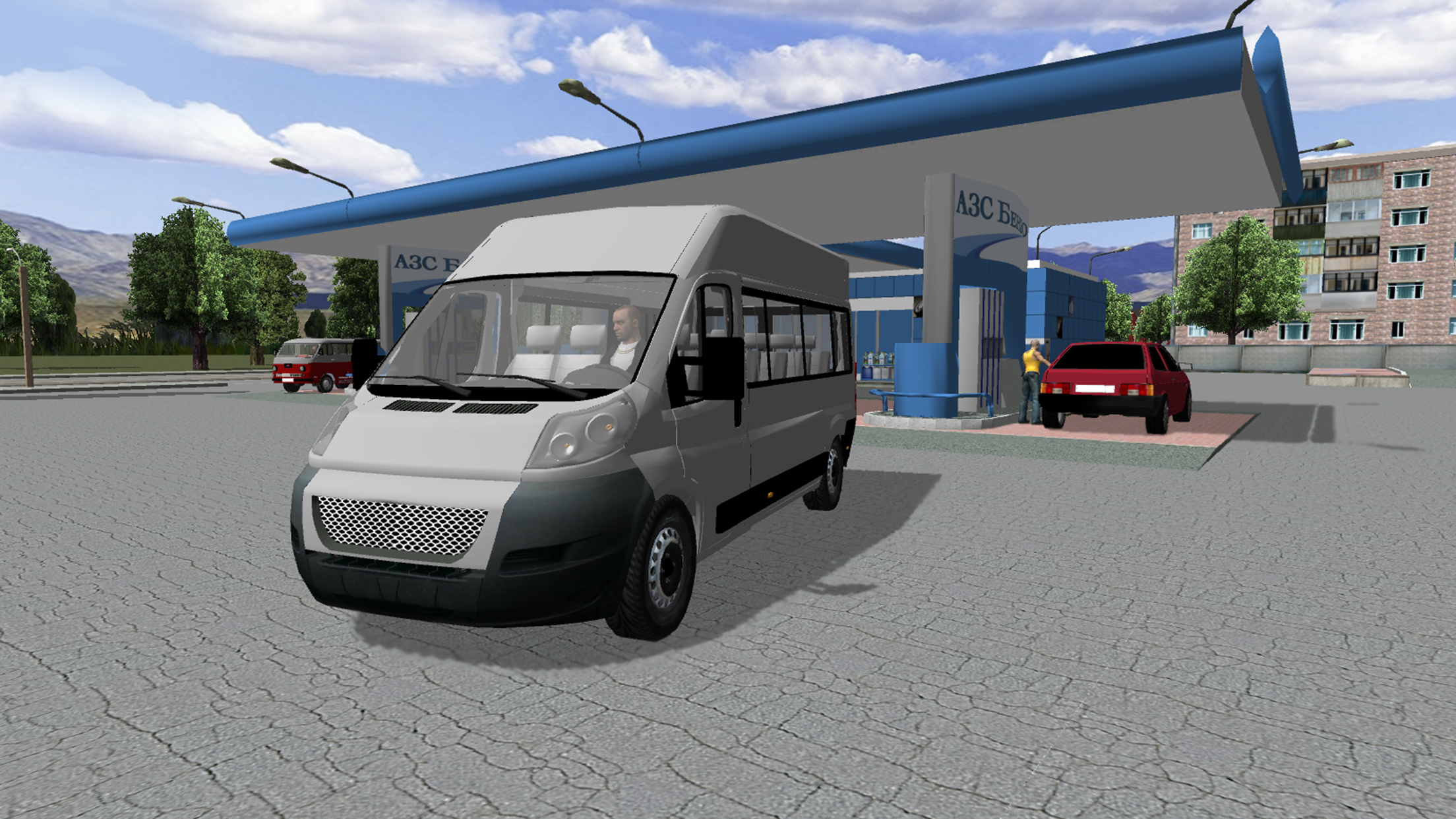
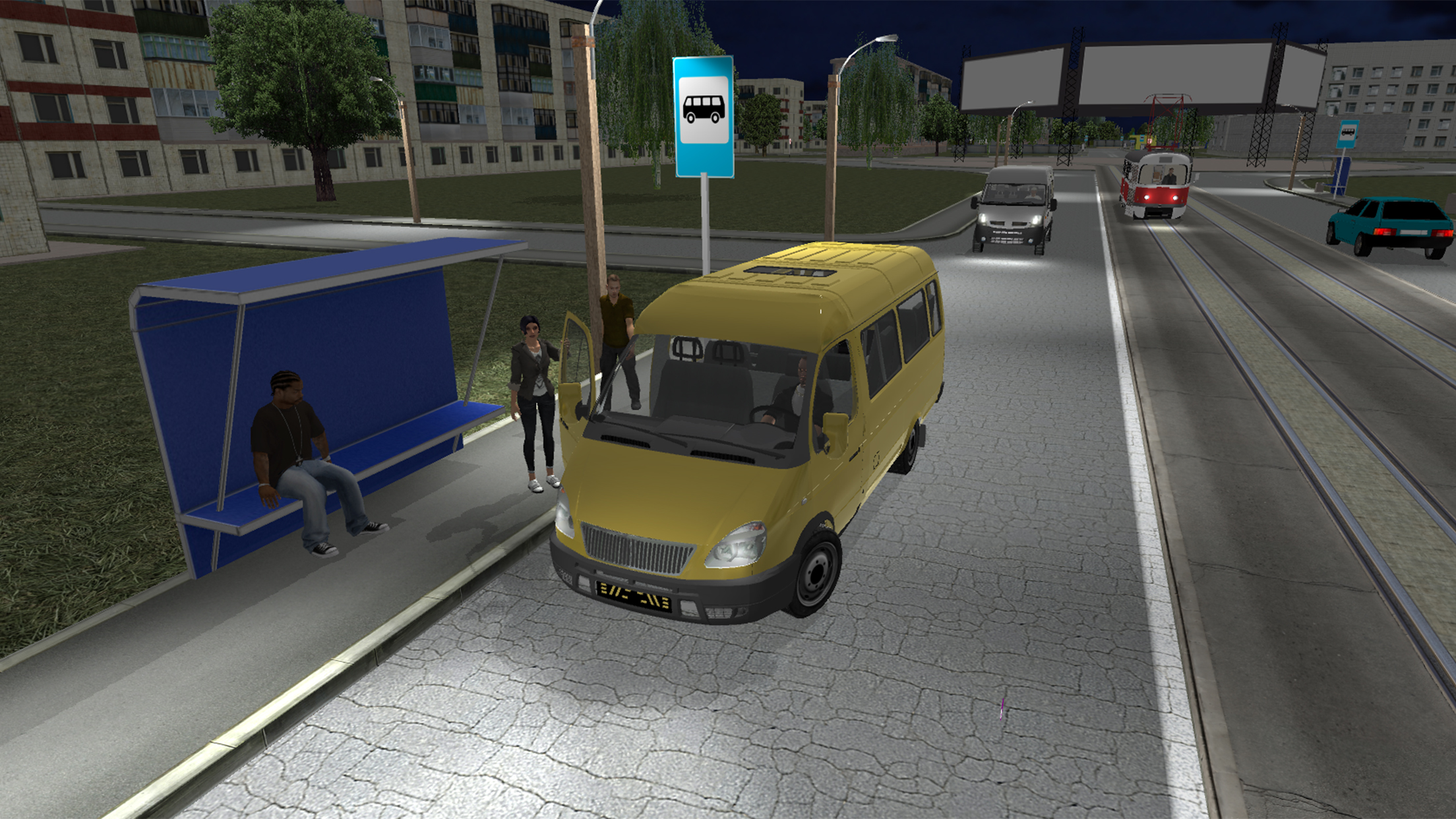
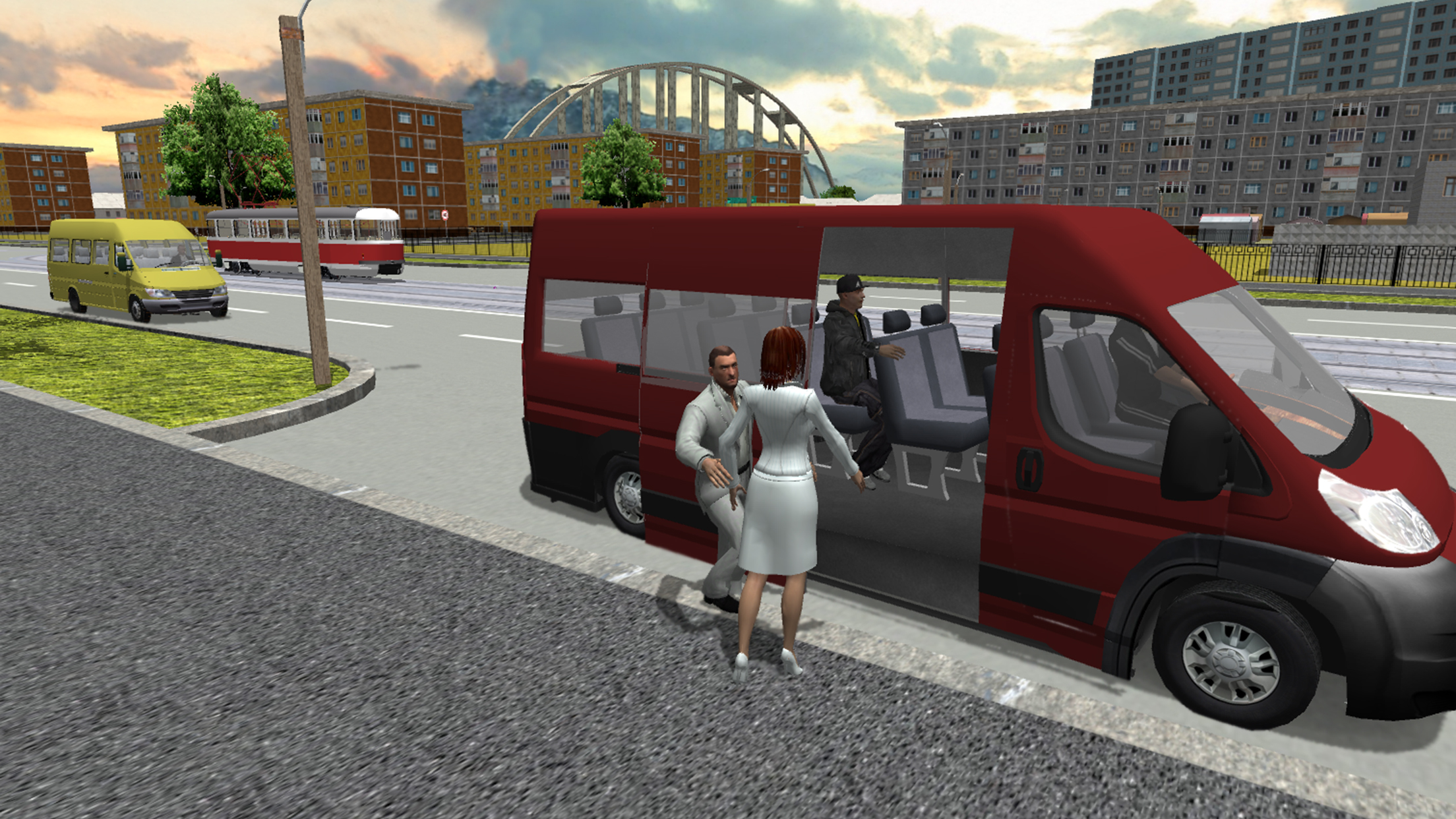
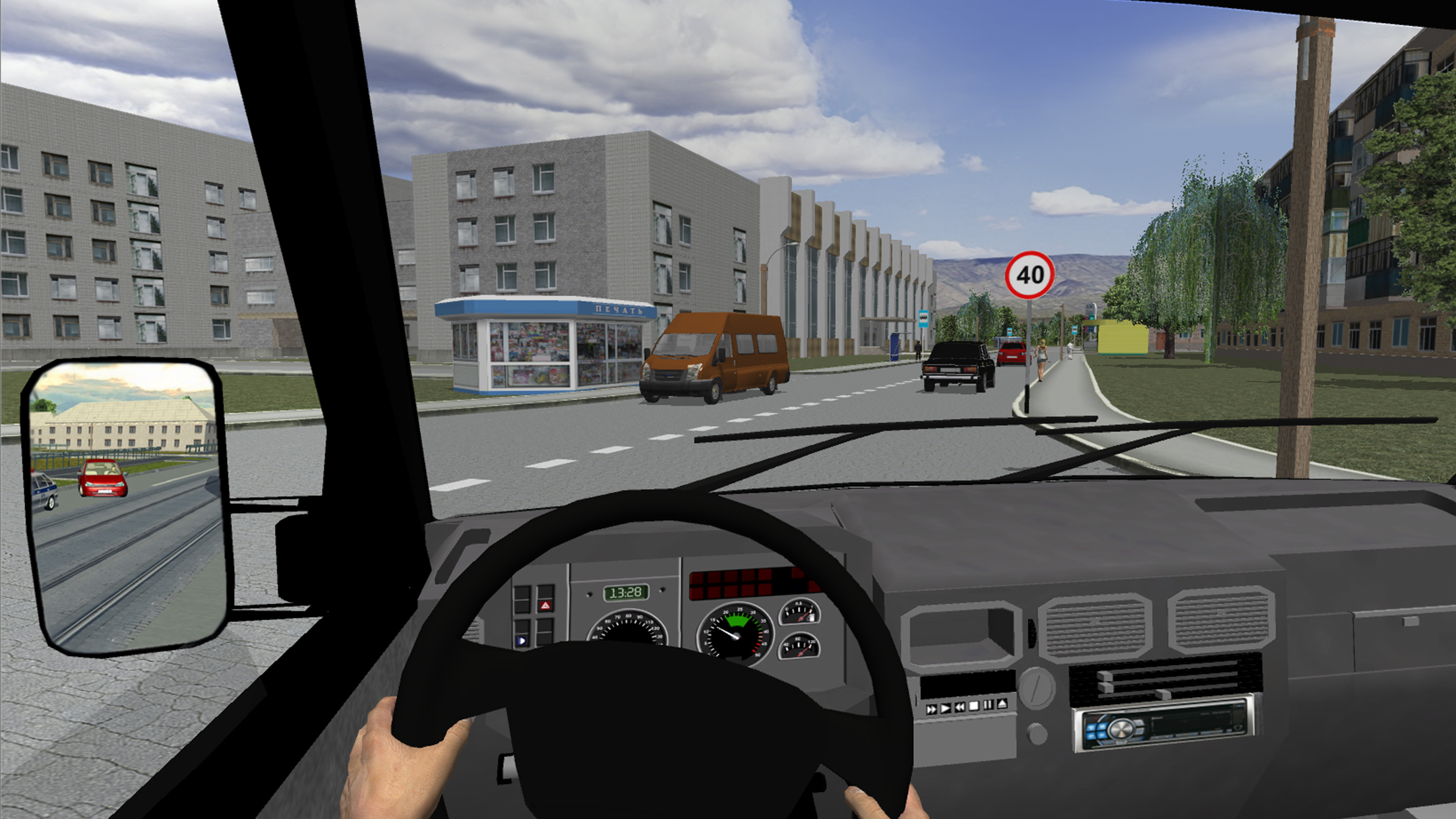
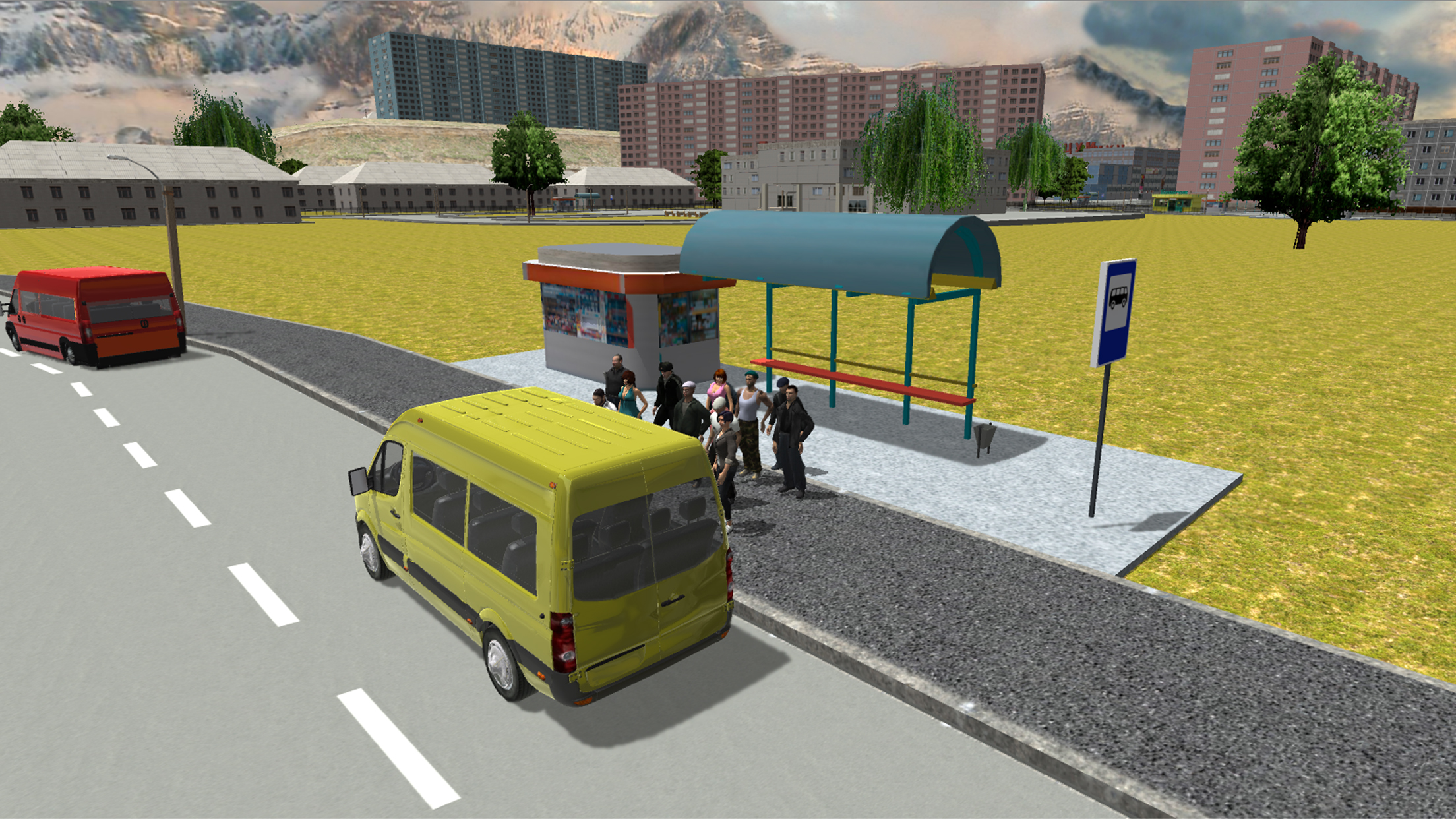
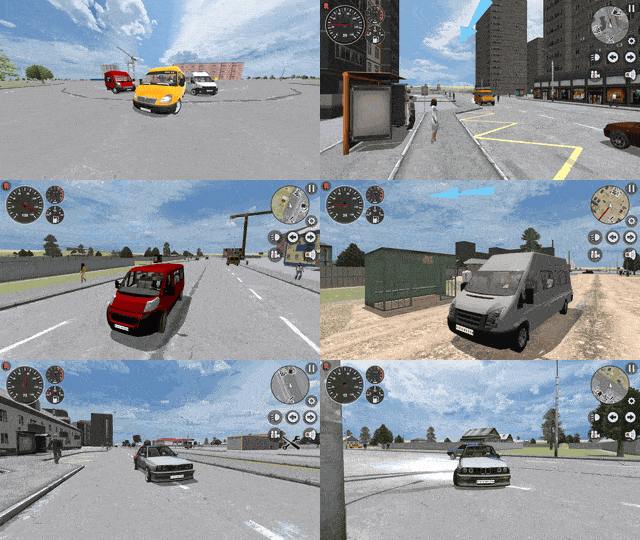
Navigate busy urban streets and master the art of passenger transport in this immersive driving experience. Minibus Simulator 3D puts you behind the wheel of authentic vehicles where you must follow specific routes while managing traffic flow. You will experience the thrill of a realistic симулятор маршрутки as you pick up passengers and navigate through complex city intersections. The game features a smart AI traffic system that reacts to your driving, making every trip through the city unique and challenging. Beyond pure navigation, you can customize your ride with various tuning options to ensure your маршрутное такси stands out on the road. Switch between multiple camera angles, including a detailed interior view, to feel the true weight and physics of your vehicle. Whether you prefer the precision of a simulator or the freedom of arcade mode, you will find plenty of reasons to keep driving. Play Minibus Simulator 3D for free directly in your browser without any downloads required.
How to play
PC:
Mouse to view the camera
Keys W-A-S-D to control the car
Space - handbrake
C - change camera view
G - horn
Esc - pause
Mobile devices:
- swipe on the display to view the camera
Features
- Transport dynamics: Experience realistic vehicle handling that mimics the weight and suspension travel of actual commercial vans.
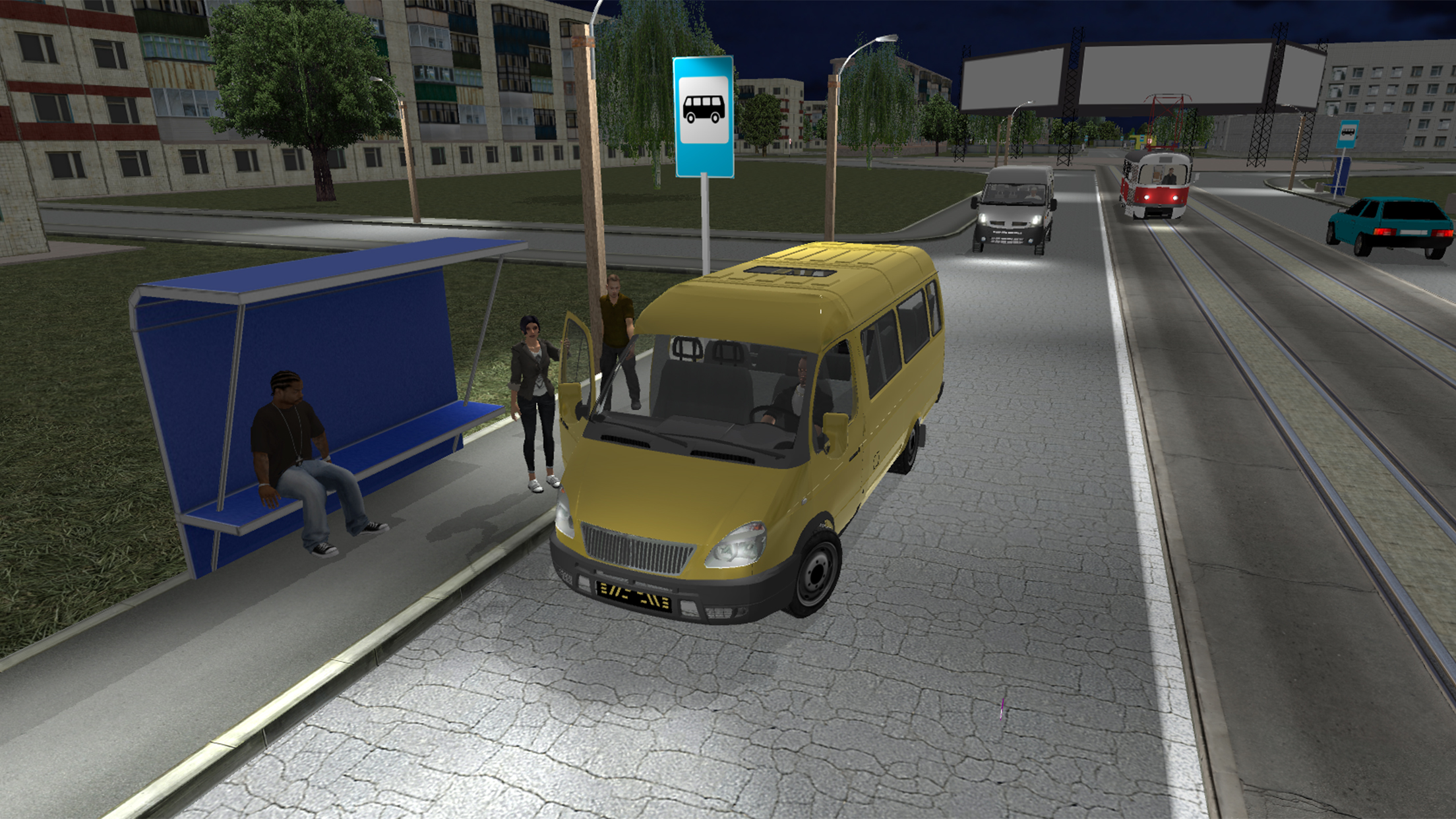
- Dynamic environment: Navigate through shifting day and night cycles that influence visibility and street activity.
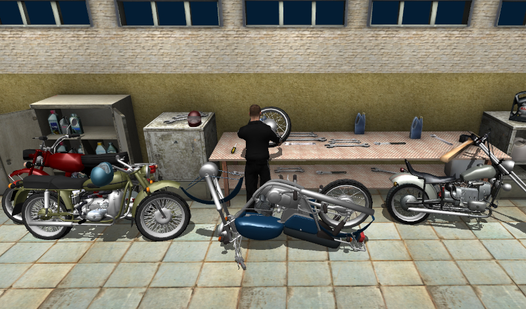
- Visual customization: Express your style by painting your vehicle and applying various performance tuning modifications.
- Damage modeling: Witness real-time visual feedback on your vehicle as you encounter collisions or obstacles on the road.
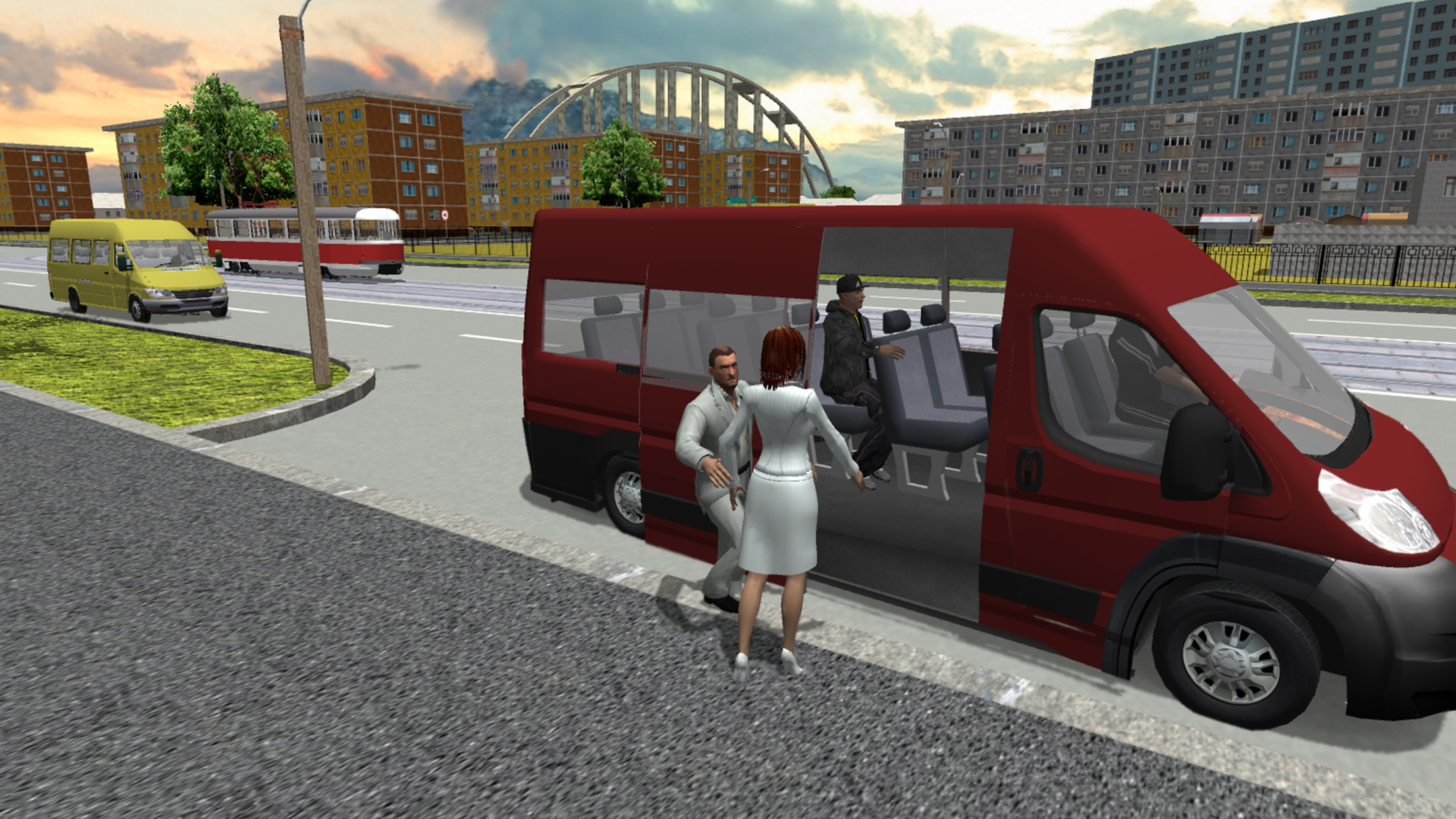
- Passenger interaction: Manage your stops carefully to ensure passengers board and exit smoothly at designated locations.
Who is it for
Driving simulation enthusiasts who appreciate technical vehicle physics and urban navigation. Casual gamers looking for a relaxing yet engaging transport management experience will enjoy the progression systems. Fans of realistic city-based vehicle games will find endless replayability while exploring the detailed mapping and varied driving modes provided here.
Controls
Steer vehicle
Use WASD keys on PC or tilt/joystick on mobile devices.
Camera control
Move mouse on desktop or swipe across the screen on mobile.
Handbrake
Press Spacebar on PC or tap the dedicated handbrake button on mobile.
Change view
Press the C key on PC or tap the camera icon on the mobile interface.
FAQ
Is Minibus Simulator 3D free to play on browsers?
›
Yes, you can enjoy Minibus Simulator 3D directly in your web browser without needing to download or install any files.
Can I customize my vehicle in Minibus Simulator 3D?
›
Absolutely, the game includes a tuning and painting system that allows you to modify the look and feel of your favorite minibuses.
Does Minibus Simulator 3D support mobile devices?
›
Yes, Minibus Simulator 3D is fully optimized for mobile play with intuitive touch and swipe controls.