Game Title
Loading...
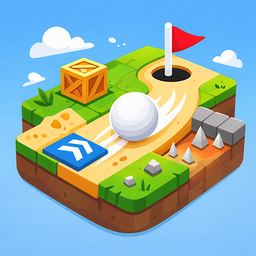
Staring at the clock during a long afternoon usually means you need a quick mental reset. Mini-Golf 2D turns those idle moments into a satisfying challenge of physics and precision. You simply drag your cursor back to launch the ball toward the cup on each top down course. Aiming requires a steady hand because every stroke eats into your limited allowance. You will navigate around dangerous red traps while hunting for blue speed boosters to clear tricky gaps. Smashing through wooden crates feels great when you need to clear a path to the hole. Keeping your shot count low earns you the best rank on every stage. Your progress saves automatically so you can jump back into the action whenever you have a free minute. Play this casual golf simulator right here in your browser without any annoying downloads.
Objective:
Get the ball into the hole in as few strokes as possible.
Controls:
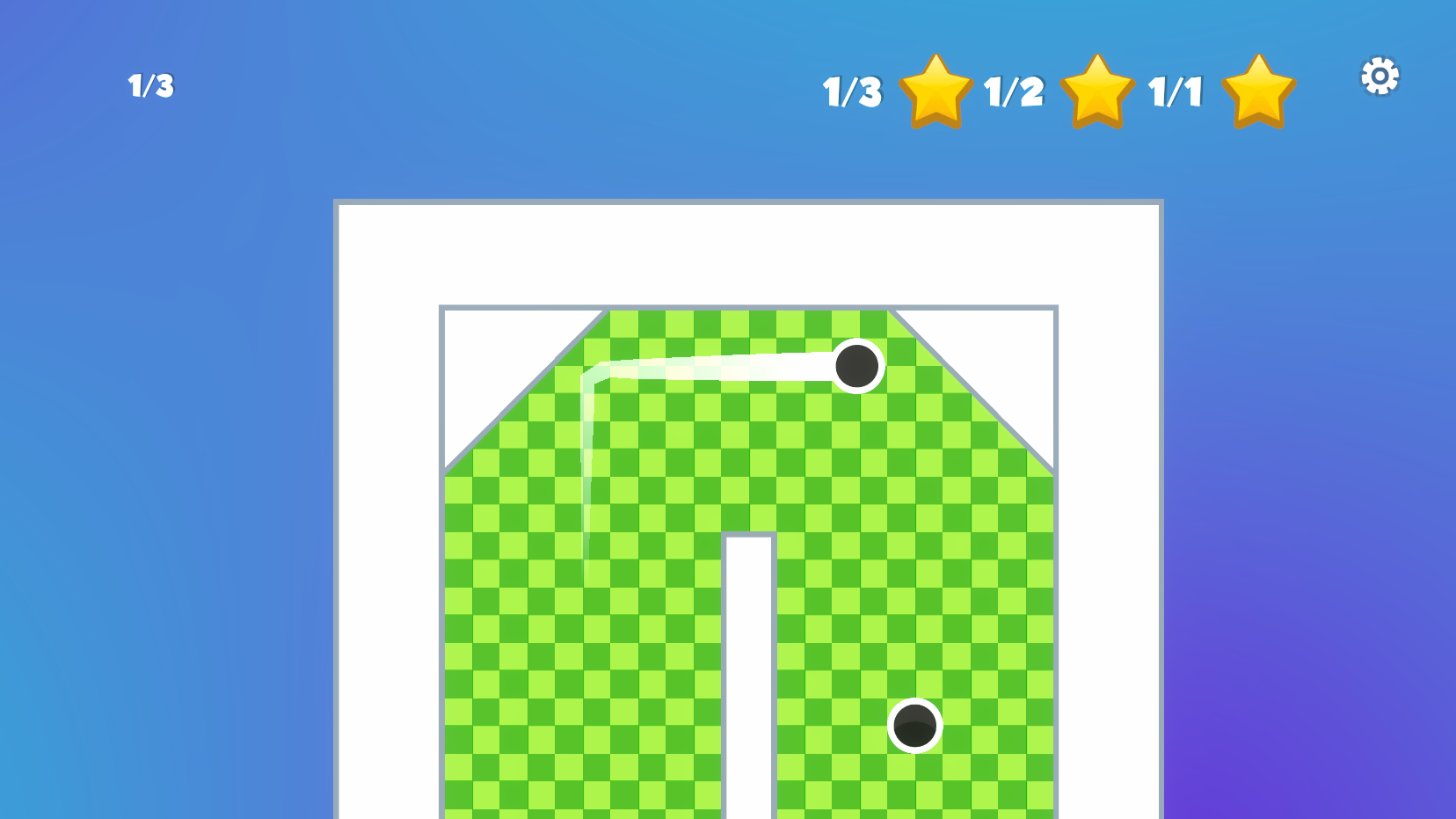
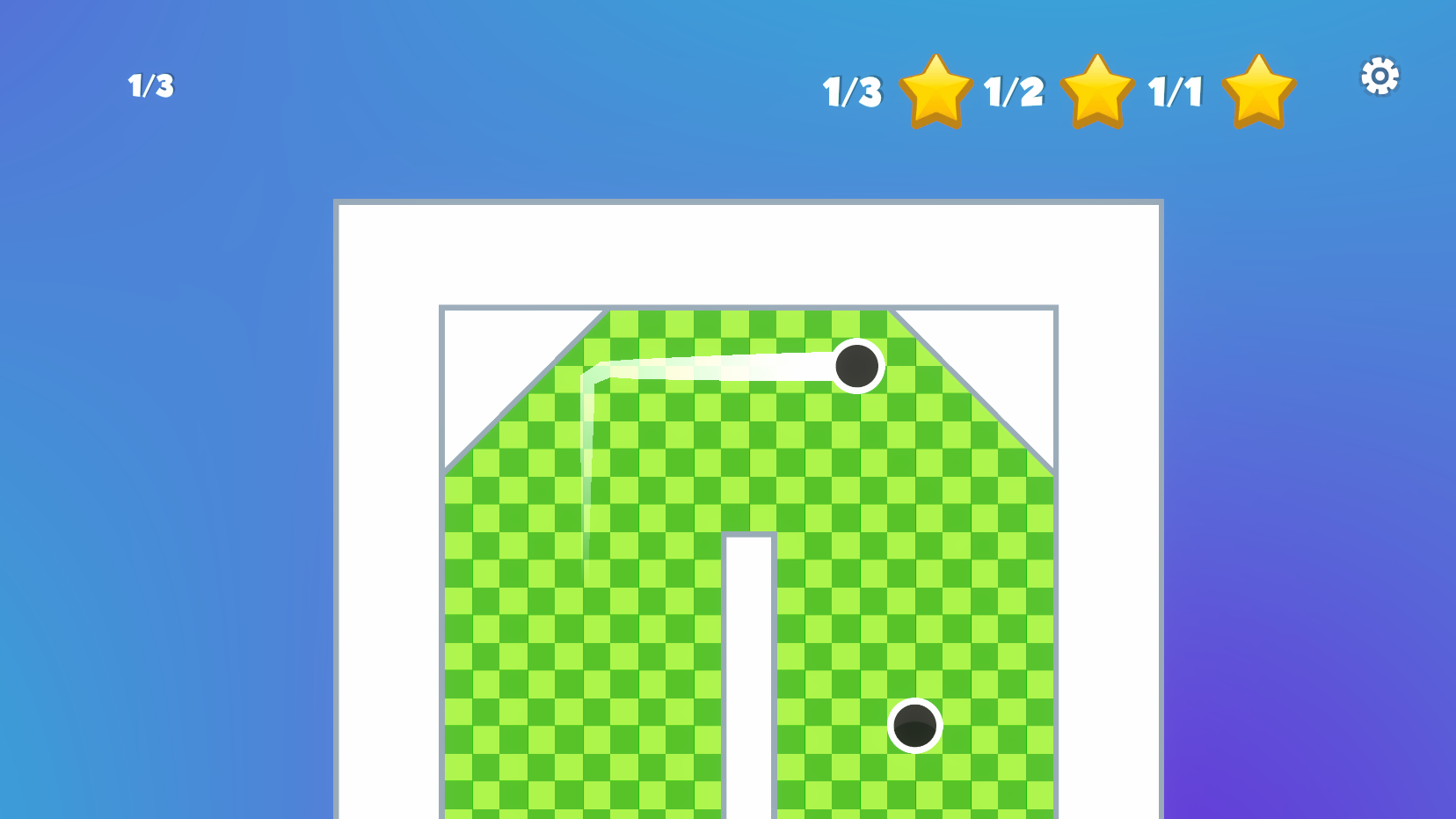
On PC: Click and hold the left mouse button on the ball, drag it in the opposite direction from the hole, and release.
On Mobile: Touch the ball, drag your finger, and release.
(The farther you drag, the stronger the shot.)
Rules & Tips:
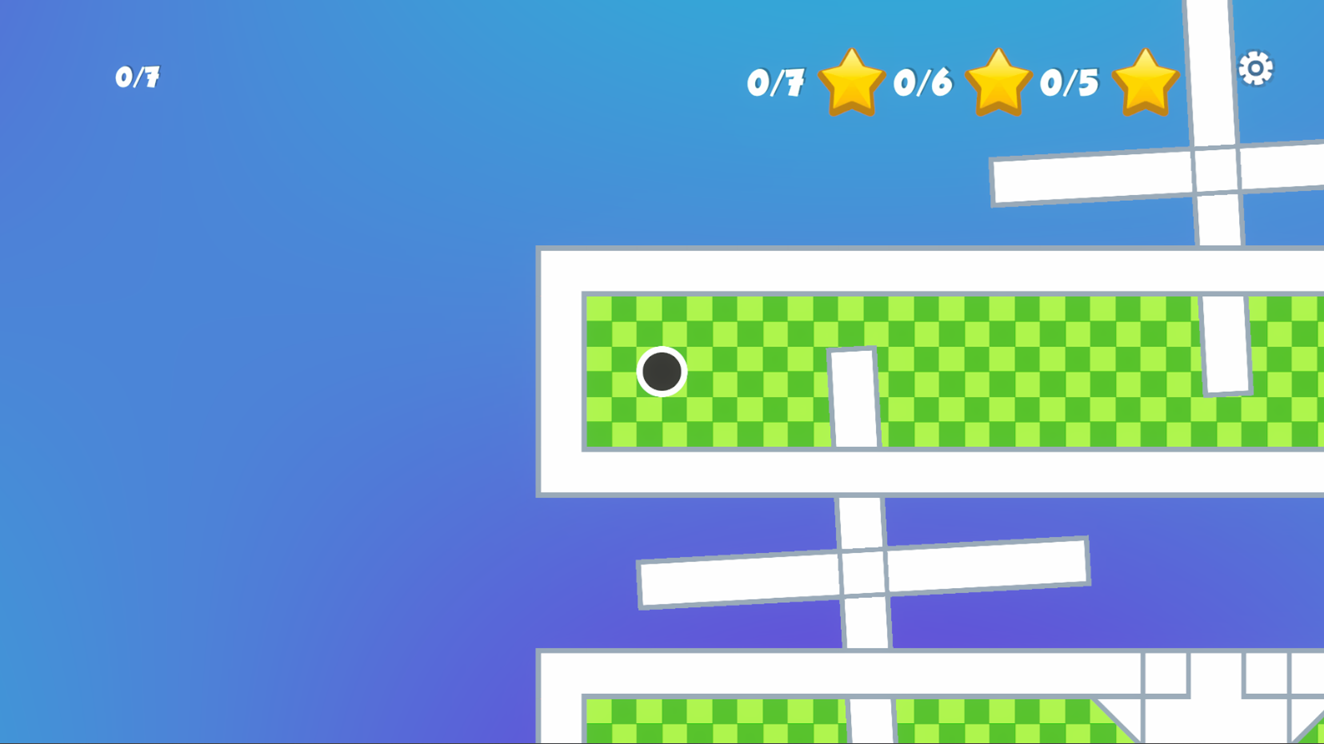
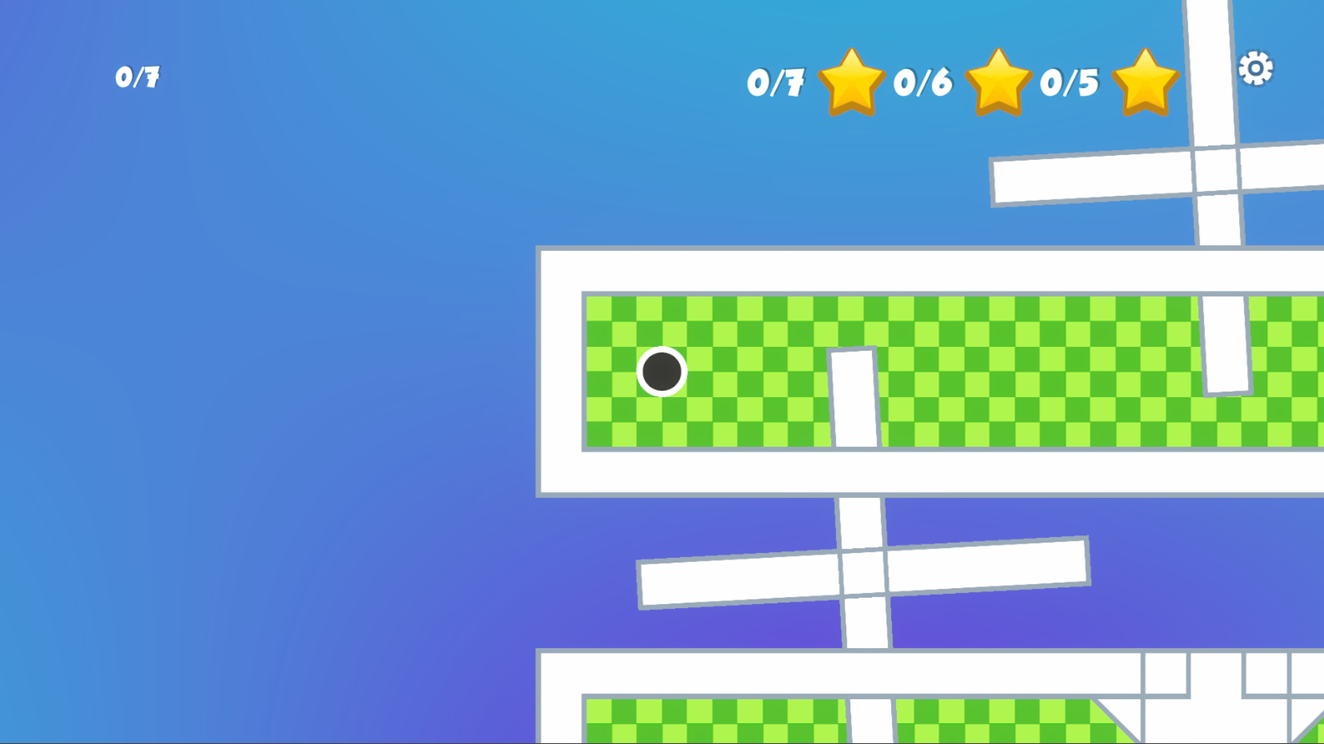
Stroke Counter: The counter shows how many shots you've taken and your maximum allowed strokes. Exceed the limit, and the level restarts.
Blue Pads (Boosters): These give the ball an extra speed boost. Use them to cover long distances.
Red Pads with a Cross (Traps): Danger! Hitting these will instantly end your game.
Crates (Boxes): These can be destroyed on impact with the ball, disappearing in a satisfying effect.
Progress: Your progress is automatically saved to the cloud after each completed level. You can review your shot statistics in the main menu.
Feel like a golf pro and complete every level with a perfect score
Casual players who enjoy relaxing physics puzzles will appreciate the simple mechanics. Fans of top down arcade games looking for a quick distraction during work breaks will find the bite-sized rounds satisfying. Anyone who likes testing their aim in a virtual setting can jump straight into the fun.
Focus on using the blue speed pads to your advantage and avoid the red traps at all costs. You should also try to destroy crates early to open up shorter paths to the hole.
Yes, the game syncs your level completion and shot statistics to the cloud after every successful hole.
Absolutely, the game runs directly in your mobile browser with full touch support for aiming and shooting.