Game Title
Loading...
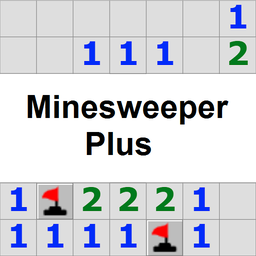
Logic puzzles often turn a simple grid into a high-stakes minefield where one wrong click ends your run. Minesweeper Plus takes that classic high-pressure thrill and puts it right into your browser for quick rounds of brain training. You stare at a field of hidden tiles while numbers reveal how many deadly explosives hide in the neighboring spots. Clicking a cell clears the area, but flagging the wrong square means instant failure. You can drop flags on suspected mines to stay organized or use the smart-click mechanic to clear multiple safe zones at once. Speedrunners love the ability to adjust the mine density before hitting start to push their reaction times to the limit. Zooming in or out helps you manage large boards without missing those tiny numerical clues. Playing this classic logic challenge is completely free on FreeJoy.games with no downloads needed.
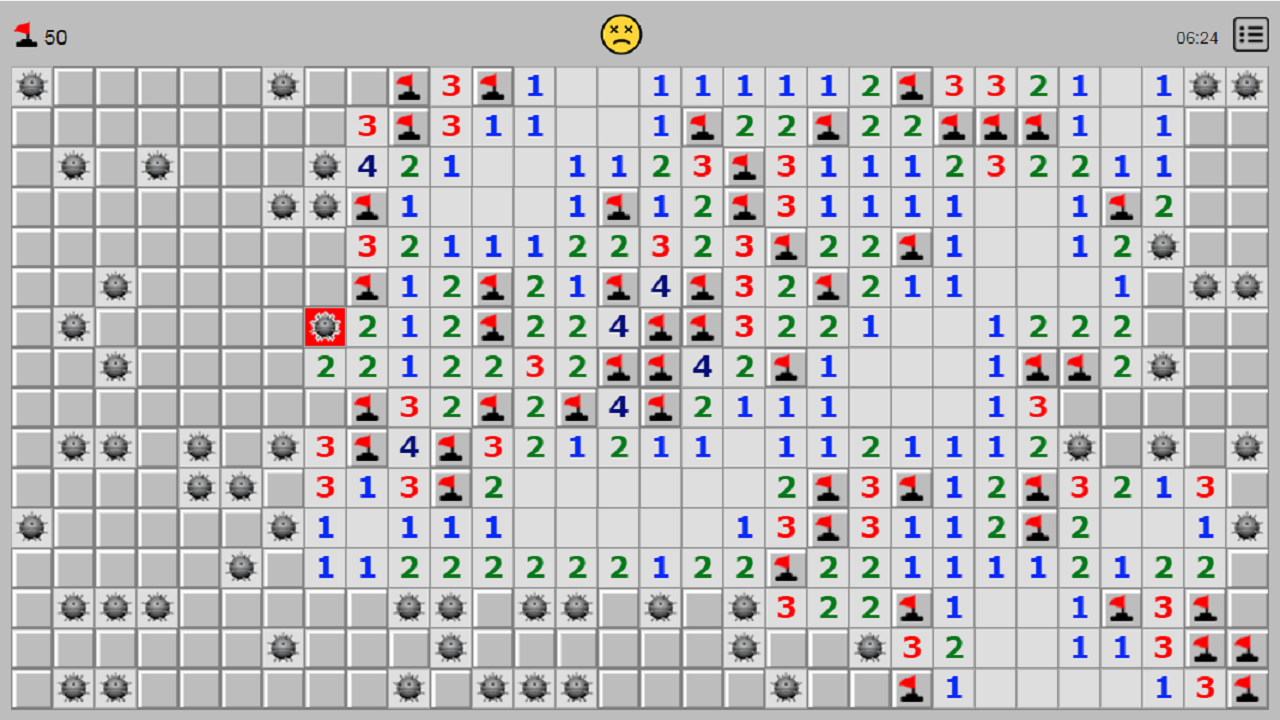
There is a number in the open cell. Each number is the number of mines in adjacent cells. This information to help you to find cells with mines.
If you decide that there is a mine in the cell, then you can put a flag in it using the right mouse button.
If you right-click on a cell with a number, and the number of flags around the cell is equal to the number, then adjacent cells will be opened. As a rule, this allows you to reduce the time of the game.
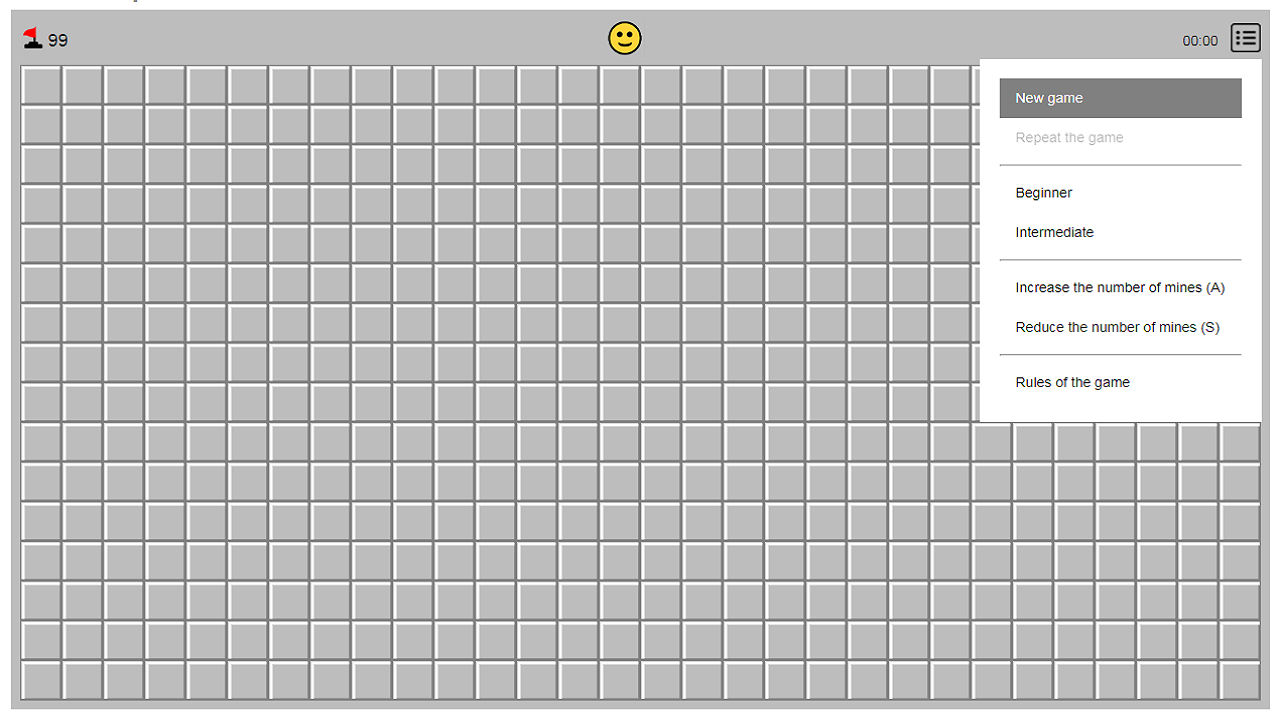
Click on the yellow smiley face to start a new game.
The A key (English) is used to increase the number of mines by one.
The S key (English) is to reduce the number of mines by one.
The Z key (English) is to zoom in the game.
The X key (English) is to zoom out the game.
The number of mines cannot be changed during the game.
The game is saved automatically.
Logic enthusiasts craving a quick mental workout will find this title highly addictive. Casual gamers who enjoy grid-based strategy or anyone looking for a way to sharpen their attention span will appreciate how easily these rounds fit into a busy day of work or study.
Just click the yellow smiley face icon at the top of the screen to reset the board.
Yes, the game automatically remembers your board state if you close the browser tab.
You can modify the mine count using the A and S keys while in the menu before you begin playing.