About game
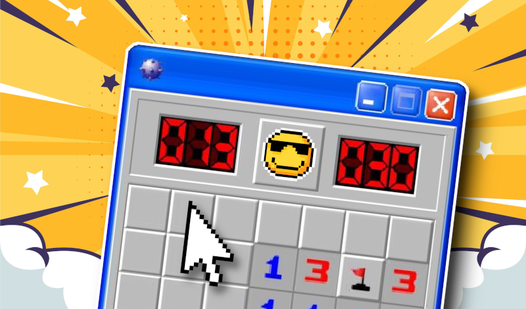
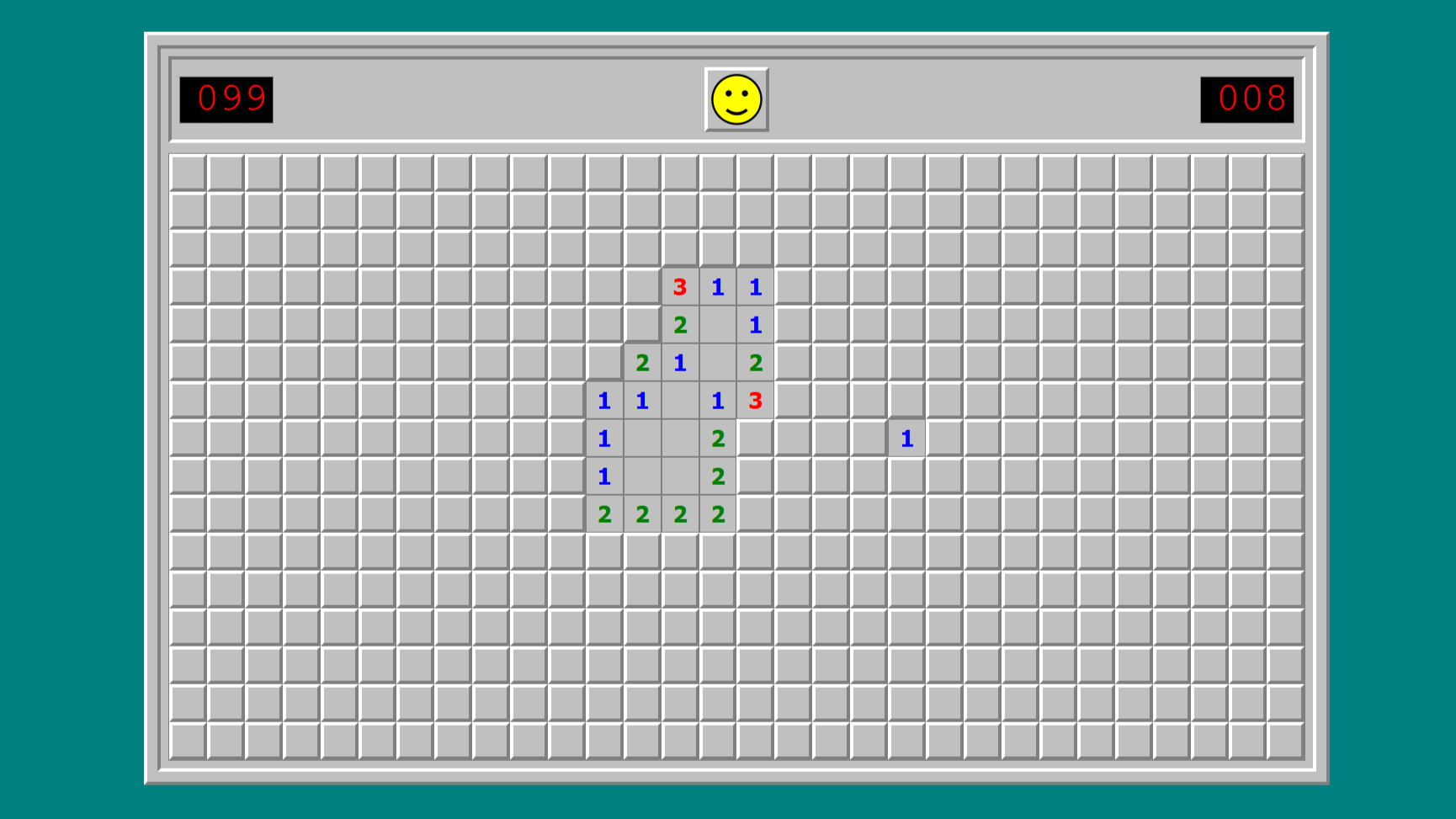
Logic puzzles that rely on pure deduction remain the ultimate test for any sharp mind. Minesweeper 95 brings this retro challenge back to your screen with a clean interface that keeps your focus on the grid. You click cells to reveal either a safe spot or a hidden explosive trap. Each number indicates how many bombs hide in the eight adjacent squares, forcing you to calculate your next move carefully. You must flag potential danger zones to clear the board without suffering a sudden game over. This classic puzzle requires serious concentration as you navigate deeper into the minefield. Mastering the placement of flags turns a simple grid into a tense exercise in strategy. You can jump into this browser game right now at FreeJoy.games without any downloads.
How to play
The goal of the game is to open all the empty cells and mark the cells with mines with flags.
Click on any cell to start the game.
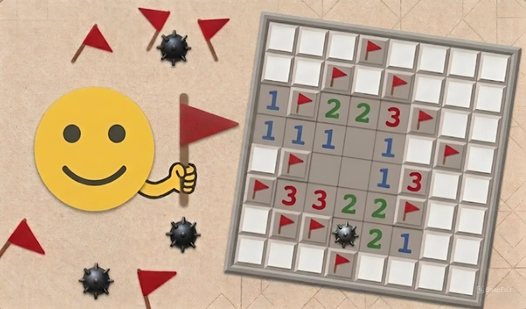
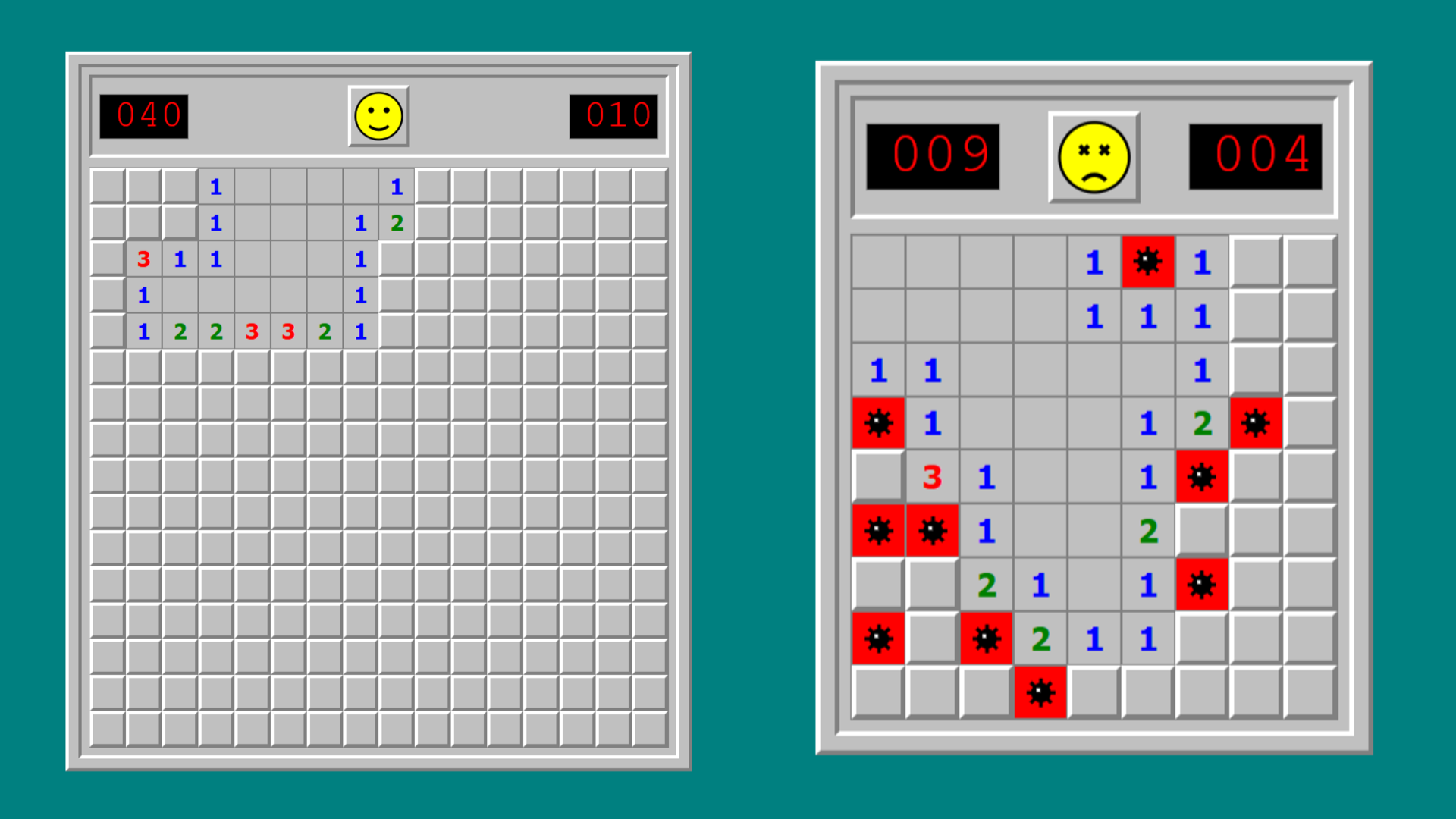
The numbers in the cells indicate how many mines are in the eight neighboring cells. For example, the number "1" means that there is only one bomb nearby.
Empty cells mean that there are no mines nearby, and neighboring cells will open automatically.
How to set flags:
On the PC: right-click.
On mobile devices: hold down the desired cell with your finger (long press) to set or uncheck the flag.
Victory comes when all the safe cells are open. If you hit a mine cage, the game is over!
Features
- Difficulty scaling: Choose between grid sizes that range from simple beginner layouts to massive expert fields.
- Automated clearing: The game instantly opens surrounding empty cells when you uncover a zero to speed up your progress.
- Progress tracking: Keep track of your efficiency as you attempt to lower your completion time on every attempt.
- Responsive design: The interface adjusts to your screen size so you can play comfortably on any device.
Who is it for
Puzzle lovers who enjoy testing their analytical skills will find this logic challenge satisfying. Casual players seeking a quick mental workout during a break will appreciate the simple mechanics. Fans of retro gaming who miss the golden age of desktop software will feel right at home with this version.
Controls
Reveal cell
Click with your mouse or tap the screen.
Place flag
Right-click on PC or perform a long press on mobile.
Start new game
Click the smiley face icon at the top of the board.
FAQ
Is Minesweeper 95 free to play?
›
Yes, you can access Minesweeper 95 directly in your browser without any registration or hidden fees.
Can I play Minesweeper 95 on my smartphone?
›
Minesweeper 95 is fully optimized for mobile browsers using long-press controls to place flags accurately.
How do I win in Minesweeper 95?
›
You win by revealing every safe square on the grid while correctly identifying and flagging every hidden mine.