About game
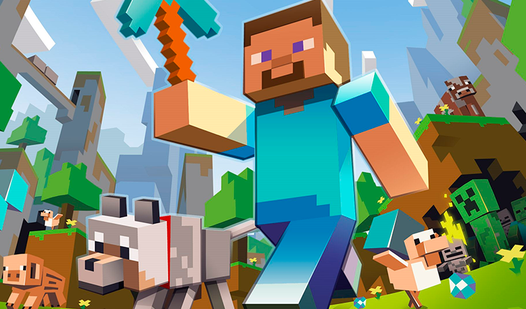
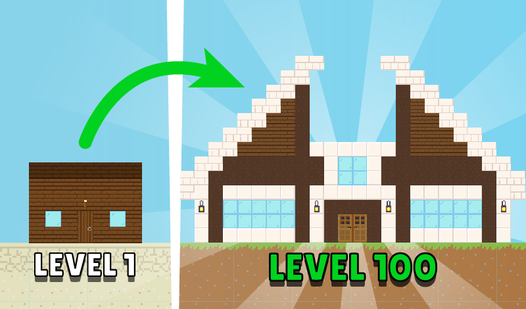
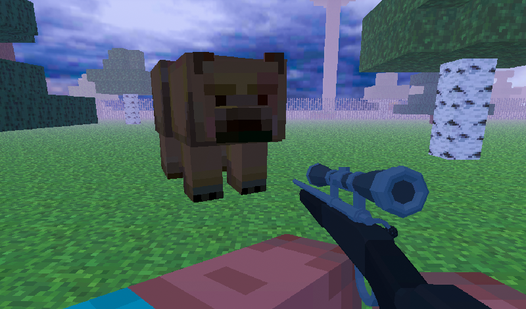
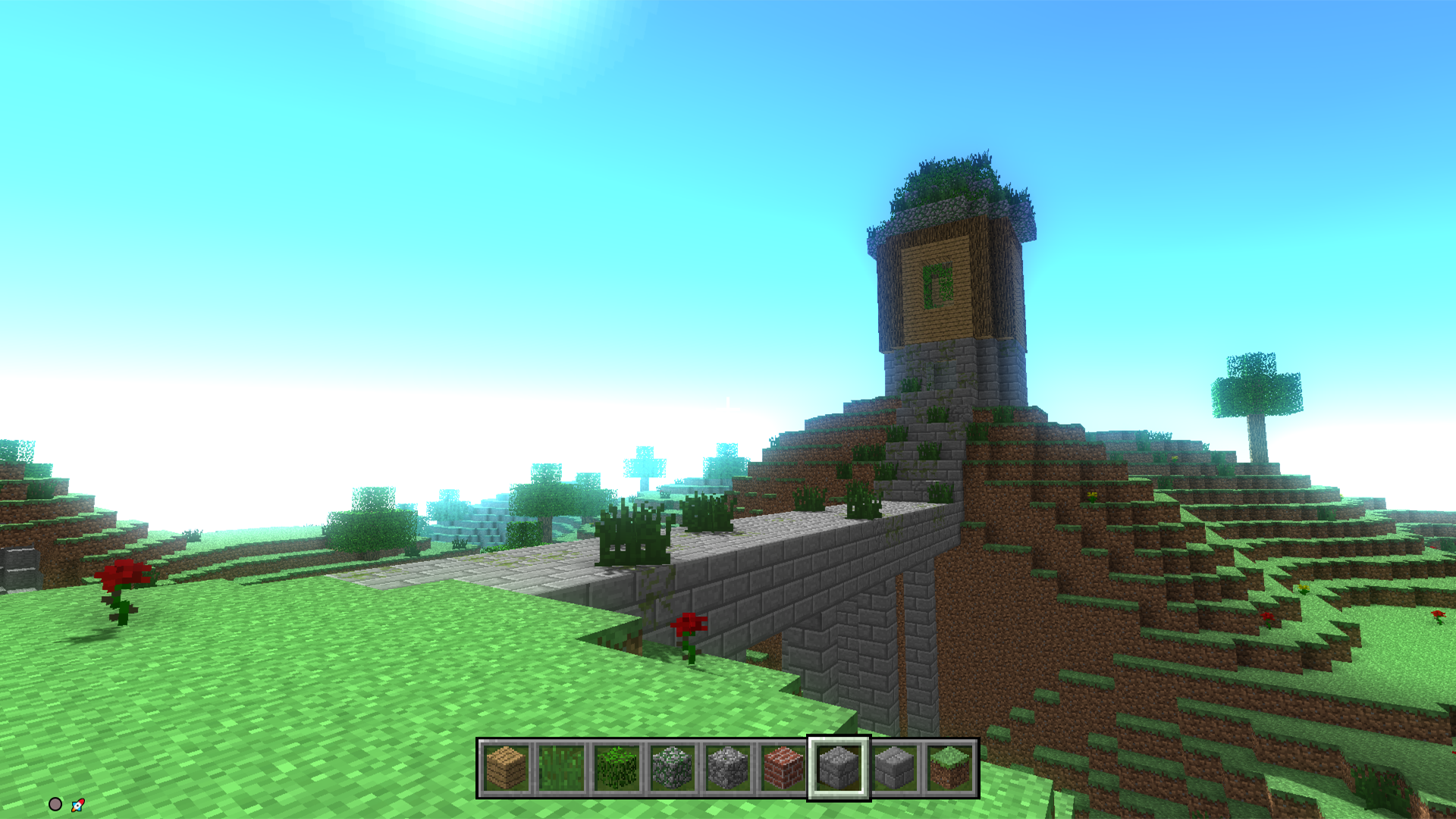
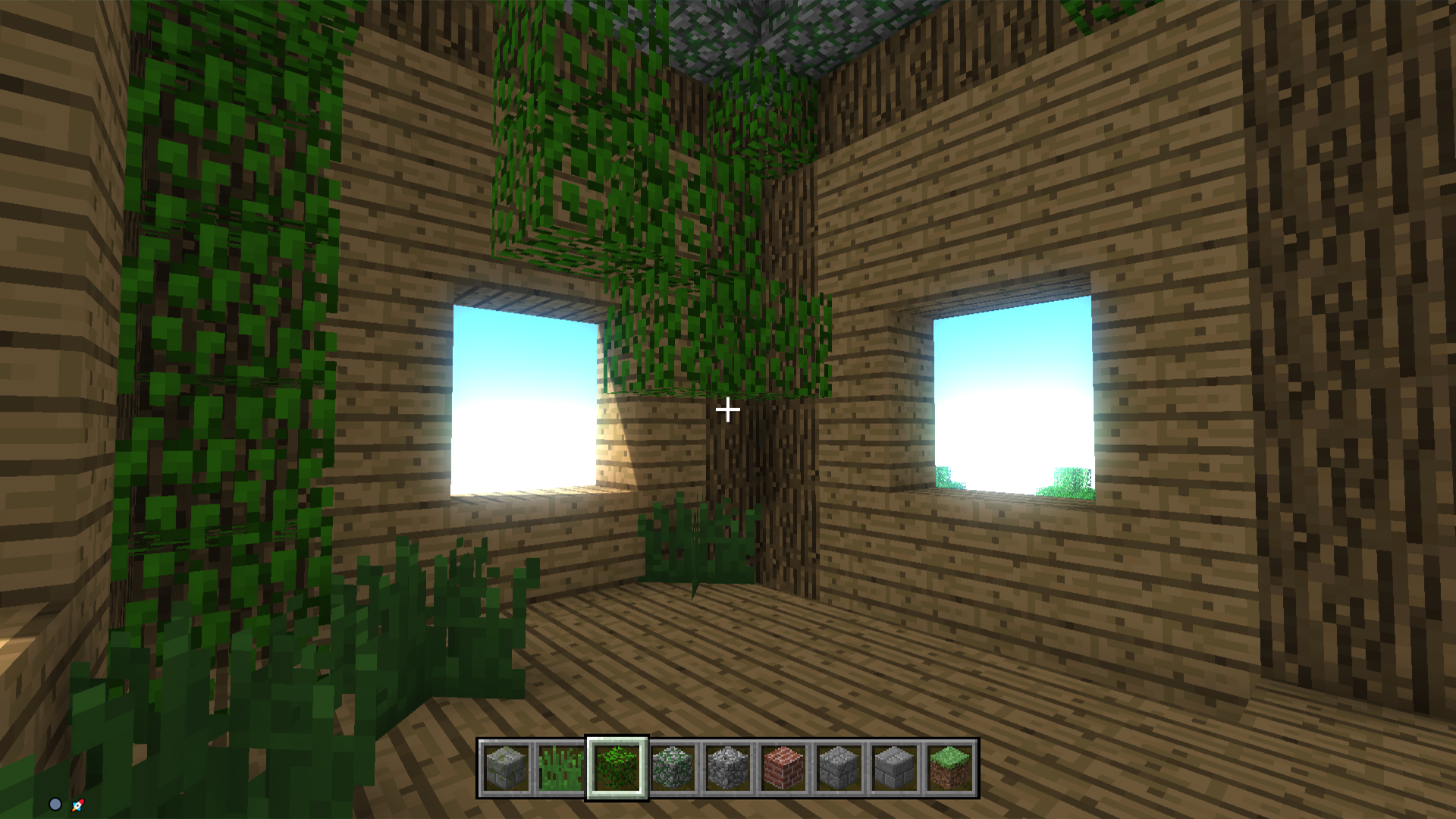
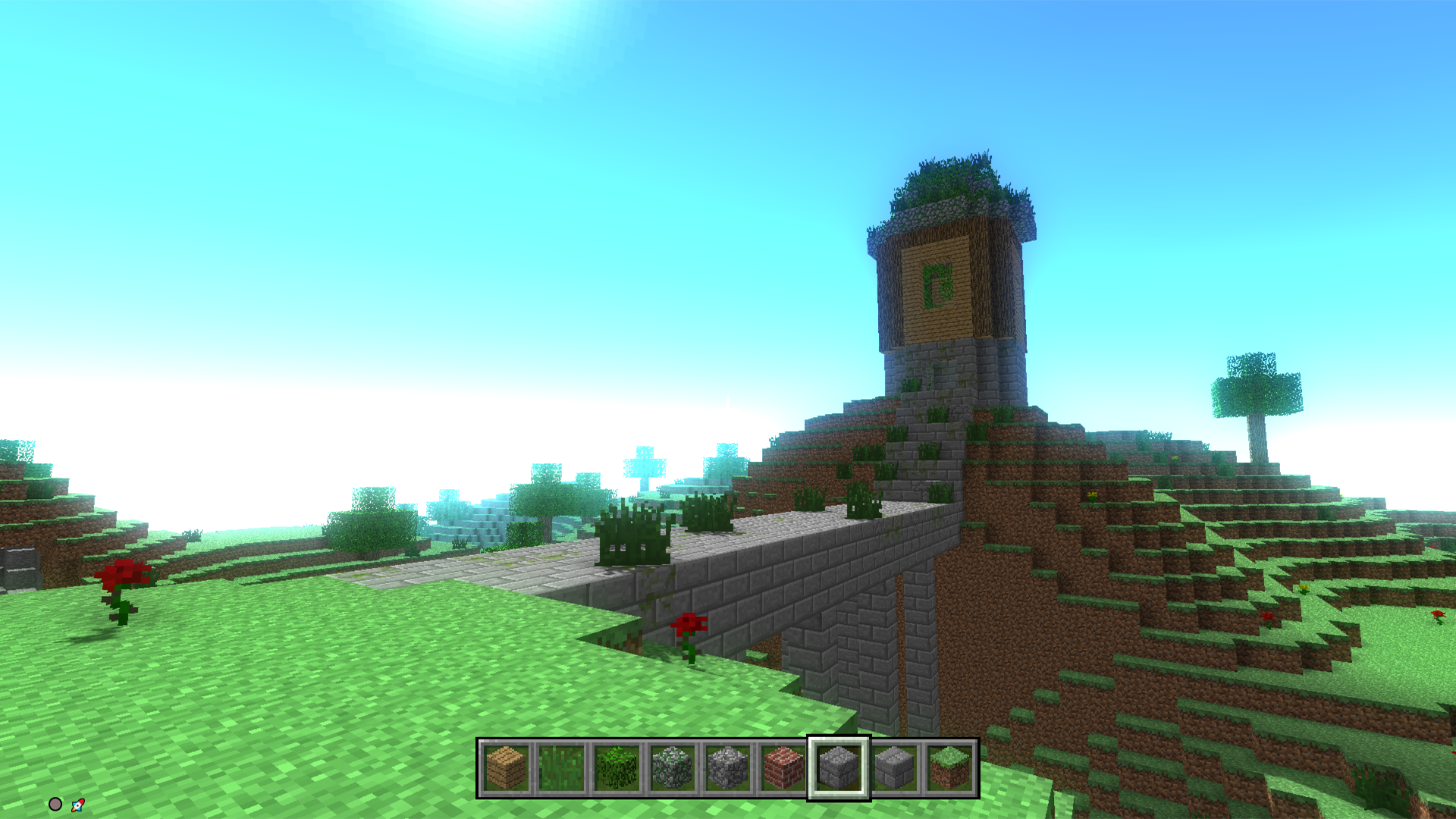
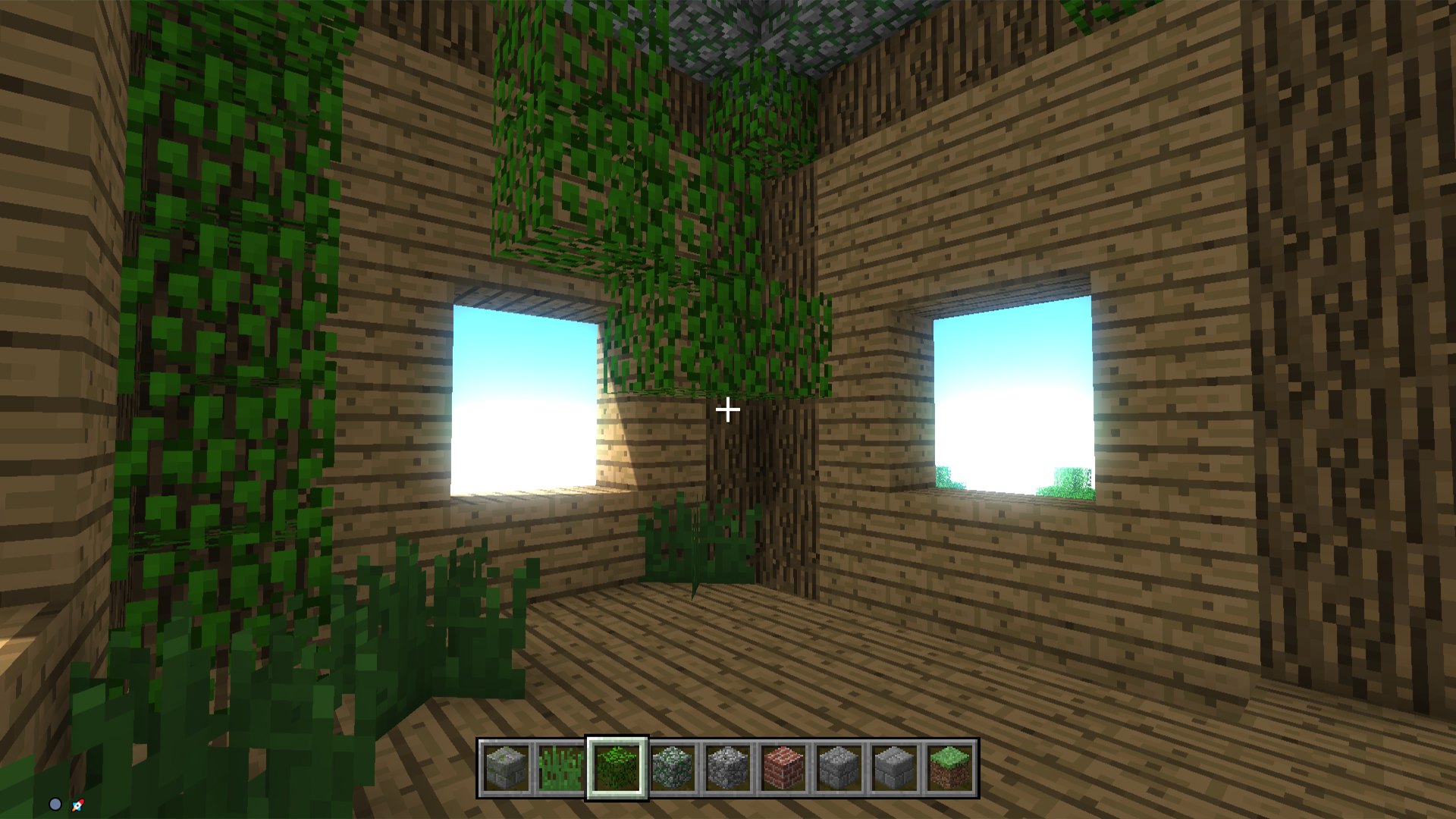
Building virtual worlds has become a global phenomenon because it turns every player into a digital architect with infinite creative freedom. Minecraft Editor captures that same creative spark, allowing you to manipulate a vast landscape block by block in the palm of your hand. You start by navigating a sprawling terrain where your primary goal is to shape the environment to fit your wildest imagination. Access your inventory with a single keystroke to select from a wide variety of materials and textures for your construction projects. Use the mouse to precisely place blocks to raise towering fortresses or break them down to clear space for new ventures. This sandbox experience offers a relaxing pace perfect for those who want to express their artistic side without complex rules. Whether you are hunting for hidden treasures or designing an elaborate base, the gameplay loop remains satisfyingly simple yet deep. You can play this version of minecraft right now directly in your browser with no download required.
How to play
Control - keyboard and mouse. The E key is to open the inventory with blocks. The left mouse button - to destroy the block, the right - to put.
Features
- Inventory Management: Access a comprehensive menu of various building materials using the keyboard to switch between tools instantly.
- Terrain Manipulation: Alter the environment dynamically by removing or adding voxels to create custom landscapes and structures.
- Sandbox Freedom: Enjoy a playstyle that lacks strict objectives, giving you total control over how you spend your time in the world.
- Resource Interaction: Engage with different block types to discover hidden treasures tucked away within the game map.
Who is it for
Fans of creative sandbox experiences and digital construction projects. Players who enjoy building massive structures or exploring blocky environments will find hours of content here. It is a great choice for casual gamers who want to relax and build at their own pace without any pressure or time limits.
Controls
Place blocks
Right click with your mouse or tap the screen on mobile devices.
Destroy blocks
Left click with your mouse or tap and hold on mobile.
Open inventory
Press the E key on your keyboard or select the menu icon on screen.
FAQ
Can I play Minecraft Editor on my mobile device?
›
Yes, Minecraft Editor is fully optimized for touchscreens, allowing you to build and destroy blocks with simple taps and swipes.
Is Minecraft Editor free to play?
›
You can enjoy the full Minecraft Editor experience for free on FreeJoy.games without needing to install any software.
Does Minecraft Editor save my progress?
›
Minecraft Editor is designed for quick sessions, so be sure to finish your structures during your current browser session.