About game
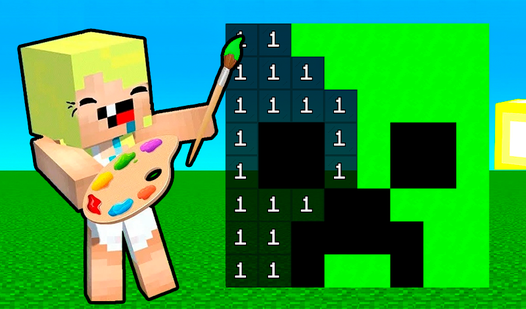
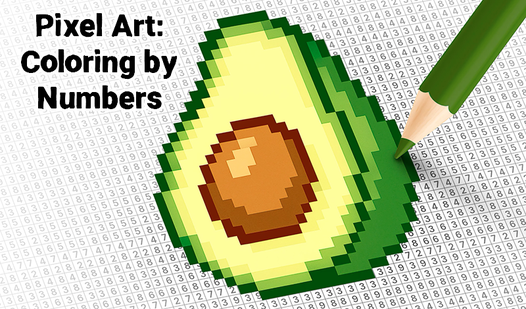
Staring at a blank screen during a lunch break often feels like a waste of time. Mine Paint by Numbers turns those stagnant minutes into a creative escape within your browser. You simply select a pixel art template featuring iconic blocks, tools, or potions from your favorite sandbox world. Tapping the correct numbers on the grid fills in colors while slowly revealing a finished masterpiece. This relaxing activity functions as a digital antistress tool when you need to zone out for a bit. Earn coins by finishing patterns to unlock fresh designs or custom backgrounds for your collection. Since the game saves your progress automatically, you never have to worry about losing your hard work during a busy day. Playing Mine Paint by Numbers is completely free on FreeJoy.games with zero downloads required.
How to play
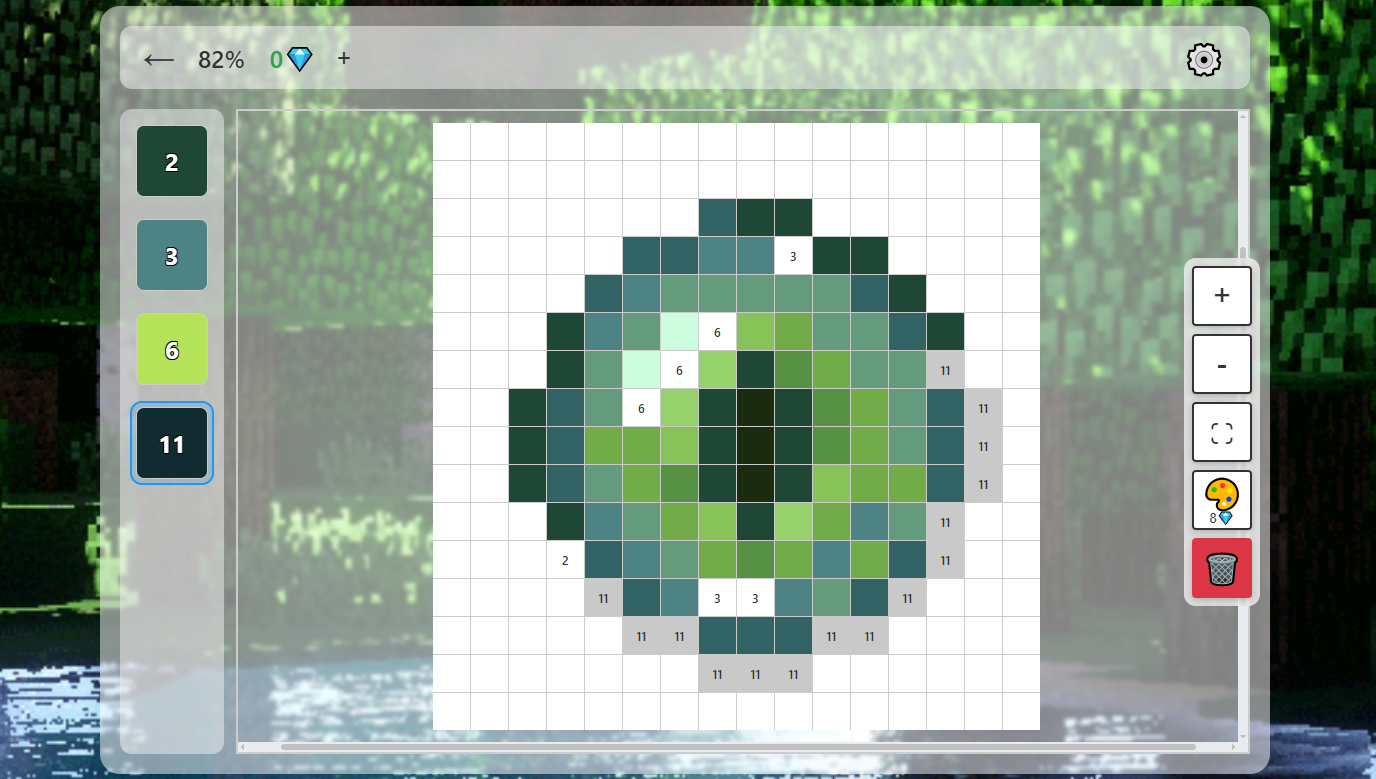
Choose a section and open a picture of any item.
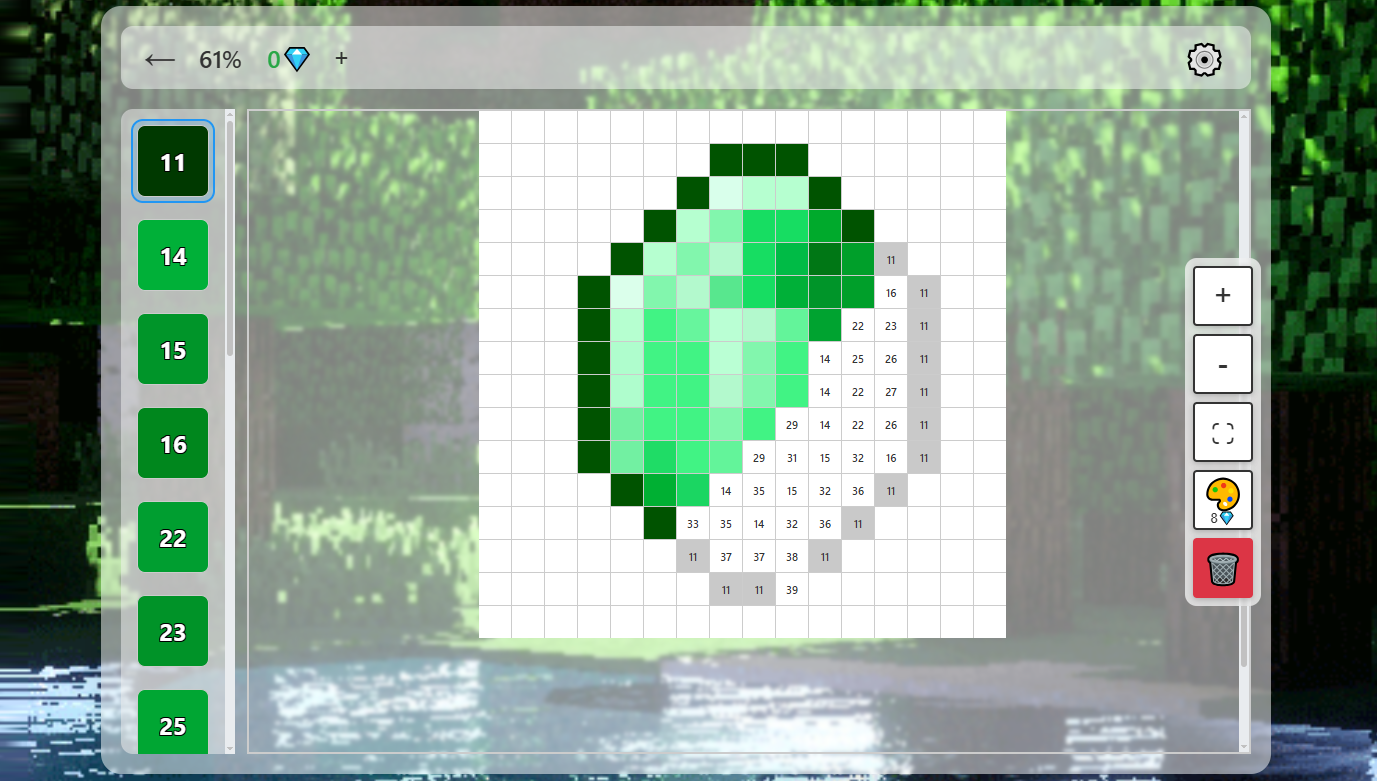
The palette (at the bottom or side) shows colors and their numbers. Click on the desired color.
Click on cells with the same number on the canvas to fill them in. The image will gradually come to life.
Use the control buttons:
• 🗑️ — reset progress;
• ⛶ — view the full picture;
• 🎨 — fill all remaining cells of the selected color (for coins);
• + and − — zoom in/out of the canvas.
To move freely around the canvas, hold the right (or middle) mouse button and drag.
For each completed picture, you earn 2 coins. Spend them on unlocking new items, backgrounds, or hints.
In settings, you can toggle music and choose the palette side.
Features
- Pattern variety: Unlock dozens of templates ranging from diamond swords to rare ores and magical potions.
- Automatic progress: Sync your creative journey across devices using the built-in cloud save function.
- Strategic economy: Collect coins for every completed piece and spend them on helpful hints or instant fill boosts.
- Custom interface: Adjust the palette position or toggle the ambient soundtrack to match your specific coloring style.
- Zoom precision: Use the intuitive scaling tools to navigate small pixels without missing a single spot.
Who is it for
Casual gamers and pixel art enthusiasts who enjoy a low-pressure creative outlet. Fans of blocky building games will appreciate the themed content, while anyone looking for a quick mental recharge during the day will find this digital coloring experience a smooth way to unwind between tasks.
Controls
Select color
Tap a color button from the palette at the bottom of the screen.
Fill pixel
Tap a grid square matching the selected number to paint it.
Zoom view
Use the plus or minus buttons or pinch the screen to scale the canvas.
Pan canvas
Hold the mouse button or use one finger to drag and move around the image.
FAQ
How do I unlock new images in Mine Paint by Numbers?
›
You earn coins for every completed picture which you can then spend in the store to unlock additional templates.
Can I play Mine Paint by Numbers on my phone?
›
Yes, the game is fully optimized for mobile browsers so you can paint on your touchscreen without any installation.
Is there a way to reset my progress in Mine Paint by Numbers?
›
You can tap the trash icon on the interface to clear your current progress and start coloring the image from scratch.