About game
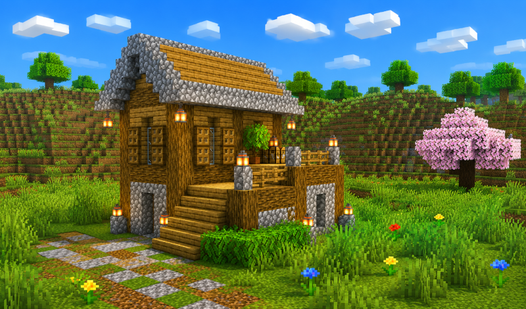
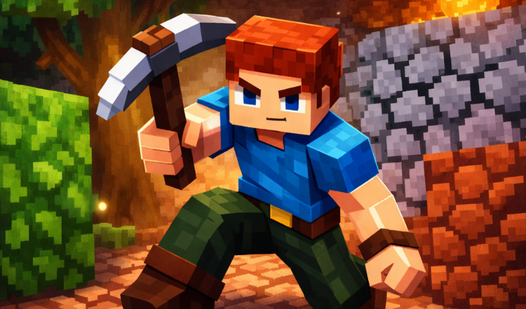
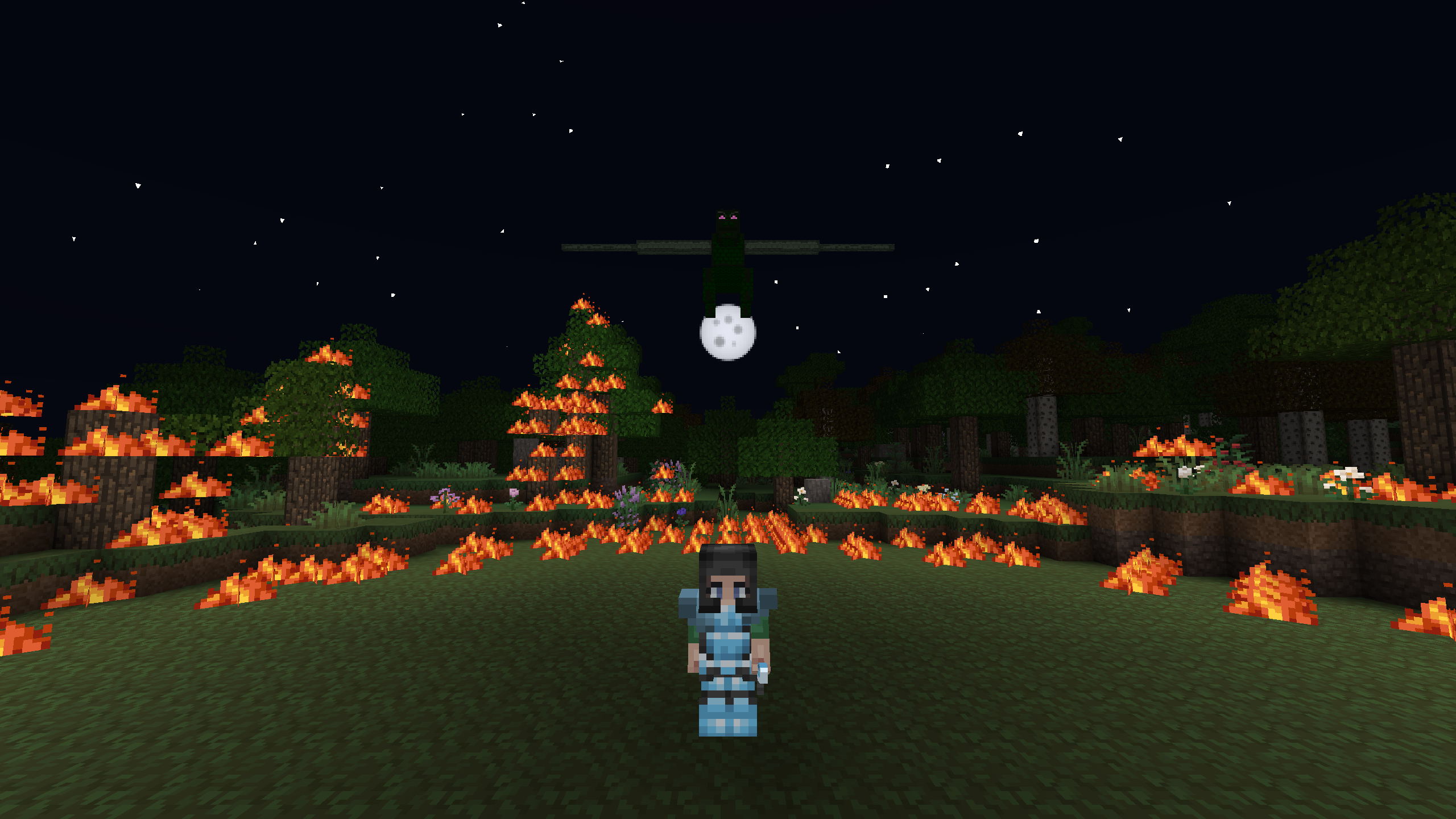
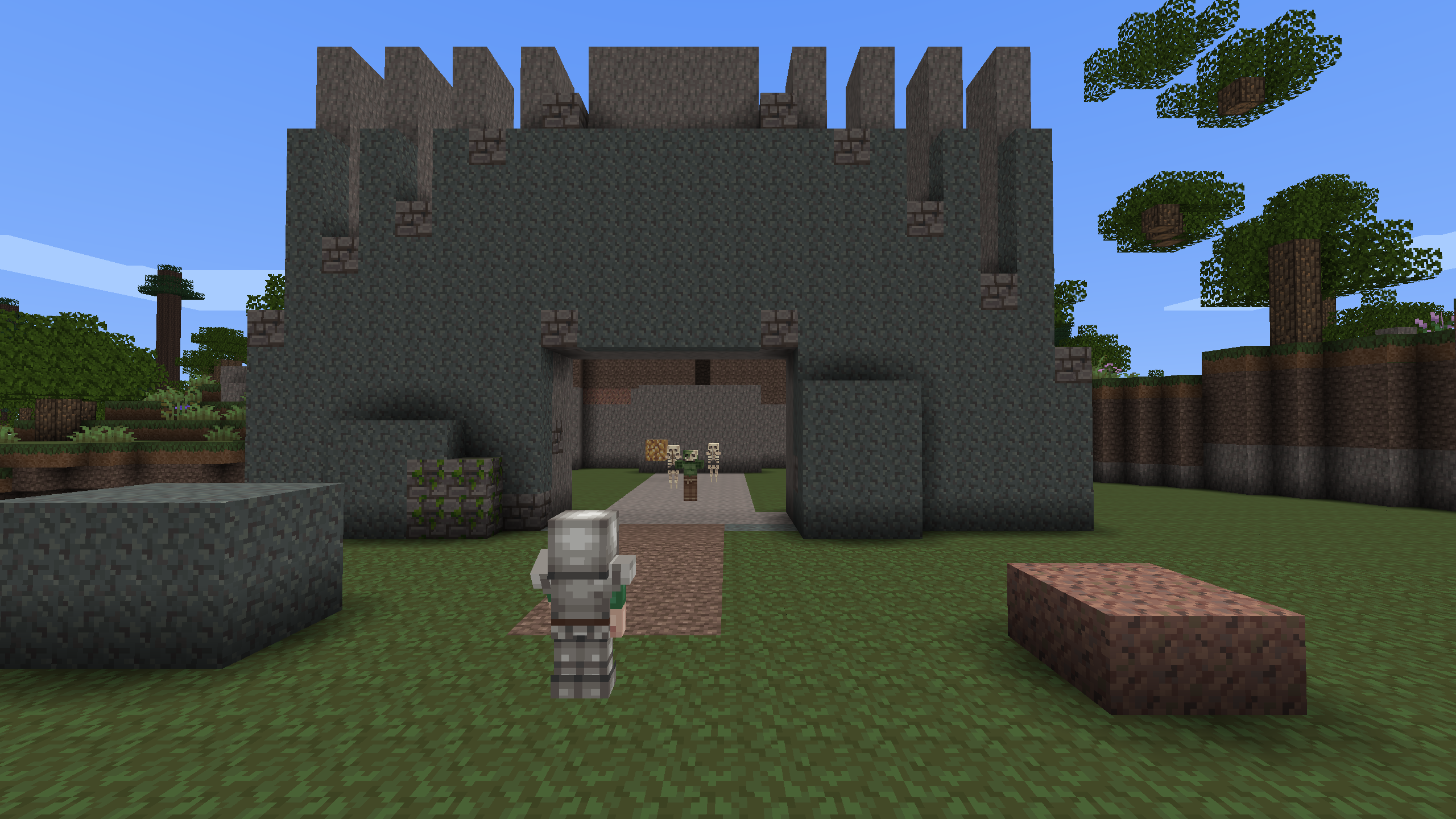
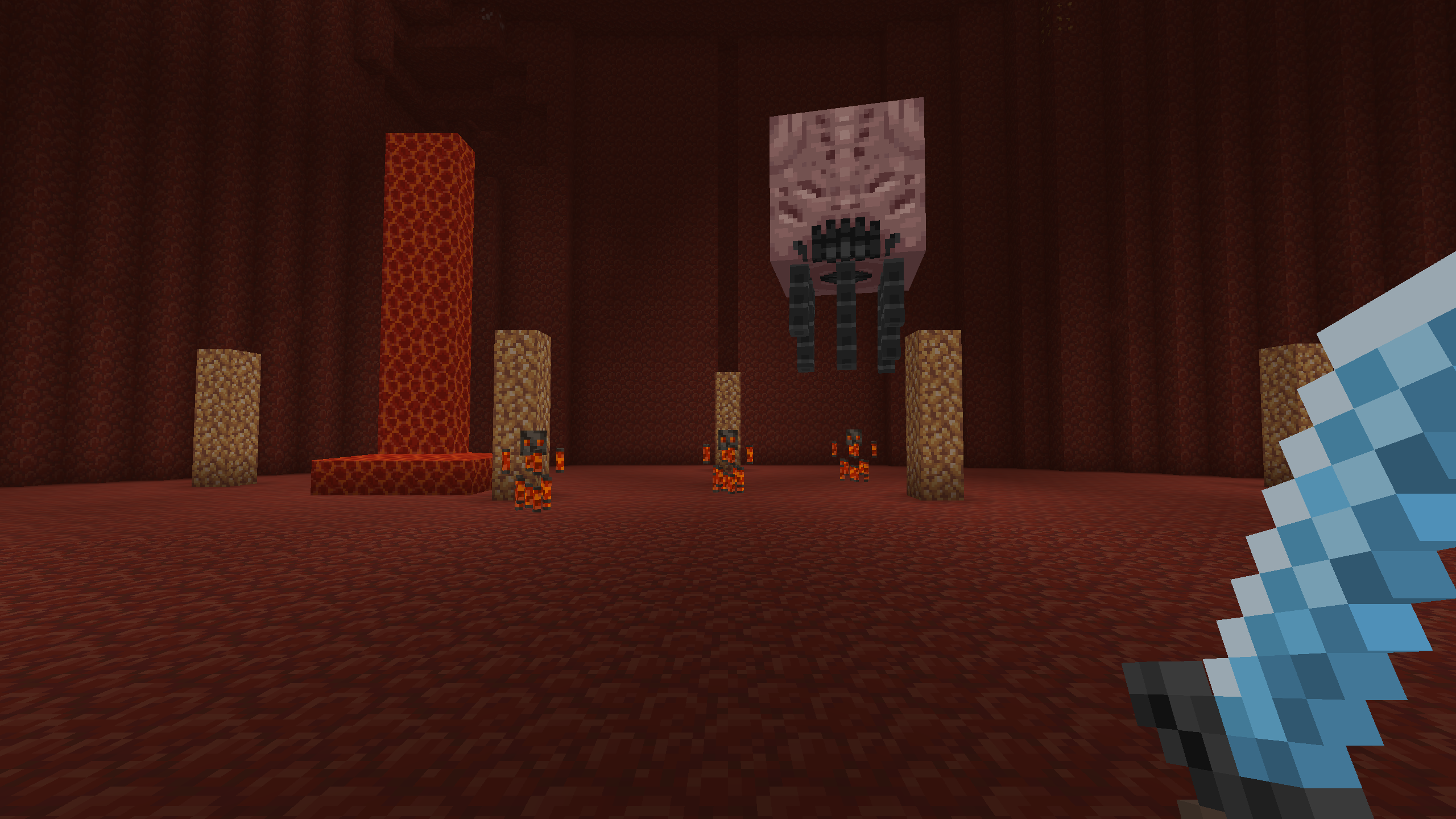
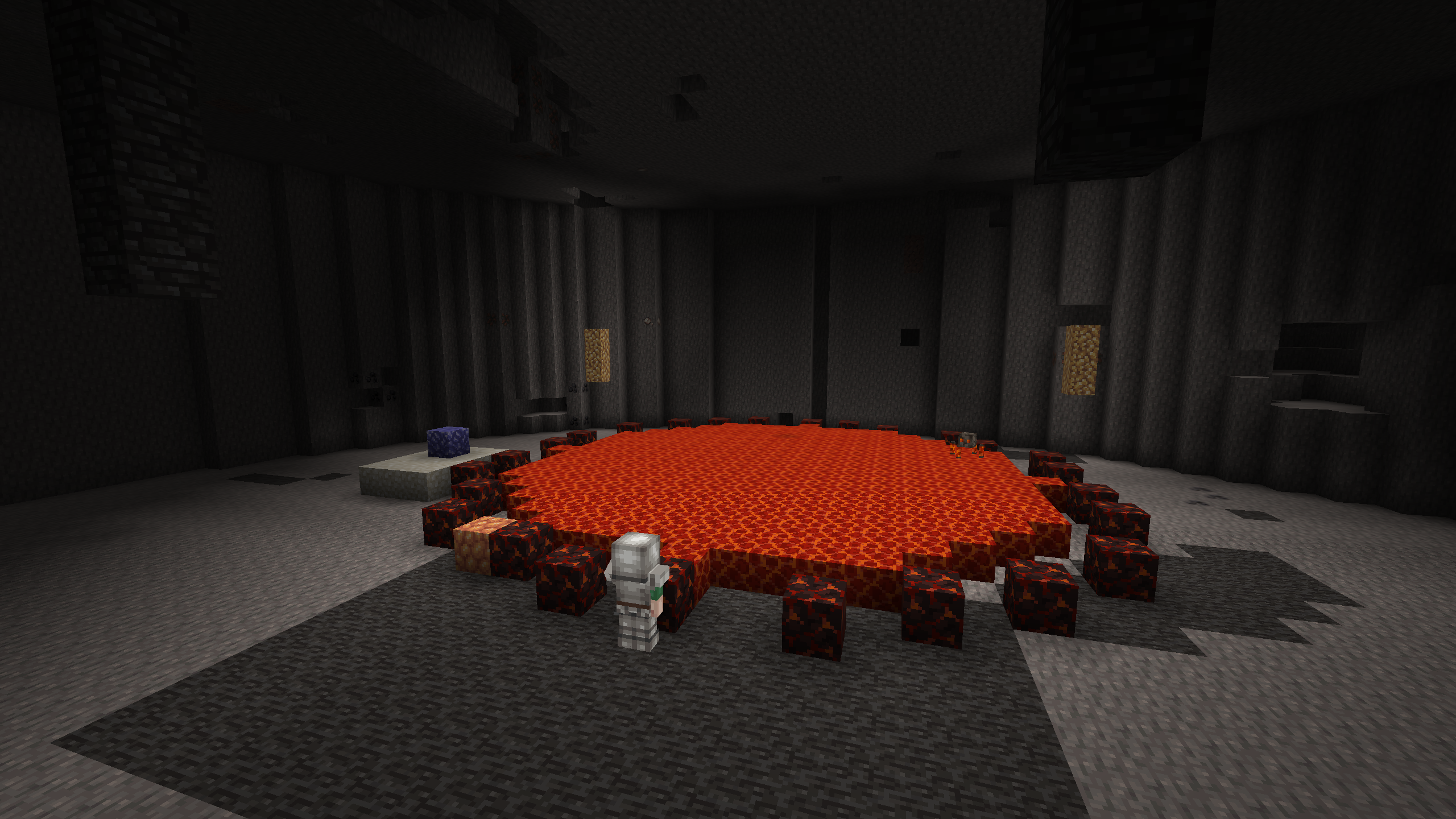
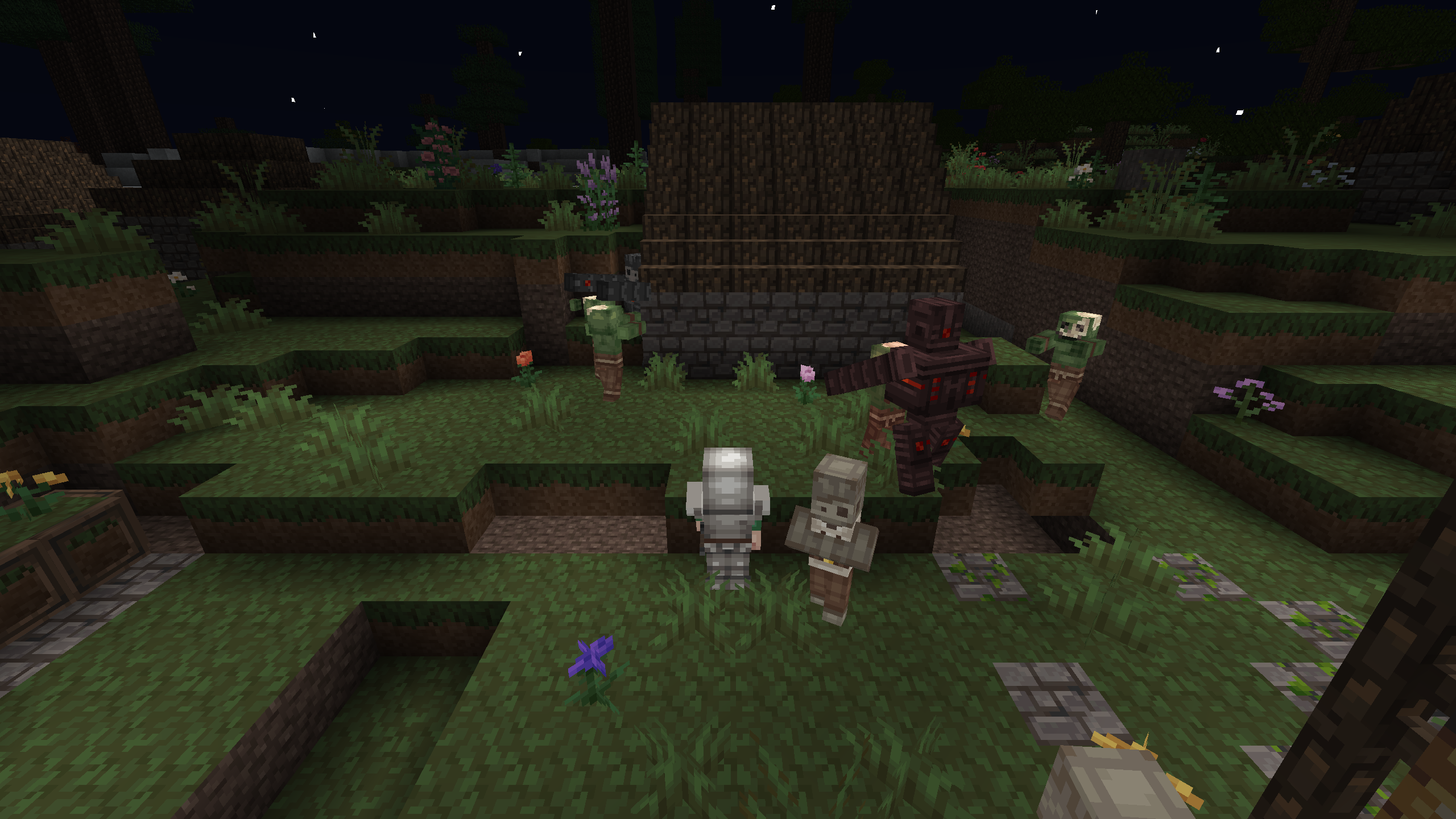
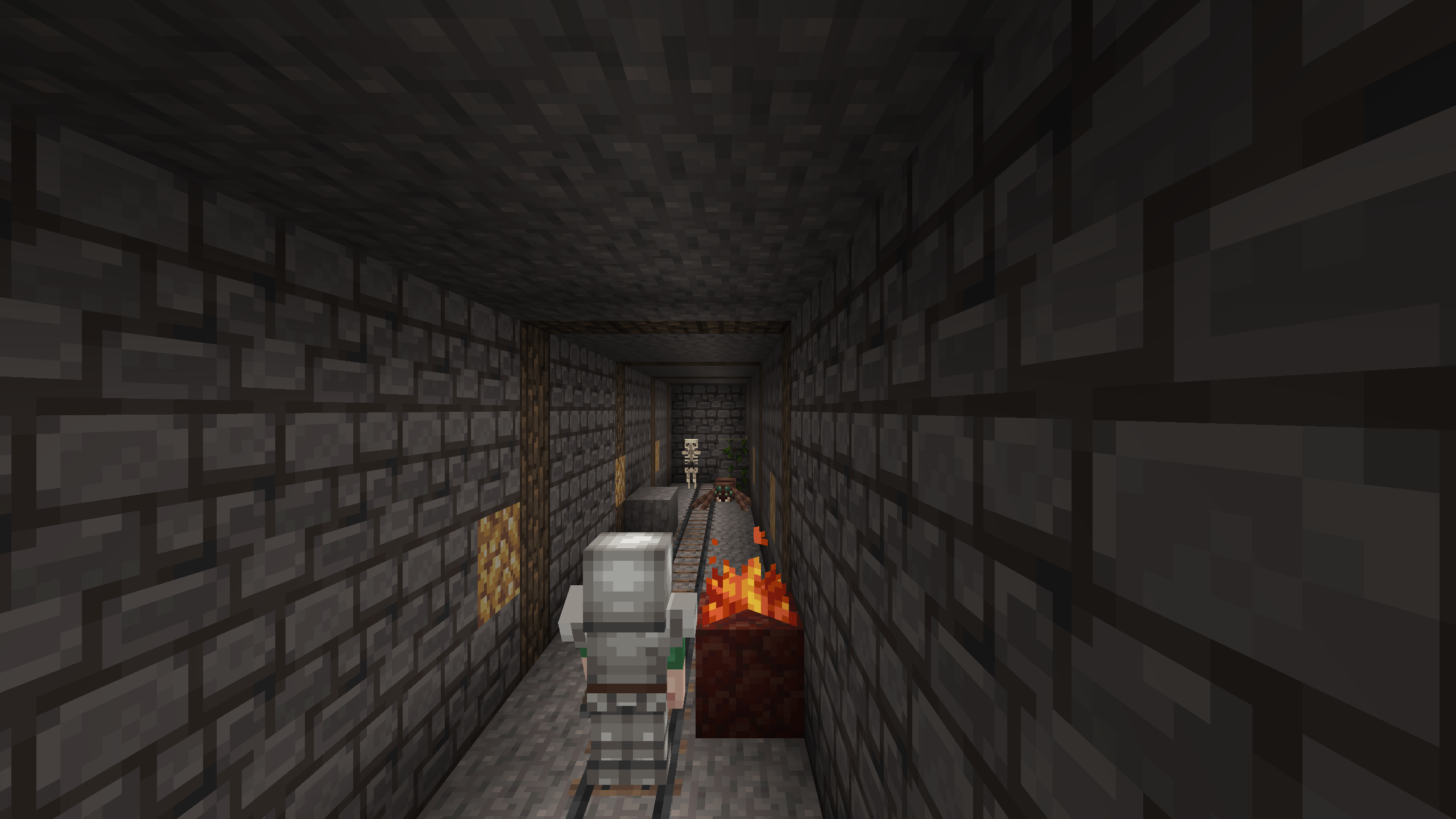
Punch trees and mine stone to shape your own custom landscape in Mine Block 3D: Survival in a Blocky World. You control every voxel in this expansive sandbox, turning raw materials into elaborate fortresses or cozy village homes. Survival mode forces you to stay sharp as zombies roam the shadows, requiring clever resource management and quick crafting to survive the night. Creative mode removes all constraints, granting you flight and infinite blocks to manifest your wildest architectural dreams without fear of attack. Exploring deep caves reveals hidden ores like coal and iron essential for upgrading your gear. This pixelated sandbox keeps things simple while providing endless ways to customize your character and surroundings. You can jump into this blocky world instantly in your browser without needing to download large files or sign up for accounts.
How to play
Mine resources, craft tools, build and survive in an endless blocky world. By day, gather wood and stone; by night, fend off monsters — or switch to peaceful mode and just create.
Controls (PC):
• WASD — move, Space — jump
• Mouse — look, LMB — break block, RMB — place/use
• Shift — run (or double-tap W), C — crouch
• 1–9 or mouse wheel — select item
• E — inventory and crafting, Q — drop item
• F — offhand, V — third-person view
• R / T / Y — load and unload the furnace
Controls (mobile):
• Left stick — move, swipe the screen — look
• Tap — place block, hold — break
• Jump and crouch buttons on the right, item bar at the bottom
Tip: craft a workbench from planks to unlock bigger recipes, make a pickaxe, and head down into the caves for ore. Find iron, coal and diamonds, and build a shelter before dark. Good luck!
Features
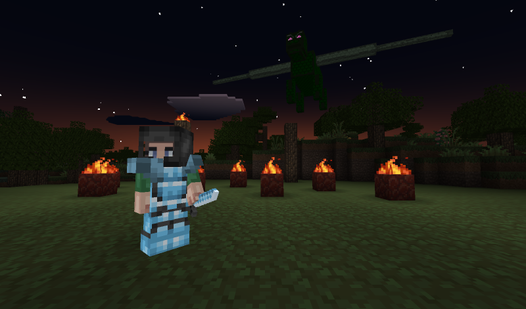
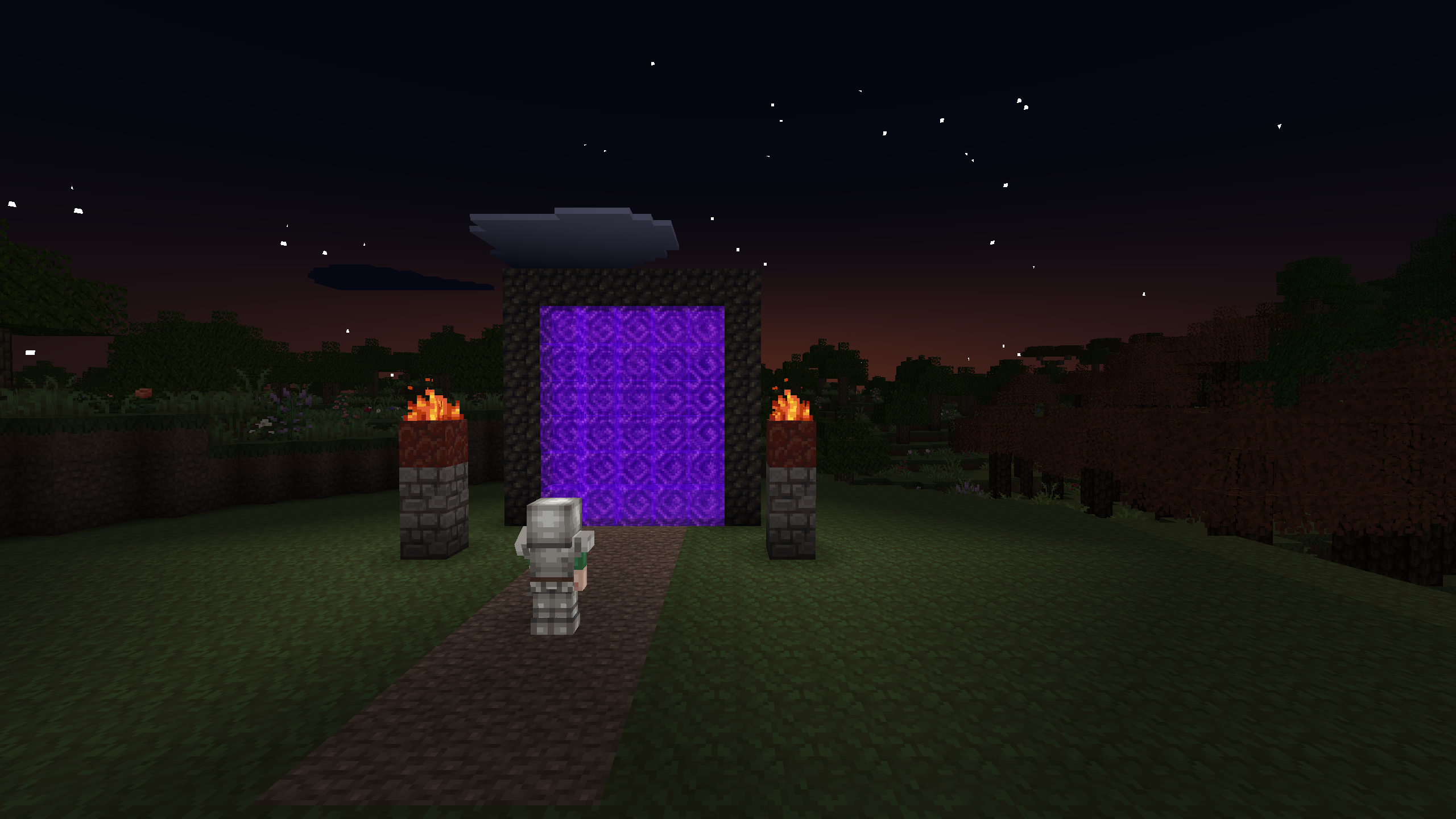
- Dynamic Day-Night Cycle: Shadows lengthen and hostile mobs emerge as the sun sets, forcing you to secure your shelter quickly.
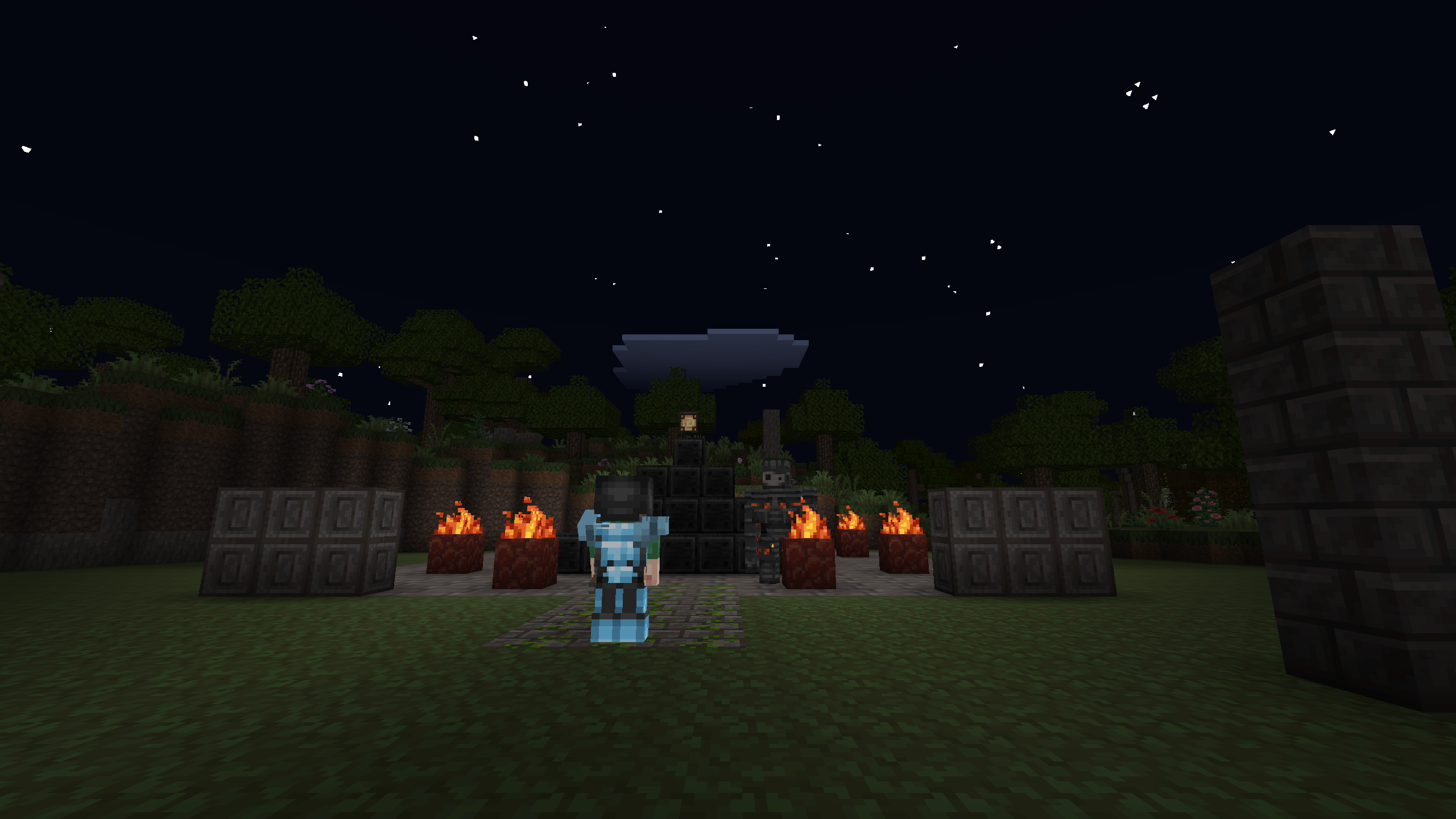
- Customizable Avatars: Select from various character skins to personalize your look while you explore the wilderness.
- Farming Mechanics: Tame animals and cultivate crops to maintain a steady food supply for long-term base building.
- Complex Crafting System: Combine raw materials at a workbench to create advanced tools, weapons, and decorative blocks.
- Multiple Gameplay Modes: Switch between intense survival challenges, creative building projects, and dungeon exploration tasks.
Who is it for
Sandbox enthusiasts and creative builders love this pixelated playground. Fans of survival mechanics find plenty of tension in the monster-filled nights, while casual players enjoy the freedom of the peaceful mode. Anyone who enjoys designing virtual worlds will find hours of satisfaction crafting and exploring this environment.
Controls
Movement and View
Use WASD keys on PC or the left on-screen stick on mobile devices to navigate, while dragging the mouse or swiping the screen adjusts your camera view.
Block Manipulation
Left-click or hold your finger on a block to break it, and use right-click or a single tap to place new blocks from your inventory.
Inventory Management
Press E on PC to open your crafting grid and inventory, or tap the item bar at the bottom of the screen on mobile devices to switch tools.
FAQ
Can I play Mine Block 3D: Survival in a Blocky World on my phone?
›
Yes, Mine Block 3D: Survival in a Blocky World runs directly in your mobile browser with touch-optimized controls for movement and building.
Does Mine Block 3D: Survival in a Blocky World require a login?
›
No, you can start playing Mine Block 3D: Survival in a Blocky World immediately without creating an account or downloading any plugins.