About game
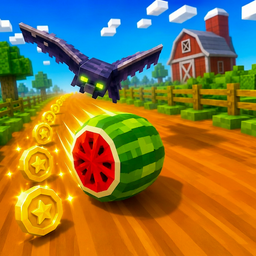
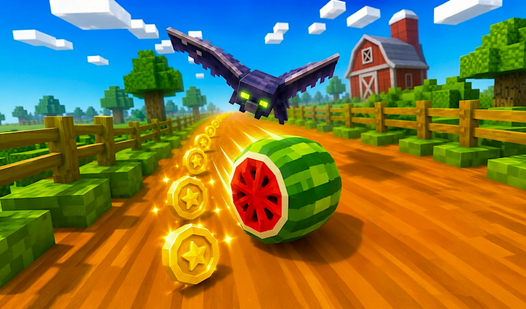
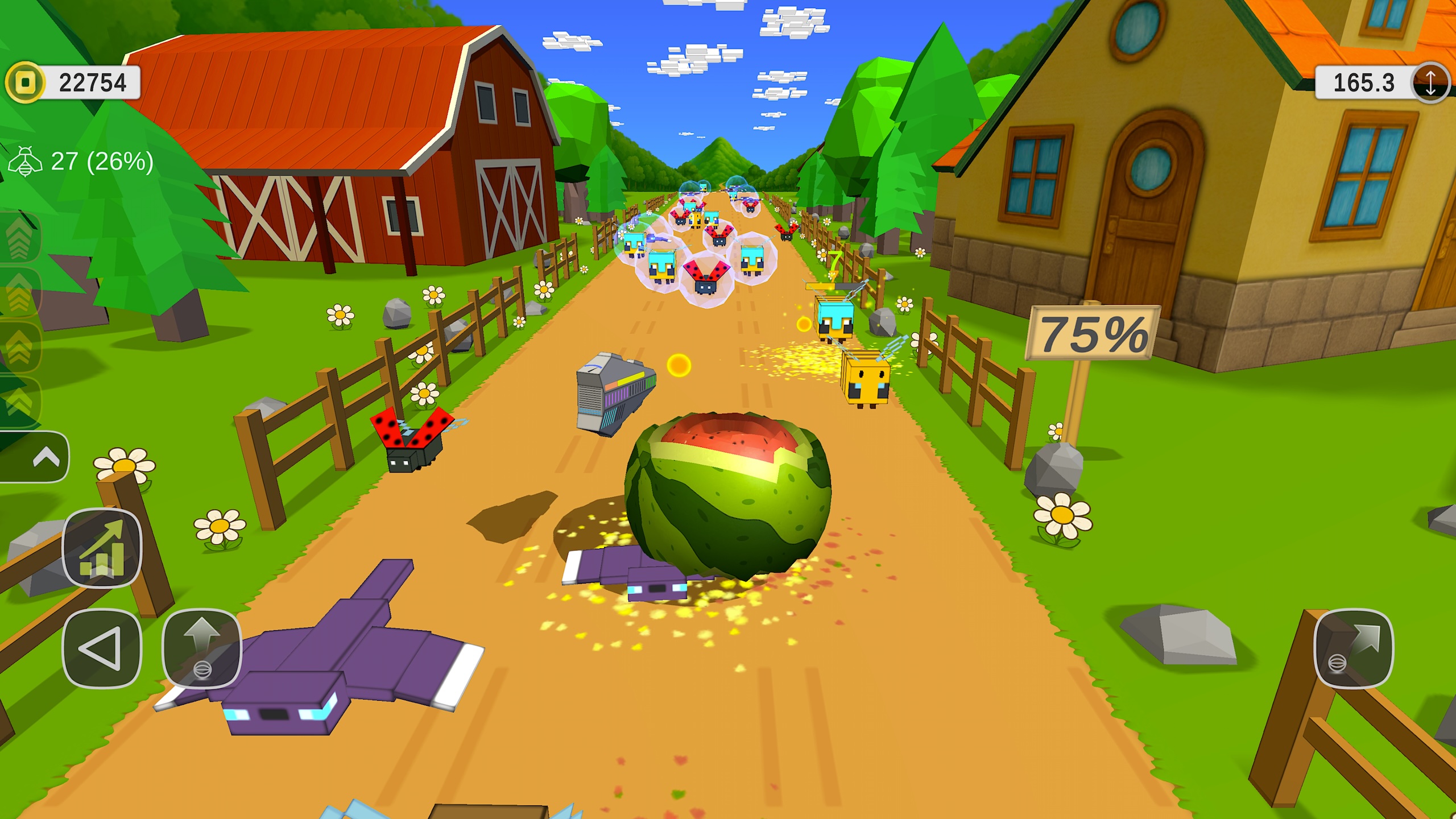
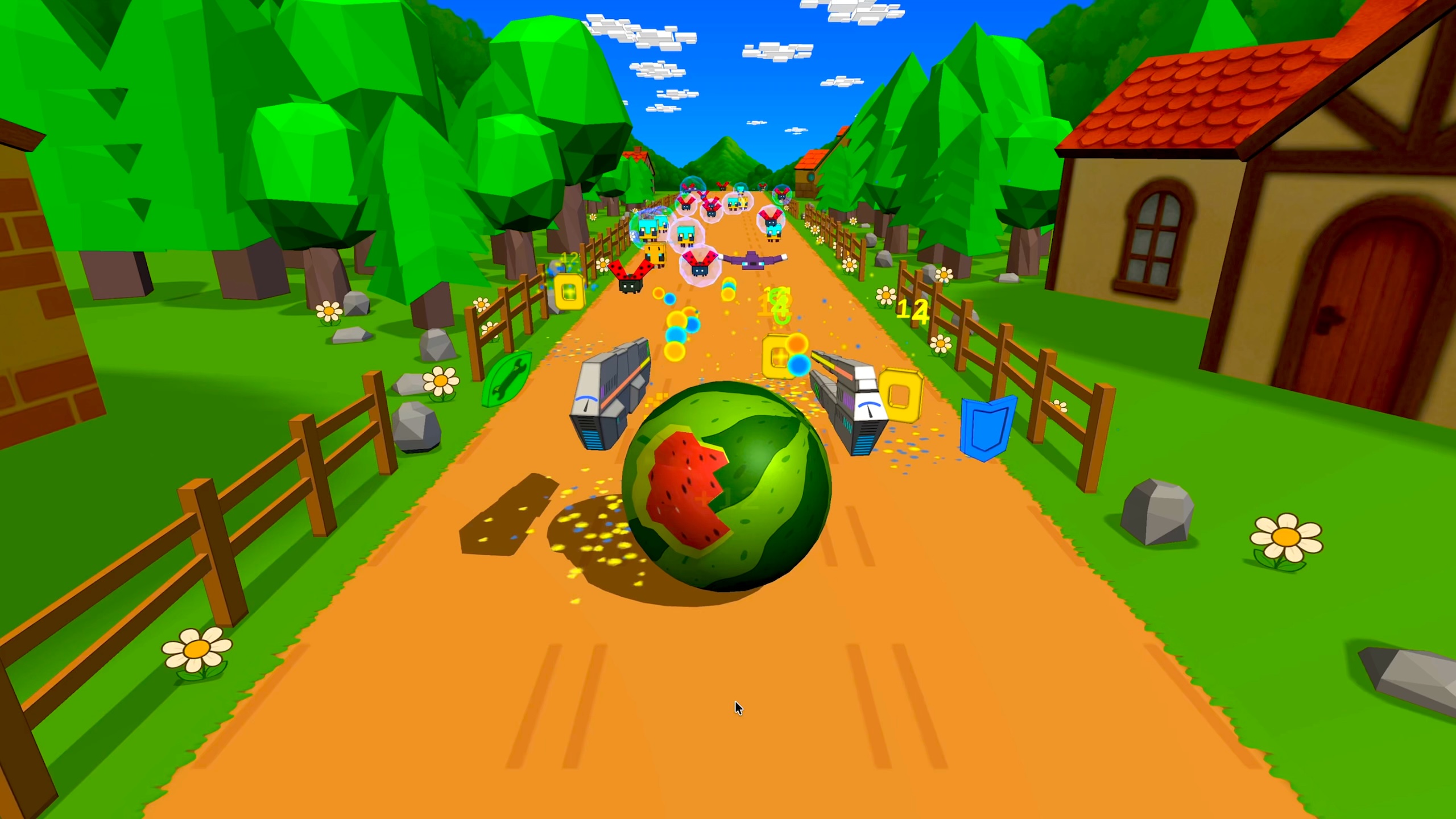
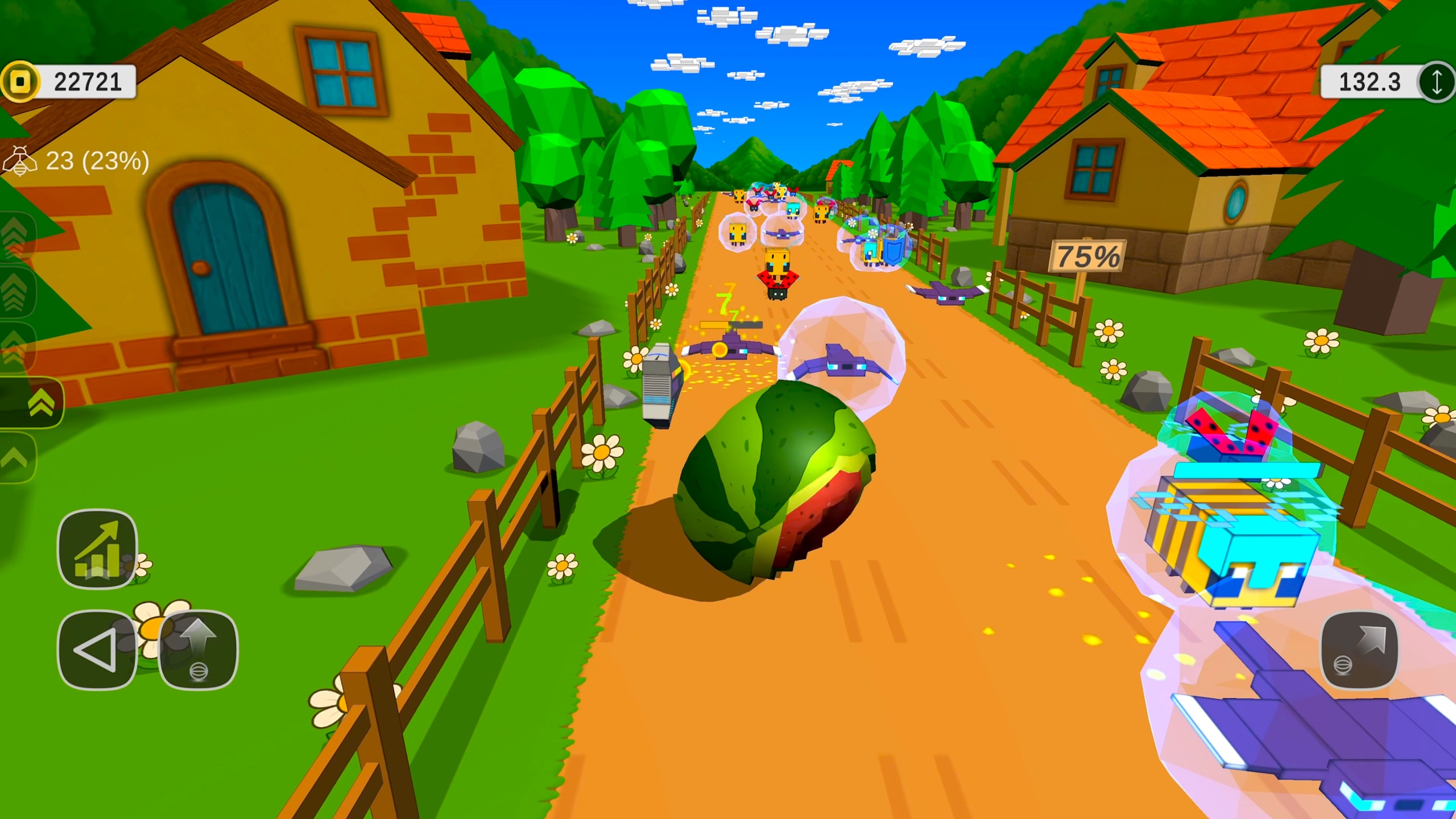
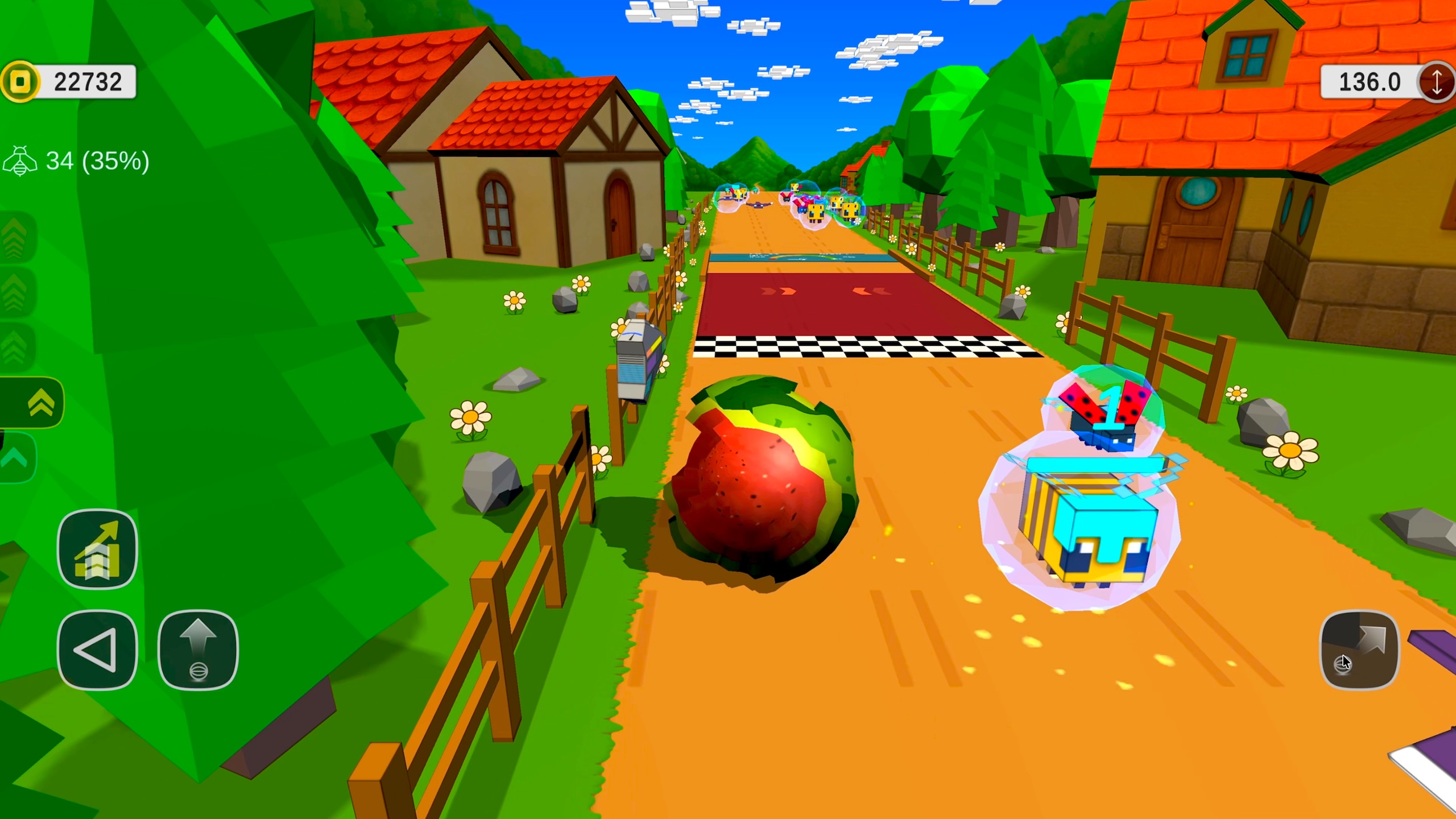
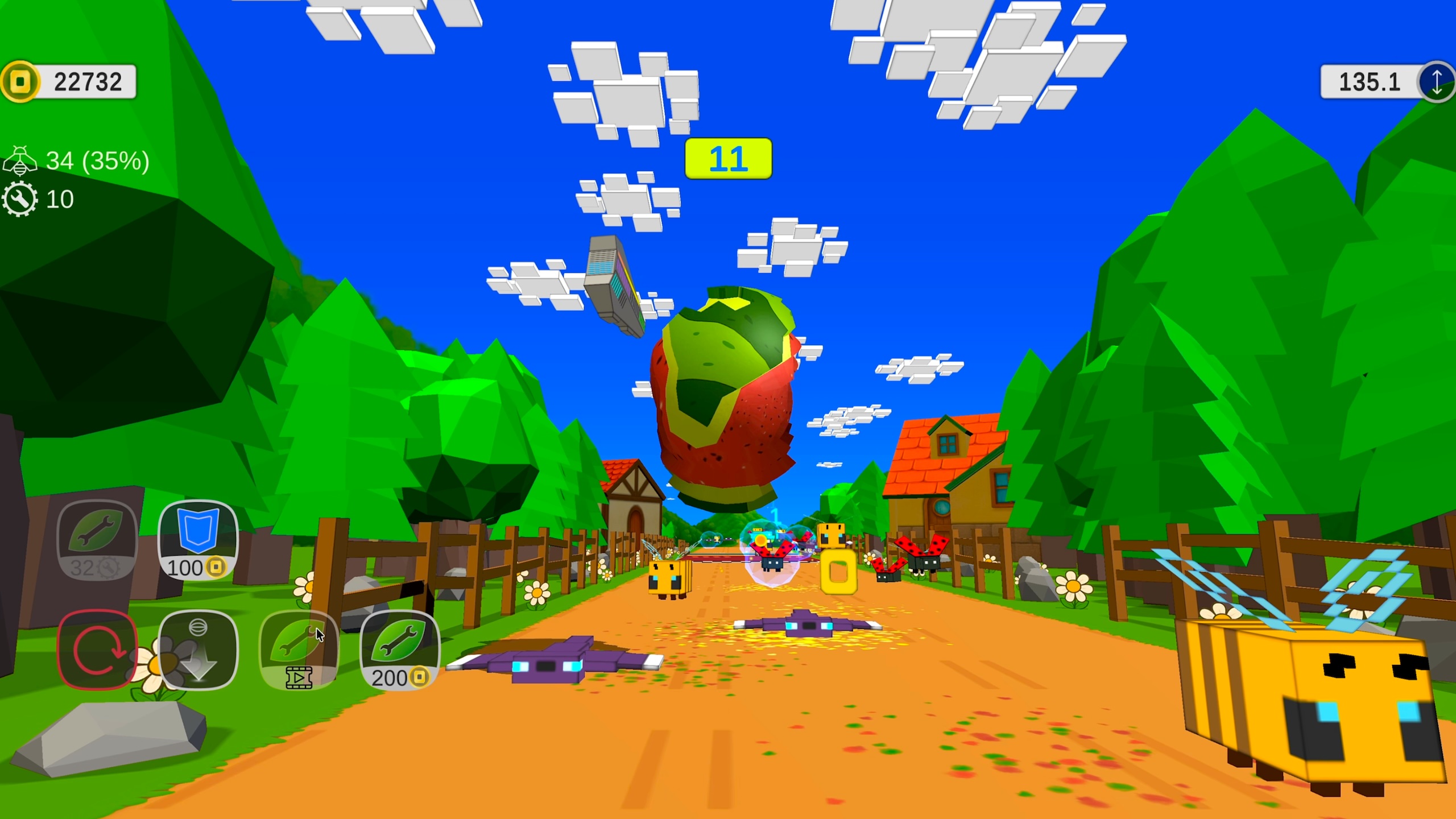
Staring at the clock during a long afternoon usually makes those minutes crawl by at a snail's pace. Melon Smash: Physics Runner cuts through that boredom by letting you wreck fruit in a satisfying way. You control a rolling watermelon while dodging bees and smashing through barriers to reach a new distance record. Every collision chips away at your fruit, changing how it handles based on the impact angle. Physics make the movement feel unpredictable because even a shattered melon keeps rolling if you rotate it correctly. Upgrading your weapon allows you to blast past tougher obstacles that appear as your difficulty level rises. You earn coins during each run to boost your gear and climb the global leaderboards. Melon Smash: Physics Runner is ready to play right now in your browser with zero downloads required.
How to play
• Forward speed depends on the watermelon’s damage level and the chosen movement power.
– Power is adjusted by swiping forward (increase) or backward (decrease), or by pressing the power button on the left edge of the screen.
– On the keyboard, speed is controlled with the Up/Down arrows or the W/S keys.
• To move right or left:
– Tap and hold on the screen (or hold the left mouse button) and drag in the desired direction.
– On the keyboard, use the Left/Right arrows or the A/D keys.
• To accelerate or overcome obstacles:
– Use the dash button in the bottom-right corner of the screen.
– On the keyboard, press the Spacebar.
• The higher the level, the more coins drop, but enemies also become tougher. Upgraded weapons help deal with stronger opponents.
• If the watermelon is damaged and cannot move, you can lift it and rotate it to the intact side or repair it. After that, lower it, and it will continue moving.
Features
- Dynamic Damage: Each impact changes the watermelon geometry which directly affects your rolling balance.
- Strategic Repair: You can flip the fruit to hide damaged sections and keep your momentum going.
- Bee Challenges: Winged enemies swarm the track to disrupt your path and force quick evasive maneuvers.
- Dash Mechanic: Use the boost button to ram through heavy barricades that would otherwise stop your progress.
- Shield Utility: Deploy a temporary barrier to negate incoming damage during high speed sections.
Who is it for
Arcade fans who enjoy physics-based destruction and endless runners will find plenty to love here. Casual gamers looking for a quick distraction during a break, as well as high score chasers wanting to master complex movement controls, will find the progression system and weapon upgrades keep every run fresh.
Controls
Adjust Speed
Swipe forward or backward on mobile or use W/S or Up/Down arrows on desktop.
Steer Melon
Tap and drag on the screen or hold the left mouse button while moving left or right.
Dash
Tap the dash button in the bottom right corner or press the Spacebar on your keyboard.
FAQ
Can I play Melon Smash: Physics Runner on my phone without an app?
›
Yes, Melon Smash: Physics Runner runs directly in your mobile browser with no installation needed.
How do I deal with heavy damage in Melon Smash: Physics Runner?
›
If your fruit is too damaged to roll, manually rotate it to the intact side or use your coins to buy upgrades that increase your durability.