About game
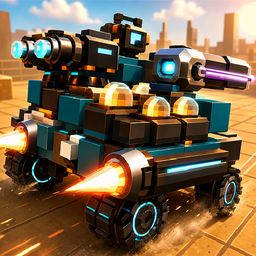
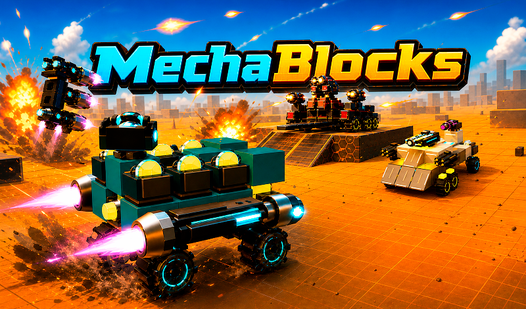
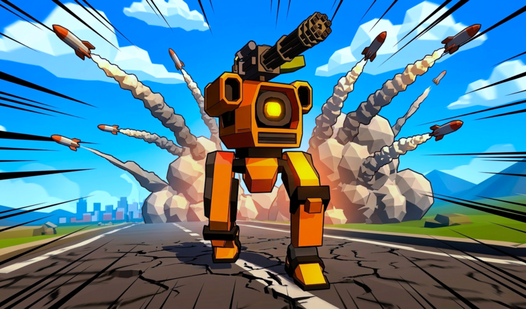
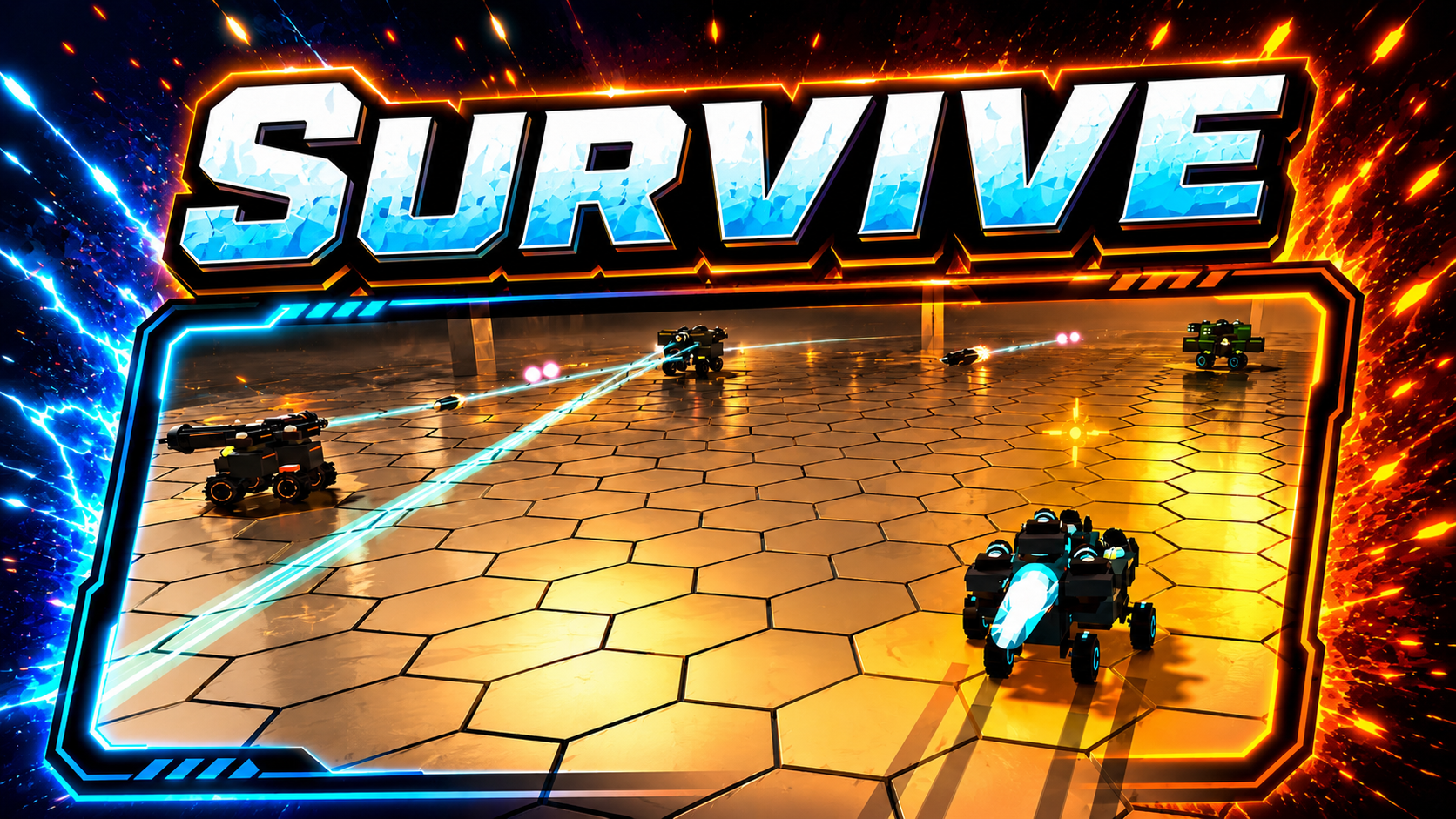
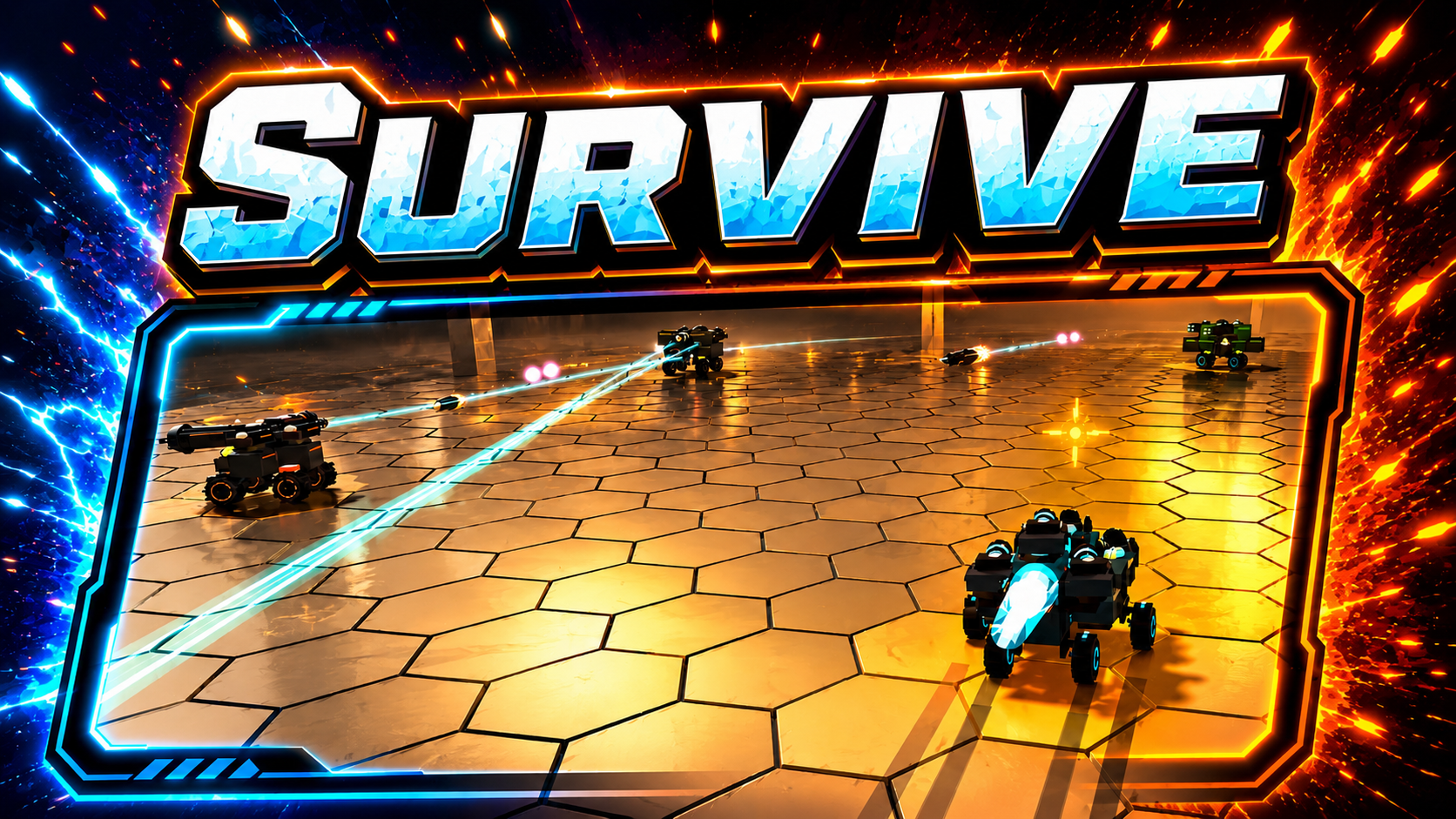
Fans of custom combat machines will find their new obsession in MechaBlocks. You get to engineer armored vehicles from scratch using a deep sandbox system where every bolt and weapon affects your physics. Position your heavy cannons or agile engines carefully to balance mass and grip before heading into the chaotic arena. Your success depends on how well you manage energy output while dodging incoming rockets during intense PVP matches. MechaBlocks lets you save your most effective blueprints to refine them after every scrape in the pits. Hex survival modes and team skirmishes keep the energy high as you climb the ranks and unlock lethal gear. Experimentation remains the key to survival because even a small change in weight alters your vehicle handling completely. Jump into the action right now in your browser without any downloads or registration required.
How to play
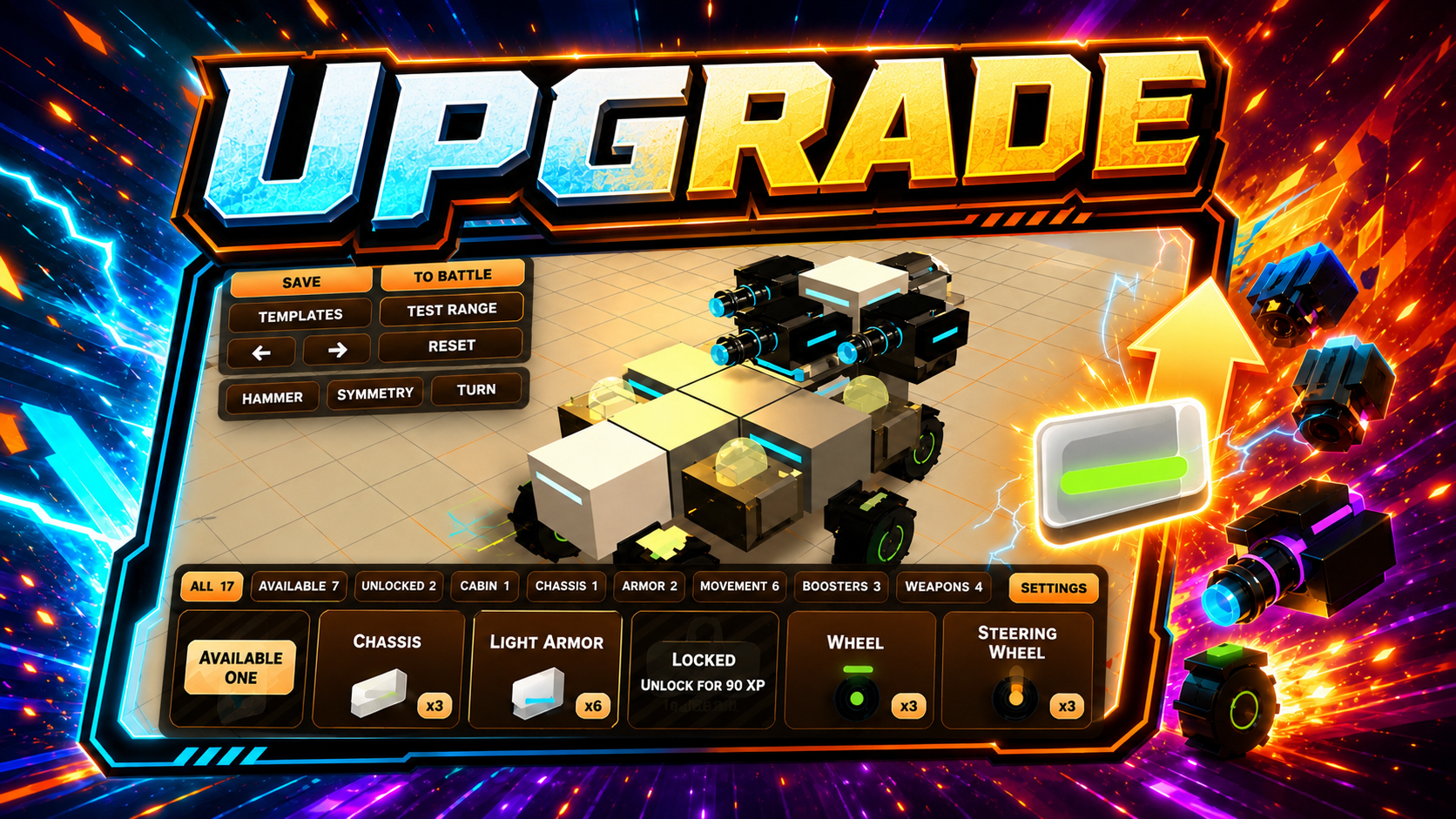
🛠️ Building
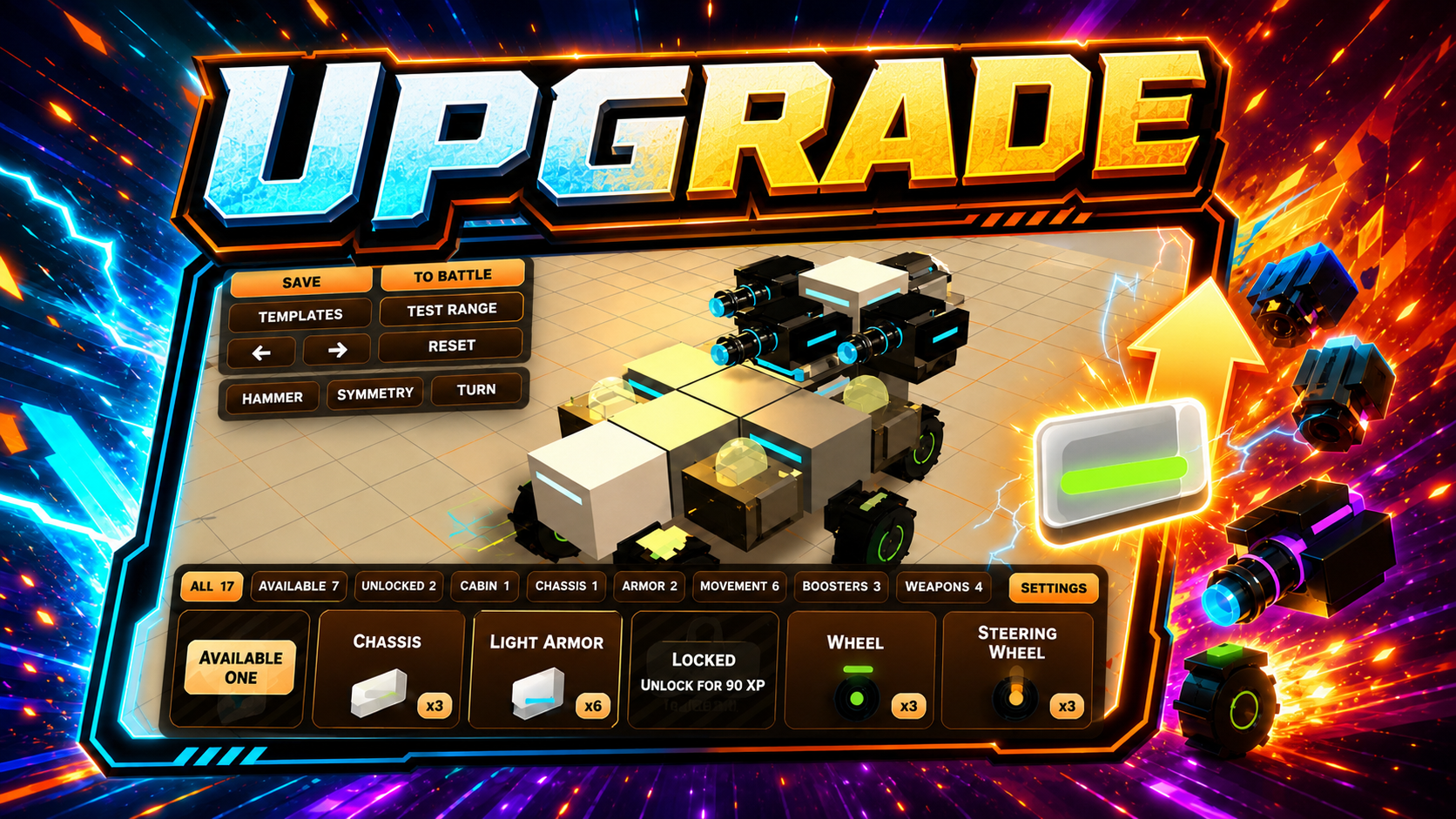
In the garage, select the required part and install it on your vehicle.
On PC, use R to rotate a part and X to enable symmetry mode. On mobile devices, these actions are available through the interface buttons.
Keep an eye on your vehicle’s stats. A vehicle that is too heavy will accelerate more slowly, while low energy or overload can greatly reduce combat efficiency.
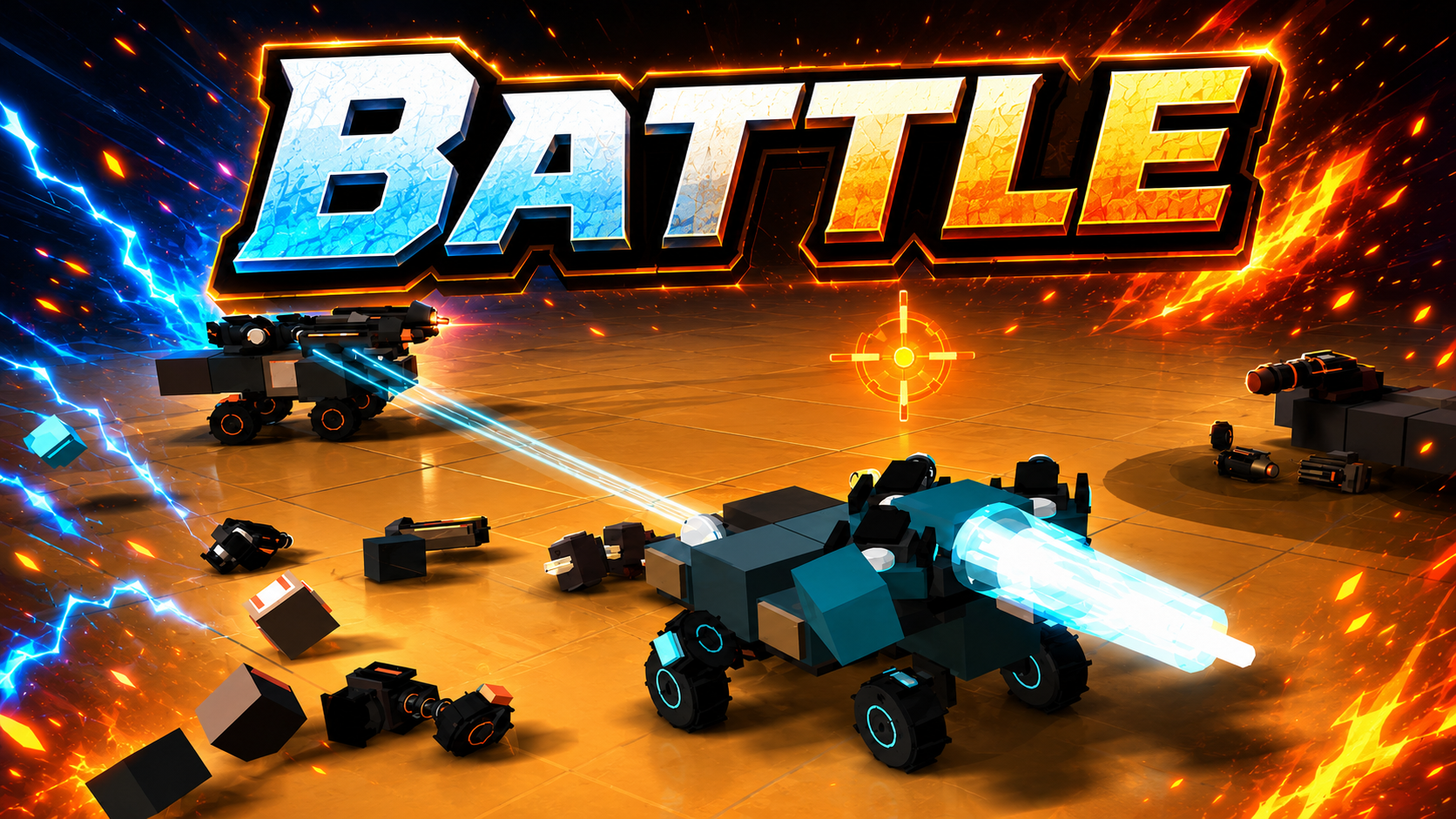
⚔️ Combat
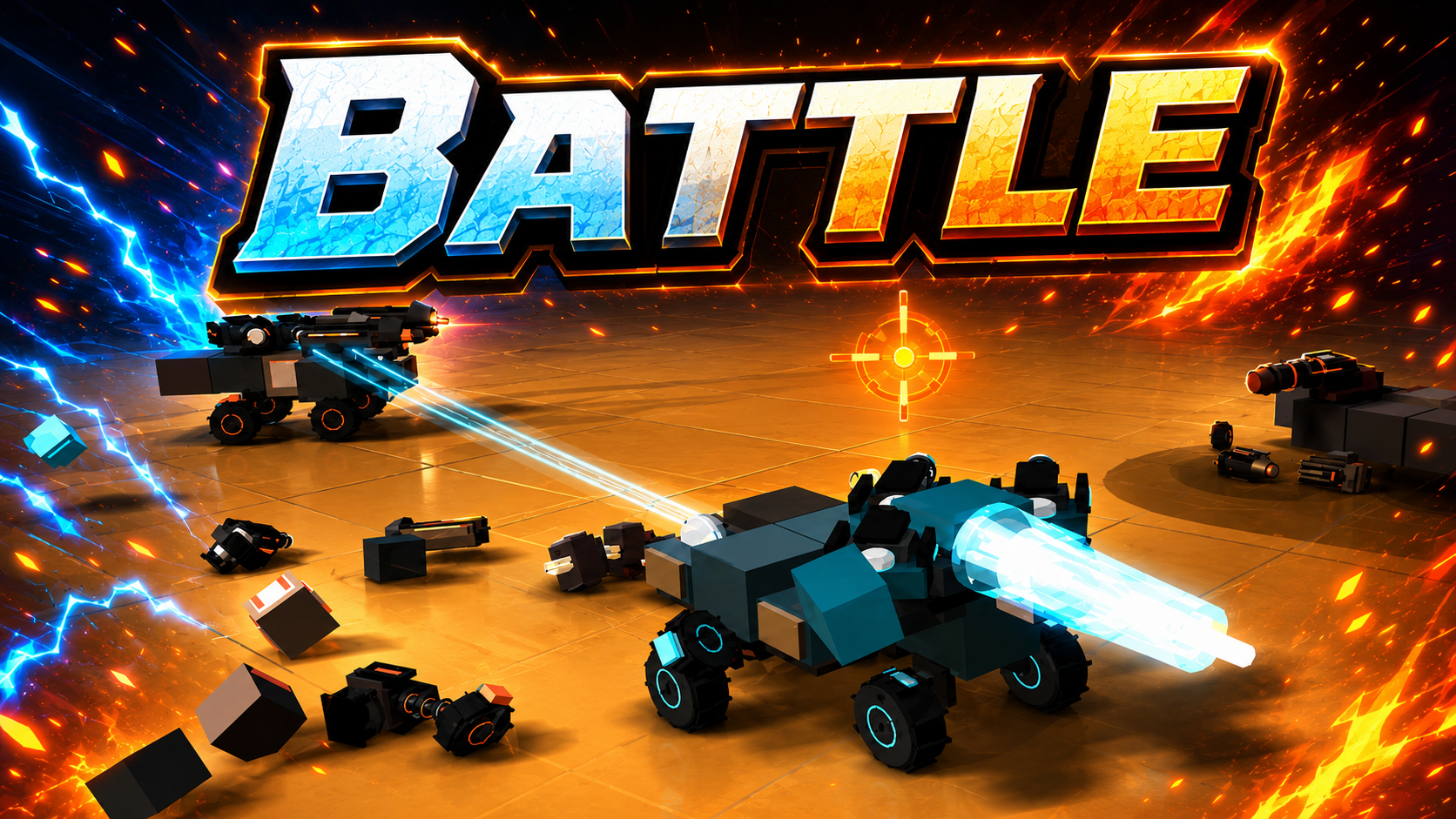
In battle, control your vehicle with WASD on PC or the on-screen joystick on mobile devices. Aim with the mouse or touch controls, and fire with the left mouse button or the Fire button.
If your vehicle has boosters installed, use Shift on PC or the boost button on mobile devices. Boosters help you quickly gain speed, evade attacks, catch enemies, or increase impact damage during collisions.
Defeat opponents, earn experience and credits, unlock new arenas, buy parts, and upgrade your vehicle. Experiment with different builds and jump back into battle!
Features
- Symmetry Mode: Toggle this tool to align parts perfectly and maintain stability for your custom builds.
- Physics Engine: Each component adds real weight and momentum, making your machine feel heavy or light during high speed collisions.
- Part Variety: Choose from railguns, plasma cannons, and rocket launchers to tailor your offensive strategy against different enemy chassis.
- Test Range: Spend time in the private garage area to verify your machine stability before entering public combat matches.
- Progressive Garage: Earn credits through victories to purchase high tier generators and reinforced plating for your fleet.
Who is it for
Action gaming fans who enjoy tinkering with complex engineering systems will love this title. Tactical thinkers who appreciate physics-based combat mechanics and competitive PVP arenas will also find plenty to master here. Anyone interested in building custom armored machines and putting them to the test against other players.
Controls
Movement
WASD keys on PC or the virtual joystick on the mobile screen.
Part rotation
Press R on your keyboard or use the rotate button in the mobile interface.
Weapon Fire
Left mouse button on desktop or the fire button on your touchscreen.
Boosters
Hold Shift on a computer or tap the boost icon on your mobile device.
FAQ
How do I save my designs in MechaBlocks?
›
You can store your favorite machine blueprints directly in the garage menu to recall them for different arena challenges.
Can I play MechaBlocks on my smartphone?
›
Yes, the game is fully optimized for mobile browsers so you can build and fight using touch controls anywhere.
What happens if my MechaBlocks build is too heavy?
›
Excessive weight significantly slows your acceleration and makes your vehicle sluggish, which often makes you an easy target in fast-paced combat.