About game
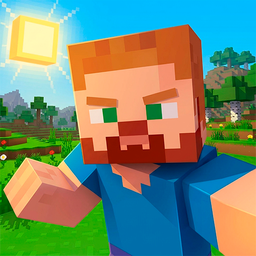
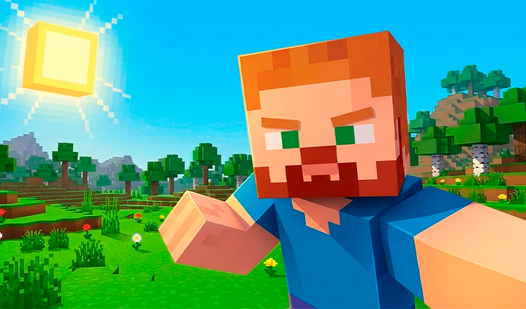
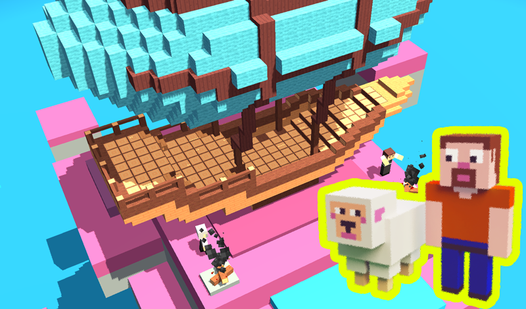
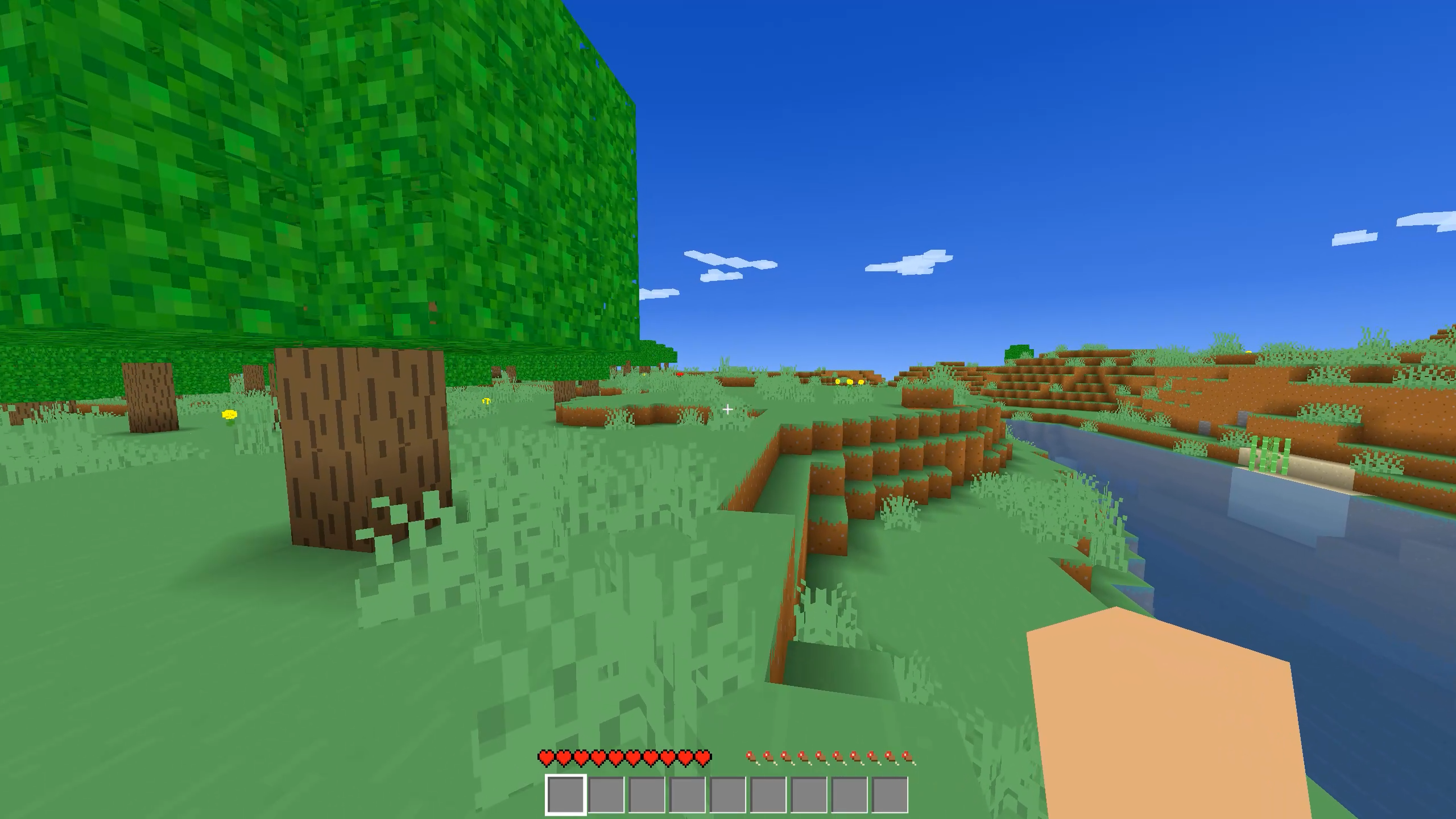
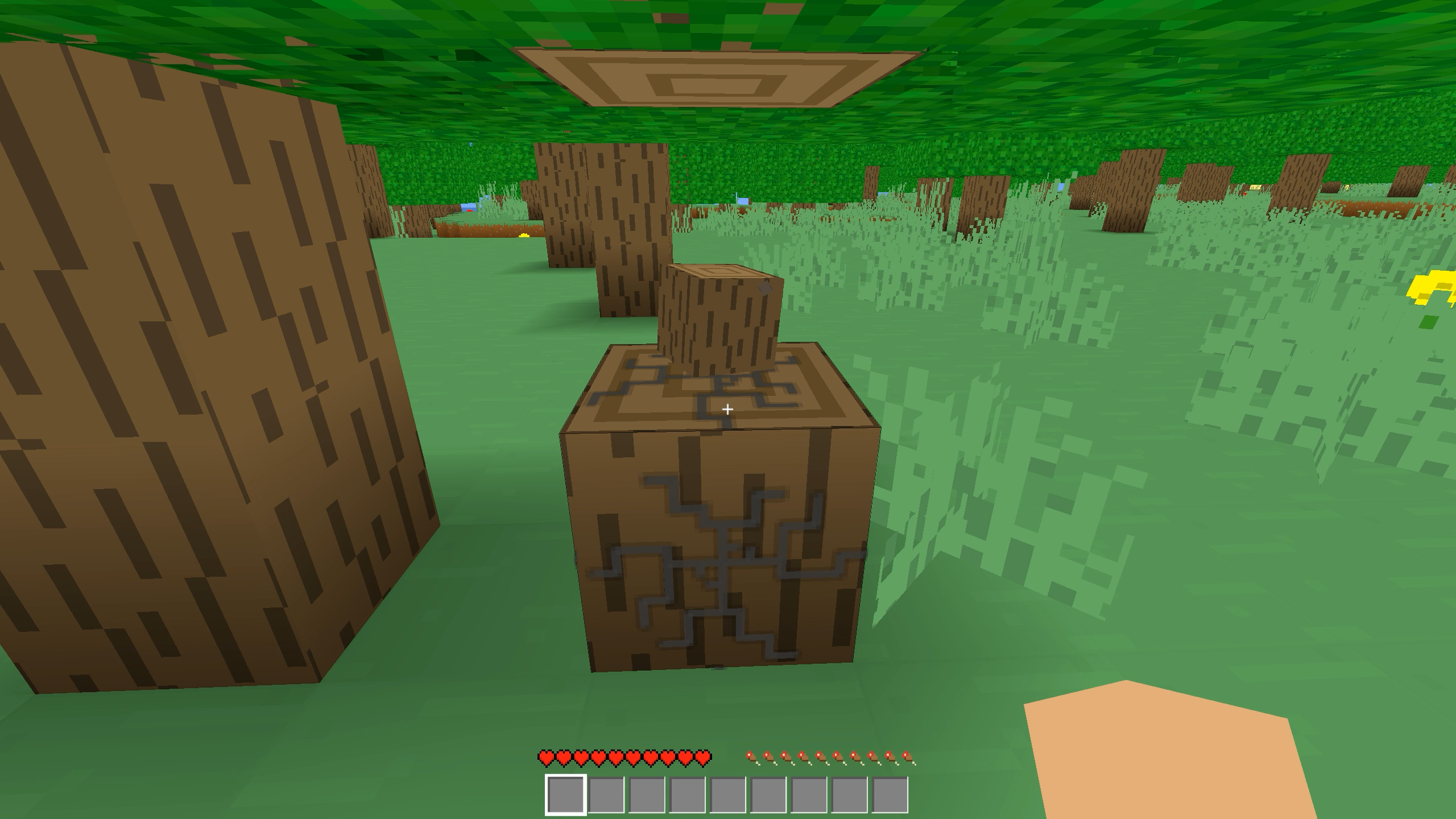
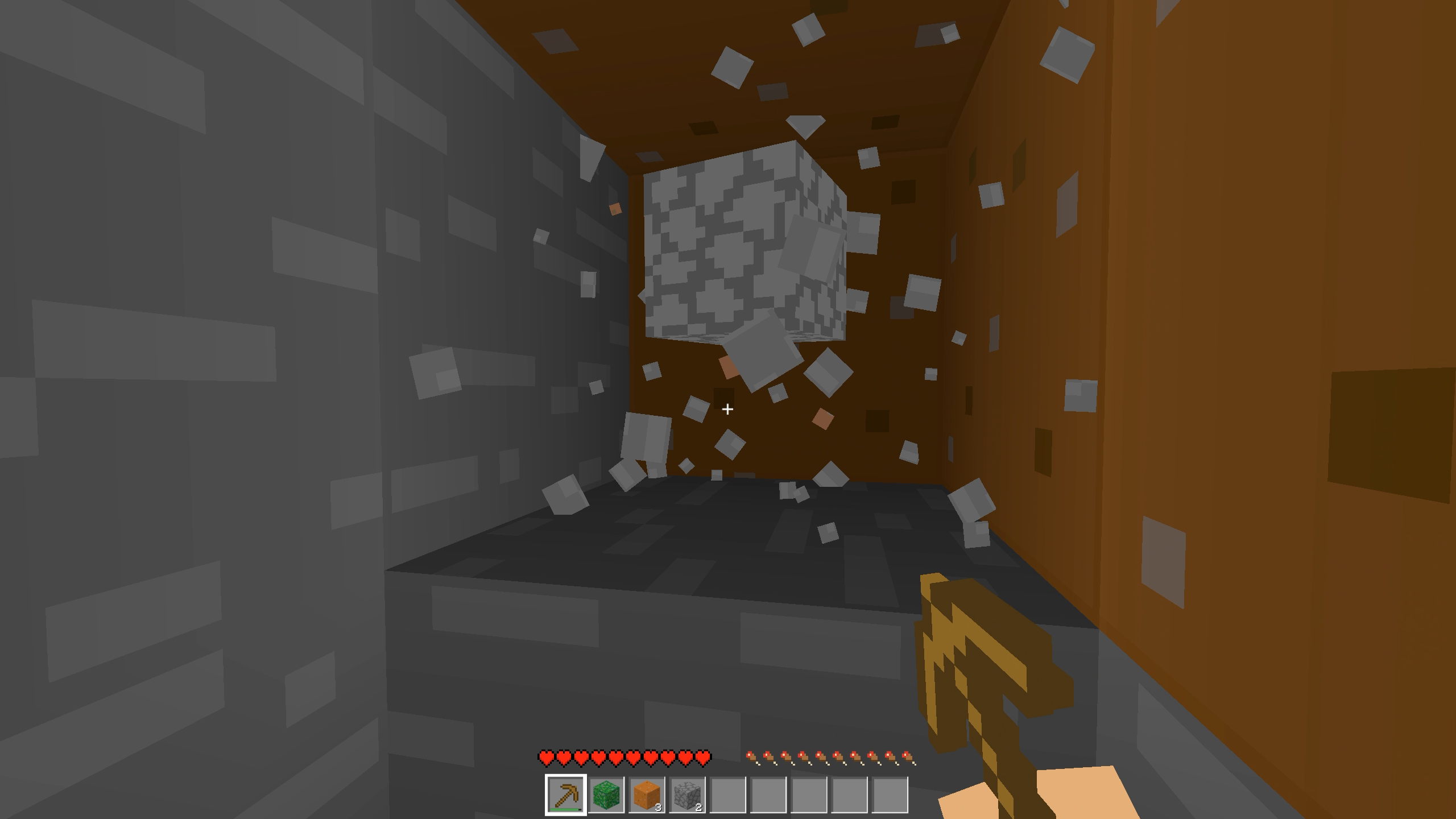
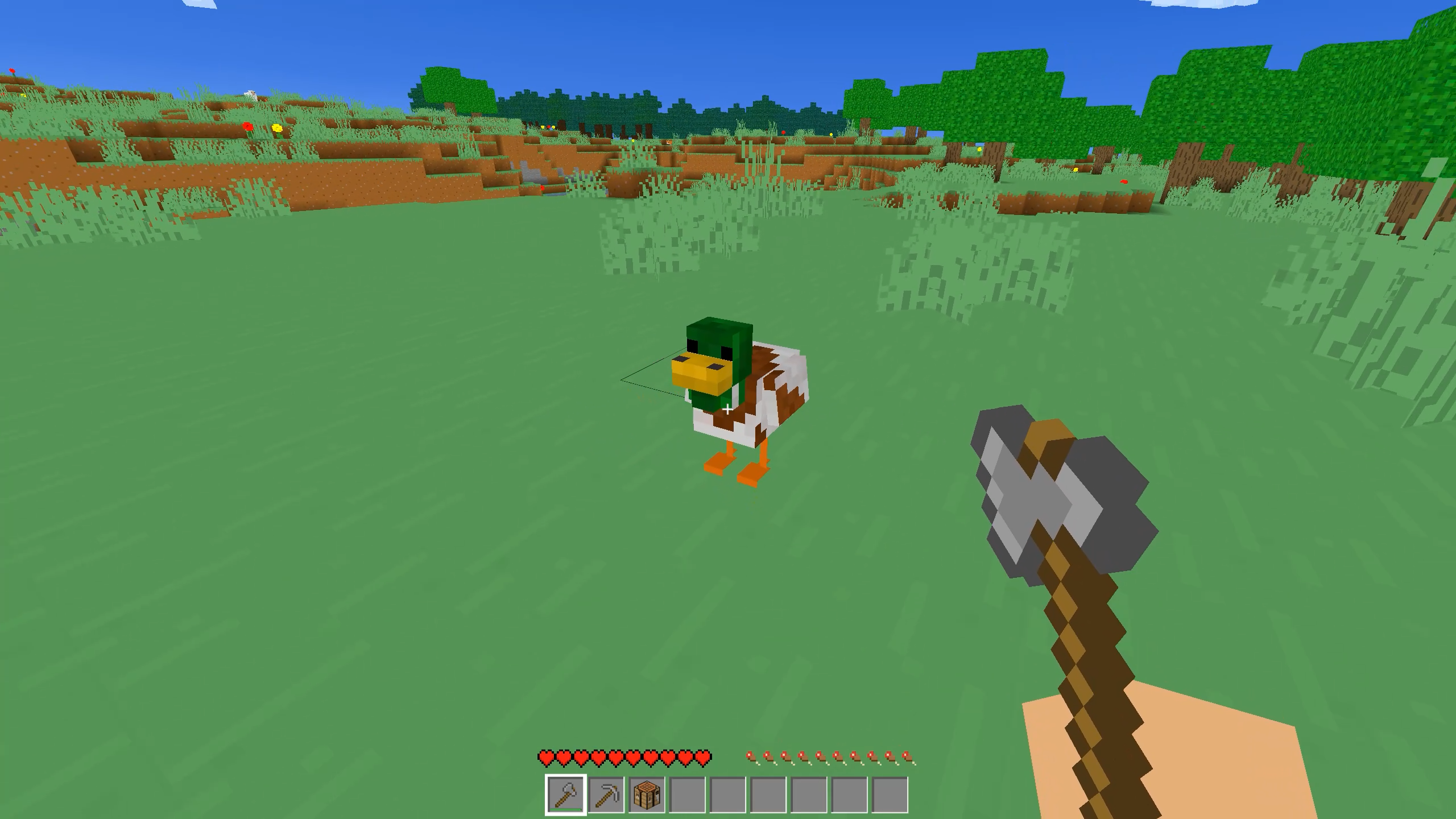
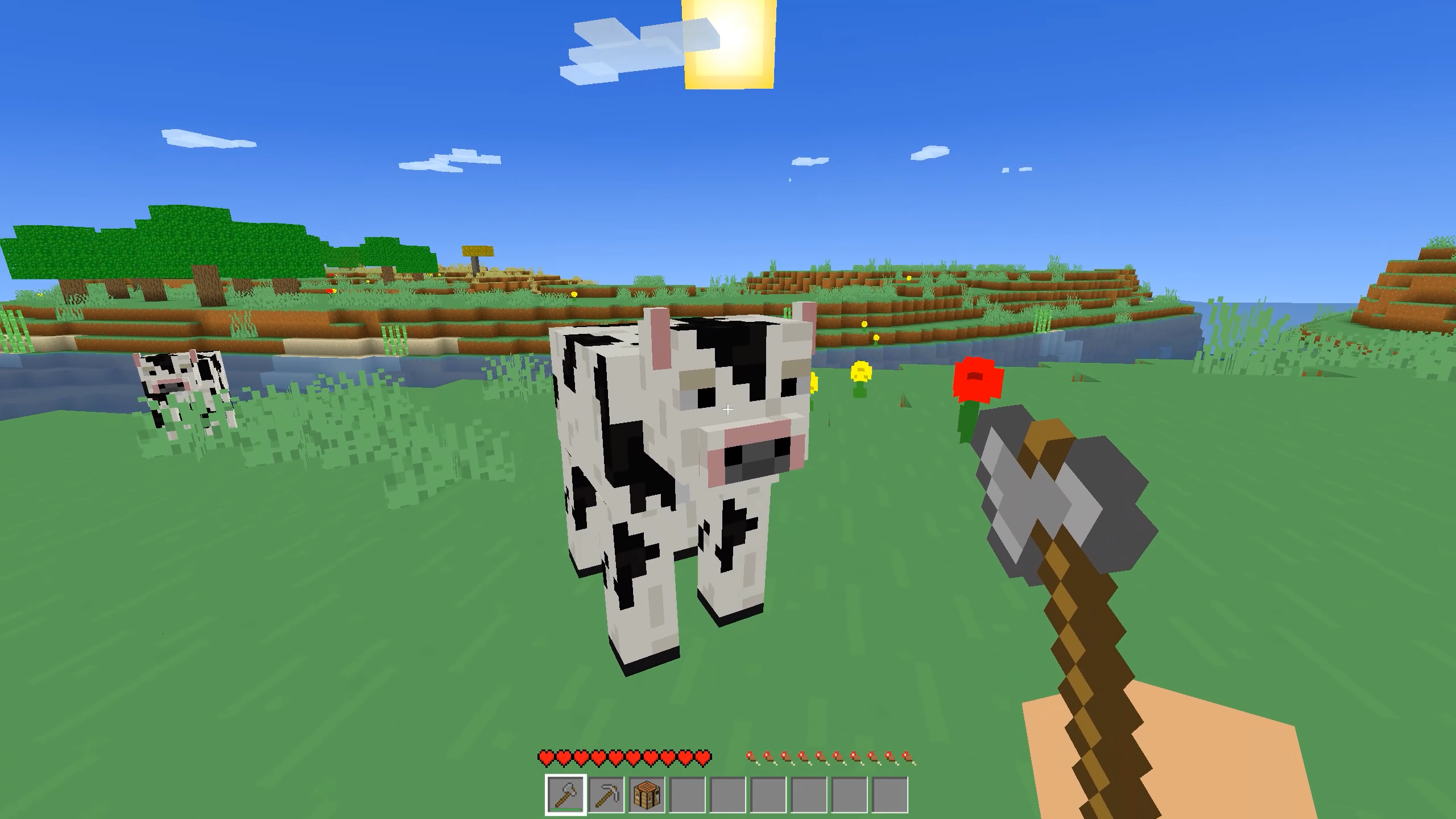
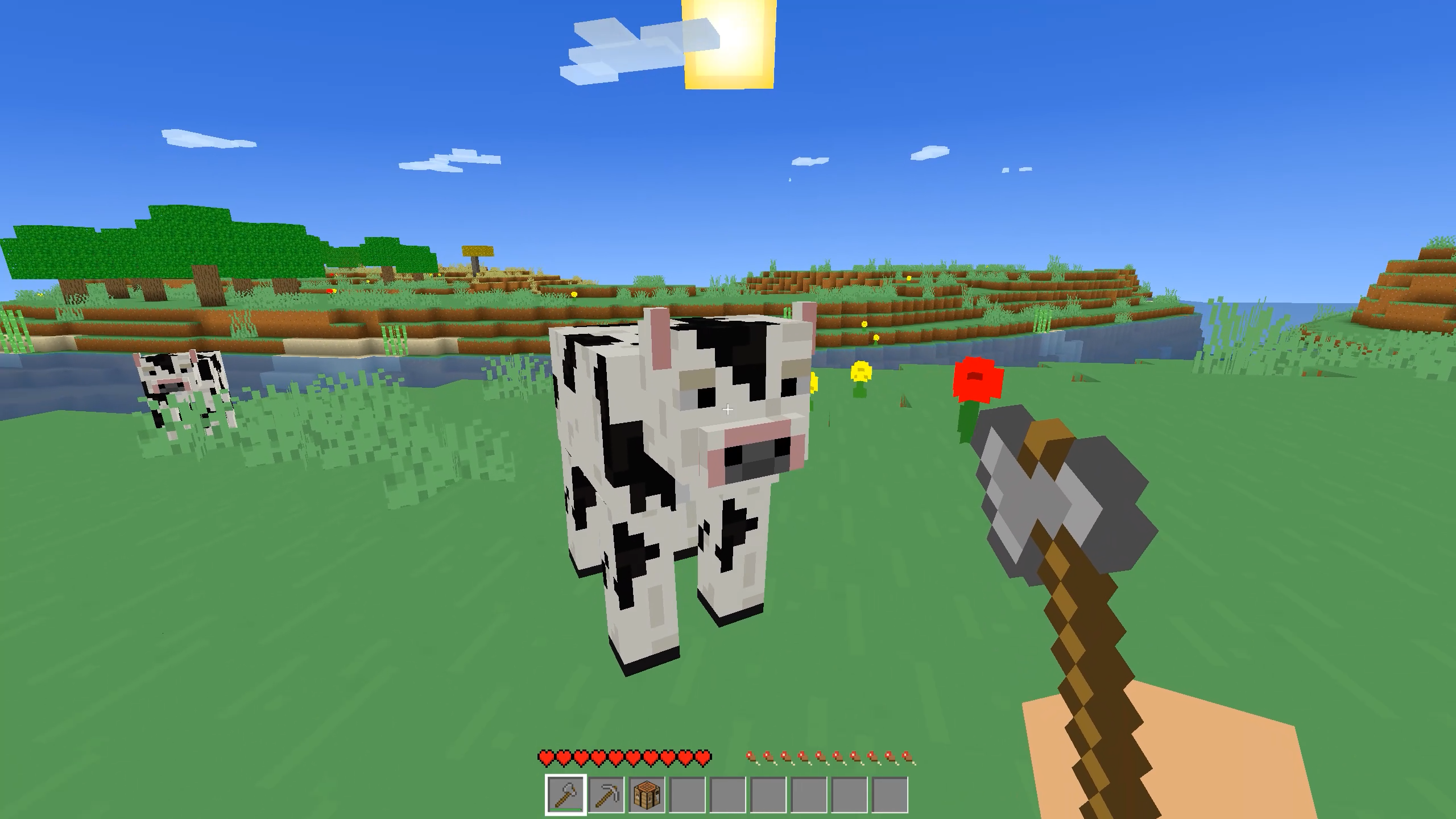
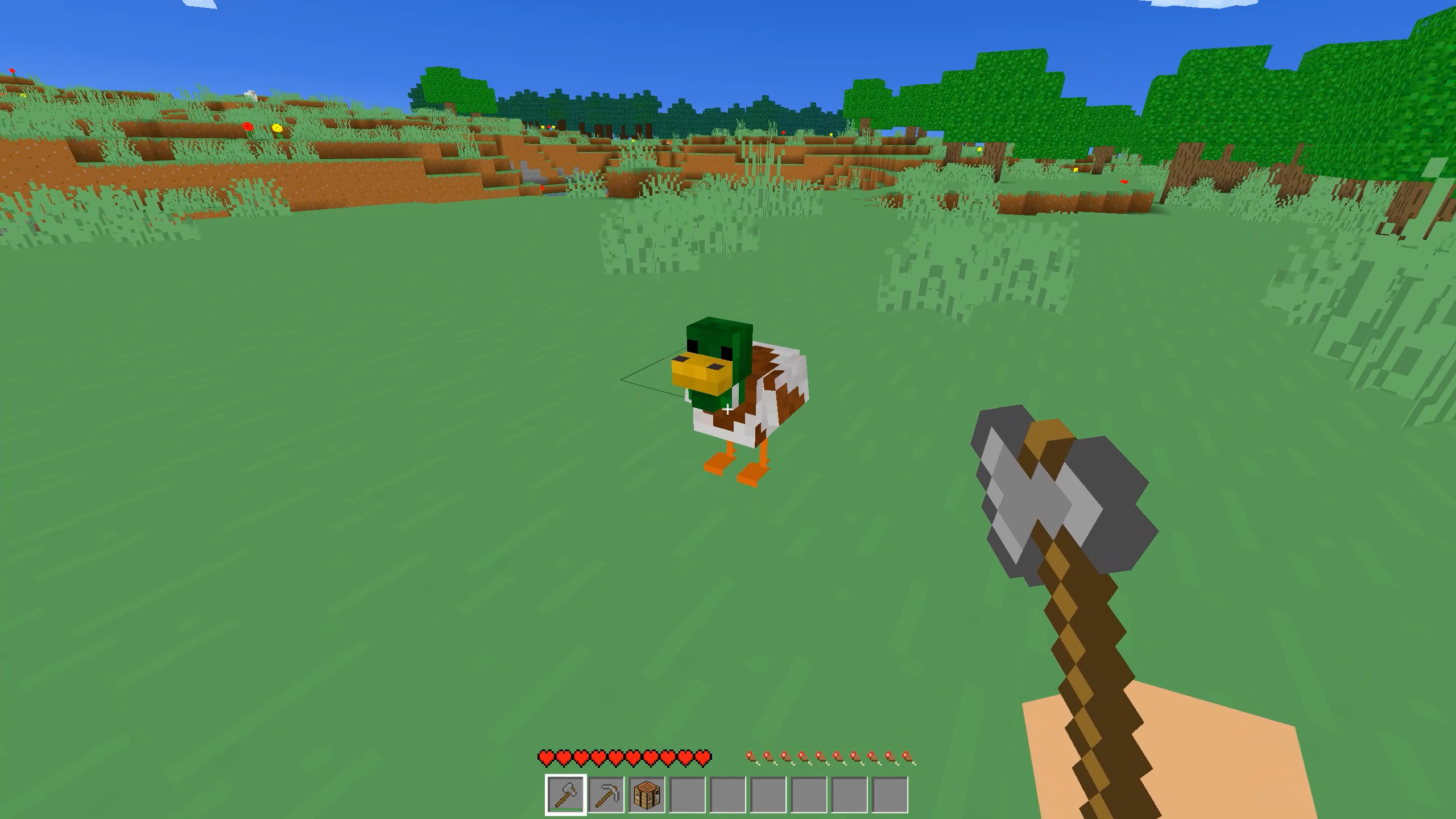
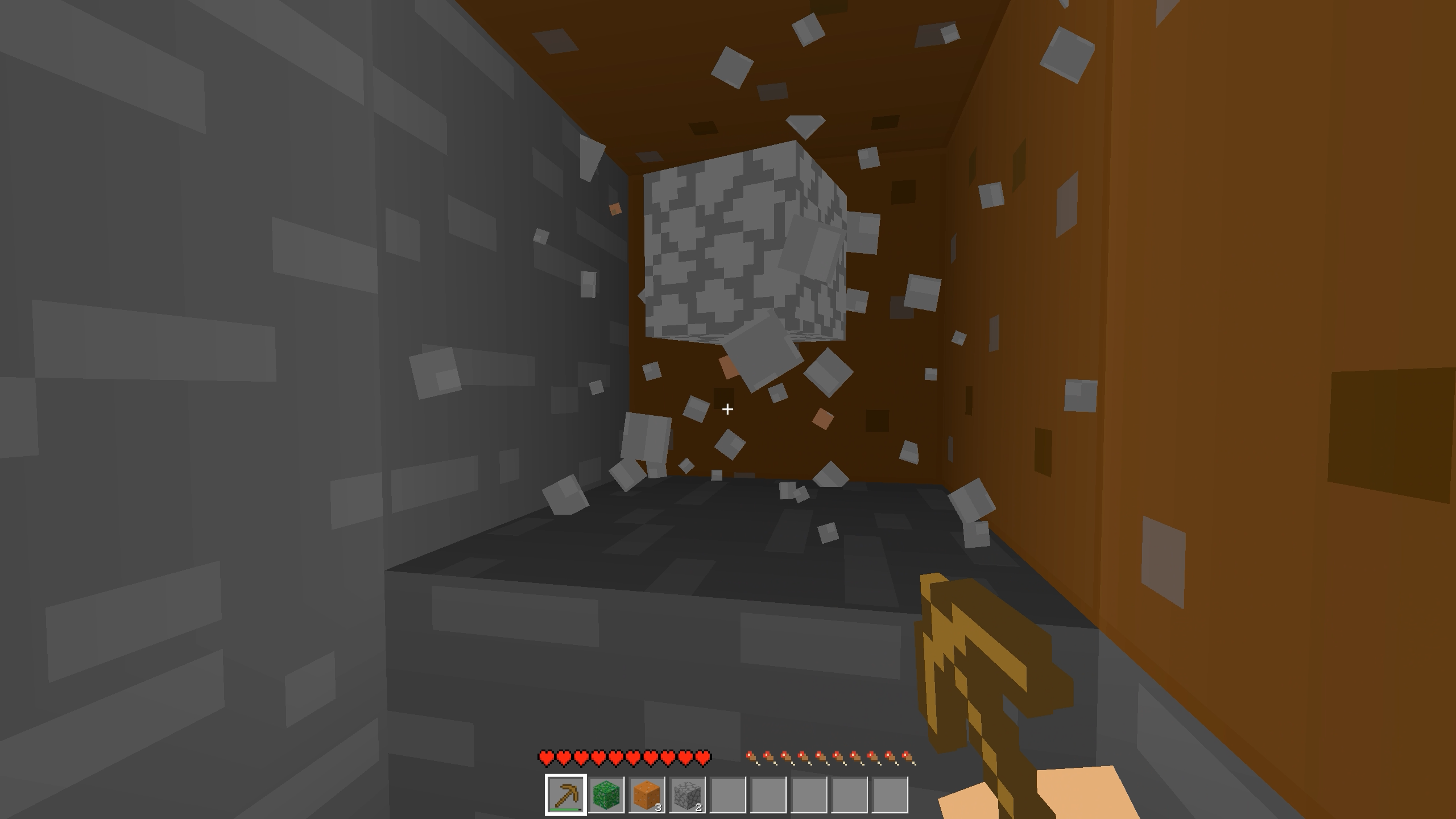
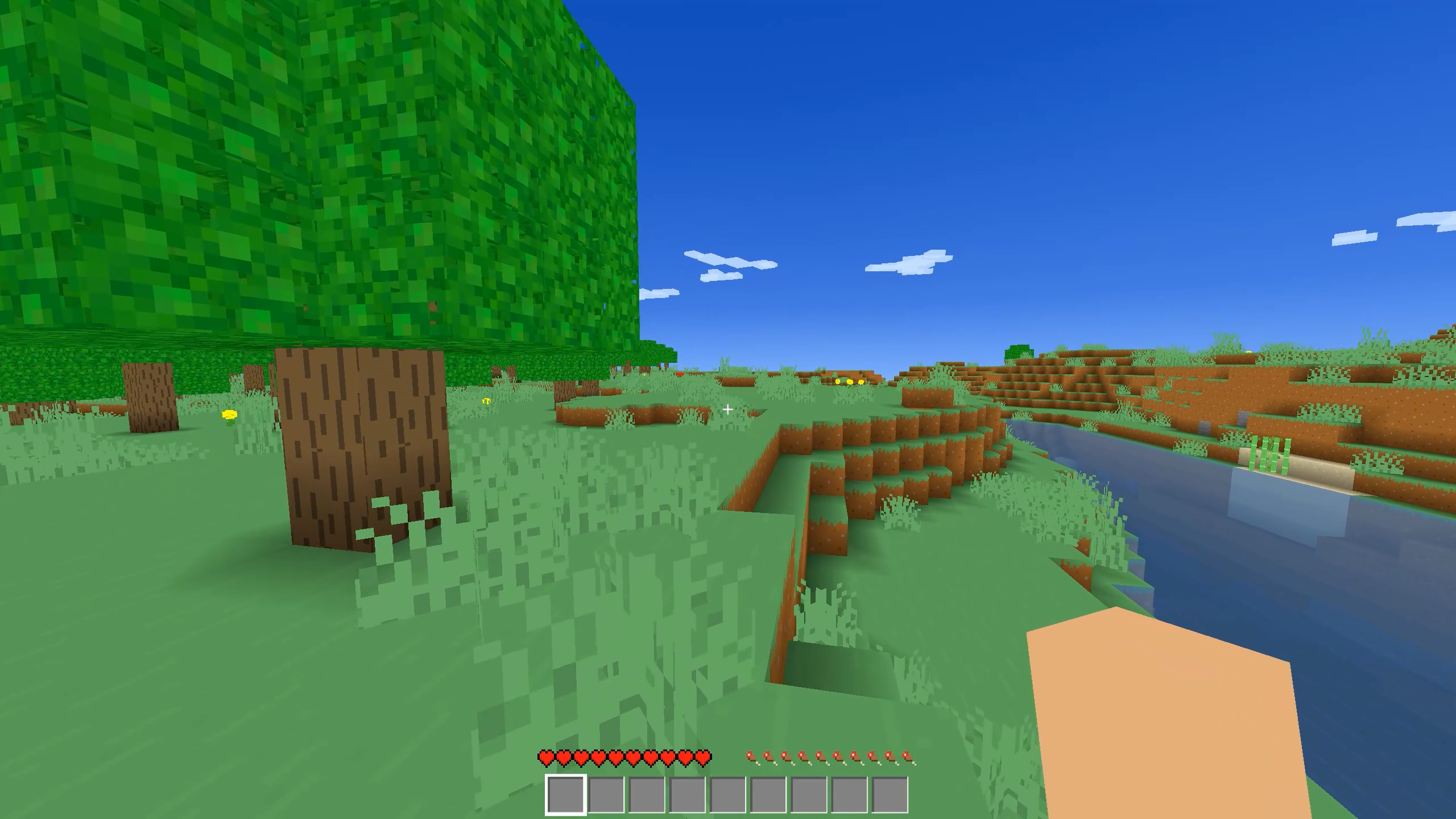
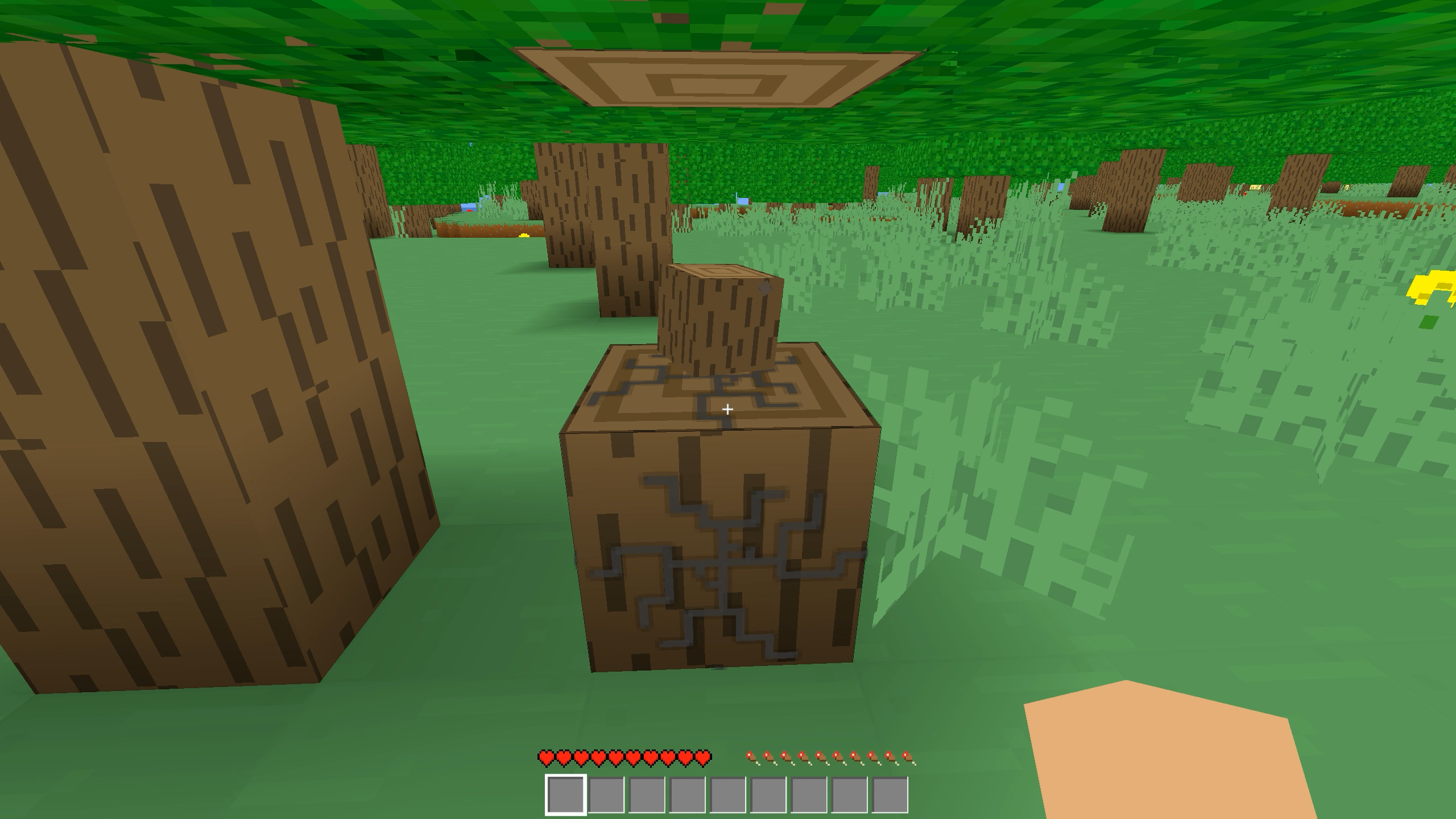
Punch trees and mine rare ores to start your journey in MasterCraft. You shape this vast sandbox by placing or breaking blocks to design whatever structure pops into your head. Procedural generation ensures every map feels fresh, giving you different forests, caves, and mountains every time you spawn. Nights bring danger, so you need to gather resources quickly to construct a sturdy shelter before the sun dips below the horizon. Progression relies on your ability to manage your inventory and craft new tools for deeper exploration. You can build simple huts or massive fortresses since your creations persist between sessions. MasterCraft grants you complete control over your environment without any complicated setup. Play this blocky adventure for free directly in your browser without any downloads required.
How to play
Your main goal is to explore the world, gather resources, and build any structure!
Controls (PC):
• W, A, S, D - Move character.
• Space - Jump.
• LMB (Left Mouse Button) - Destroy block / Attack.
• RMB (Right Mouse Button) - Place block / Use item.
• Keys 1-9 - Select item from the quick access bar.
• E - Open/close inventory.
• Q - Drop item.
• Esc - Pause / Restore mouse cursor.
• T - Open game chat / Enter console command.
Features
- Resource management: Collect stone, wood, and iron to expand your inventory and unlock new construction materials.
- Dynamic environment: Experience shifting shadows and lighting as the sun travels across the sky throughout the day.
- Inventory system: Navigate your collected items using a quick access bar to switch tools instantly during building tasks.
- Persistent worlds: Save your progress automatically so you can continue building your masterpiece whenever you return.
- Tactical survival: Manage your health and defensive walls to stay safe from hostile encounters during the dark hours.
Who is it for
Creative builders who enjoy sandbox games love the freedom provided here. Mining fans looking for a quick session will find plenty to keep them busy. If you enjoy blocky graphics and open-ended goals, you will spend hours constructing your dream world without needing to install anything on your device.
Controls
Movement
Use W, A, S, D keys or swipe on mobile screens to navigate the map.
Interaction
Click LMB to break blocks or tap the screen to mine resources.
Placement
Press RMB or use the secondary tap function to place blocks from your inventory.
Inventory
Press E or tap the bag icon to manage your gathered items.
FAQ
Can I play MasterCraft without installing it?
›
Yes, MasterCraft runs directly in your web browser with no download or registration required.
How do I save my progress in MasterCraft?
›
MasterCraft saves your world automatically, allowing you to return to your creations whenever you launch the game again.
Is MasterCraft free to play?
›
Absolutely, MasterCraft is completely free for everyone to enjoy on any device with a modern browser.