Game Title
Loading...

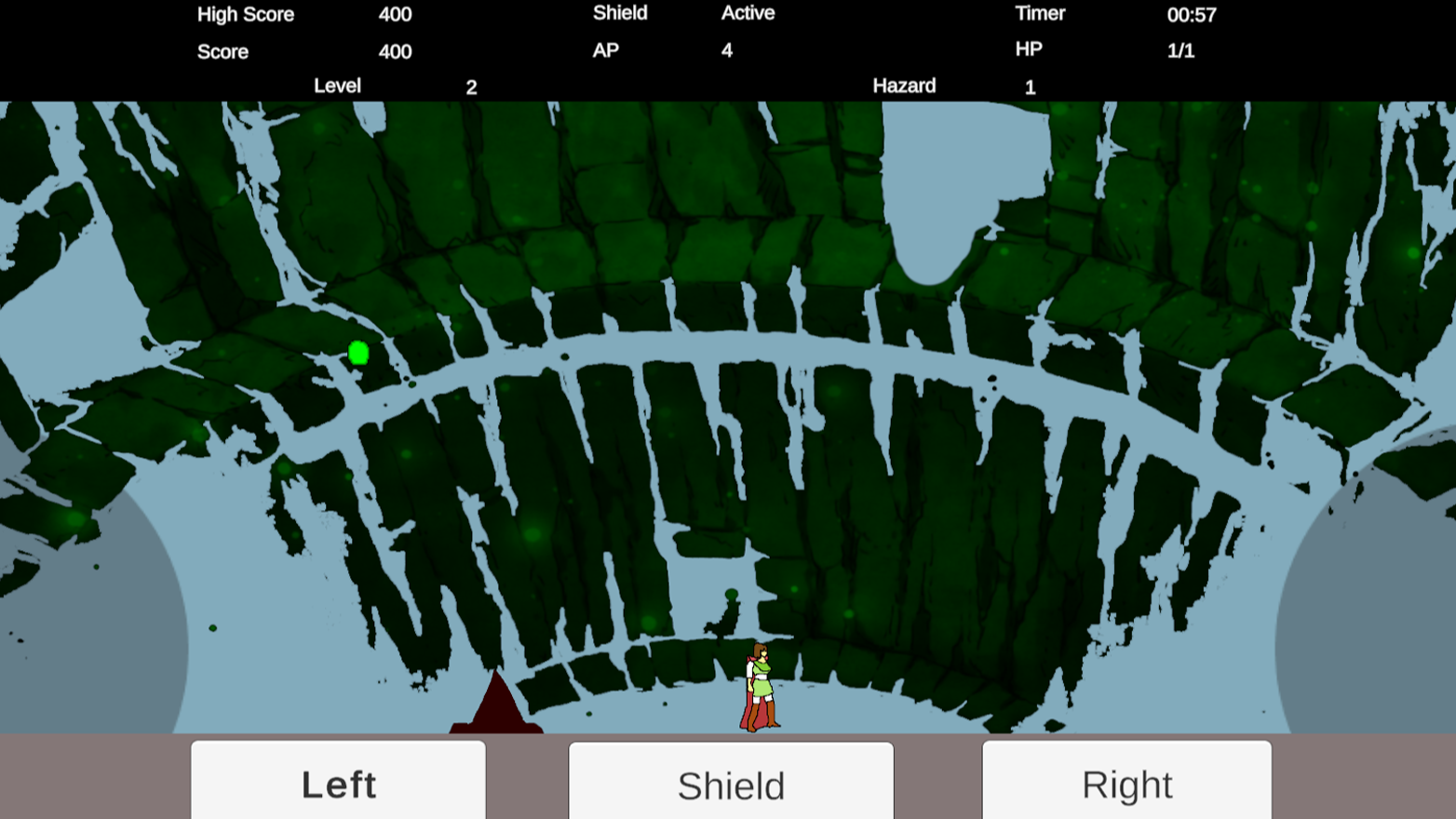
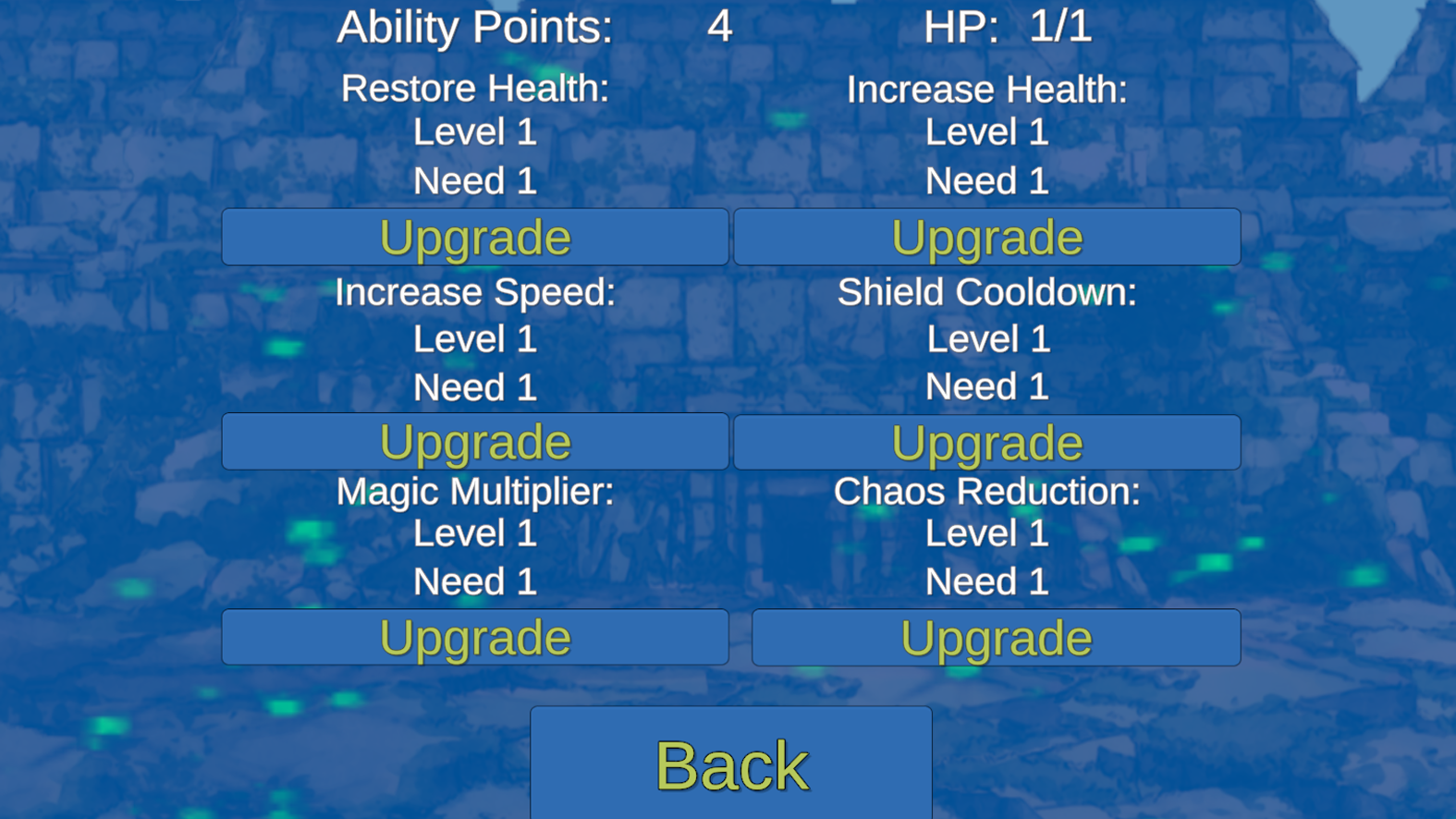
Staring at a blank screen while your coffee cools down is the absolute worst part of a slow afternoon. Magic Gatherer turns that downtime into a frantic hunt for loot hidden deep within treacherous caverns. You navigate narrow passages while dodging falling obstacles that threaten to crush your progress in a heartbeat. Precision movement keeps you alive as you snatch rare resources scattered across the stone floor. Constant pressure forces you to think fast and move even faster to survive the shifting environment. Upgrading your gear remains essential because staying stagnant means certain doom when the cave starts collapsing. Every successful run lets you push deeper into the darkness to hunt for even greater treasures. Experience this addictive аркада by jumping straight into your browser without downloading any heavy files. Focus your attention and start your прокачка journey right now.
A or left arrow, D or right arrow
There are buttons on the screen for the mobile version, but also for activating the shield.
Casual players who crave fast-paced arcade action during short breaks. Those who enjoy testing their reflexes against endless obstacles will appreciate the simple but tight movement mechanics. Fans of high-score chasing will find the progression systems and leaderboard competition addictive enough to keep coming back for more sessions.
Focus on gathering resources to unlock permanent upgrades that improve your speed and shield duration in Magic Gatherer.
Yes, Magic Gatherer is fully optimized for mobile browsers using on-screen touch controls.
The goal of Magic Gatherer is to collect as many items as possible while surviving falling obstacles for as long as you can.