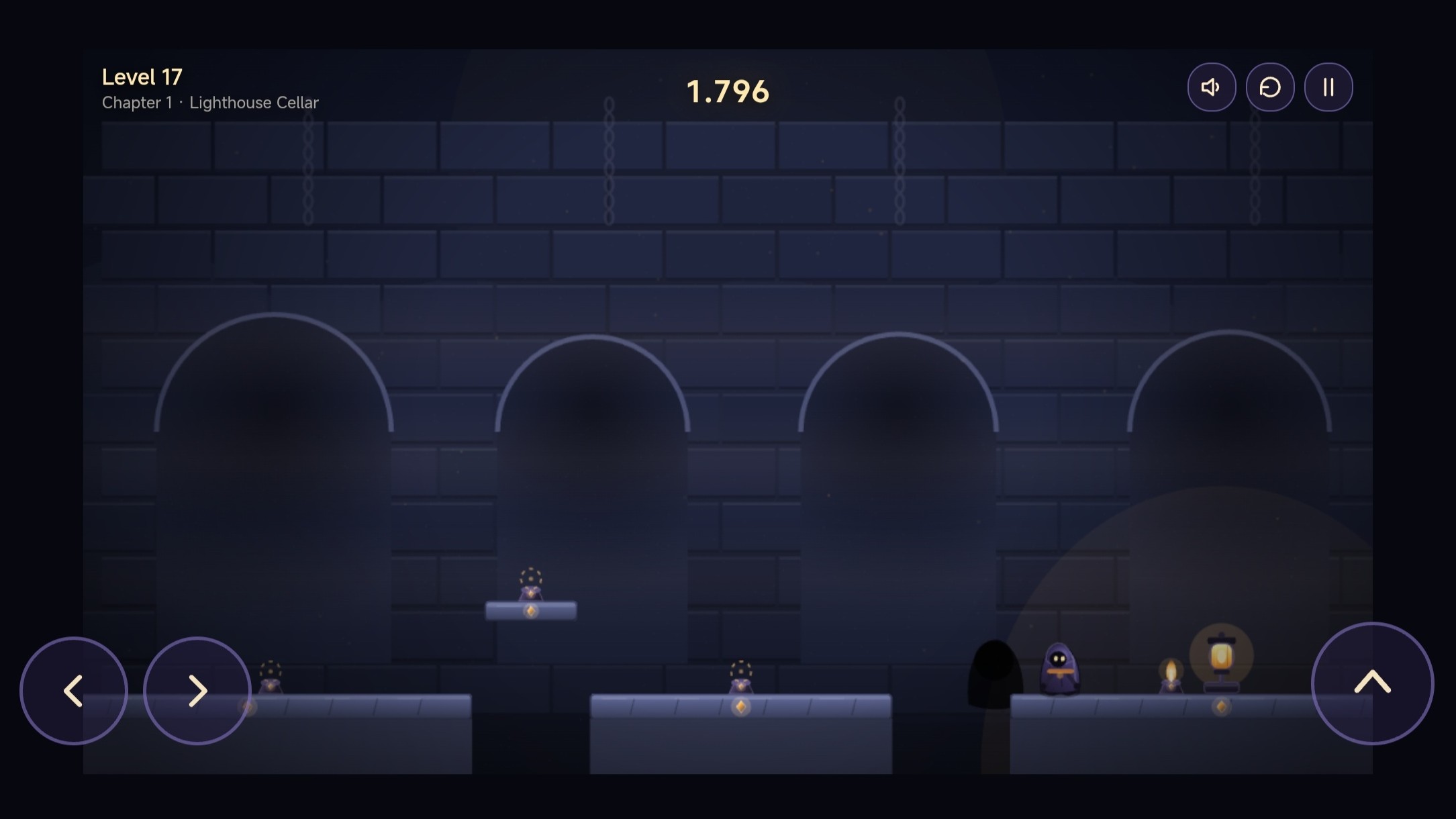
About game
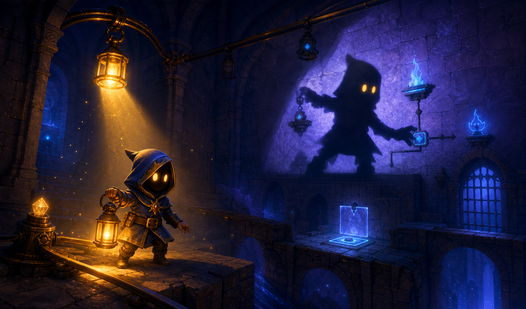
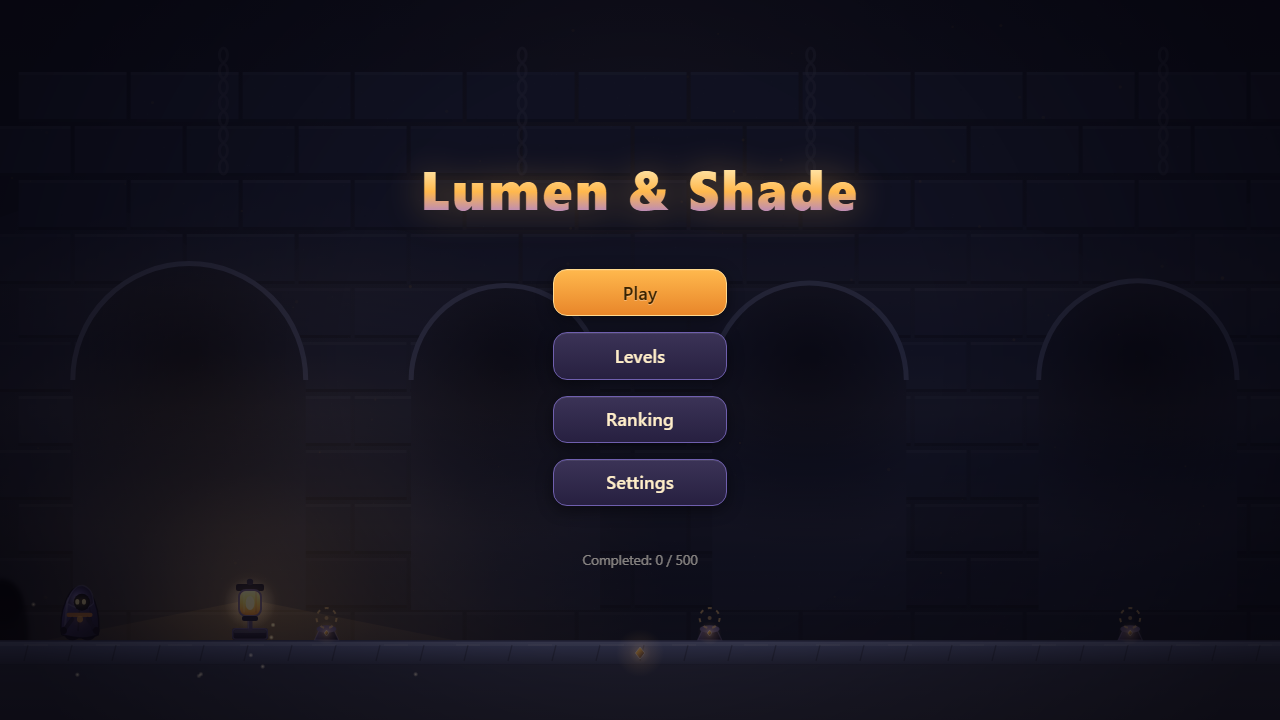
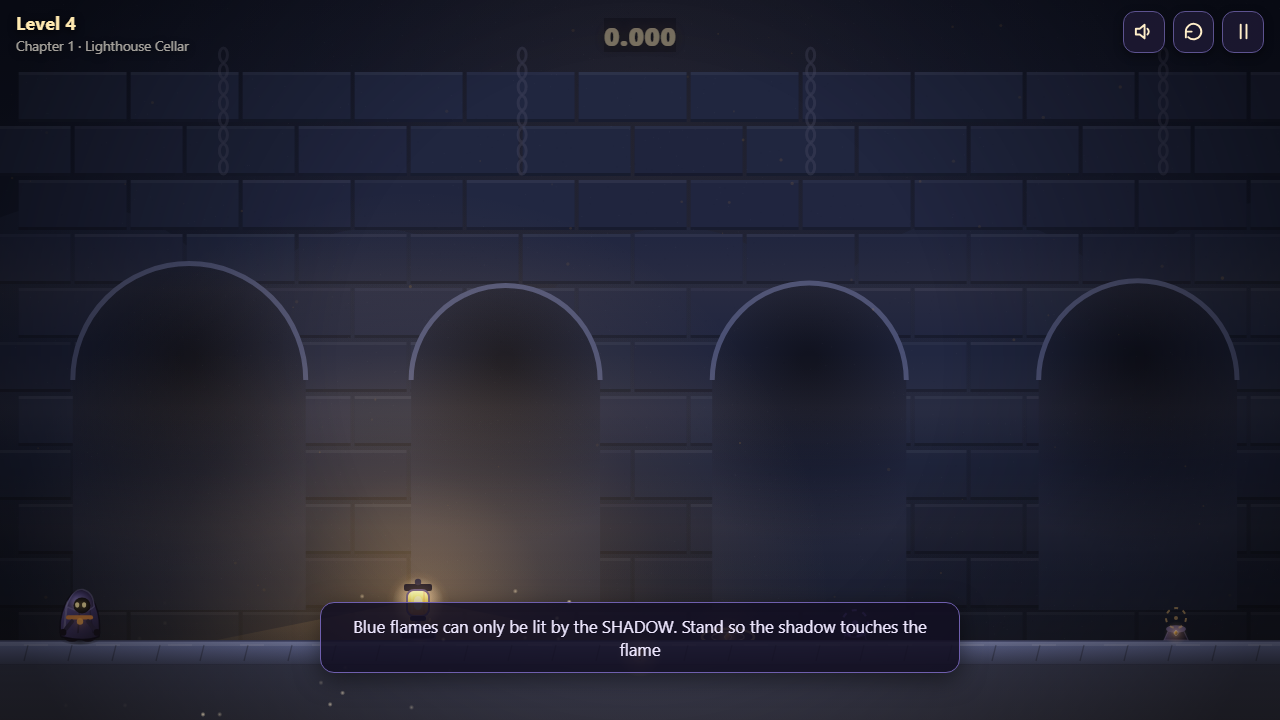
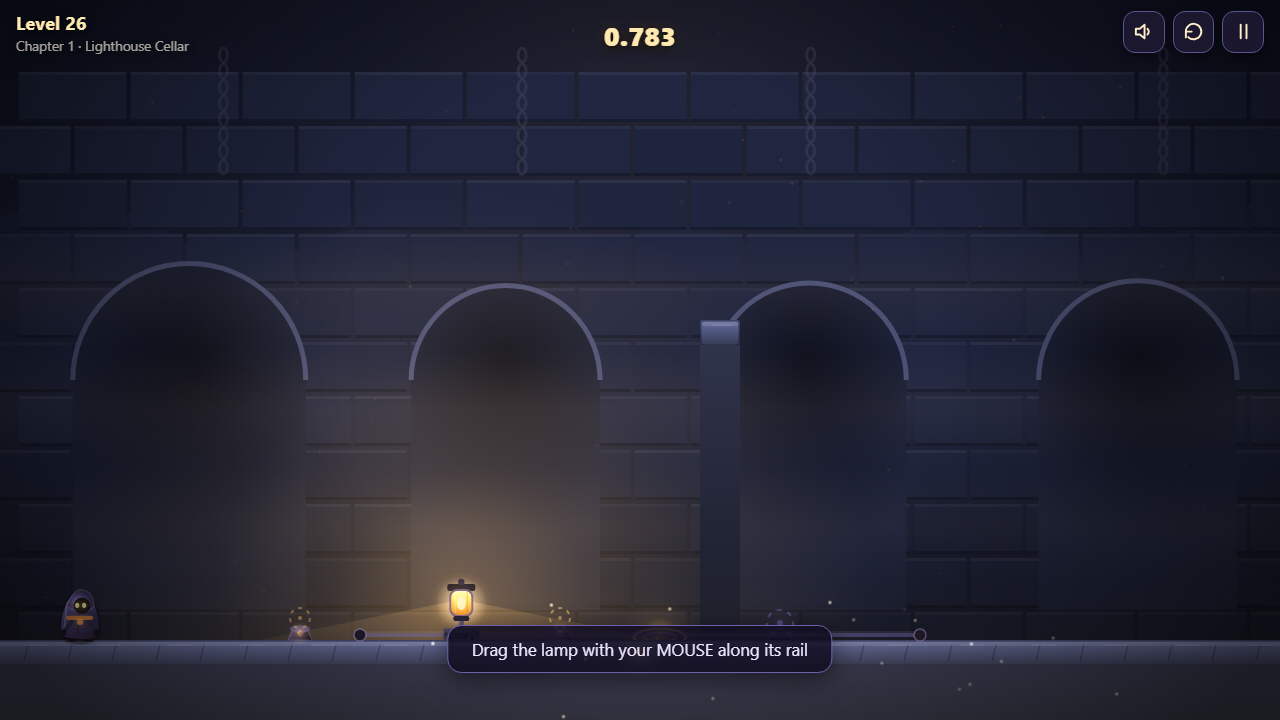
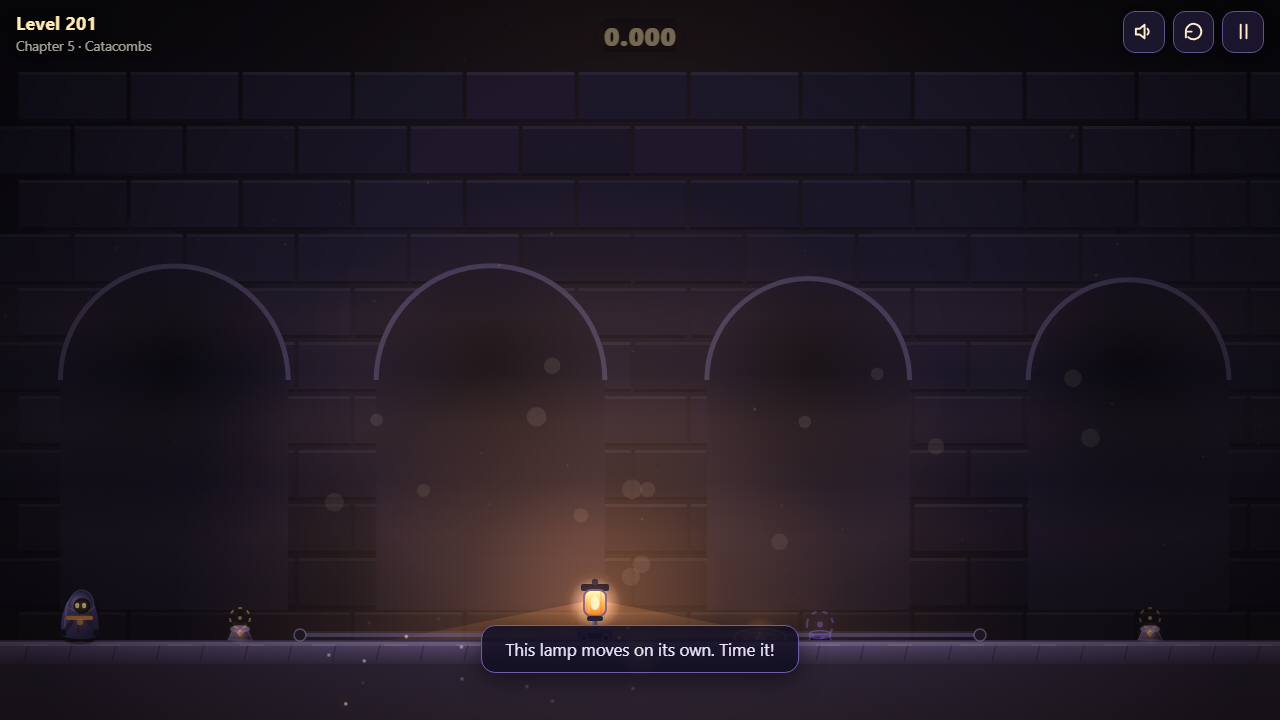
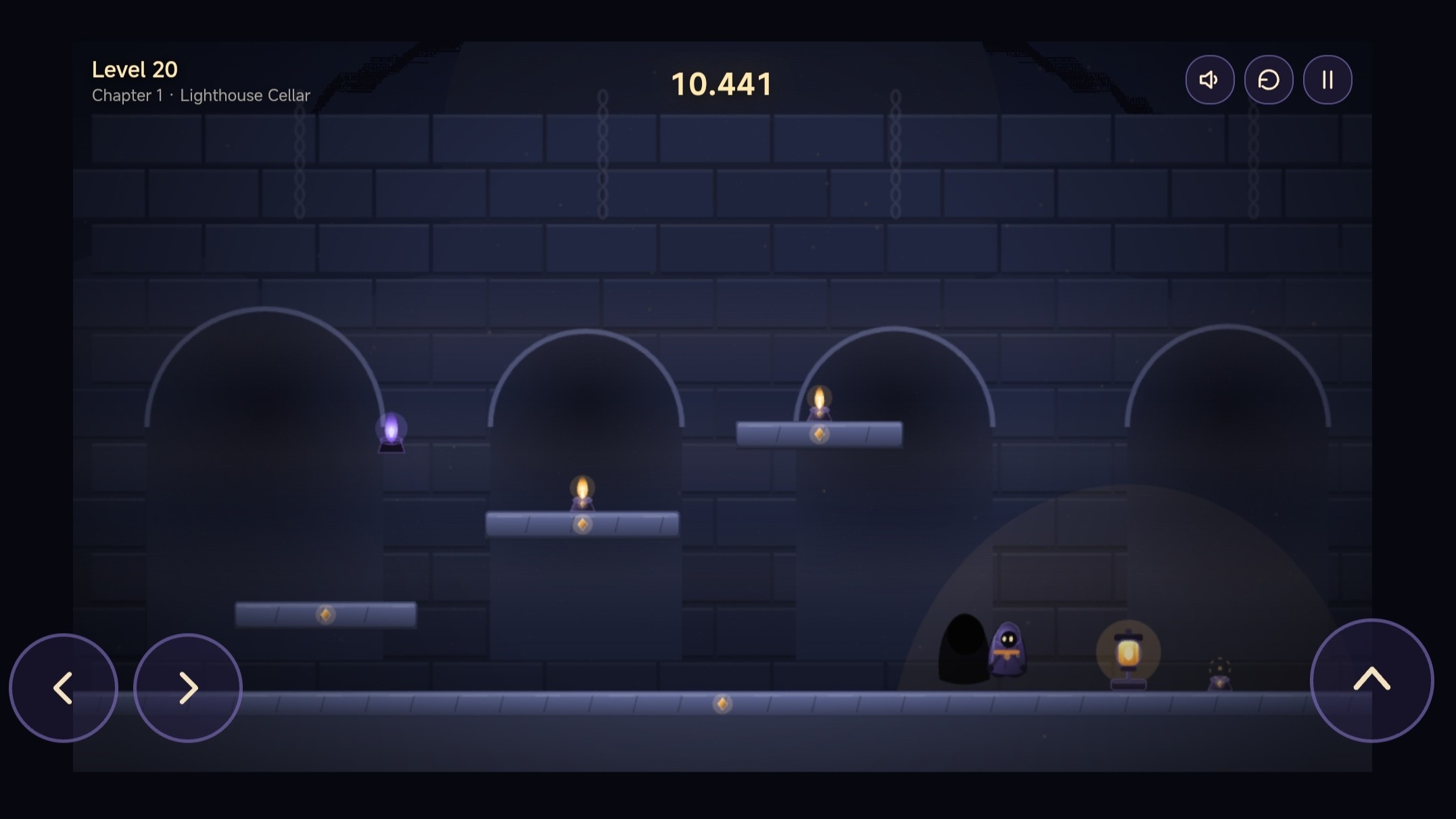
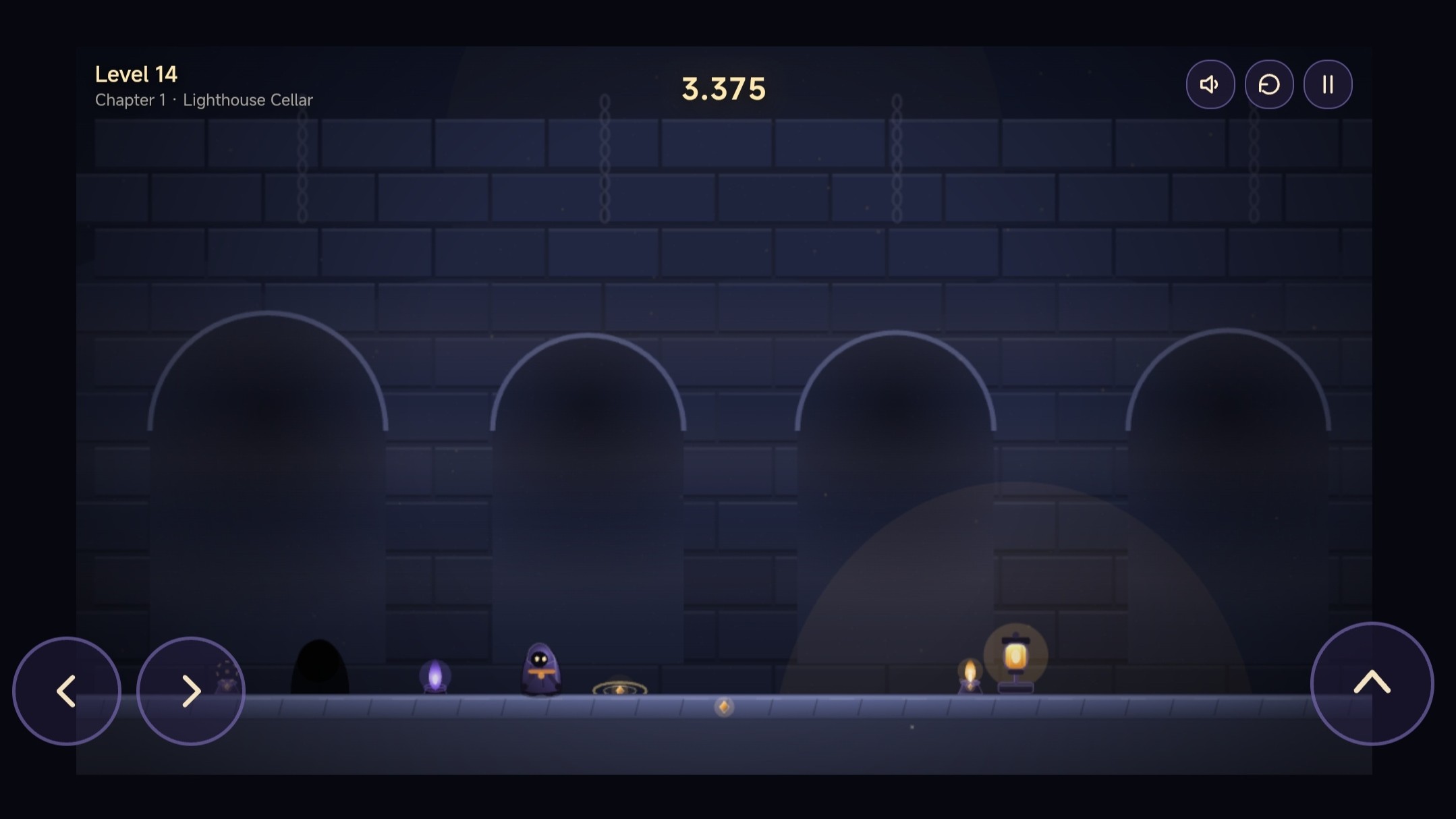
Fans of brain-teasing platformers will appreciate the clever mechanics inside Lumen & Shade. You control two entities simultaneously, forcing your brain to coordinate movement and shadow placement at the exact same time. Navigating dark corridors requires you to push lamps along rails to shift light sources across the screen. Correct positioning of your shadow allows you to activate blue fires, trigger pressure plates, or create solid bridges over deadly gaps. Cleverly managing your shadow footprint becomes essential as you tackle 500 levels spread across ten different chapters. Every level presents a new test for your logic skills while you dodge spikes and manipulate heavy crates. Competing for the fastest times adds a layer of intensity to these light-based challenges. Start playing for free right now in your browser without any downloads required.
How to play
On PC: ←/→ or A/D — go, Space bar/W/↑ — jump. Drag the lamp along the rail with the mouse: the position of the light depends on where the shadow will be. R — start the level again, Esc/P — pause. Since Chapter 6, Q leaves or removes the shadow's imprint. Use the on-screen buttons on your phone: move on the left, jump on the right; you can pull the lamp with your finger. The goal of the level is to light all the normal and blue lights. Ordinary lights are lit by Lumens, blue ones are just a shadow. Keep an eye on the tiles, gates, spikes and shadow barriers: sometimes the solution is not to go faster, but to set the light correctly.
Features
- Dual character control: Coordinate the movements of your light-based hero and their dark reflection across complex terrain.
- Shadow manipulation: Slide lamps along rails to reshape your shadow and interact with environmental objects like bridges.
- Progressive difficulty: Master 500 levels that introduce new elements like levers, shadow prints, and dangerous spikes.
- Global leaderboards: Track your completion time and climb the rankings to prove your mastery of tricky puzzles.
- Strategic planning: Stop rushing through levels and instead focus on the perfect light placement to bypass hidden barriers.
Who is it for
Puzzle enthusiasts who enjoy platforming challenges will love this title. If you enjoy games that force you to think about spatial awareness and logic, Lumen & Shade provides the perfect mental workout. Casual gamers and speedrunners alike will find plenty of reasons to keep coming back for more levels.
Controls
Movement
Use A/D or arrow keys on PC; tap the left on-screen buttons on mobile.
Jump
Press Space, W, or the up arrow on PC; use the right-side button on mobile.
Move Lamp
Click and drag the lamp with your mouse or swipe the lamp using your finger on touchscreens.
Shadow Imprint
Press Q on your keyboard starting from Chapter 6 to place or remove a shadow print.
FAQ
How do I beat the tricky levels in Lumen & Shade?
›
Focus on the light sources rather than just running forward. You often need to reposition lamps to create shadow bridges or trigger specific switches to open your path.
Is Lumen & Shade free to play on my phone?
›
Yes, you can play Lumen & Shade directly in your mobile browser without downloading any apps or registering an account.
What happens if I get stuck in Lumen & Shade?
›
You can always press the R key to reset the current level and try a different strategy for positioning your shadow.