About game
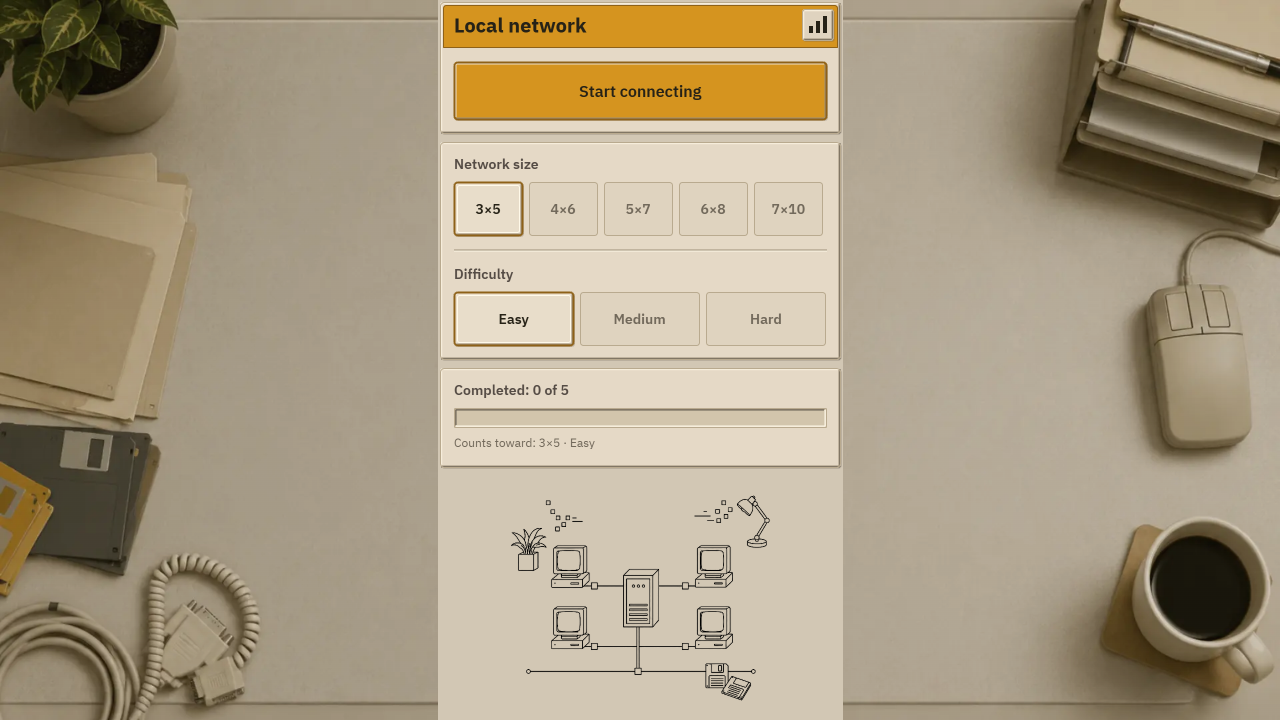
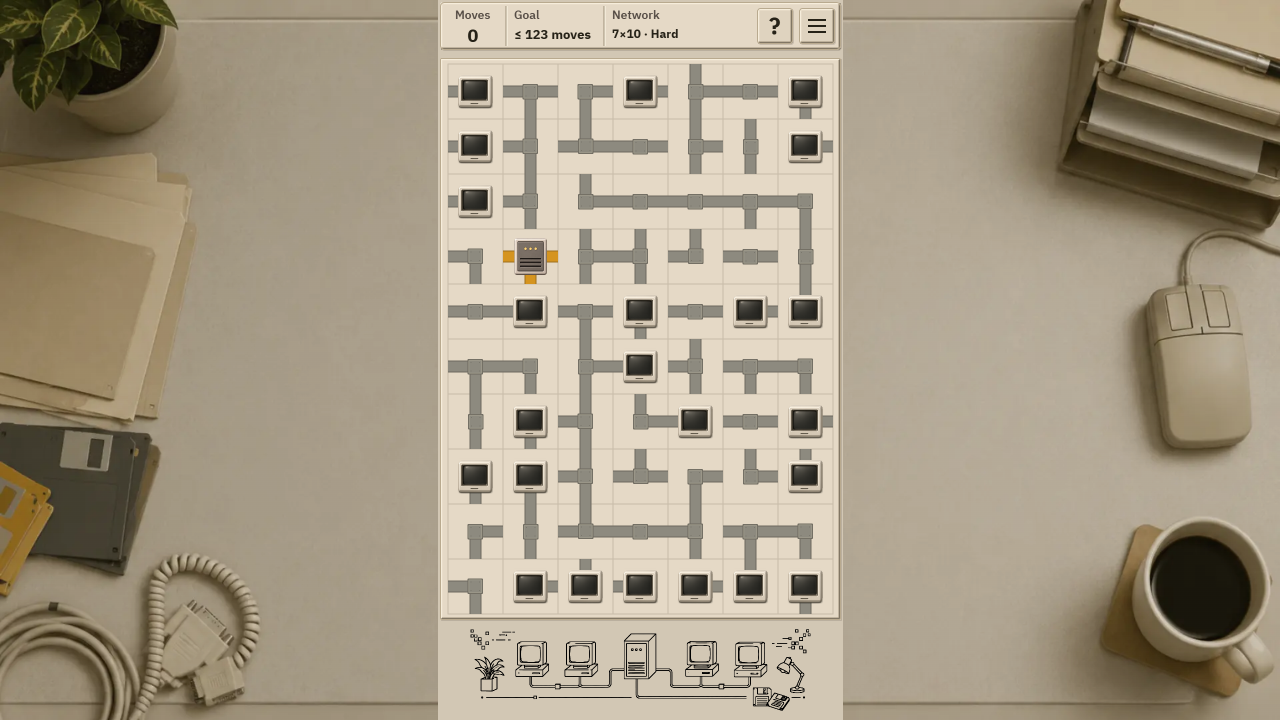
Wiring an office in the nineties feels like solving a massive logic puzzle where every turn matters. Local Network traps you in a humming server room where you must organize messy cables to restore power to silent monitors. You tap individual tiles to rotate segments ninety degrees until a clean path forms from the central server to every desktop. Connecting wires requires precision because leaving a single end loose prevents the system from booting up. Avoid closing any path into a loop or the entire setup shorts out with a dreaded blue screen. Logic dictates every move since random guessing never leads to a functional connection in this retro office simulator. Progression happens through nine distinct grid sizes that force you to reason inward from the edges of the board. You can play Local Network for free right here in your browser without any downloads required.
How to play
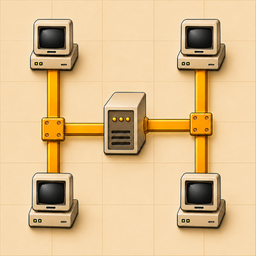
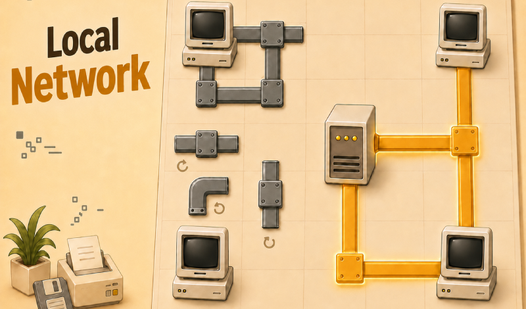
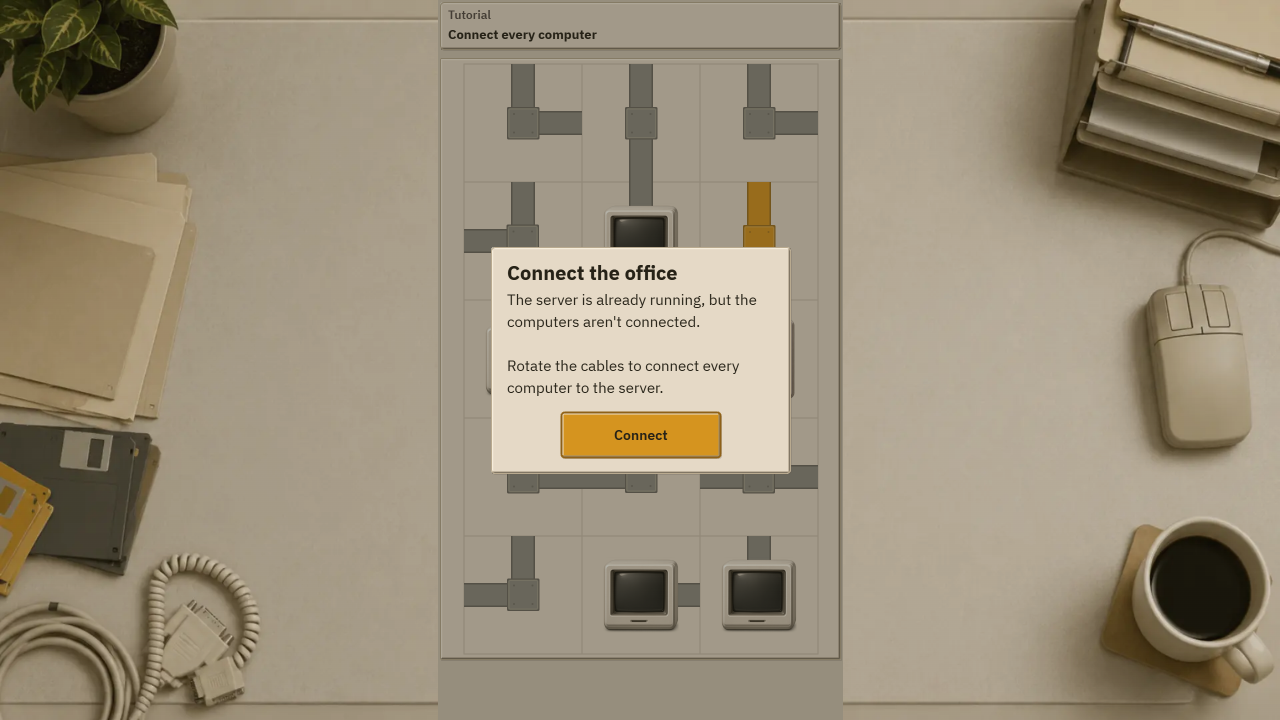
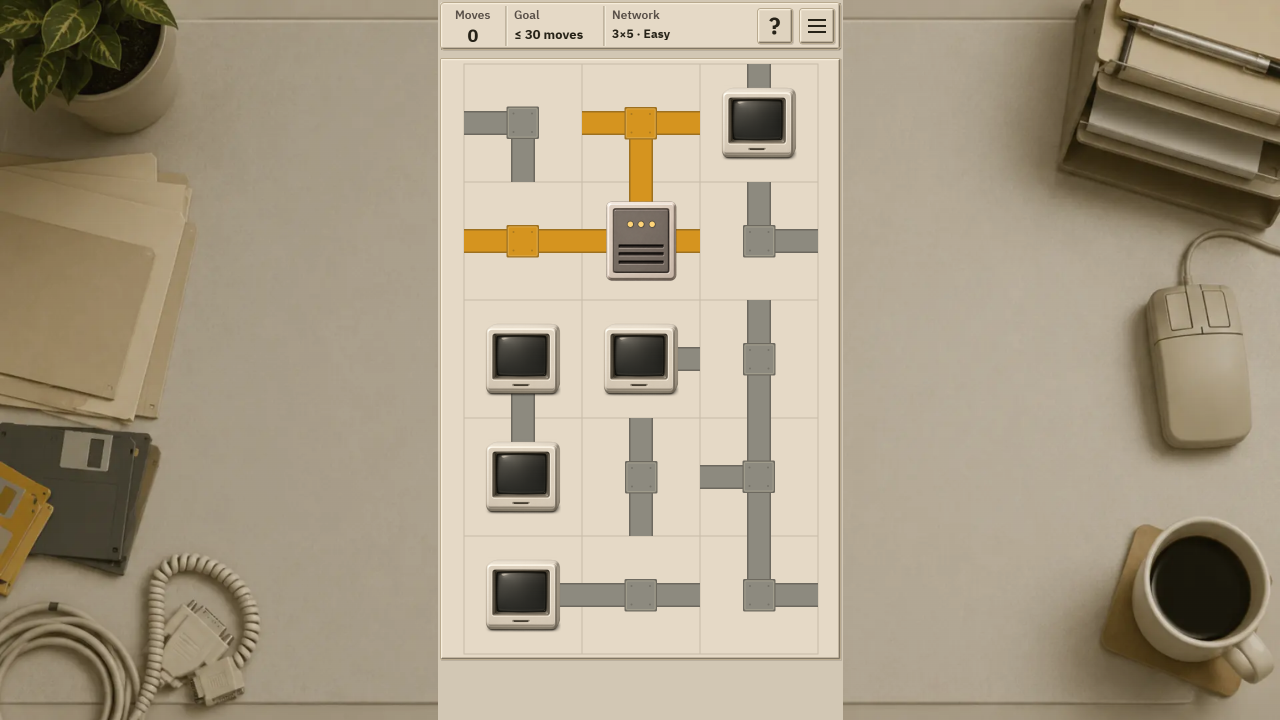
Your goal is to connect every computer in the office to the server.
There is one control: tap a cell and it rotates 90° clockwise. Finger and mouse both work. To bring a cable back to where it was, tap three times.
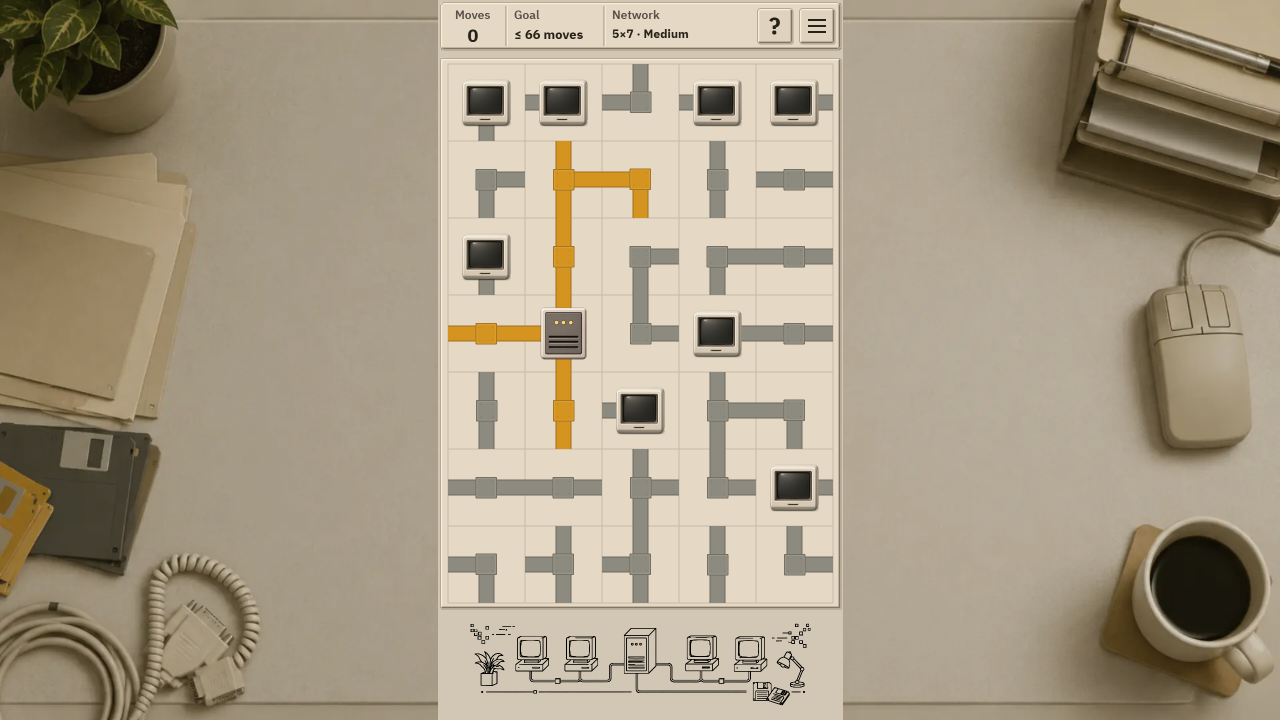
As soon as the path from the server reaches a computer, its monitor lights up. Only what is connected stays lit.
Two rules:
— every cable end has to be plugged into something, no loose ends;
— the cables must not close into a loop. A loop is a short circuit: the power drops and the monitors show a blue screen. Break the loop and the network comes back.
The top bar shows your moves and the goal — the highest number of moves that still counts as a clear. You can go over it: the network will still come together, it just will not count.
If you are stuck, press the question-mark button: it outlines a cell you already have enough information to work out. It rotates nothing — the move is yours.
Progress saves by itself: close a network and come back later.
Features
- Step-by-step guidance: Use the hint button to identify tiles that have a definite logical solution without rotating them for you.
- Move efficiency: Challenge yourself to stay under the designated move limit to ensure your successful connection counts toward your progress.
- Dynamic boards: Every session generates a fresh configuration, ensuring you face new layout challenges each time you sit down to play.
- Auto-save system: Walk away from a difficult grid and find your progress exactly where you left it upon your return.
- Cross-platform play: Switch seamlessly between mouse clicks on your desktop and touch gestures on your mobile screen.
Who is it for
Logic puzzle enthusiasts enjoy the methodical nature of organizing complex systems. Fans of retro office aesthetics appreciate the nostalgic server room atmosphere. Casual players looking for a quick brain training session will find the grid-based mechanics satisfying, while completionists relish the challenge of staying under the strict move limits.
Controls
Rotate segment
Tap a cell on mobile or click with a mouse to turn it 90 degrees clockwise.
Undo rotation
Tap or click the same cell three times to cycle the piece back to its original orientation.
FAQ
How do I win in Local Network?
›
You win by creating a continuous path from the central server to every computer on the board without creating any loose ends or closed loops.
Why does the screen turn blue in Local Network?
›
The blue screen indicates a short circuit caused by a closed loop in your wiring, which stops the power from flowing correctly.
Does Local Network save my progress?
›
Yes, the game automatically keeps your current board state, allowing you to close your browser and return to finish your work later.