About game
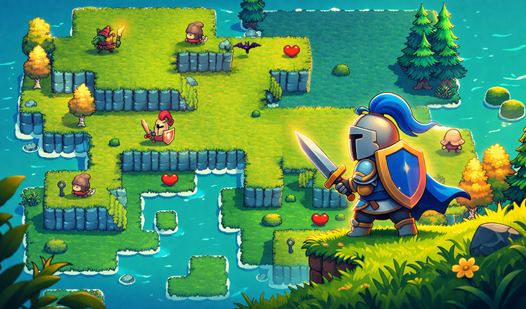
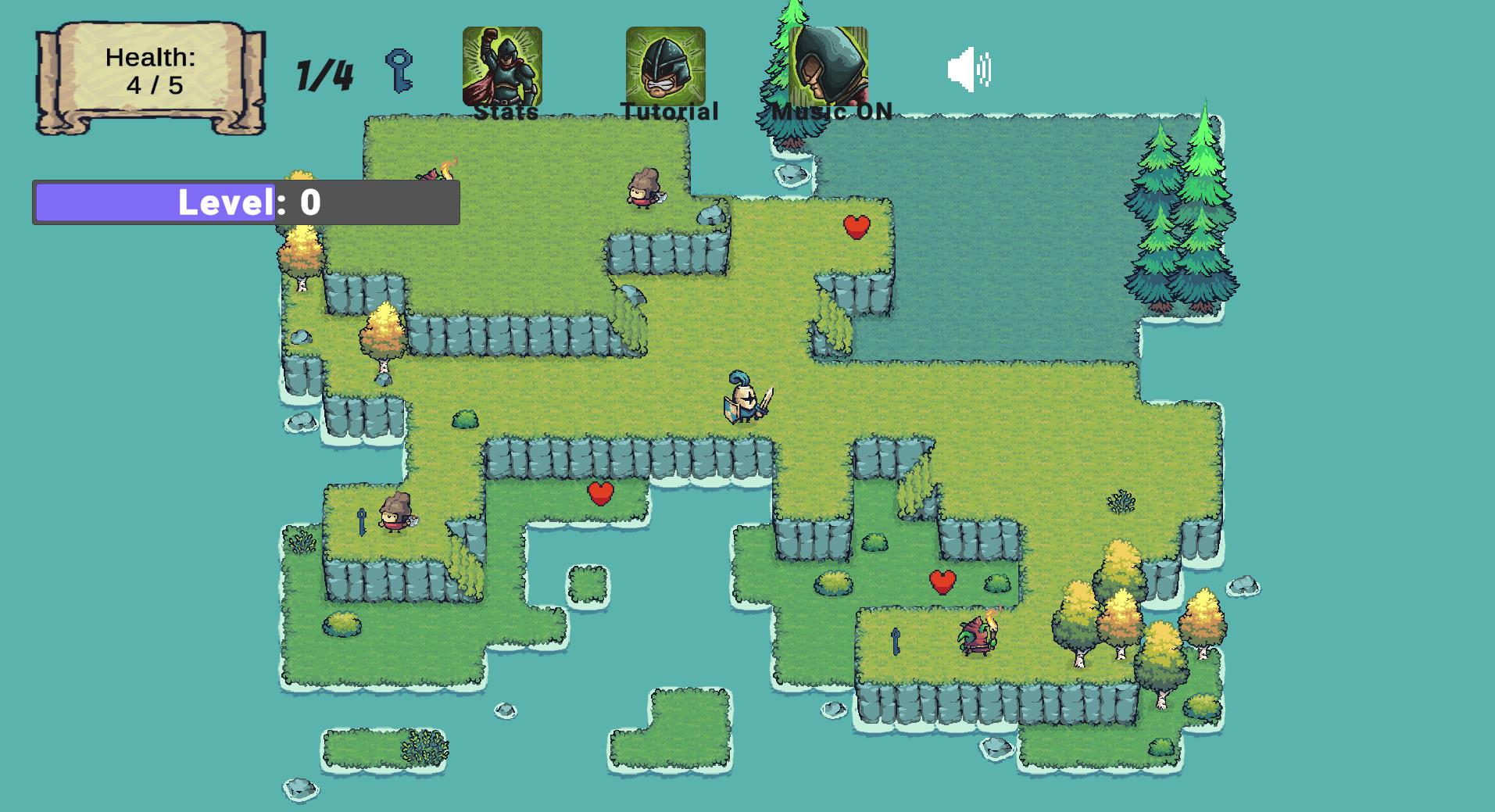
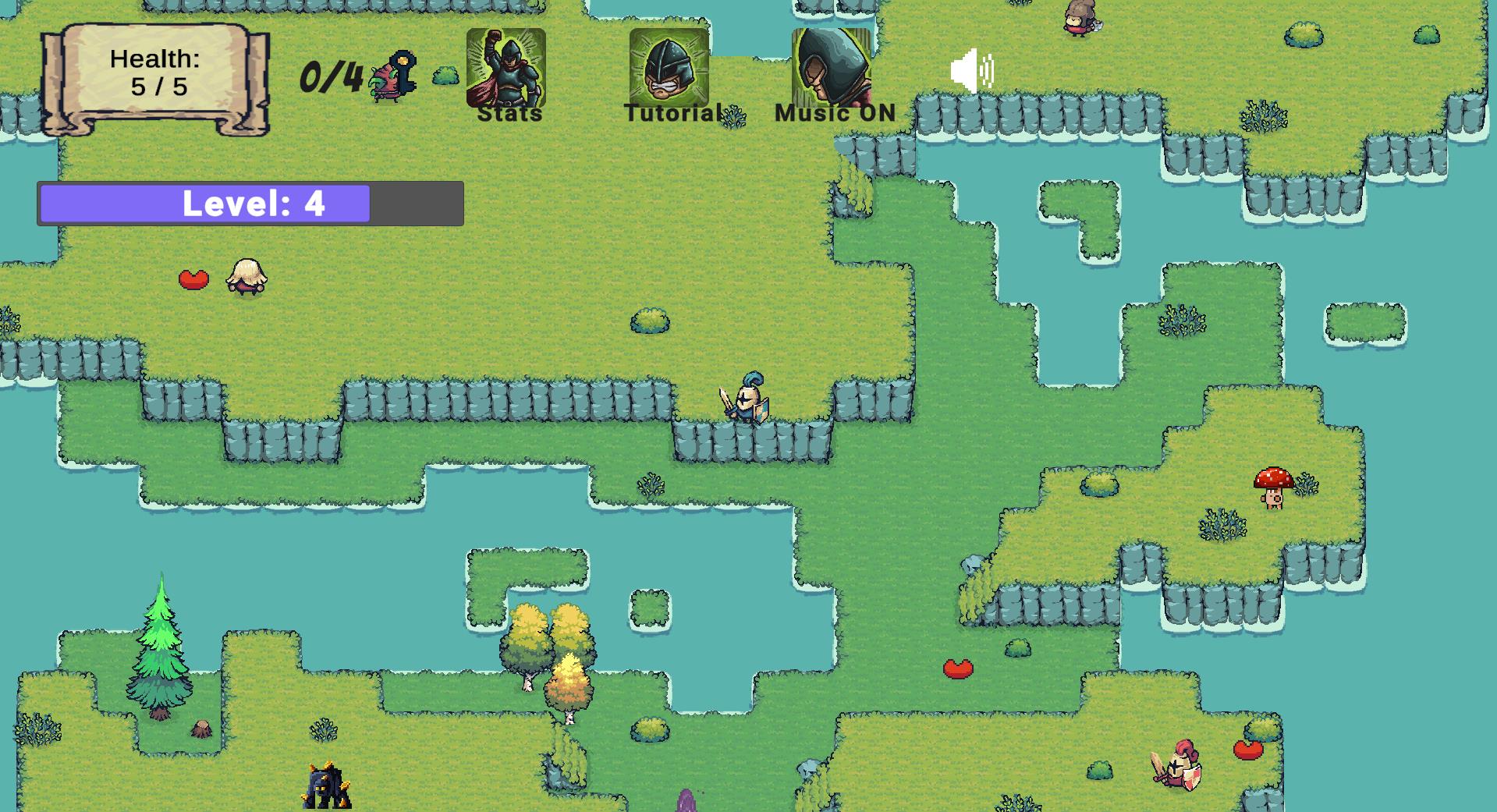
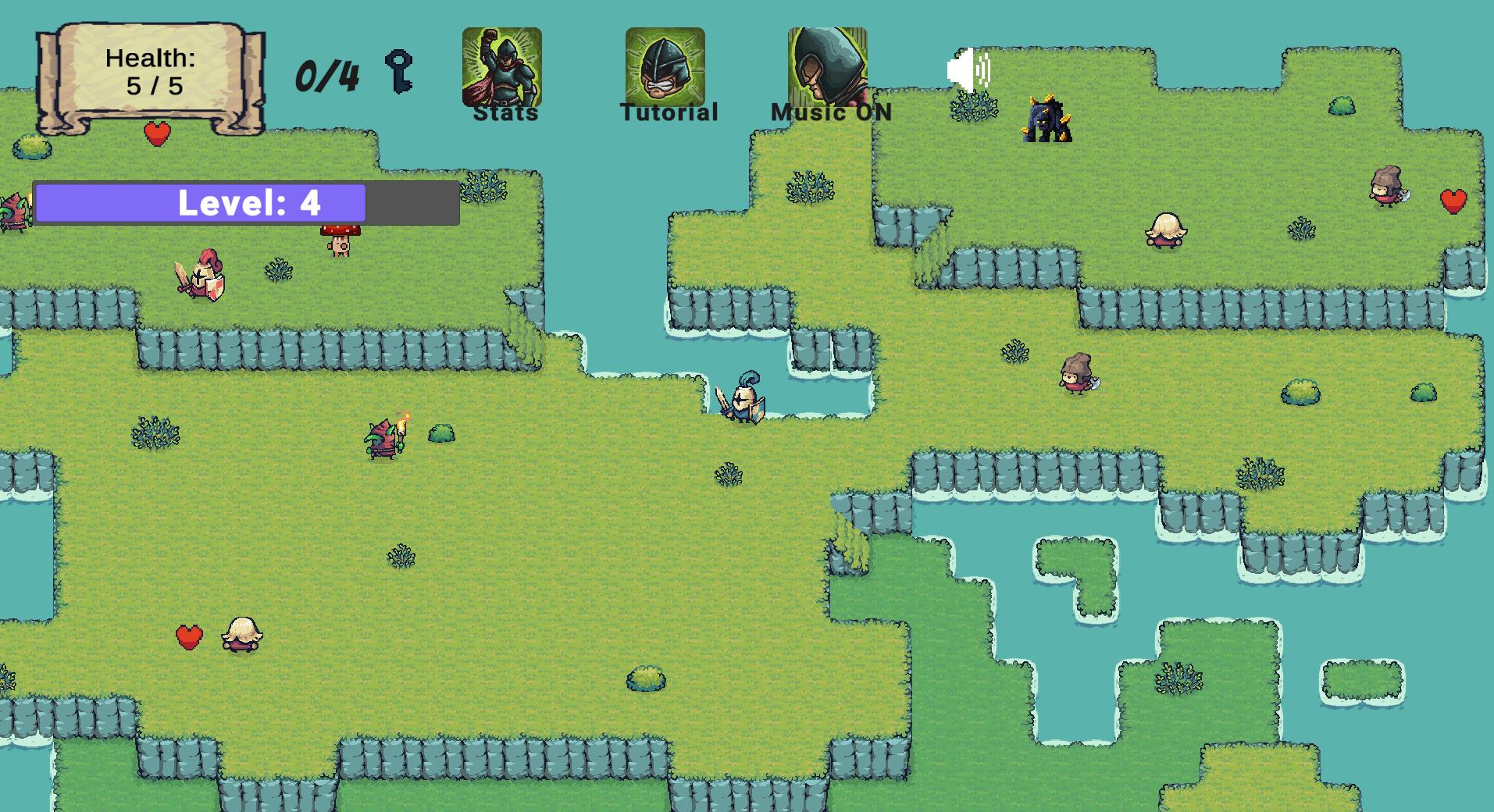
Fans of retro arcade vibes will find Little Swordsman a perfect companion for a quick gaming session. You control a lone warrior navigating dangerous maps while hacking through waves of persistent foes. Every enemy you defeat drops valuable experience points used to sharpen your combat efficiency. Little Swordsman lets you customize your stats to favor either raw strength or swift movement speed. Exploring each stage requires you to track down hidden keys buried in corners or protected by aggressive mobs. Once you secure enough keys, the portal to the next stage appears, scaling up the challenge immediately. Consistent progression keeps the difficulty curve tight as you tackle tougher opponents in later zones. Experience this fun action game directly in your browser without any annoying downloads.
How to play
Use W, A, S, D to move around the level and explore the map.
Attack enemies with the left mouse button.
Click the icons at the top of the screen with the left mouse button:
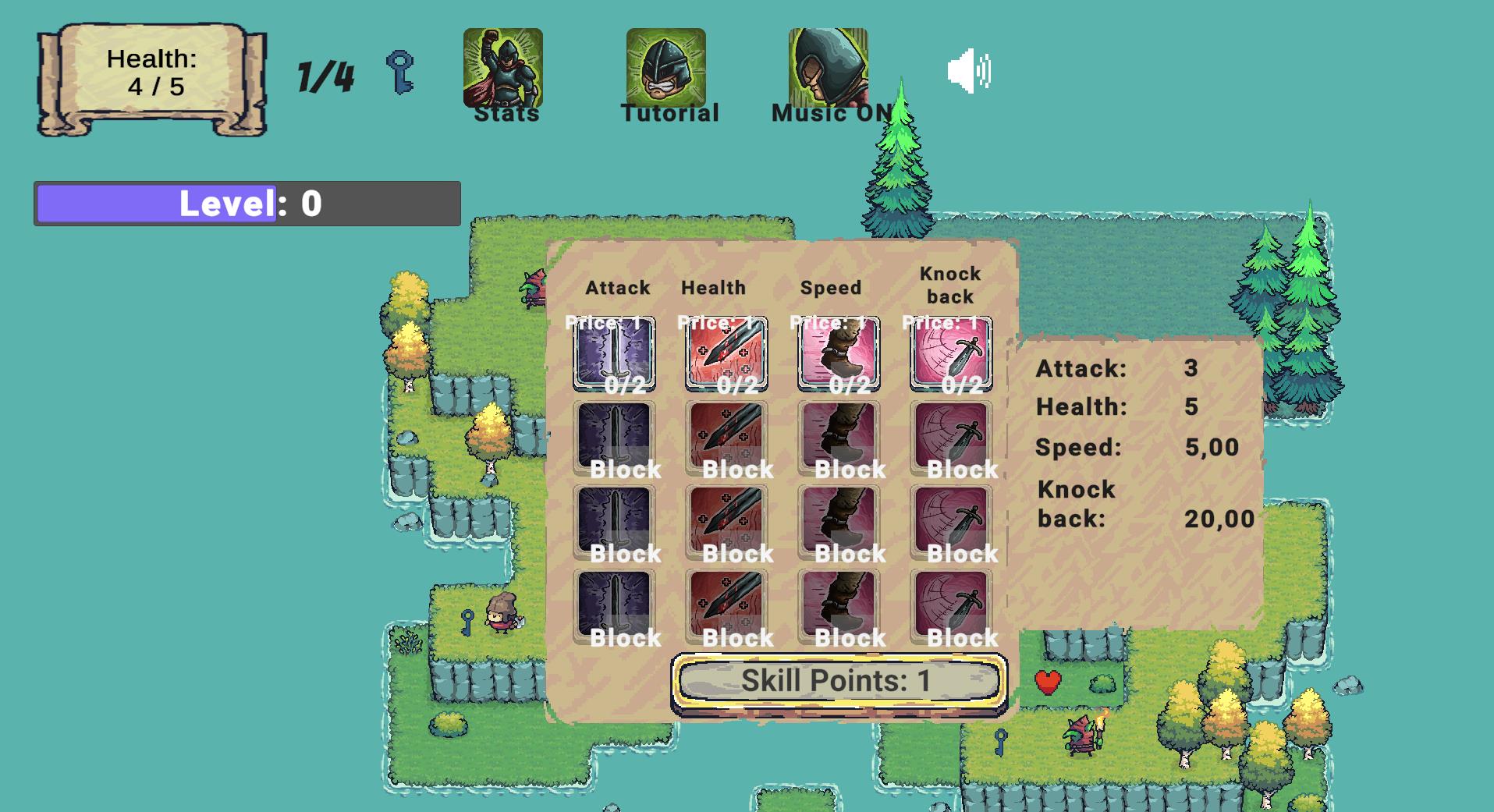
Parameters - opens the character upgrade menu
Tutorial - shows gameplay tips
Music - turns sound on or off
Defeat enemies, collect keys, and find the portal to move on to the next level!
Features
- Stat Customization: Spend skill points to boost health, attack power, or movement speed depending on your preference.
- Key Collection Loop: Hunt for keys scattered across the environment or loot them from fallen adversaries to unlock progress.
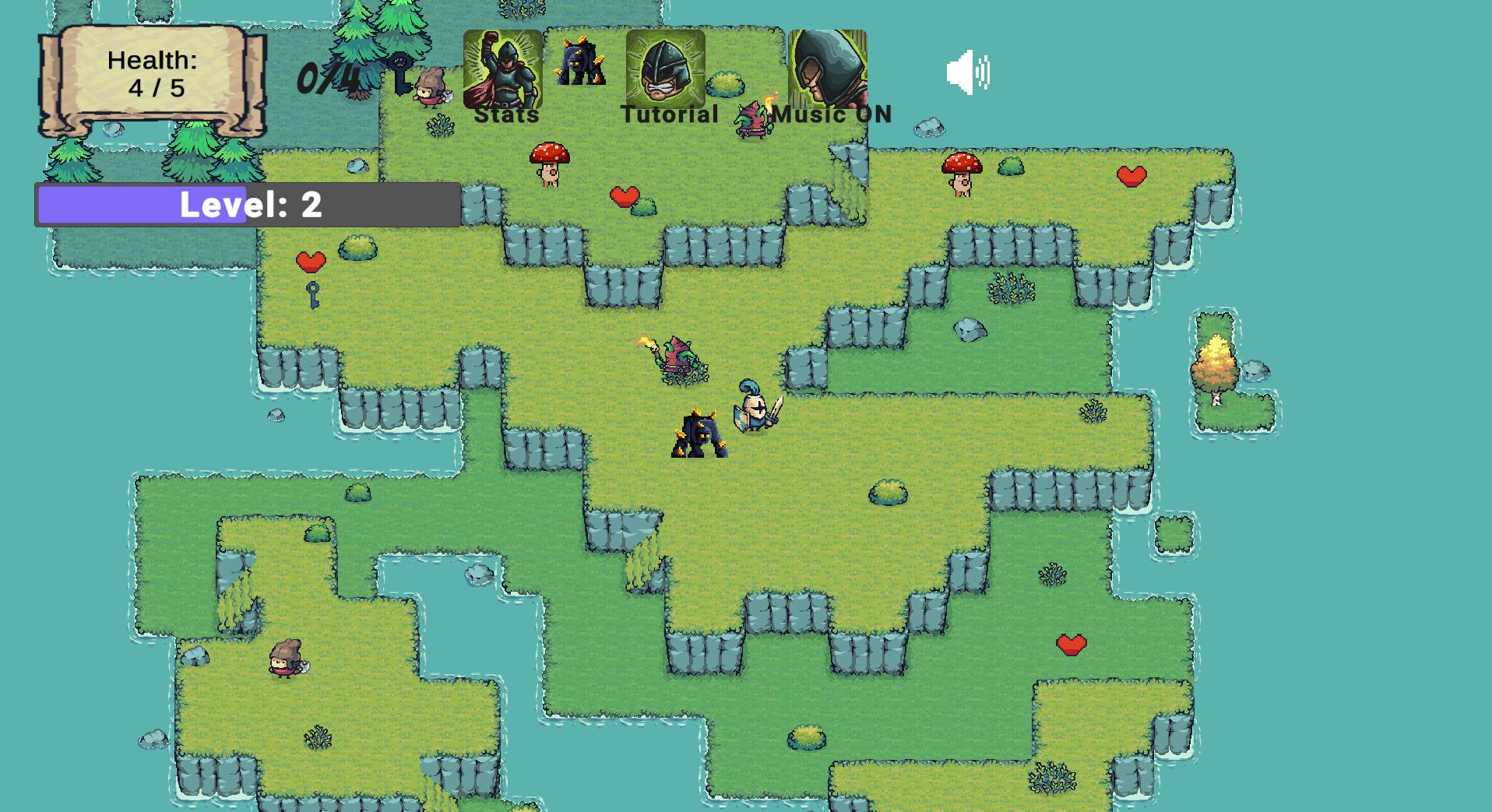
- Scaling Difficulty: Face increasingly varied enemy types that demand better reflexes and smarter positioning as levels advance.
- Ambient Soundtrack: Enjoy a calm musical score that keeps the focus on your tactical fights throughout the quest.
Who is it for
Action game enthusiasts who enjoy character progression and 2d platforming mechanics will appreciate the loop here. Anyone looking for a browser-based adventure that rewards map exploration and strategic stat allocation should jump in. It suits teens and casual gamers wanting a fast-paced challenge without complex control schemes.
Controls
Movement
Use W, A, S, D keys or swipe on mobile screens to navigate the map.
Attack
Click the left mouse button or tap the screen to swing your sword at foes.
Menu Navigation
Tap or click the icons at the top of the screen to manage upgrades and settings.
FAQ
How do I get stronger in Little Swordsman?
›
You gain experience by defeating enemies, which allows you to spend points in the upgrades menu to improve your health and attack stats.
What is the goal of a level in Little Swordsman?
›
You must collect the required amount of keys hidden around the map to activate the portal leading to the next stage.
Can I play Little Swordsman on my phone?
›
Yes, the game is fully optimized for mobile browsers so you can tap to attack and swipe to move on any device.