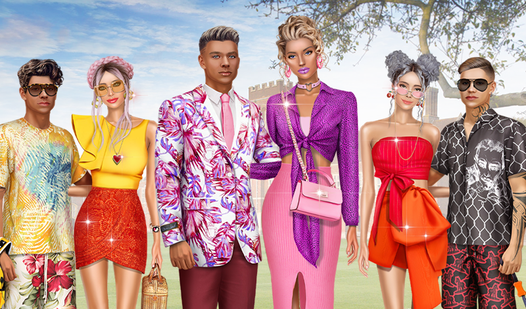
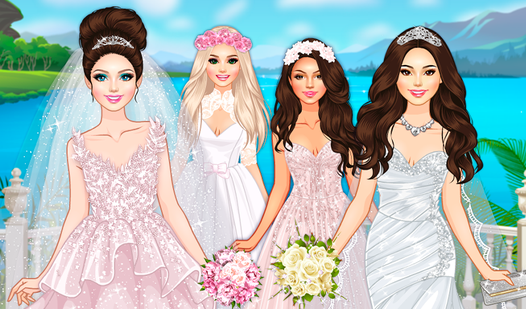
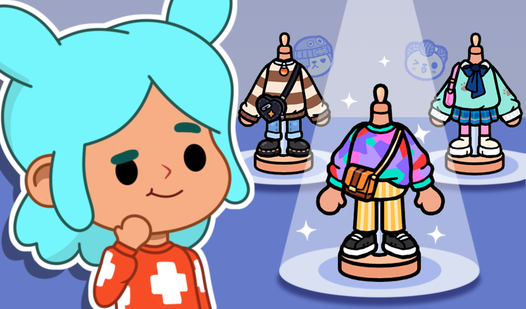
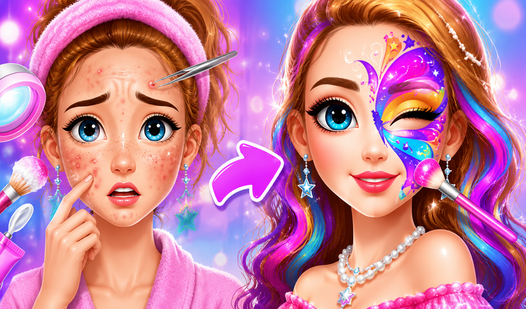
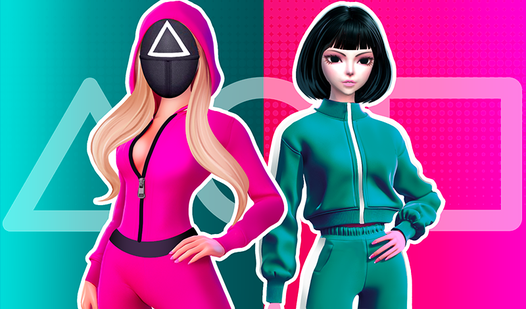
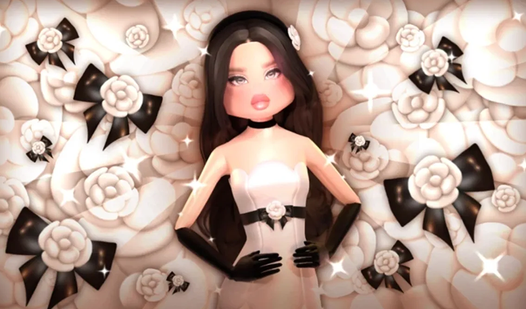
Select your favorite model and transform her look using an extensive wardrobe of trendy clothes and stylish accessories. Little Fashionista lets you experiment with countless combinations of outfits to create a unique signature look for every character. You can mix and match chic dresses, modern blouses, and elegant shoes to perfect your design skills in a digital playground. The intuitive interface makes it easy to browse the collection and find the exact piece that fits your vision. Save your favorite creations directly to your gallery to build a portfolio of high-end fashion looks. Every session offers a fresh opportunity to showcase your impeccable taste in clothing and styling. Once you have finished your masterpiece, you can easily share your style with friends to see who has the best eye for trends. This browser-based experience runs smoothly on any device without needing a single download. Play Little Fashionista for free right now in your browser and start your journey as a top stylist.
At the beginning of the game you will be asked to choose one of several available models. Each model has its own unique features, which will allow the player to show his creativity. After choosing a model, you will be able to try on various outfits, hairstyles and accessories for her.
The game offers a huge range of clothes, accessories and shoes from classic style to modern trends.
You can create your own unique styles and share them with your friends by uploading them to the game platform.
Fashion enthusiasts and creative players will love building custom outfits. Young gamers who enjoy dress-up simulations will find hours of entertainment here. It serves as a great outlet for those interested in exploring modern trends, outfit coordination, and digital design through a accessible, user-friendly interface for all skill levels.
Yes, Little Fashionista is completely free and requires no registration or downloads to start playing.
Absolutely, Little Fashionista is optimized for mobile browsers so you can style outfits on the go.
Simply use the save button within the game interface to store your designs in your personal in-game gallery.