About game
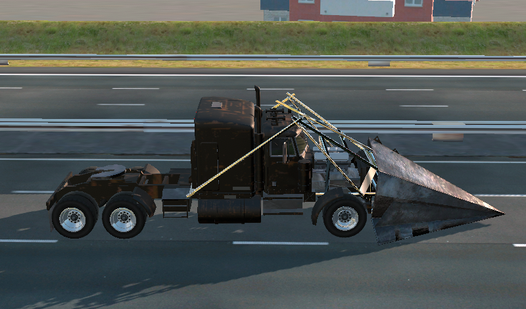
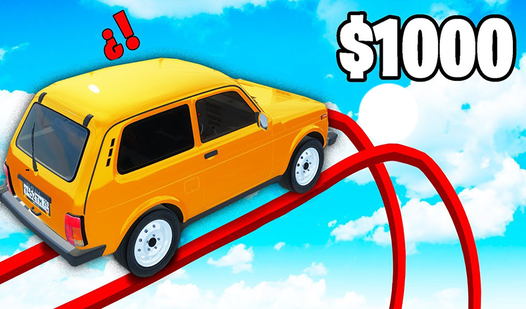
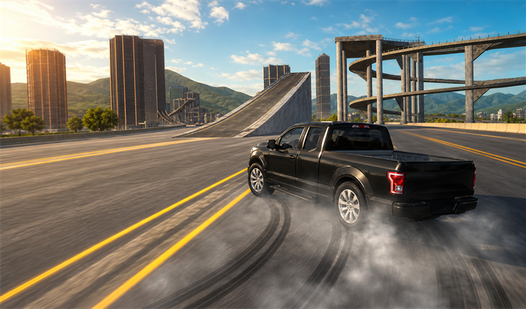
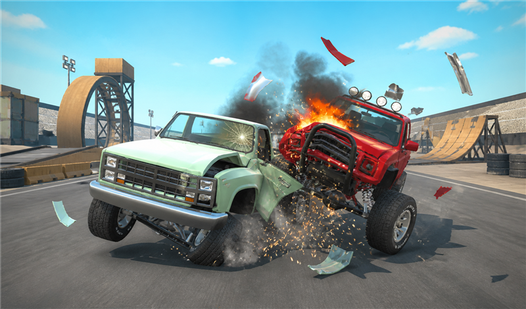
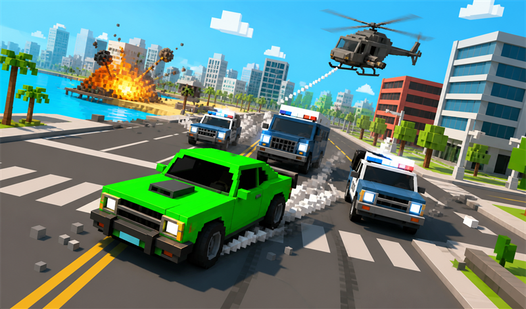
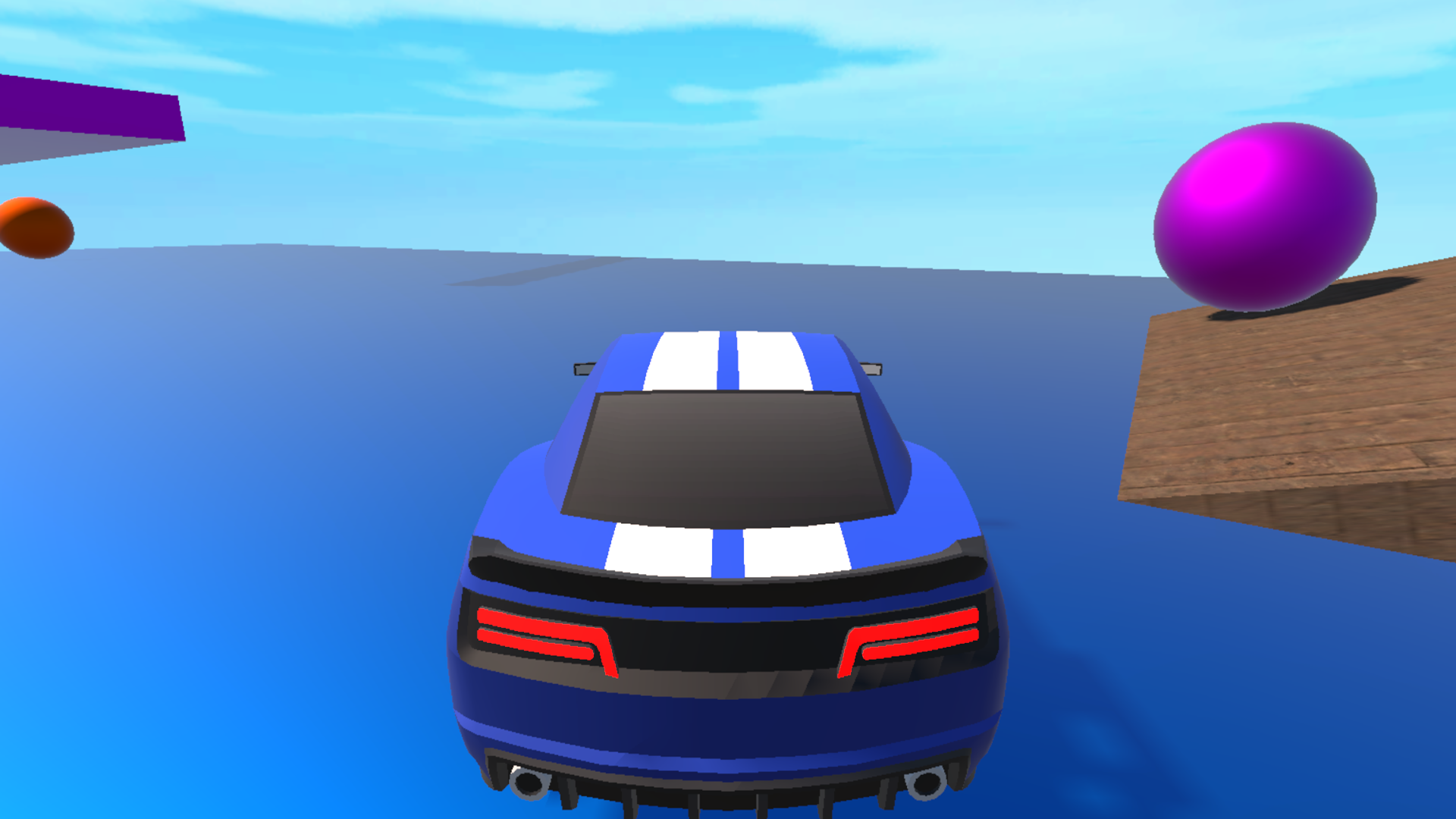
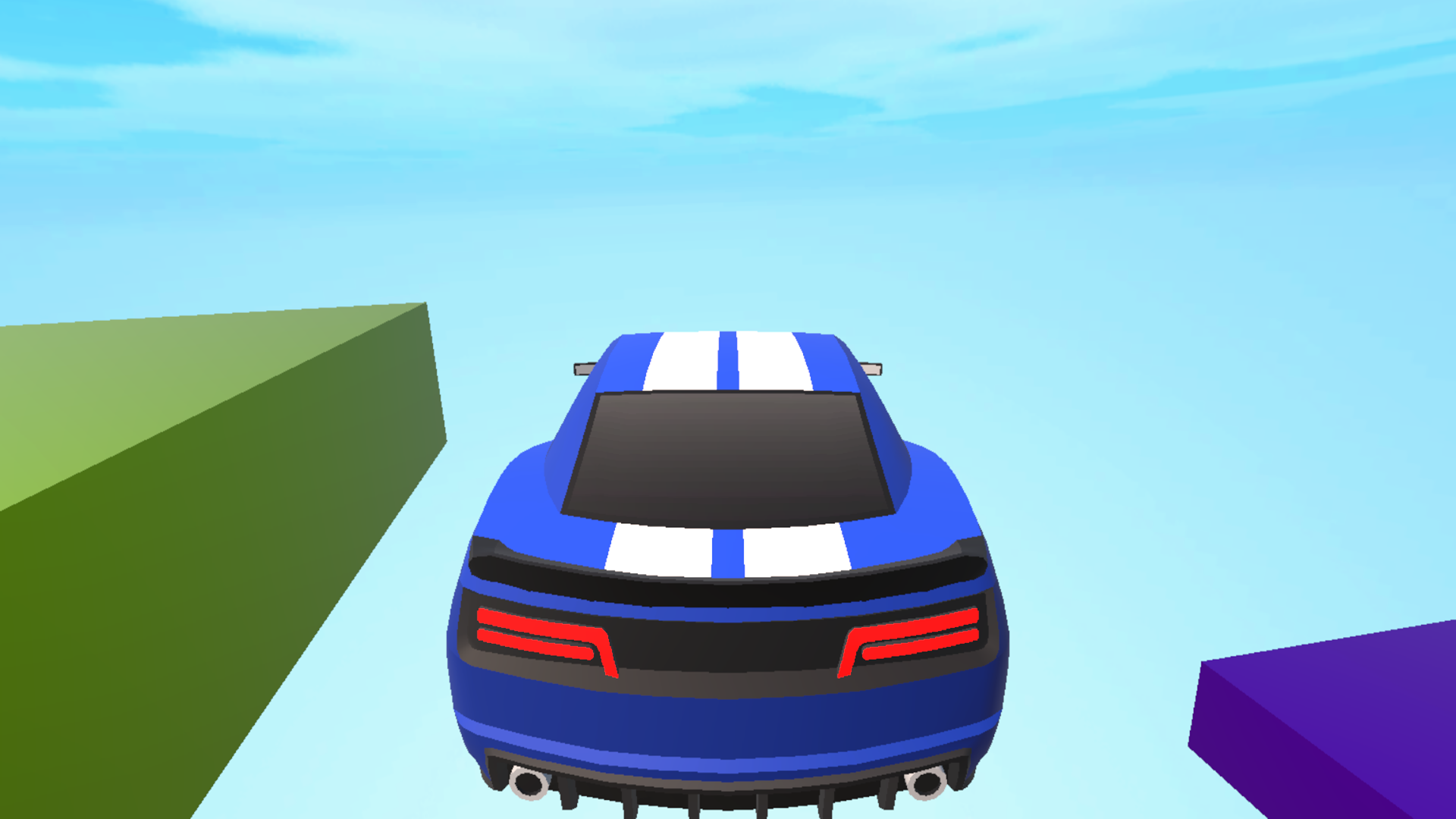
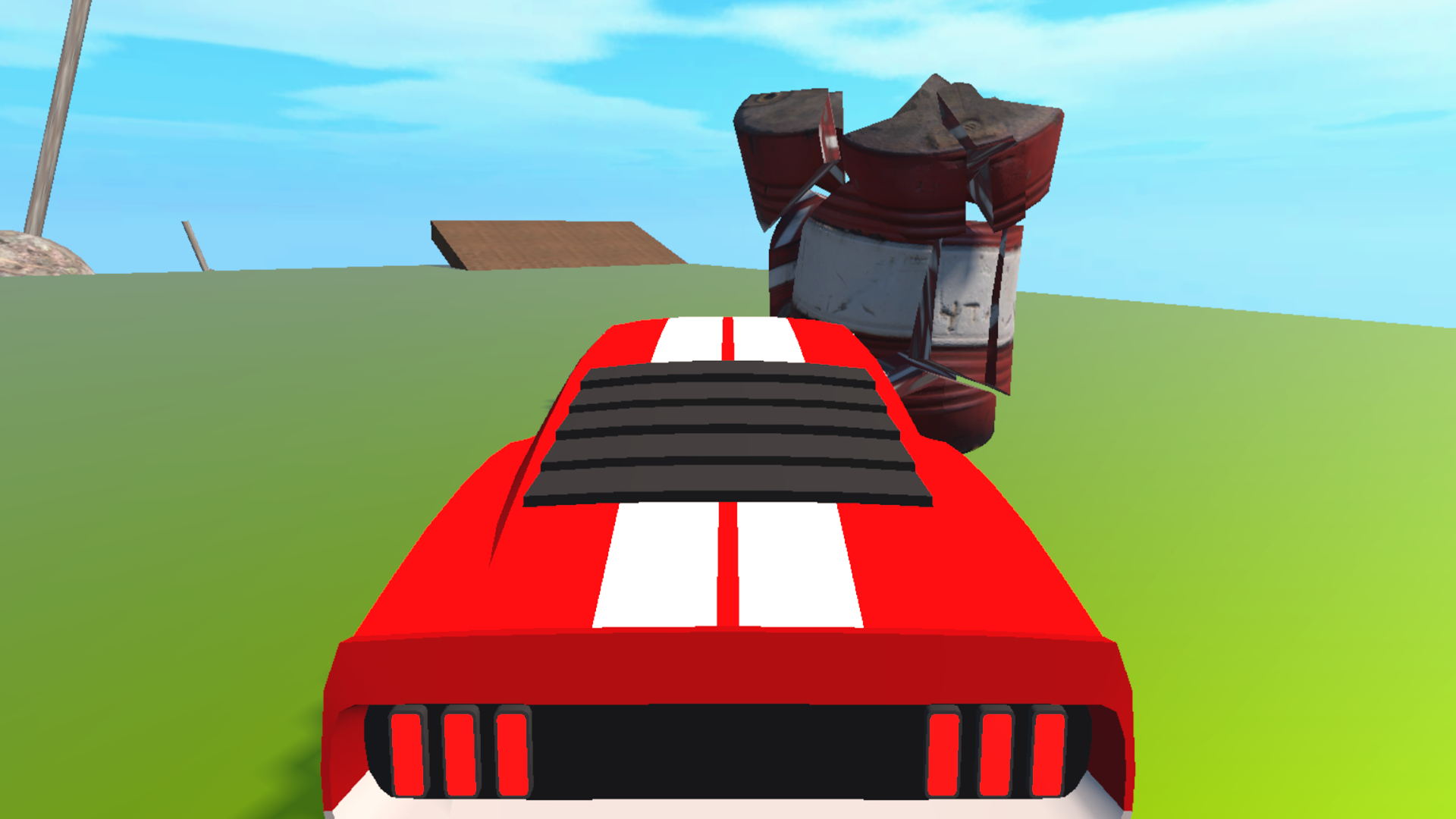
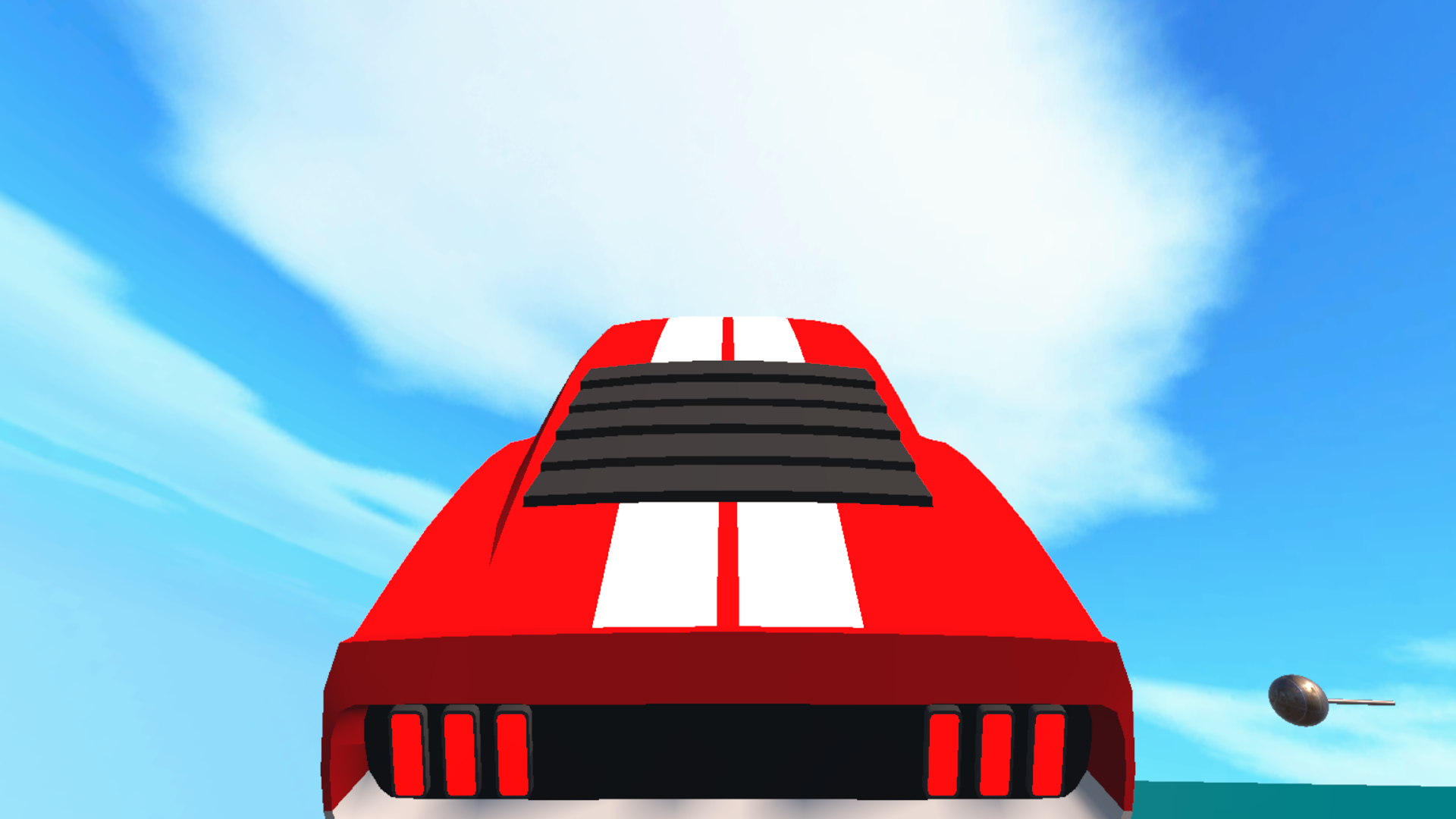
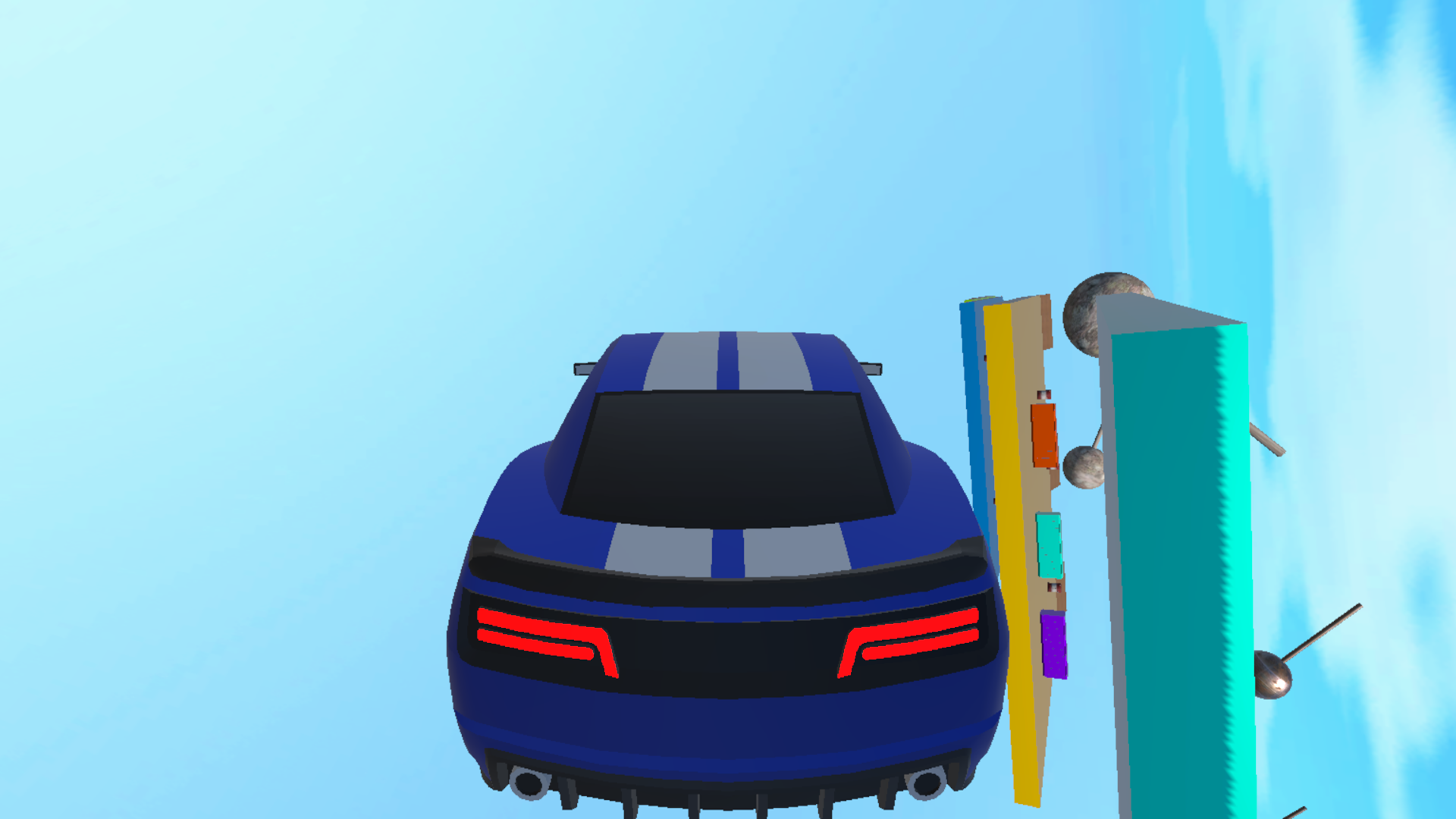
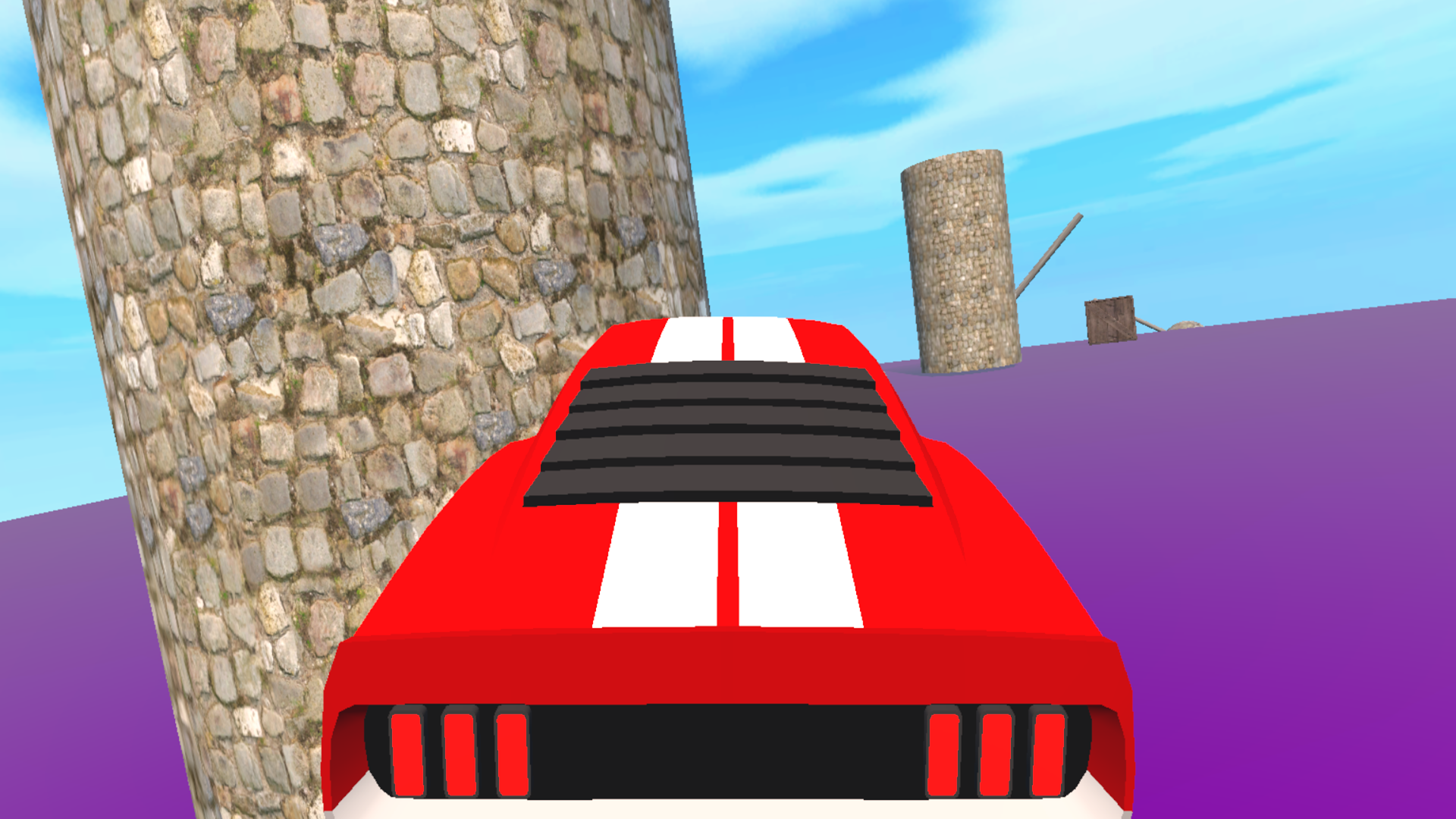
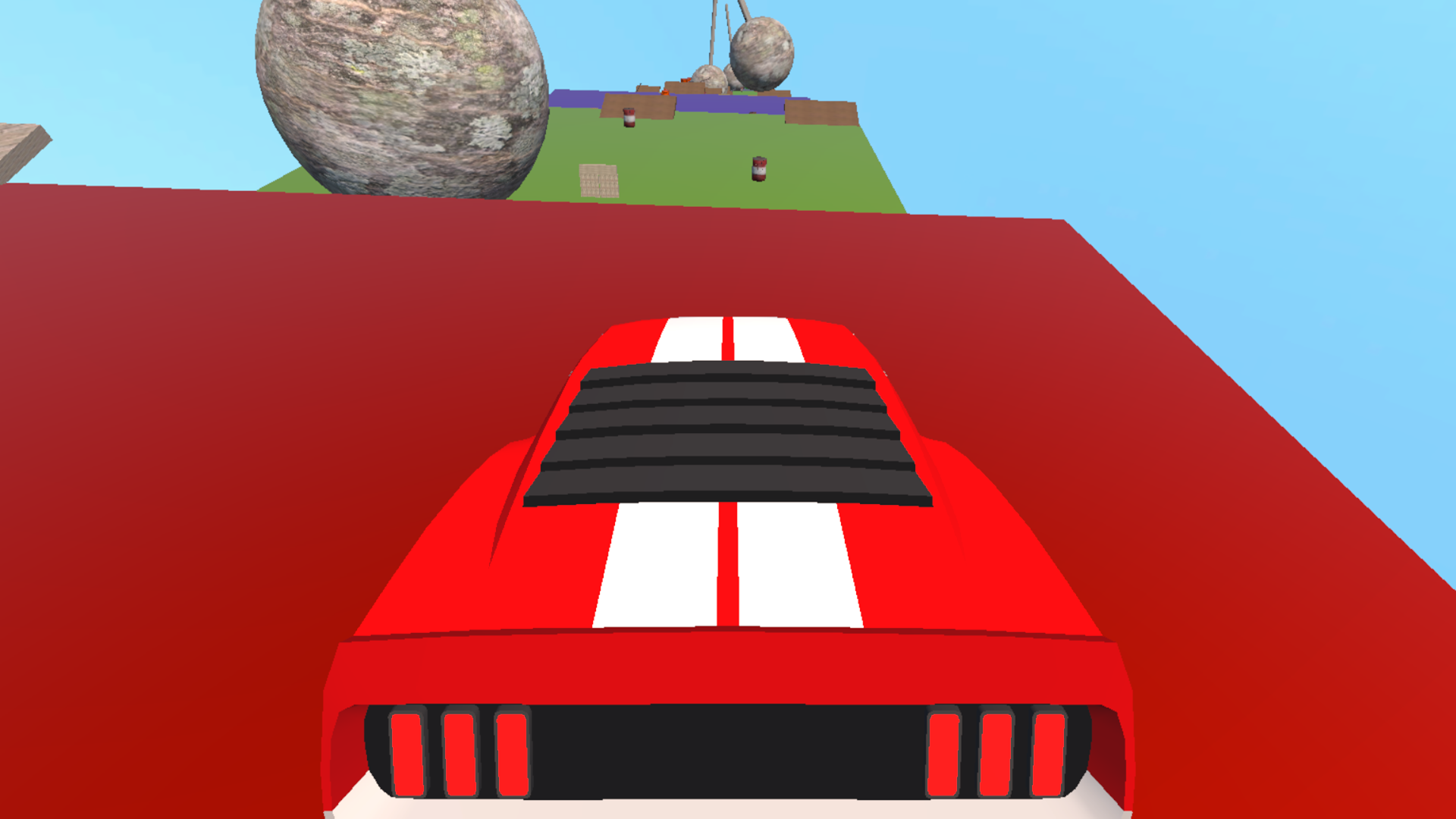
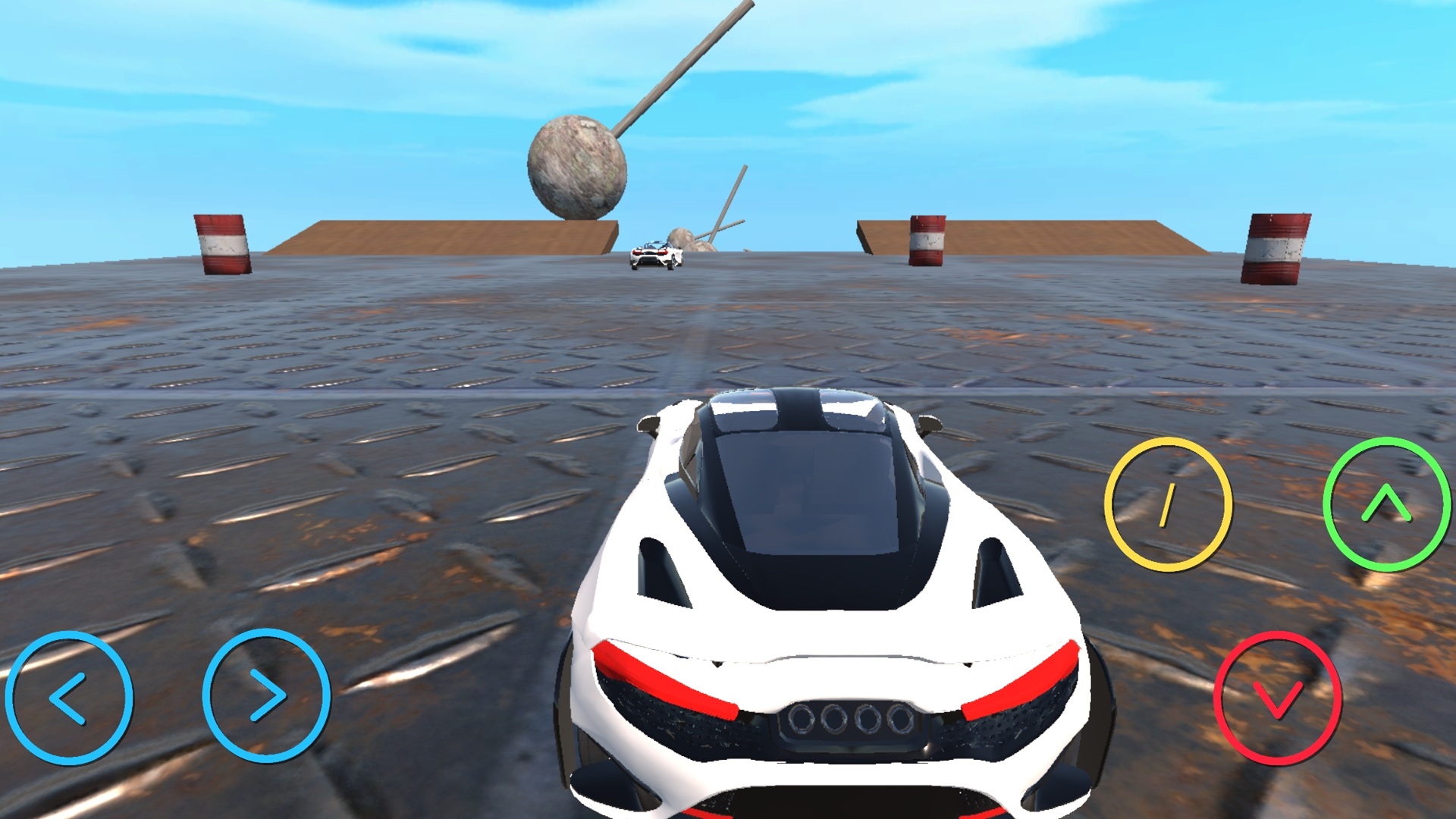
Speed demons who crave pure chaos on the track will find a home in Large auto-pickup. You take control of powerful racing machines and shove physics aside to reach the checkered flag first. Driving means smashing through barriers, drifting around tight corners, and flipping your vehicle when things go sideways. If you end up upside down after a massive jump, just hit a button to flip back onto your wheels and keep pushing forward. The track layout forces you to maintain momentum while dodging obstacles that appear out of nowhere. Four different camera angles let you watch the carnage from the cockpit or a distance. Mastering the handbrake turns is the secret to keeping your car on the road during high-speed segments. You can play Large auto-pickup right now in your browser without any downloads or annoying installations.
How to play
On the keyboard:
W — moving forward,
S — moving backwards or braking,
A — move to the left,
D — move to the right,
Space bar — handbrake (loss of traction),
R — turn the car over (if an accident occurs),
V — change the camera view (4 views available: rear, front, left and right).
On the smartphone:
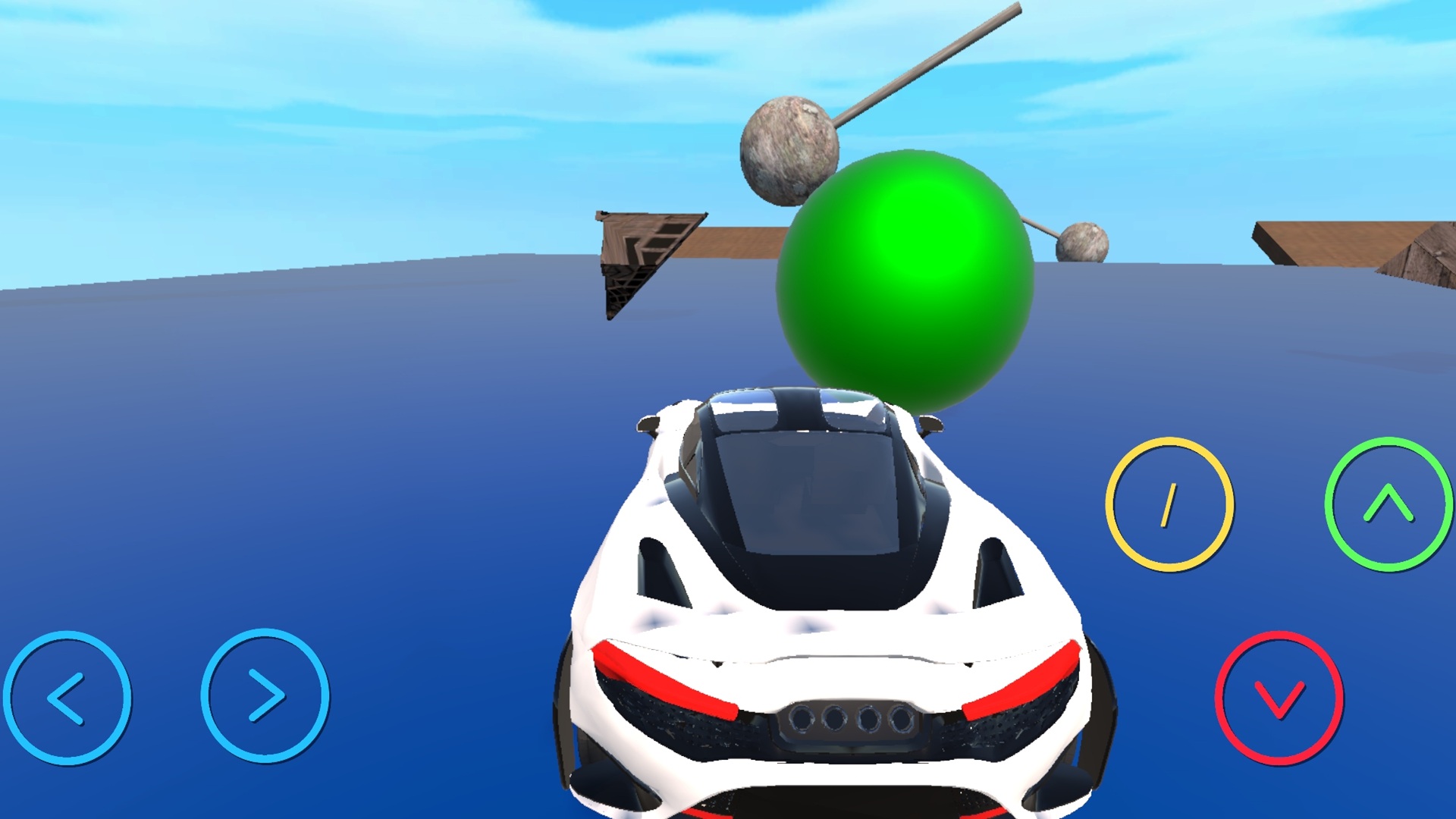
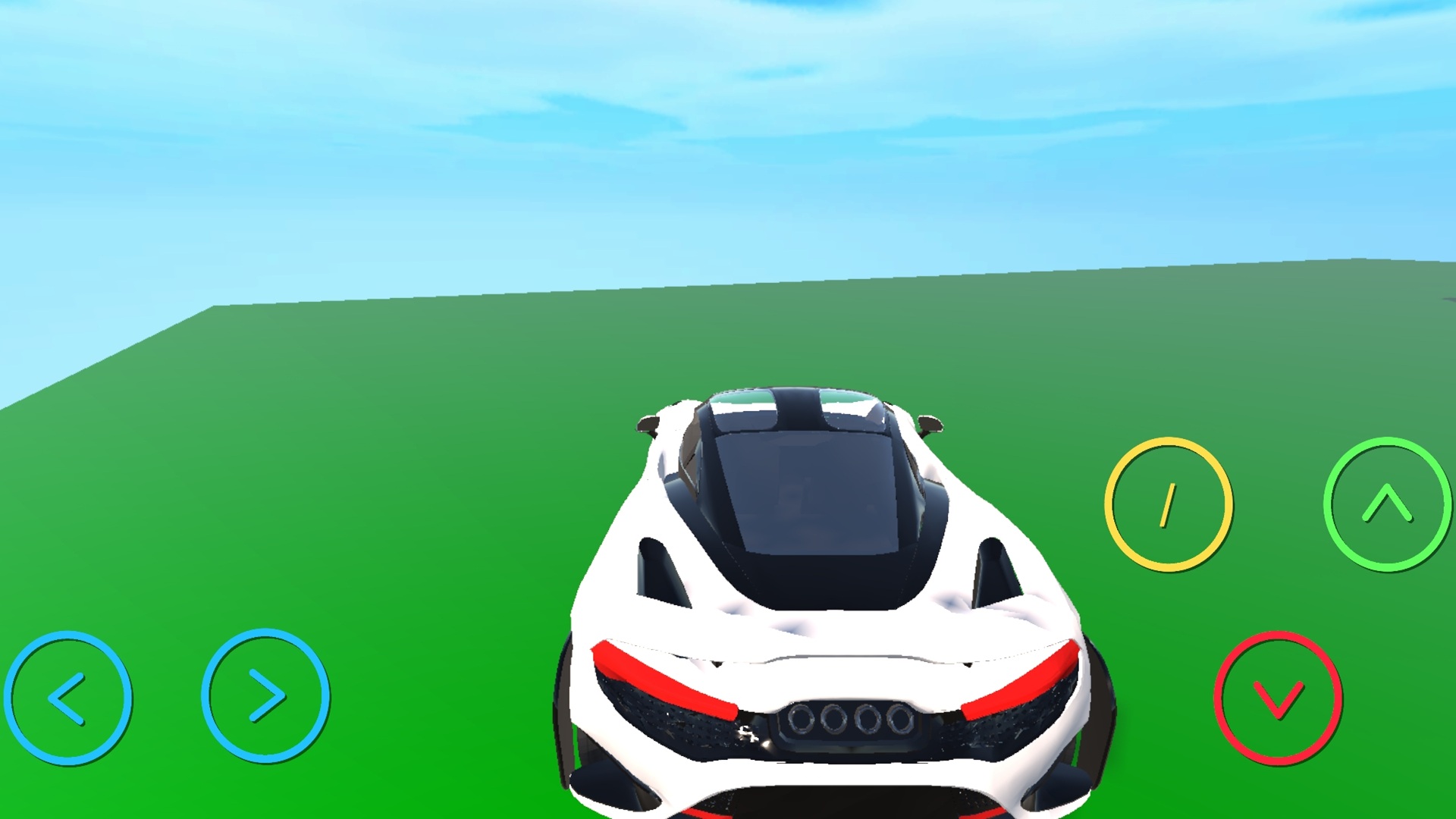
green forward arrow — forward movement,
red backward arrow — backward movement or braking,
blue left arrow — left movement,
blue right arrow — right movement,
yellow slash — handbrake (loss of traction).
Features
- Dynamic camera system: Toggle between four perspectives to optimize your view during high-speed maneuvers.
- Instant recovery: Use the flip mechanic to get back into the race immediately after an accidental crash.
- Physics-based drifting: Execute sharp turns by sliding your tires and managing your speed through corners.
- Destructible environment: Smash through various roadblocks and obstacles scattered across the race courses.
Who is it for
Fans of high-octane racing games who enjoy arcade physics and chaotic driving will love the freedom here. It works well for casual gamers wanting quick sessions, teens looking to test their reflexes against tough obstacles, and anyone needing a fun way to burn time during a short break.
Controls
Steering
Use WASD keys on a computer or the blue arrows on your mobile screen.
Acceleration and Braking
Press W or the green arrow to move forward and S or the red arrow to stop.
Drifting
Hold the Space bar or tap the yellow slash button to initiate a handbrake slide.
Camera adjustment
Press the V key to cycle through the four available driving views.
FAQ
How do I flip my vehicle in Large auto-pickup?
›
If you crash and end up upside down, simply press the R key to instantly flip your car back onto its wheels.
Can I play Large auto-pickup on my mobile device?
›
Yes, the game is fully optimized for touchscreens and uses on-screen buttons for all steering and braking commands.
Is Large auto-pickup free to play?
›
Absolutely, you can jump into the action immediately through your browser without any downloads or hidden costs.