About game
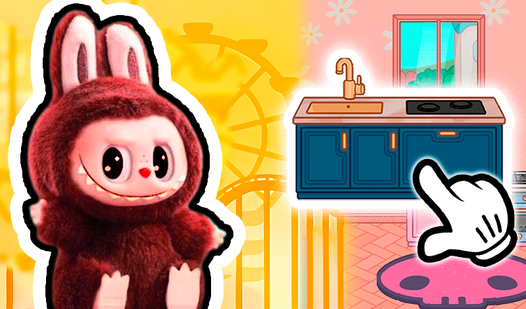
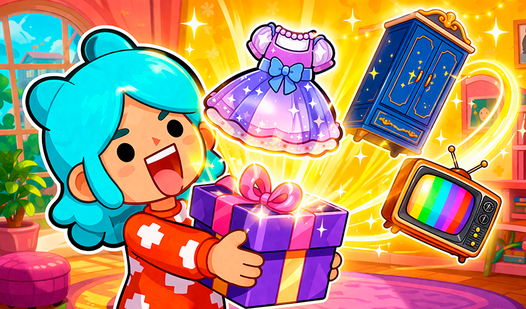
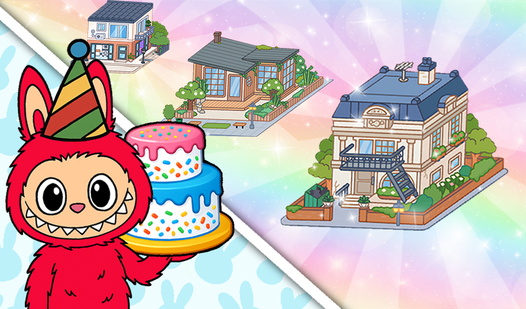
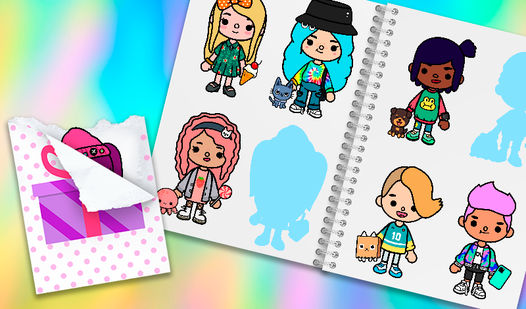
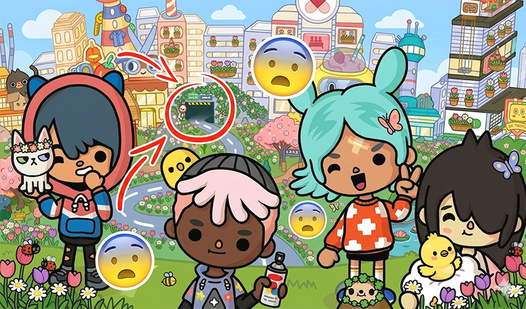
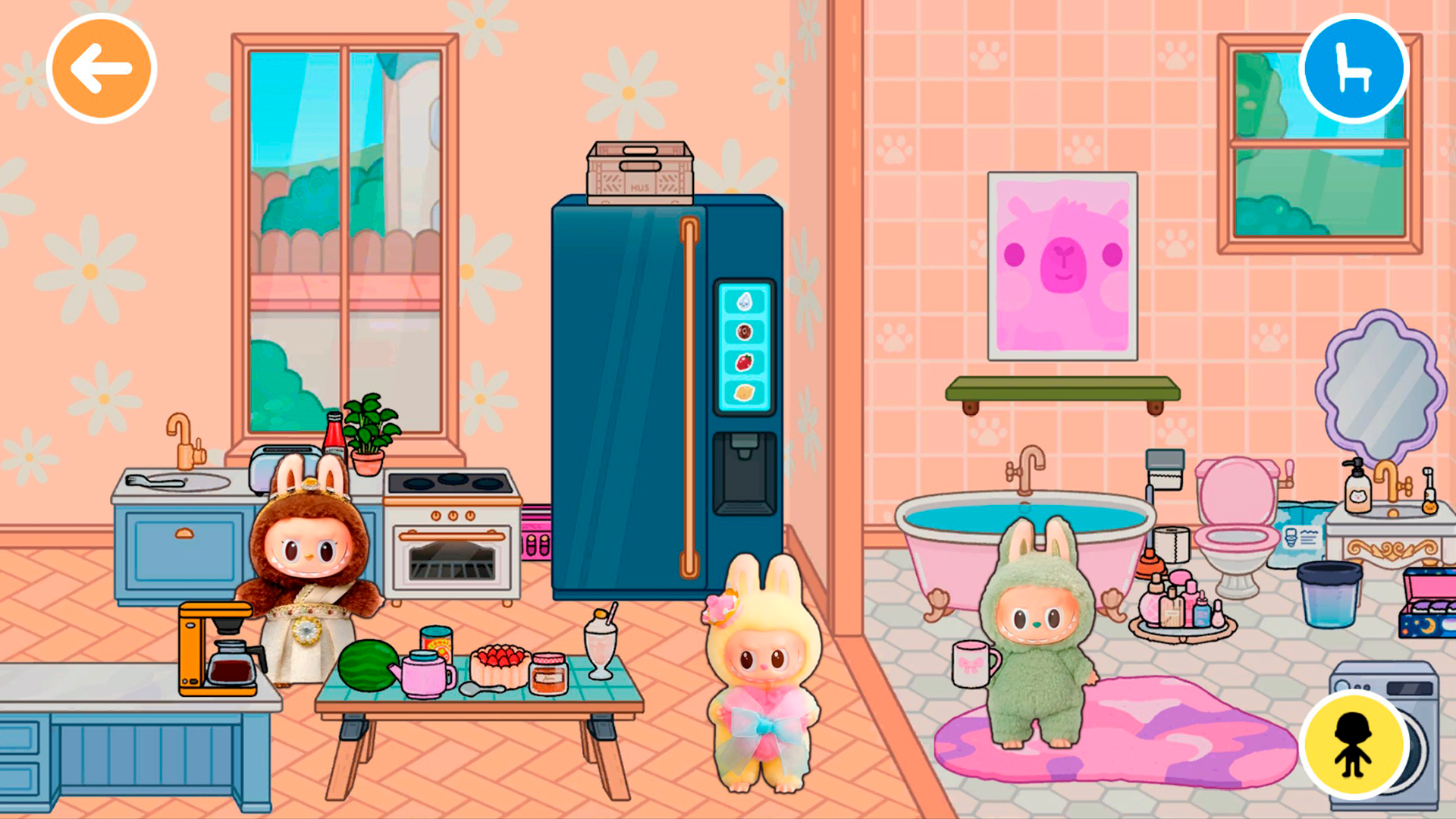
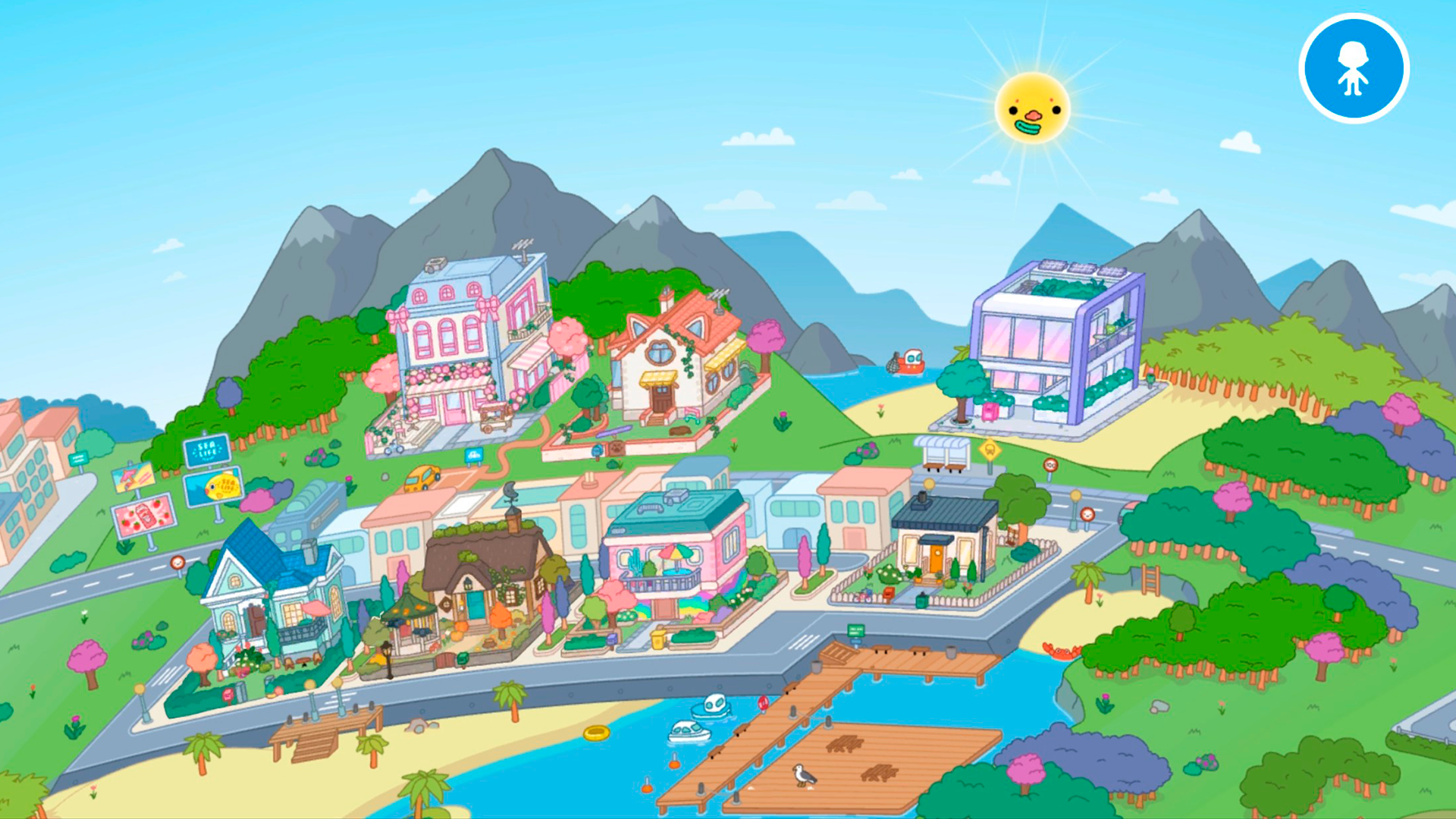
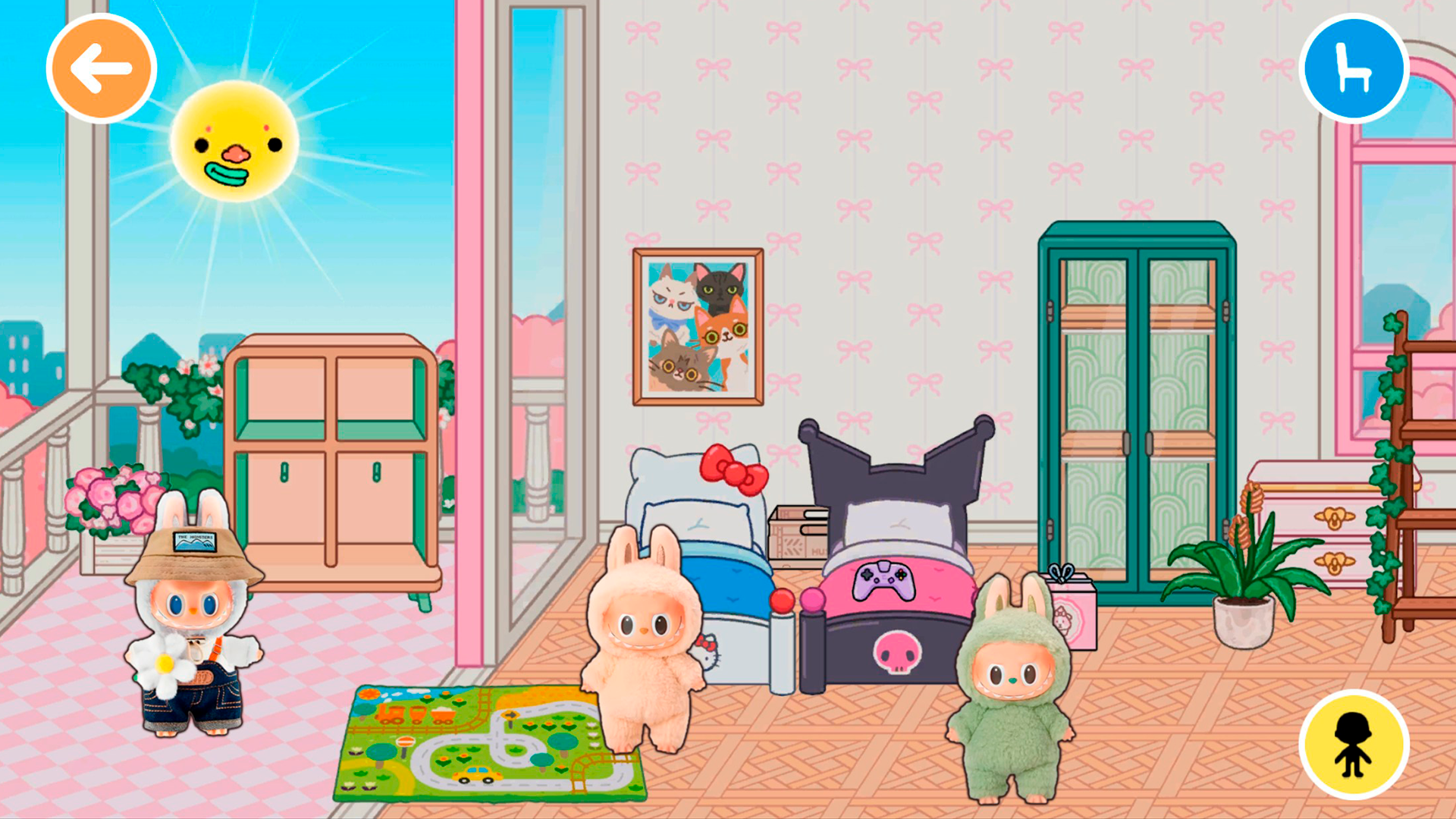
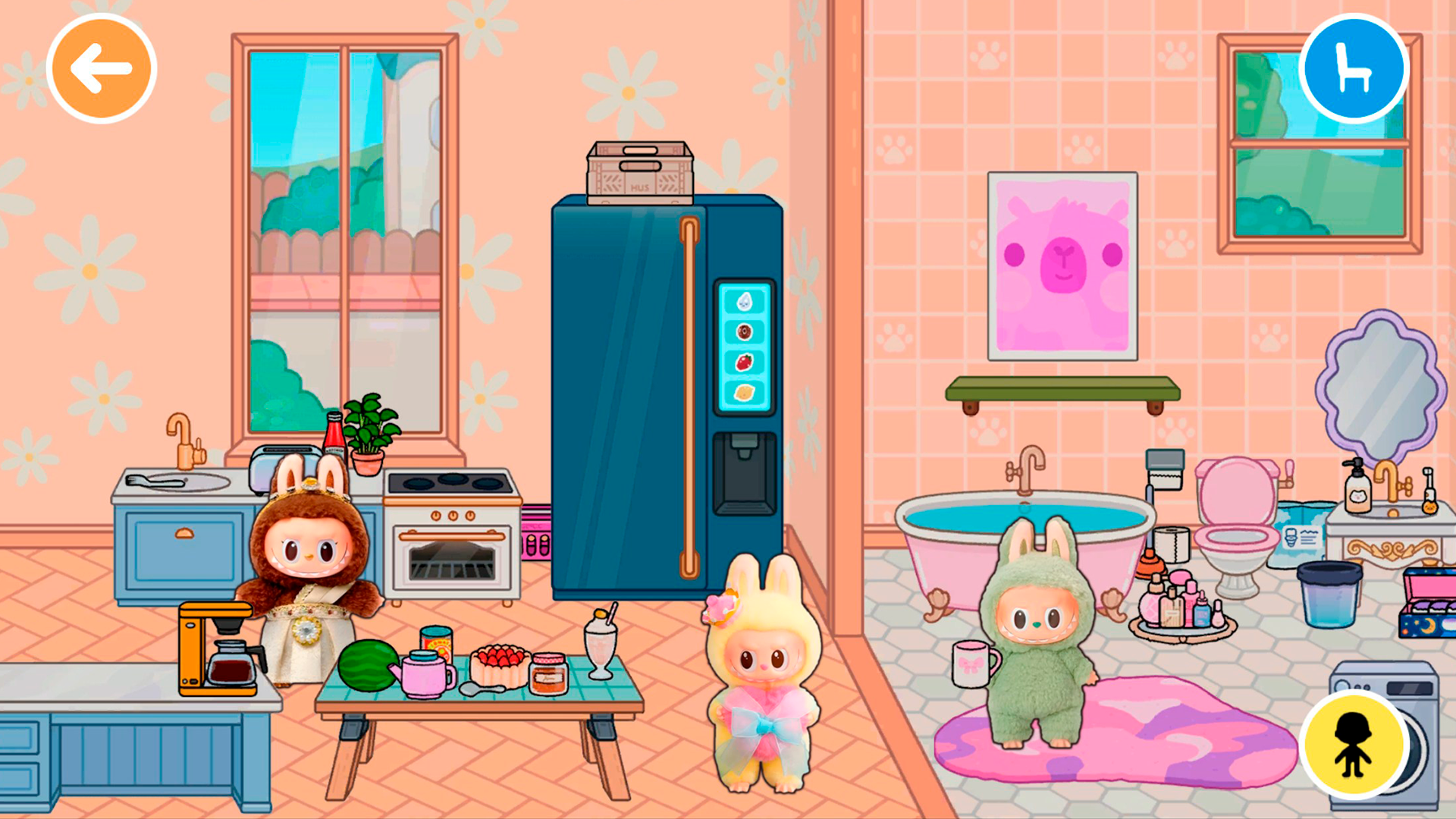
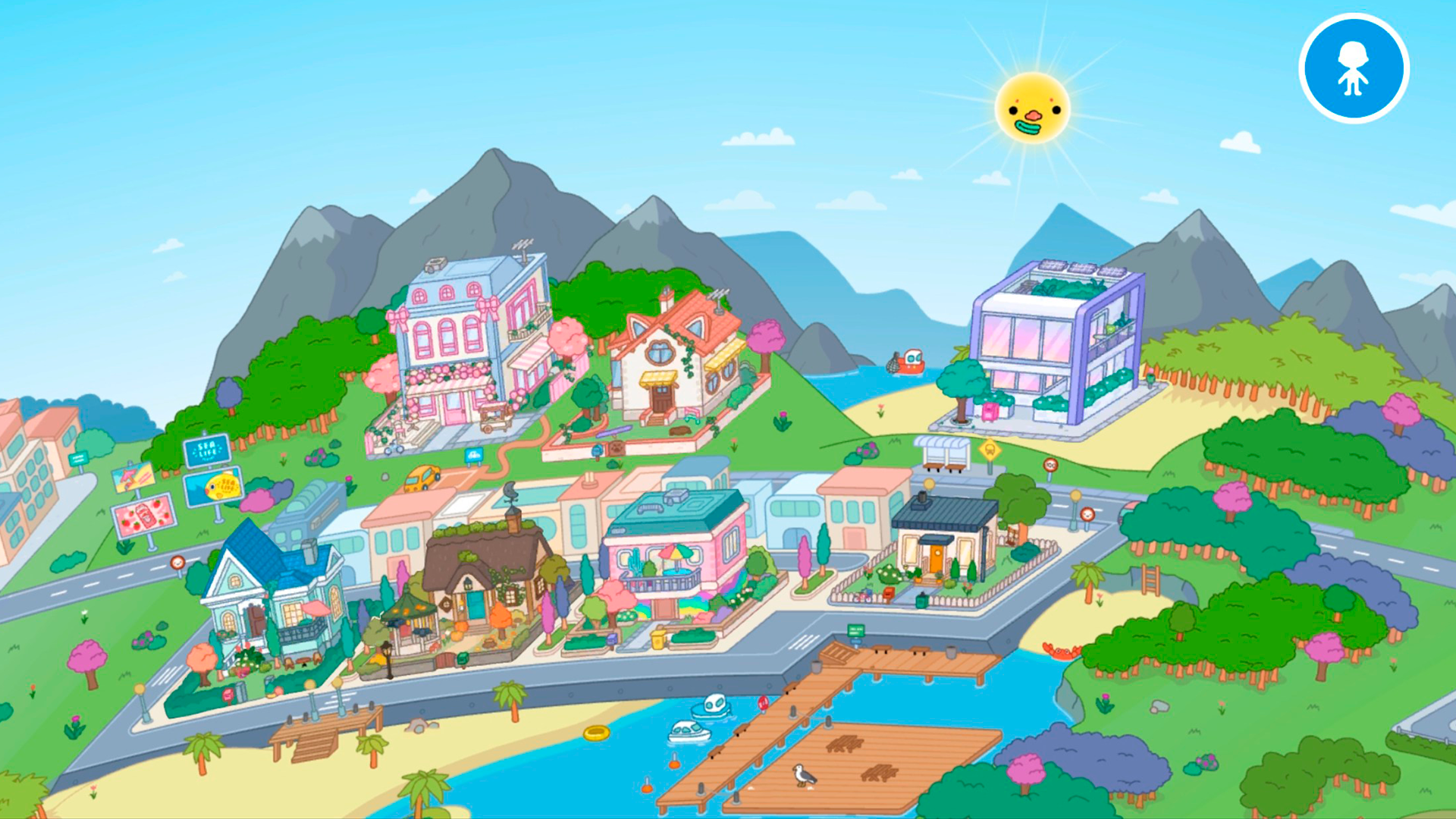
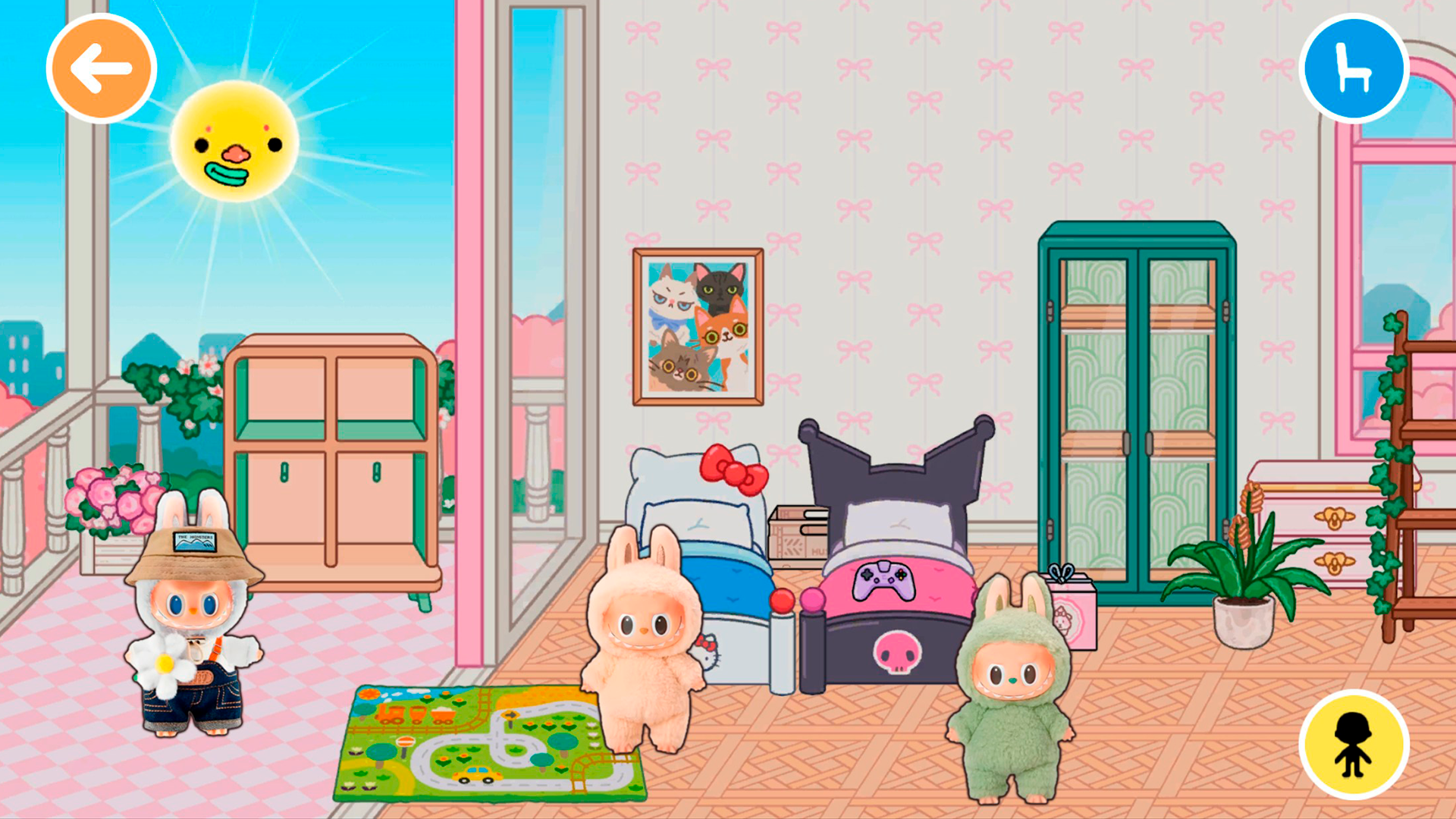
Creative souls who adore colorful interior design and cute characters will find a new favorite home in Labubu Toca. The world of toys!. This vibrant game lets you unleash your inner decorator as you build the ultimate dream space for your adorable companions. You start by opening the furniture menu, where you can select specific items to drag and drop into any room you choose. Navigating through various categories allows you to pick everything from sleek modern tables to cozy beds that fit your personal aesthetic. Beyond just furniture, you can bring the world to life by summoning lovable characters directly into your scenes. Exploring the different unlockable areas provides a constant sense of discovery as you fill every corner with personality. Each session offers endless possibilities for customizing your environment until it feels just right. This charming experience turns your browser into a digital dollhouse where you can experiment with decor without any clutter. Experience the joy of Labubu Toca. The world of toys! right now in your browser with no download required.
How to play
You can place furniture around the house by dragging it from the furniture selection menu with your finger or mouse pointer by clicking the left mouse button.
The furniture section can be selected in the upper-right corner of the screen by clicking on one of the round buttons, and the furniture subsection can be selected by clicking on the desired type of furniture at the top of the main furniture menu.
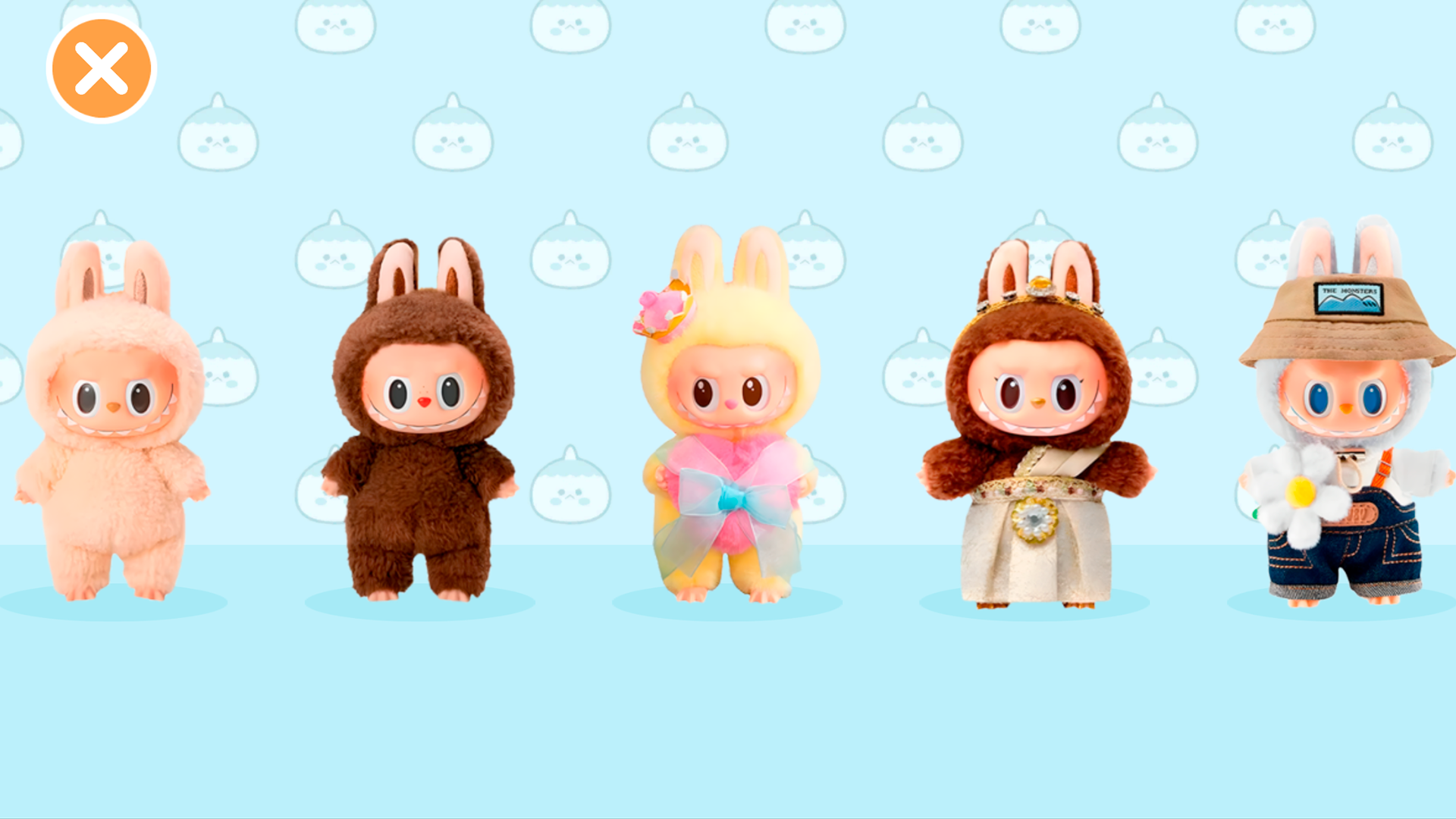
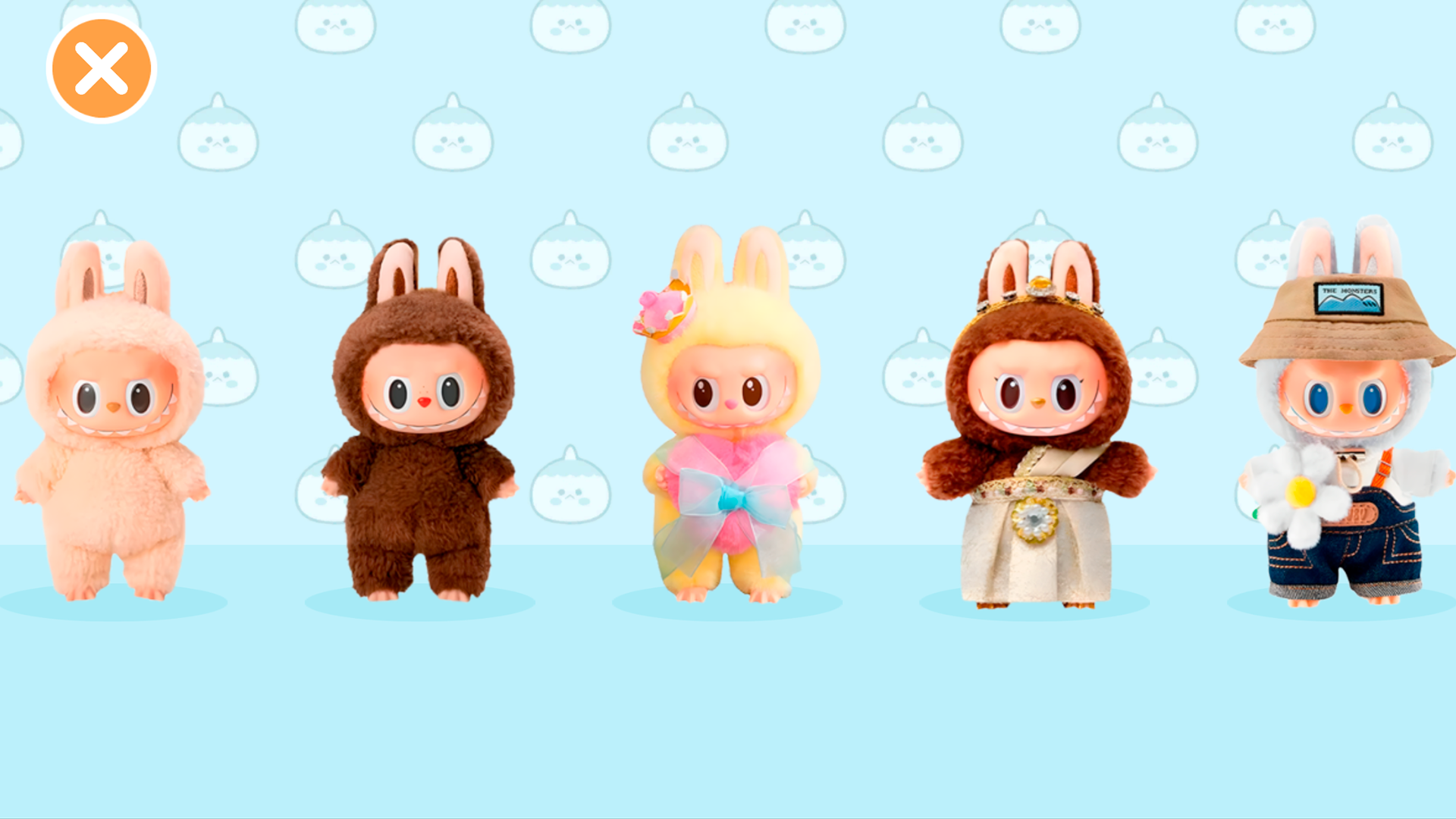
To place the Labubu, you need to open the character menu by clicking on the button at the bottom right of the screen. From the menu that opens, you can drag the Labubu into the house with your finger or mouse cursor. If there is a lock icon on the "Lab", then you need to open it. Click on the Labubu to find out how to open it.
Features
- Interactive navigation: Switch between furniture categories using the intuitive menu buttons located in the top right corner of your screen.
- Character interaction: Manage your collection of characters by opening the dedicated menu at the bottom right to place them anywhere in the house.
- Unlock mechanics: Progress through the game by clicking on locked zones to learn the specific requirements needed to expand your decorating space.
- Flexible placement: Drag and drop items freely across the floor plan to create unique layouts that reflect your personal design style.
- Dynamic customization: Experiment with different interior sets to change the atmosphere of your virtual house instantly.
Who is it for
Creative children and teens who enjoy virtual dollhouse simulations will love the freedom of designing interactive spaces. Those who enjoy rearranging furniture and playing with cute characters find the gameplay loop relaxing and engaging. It is a top choice for fans of casual creative decorating and sandbox toy games.
Controls
Select items
Click the left mouse button or tap on the menu icons.
Place furniture
Drag and drop items from the selection menu into the room using your mouse or finger.
Add characters
Open the character menu and drag the chosen character into the scene.
Unlock content
Click on the lock icons to view instructions on how to access new areas.
FAQ
How do I start building in Labubu Toca. The world of toys!?
›
Simply open the furniture menu in the top right corner, select your preferred item, and drag it into the room.
Can I add characters to my house in Labubu Toca. The world of toys!?
›
Yes, use the button at the bottom right of the screen to open the character menu and drag them into your design.
What should I do if a room is locked in Labubu Toca. The world of toys!?
›
Click the lock icon on the character menu to see the specific requirements needed to unlock that area.