About game
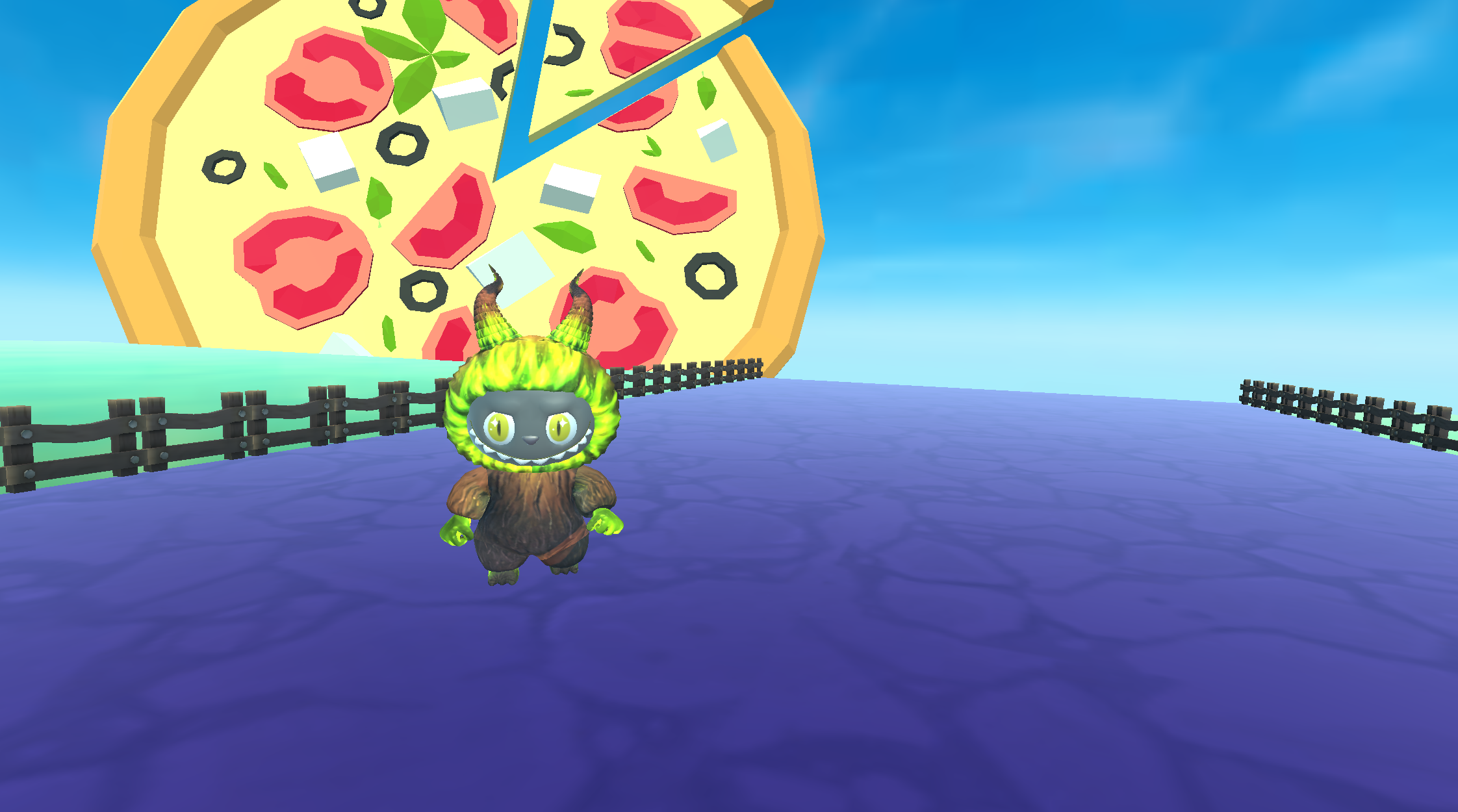
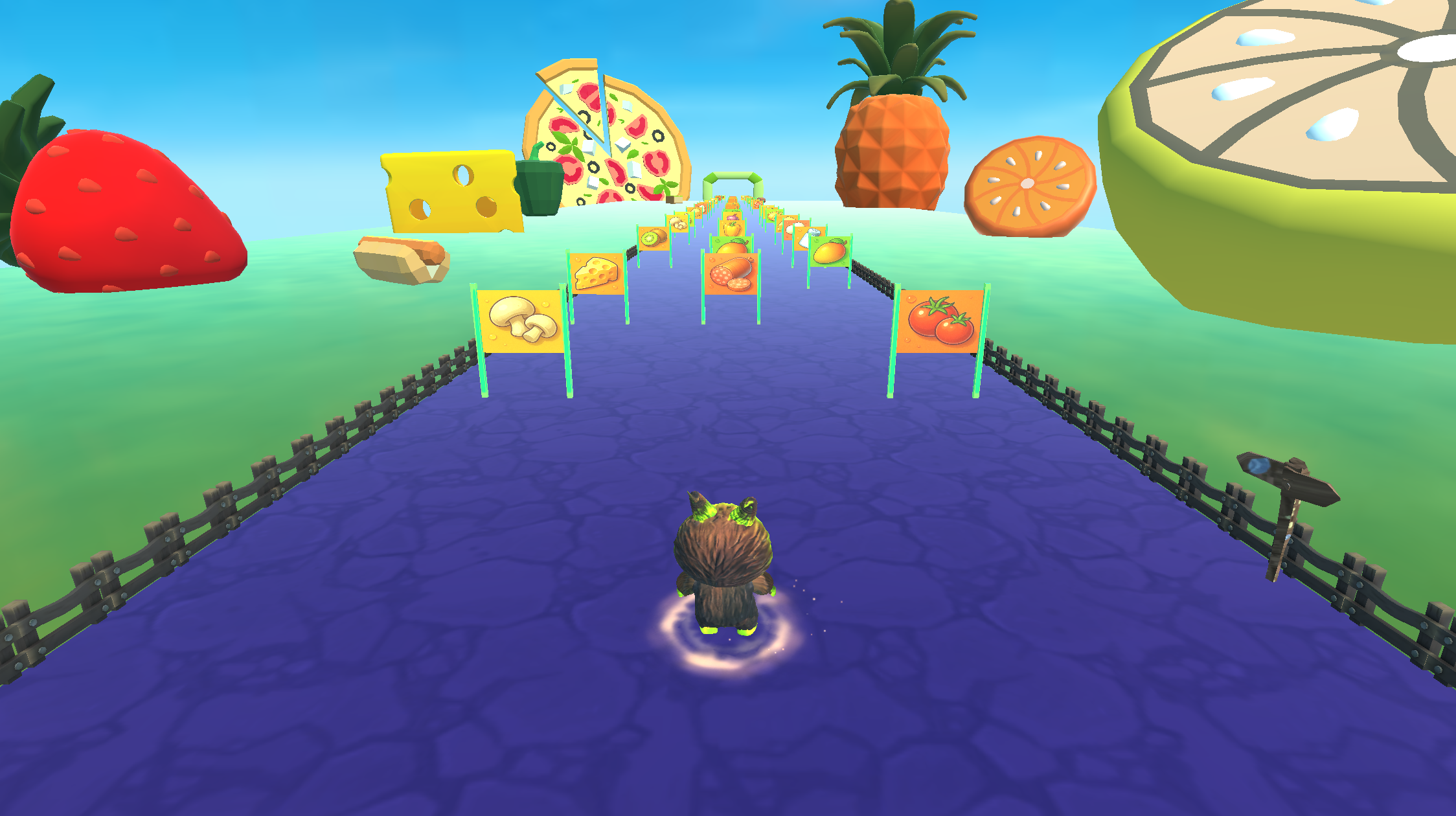
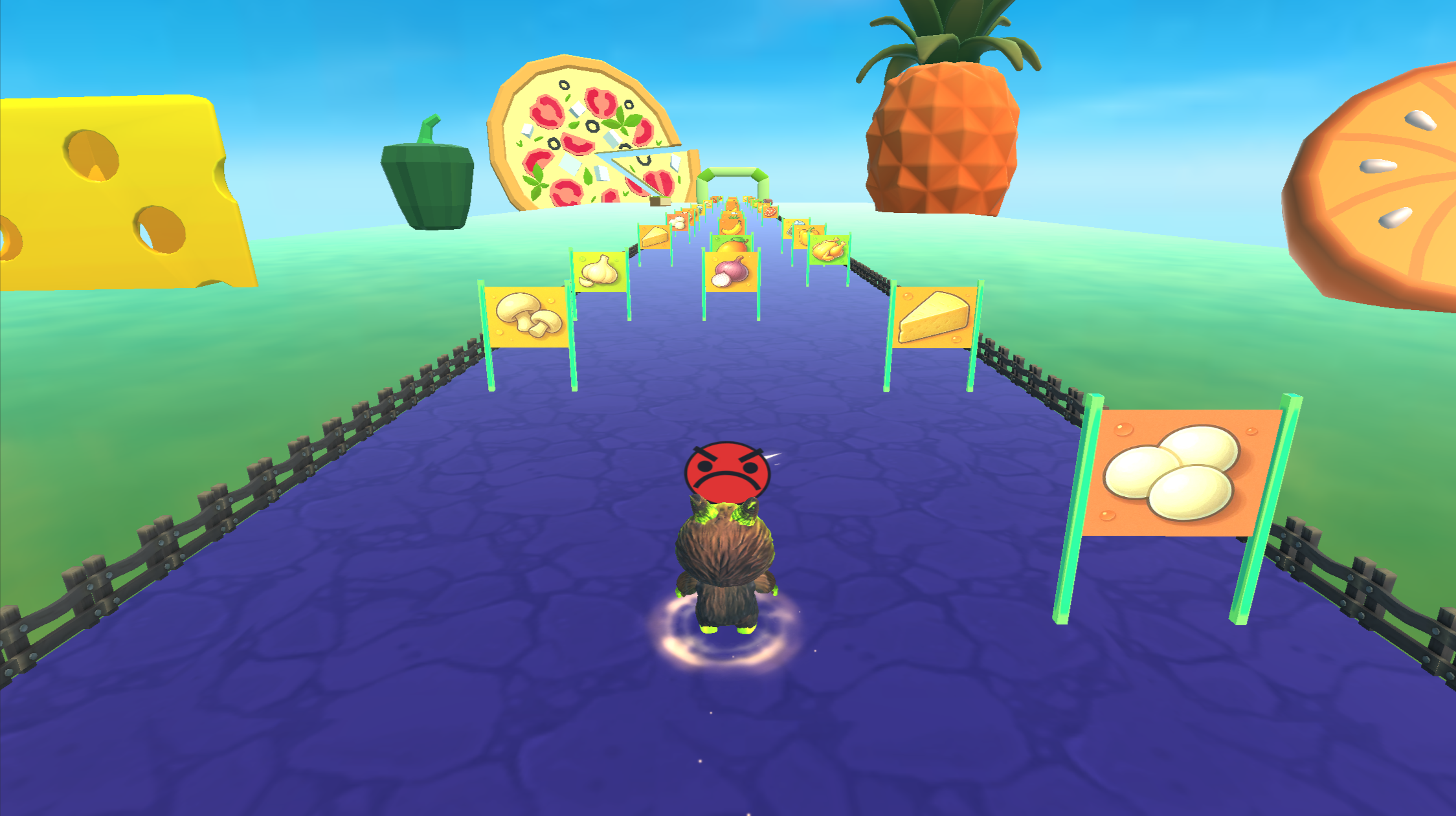
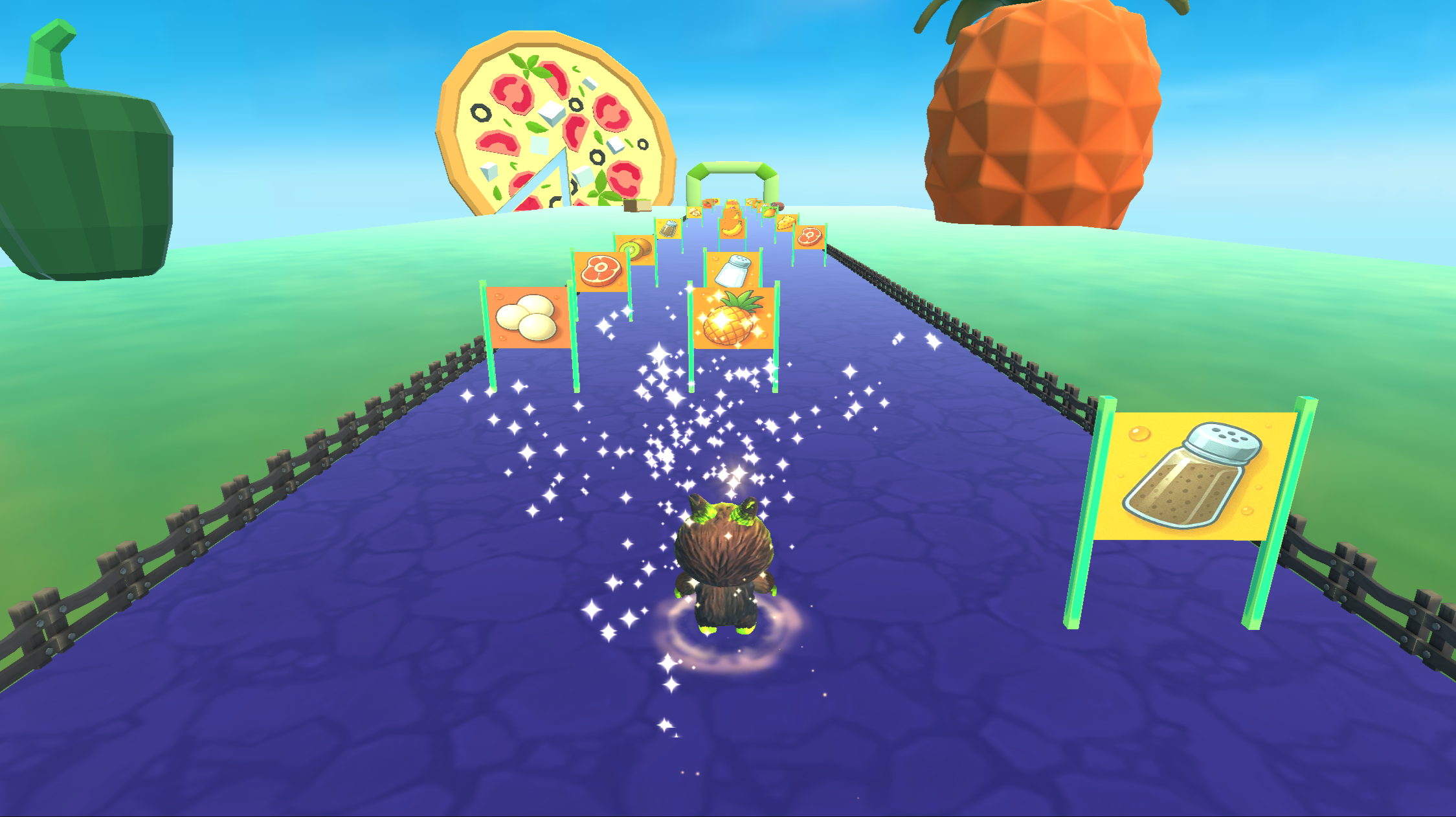
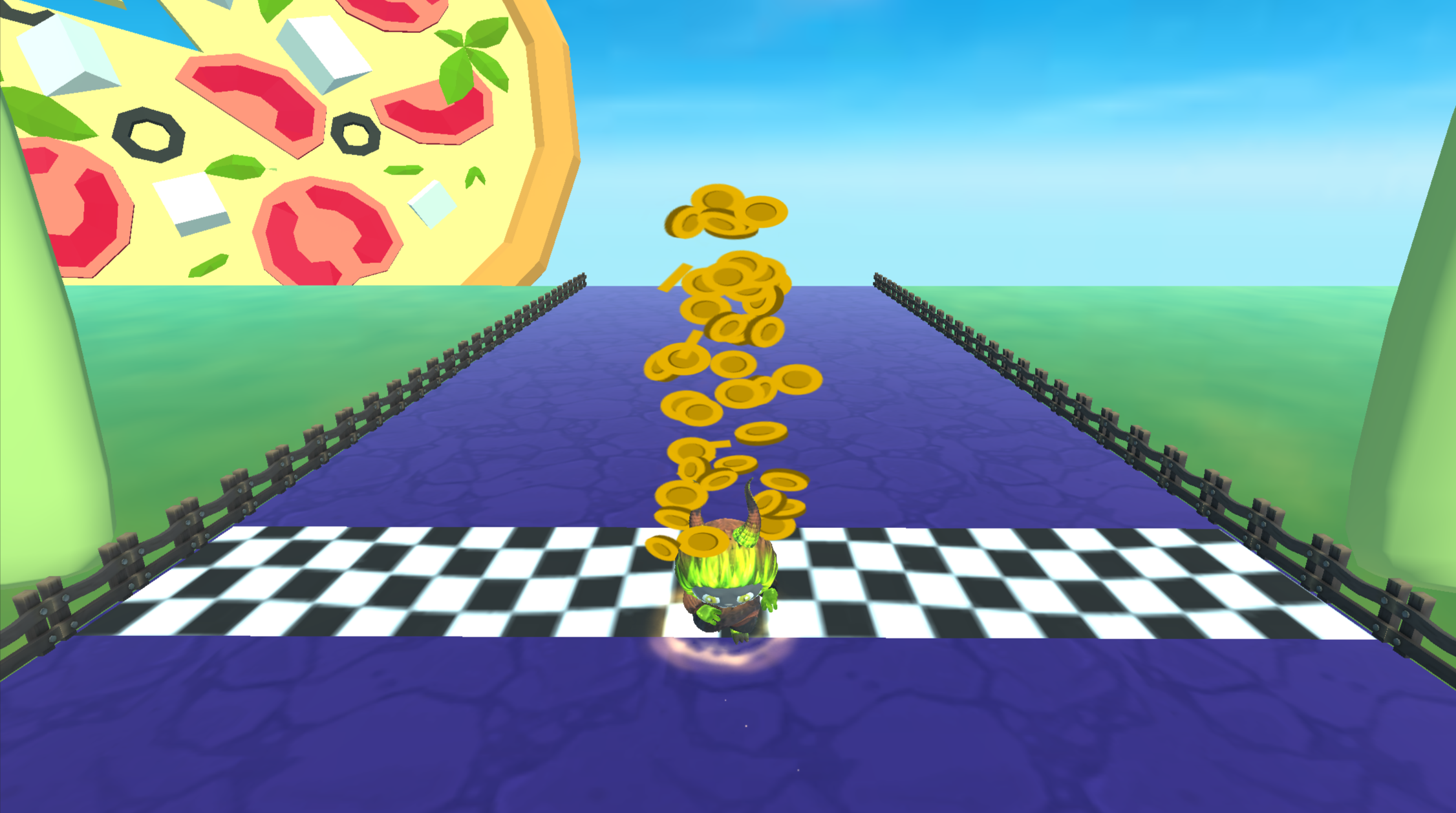
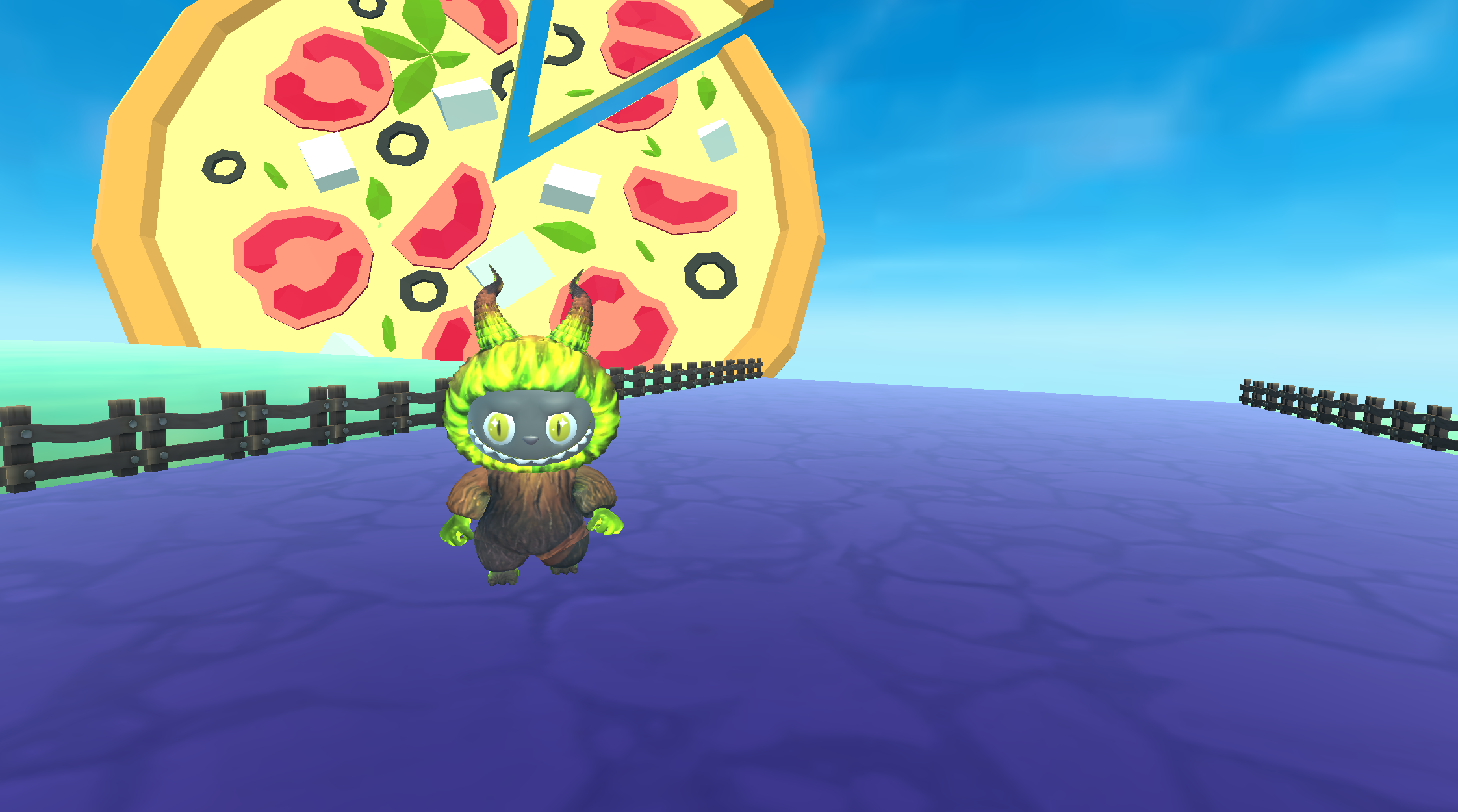
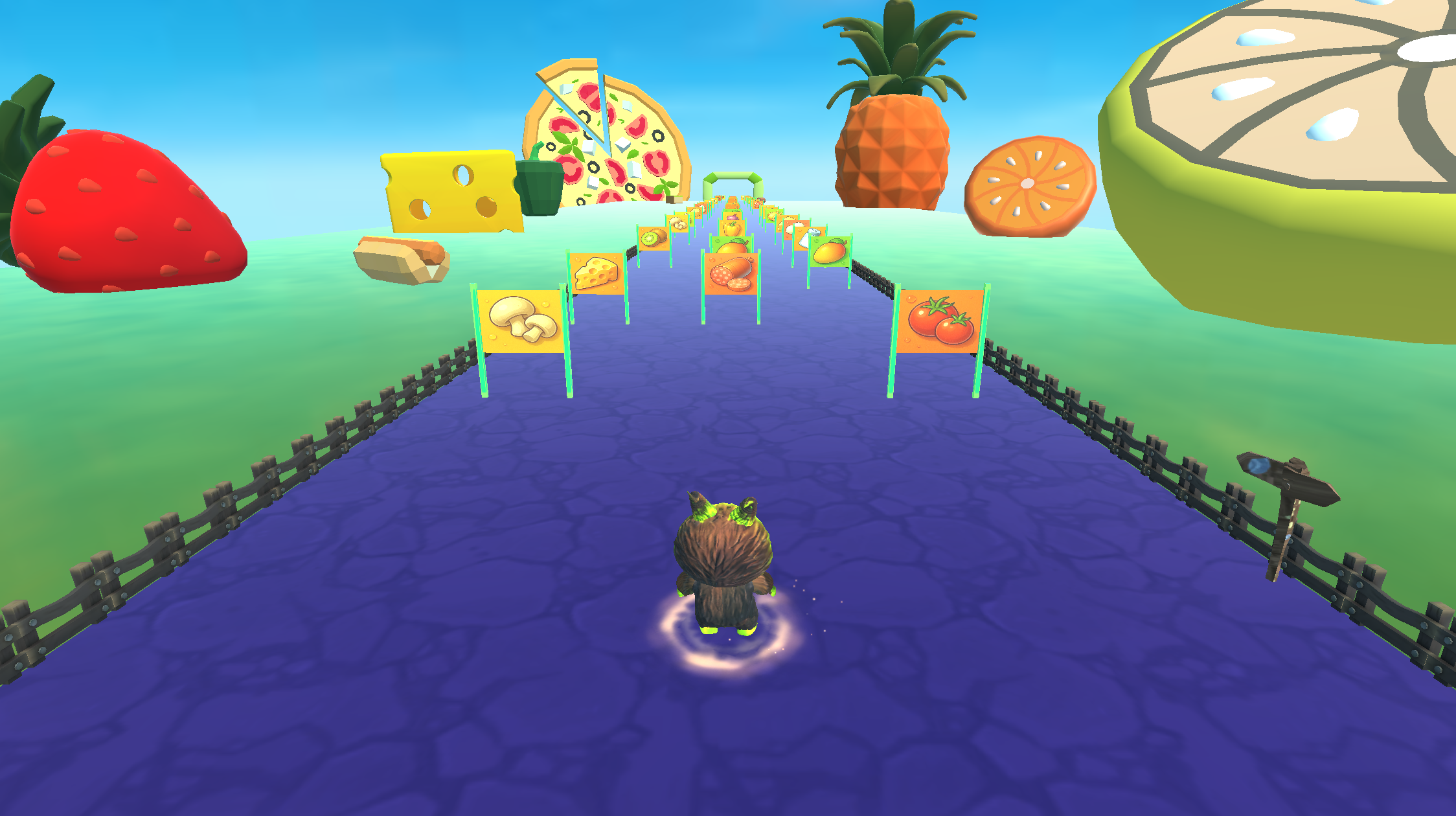
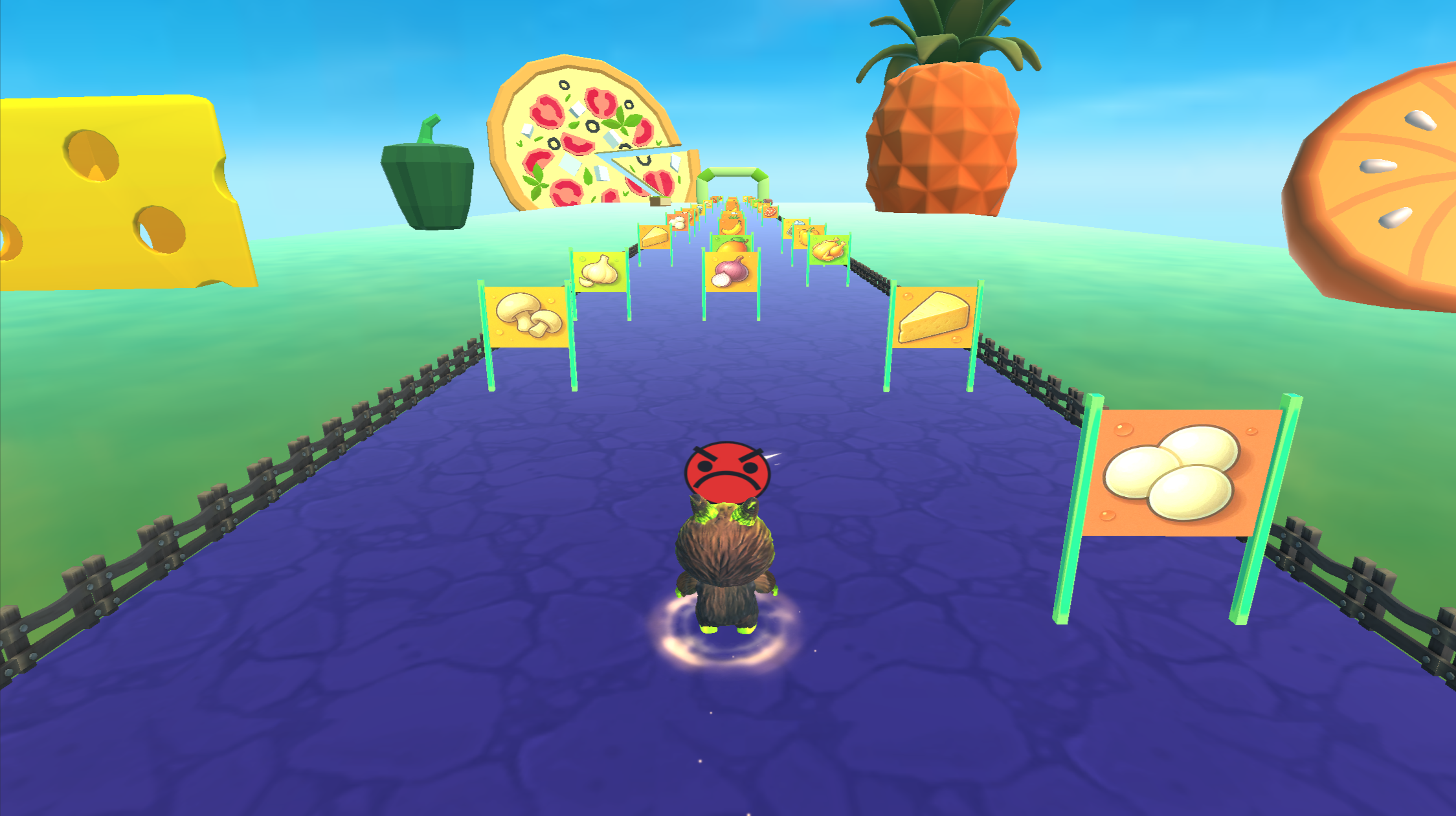
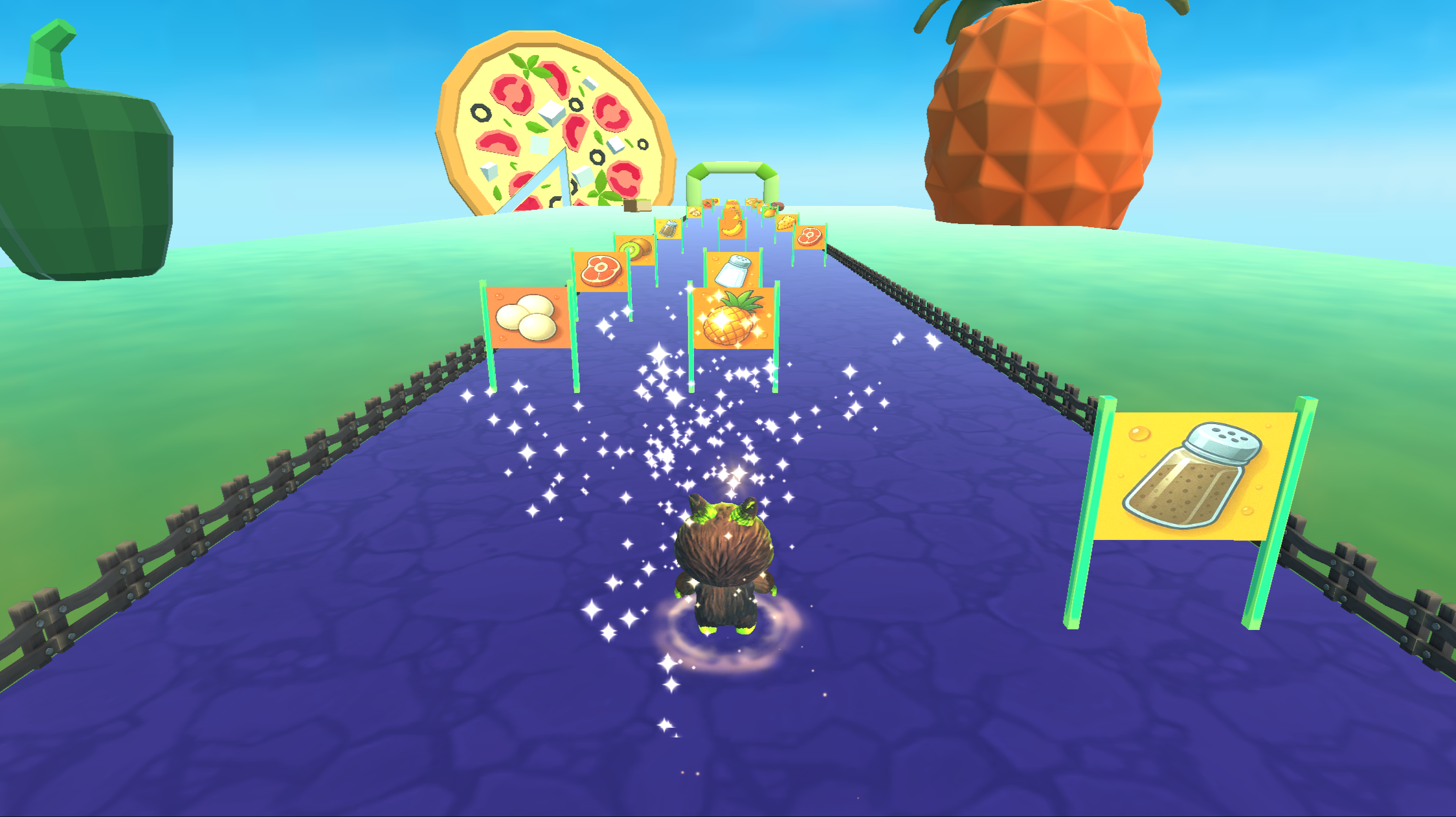
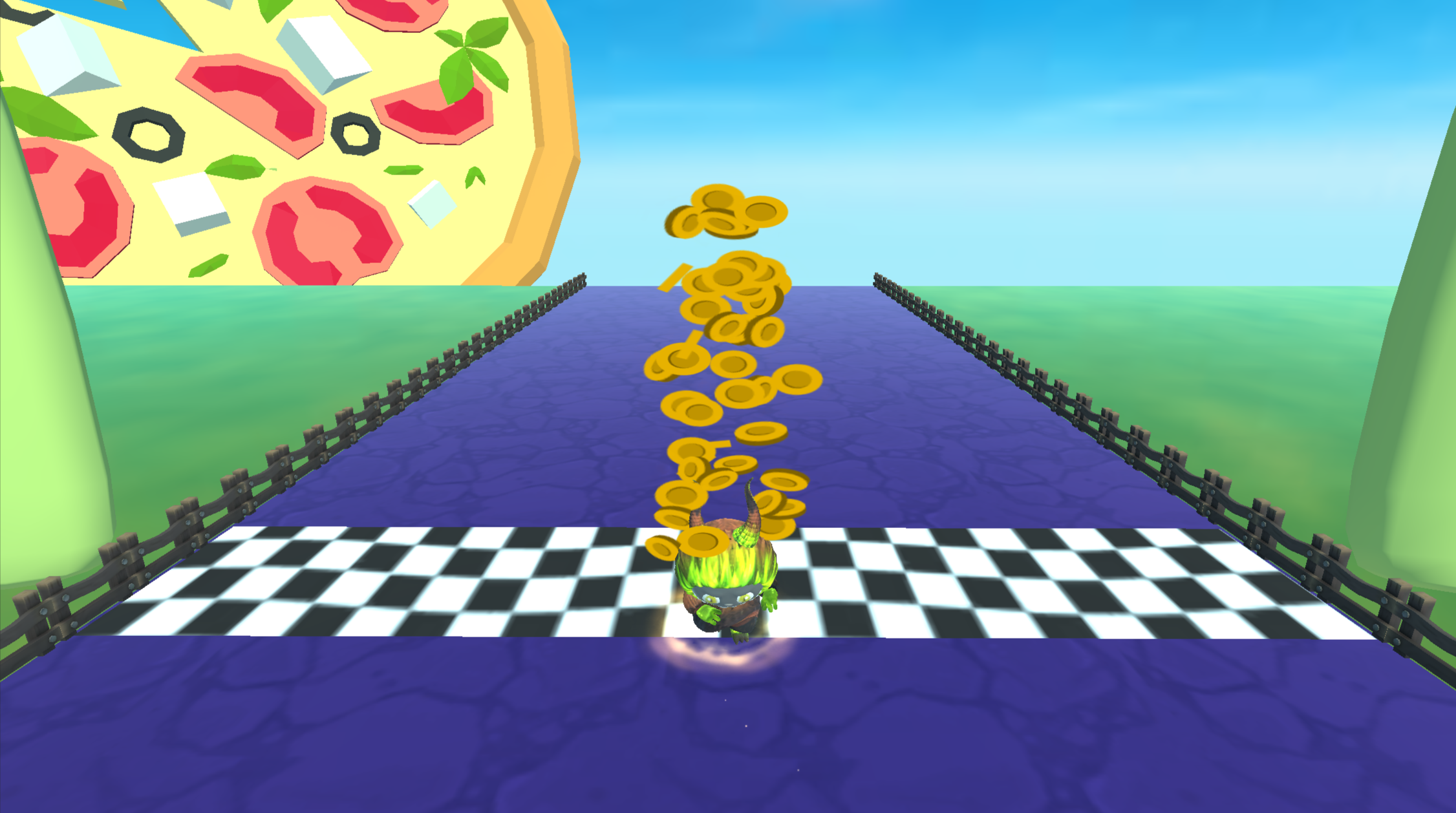
Dash down the track as Labubu to gather fresh toppings for your next culinary masterpiece. This fast-paced runner turns a simple kitchen task into a high-speed obstacle challenge that keeps your fingers moving. You navigate through vibrant lanes to snatch up pepperoni, mushrooms, and cheese before crossing the finish line. Every ingredient you snag changes the final result of your pizza, so choose your path carefully during every run. Task Mode pushes your precision by demanding specific items to match set recipes while Free Mode lets your creativity run wild. Earning coins during these rounds allows you to visit the pizzeria and unlock custom items to upgrade your experience. Quick sessions make this a solid choice for fitting in a bit of fun between your daily chores. Jump into this browser-based pizza game right now without any downloads required.
How to play
Your goal is to reach the finish line, collect ingredients, and make the best pizza possible.
PC controls:
W or Up Arrow — move forward
A or Left Arrow — move forward-left
D or Right Arrow — move forward-right
Mouse — control movement direction
Auto Run button — turns automatic running on and off
Mobile controls:
Hold your finger anywhere on the screen — the character runs forward
Drag your finger left or right — the character moves in that direction
Auto Run button — turns automatic running on and off.
Features
- Task Mode precision: Follow specific recipe lists to prove your skills as a master chef under pressure.
- Pizzeria shop: Spend coins earned during runs to unlock visual upgrades and new kitchen items.
- Dynamic results: Watch how your final pizza changes based on the specific items you collect during the sprint.
- Auto Run toggle: Use the automatic movement button to focus entirely on steering through the ingredient lanes.
Who is it for
Casual players who enjoy colorful arcade experiences and fans of food-themed challenges. Children will appreciate the bright visuals and simple mechanics, while competitive runners can test their speed in Task Mode. Anyone looking for a quick, browser-based distraction will find this title easy to pick up and play.
Controls
Move character
Drag finger left or right on mobile or use A/D keys on PC.
Toggle Auto Run
Tap the button on screen or click with the mouse to switch automatic movement.
Steer
Hold finger on screen or use the mouse to guide Labubu along the track.
FAQ
How do I play Labubu Makes Pizza! on a mobile browser?
›
You simply hold your finger on the screen to move forward and drag it from side to side to collect ingredients in Labubu Makes Pizza!
Can I change the recipe in Labubu Makes Pizza!?
›
Yes, you can toggle between Free Mode to create custom pizzas or Task Mode to follow specific recipes in Labubu Makes Pizza!
Is it possible to play Labubu Makes Pizza! without downloading?
›
Absolutely, Labubu Makes Pizza! Runs directly in your web browser with no installation needed.