About game
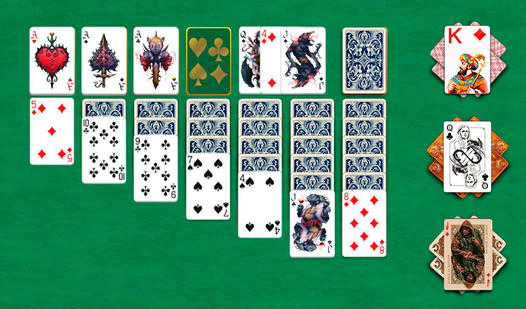
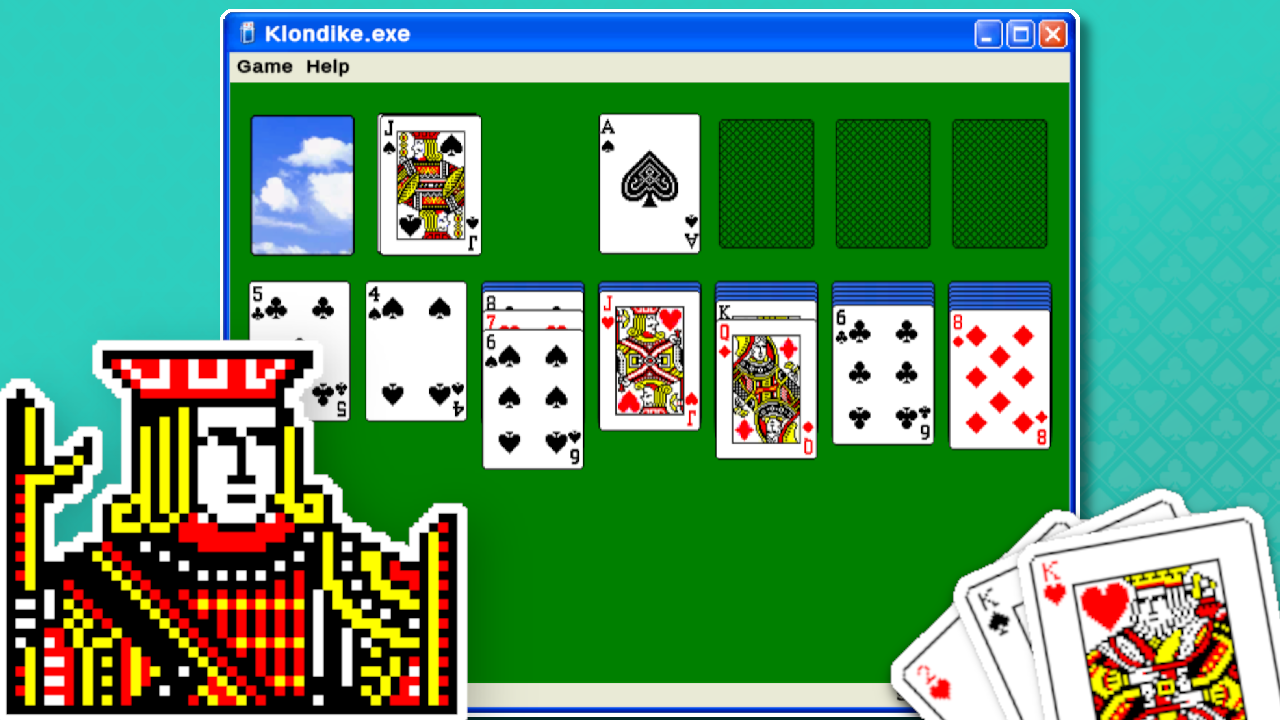
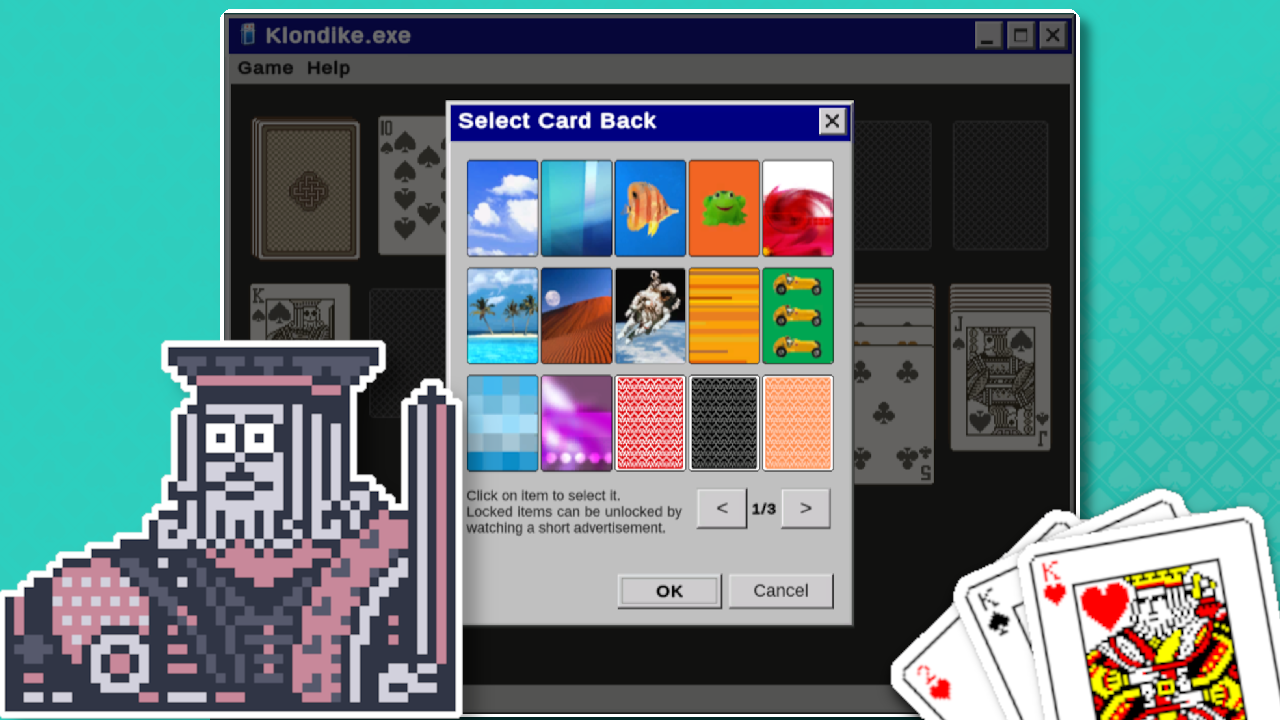
Card games remain the ultimate way to sharpen your mind while enjoying a quick break from a busy day. Klondike Solitaire Win XP brings back the nostalgic charm of classic desktop gaming right to your modern browser. You arrange stacks by alternating colors and decreasing values to clear the board, just like the legendary titles that defined early computing. Whether you choose to draw one or three cards, your goal is to move every card into the upper house stacks to achieve victory. The interface feels like a authentic journey into the past while offering smooth movement and intuitive mechanics for every player. Beyond the standard gameplay, you can personalize your experience with dozens of unique card backs, table themes, and window styles that capture that vintage aesthetic perfectly. This version of Klondike Solitaire Win XP tracks your personal statistics, letting you compete against your own high scores. You can play this timeless piece of PC classics for free in your browser right now with no download required.
How to play
How to play:
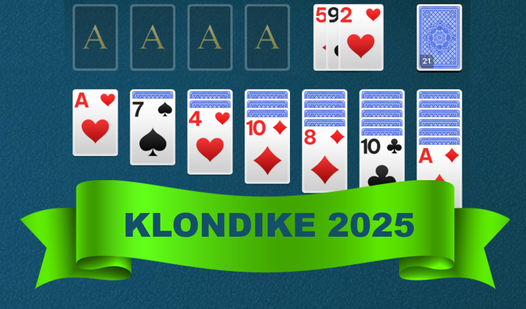
- Table is placed at the bottom.
If the table stack contains cards, then a card of a lower value with a suit of a different color can be moved to the top of stack.
- House stacks are located in the upper right corner.
If the stack of the house is empty, then an Ace of any suit can be placed in it.
Only one card can be moved into the house at a time.
- Stock is located in the upper left corner.
The top cards from the stock can be viewed by clicking on the stock deck.
The cards from the deck stock be viewed many times.
- Cards from the stock can be moved both to the house and to the table.
If the table stack is empty, then a Kind of any suit can be placed in it.
- Several cards can be moved to the table stack in one turn.
All the cards being moved must be open, and the bottom card must also be one of a lower value with a suit of a different color.
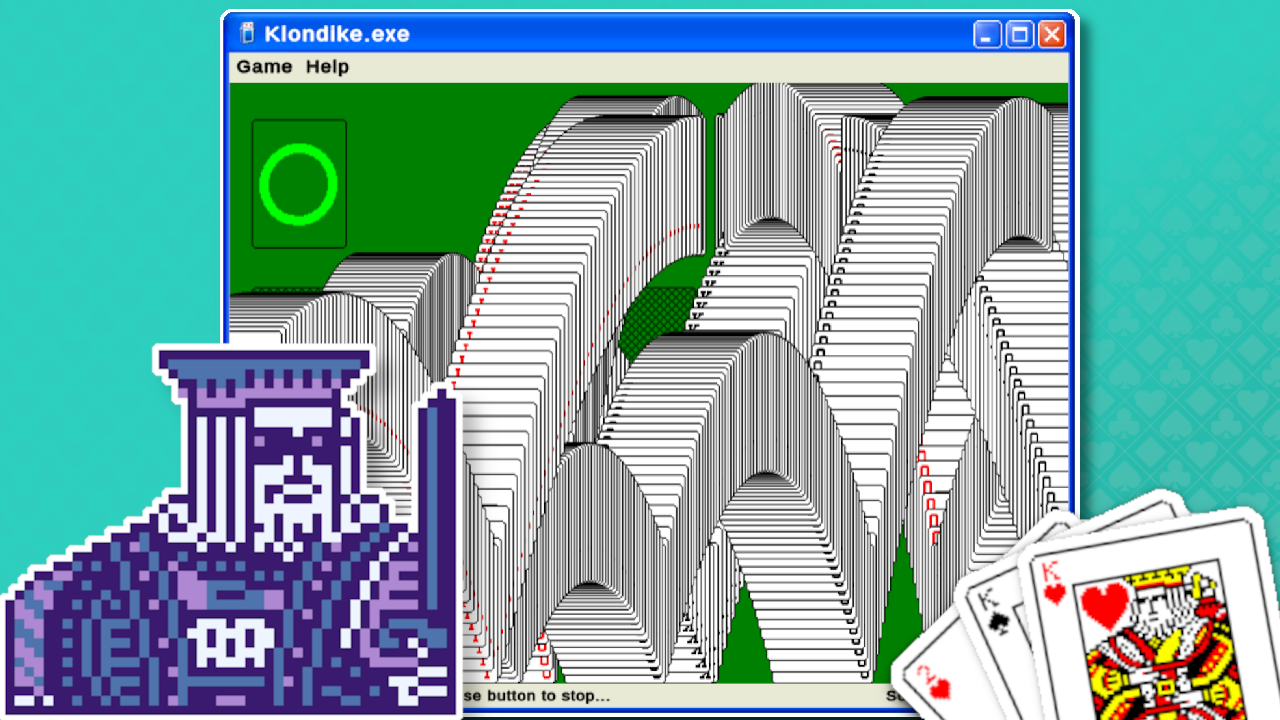
Move all the cards into the house to win.
Features
- Flexible drawing modes: Choose to draw one card for a relaxing pace or three cards for a more challenging strategic experience.
- Customization suite: Access over 40 distinct card backs and 10 different table themes to create your preferred visual workspace.
- Smart assistance: Enjoy automatic card sorting features that trigger once all cards are revealed to speed up your win.
- Variable scoring systems: Test your skills using timed modes, standard scoring, or the classic Vegas rules.
- Detailed tracking: Monitor your progress and improve your efficiency with in-game statistics that record every win.
Who is it for
Card game enthusiasts and nostalgic players looking for a true digital recreation of retro desktop favorites. Logic puzzle fans who enjoy relaxing, low-pressure gameplay will appreciate the classic mechanics. It serves as a perfect timekiller for those who want a quick, familiar brain teaser during their daily routine.
Controls
Select card
Tap on a card or use your mouse to click and hold.
Move stack
Drag and drop the card or stack onto the target position.
Draw card
Tap or click the stock deck in the top left corner.
Auto-move
Double-click or double-tap a card to send it to the house automatically.
FAQ
How do I win at Klondike Solitaire Win XP?
›
You win by successfully moving all cards into the four house stacks located in the top right corner, starting with Aces.
Is it possible to customize the look of Klondike Solitaire Win XP?
›
Yes, you can change the card backs, table styles, and window themes through the settings menu to personalize your experience.
Can I play Klondike Solitaire Win XP on my mobile phone?
›
Absolutely, the game is fully optimized for mobile browsers so you can enjoy the classic experience on any touch device.